








What is this?
 LeRobot is Hugging Face's open-source project providing models, datasets, and tools for real-world robotics in PyTorch, aiming to lower the barrier to entry for building and deploying robot learning policies.
LeRobot is Hugging Face's open-source project providing models, datasets, and tools for real-world robotics in PyTorch, aiming to lower the barrier to entry for building and deploying robot learning policies.Is this a Python library I import, or a full framework with its own CLI?It's both: a hardware-agnostic Python library with a unified Robot class interface, plus scripts/CLI tooling for data collection, training, evaluation, and visualization.
It's both: a hardware-agnostic Python library with a unified Robot class interface, plus scripts/CLI tooling for data collection, training, evaluation, and visualization.How do I install it and start training a policy?Install directly from PyPI, then train a policy by running a script configuration against your chosen hardware or dataset.
Install directly from PyPI, then train a policy by running a script configuration against your chosen hardware or dataset.What do I need besides the library itself: PyTorch, a GPU, or an actual robot?It's built in pure PyTorch and most policies need a GPU for reasonable training times; you don't strictly need physical hardware since it also supports simulation benchmarks like LIBERO and MetaWorld.
It's built in pure PyTorch and most policies need a GPU for reasonable training times; you don't strictly need physical hardware since it also supports simulation benchmarks like LIBERO and MetaWorld.Does it support my specific robot out of the box?Only a defined set of hardware (SO100, Koch, Unitree G1, etc.) is natively integrated; anything else requires implementing the Robot interface yourself or installing a community plugin.
Only a defined set of hardware (SO100, Koch, Unitree G1, etc.) is natively integrated; anything else requires implementing the Robot interface yourself or installing a community plugin.Who is this built for?Robotics researchers and engineers who want to train, evaluate, and share imitation-learning, RL, or VLA policies on real or simulated robots.

Robotics researchers and engineers who want to train, evaluate, and share imitation-learning, RL, or VLA policies on real or simulated robots.What robots are natively supported?SO100, LeKiwi, Koch, HopeJR, OMX, EarthRover, Reachy2, Gamepads, Keyboards, Phones, OpenARM, Unitree G1 and reBot B601 are natively integrated, with community plugins adding support for xArm, UR5e, Franka, Piper, WidowX, ARX5, YAM, GELLO and more.
SO100, LeKiwi, Koch, HopeJR, OMX, EarthRover, Reachy2, Gamepads, Keyboards, Phones, OpenARM, Unitree G1 and reBot B601 are natively integrated, with community plugins adding support for xArm, UR5e, Franka, Piper, WidowX, ARX5, YAM, GELLO and more.How is the robot dataset data structured?The LeRobotDataset format pairs synchronized MP4 videos (or images) for vision with Parquet files for state/action data, hosted and streamable from the Hugging Face Hub.
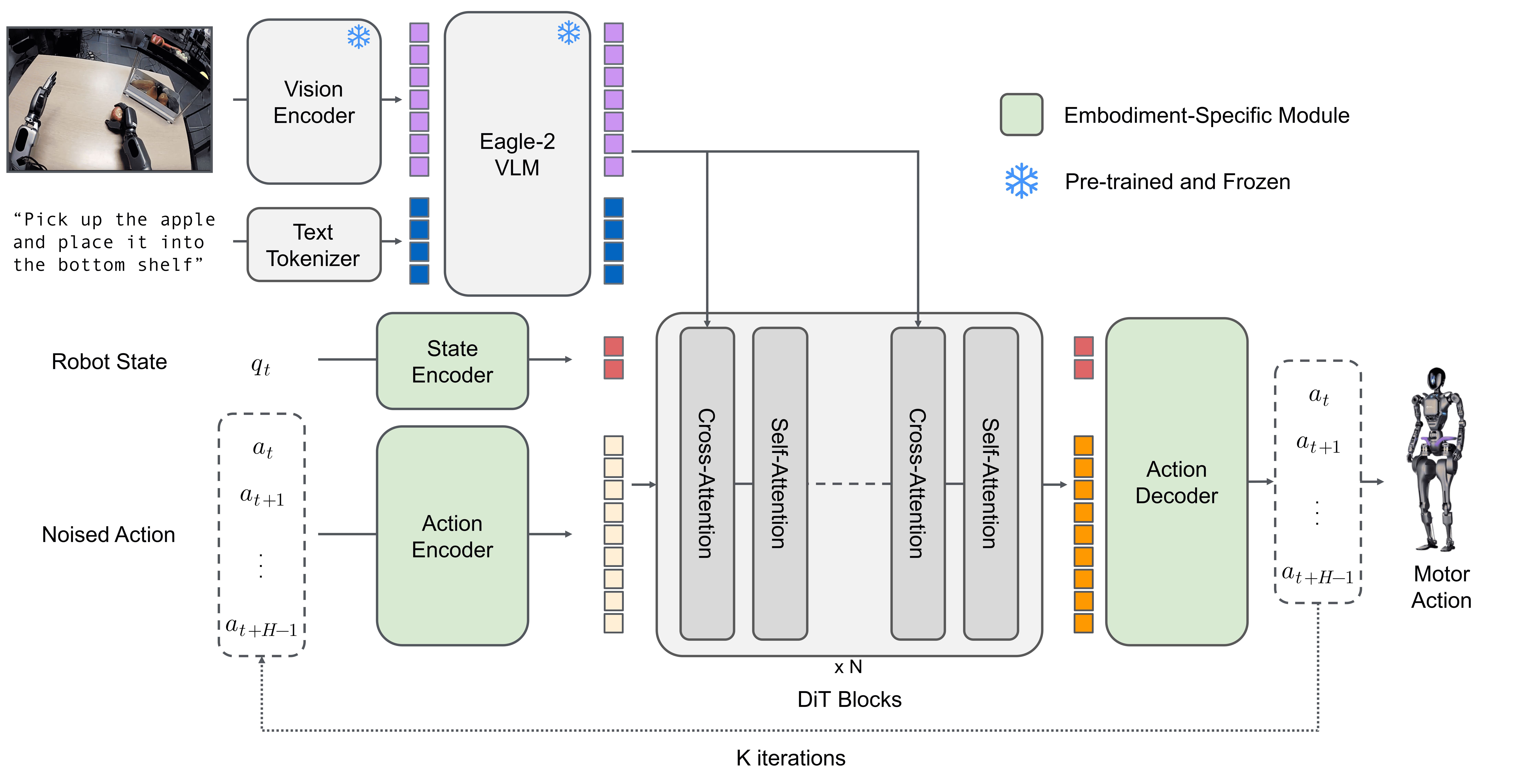
The LeRobotDataset format pairs synchronized MP4 videos (or images) for vision with Parquet files for state/action data, hosted and streamable from the Hugging Face Hub.What kinds of models does LeRobot include?It covers imitation learning (ACT, Diffusion, VQ-BeT), reinforcement learning (HIL-SERL), vision-language-action models (Pi0, Pi0.5, GR00T N1.7, SmolVLA), world models (VLA-JEPA) and reward models (SARM).
It covers imitation learning (ACT, Diffusion, VQ-BeT), reinforcement learning (HIL-SERL), vision-language-action models (Pi0, Pi0.5, GR00T N1.7, SmolVLA), world models (VLA-JEPA) and reward models (SARM).What is LeLab?LeLab is a browser-based web interface for LeRobot that lets you teleoperate, calibrate, record datasets, replay, and train an SO arm without touching the CLI.
LeLab is a browser-based web interface for LeRobot that lets you teleoperate, calibrate, record datasets, replay, and train an SO arm without touching the CLI.What are similar projects?dreamforge, EasyWAM, Motus2, Zero-WAM, Zetta-Embodiment, flex-pi, Embodied-AI-Guide, S-Space
dreamforge, EasyWAM, Motus2, Zero-WAM, Zetta-Embodiment, flex-pi, Embodied-AI-Guide, S-SpaceWhich topics is it in?vision-language-action, imitation-learning, physical-ai, robot, world-models, embodied-ai, robotics, simulation, dataset, reinforcement-learning, huggingface, pytorch
vision-language-action, imitation-learning, physical-ai, robot, world-models, embodied-ai, robotics, simulation, dataset, reinforcement-learning, huggingface, pytorch