


Что это такое?
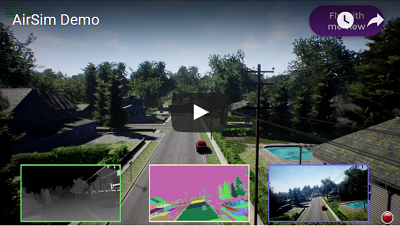
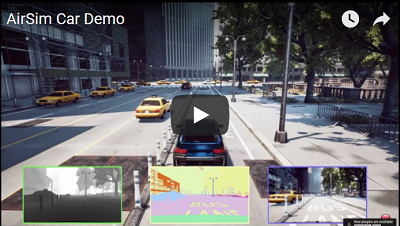
 AirSim — симулятор с открытым исходным кодом для дронов, автомобилей и не только, созданный Microsoft AI & Research на базе Unreal Engine. Есть также экспериментальная версия для Unity.
AirSim — симулятор с открытым исходным кодом для дронов, автомобилей и не только, созданный Microsoft AI & Research на базе Unreal Engine. Есть также экспериментальная версия для Unity.Это отдельное приложение или то, что я подключаю к Unreal?Оно разрабатывается как плагин для Unreal, который можно добавить в любой сценарий Unreal; есть и экспериментальная версия в виде плагина для Unity. Готовые бинарники доступны для Windows и Linux.
Оно разрабатывается как плагин для Unreal, который можно добавить в любой сценарий Unreal; есть и экспериментальная версия в виде плагина для Unity. Готовые бинарники доступны для Windows и Linux.Как его запустить?Скачайте готовые бинарники для Windows или Linux либо соберите из исходников. На macOS готовых сборок нет — придётся собрать самостоятельно.
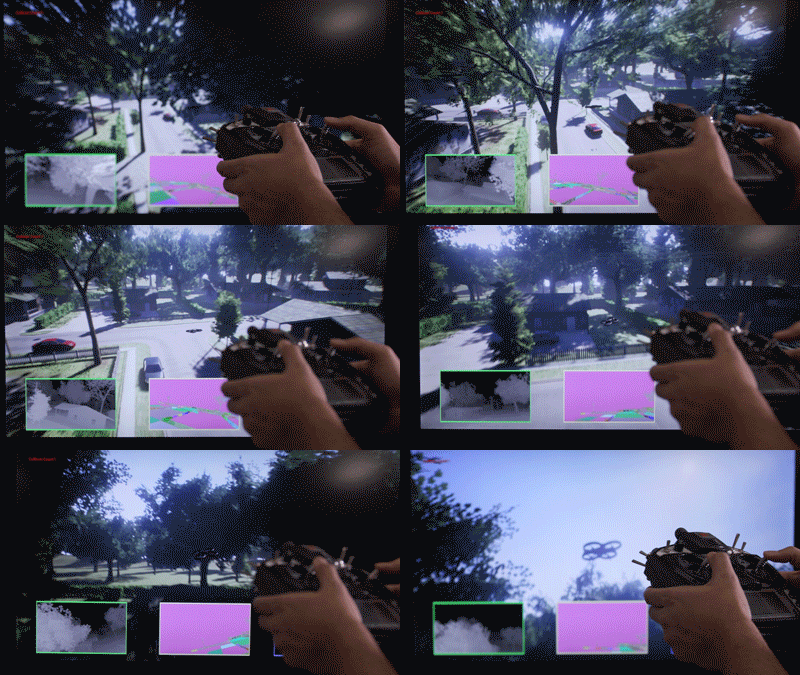
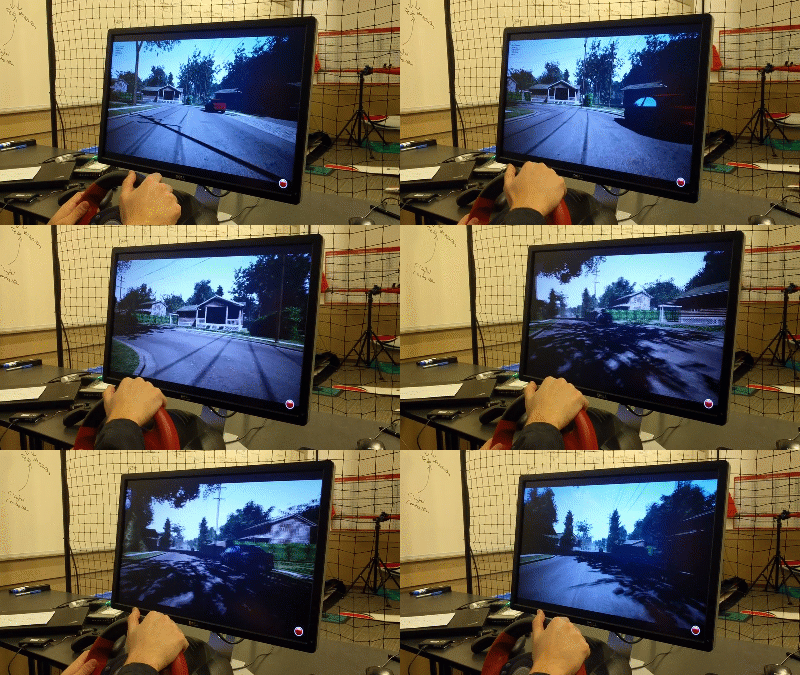
Скачайте готовые бинарники для Windows или Linux либо соберите из исходников. На macOS готовых сборок нет — придётся собрать самостоятельно.Мне нужен настоящий дрон или полётный контроллер, чтобы этим пользоваться?Нет — полётные контроллеры вроде PX4 и ArduPilot работают в режиме software-in-the-loop, а hardware-in-the-loop с PX4 необязателен. Можно также управлять вручную с пульта RC или, для автомобилей, стрелками на клавиатуре.
Нет — полётные контроллеры вроде PX4 и ArduPilot работают в режиме software-in-the-loop, а hardware-in-the-loop с PX4 необязателен. Можно также управлять вручную с пульта RC или, для автомобилей, стрелками на клавиатуре.Есть ли нюансы, о которых стоит знать?Версия для Unity пока экспериментальная. Кроме того, по умолчанию AirSim при каждом запуске предлагает выбрать транспортное средство — задайте настройку SimMode, чтобы пропустить этот шаг.
Версия для Unity пока экспериментальная. Кроме того, по умолчанию AirSim при каждом запуске предлагает выбрать транспортное средство — задайте настройку SimMode, чтобы пропустить этот шаг.Могу ли я тестировать код в симуляторе, а потом запустить его на настоящей технике?Да. API поставляются в виде отдельной кроссплатформенной библиотеки, которую можно развернуть на бортовом компьютере вашего аппарата, поэтому код, написанный и проверенный в симуляции, потом можно запустить на реальном железе — перенос из симуляции в реальность (sim-to-real transfer) — одно из направлений проекта.
Да. API поставляются в виде отдельной кроссплатформенной библиотеки, которую можно развернуть на бортовом компьютере вашего аппарата, поэтому код, написанный и проверенный в симуляции, потом можно запустить на реальном железе — перенос из симуляции в реальность (sim-to-real transfer) — одно из направлений проекта.Почему Microsoft его создала?AirSim придумал и создал Шитал Шах (Shital Shah), код для PX4 и hardware-in-the-loop добавил Крис Ловетт (Chris Lovett). Это платформа для исследований в области ИИ: экспериментов с алгоритмами глубокого обучения, компьютерного зрения и обучения с подкреплением для автономных транспортных средств.
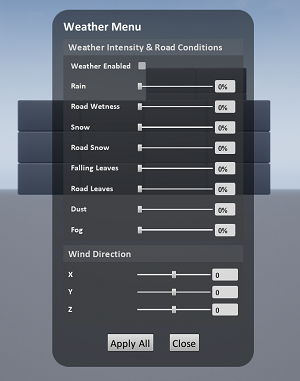
AirSim придумал и создал Шитал Шах (Shital Shah), код для PX4 и hardware-in-the-loop добавил Крис Ловетт (Chris Lovett). Это платформа для исследований в области ИИ: экспериментов с алгоритмами глубокого обучения, компьютерного зрения и обучения с подкреплением для автономных транспортных средств.Как поменять погоду в симуляции?Нажмите F10, чтобы открыть настройки погодных эффектов, или управляйте погодой через API. Нажатие F1 показывает остальные горячие клавиши.
Нажмите F10, чтобы открыть настройки погодных эффектов, или управляйте погодой через API. Нажатие F1 показывает остальные горячие клавиши.What are similar projects?carla, PX4-Autopilot, mujoco, apollo, mit-deep-learning, genesis-world, ml-agents, Motus2
carla, PX4-Autopilot, mujoco, apollo, mit-deep-learning, genesis-world, ml-agents, Motus2Which topics is it in?drones, self-driving-car, simulator, autonomous-vehicles, unreal-engine, deep-reinforcement-learning, deeplearning, unity, physics, robotics, simulation, reinforcement-learning
drones, self-driving-car, simulator, autonomous-vehicles, unreal-engine, deep-reinforcement-learning, deeplearning, unity, physics, robotics, simulation, reinforcement-learning