



30.1K ·GitHub
What is this?
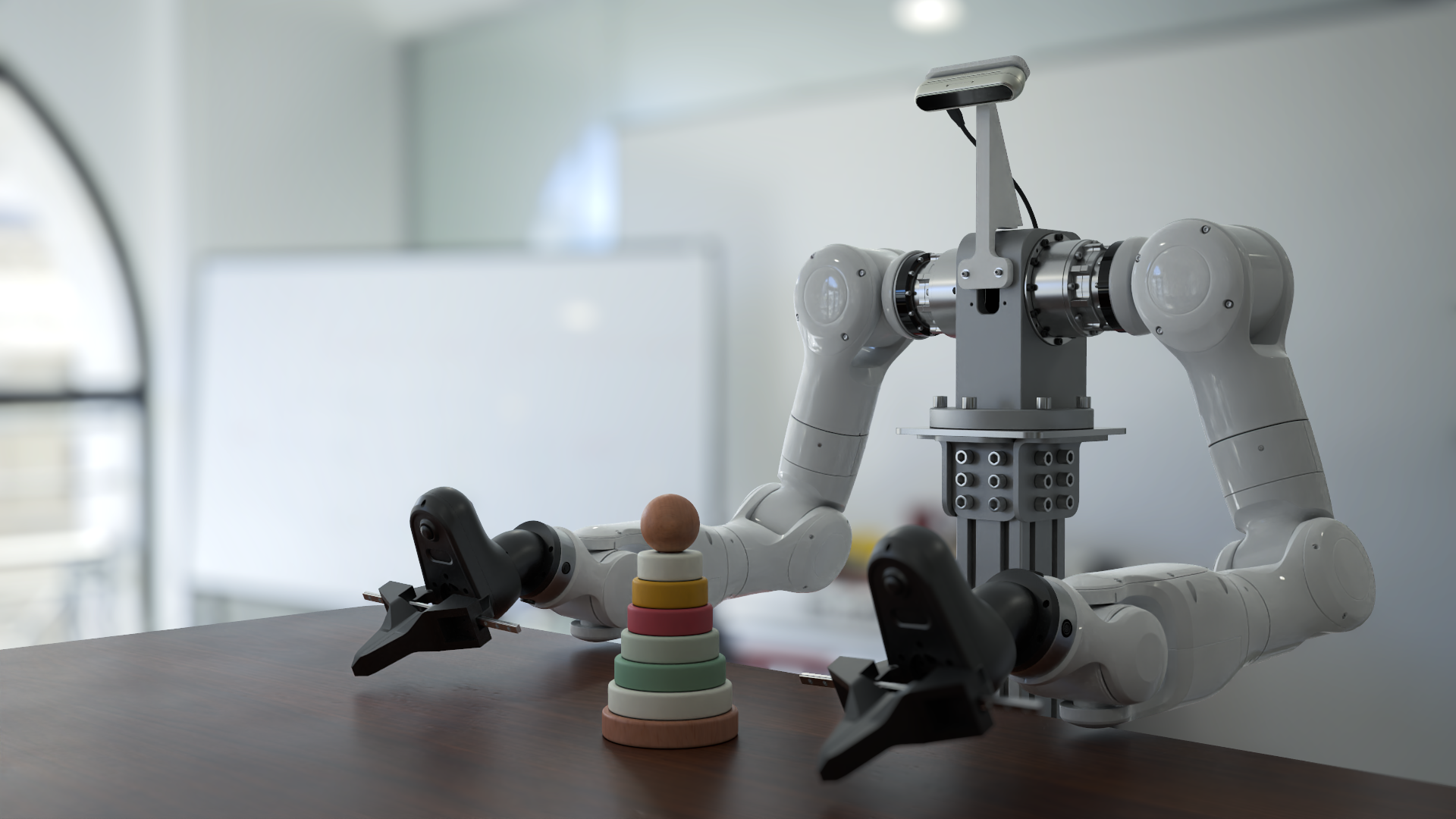
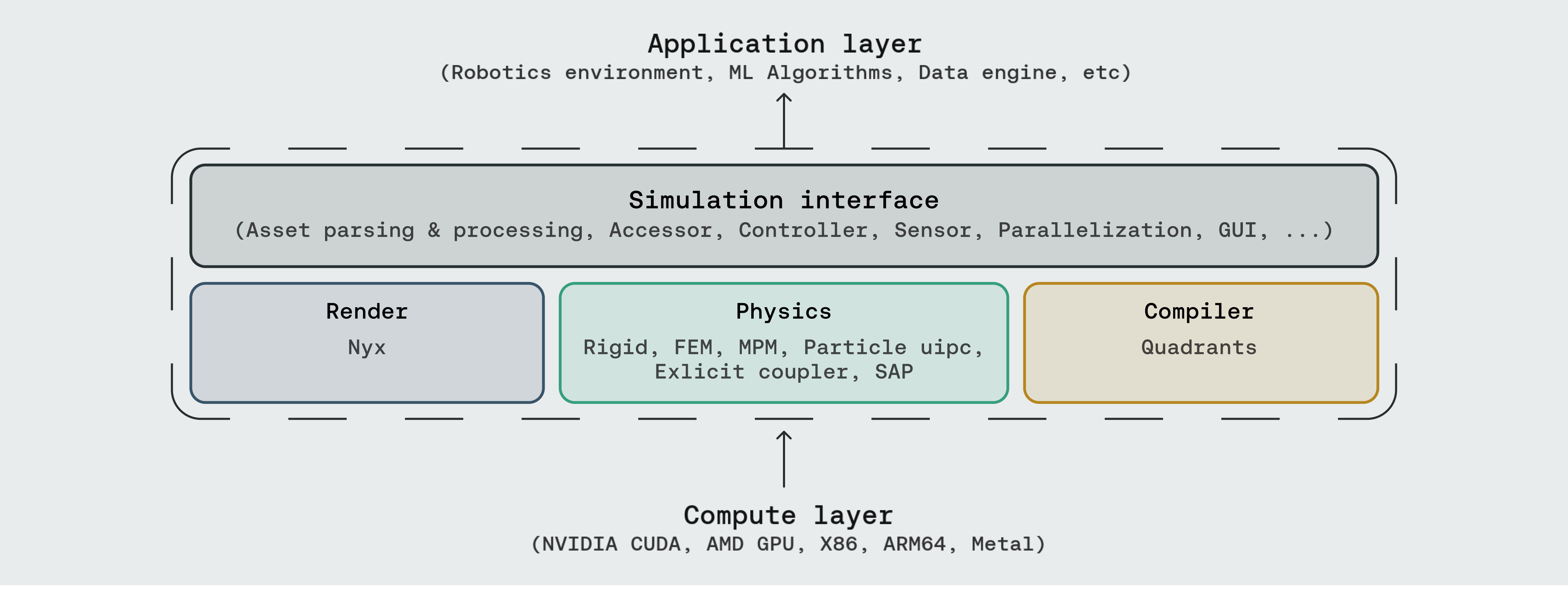






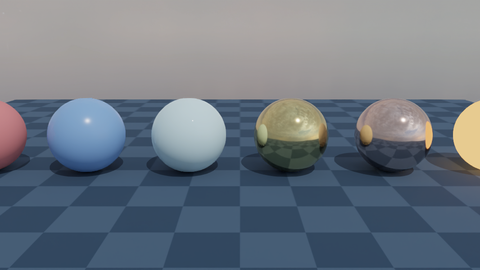
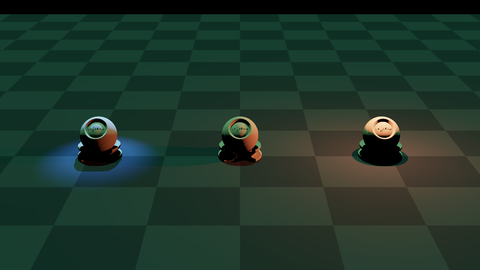
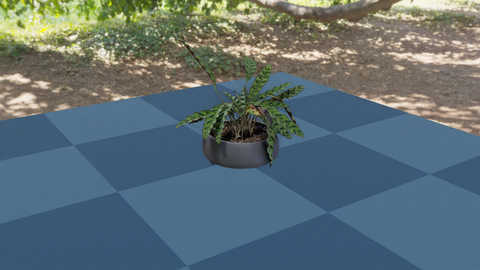
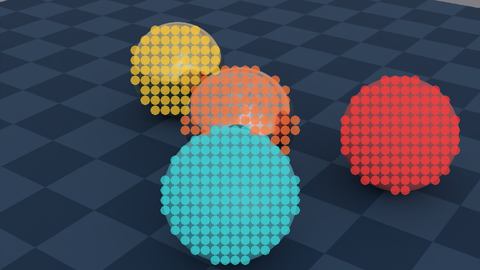
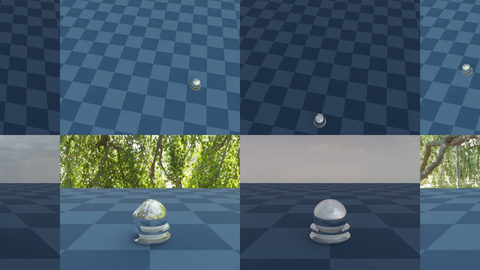








 It's a simulation platform for general-purpose robotics and embodied AI learning: a multi-physics engine, a photorealistic renderer (Nyx) and a cross-platform compiler (Quadrants) behind one Python API.

It's a simulation platform for general-purpose robotics and embodied AI learning: a multi-physics engine, a photorealistic renderer (Nyx) and a cross-platform compiler (Quadrants) behind one Python API.Is this a desktop app I launch, or a library I code against?You code against it — a Pythonic simulation API you import into your own scripts, with a built-in GUI for inspecting scenes. It's designed to be read, extended and embedded in research code.
You code against it — a Pythonic simulation API you import into your own scripts, with a built-in GUI for inspecting scenes. It's designed to be read, extended and embedded in research code.Do I need anything besides Python to run it?PyTorch is the main prerequisite. There are two optional extras: pyuipc for the IPC solver (Linux/Windows x86 with an NVIDIA GPU) and gs-nyx for the Nyx renderer. The Quadrants compiler comes bundled automatically.
PyTorch is the main prerequisite. There are two optional extras: pyuipc for the IPC solver (Linux/Windows x86 with an NVIDIA GPU) and gs-nyx for the Nyx renderer. The Quadrants compiler comes bundled automatically.Does everything in the demo catalogue work right after a basic install?Most scripts run end-to-end after installing, but demos relying on optional backends like IPC and Nyx need those extras installed separately. The pip package also has to be updated manually to sync with the main branch.
Most scripts run end-to-end after installing, but demos relying on optional backends like IPC and Nyx need those extras installed separately. The pip package also has to be updated manually to sync with the main branch.What hardware can it run on — do I need an NVIDIA card?No: the compiler targets CUDA, AMD ROCm, Apple Metal and Vulkan, plus plain x86 and ARM64 CPUs, and the platform scales from a single laptop kernel up to datacenter-grade GPUs.




No: the compiler targets CUDA, AMD ROCm, Apple Metal and Vulkan, plus plain x86 and ARM64 CPUs, and the platform scales from a single laptop kernel up to datacenter-grade GPUs.Which robot sensors and controllers are built in?Sensors cover depth camera, IMU, lidar, tactile, contact force, surface distance and a temperature grid. For control there are Diff-IK and batched IK controllers, plus domain randomization and parallel or heterogeneous environments.
Sensors cover depth camera, IMU, lidar, tactile, contact force, surface distance and a temperature grid. For control there are Diff-IK and batched IK controllers, plus domain randomization and parallel or heterogeneous environments.What asset formats can it load?Its simulation interface parses URDF, MJCF, OBJ, GLB, USD and more.
Its simulation interface parses URDF, MJCF, OBJ, GLB, USD and more.Why is it called Genesis World?It was previously named Genesis; it started as an academic project in December 2024 and its development is now officially supported by Genesis AI.
It was previously named Genesis; it started as an academic project in December 2024 and its development is now officially supported by Genesis AI.What are similar projects?bullet3, jumper, FluxVLA, AirSim, project_superdex, lerobot, carla, GR00T-WholeBodyControl
bullet3, jumper, FluxVLA, AirSim, project_superdex, lerobot, carla, GR00T-WholeBodyControlWhich topics is it in?simulator, physics-engine, physics-simulation, embodied-ai, scientific-computing, robotics, simulation, reinforcement-learning, cuda, pytorch, deep-learning, framework
simulator, physics-engine, physics-simulation, embodied-ai, scientific-computing, robotics, simulation, reinforcement-learning, cuda, pytorch, deep-learning, framework