AnimateDiff
This repository is the official implementation of AnimateDiff [ICLR2024 Spotlight].
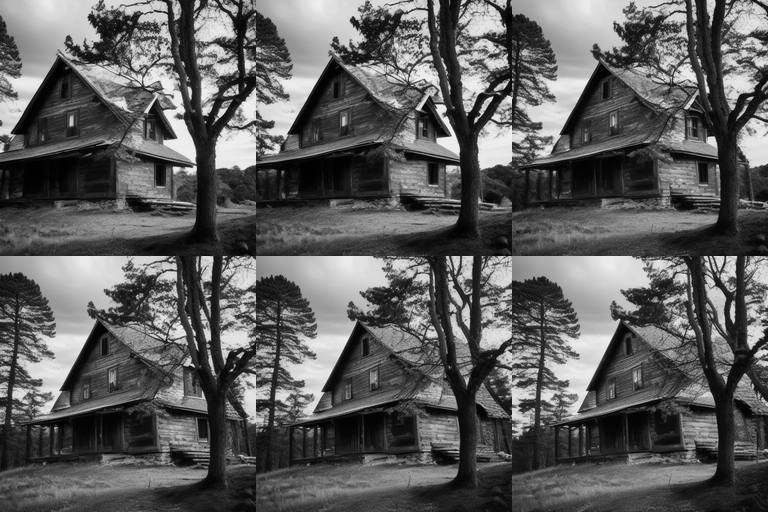
It is a plug-and-play module turning most community text-to-image models into animation generators, without the need of additional training.
AnimateDiff: Animate Your Personalized Text-to-Image Diffusion Models without Specific Tuning
Yuwei Guo,
Ceyuan Yang✝,
Anyi Rao,
Zhengyang Liang,
Yaohui Wang,
Yu Qiao,
Maneesh Agrawala,
Dahua Lin,
Bo Dai
(✝Corresponding Author)




Note: The main branch is for Stable Diffusion V1.5; for Stable Diffusion XL, please refer sdxl-beta branch.
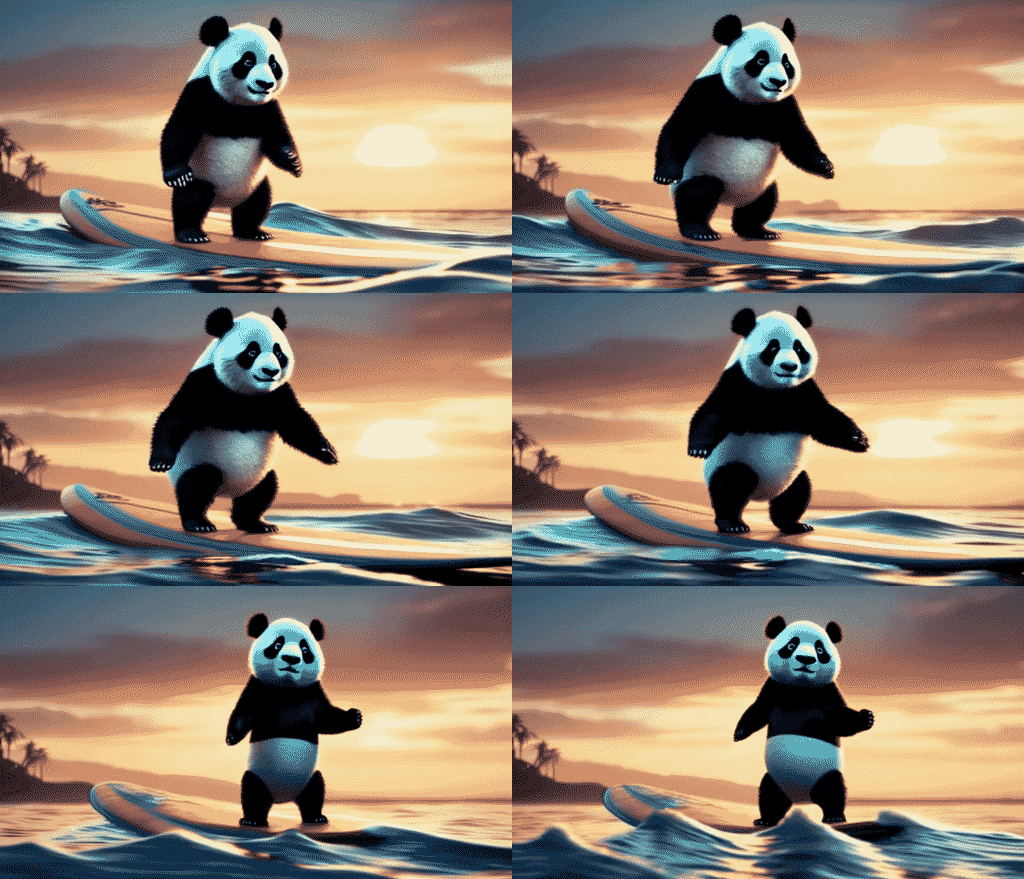
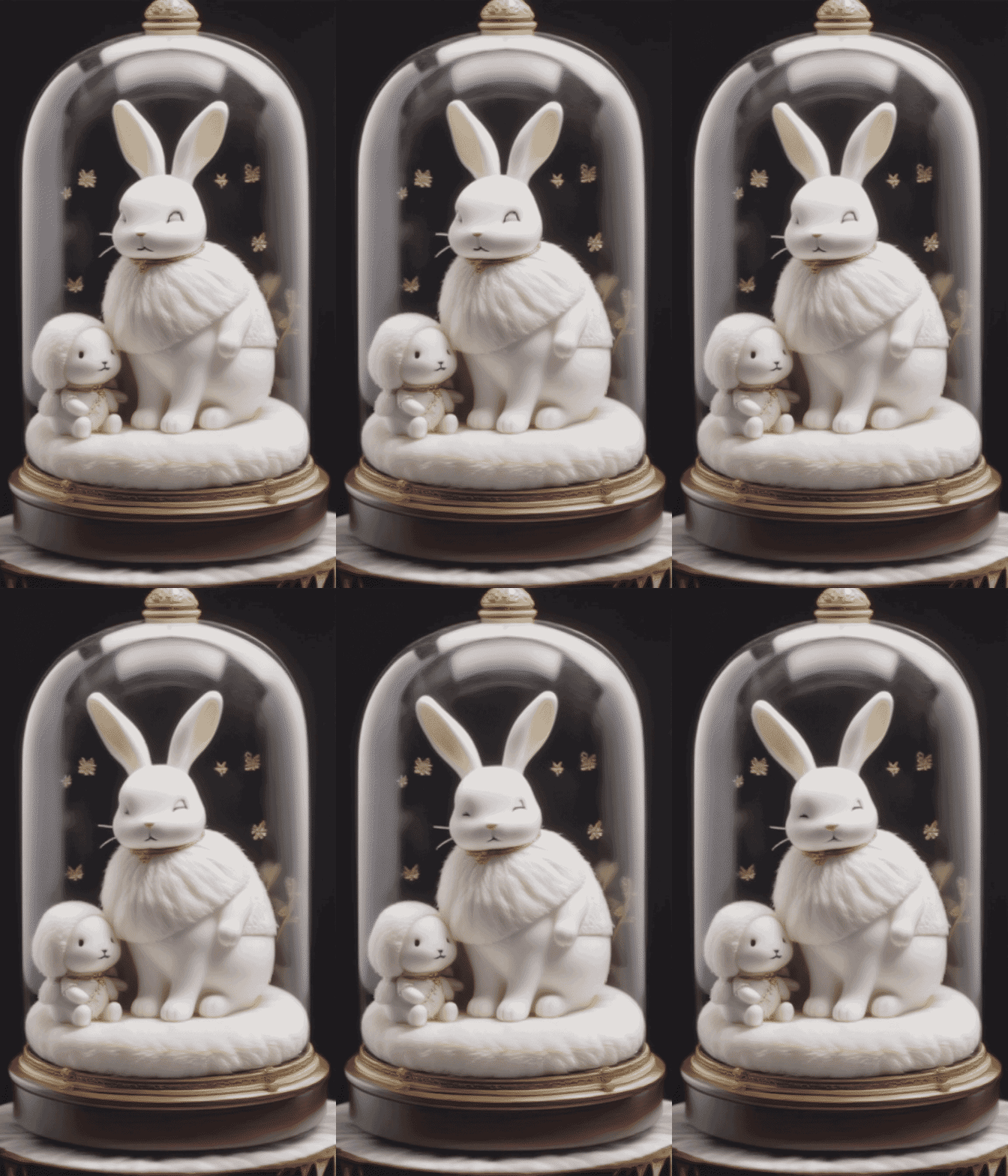
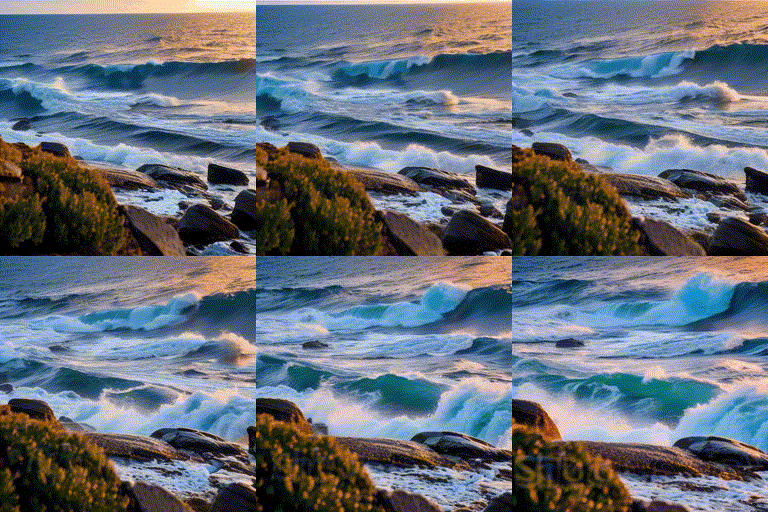
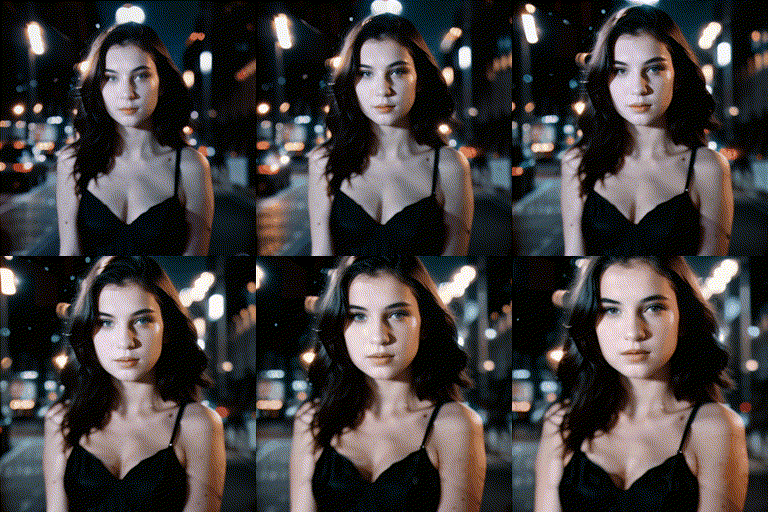
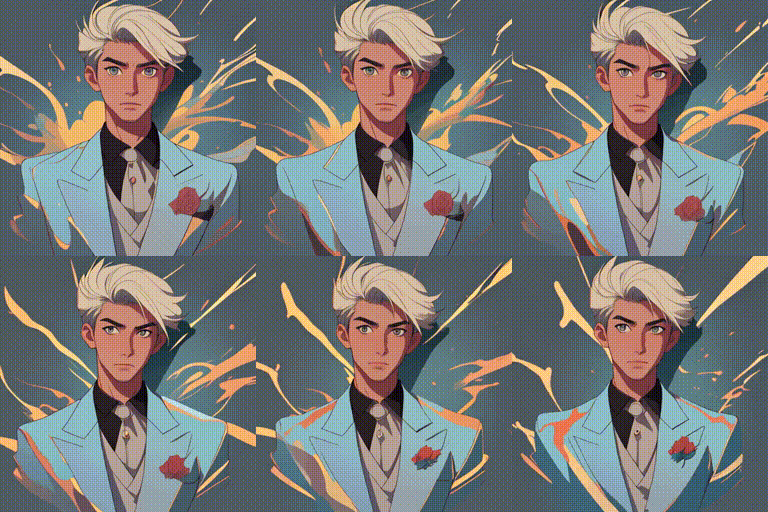
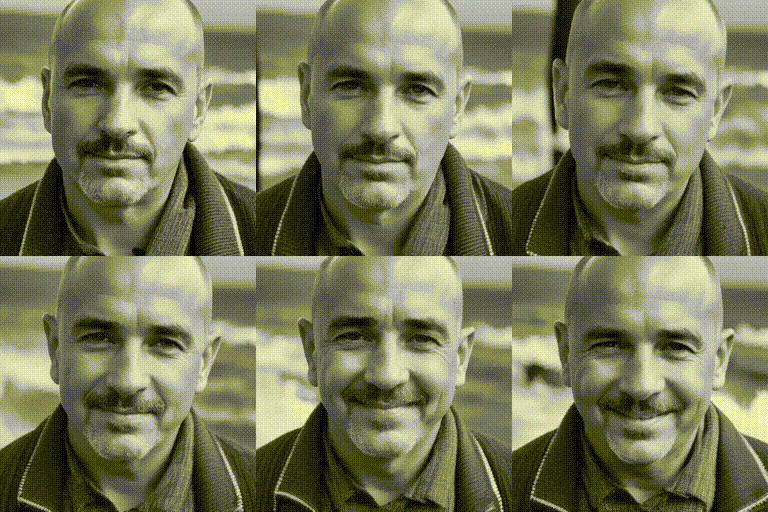
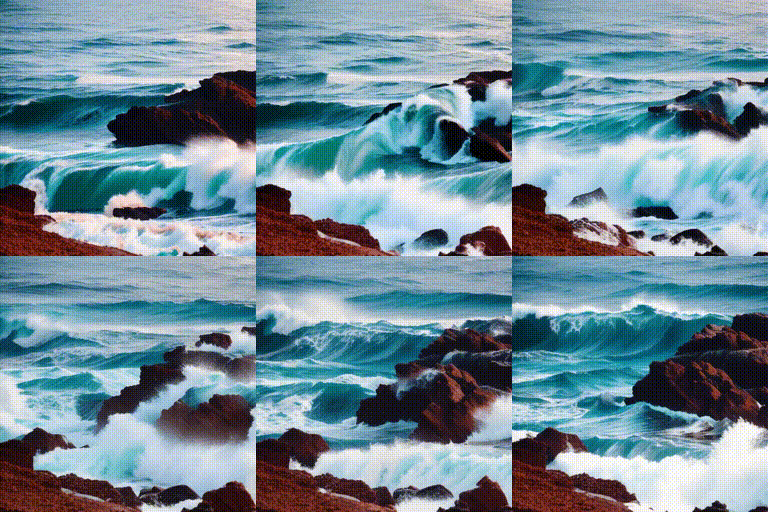
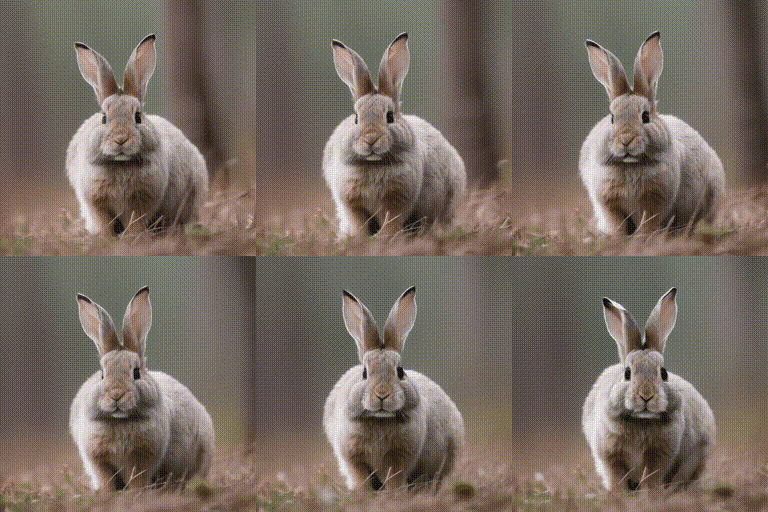
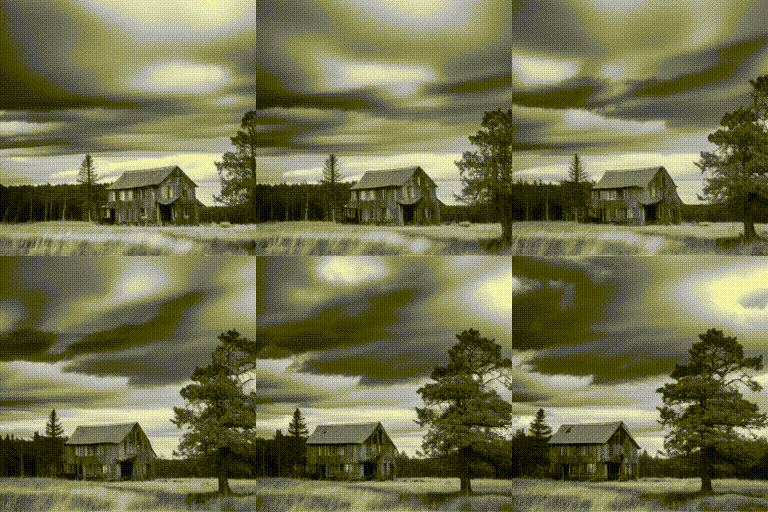
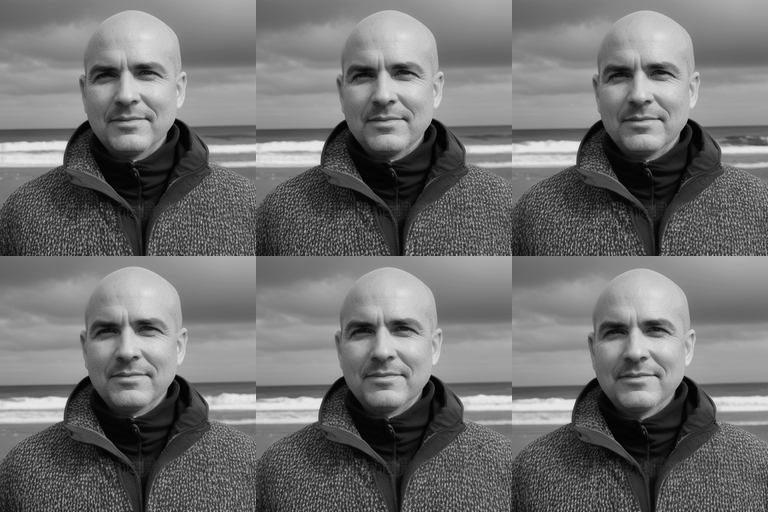
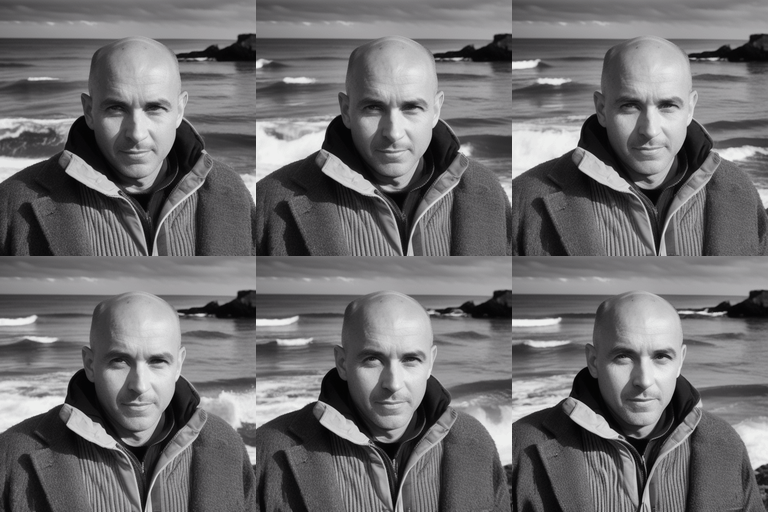
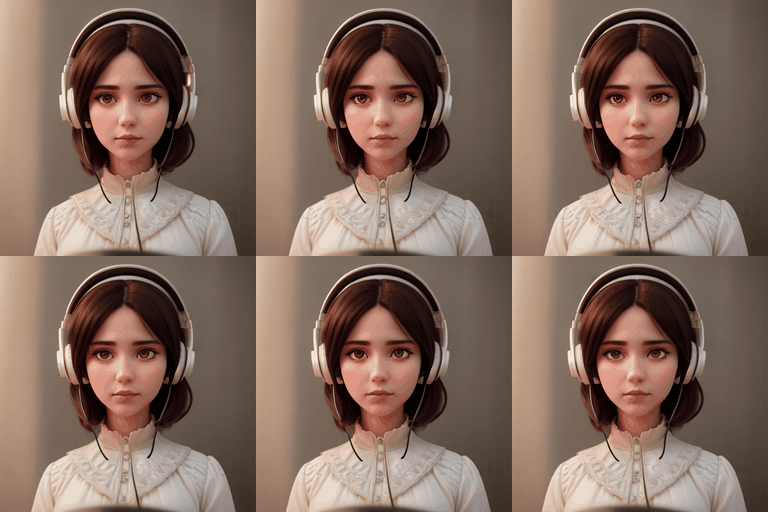
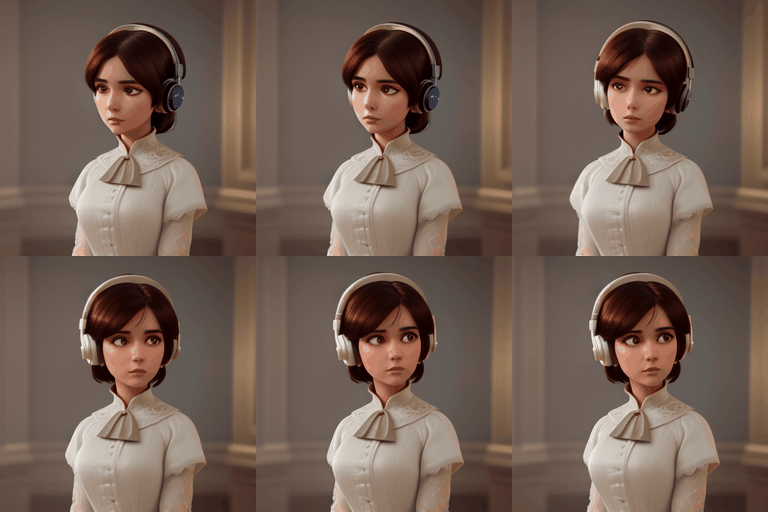
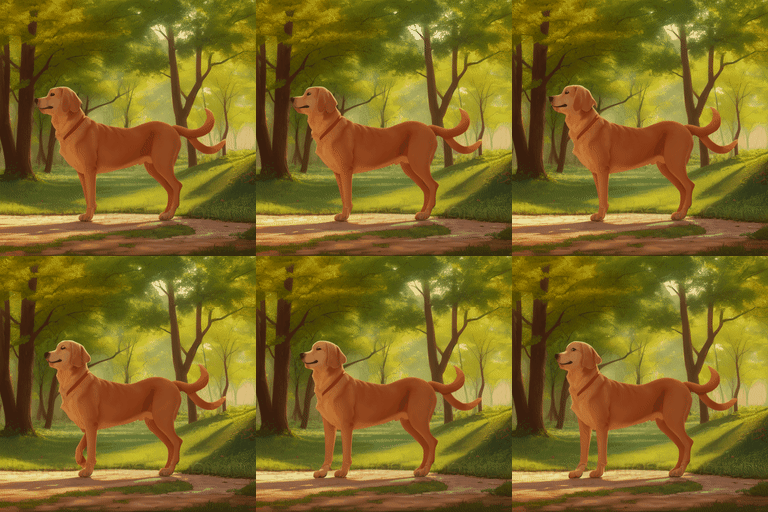
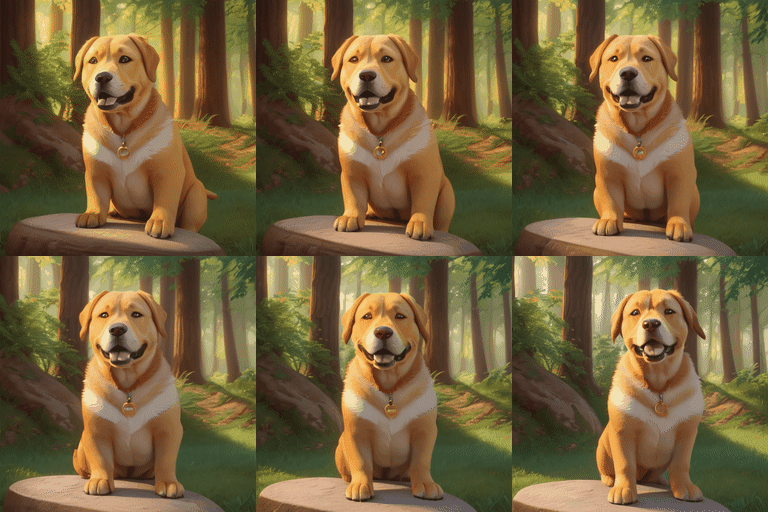
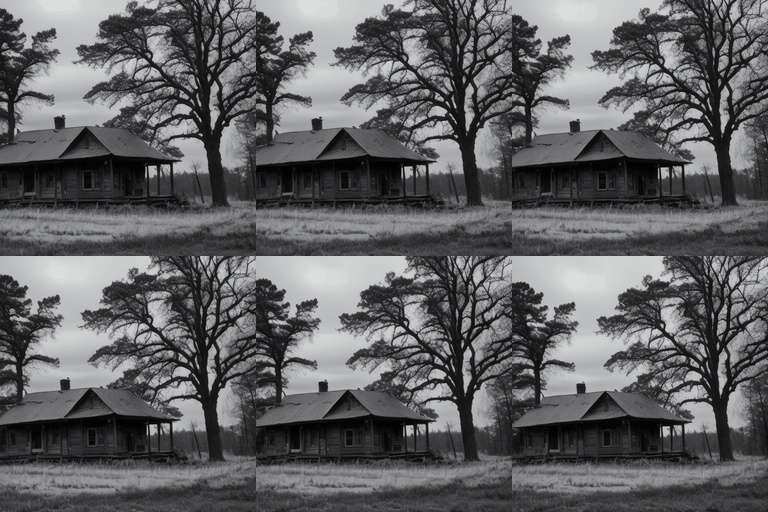
Quick Demos
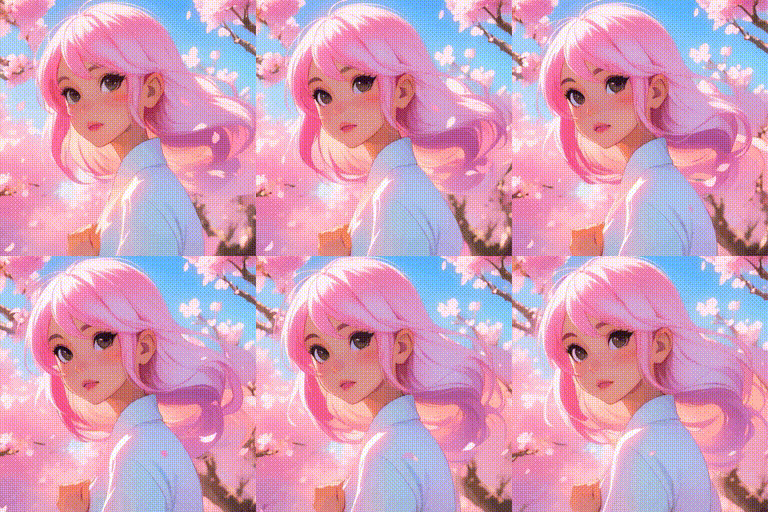
More results can be found in the Gallery.
Some of them are contributed by the community.
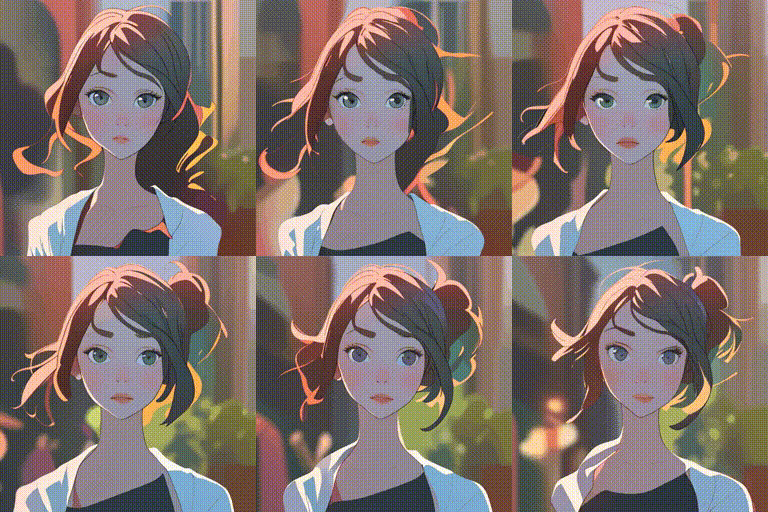
Model:ToonYou
Model:Realistic Vision V2.0
Quick Start
Note: AnimateDiff is also offically supported by Diffusers.
Visit AnimateDiff Diffusers Tutorial for more details.
Following instructions is for working with this repository.
Note: For all scripts, checkpoint downloading will be automatically handled, so the script running may take longer time when first executed.
1. Setup repository and environment
git clone https://github.com/guoyww/AnimateDiff.git
cd AnimateDiff

pip install -r requirements.txt
2. Launch the sampling script!
The generated samples can be found in samples/ folder.
2.1 Generate animations with comunity models
python -m scripts.animate --config configs/prompts/1_animate/1_1_animate_RealisticVision.yaml
python -m scripts.animate --config configs/prompts/1_animate/1_2_animate_FilmVelvia.yaml
python -m scripts.animate --config configs/prompts/1_animate/1_3_animate_ToonYou.yaml
python -m scripts.animate --config configs/prompts/1_animate/1_4_animate_MajicMix.yaml
python -m scripts.animate --config configs/prompts/1_animate/1_5_animate_RcnzCartoon.yaml
python -m scripts.animate --config configs/prompts/1_animate/1_6_animate_Lyriel.yaml
python -m scripts.animate --config configs/prompts/1_animate/1_7_animate_Tusun.yaml
2.2 Generate animation with MotionLoRA control
python -m scripts.animate --config configs/prompts/2_motionlora/2_motionlora_RealisticVision.yaml
2.3 More control with SparseCtrl RGB and sketch
python -m scripts.animate --config configs/prompts/3_sparsectrl/3_1_sparsectrl_i2v.yaml
python -m scripts.animate --config configs/prompts/3_sparsectrl/3_2_sparsectrl_rgb_RealisticVision.yaml
python -m scripts.animate --config configs/prompts/3_sparsectrl/3_3_sparsectrl_sketch_RealisticVision.yaml
2.4 Gradio app
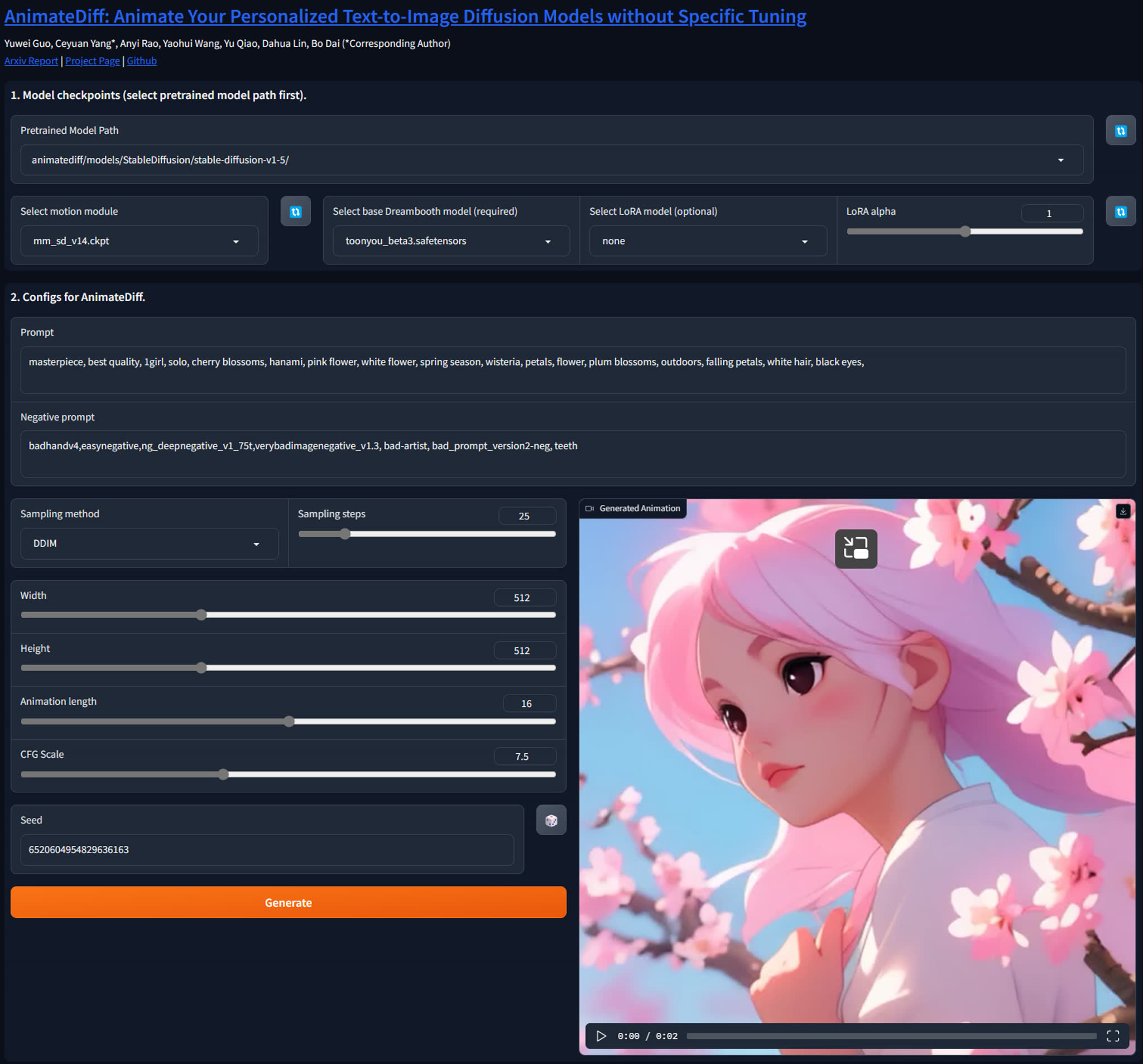
We created a Gradio demo to make AnimateDiff easier to use.
By default, the demo will run at localhost:7860.
python -u app.py
Technical Explanation
Technical Explanation
AnimateDiff
AnimateDiff aims to learn transferable motion priors that can be applied to other variants of Stable Diffusion family.
To this end, we design the following training pipeline consisting of three stages.
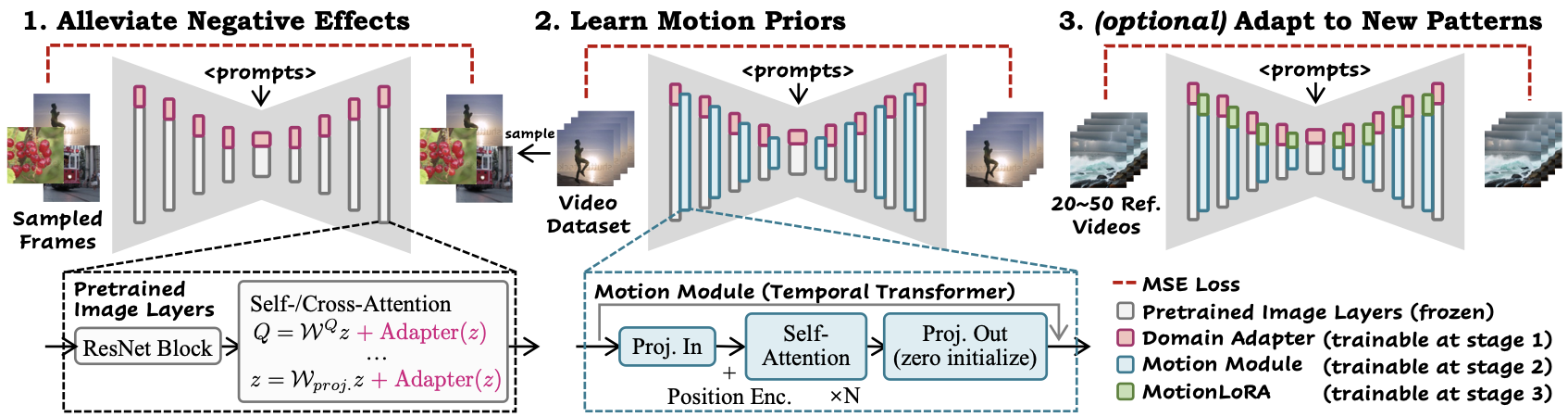
In 1. Alleviate Negative Effects stage, we train the domain adapter, e.g., v3_sd15_adapter.ckpt, to fit defective visual aritfacts (e.g., watermarks) in the training dataset.
This can also benefit the distangled learning of motion and spatial appearance.
By default, the adapter can be removed at inference. It can also be integrated into the model and its effects can be adjusted by a lora scaler.
In 2. Learn Motion Priors stage, we train the motion module, e.g., v3_sd15_mm.ckpt, to learn the real-world motion patterns from videos.
In 3. (optional) Adapt to New Patterns stage, we train MotionLoRA, e.g., v2_lora_ZoomIn.ckpt, to efficiently adapt motion module for specific motion patterns (camera zooming, rolling, etc.).
SparseCtrl
SparseCtrl aims to add more control to text-to-video models by adopting some sparse inputs (e.g., few RGB images or sketch inputs).
Its technicall details can be found in the following paper:
SparseCtrl: Adding Sparse Controls to Text-to-Video Diffusion Models
Yuwei Guo,
Ceyuan Yang✝,
Anyi Rao,
Maneesh Agrawala,
Dahua Lin,
Bo Dai
(✝Corresponding Author)

Model Versions
Model Versions
AnimateDiff v3 and SparseCtrl (2023.12)
In this version, we use Domain Adapter LoRA for image model finetuning, which provides more flexiblity at inference.
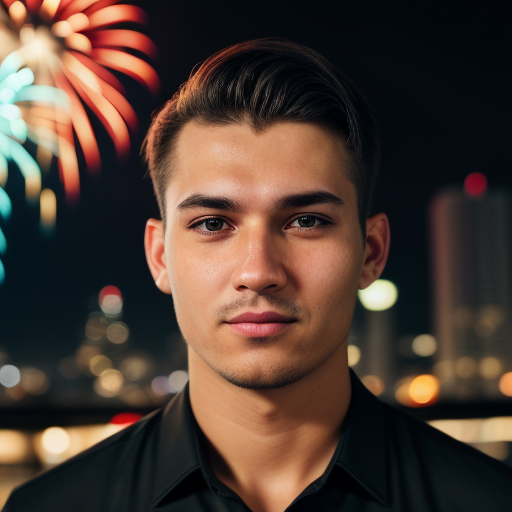
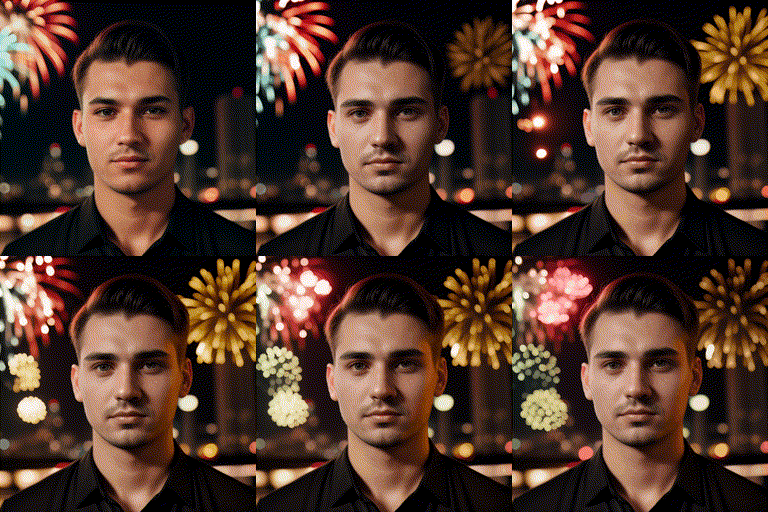
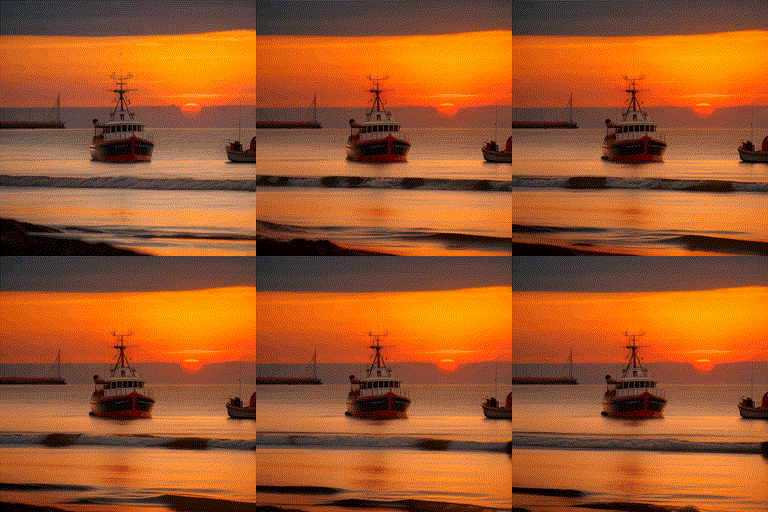
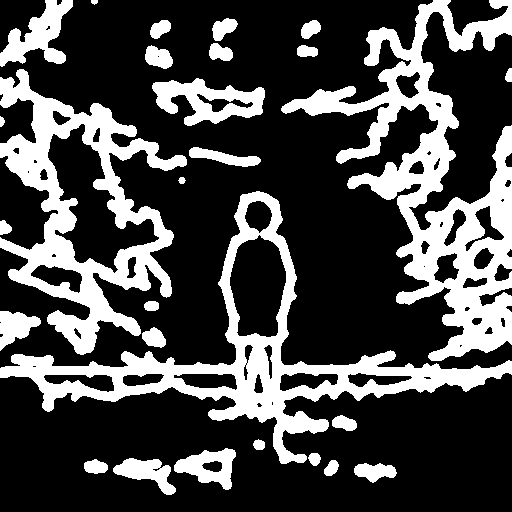
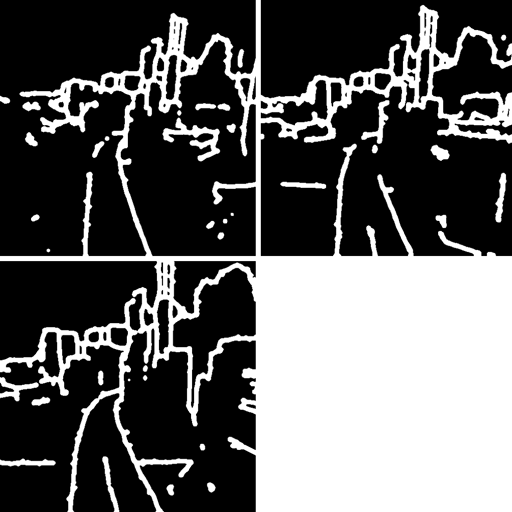
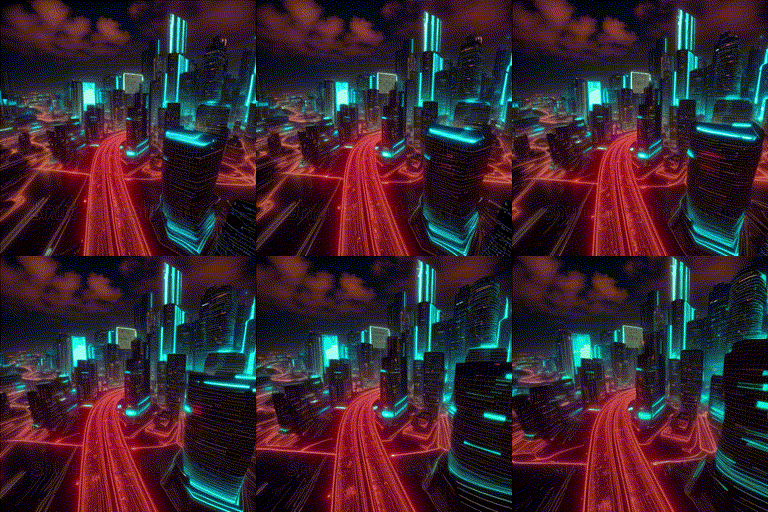
We also implement two (RGB image/scribble) SparseCtrl encoders, which can take abitary number of condition maps to control the animation contents.
AnimateDiff v3 Model Zoo
| Name |
HuggingFace |
Type |
Storage |
Description |
v3_adapter_sd_v15.ckpt |
Link |
Domain Adapter |
97.4 MB |
|
v3_sd15_mm.ckpt.ckpt |
Link |
Motion Module |
1.56 GB |
|
v3_sd15_sparsectrl_scribble.ckpt |
Link |
SparseCtrl Encoder |
1.86 GB |
scribble condition |
v3_sd15_sparsectrl_rgb.ckpt |
Link |
SparseCtrl Encoder |
1.85 GB |
RGB image condition |
Limitations
- Small fickering is noticable;
- To stay compatible with comunity models, there is no specific optimizations for general T2V, leading to limited visual quality under this setting;
- (Style Alignment) For usage such as image animation/interpolation, it's recommanded to use images generated by the same community model.
Demos
| Input (by RealisticVision) |
Animation |
Input |
Animation |
 |
 |
 |
 |
| Input Scribble |
Output |
Input Scribbles |
Output |
 |
 |
 |
 |
AnimateDiff SDXL-Beta (2023.11)
Release the Motion Module (beta version) on SDXL, available at Google Drive / HuggingFace / CivitAI. High resolution videos (i.e., 1024x1024x16 frames with various aspect ratios) could be produced with/without personalized models. Inference usually requires ~13GB VRAM and tuned hyperparameters (e.g., sampling steps), depending on the chosen personalized models.
Checkout to the branch sdxl for more details of the inference.
AnimateDiff SDXL-Beta Model Zoo
| Name |
HuggingFace |
Type |
Storage Space |
mm_sdxl_v10_beta.ckpt |
Link |
Motion Module |
950 MB |
Demos
| Original SDXL |
Community SDXL |
Community SDXL |
 |
 |
 |
AnimateDiff v2 (2023.09)
In this version, the motion module mm_sd_v15_v2.ckpt (Google Drive / HuggingFace / CivitAI) is trained upon larger resolution and batch size.
We found that the scale-up training significantly helps improve the motion quality and diversity.
We also support MotionLoRA of eight basic camera movements.
MotionLoRA checkpoints take up only 77 MB storage per model, and are available at Google Drive / HuggingFace / CivitAI.
AnimateDiff v2 Model Zoo
| Name |
HuggingFace |
Type |
Parameter |
Storage |
mm_sd_v15_v2.ckpt |
Link |
Motion Module |
453 M |
1.7 GB |
v2_lora_ZoomIn.ckpt |
Link |
MotionLoRA |
19 M |
74 MB |
v2_lora_ZoomOut.ckpt |
Link |
MotionLoRA |
19 M |
74 MB |
v2_lora_PanLeft.ckpt |
Link |
MotionLoRA |
19 M |
74 MB |
v2_lora_PanRight.ckpt |
Link |
MotionLoRA |
19 M |
74 MB |
v2_lora_TiltUp.ckpt |
Link |
MotionLoRA |
19 M |
74 MB |
v2_lora_TiltDown.ckpt |
Link |
MotionLoRA |
19 M |
74 MB |
v2_lora_RollingClockwise.ckpt |
Link |
MotionLoRA |
19 M |
74 MB |
v2_lora_RollingAnticlockwise.ckpt |
Link |
MotionLoRA |
19 M |
74 MB |
Demos (MotionLoRA)
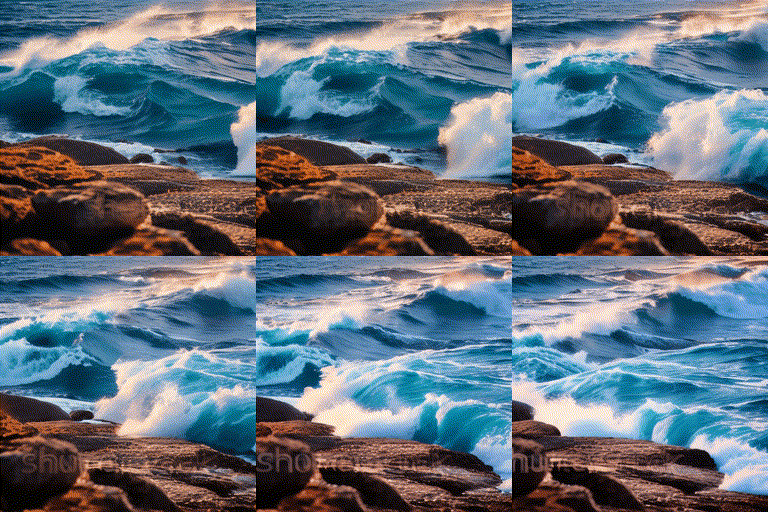
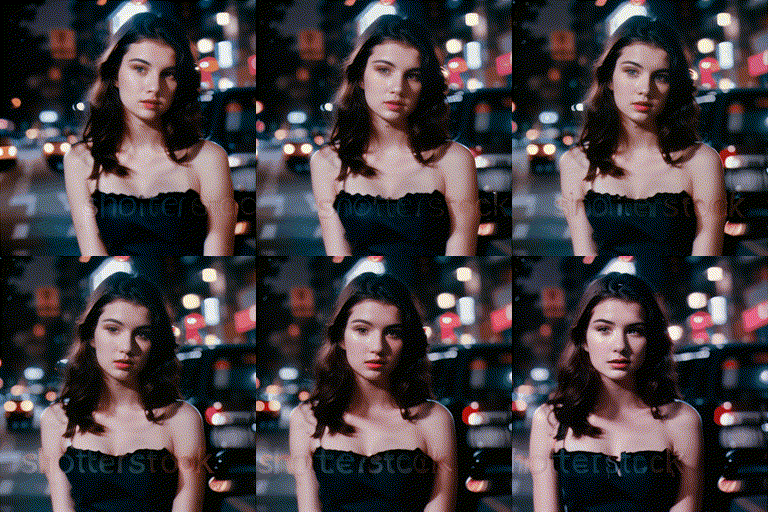
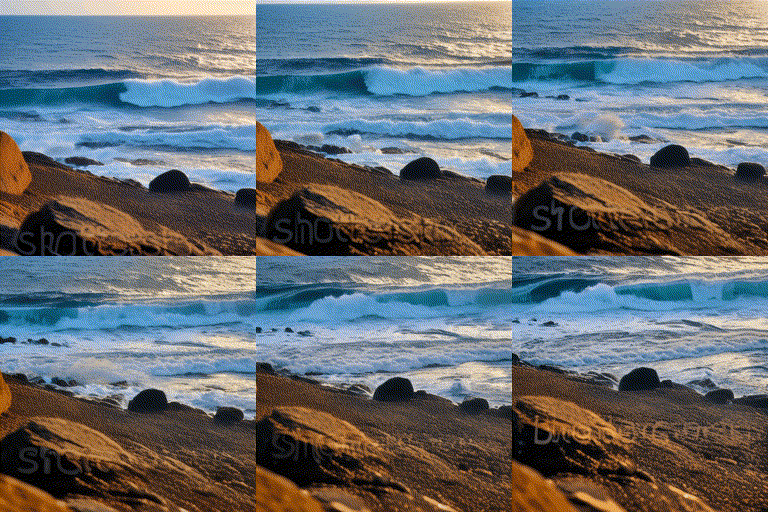
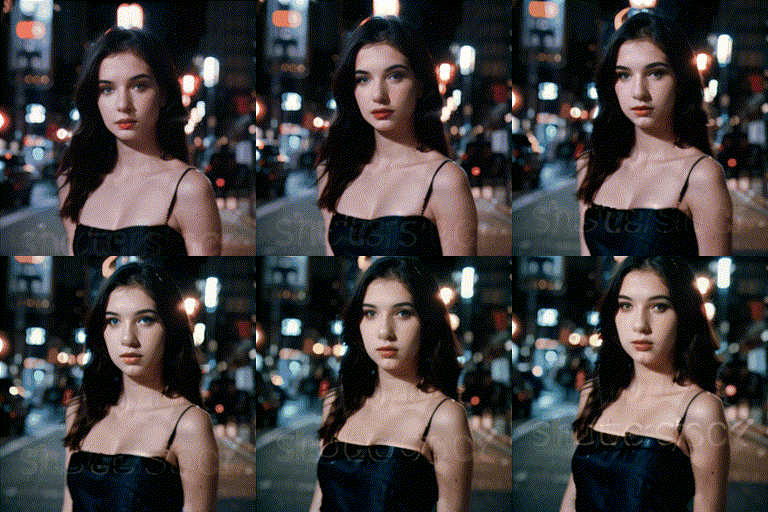
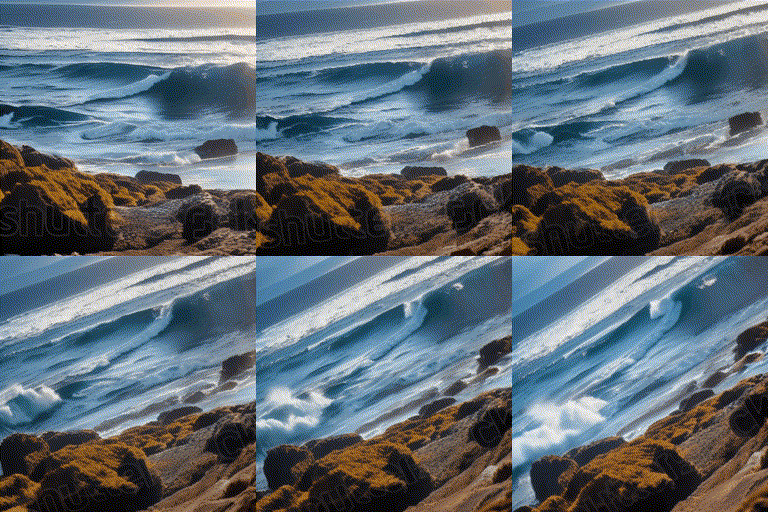
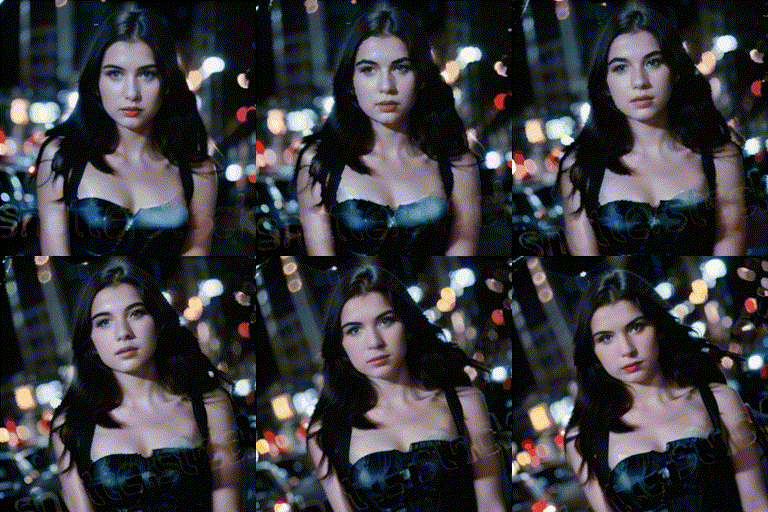
| Zoom In |
Zoom Out |
Zoom Pan Left |
Zoom Pan Right |
 |
 |
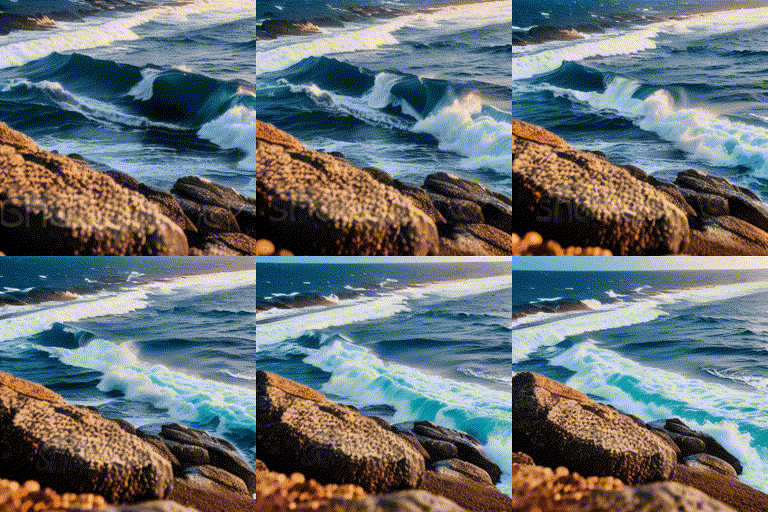 |
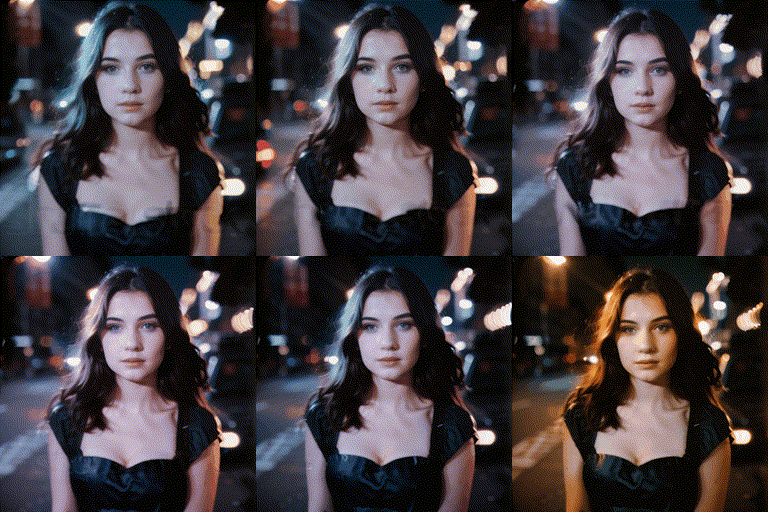 |
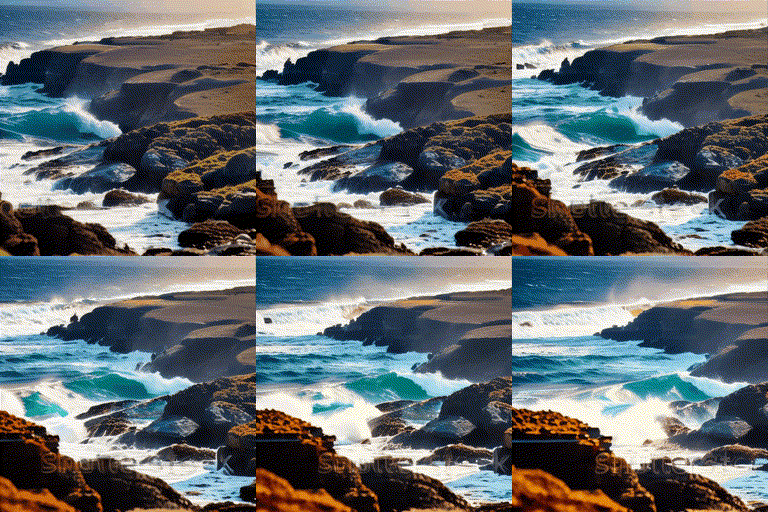 |
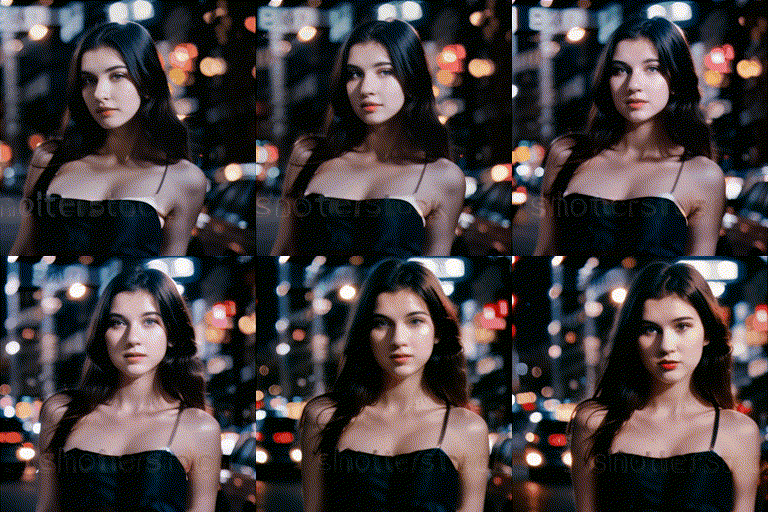 |
 |
 |
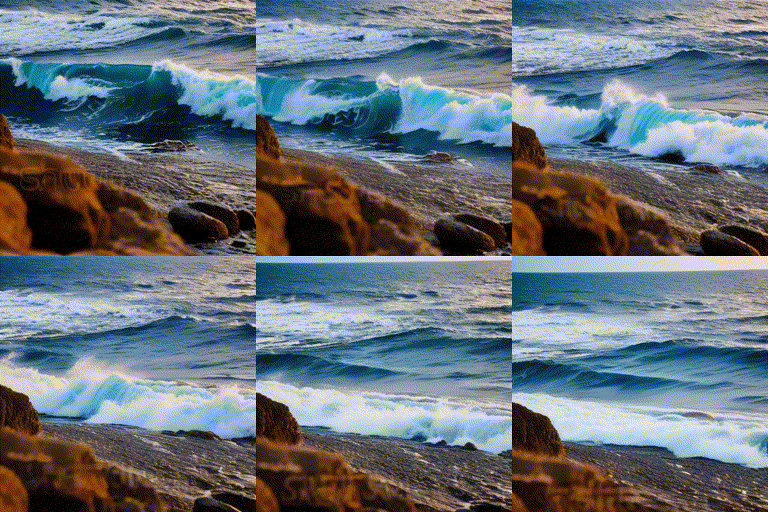
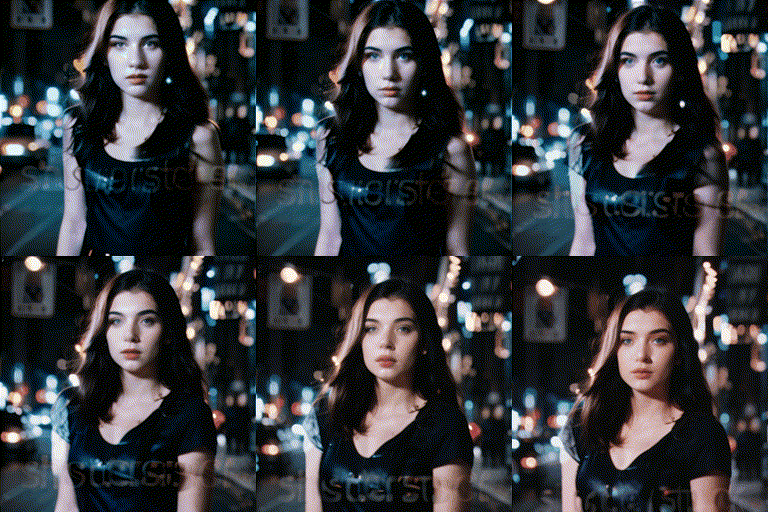
| Tilt Up |
Tilt Down |
Rolling Anti-Clockwise |
Rolling Clockwise |
 |
 |
 |
 |
 |
 |
 |
 |
Demos (Improved Motions)
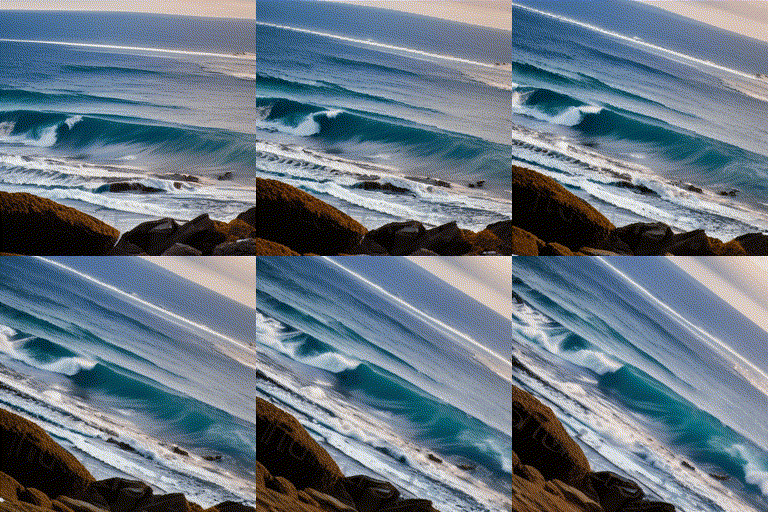
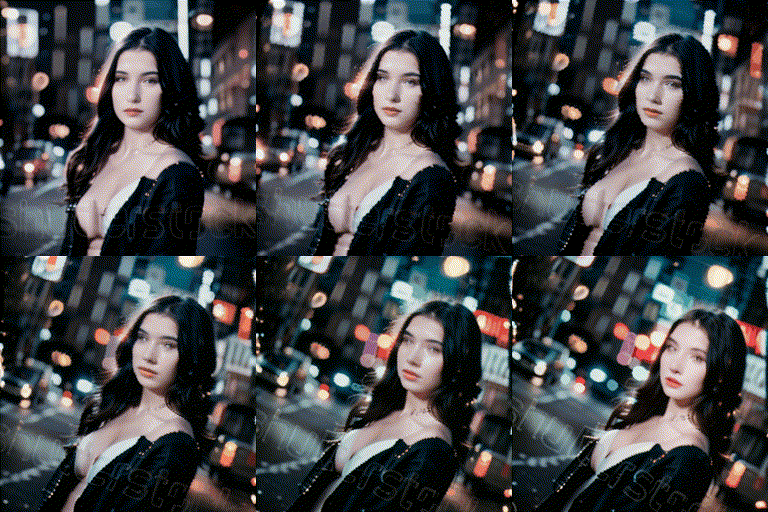
Here's a comparison between mm_sd_v15.ckpt (left) and improved mm_sd_v15_v2.ckpt (right).
AnimateDiff v1 (2023.07)
The first version of AnimateDiff!
AnimateDiff v1 Model Zoo
| Name |
HuggingFace |
Parameter |
Storage Space |
| mm_sd_v14.ckpt |
Link |
417 M |
1.6 GB |
| mm_sd_v15.ckpt |
Link |
417 M |
1.6 GB |
Training
Please check Steps for Training for details.
AnimateDiff for Stable Diffusion WebUI: sd-webui-animatediff (by @continue-revolution)
AnimateDiff for ComfyUI: ComfyUI-AnimateDiff-Evolved (by @Kosinkadink)
Google Colab: Colab (by @camenduru)
Disclaimer
This project is released for academic use.
We disclaim responsibility for user-generated content.
Also, please be advised that our only official website are https://github.com/guoyww/AnimateDiff and https://animatediff.github.io, and all the other websites are NOT associated with us at AnimateDiff.
Yuwei Guo: [email protected]
Ceyuan Yang: [email protected]
Bo Dai: [email protected]
BibTeX
@article{guo2023animatediff,
  title={AnimateDiff: Animate Your Personalized Text-to-Image Diffusion Models without Specific Tuning},
  author={Guo, Yuwei and Yang, Ceyuan and Rao, Anyi and Liang, Zhengyang and Wang, Yaohui and Qiao, Yu and Agrawala, Maneesh and Lin, Dahua and Dai, Bo},
  journal={International Conference on Learning Representations},
  year={2024}
}

@article{guo2023sparsectrl,
  title={SparseCtrl: Adding Sparse Controls to Text-to-Video Diffusion Models},
  author={Guo, Yuwei and Yang, Ceyuan and Rao, Anyi and Agrawala, Maneesh and Lin, Dahua and Dai, Bo},
  journal={arXiv preprint arXiv:2311.16933},
  year={2023}
}
Acknowledgements
Codebase built upon Tune-a-Video.


 AnimateDiff 是一项研究方法的官方实现,它能把个性化的文生图 Stable Diffusion 模型变成动画(文生视频)生成器,而且无需对这些模型做任何额外微调。