




























12.3K ·GitHub
Что это такое?
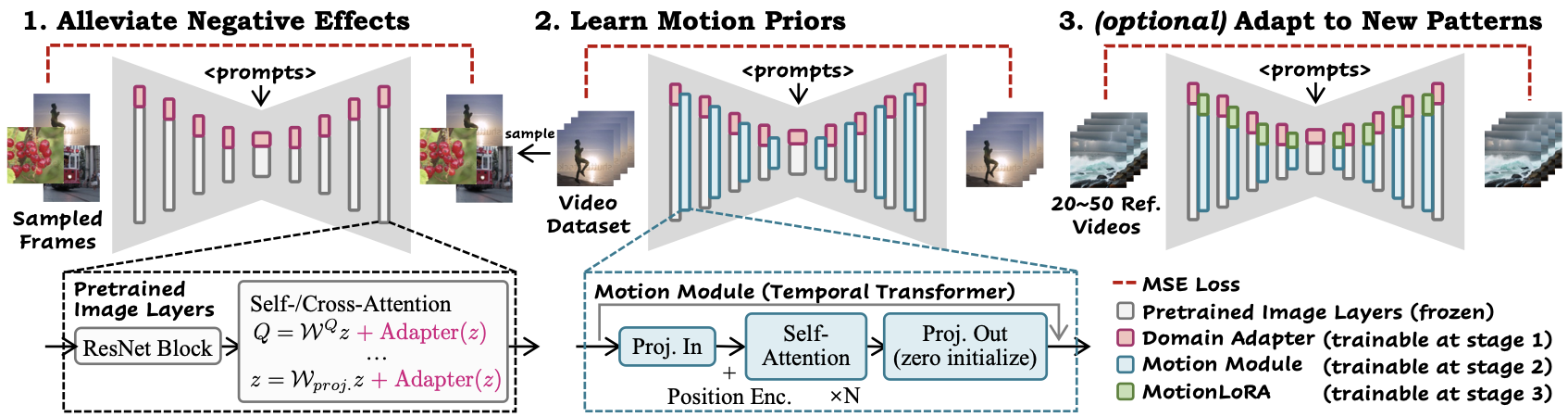
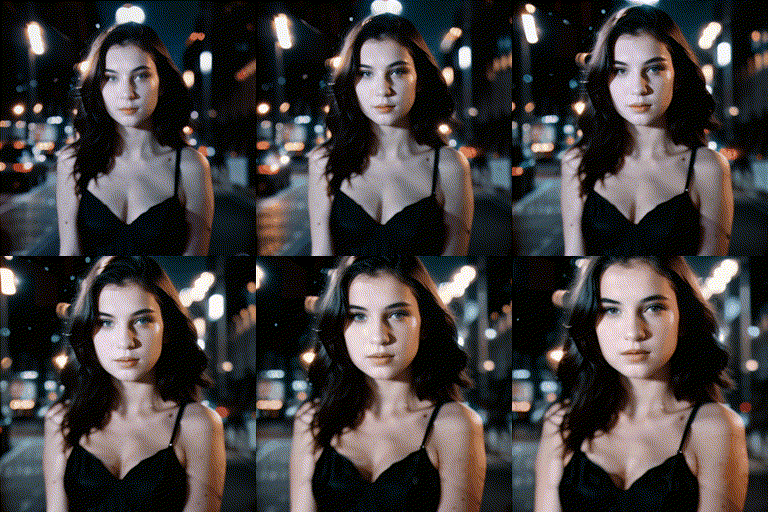
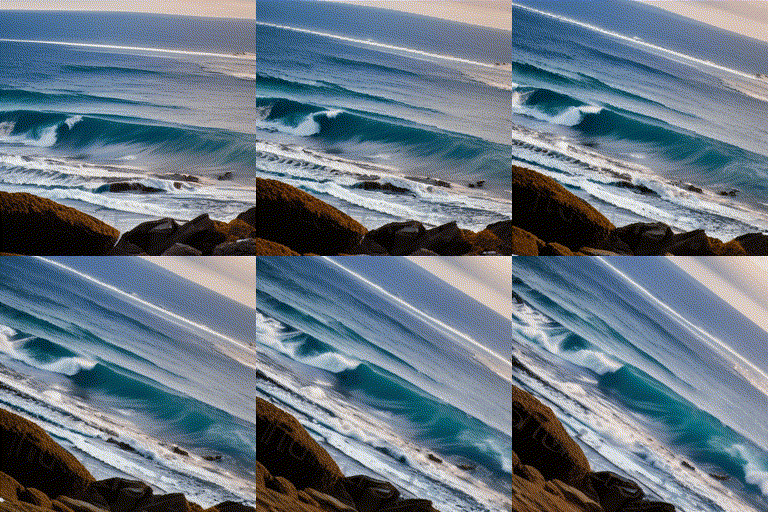
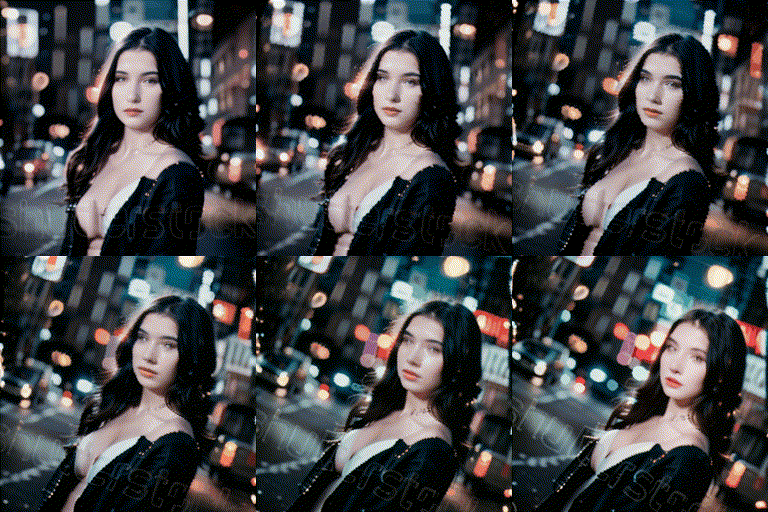
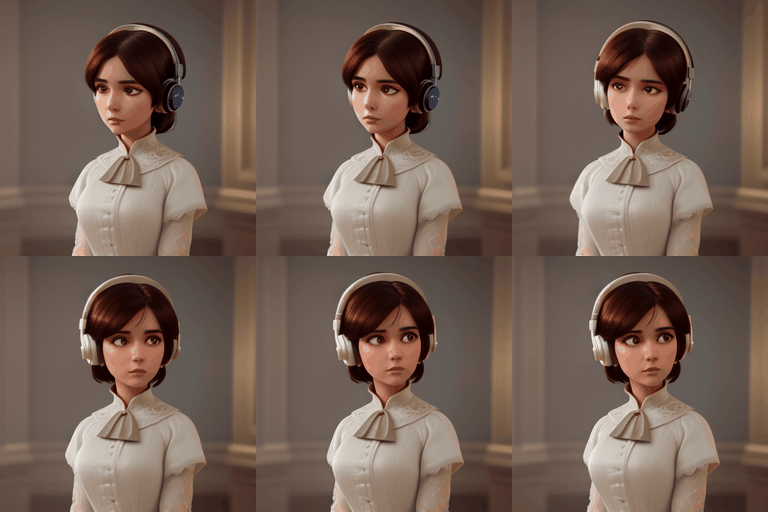
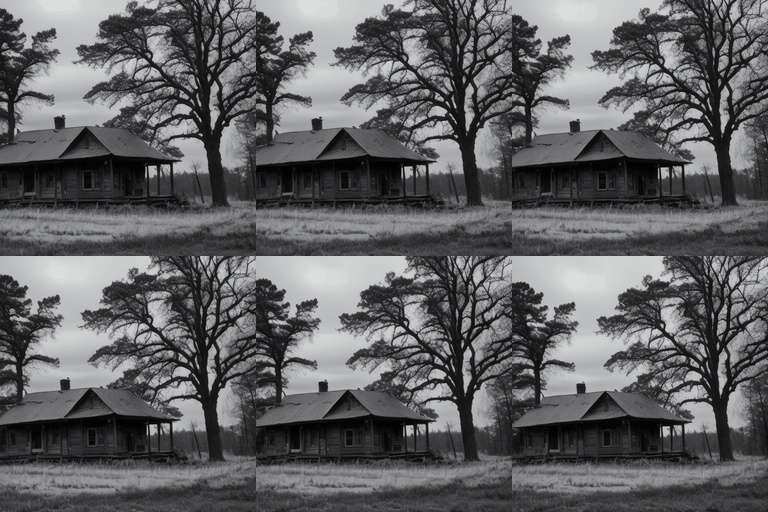
 AnimateDiff — официальная реализация научного метода, который превращает персонализированные модели Stable Diffusion для генерации изображений по тексту в генераторы анимации (текст-в-видео) без дополнительного дообучения этих моделей.
AnimateDiff — официальная реализация научного метода, который превращает персонализированные модели Stable Diffusion для генерации изображений по тексту в генераторы анимации (текст-в-видео) без дополнительного дообучения этих моделей.Это отдельное приложение или то, что подключается к уже существующим моделям Stable Diffusion?Это готовый к подключению модуль движения и набор чекпоинтов, которые присоединяются к существующей модели Stable Diffusion от сообщества (v1.5 или SDXL). Использовать его отдельно как модель нельзя.
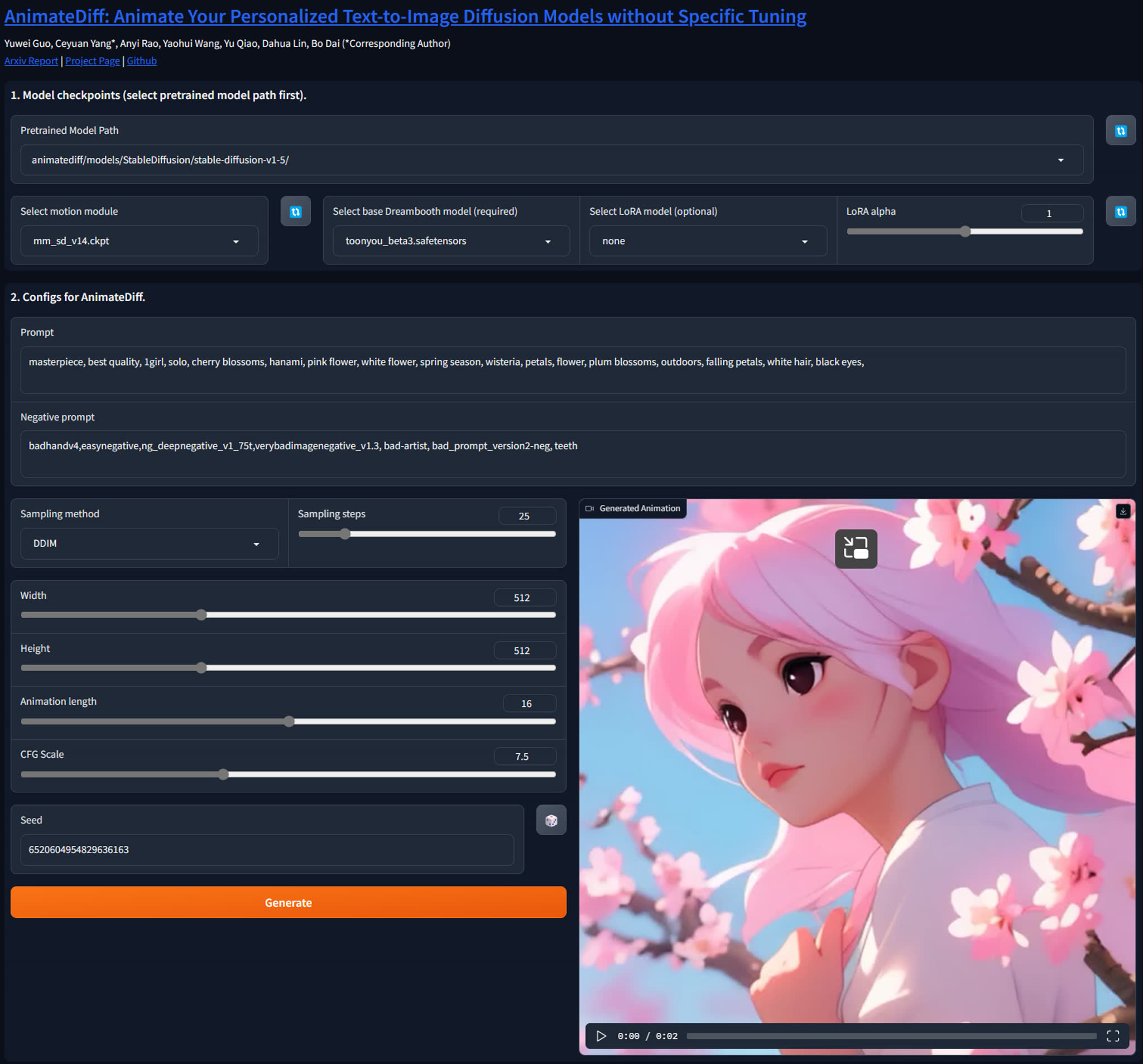
Это готовый к подключению модуль движения и набор чекпоинтов, которые присоединяются к существующей модели Stable Diffusion от сообщества (v1.5 или SDXL). Использовать его отдельно как модель нельзя.Как это запустить?Клонируйте репозиторий и настройте окружение Python, затем запустите готовые скрипты генерации (чекпоинты скачиваются автоматически). Есть также приложение на Gradio, которое работает по адресу localhost:7860 и предлагает более удобный интерфейс.
Клонируйте репозиторий и настройте окружение Python, затем запустите готовые скрипты генерации (чекпоинты скачиваются автоматически). Есть также приложение на Gradio, которое работает по адресу localhost:7860 и предлагает более удобный интерфейс.Нужны ли мне чекпоинт Stable Diffusion и видеокарта, чтобы этим пользоваться?Да: нужен чекпоинт Stable Diffusion от сообщества (по умолчанию SD1.5, SDXL — в отдельной ветке) и мощная видеокарта. Для вывода SDXL требуется примерно 13 ГБ видеопамяти (VRAM).
Да: нужен чекпоинт Stable Diffusion от сообщества (по умолчанию SD1.5, SDXL — в отдельной ветке) и мощная видеокарта. Для вывода SDXL требуется примерно 13 ГБ видеопамяти (VRAM).Идеально ли качество выходного видео или есть известные проблемы?Авторы отмечают, что заметно небольшое мерцание. Визуальное качество для общей генерации видео по тексту ограничено, потому что модель ставит совместимость с моделями сообщества выше специальной оптимизации. А для анимации изображений лучше использовать картинки из той же модели сообщества, чтобы стиль совпадал.
Авторы отмечают, что заметно небольшое мерцание. Визуальное качество для общей генерации видео по тексту ограничено, потому что модель ставит совместимость с моделями сообщества выше специальной оптимизации. А для анимации изображений лучше использовать картинки из той же модели сообщества, чтобы стиль совпадал.Это для обычных пользователей или скорее инструмент для исследователей и опытных пользователей?Это исследовательский проект, выпущенный для академического использования. Он рассчитан на тех, кто уверенно запускает скрипты на Python и работает с чекпоинтами диффузионных моделей, хотя версии от сообщества (WebUI, ComfyUI) делают его доступнее.
Это исследовательский проект, выпущенный для академического использования. Он рассчитан на тех, кто уверенно запускает скрипты на Python и работает с чекпоинтами диффузионных моделей, хотя версии от сообщества (WebUI, ComfyUI) делают его доступнее.Нужна ли особая конфигурация видеокарты для запуска?Подразумевается видеокарта CUDA с большим объемом видеопамяти, особенно для SDXL (около 13 ГБ). Точный минимум для SD1.5 не указан.
Подразумевается видеокарта CUDA с большим объемом видеопамяти, особенно для SDXL (около 13 ГБ). Точный минимум для SD1.5 не указан.Для чего нужны MotionLoRA?Чекпоинты MotionLoRA (всего около 74–77 МБ каждый) подстраивают модуль движения под конкретные движения камеры: приближение и отдаление, панорамирование влево и вправо, наклон вверх и вниз, а также вращение (крен). При этом весь модуль движения заново обучать не нужно.
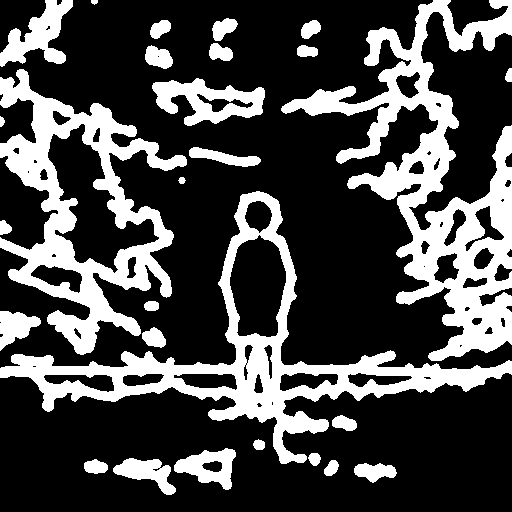
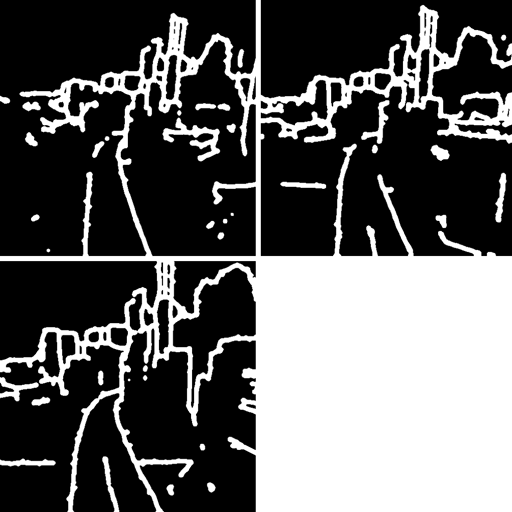
Чекпоинты MotionLoRA (всего около 74–77 МБ каждый) подстраивают модуль движения под конкретные движения камеры: приближение и отдаление, панорамирование влево и вправо, наклон вверх и вниз, а также вращение (крен). При этом весь модуль движения заново обучать не нужно.Что такое SparseCtrl и чем он отличается от MotionLoRA?SparseCtrl — отдельный метод, который добавляет дополнительное управление генерацией видео по тексту. Он принимает разреженные входные данные, например несколько RGB-изображений или эскизов, и даёт более точный контроль над содержанием анимации, а не только над движением камеры.
SparseCtrl — отдельный метод, который добавляет дополнительное управление генерацией видео по тексту. Он принимает разреженные входные данные, например несколько RGB-изображений или эскизов, и даёт более точный контроль над содержанием анимации, а не только над движением камеры.Можно ли использовать это внутри Stable Diffusion WebUI или ComfyUI вместо этого репозитория напрямую?Да, сообщество поддерживает адаптации: sd-webui-animatediff для Automatic1111/WebUI и ComfyUI-AnimateDiff-Evolved для ComfyUI, а также блокнот Google Colab.
Да, сообщество поддерживает адаптации: sd-webui-animatediff для Automatic1111/WebUI и ComfyUI-AnimateDiff-Evolved для ComfyUI, а также блокнот Google Colab.Сколько есть версий модели и какая самая новая?Есть v1, v2, v3 и релиз SDXL-Beta. Самая новая версия для SD1.5 — v3 (декабрь 2023). Она добавляет Domain Adapter LoRA и два энкодера SparseCtrl (для RGB-изображений и эскизов).
Есть v1, v2, v3 и релиз SDXL-Beta. Самая новая версия для SD1.5 — v3 (декабрь 2023). Она добавляет Domain Adapter LoRA и два энкодера SparseCtrl (для RGB-изображений и эскизов).What are similar projects?LTX-Video, DiffSynth-Studio, Wan2.1, InstantID, Open-Sora, WanGP, ControlNet, generative-models
LTX-Video, DiffSynth-Studio, Wan2.1, InstantID, Open-Sora, WanGP, ControlNet, generative-modelsWhich topics is it in?generative, comfyui, stable-diffusion, gradio, text-to-video, text-to-image, diffusion-models, lora, video-generation, academic-research, video, animation
generative, comfyui, stable-diffusion, gradio, text-to-video, text-to-image, diffusion-models, lora, video-generation, academic-research, video, animation