
What is this?
 A self-hosted AI agent harness for authorized penetration tests, bug bounty research, security labs, and CTF engagements, where you bring your own AI model API key.
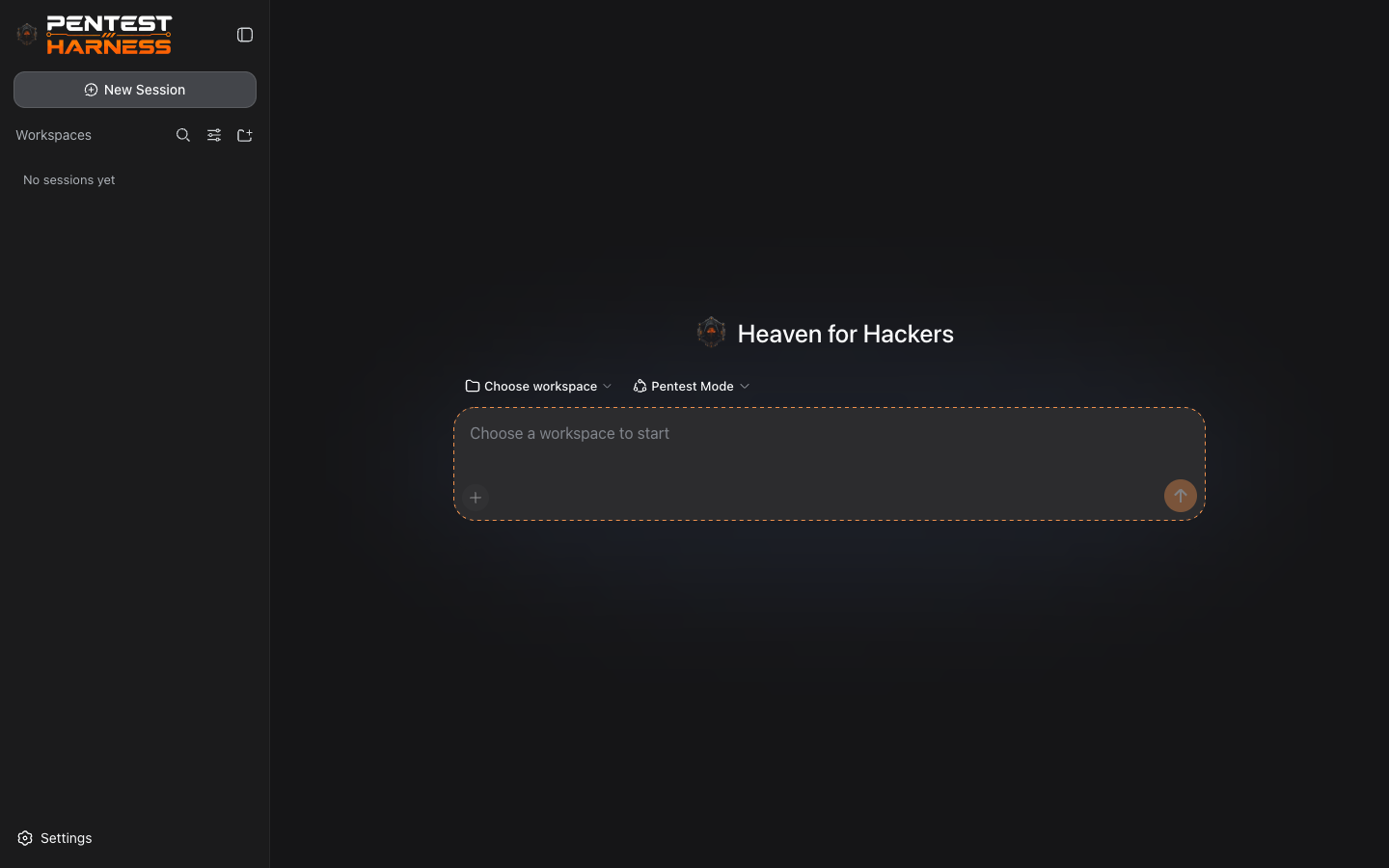
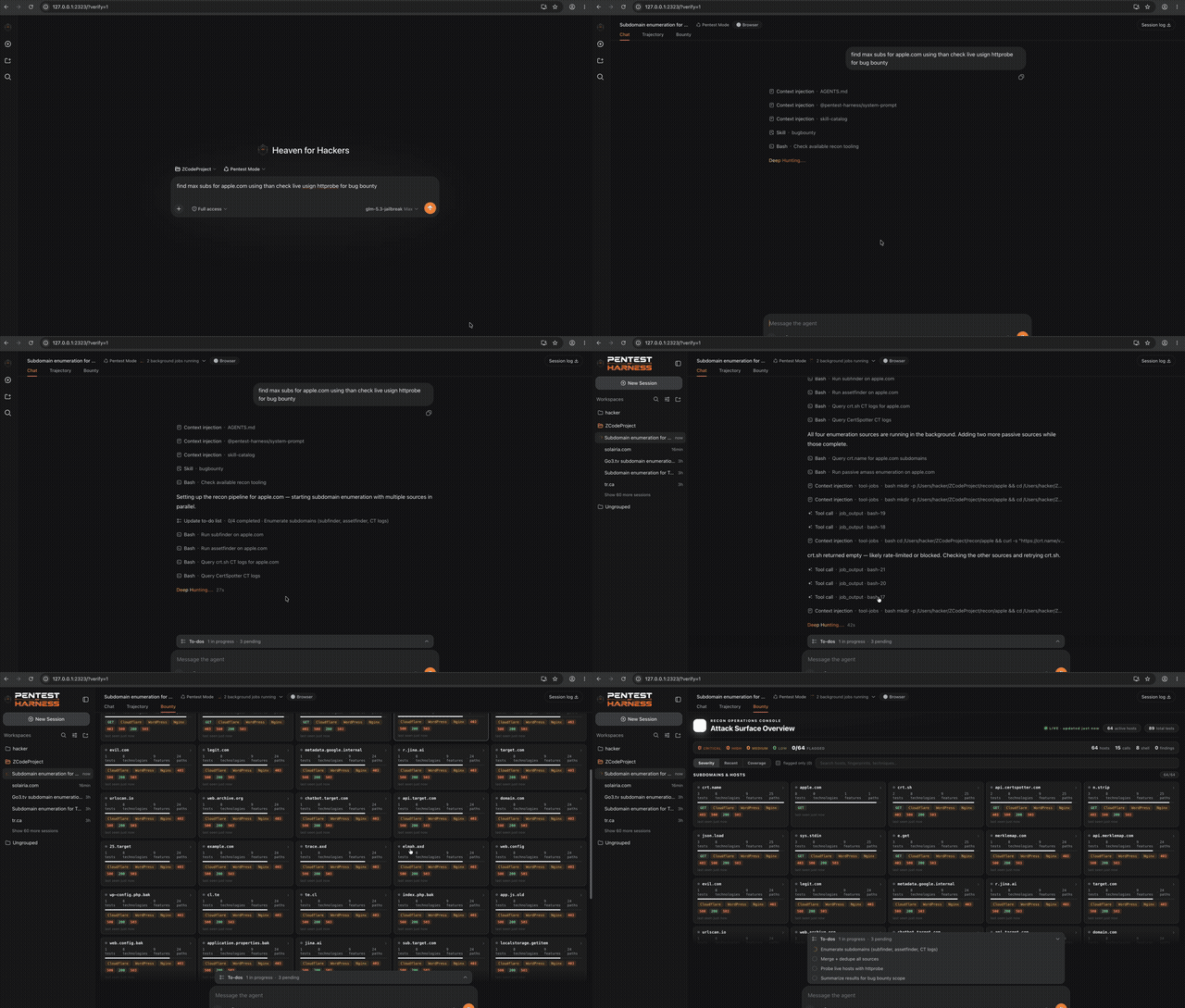
A self-hosted AI agent harness for authorized penetration tests, bug bounty research, security labs, and CTF engagements, where you bring your own AI model API key.Is this a CLI tool or a web app?It is a local web app: you launch it from the terminal with a CLI command, then do all the work in a browser-based Web UI.
It is a local web app: you launch it from the terminal with a CLI command, then do all the work in a browser-based Web UI.How do I get it running?Install Node.js 20+ and pnpm, then run 'pnpm dsh web' (or 'pnpm exec dsh web' / 'node apps/cli/lib/index.js web') to open the Web UI in your browser.
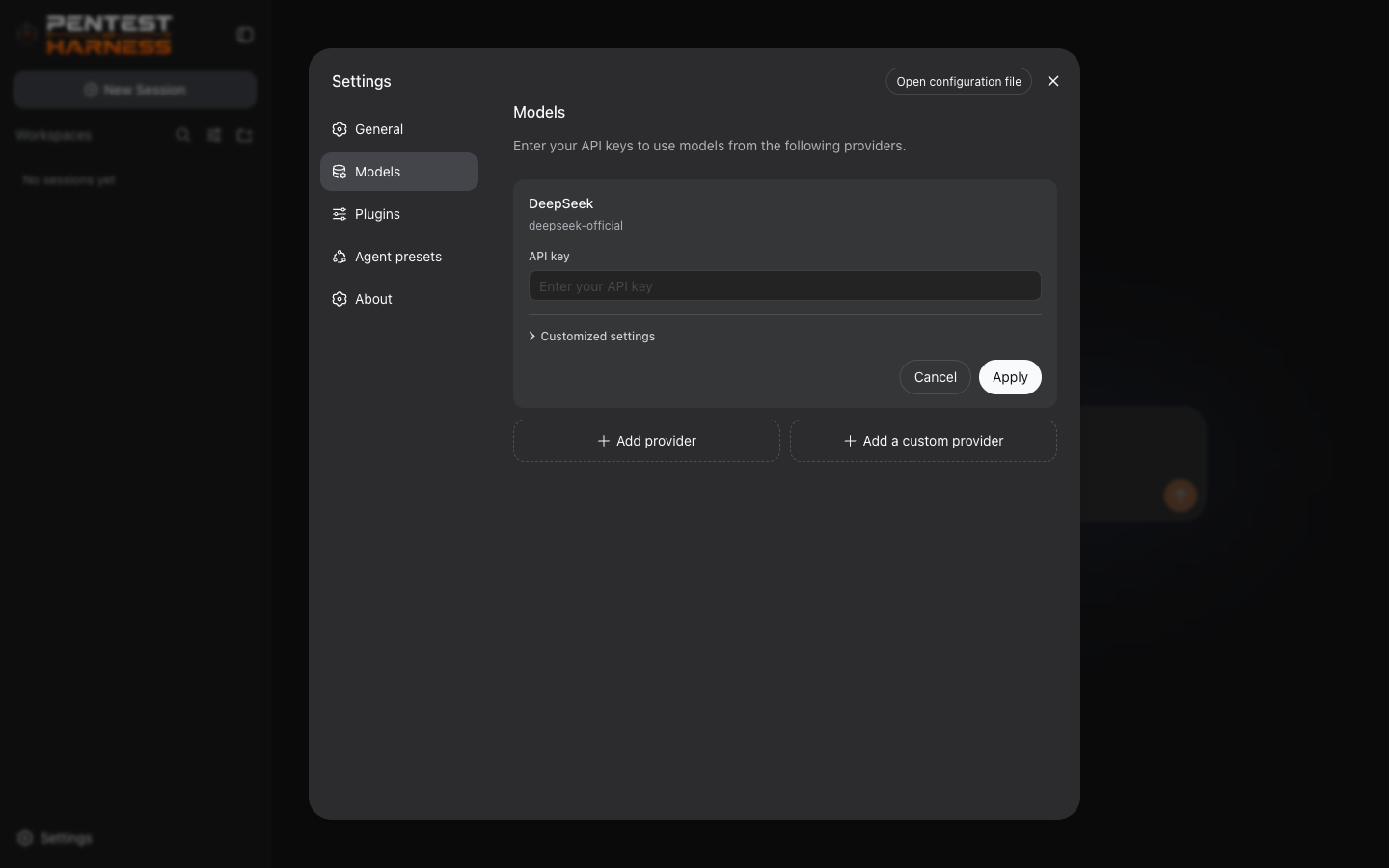
Install Node.js 20+ and pnpm, then run 'pnpm dsh web' (or 'pnpm exec dsh web' / 'node apps/cli/lib/index.js web') to open the Web UI in your browser.Do I need my own AI API key to use it?Yes — you bring your own key from OpenAI, Anthropic, DeepSeek, Google, Mistral, Groq, OpenRouter, Azure OpenAI, or any OpenAI-compatible gateway, and one click auto-discovers the available models.
Yes — you bring your own key from OpenAI, Anthropic, DeepSeek, Google, Mistral, Groq, OpenRouter, Azure OpenAI, or any OpenAI-compatible gateway, and one click auto-discovers the available models.Any install pitfalls I should know about?If the 'dsh' command is not on your PATH after setup, you need to fall back to 'pnpm exec dsh web' or run the CLI entry file directly with Node.
If the 'dsh' command is not on your PATH after setup, you need to fall back to 'pnpm exec dsh web' or run the CLI entry file directly with Node.Where do my API keys and session data end up?API keys sit in a local, owner-only credential store and are only referenced from settings — never written into settings files or logs — while sessions stay local as JSONL/SQLite files.
API keys sit in a local, owner-only credential store and are only referenced from settings — never written into settings files or logs — while sessions stay local as JSONL/SQLite files.What is 'Pentest Mode'?It is a built-in operating standard baked into the harness that structures the agent's behavior specifically for authorized offensive-security engagements.
It is a built-in operating standard baked into the harness that structures the agent's behavior specifically for authorized offensive-security engagements.How easy is it to switch AI providers?Provider cards let you add a custom provider by just pasting its API base URL and key, auto-discover its models, and test or toggle connections without touching config files.
Provider cards let you add a custom provider by just pasting its API base URL and key, auto-discover its models, and test or toggle connections without touching config files.How are my sessions saved so I can resume later?Sessions are durably persisted as JSONL or SQLite files with full replay support, so you can pick up an engagement exactly where you left off.
Sessions are durably persisted as JSONL or SQLite files with full replay support, so you can pick up an engagement exactly where you left off.Why does the project describe 'everything as a plugin'?It is built on the Cordis plugin framework, so model adapters, tools, sessions, settings, and credentials are all swappable from configuration instead of living in a closed core.
It is built on the Cordis plugin framework, so model adapters, tools, sessions, settings, and credentials are all swappable from configuration instead of living in a closed core.What are similar projects?Claude-Red, dsh-redteam-model, dsh-pentest, Pentest-Swarm-AI, Cybermes, StrikeAgent_AtkBrain-Flash, PentestGPT, oh-dsh
Claude-Red, dsh-redteam-model, dsh-pentest, Pentest-Swarm-AI, Cybermes, StrikeAgent_AtkBrain-Flash, PentestGPT, oh-dshWhich topics is it in?anthropic-api, bug-bounty, cordis, ctf, infosec, openai-api, offensive-security, red-team, pentesting, dsh, harness, agent-framework
anthropic-api, bug-bounty, cordis, ctf, infosec, openai-api, offensive-security, red-team, pentesting, dsh, harness, agent-framework