





What is this?
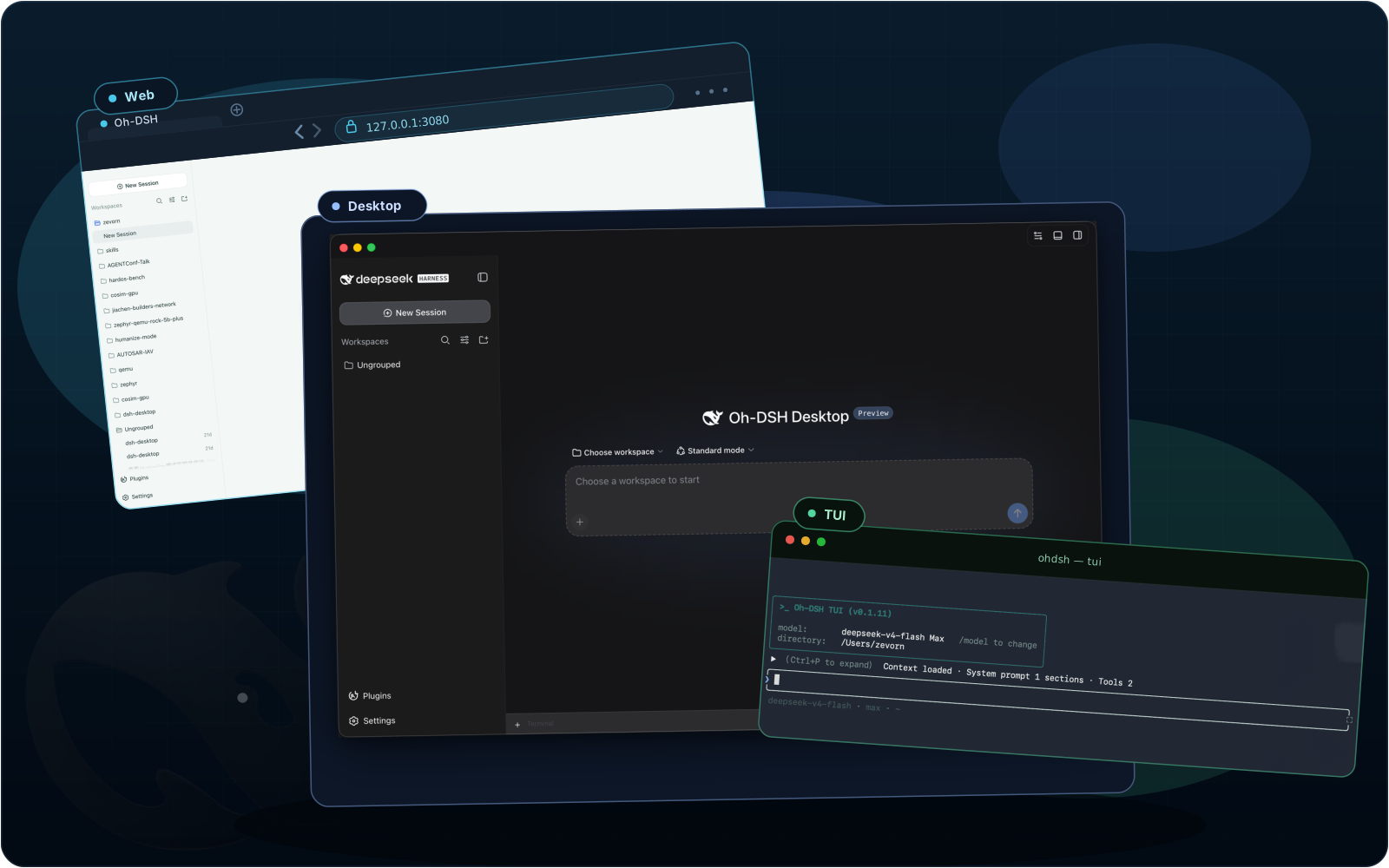
 Oh-DSH is an installable runtime that bundles DeepSeek Harness (DSH), Node.js, local dev tools, and plugins into Desktop, Web, and TUI distributions, all launched from one 'ohdsh' command.
Oh-DSH is an installable runtime that bundles DeepSeek Harness (DSH), Node.js, local dev tools, and plugins into Desktop, Web, and TUI distributions, all launched from one 'ohdsh' command.Is this a desktop app, a website, or a terminal tool?All three: the same 'ohdsh' command launches a desktop Electron app, a web interface, or a terminal UI, and all three share sessions, credentials, skins, and plugin cache while keeping separate profiles.
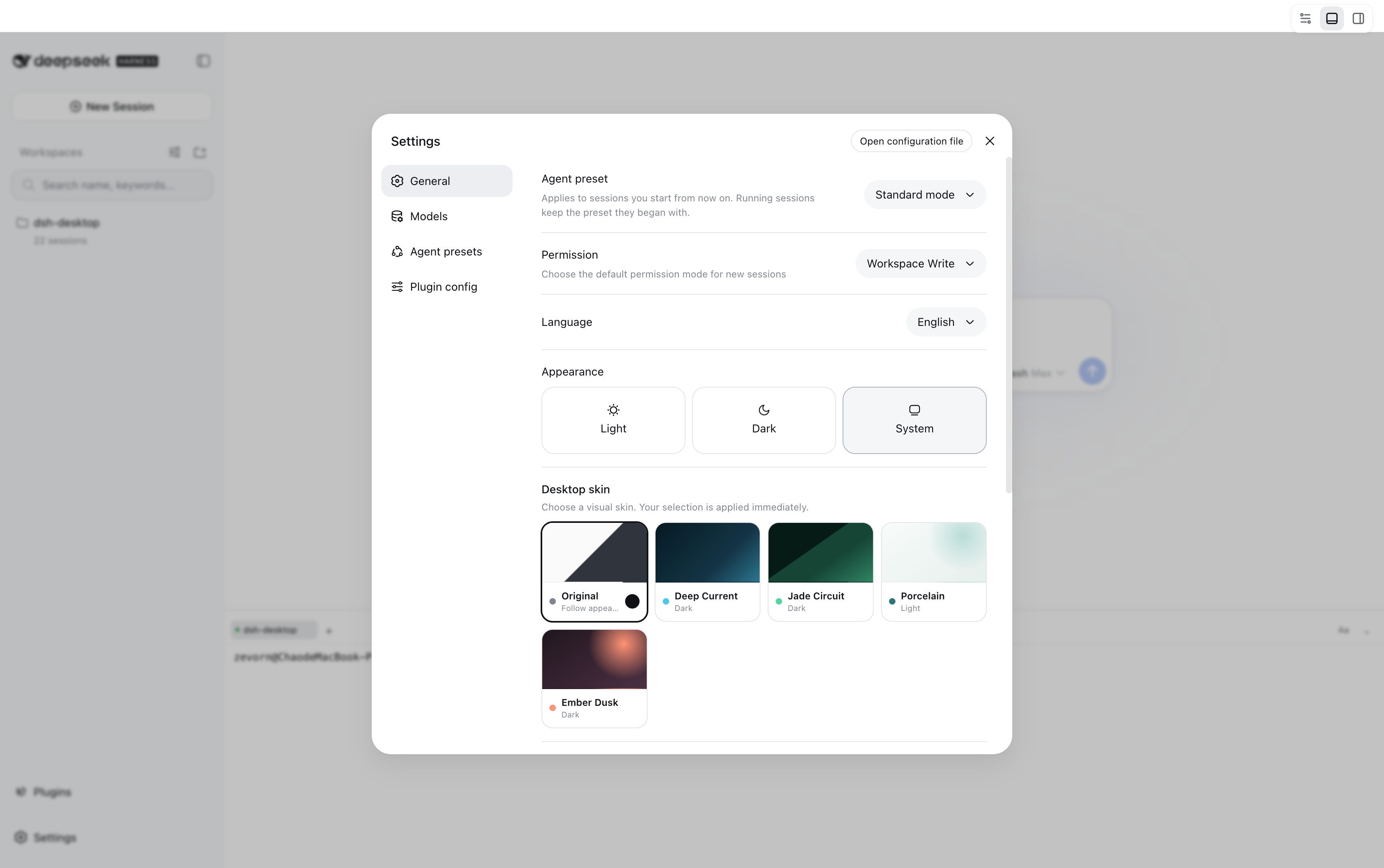
All three: the same 'ohdsh' command launches a desktop Electron app, a web interface, or a terminal UI, and all three share sessions, credentials, skins, and plugin cache while keeping separate profiles.Do I need to install Node.js or DeepSeek Harness myself?No — every distribution bundles a pinned Node.js runtime and DSH, so no separate runtime install is needed. Building from source instead requires Node.js, pnpm, and platform build tools.
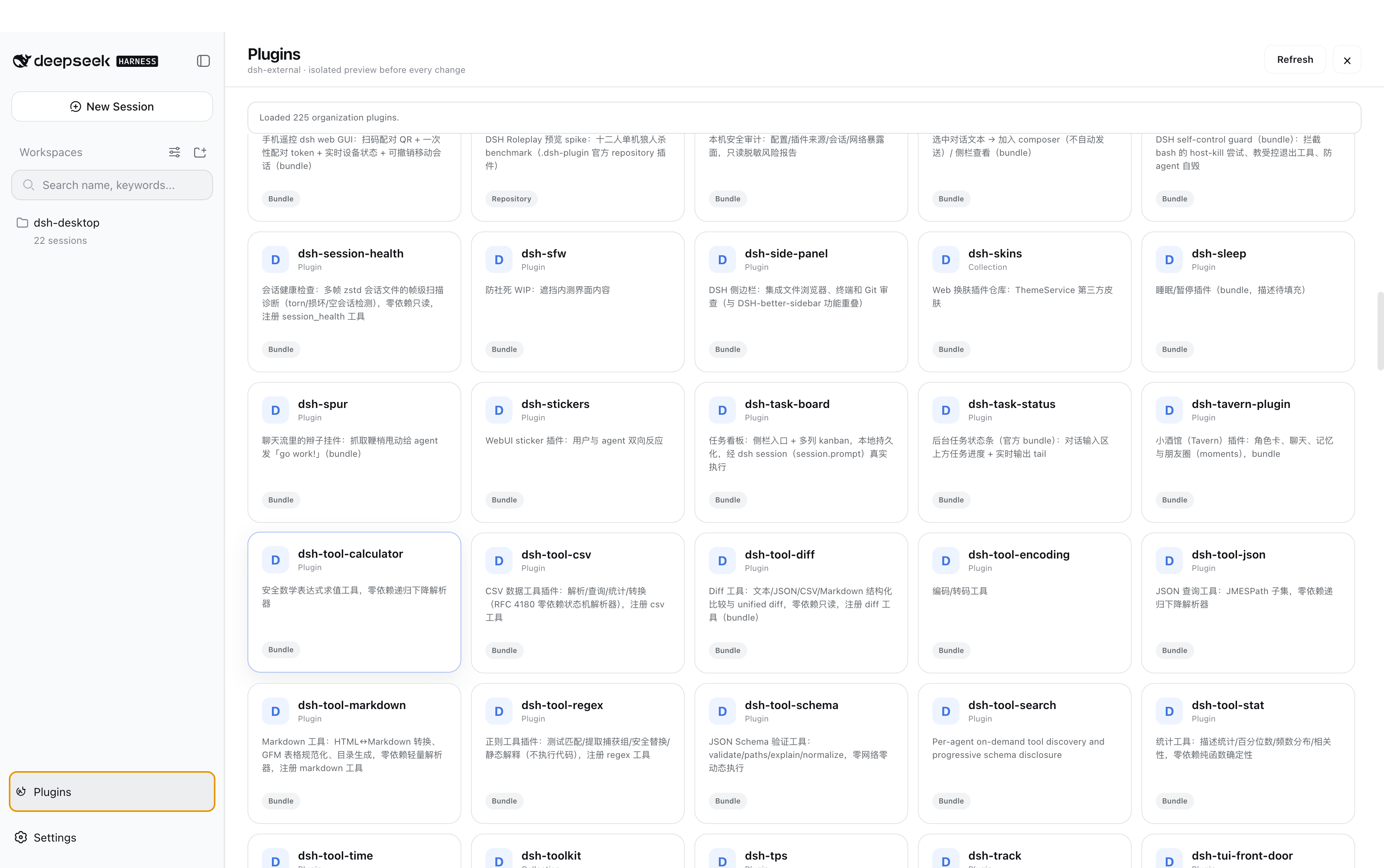
No — every distribution bundles a pinned Node.js runtime and DSH, so no separate runtime install is needed. Building from source instead requires Node.js, pnpm, and platform build tools.Do all plugins work the same across Desktop, Web, and TUI?No — the plugin marketplace marks which surfaces a plugin actually works on; installation may succeed everywhere, but a plugin can be functional only in Web or Desktop and inactive in TUI.
No — the plugin marketplace marks which surfaces a plugin actually works on; installation may succeed everywhere, but a plugin can be functional only in Web or Desktop and inactive in TUI.Can I use this in a pure SSH or terminal-only environment?Yes — the TUI-only distribution ships just the TUI, Node runtime, and terminal plugins without Electron, specifically aimed at SSH and terminal-only environments.
Yes — the TUI-only distribution ships just the TUI, Node runtime, and terminal plugins without Electron, specifically aimed at SSH and terminal-only environments.Where does my session and credential data live?All three surfaces share a local ~/.ohdsh folder by default for cache, config, sessions, credentials, and plugin state; the OHDSHHOME environment variable lets you move this elsewhere.
All three surfaces share a local ~/.ohdsh folder by default for cache, config, sessions, credentials, and plugin state; the OHDSHHOME environment variable lets you move this elsewhere.What does the Git Review feature do?It lets you review working-tree changes and commit diffs, add line-level review comments, and handle branching, committing, and pushing from the same sidebar inside the workbench.
It lets you review working-tree changes and commit diffs, add line-level review comments, and handle branching, committing, and pushing from the same sidebar inside the workbench.Do I need a separate plugin or API key to send images?No, image input is handled natively by DSH's multimodal models like DeepSeek V4 Flash through the built-in attachment rail, with no extra vision-bridge plugin or API key required.
No, image input is handled natively by DSH's multimodal models like DeepSeek V4 Flash through the built-in attachment rail, with no extra vision-bridge plugin or API key required.What is DeepSeek Harness (DSH), and how does Oh-DSH relate to it?DSH is the upstream coding-agent runtime, session manager, and plugin loader; Oh-DSH preserves DSH's implementation and credit while adding a unified launcher, profiles, a shared data directory, cross-surface skins, and packaged distributions on top.
DSH is the upstream coding-agent runtime, session manager, and plugin loader; Oh-DSH preserves DSH's implementation and credit while adding a unified launcher, profiles, a shared data directory, cross-surface skins, and packaged distributions on top.What is the 'liangshen' agent preset?It's a built-in agent preset shared across Desktop, Web, and TUI that starts with a minimal two-tool set, opens the full tool catalog after the first tool call, and re-anchors after context compression; it can be selected in settings or via '/preset liangshen' in the TUI.
It's a built-in agent preset shared across Desktop, Web, and TUI that starts with a minimal two-tool set, opens the full tool catalog after the first tool call, and re-anchors after context compression; it can be selected in settings or via '/preset liangshen' in the TUI.What are similar projects?dsh_desktop, cocode, WhaleIsle, deepseek-harness-studio, EAC-Desktop, awesome-deepseek-harness, dsh-tianshu-tui, dsh-lowtide
dsh_desktop, cocode, WhaleIsle, deepseek-harness-studio, EAC-Desktop, awesome-deepseek-harness, dsh-tianshu-tui, dsh-lowtideWhich topics is it in?dsh-plugins, cordis, installer, dsh, harness, coding-agents, plugin-system, dsh-plugin, deepseek-harness, tui, electron, git
dsh-plugins, cordis, installer, dsh, harness, coding-agents, plugin-system, dsh-plugin, deepseek-harness, tui, electron, git