
















2.9K ·GitHub
Что это такое?
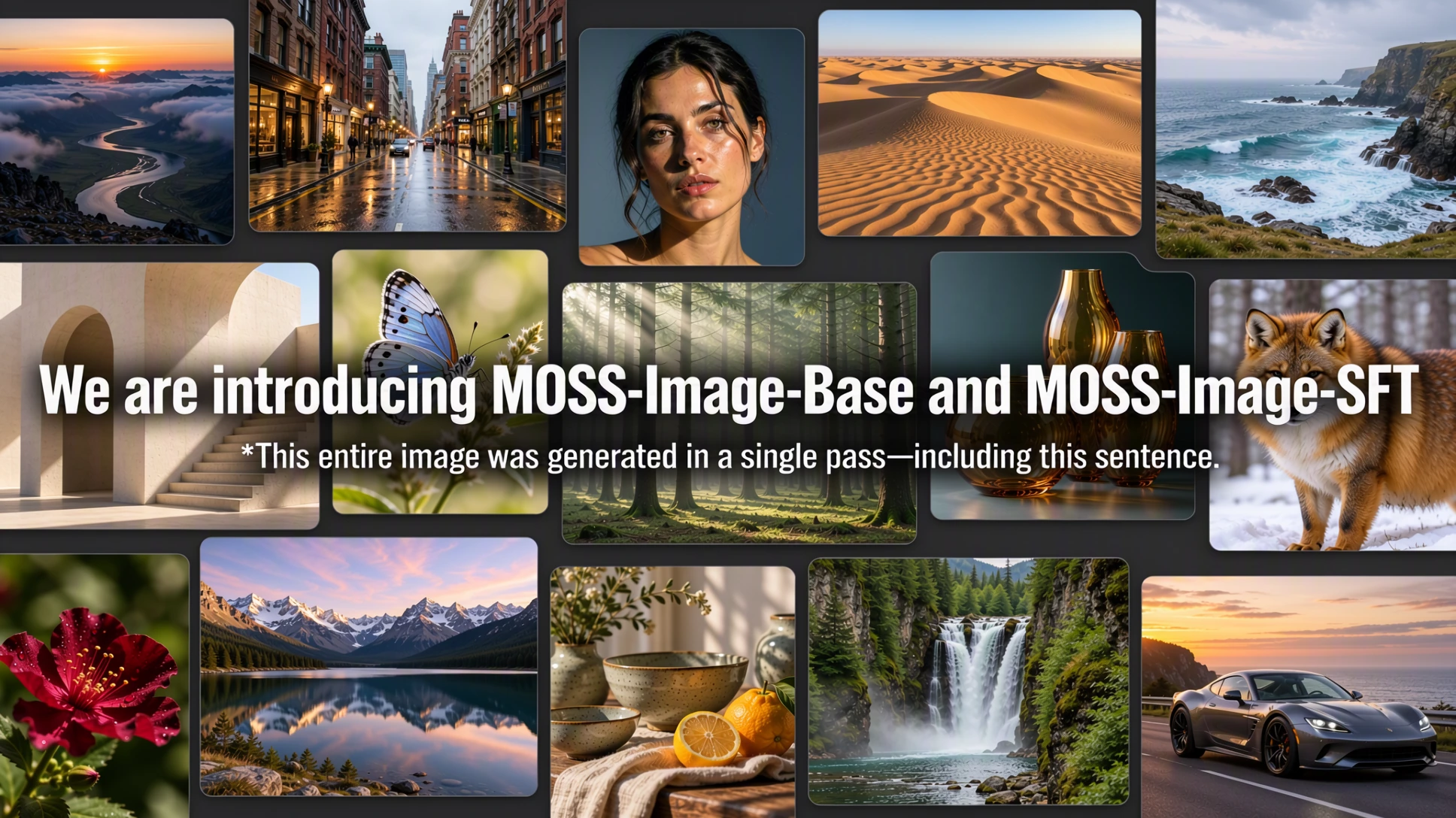
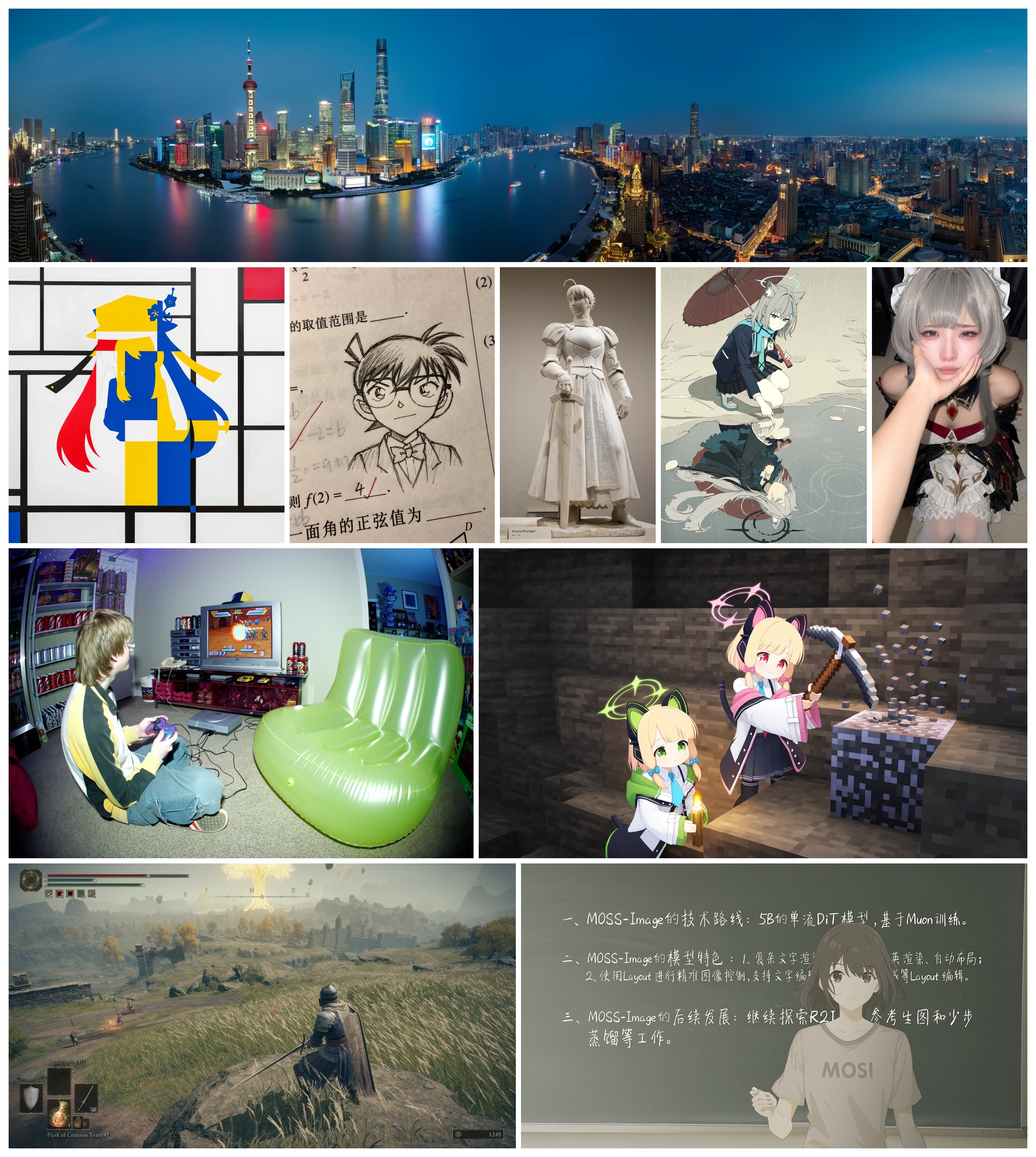
 MOSS-Image — это диффузионная трансформер-модель (DiT) для генерации изображений по тексту с 5 миллиардами параметров. Она хорошо отрисовывает текст, позволяет задавать расположение текста и объектов с помощью JSON-разметки и эффективно дообучается (в том числе через LoRA) под собственные задачи.
Это готовое приложение или модель, которую нужно подключать самому?Модель поставляется в виде базовой версии и версии SFT с кодом инференса на Python и демо на Gradio, а также с нативным плагином для ComfyUI. Изображения можно создавать из скрипта, через веб-интерфейс или внутри ComfyUI, без собственного пайплайна.
Модель поставляется в виде базовой версии и версии SFT с кодом инференса на Python и демо на Gradio, а также с нативным плагином для ComfyUI. Изображения можно создавать из скрипта, через веб-интерфейс или внутри ComfyUI, без собственного пайплайна.Как это запустить?Установите окружение Python по разделу Installation в README, скачайте веса MOSS-Image-Base или MOSS-Image-SFT с ModelScope, затем запустите инференс через Python API или откройте приложение на Gradio. Для ComfyUI достаточно установить плагин через ComfyUI Manager.
Установите окружение Python по разделу Installation в README, скачайте веса MOSS-Image-Base или MOSS-Image-SFT с ModelScope, затем запустите инференс через Python API или откройте приложение на Gradio. Для ComfyUI достаточно установить плагин через ComfyUI Manager.Есть ли подвохи при запуске на GPU с ограниченной памятью?При нехватке видеопамяти придётся перейти на более медленные режимы памяти Component или Sequential. Компиляция DiT по умолчанию выключена, а в режиме Sequential она вообще недоступна.
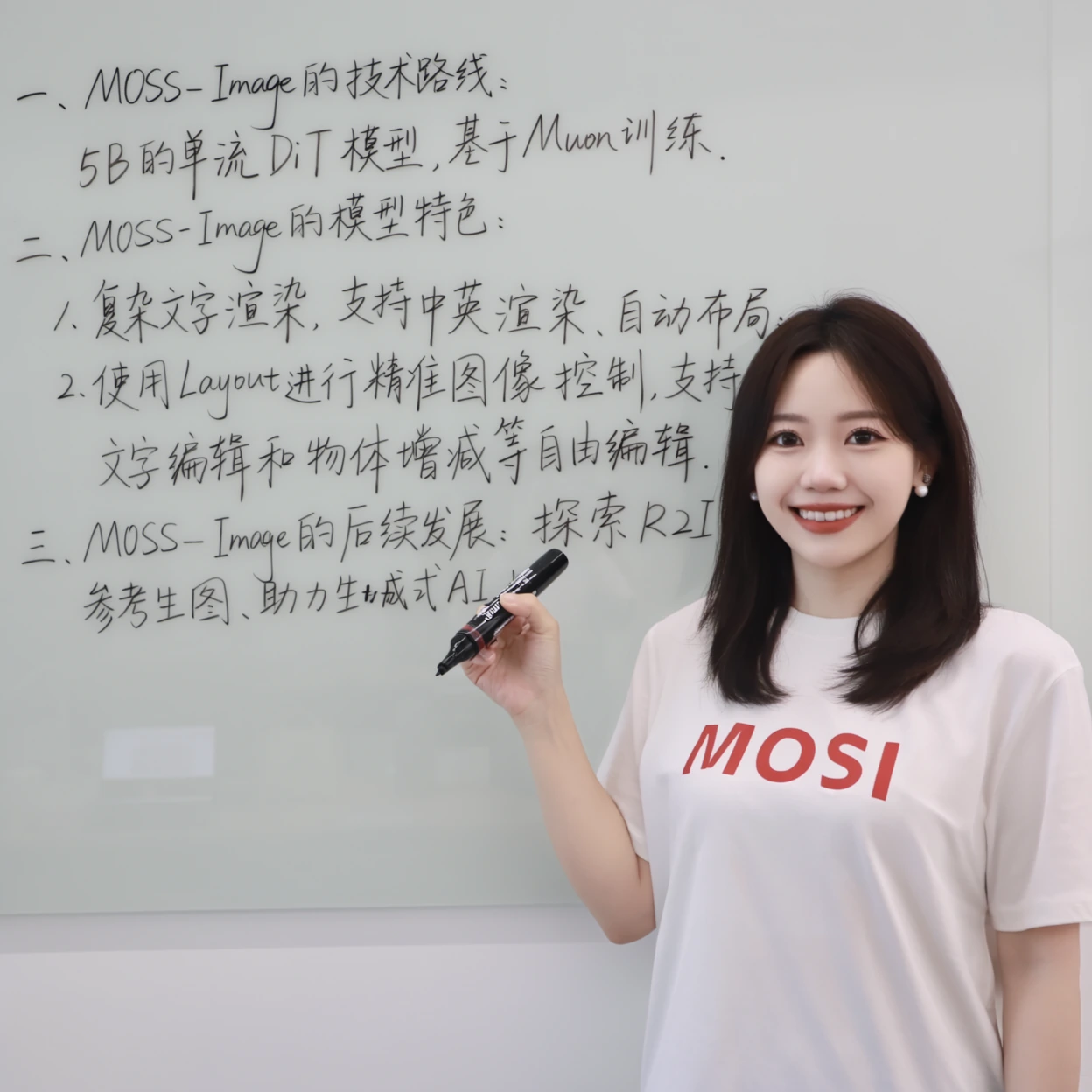
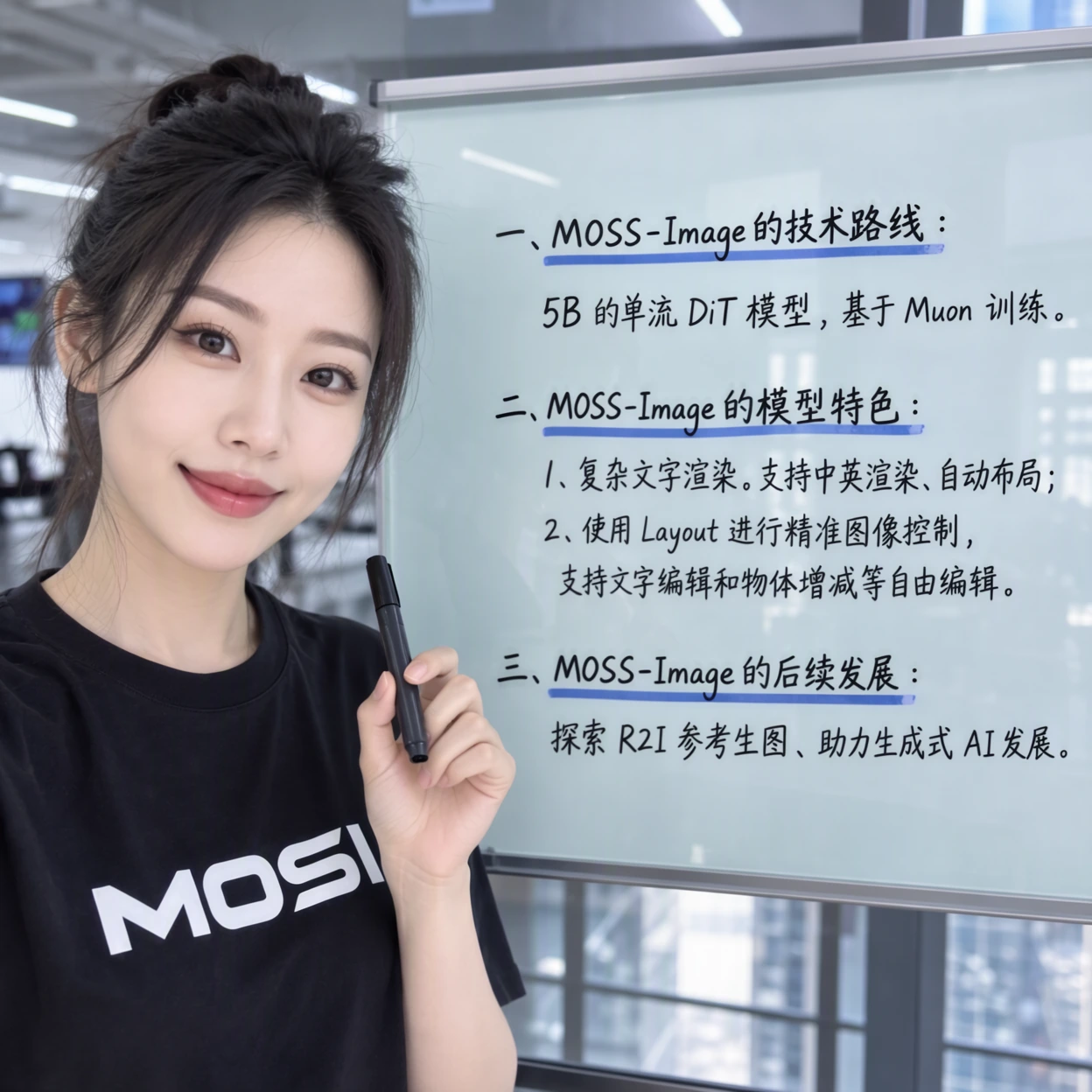
При нехватке видеопамяти придётся перейти на более медленные режимы памяти Component или Sequential. Компиляция DiT по умолчанию выключена, а в режиме Sequential она вообще недоступна.В чём разница между MOSS-Image-Base и MOSS-Image-SFT?Base — это предобученная основа для генерации изображений по тексту, а SFT дообучена на отобранных данных для более чёткой группировки текста и более упорядоченной компоновки. Это видно на примере сравнения с доской (whiteboard) в README.
Base — это предобученная основа для генерации изображений по тексту, а SFT дообучена на отобранных данных для более чёткой группировки текста и более упорядоченной компоновки. Это видно на примере сравнения с доской (whiteboard) в README.Как на самом деле работает управление раскладкой через JSON?Вы пишете файл layout.json с общим описанием (summary caption) и списком элементов. У каждого элемента есть метка, подпись, текст для отрисовки и рамка (bounding box) в пиксельных координатах относительно центра холста. Затем вставляете этот JSON в поле промпта в Gradio, указав такие же ширину и высоту, и так задаёте расположение текста и объектов.
Вы пишете файл layout.json с общим описанием (summary caption) и списком элементов. У каждого элемента есть метка, подпись, текст для отрисовки и рамка (bounding box) в пиксельных координатах относительно центра холста. Затем вставляете этот JSON в поле промпта в Gradio, указав такие же ширину и высоту, и так задаёте расположение текста и объектов.Для чего нужен навык Prompt Enhancer?Это навык для кодовых агентов семейства GPT, который превращает грубую идею изображения в подробную подпись или компактный Layout JSON с целочисленными координатами относительно центра. Результат вы вставляете в промпт MOSS-Image. Навык только оформляет промпты и никогда сам не обращается к сервису генерации изображений.
Это навык для кодовых агентов семейства GPT, который превращает грубую идею изображения в подробную подпись или компактный Layout JSON с целочисленными координатами относительно центра. Результат вы вставляете в промпт MOSS-Image. Навык только оформляет промпты и никогда сам не обращается к сервису генерации изображений.Насколько длинными могут быть текстовые промпты?MOSS-Image принимает промпты длиной до 4K токенов, так что можно писать подробные развёрнутые описания сцен, а не только короткие подписи.
MOSS-Image принимает промпты длиной до 4K токенов, так что можно писать подробные развёрнутые описания сцен, а не только короткие подписи.Какие есть похожие проекты?LTX-Video, Wan2.1, SMD, stable-diffusion-webui-colab, Z-Image, SolarRenderer, SolarWM, SenseNova-U1
LTX-Video, Wan2.1, SMD, stable-diffusion-webui-colab, Z-Image, SolarRenderer, SolarWM, SenseNova-U1В каких он темах?foundation-models, bilingual, gradio, comfyui, pretrained-models, text-to-image, diffusion-models, lora, fine-tuning, transformer, academic-research, image-generation
foundation-models, bilingual, gradio, comfyui, pretrained-models, text-to-image, diffusion-models, lora, fine-tuning, transformer, academic-research, image-generation