SurfSense: The Open-Source NotebookLM Alternative for Open Web Research
SurfSense is the open-source NotebookLM alternative for AI agents, an open web research platform with live data connectors. Your agents research the live web with structured data from Reddit, YouTube, Instagram, TikTok, Amazon, Walmart, Google Maps, Google Search, Indeed, and any page on the open web, through one REST API or MCP server. Scheduled and event-triggered agents turn what they find into briefs and alerts, and a built-in knowledge base keeps every finding searchable with citations.
[!NOTE]
📢 A note for our NotebookLM-alternative users
For the past couple of months we built SurfSense as the best general research agent for your own knowledge, and that chapter earned us a community we are genuinely proud of. Agentic tools like Claude, OpenCode, Hermes, and OpenClaw have now proven that agents are the future, and reasoning over a static index is becoming something every capable agent does out of the box. What agents still lack is live data from the places where answers actually live, and the workflows around it. That is where we are pointing all of our energy: giving agents the primitives to research the open web.
Nothing you rely on is going away. Your knowledge base, chat with citations, reports, podcasts, presentations, automations, and collaborative chats all keep working, and self-hosting stays free and open source. Read the full announcement on our changelog.
Ask any capable agent "what is Reddit saying about this product since launch?" or "what do the reviews of these ten places actually complain about?" and it has nowhere trustworthy to look. Official platform APIs are rate-limited, priced for enterprises, or missing entirely; scraping plumbing is brittle; and driving a browser with an LLM burns minutes and tokens per page. SurfSense gives agents the primitives instead:
One typed surface for wherever the data lives. Every connector is a REST endpoint returning structured JSON — posts, comments, transcripts, reviews, SERPs, pages. No rate-limit roulette, no HTML parsing, no browser loop.
An MCP server that exposes every connector as a native tool (surfsense_reddit_scrape, surfsense_google_search, and more) to Claude, Cursor, or any agent framework.
An agent harness, not just raw data: retries, structured output, and credit metering are built in, so agents go from a question to a cited brief without you building the plumbing.
Open source and self-hostable, so your research stays on your own infrastructure.
Live data connectors
Connector
What your agents get
Learn more
Reddit
Posts, comments, and subreddit streams without the official API's rate limits
The connector catalog is growing beyond social platforms and search; every new source lands as a typed endpoint on the same API and MCP server.
Billing is pay as you go: connectors bill per item actually returned, crawls per page successfully fetched, and failed calls are never billed. Self-hosted installs run with billing off. See pricing.
Quick start
Call a connector from code
Every connector is a REST endpoint you can call from any language with your SurfSense API key:
Your agent can now call every connector as a native tool. See the SurfSense MCP server page for the full tool list, or run the server locally from surfsense_mcp.
Use the cloud
Go to surfsense.com, log in, and ask the agent for live web data in plain English. New accounts start with $5 of free credit and no subscription.
Self-host for free
Run the entire platform, connectors, agents, automations, and the MCP server on your own infrastructure. Self-hosted installs ship with billing off, so scraping, crawling, and agent runs are limited only by your hardware and the model keys you bring.
Prerequisites:Docker Desktop must be installed and running.
The install script sets up Watchtower automatically for daily auto-updates. To skip it, add the --no-watchtower flag. For Docker Compose, manual installation, and other deployment options, see the docs.
Everything else in the box
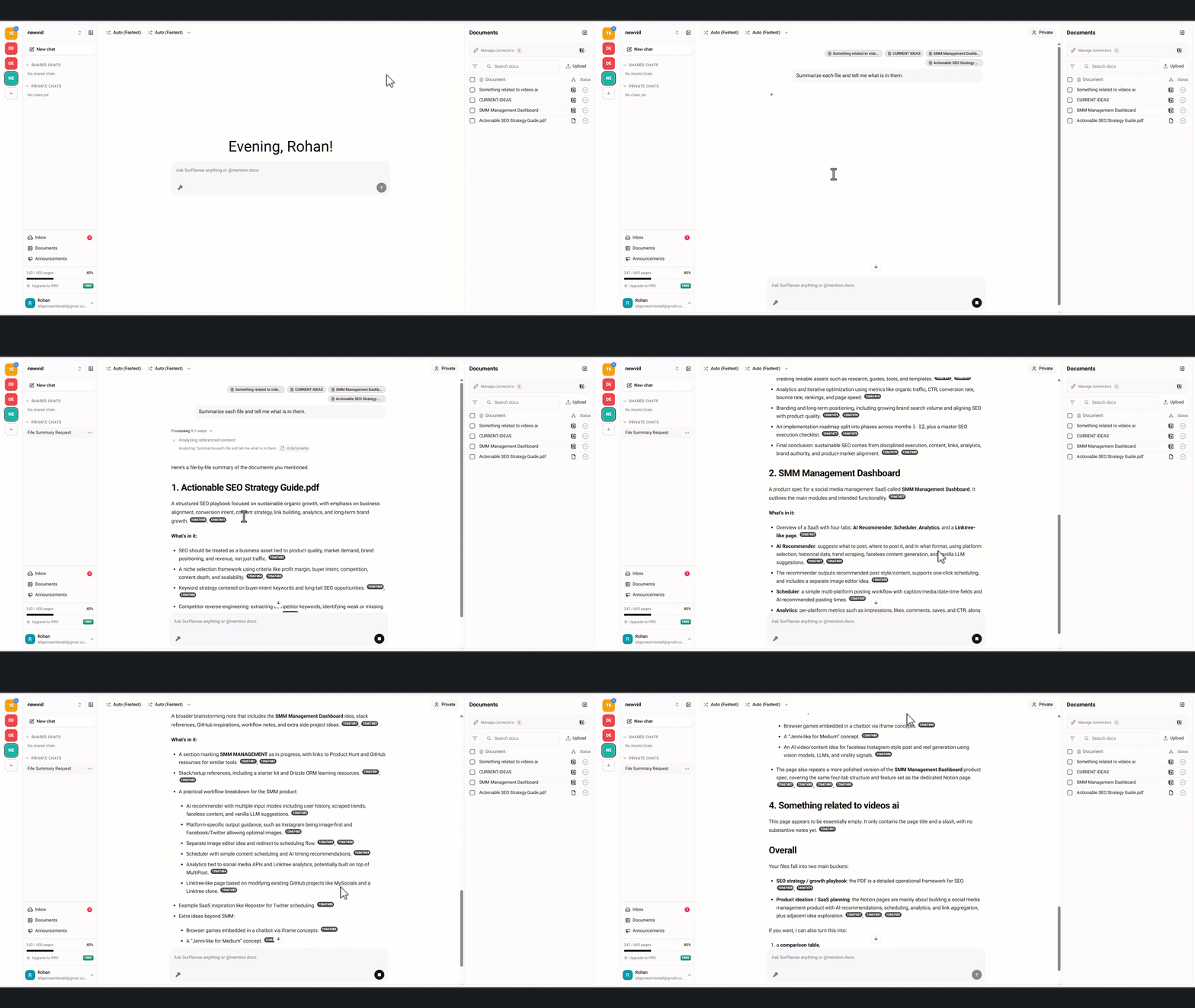
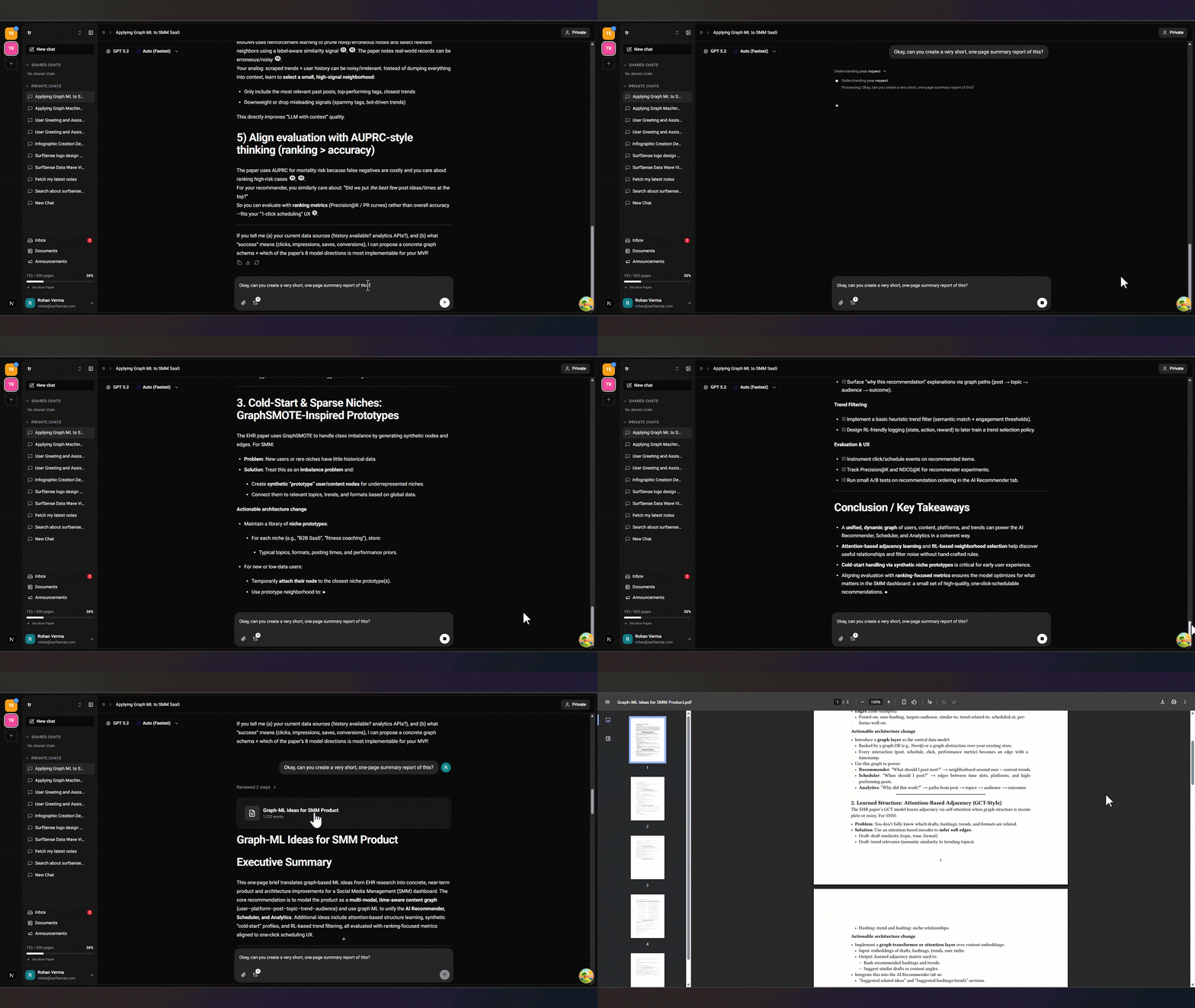
The research workspace that made SurfSense the leading open-source NotebookLM alternative is still here, and everything your agents gather lands in it.
Knowledge base
Upload PDFs, Office docs, images, and audio, or sync Google Drive, OneDrive, and Dropbox. 50+ file formats supported.
Hybrid semantic and full-text search with cited, Perplexity-style answers.
AI file sorting auto-organizes documents by source, date, and topic.
Deliverable studio
Downloadable AI artifacts for reports, resumes, documents, spreadsheets, and presentations.
Two-host AI podcasts from any document or folder in under 20 seconds.
Editable slide decks, narrated video overviews, and AI image generation.
Automations
Run full agent turns on a schedule or in response to events, described in plain English, with results written back to Notion, Slack, Linear, and Jira.
Team collaboration
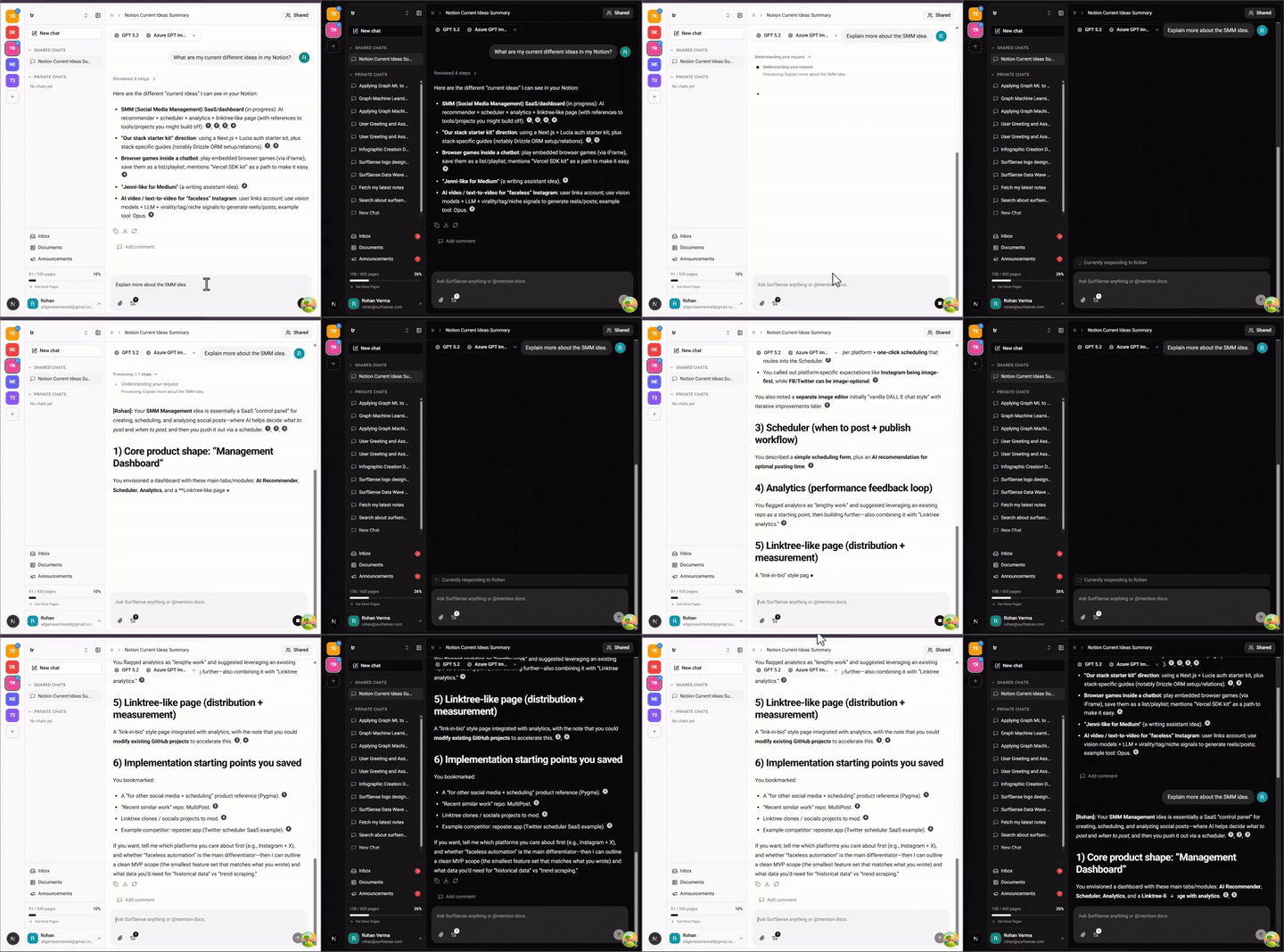
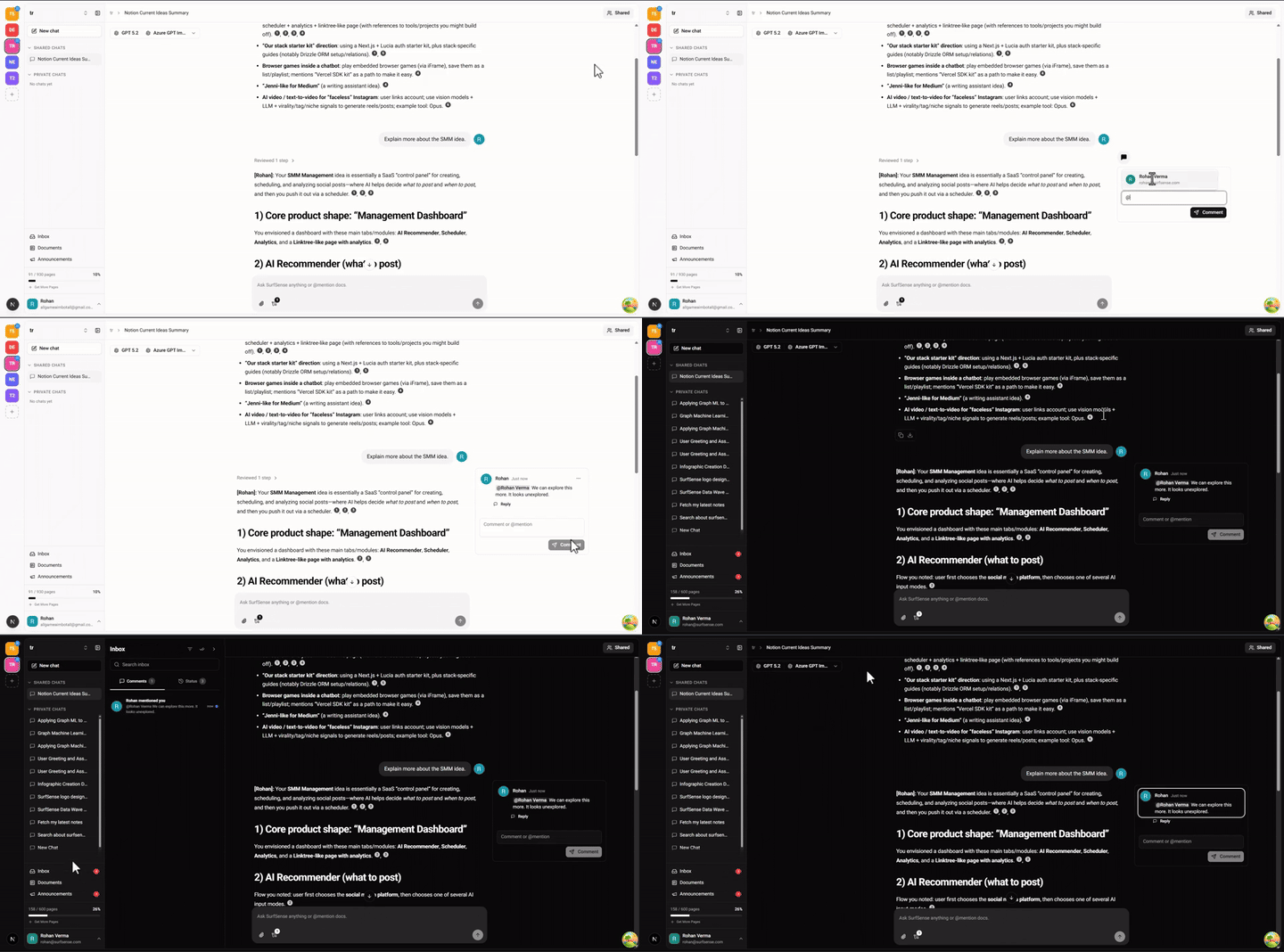
Real-time collaborative AI chats with comments and mentions.
RBAC with Owner, Admin, Editor, and Viewer roles.
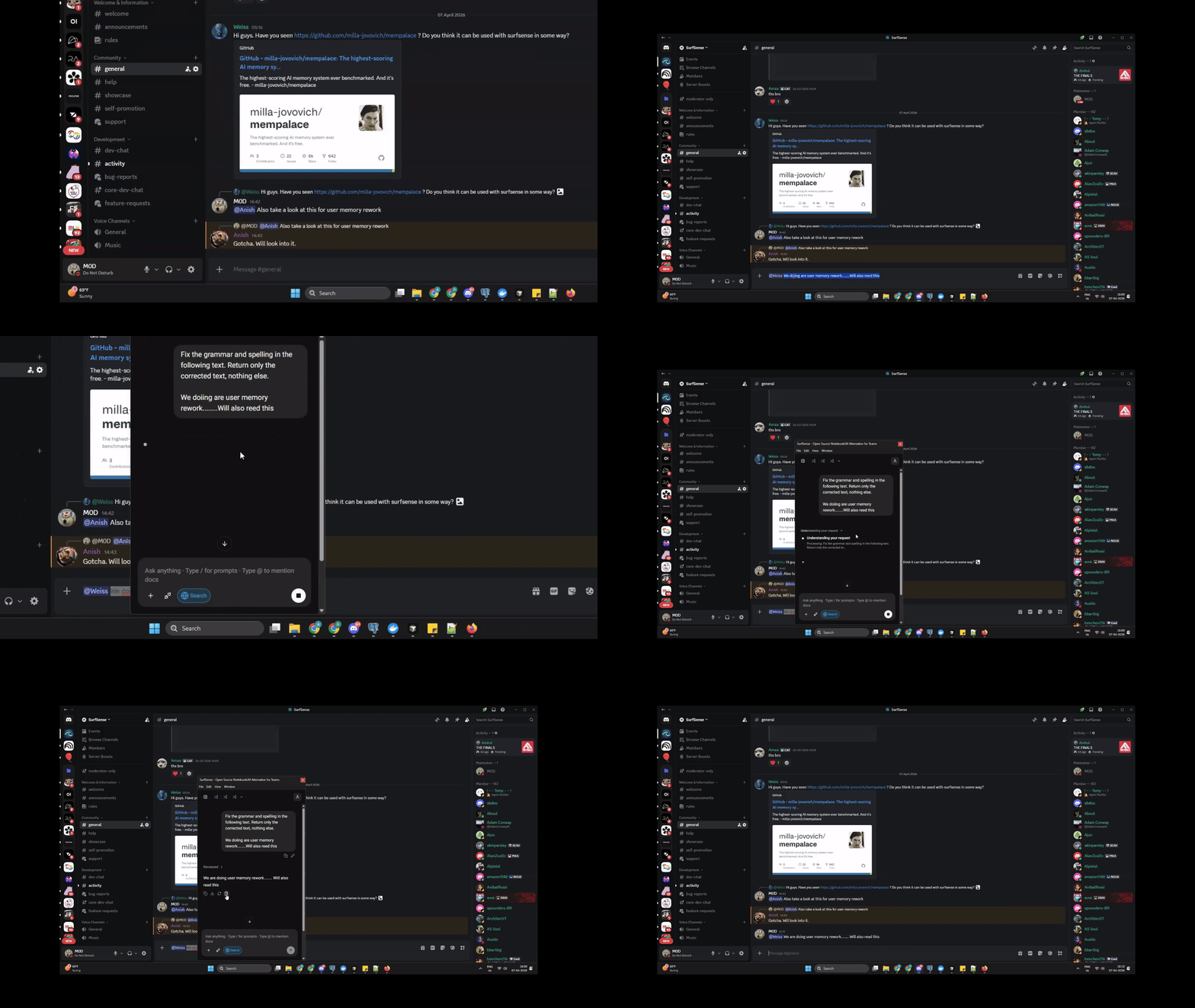
Desktop app
Native AI assistance in every application on your computer. Download from the latest release.
General Assist: launch SurfSense from any app with a global shortcut.
Quick Assist: select text anywhere, then ask AI to explain, rewrite, or act on it.
Screenshot Assist: capture any region of your screen and ask AI about it.
Watch Local Folder: auto-sync a local folder to your knowledge base. Point it at your Obsidian vault to keep your notes searchable.
No vendor lock-in
100+ LLMs via the OpenAI spec and LiteLLM, including GPT-5.5, Claude Sonnet 5, and Gemini 3.1 Pro.
6,000+ embedding models and all major rerankers.
Full local and private LLM support (vLLM, Ollama), so your data stays yours.
Go to the Manage Members page and create an invite.
A teammate joins and that workspace becomes shared.
Make a chat shared and work in it together in real time, with comments to tag teammates.
How SurfSense compares
SurfSense is the only open-source product that combines a NotebookLM-style research workspace for people with live-data primitives for agents. Here is how that stacks up against each class of tool.
vs browser agents (Browserbase, Browser Use). Browser agents drive a real browser with an LLM in the loop — the right tool when a task needs clicking, logging in, or filling forms. But most research is read-only retrieval, and for retrieval the LLM-in-a-browser loop costs you minutes and thousands of tokens per page. A SurfSense connector call is one HTTP request: seconds, deterministic, and zero tokens spent deciding where to click.
vs scraping APIs (Firecrawl). Scraping APIs are great at turning a generic page into markdown, but a markdown blob still leaves your agent parsing structure out of prose, and they degrade on bot-protected platforms like Reddit, TikTok, and Instagram. SurfSense connectors return platform-native structured items — posts, comments, transcripts, reviews — and bill only for items actually returned; failed calls are never billed.
vs search APIs (Exa, Tavily, Parallel). Search APIs answer from a web index, which is the right tool for "find me pages about X." They cannot pull a Reddit thread's comments, TikTok reactions, YouTube transcripts, or Google Maps reviews — the places where the answer often actually lives.
vs scraper marketplaces (Apify). Marketplaces give you thousands of community actors, each with its own schema, quality, and pricing. SurfSense is one typed API and one MCP server with an agent harness and a research workspace behind it, and it is open source.
SurfSense vs Google NotebookLM
Still comparing us as a NotebookLM alternative? Here is the honest breakdown.
Feature
Google NotebookLM
SurfSense
Live web data for agents
No
Reddit, YouTube, Instagram, TikTok, Amazon, Walmart, Google Maps, Google Search, Indeed, and web crawl connectors via REST API and MCP
MCP server
No
Every connector exposed as a native agent tool, plus bring-your-own MCP servers with one-click OAuth apps
Sources per Notebook
50 (Free) to 600 (Ultra, $249.99/mo)
Unlimited
Number of Notebooks
100 (Free) to 500 (paid tiers)
Unlimited
Source Size Limit
500,000 words / 200MB per source
No limit
Pricing
Free tier; Pro $19.99/mo, Ultra $249.99/mo
Free and open source to self-host; cloud is pay as you go with $5 free credit
LLM Support
Google Gemini only
100+ LLMs via OpenAI spec & LiteLLM
Embedding Models
Google only
6,000+ embedding models, all major rerankers
Local / Private LLMs
Not available
Full support (vLLM, Ollama), your data stays yours
Self Hostable
No
Yes, Docker one-liner or full Docker Compose
Open Source
No
Yes
Knowledge Base Sources
Google Drive, YouTube, websites
File uploads, Google Drive, OneDrive, Dropbox, local folder sync, and crawled pages
File Format Support
PDFs, Docs, Slides, Sheets, CSV, Word, EPUB, images, web URLs, YouTube
50+ formats: documents, images, videos via LlamaCloud, Unstructured, or Docling (local)
Search
Semantic search
Hybrid semantic + full-text with hierarchical indices & reciprocal rank fusion
Cited Answers
Yes
Yes, Perplexity-style cited responses
Agentic Architecture
No
Yes, powered by LangChain Deep Agents with planning, subagents, and file system access
AI Automations & Agents
No
Scheduled workflows, event triggers, and chat-built no-code automations with write-back to Notion, Slack, Linear & Jira
Real-Time Multiplayer
Shared notebooks with Viewer/Editor roles (no real-time chat)



 一个开源、可自托管的 NotebookLM 替代品:智能体通过连接器从实时网络(Reddit、YouTube、Amazon 等)拉取结构化数据,内置的知识库让每一条发现都可搜索并附带引用来源。