








What is this?
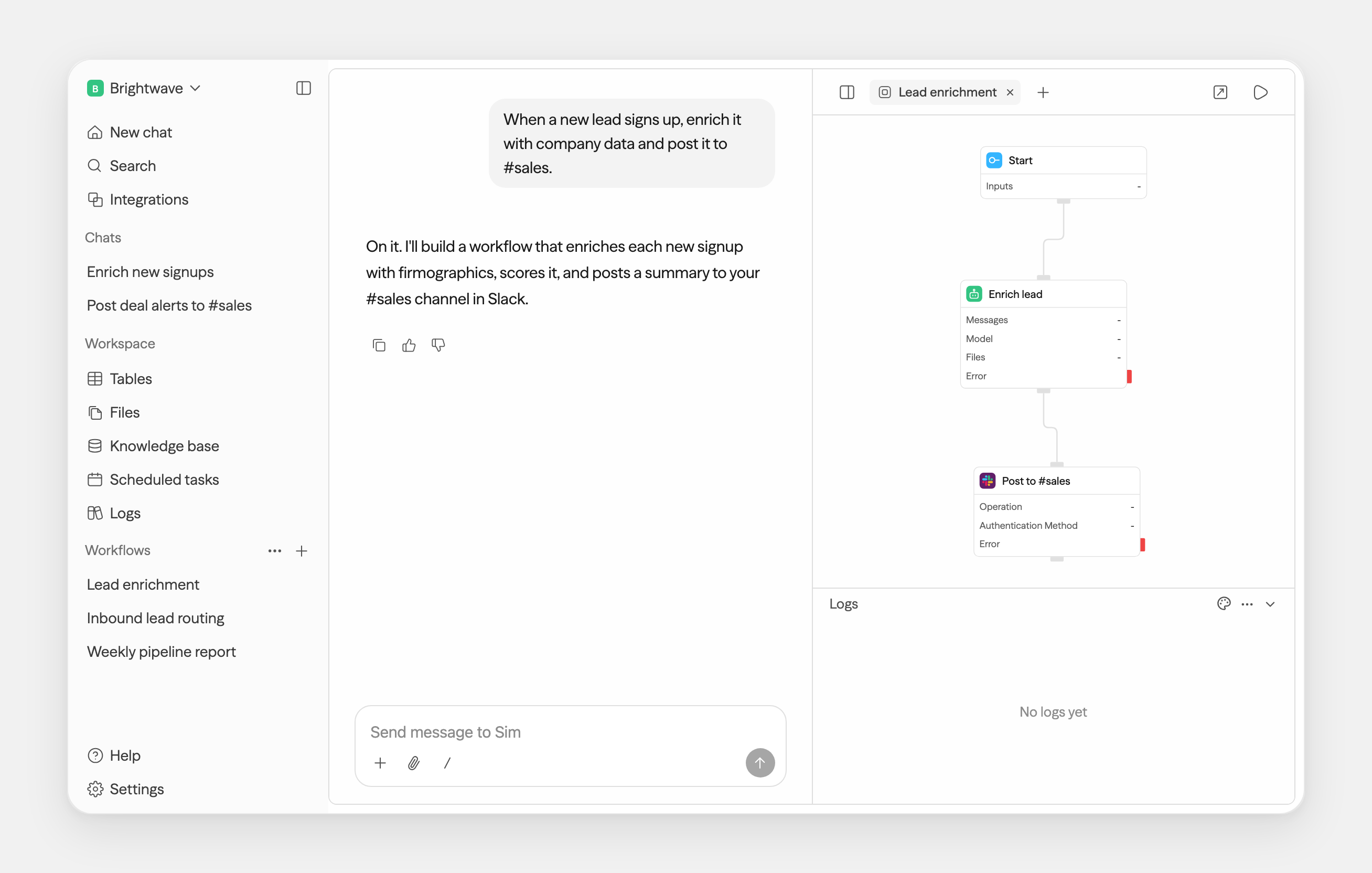
 Sim is a collaborative workspace for building, deploying, and monitoring AI agents and workflows, used by 100,000+ builders. Agents can be built visually, in chat, or with code.
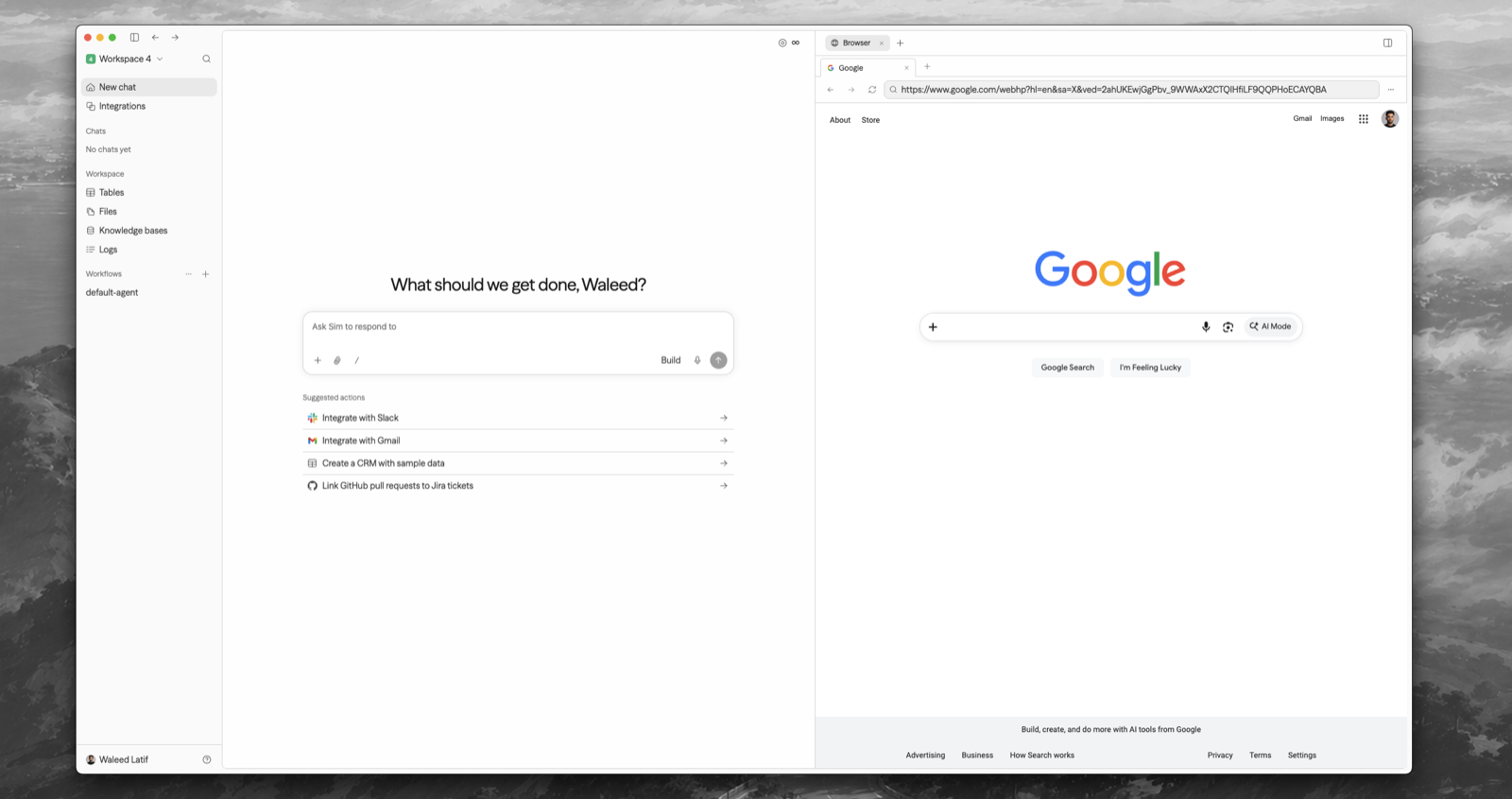
Sim is a collaborative workspace for building, deploying, and monitoring AI agents and workflows, used by 100,000+ builders. Agents can be built visually, in chat, or with code.Is it a hosted website, a desktop app, or something I run myself?All three. There's a cloud version at sim.ai, an open-source self-hosted deployment, and a macOS desktop app (12+, Apple Silicon and Intel) that can point at your own self-hosted instance.
All three. There's a cloud version at sim.ai, an open-source self-hosted deployment, and a macOS desktop app (12+, Apple Silicon and Intel) that can point at your own self-hosted instance.How do I self-host it?Install Node.js 20+ and Docker, then run 'npx sim-setup'. The wizard creates a sim/ directory, provisions the database, generates secrets, writes .env, and starts everything with Docker Compose — no repo clone needed.
Install Node.js 20+ and Docker, then run 'npx sim-setup'. The wizard creates a sim/ directory, provisions the database, generates secrets, writes .env, and starts everything with Docker Compose — no repo clone needed.Do I need paid API keys, or can I plug in local models?Both work. Major LLM providers are supported, and self-hosted installs can also run local models via Ollama and vLLM.
Both work. Major LLM providers are supported, and self-hosted installs can also run local models via Ollama and vLLM.If I self-host, does chat still run on Sim's servers?Yes — Chat is a Sim-managed service. The wizard connects a Chat API key for you (just sign in when it opens the browser); keys can be viewed, created, or revoked at sim.ai/selfhost/settings/chat-keys.
Yes — Chat is a Sim-managed service. The wizard connects a Chat API key for you (just sign in when it opens the browser); keys can be viewed, created, or revoked at sim.ai/selfhost/settings/chat-keys.What can agents connect to out of the box?Over 1,000 integrations and every major LLM — Slack, Notion, HubSpot, Salesforce, databases, and more. Agents can also ingest files, knowledge bases, and structured table data as context.
Over 1,000 integrations and every major LLM — Slack, Notion, HubSpot, Salesforce, databases, and more. Agents can also ingest files, knowledge bases, and structured table data as context.Is building an agent drag-and-drop or coding?Your choice: the README lists three ways — visually, conversationally, or with code. The flow editor underneath is ReactFlow, so visual building happens on a node canvas.
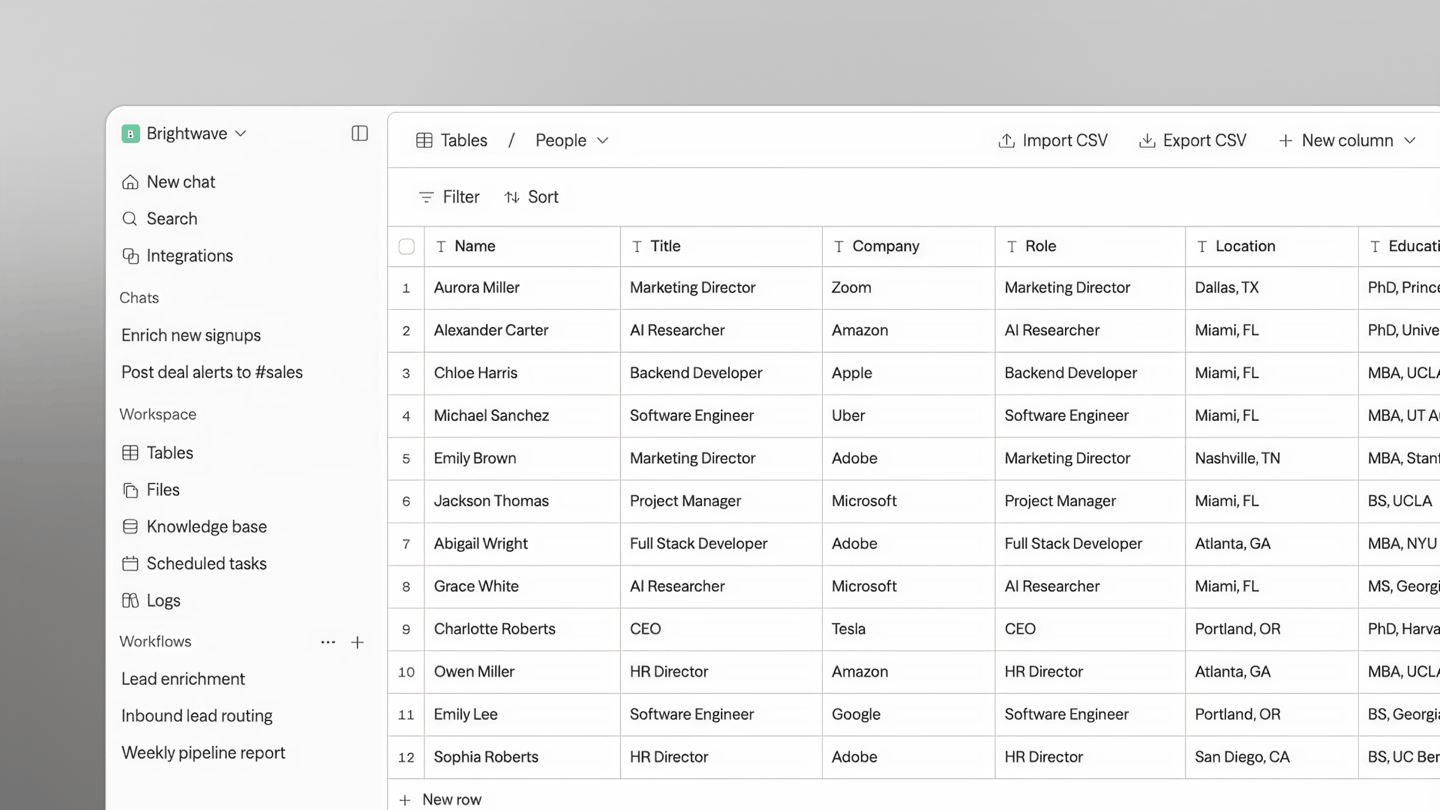
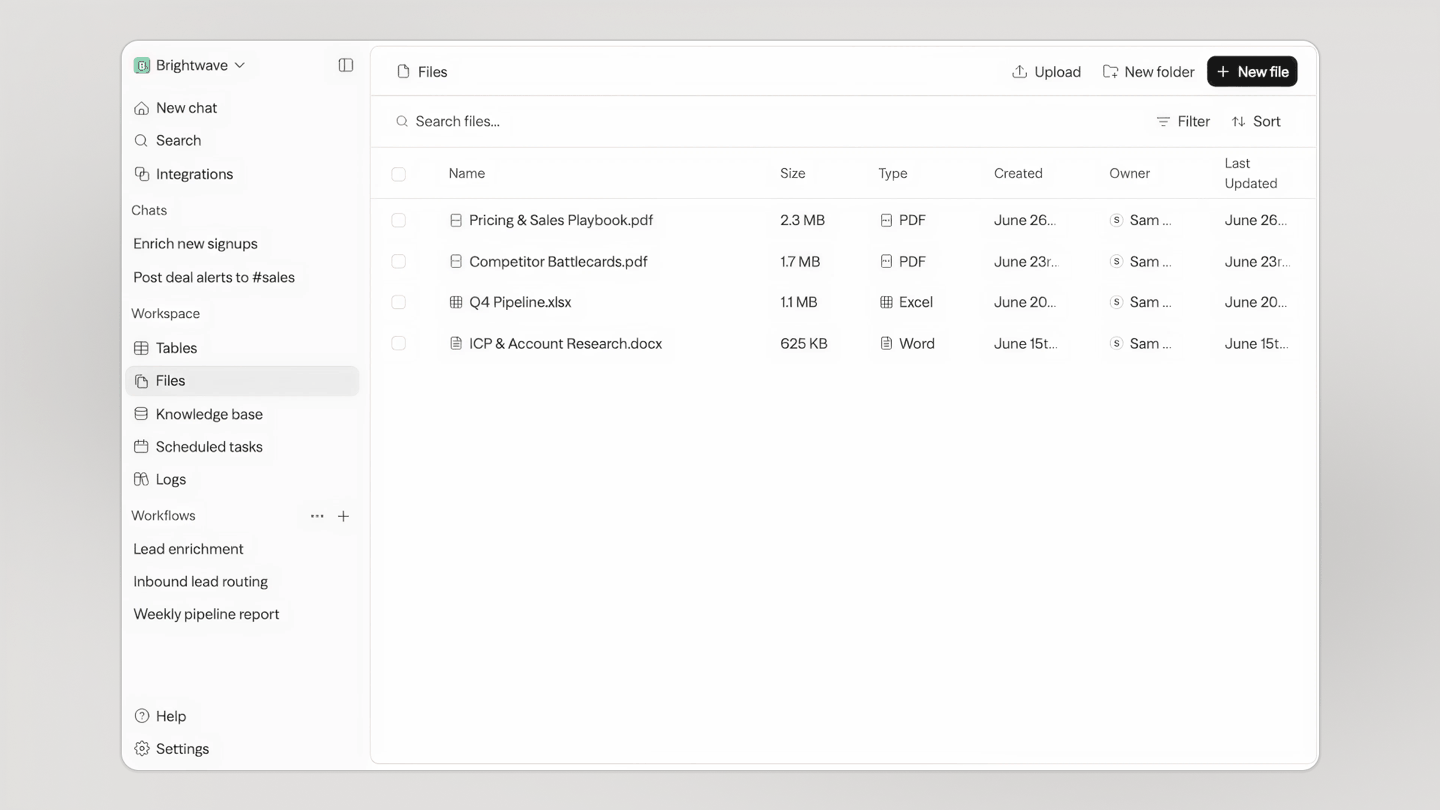
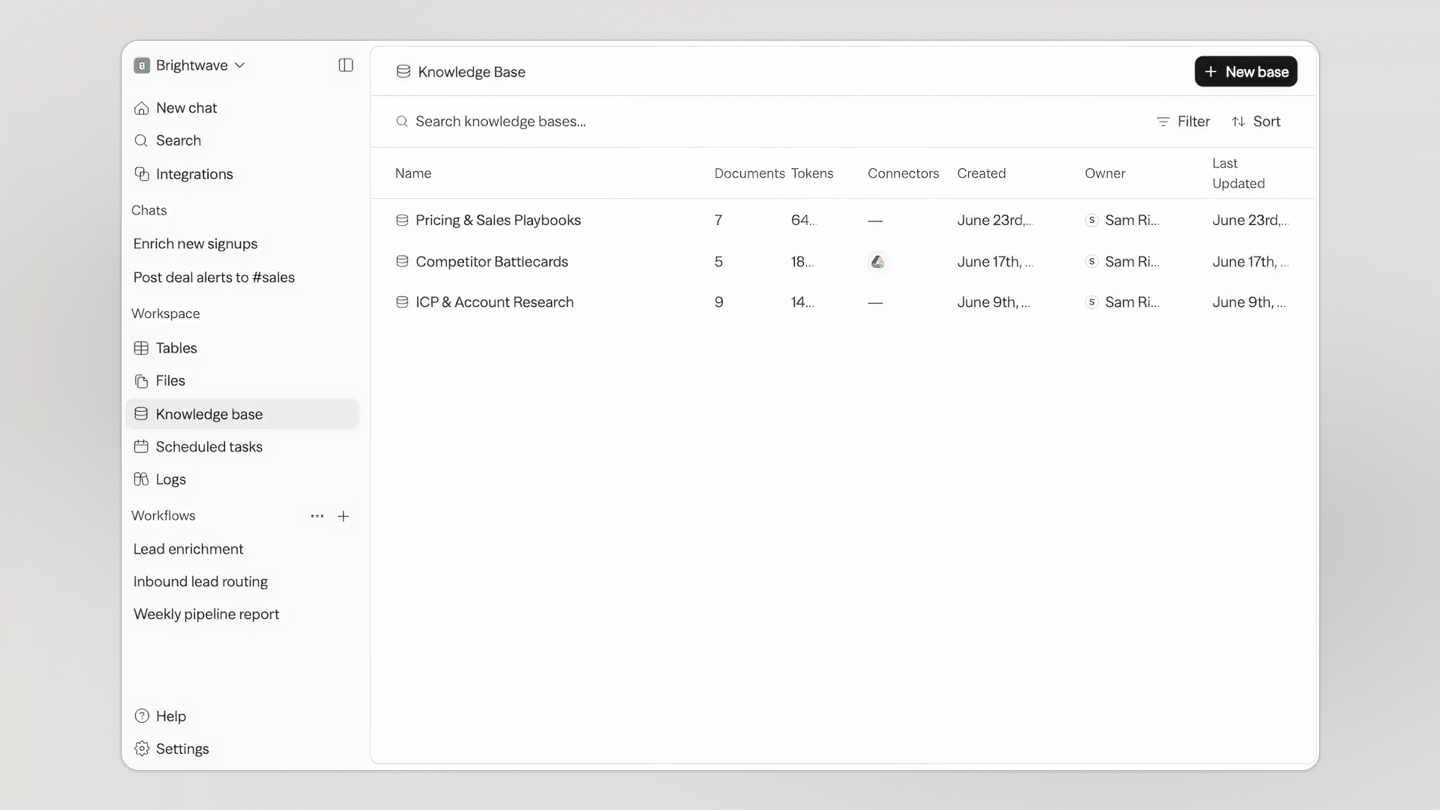
Your choice: the README lists three ways — visually, conversationally, or with code. The flow editor underneath is ReactFlow, so visual building happens on a node canvas.What else is in the workspace besides chat and workflows?Tables (a built-in database shared by your team and every agent), Files (one store for everything), and Knowledge — your agents' memory. All of it is reachable from the browser or the Mac desktop app.
Tables (a built-in database shared by your team and every agent), Files (one store for everything), and Knowledge — your agents' memory. All of it is reachable from the browser or the Mac desktop app.Can I see what my agents did after a run?Yes — the workspace monitors runs, logs, schedules, and workflow activity, so you can watch behavior and debug from the same place you build.
Yes — the workspace monitors runs, logs, schedules, and workflow activity, so you can watch behavior and debug from the same place you build.Which topics is it in?aiagents, agentic-workflow, low-code, no-code, vllm, workflow-automation, local-llm, knowledge-base, ollama, nextjs, artificial-intelligence, chatbot
aiagents, agentic-workflow, low-code, no-code, vllm, workflow-automation, local-llm, knowledge-base, ollama, nextjs, artificial-intelligence, chatbot