Topics / #registry-tweaks
Registry-tweaks projects on GitHub
Windows registry tweaks and system debloating utilities.
As of , the most-starred Registry-tweaks projects on GitHub are Microsoft-Activation-Scripts (194.9K stars), Win11Debloat (59.5K stars) and ExplorerPatcher (34.1K stars). GitHub.Locker tracks 20 Registry-tweaks repositories with 464.8K stars combined. The fastest-growing on October 17 was Microsoft-Activation-Scripts, with +125 stars in a day.
Hot right now
Most stars gained in a day · Oct 17
 +125
+125Microsoft-Activation-Scripts
massgravel/Microsoft-Activation-Scripts · ★ 194.9KMicrosoft Activation Scripts (MAS) is an open-source tool that activates Windows and Office using methods like HWID, Ohook, TSforge, and Online KMS, plus troubleshooting tools for failed activations.
 +87
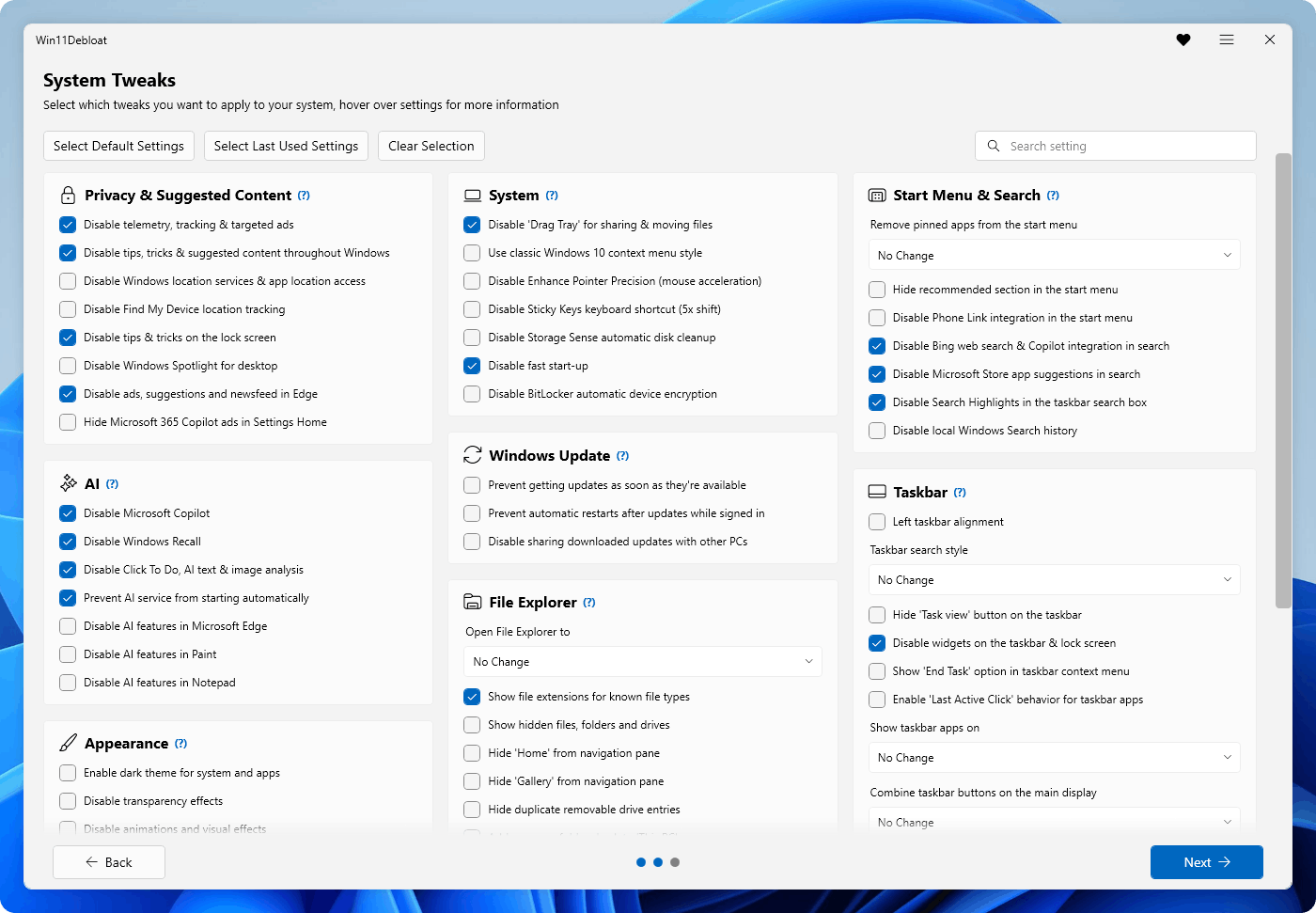
+87Win11Debloat
Raphire/Win11Debloat · ★ 59.5KWin11Debloat is a lightweight PowerShell script that removes pre-installed apps, disables telemetry, and tweaks the interface to declutter and customize Windows 10 and Windows 11.
Winhance
memstechtips/Winhance · ★ 13.9KWinhance is a free Windows enhancement utility that debloats, optimizes and customizes Windows 10 and 11, combining app management, privacy and performance tweaks, and theming in one GUI app.
 +51
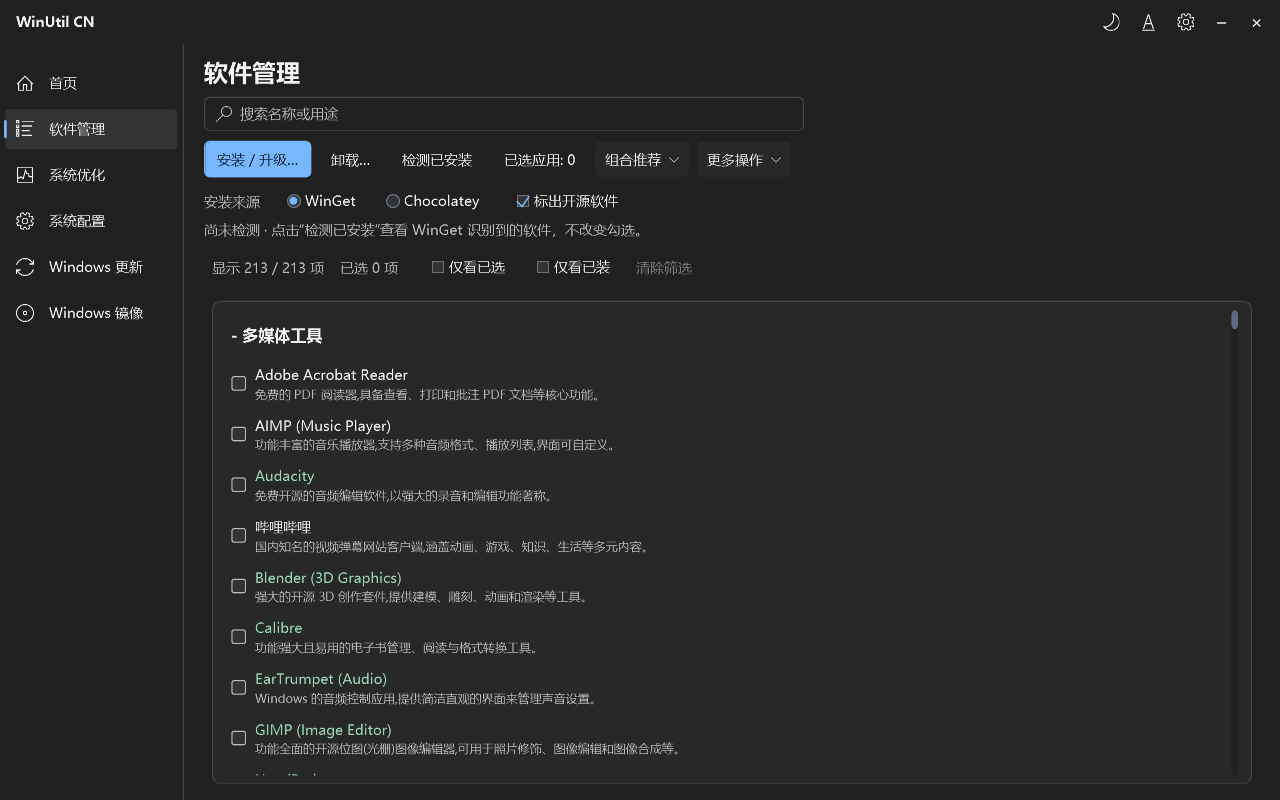
+51winutil-cn
yasewang1337-svg/winutil-cn · ★ 1.1KA Chinese-localized Windows 11 utility for managing software (install/upgrade/uninstall via WinGet or Chocolatey) and maintaining the system (tweaks, Windows Update control, Windows 10/11 ISO creation). It's a fork of Chris Titus Tech's Windows Utility, translated and maintained by Holha1337.
The all-time top
20 projects · by stars
- 194.9K#1 · massgravel/Microsoft-Activation-Scripts
Microsoft-Activation-Scripts
Microsoft Activation Scripts (MAS) is an open-source tool that activates Windows and Office using methods like HWID, Ohook, TSforge, and Online KMS, plus troubleshooting tools for failed activations.
- 59.5K#2 · Raphire/Win11Debloat
Win11Debloat
Win11Debloat is a lightweight PowerShell script that removes pre-installed apps, disables telemetry, and tweaks the interface to declutter and customize Windows 10 and Windows 11.
- 34.1K
 #3 · valinet/ExplorerPatcher
ExplorerPatcher
ExplorerPatcher is a Windows customization tool that restores and tweaks the classic Windows 10-style interface (taskbar, Start menu, Alt+Tab window switcher) on newer Windows versions like Windows 11.
- 4

Scoop
24.7KScoopInstaller/Scoop · PowerShellScoop is a command-line installer for Windows that lets you install apps from the terminal with minimal friction, similar to Homebrew on macOS.
- 5

ContextMenuManager
20.3KBluePointLilac/ContextMenuManager · C#ContextMenuManager is a Windows tool that lets you enable, disable, and customize right-click context menu items for files, folders, new-item menus, send-to, open-with, custom file formats, IE, and WinX menus.
- 6

Windows10Debloater
18.8KSycnex/Windows10Debloater · PowerShellA PowerShell script/utility that debloats Windows 10 by removing pre-installed apps, stopping some telemetry, preventing Cortana from being used as your search index, and disabling unnecessary scheduled tasks.
- 7

optimizer
18.2Khellzerg/optimizer · C#A free, open-source Windows utility that locks down privacy and security: it turns off telemetry, Cortana, OneDrive and other built-in components. The author recommends running it right after a fresh Windows installation for maximum benefit.
- 8

rdpwrap
16.9Kstascorp/rdpwrap · PascalRDP Wrapper Library enables Remote Desktop Host support and concurrent RDP sessions on Windows editions that normally restrict it (like Home editions), for home use.
- 9
Winhance
13.9Kmemstechtips/Winhance · C#Winhance is a free Windows enhancement utility that debloats, optimizes and customizes Windows 10 and 11, combining app management, privacy and performance tweaks, and theming in one GUI app.
- 10

RemoveWindowsAI
13.4Kzoicware/RemoveWindowsAI · PowerShellRemoveWindowsAI is a PowerShell script that force-removes Copilot, Recall, Image Creator and other AI features Microsoft keeps adding to Windows 11, to improve privacy, security and user experience.
- 11

mactype
12Ksnowie2000/mactype · C++MacType is a Windows utility that replaces the system's built-in font rasterizer to make text rendering look smoother and crisper, closer to macOS-style anti-aliasing.
- 12

optimizerDuck
10.5Kitsfatduck/optimizerDuck · C#A free, open-source Windows optimization app that gathers performance tweaks, privacy settings, bloatware removal and cleanup tools in one place, so you don't have to dig through the Registry, Group Policy or PowerShell.
- 13
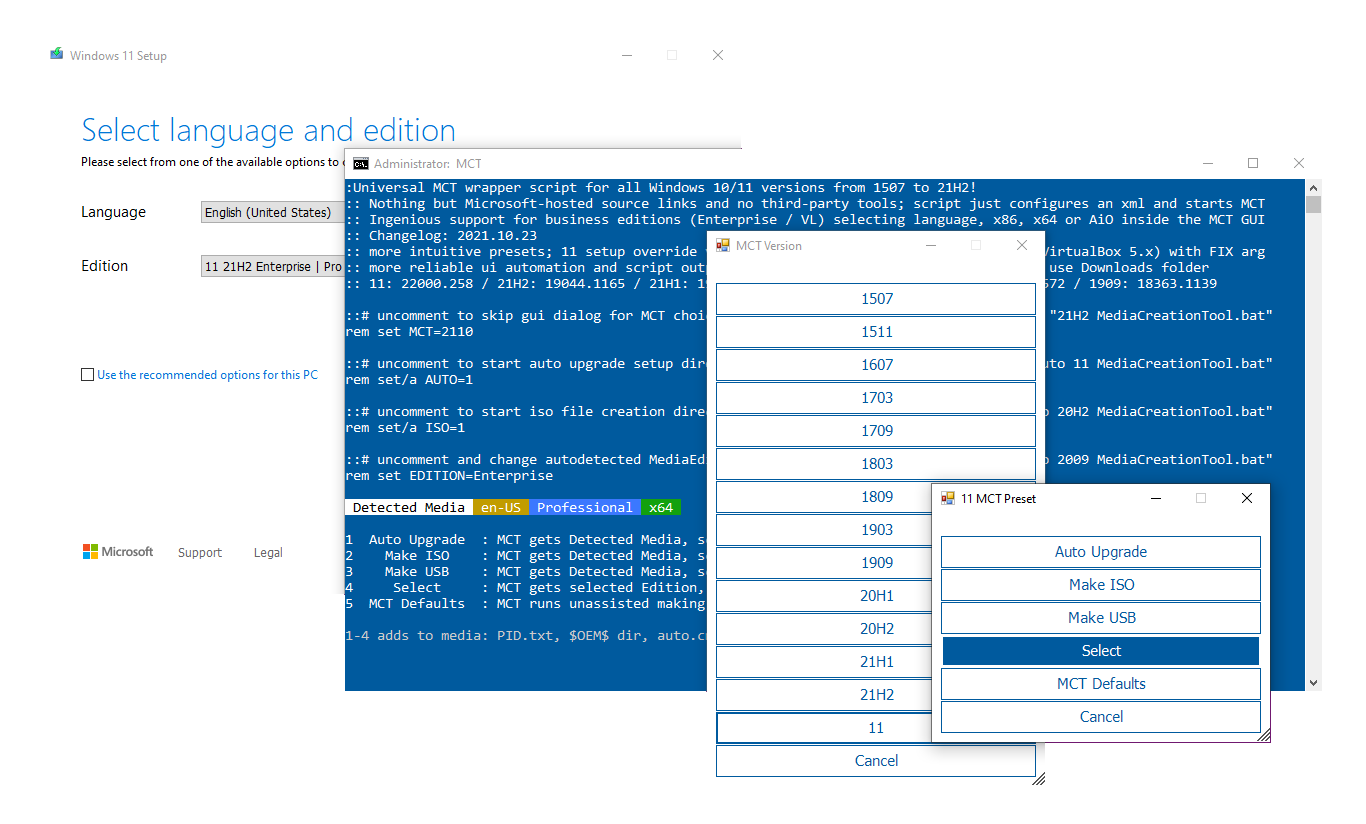
MediaCreationTool.bat
10.3KAveYo/MediaCreationTool.bat · BatchfileA universal wrapper script around Microsoft's official Media Creation Tool (MCT) that works for every Windows 10/11 release from build 1507 to 21H2, adding business-edition support and upgrade automation on top of the stock tool.
- 14
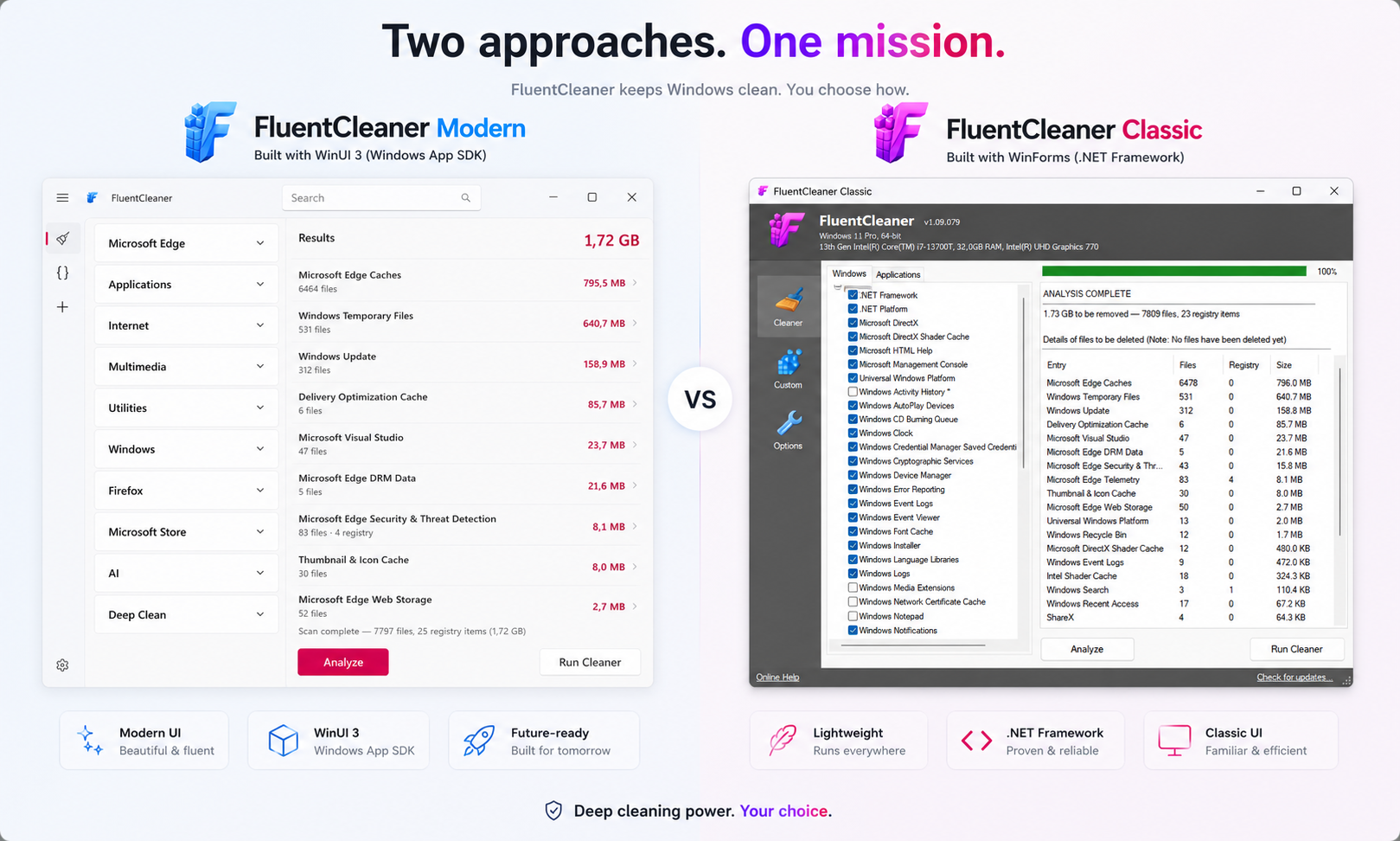
FluentCleaner
6.5Kbuiltbybel/FluentCleaner · C#FluentCleaner is a free, open-source alternative to CCleaner for Windows. It cleans junk files, browser cache, and temp data using the community-maintained winapp2.ini rule database, built with a modern WinUI 3 interface and no ads, upsells, or dark patterns.
- 15
tubatools
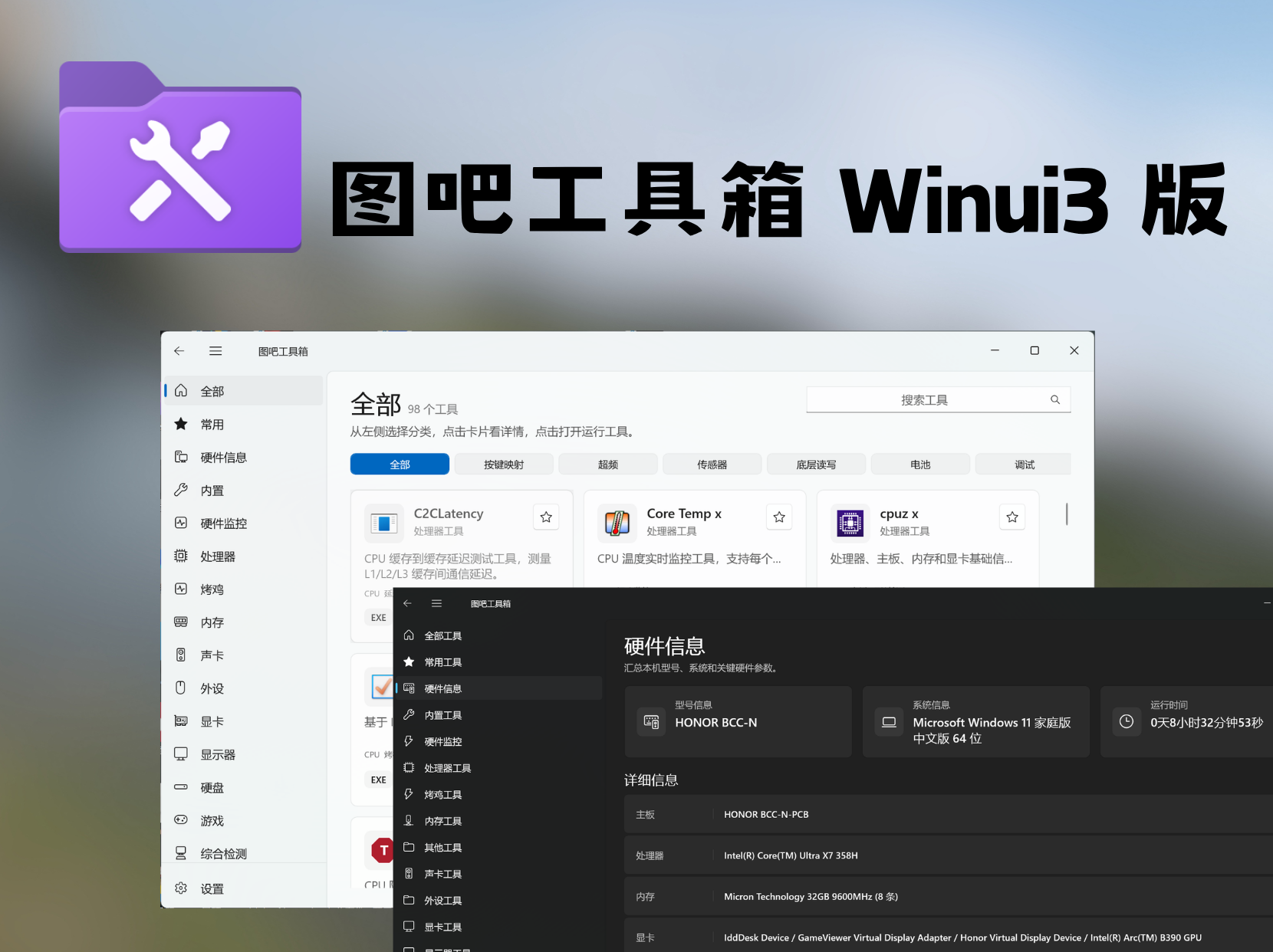
5.5Kluolangaga/tubatools · C#TubaTools (图吧工具箱CE) is a community-driven, open-source Windows toolbox rebuilt from scratch on WinUI 3 and .NET 10, bundling 45 built-in utilities plus one-click launchers for 82 third-party tools for hardware diagnostics, cleaning, benchmarking and more.
- 16
FluentTweaker
3.5Kbuiltbybel/FluentTweaker · C#FluentTweaker is a Windows tweaking app from the same author as FluentCleaner. Instead of cleaning files, it lets you adjust UI, taskbar, privacy, AI features, Explorer behavior, gaming tweaks, performance settings and hidden policies.
- 17
winutil-cn
1.1Kyasewang1337-svg/winutil-cn · PowerShellA Chinese-localized Windows 11 utility for managing software (install/upgrade/uninstall via WinGet or Chocolatey) and maintaining the system (tweaks, Windows Update control, Windows 10/11 ISO creation). It's a fork of Chris Titus Tech's Windows Utility, translated and maintained by Holha1337.
- 18

SteamDaddy-Backup
296Contrary7/SteamDaddy-Backup · PowerShellSteamDaddy is a Windows tool that replaces SteamTools and GreenLuma for unlocking Steam games and DLCs, fixing 'No Internet Connection' and purchase errors, managing game manifests, and auto-patching online multiplayer fixes, all from a native UI inside the Steam client.
- 19

UpdateLock
211hhht110/UpdateLock · C++This is a native Windows utility that automatically detects whether you're on Windows 7, 10, or 11, and applies the matching registry/service policies to turn off Windows Update, with a one-click way to undo it.
- 20

windows-cursor-scheme-fix
149Arcadeq/windows-cursor-scheme-fix · PowerShellA PowerShell workaround for a Windows 11 bug: custom mouse cursor themes are installed correctly, but the screen stays stuck on the classic Windows Aero cursors. It reloads all 14 cursor roles into the live session and can keep re-applying them from a background process.
Related topics
Often tagged together