




What is this?
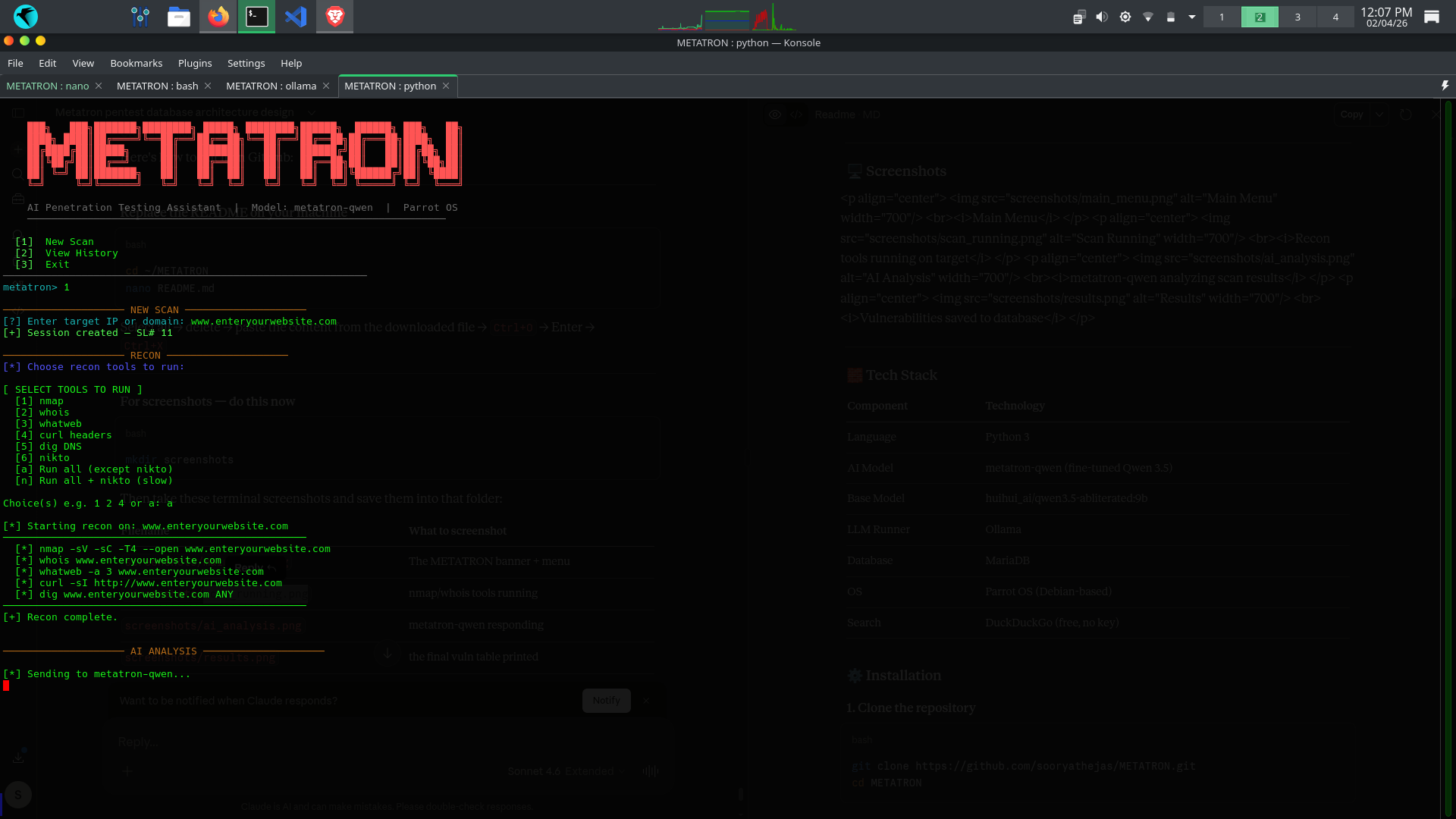
 Metatron is a CLI-based AI penetration testing assistant that runs real recon tools against a target and lets a locally-hosted LLM analyze the results, suggest exploits, and recommend fixes, with no cloud or API keys involved.
Metatron is a CLI-based AI penetration testing assistant that runs real recon tools against a target and lets a locally-hosted LLM analyze the results, suggest exploits, and recommend fixes, with no cloud or API keys involved.Is this a CLI tool or does it have a GUI?It's a terminal-based CLI app driven by a menu, run across two terminal tabs; output includes generated PDF/HTML reports rather than any graphical interface.
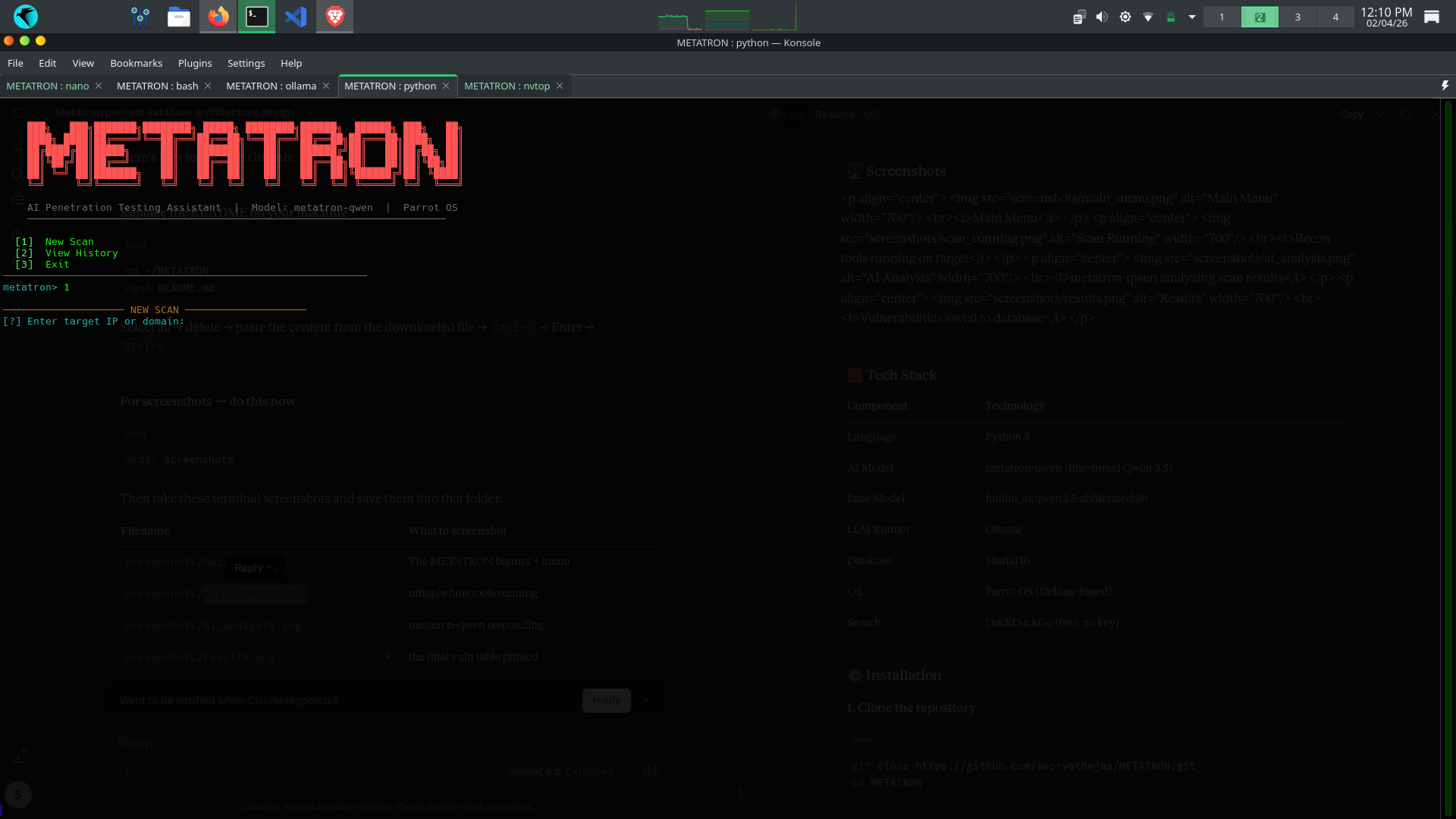
It's a terminal-based CLI app driven by a menu, run across two terminal tabs; output includes generated PDF/HTML reports rather than any graphical interface.How do I get it running?Clone the repo, create a Python virtual environment and install the Python and system tool dependencies, then set up Ollama and MariaDB before launching it — one terminal loads the AI model and keeps it running, a second terminal launches Metatron itself.
Clone the repo, create a Python virtual environment and install the Python and system tool dependencies, then set up Ollama and MariaDB before launching it — one terminal loads the AI model and keeps it running, a second terminal launches Metatron itself.What do I need installed before I can scan anything?You need Ollama to serve the local metatron-qwen model, a running MariaDB server for scan history, and the recon tools nmap, whois, whatweb, curl, dig and nikto on your Parrot OS/Debian-based system.
You need Ollama to serve the local metatron-qwen model, a running MariaDB server for scan history, and the recon tools nmap, whois, whatweb, curl, dig and nikto on your Parrot OS/Debian-based system.Do I need a powerful machine to run the AI model?Yes — the default metatron-qwen base model needs at least 8.4 GB of RAM; if your machine has less, you have to switch the Modelfile to the smaller 4b variant.
Yes — the default metatron-qwen base model needs at least 8.4 GB of RAM; if your machine has less, you have to switch the Modelfile to the smaller 4b variant.Does it only work on Parrot OS, or any Linux?It's built around Parrot OS, a Debian-based distro; the README doesn't confirm support on other Linux distributions, so a Debian/Parrot-style setup is the safest bet.
It's built around Parrot OS, a Debian-based distro; the README doesn't confirm support on other Linux distributions, so a Debian/Parrot-style setup is the safest bet.Does any of my scan data leave my machine?No — analysis runs on a local Ollama model and everything is stored in your own MariaDB database; the only outbound traffic is DuckDuckGo search and CVE lookups, which require no API key.
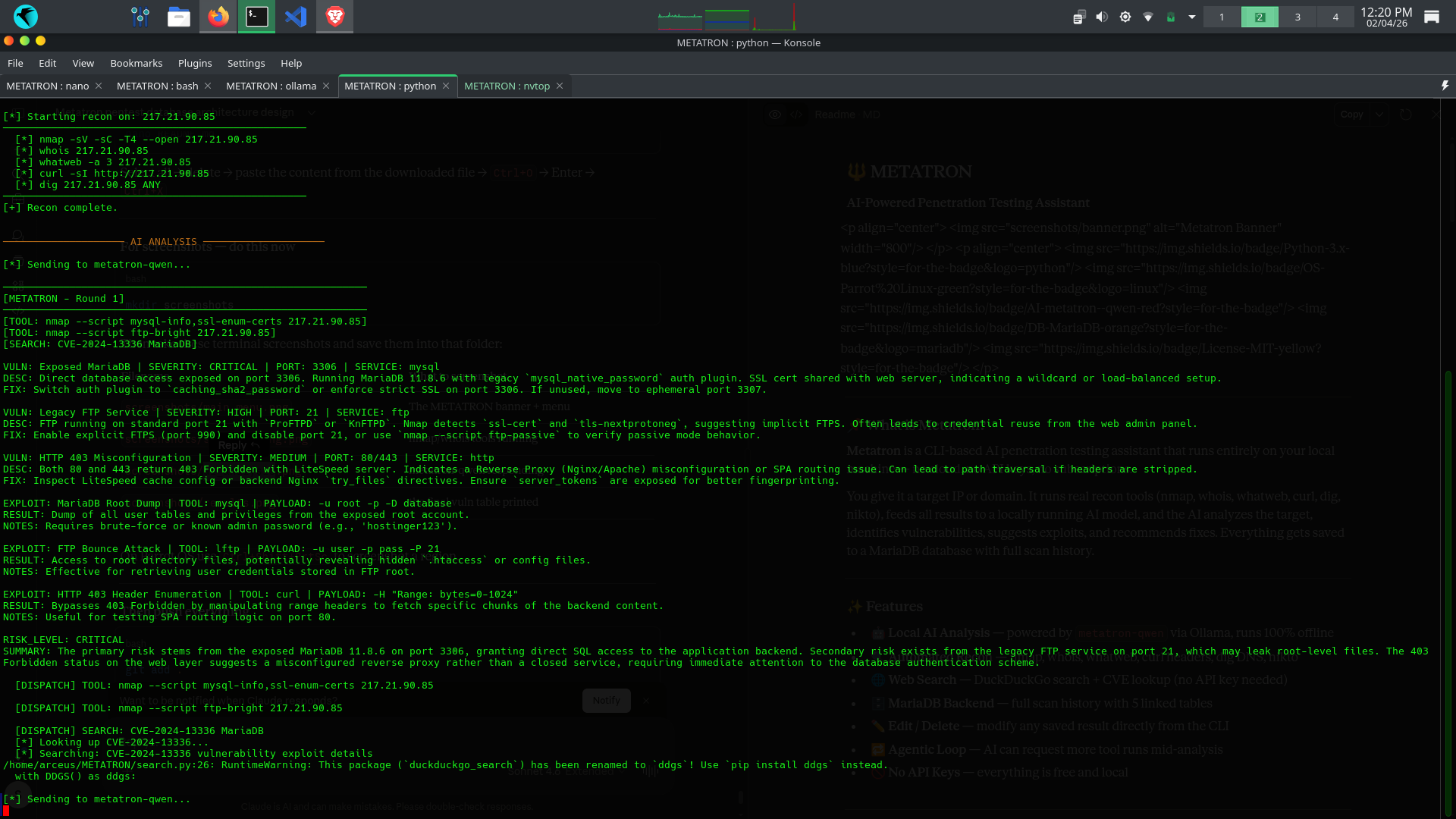
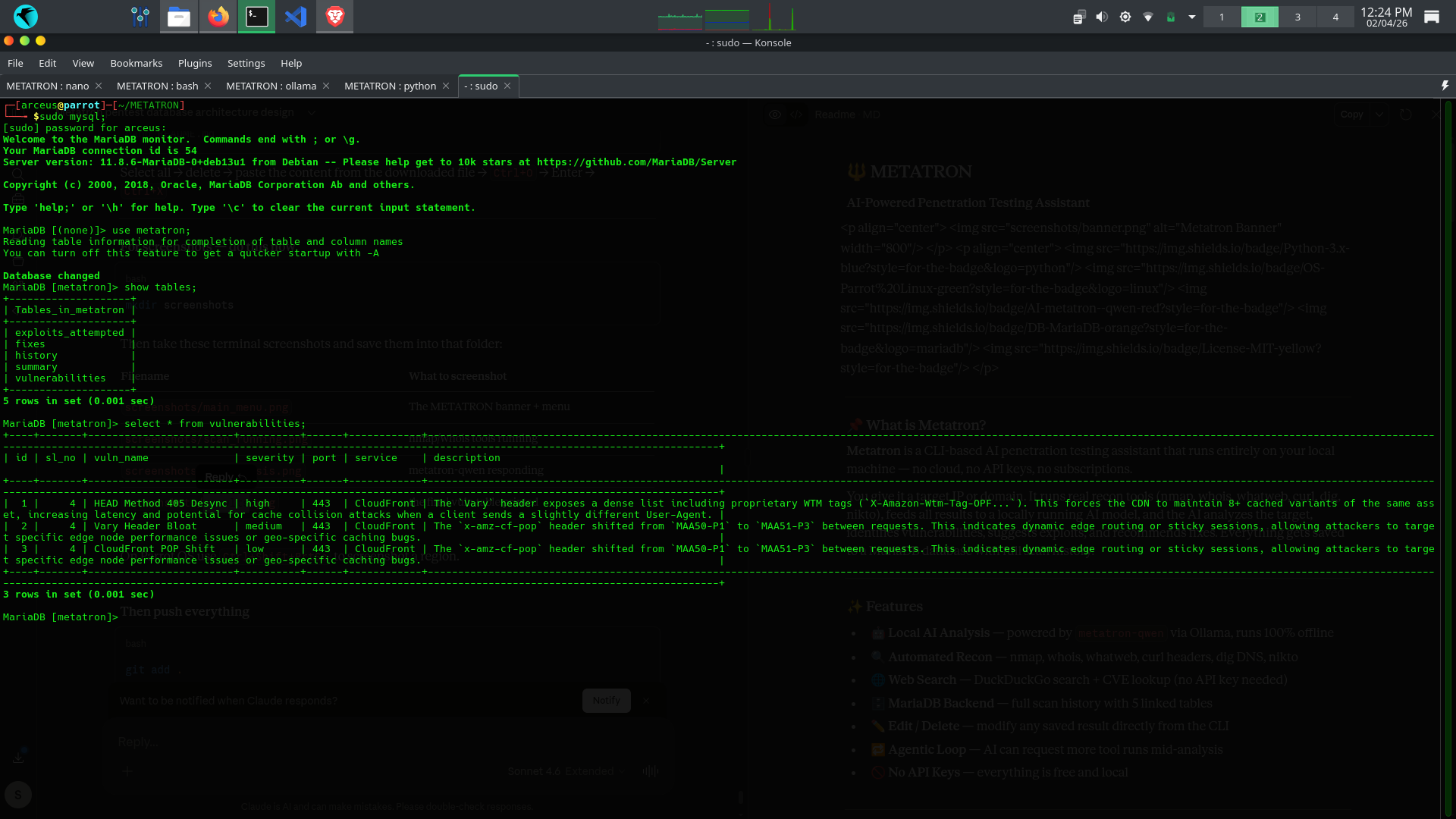
No — analysis runs on a local Ollama model and everything is stored in your own MariaDB database; the only outbound traffic is DuckDuckGo search and CVE lookups, which require no API key.What does the AI actually do with the recon output?It analyzes the combined nmap, whois, whatweb, nikto and dig results, identifies vulnerabilities, suggests possible exploits, and recommends fixes — and can request additional tool runs mid-analysis through its agentic loop.
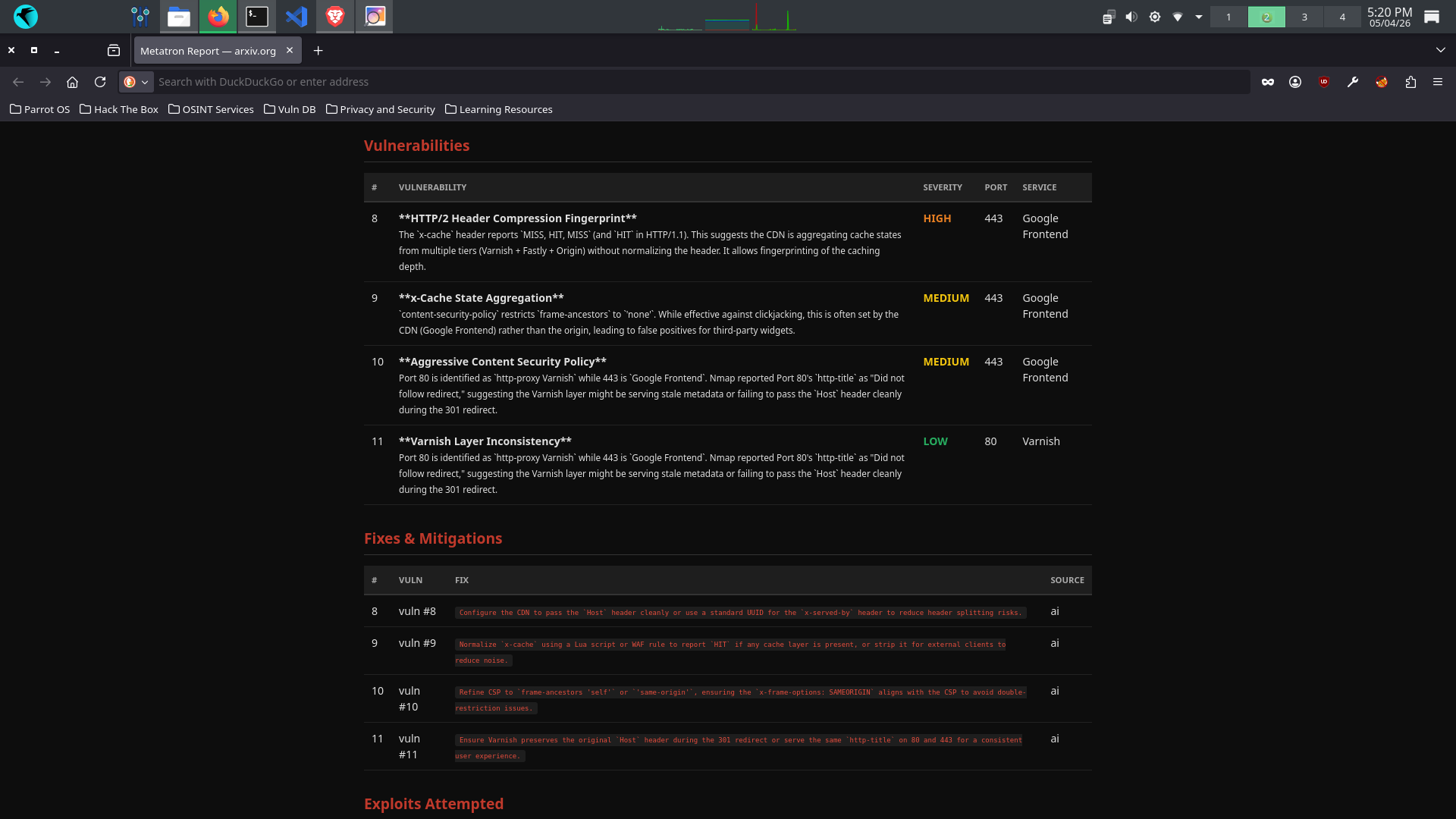
It analyzes the combined nmap, whois, whatweb, nikto and dig results, identifies vulnerabilities, suggests possible exploits, and recommends fixes — and can request additional tool runs mid-analysis through its agentic loop.Can I export my scan results?Yes, from the 'view history' menu you can export any saved scan as a professional PDF report or a browser-viewable HTML report.
Yes, from the 'view history' menu you can export any saved scan as a professional PDF report or a browser-viewable HTML report.Is it legal to scan any target with this?No — the README states it's for educational purposes and authorized testing only; scanning systems you don't own or lack written permission for is illegal.
No — the README states it's for educational purposes and authorized testing only; scanning systems you don't own or lack written permission for is illegal.What AI model powers the analysis?A custom fine-tuned model called metatron-qwen, built from the huihuiai/qwen3.5-abliterated:9b base model through Ollama, using a 16,384-token context window.
A custom fine-tuned model called metatron-qwen, built from the huihuiai/qwen3.5-abliterated:9b base model through Ollama, using a 16,384-token context window.What are similar projects?CVE-2026-62911, Claude-Red, Sn1per, Decepticon, evilginx2, bbot, EvilFontTool, masscan
CVE-2026-62911, Claude-Red, Sn1per, Decepticon, evilginx2, bbot, EvilFontTool, masscanWhich topics is it in?mariadb, reconnaissance, vulnerability, local-ai, network-security, python3, red-team, pentesting, penetration-testing, hacking, qwen, local-llm
mariadb, reconnaissance, vulnerability, local-ai, network-security, python3, red-team, pentesting, penetration-testing, hacking, qwen, local-llm