


What is this?
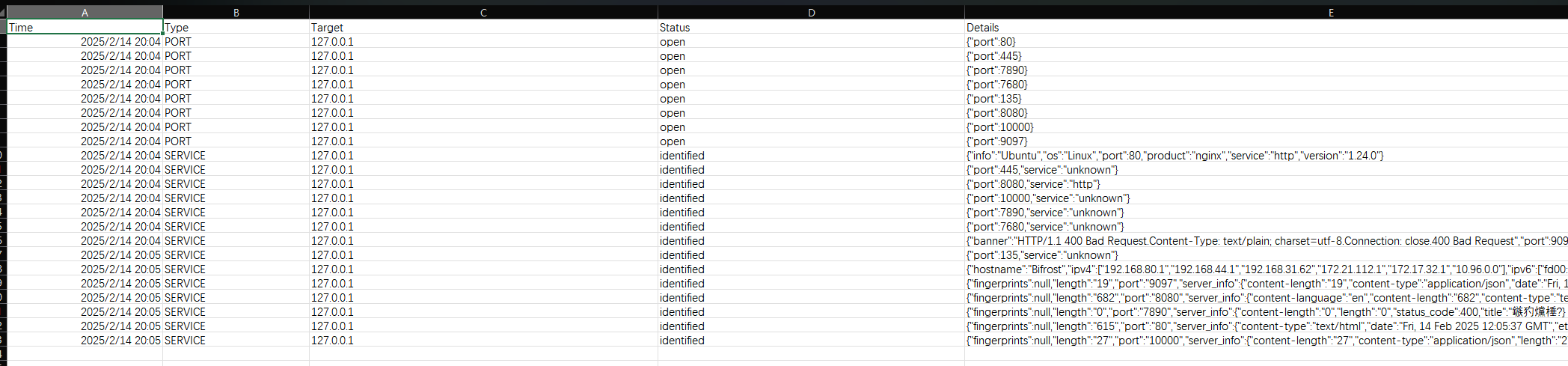
 fscan is an open-source intranet scanner written in Go: one command runs an all-round internal-network audit — host discovery, port scanning, service identification, weak-password brute force and vulnerability detection.
fscan is an open-source intranet scanner written in Go: one command runs an all-round internal-network audit — host discovery, port scanning, service identification, weak-password brute force and vulnerability detection.Do I drive it from the terminal, or does it have an interface?It is a command-line tool — a single binary you run with flags. An optional web UI for managing scan tasks exists too, but you have to compile it in with the -tags web build tag.
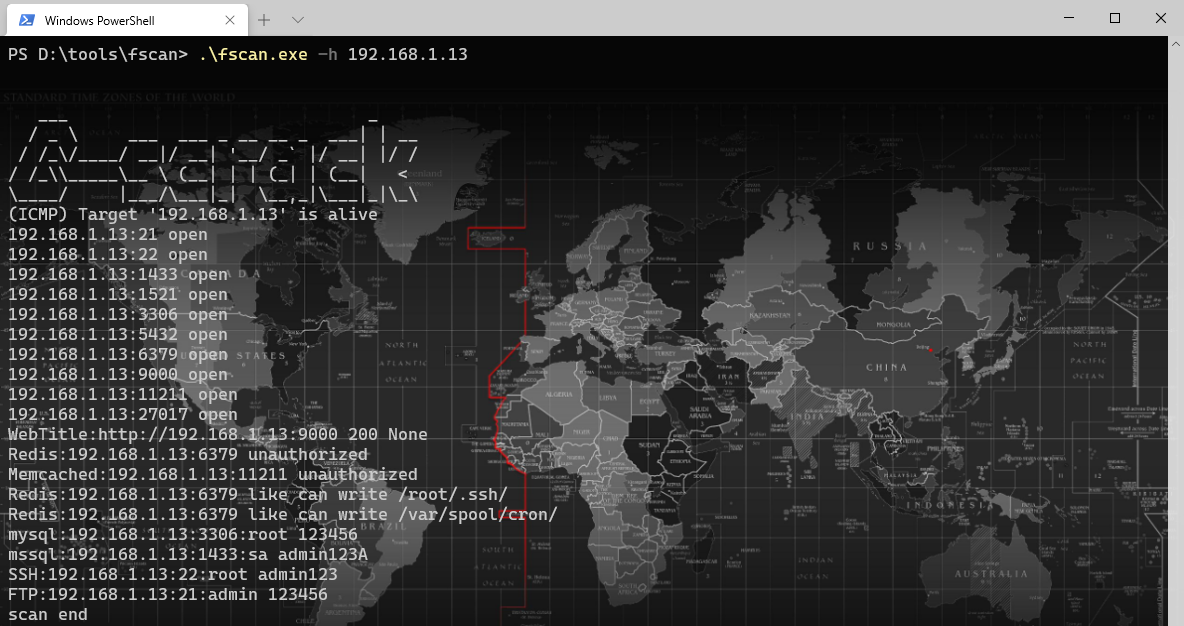
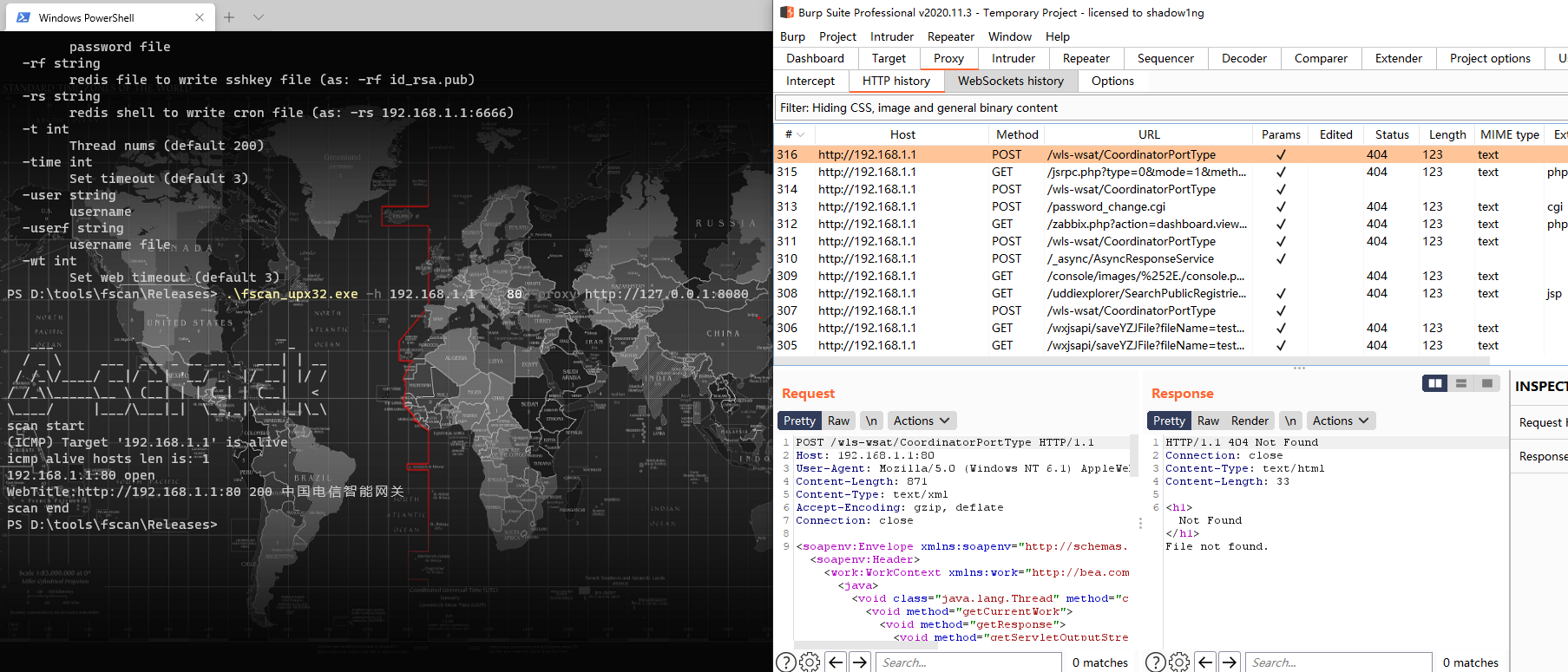
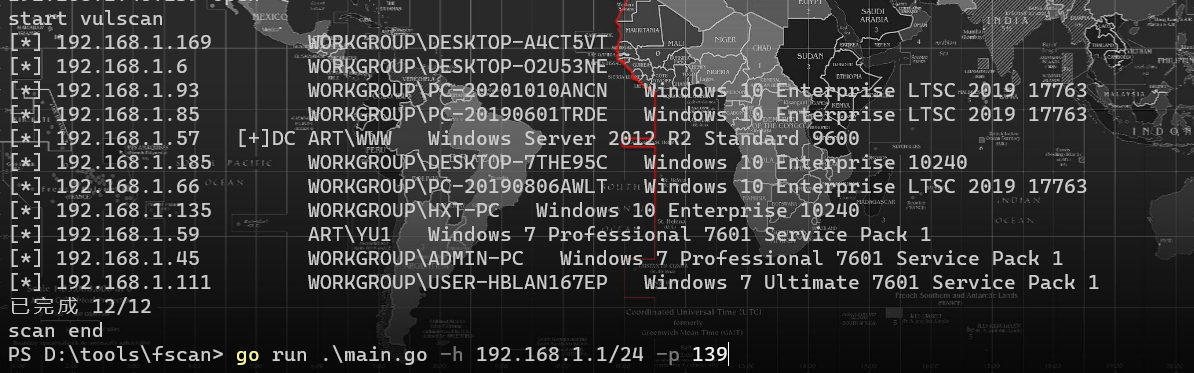
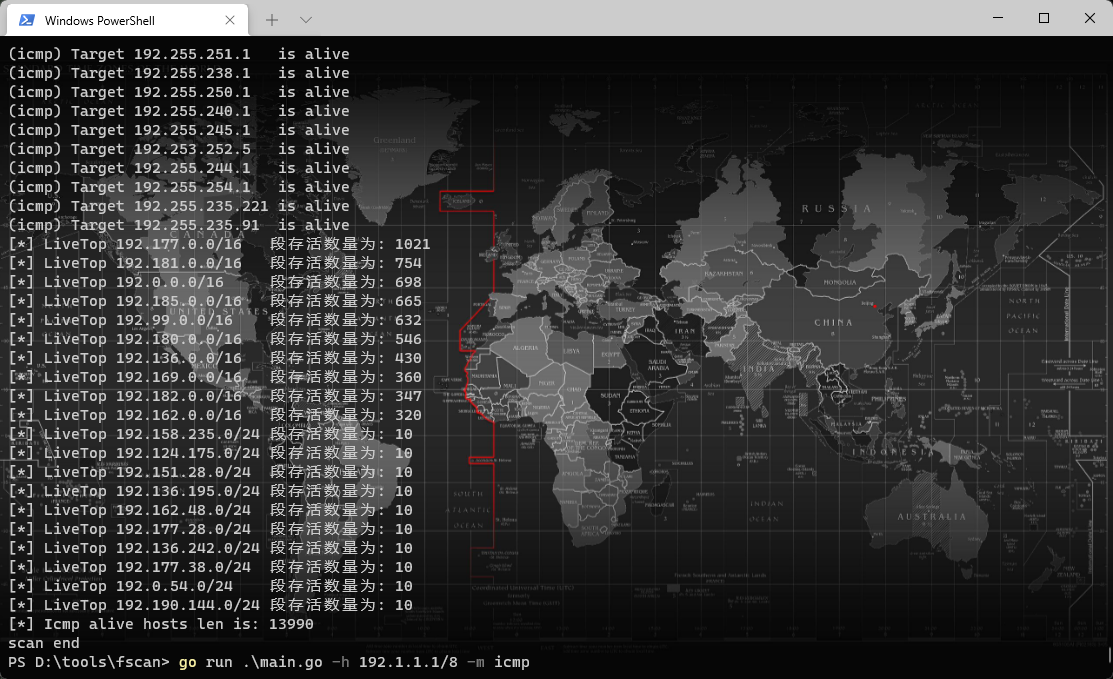
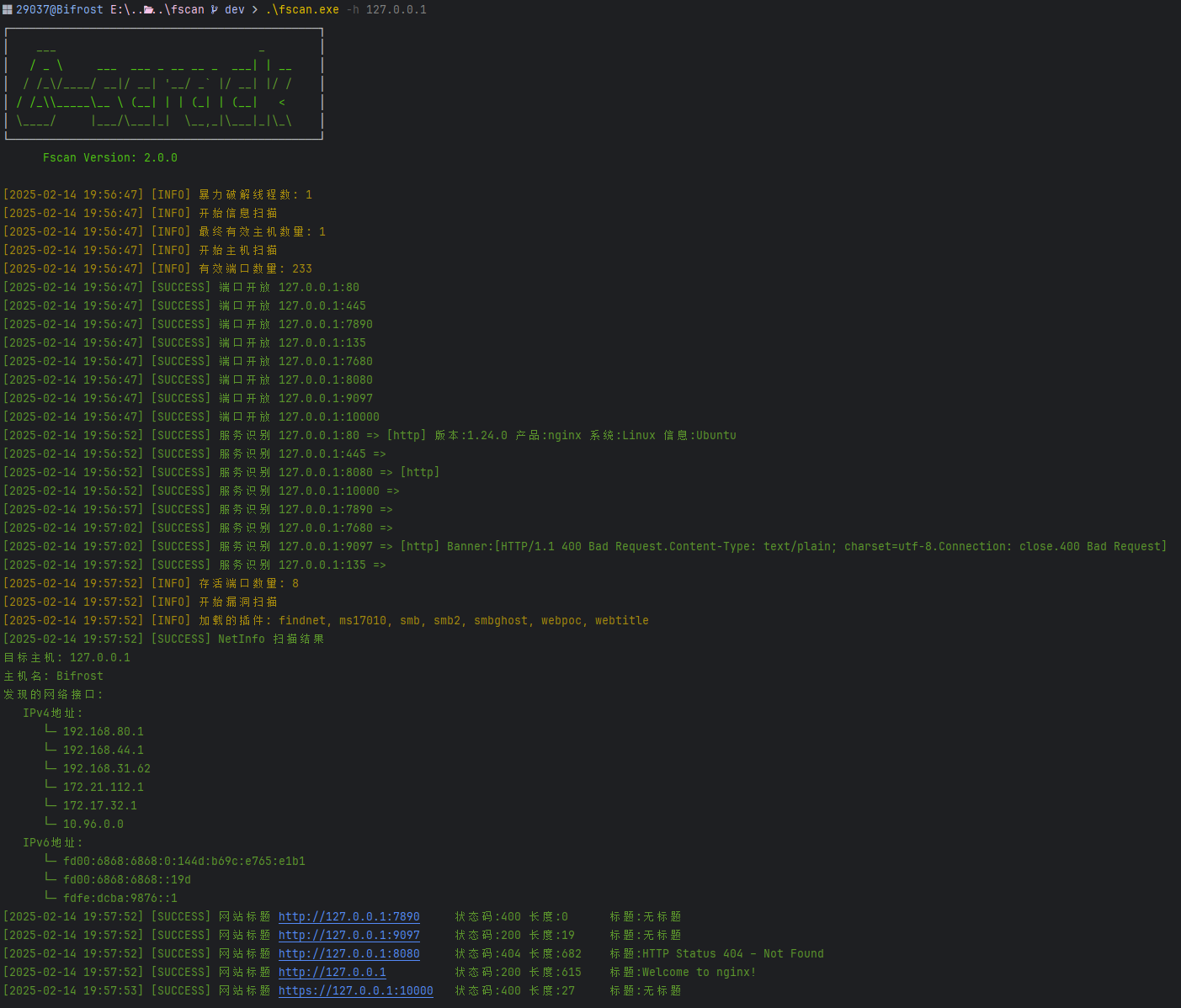
It is a command-line tool — a single binary you run with flags. An optional web UI for managing scan tasks exists too, but you have to compile it in with the -tags web build tag.How do I run my first scan?Grab or build the binary and pass a target with -h: fscan.exe -h 192.168.x.x. Targets accept IPs, CIDR ranges, domains, URLs or bulk import from a file, and builds exist for Windows, Linux and macOS.
Grab or build the binary and pass a target with -h: fscan.exe -h 192.168.x.x. Targets accept IPs, CIDR ranges, domains, URLs or bulk import from a file, and builds exist for Windows, Linux and macOS.Am I allowed to point it at any network I can reach?No. The README restricts it to legally authorized enterprise security testing: get permission first, comply with local law, and the author accepts no responsibility for illegal use.
No. The README restricts it to legally authorized enterprise security testing: get permission first, comply with local law, and the author accepts no responsibility for illegal use.Can I scan through a proxy or from a machine on a VPN?Yes — HTTP and SOCKS5 proxies are supported (with credentials), and -iface binds scanning to a specific network adapter for VPN scenarios. Rate limiting with an ICMP token bucket keeps fast scans from overwhelming routers.
Yes — HTTP and SOCKS5 proxies are supported (with credentials), and -iface binds scanning to a specific network adapter for VPN scenarios. Rate limiting with an ICMP token bucket keeps fast scans from overwhelming routers.What is fscan-lab?A practice environment shipped with the project: a Docker-based intranet pentest lab covering all the vulnerability scenarios fscan supports, meant for testing, learning and skill practice.
A practice environment shipped with the project: a Docker-based intranet pentest lab covering all the vulnerability scenarios fscan supports, meant for testing, learning and skill practice.Can I embed fscan into my own agent or security platform?Yes — pkg/fscan exposes a Go SDK with task control (pause/resume), real-time progress callbacks and TaskID tracing, designed for embedding into agents and security platforms.
Yes — pkg/fscan exposes a Go SDK with task control (pause/resume), real-time progress callbacks and TaskID tracing, designed for embedding into agents and security platforms.What are similar projects?bbot, masscan, routersploit, xray, nuclei, thc-hydra, PowerSploit, gobuster
bbot, masscan, routersploit, xray, nuclei, thc-hydra, PowerSploit, gobusterWhich topics is it in?scanning, bruteforce, scanner, pentest, reconnaissance, vulnerability-scanner, network, vulnerability, exploit, network-security, penetration-testing, security-tools
scanning, bruteforce, scanner, pentest, reconnaissance, vulnerability-scanner, network, vulnerability, exploit, network-security, penetration-testing, security-tools