What is this?
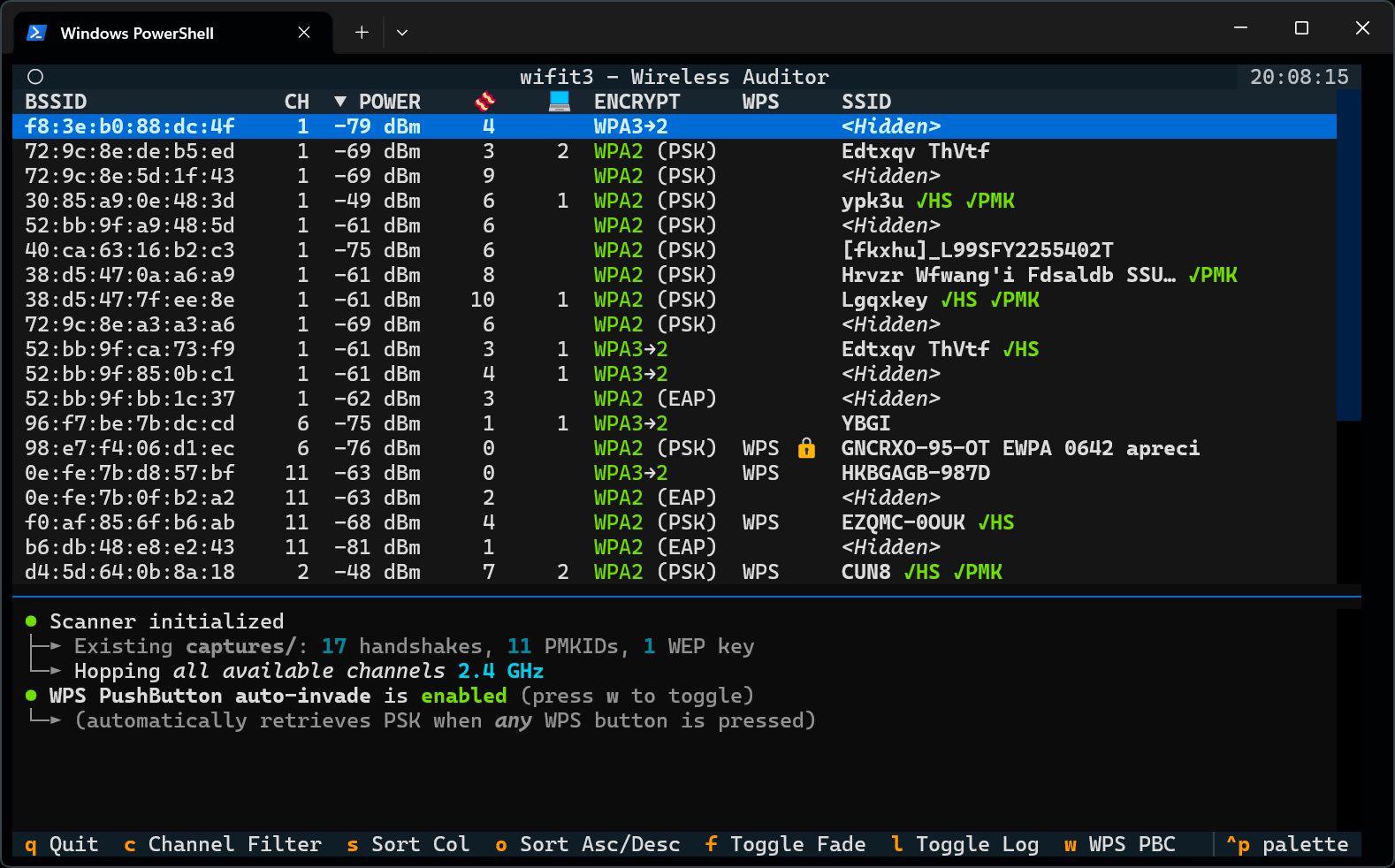
 wifit3 is a standalone Wi-Fi security auditing tool that scans networks, captures WPA/WPA2 handshakes, and exploits WPS/WEP weaknesses using a supported USB Wi-Fi adapter, without relying on aircrack-ng or OS kernel drivers.
wifit3 is a standalone Wi-Fi security auditing tool that scans networks, captures WPA/WPA2 handshakes, and exploits WPS/WEP weaknesses using a supported USB Wi-Fi adapter, without relying on aircrack-ng or OS kernel drivers.Is this a GUI app or a terminal tool?It is a terminal-based tool with a text user interface (TUI), built in pure Python using the PyUSB and Textual libraries, not a traditional GUI app or a library you import.
It is a terminal-based tool with a text user interface (TUI), built in pure Python using the PyUSB and Textual libraries, not a traditional GUI app or a library you import.How do I get it running?Download the prebuilt standalone executable for your OS from the Releases page (e.g. wifit3-windows-x64.exe, or chmod +x wifit3-linux-x64 on Linux), or run it from source using Astral's uv to install dependencies, or build your own binary.
Download the prebuilt standalone executable for your OS from the Releases page (e.g. wifit3-windows-x64.exe, or chmod +x wifit3-linux-x64 on Linux), or run it from source using Astral's uv to install dependencies, or build your own binary.Do I need a special Wi-Fi adapter to use it?Yes, you need at least one of a specific list of supported USB Wi-Fi adapters (Atheros AR9271, MediaTek MT7610U/MT7612U/MT7921AU/MT7925U, Realtek RTL88xx series, Ralink RT chips, etc.); a built-in laptop Wi-Fi card will not work.
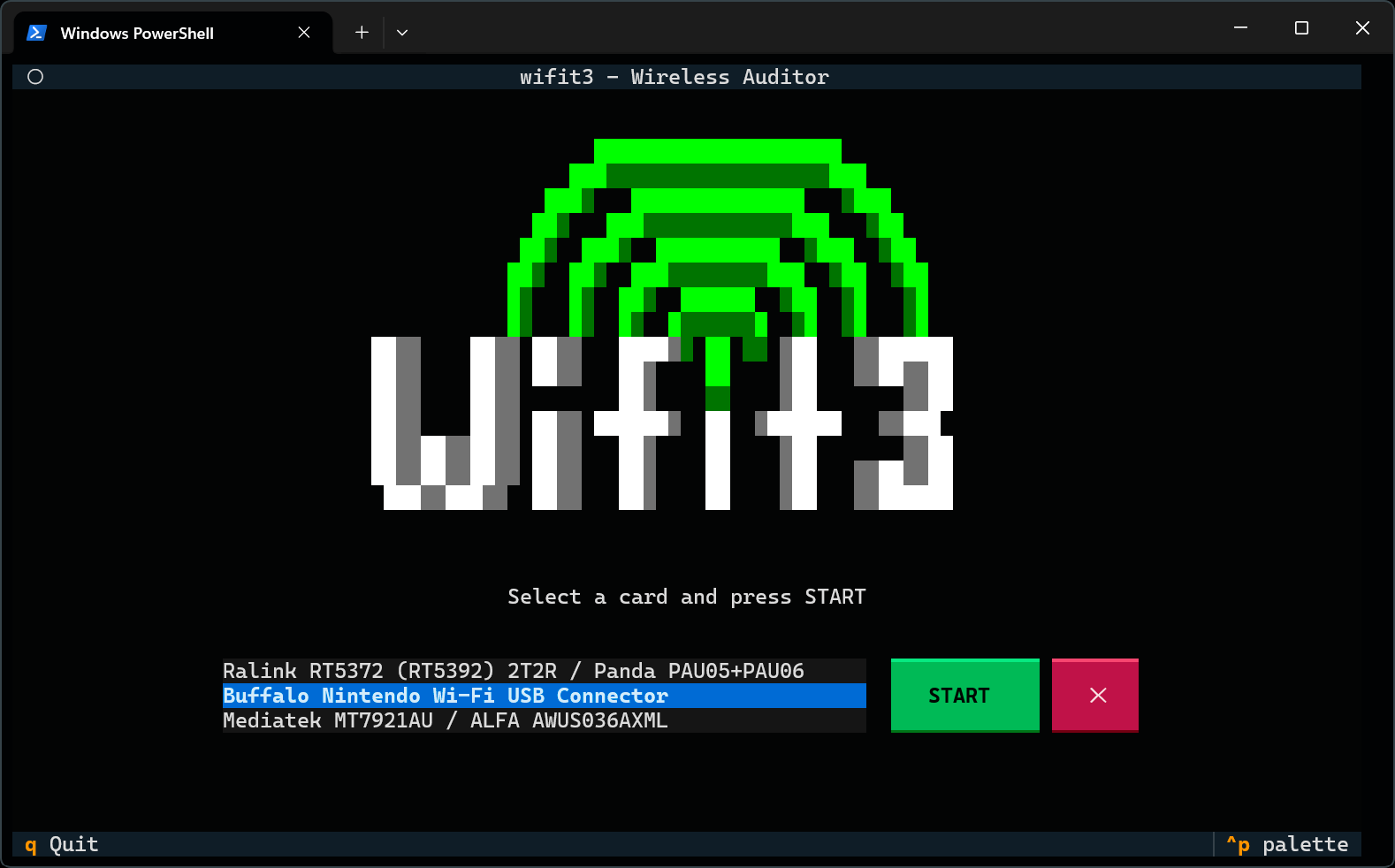
Yes, you need at least one of a specific list of supported USB Wi-Fi adapters (Atheros AR9271, MediaTek MT7610U/MT7612U/MT7921AU/MT7925U, Realtek RTL88xx series, Ralink RT chips, etc.); a built-in laptop Wi-Fi card will not work.What happens the first time I run a scan?wifit3 automatically handles one-time driver setup when you click START: on Linux it prompts once via pkexec/sudo to write udev rules, on macOS you just allow the device in a dialog, and on Windows it prompts via UAC to install a WinUSB driver for the adapter.
wifit3 automatically handles one-time driver setup when you click START: on Linux it prompts once via pkexec/sudo to write udev rules, on macOS you just allow the device in a dialog, and on Windows it prompts via UAC to install a WinUSB driver for the adapter.How does wifit3 avoid needing kernel drivers?It ships lightweight Python ports of the Linux kernel wireless drivers that talk directly to the USB device over bulk and control transfers, so monitor mode and frame injection happen entirely in user space, bypassing both Windows NDIS restrictions and Linux kernel driver locking.
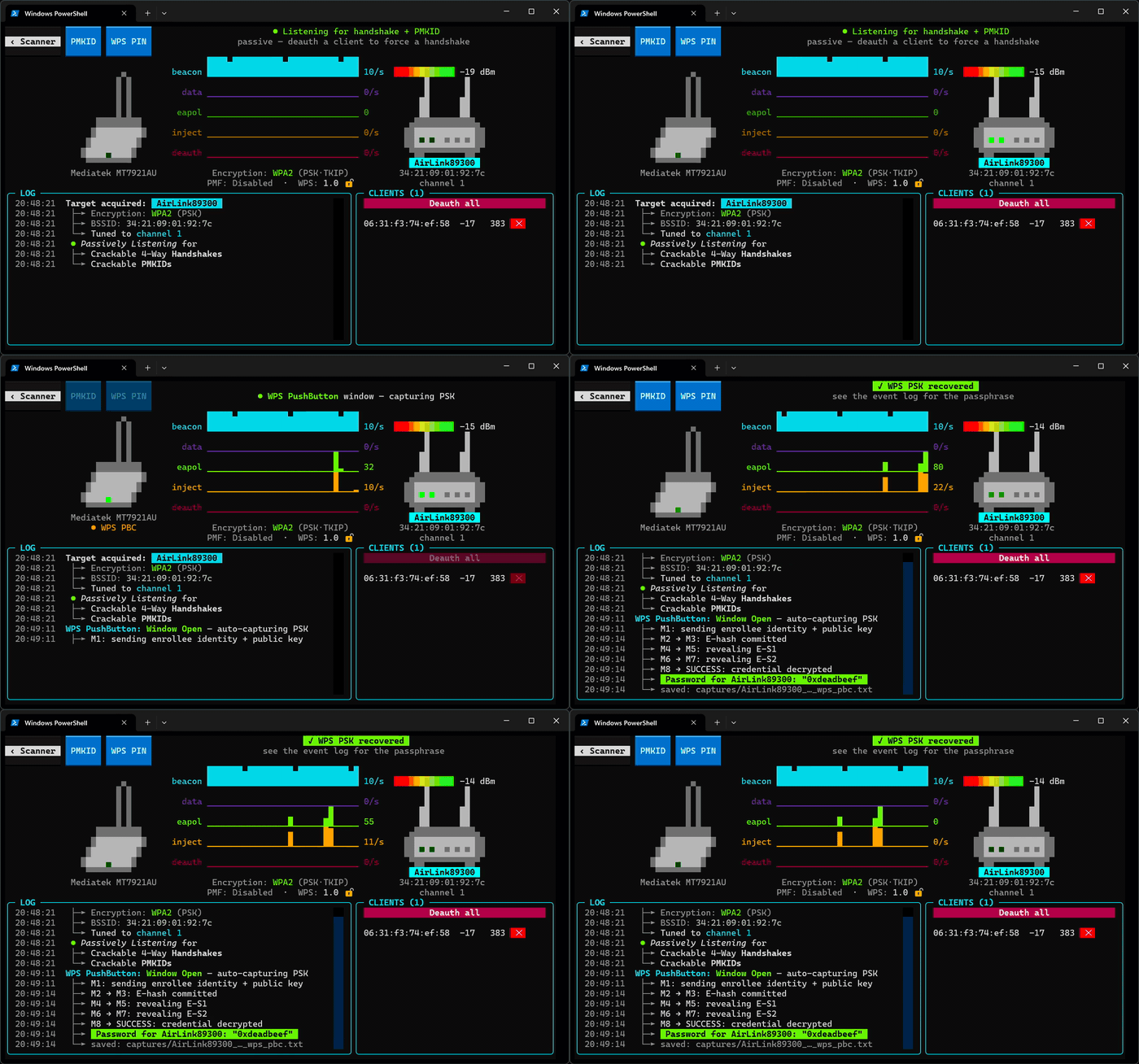
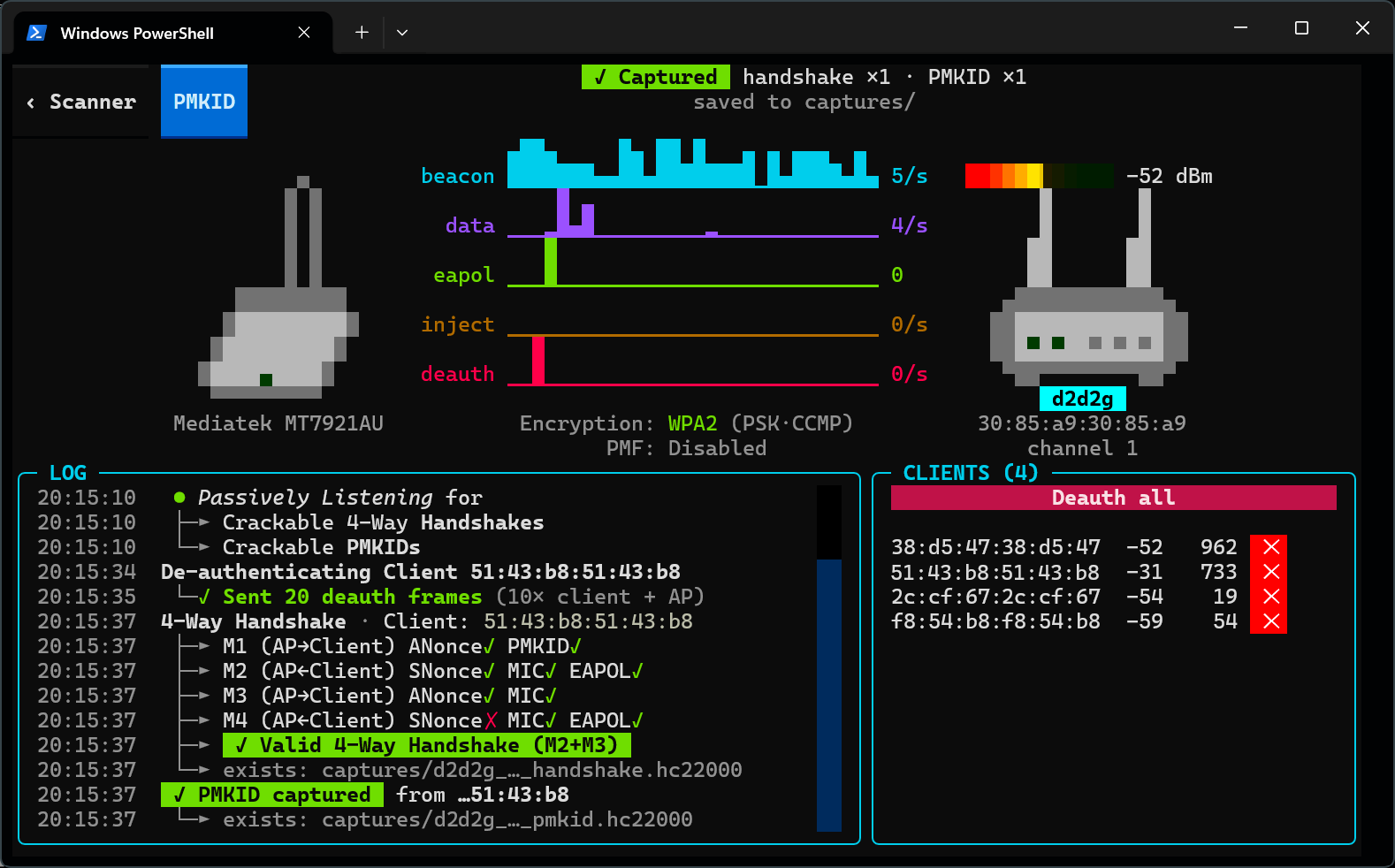
It ships lightweight Python ports of the Linux kernel wireless drivers that talk directly to the USB device over bulk and control transfers, so monitor mode and frame injection happen entirely in user space, bypassing both Windows NDIS restrictions and Linux kernel driver locking.What attacks can wifit3 actually perform?It can passively sniff or actively force WPA/WPA2 handshakes and PMKID material, run an EvilTwin WPA3 downgrade attack that clones an AP and evicts clients, recover WPS PINs via PixieDust or brute force, grab PSKs via WPS push-button detection, and run classic WEP attacks like ARP replay, ChopChop, and PTW key recovery.
It can passively sniff or actively force WPA/WPA2 handshakes and PMKID material, run an EvilTwin WPA3 downgrade attack that clones an AP and evicts clients, recover WPS PINs via PixieDust or brute force, grab PSKs via WPS push-button detection, and run classic WEP attacks like ARP replay, ChopChop, and PTW key recovery.Is it legal to run wifite3 against any network I find?No, the README explicitly states it is for use only on networks and equipment you own or are explicitly authorized to audit, since it manipulates USB hardware registers directly without kernel guardrails.
No, the README explicitly states it is for use only on networks and equipment you own or are explicitly authorized to audit, since it manipulates USB hardware registers directly without kernel guardrails.How do I undo the driver changes it made?Select the adapter on the wifit3 splash screen, click Uninstall, and confirm the elevation prompt; this removes the udev/modprobe rules on Linux or the WinUSB binding on Windows so your OS's normal Wi-Fi driver reattaches after replugging.
Select the adapter on the wifit3 splash screen, click Uninstall, and confirm the elevation prompt; this removes the udev/modprobe rules on Linux or the WinUSB binding on Windows so your OS's normal Wi-Fi driver reattaches after replugging.What are similar projects?Claude-Red, Sn1per, Agentic-Bug-Hunter, esp8266_deauther, awesome-hacking, airgorah, masscan, nikto
Claude-Red, Sn1per, Agentic-Bug-Hunter, esp8266_deauther, awesome-hacking, airgorah, masscan, niktoWhich topics is it in?wifi-security, vulnerability-detection, hacking-tools, recon, ethical-hacking, usb, driver, vulnerability-scanner, network-security, cryptography, firmware, gplv2
wifi-security, vulnerability-detection, hacking-tools, recon, ethical-hacking, usb, driver, vulnerability-scanner, network-security, cryptography, firmware, gplv2