

What is this?
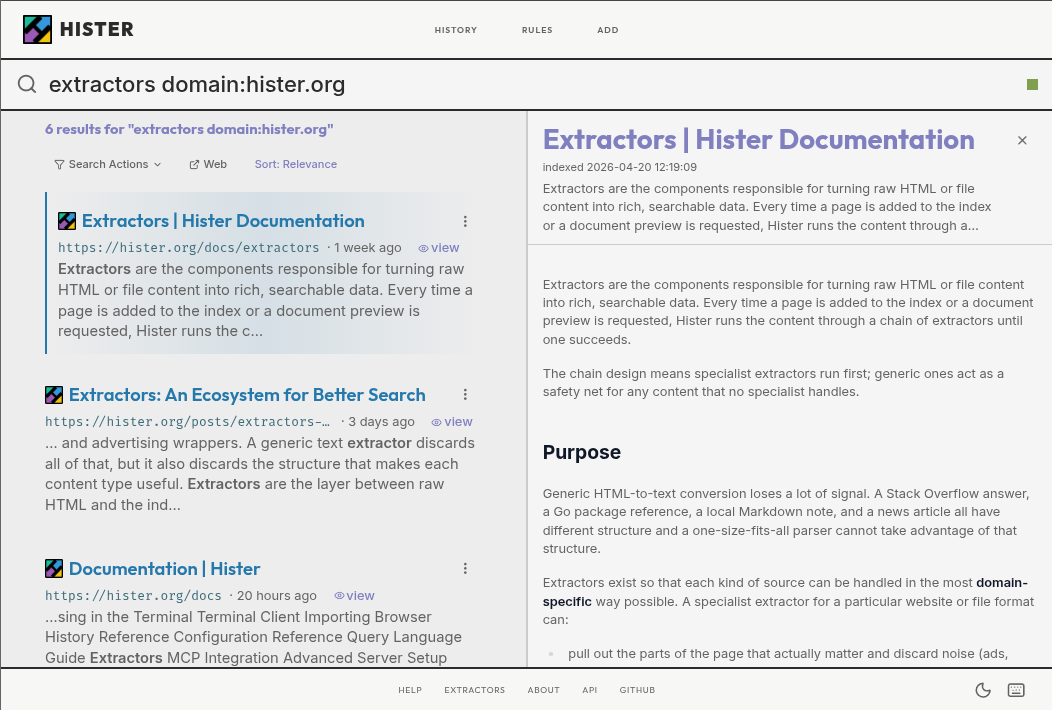
 Hister is a private, self-hosted search engine that fully indexes the pages you visit and the files you keep, so you can search their content later from a web interface, terminal, or an AI assistant via MCP.
Hister is a private, self-hosted search engine that fully indexes the pages you visit and the files you keep, so you can search their content later from a web interface, terminal, or an AI assistant via MCP.Is this a browser extension or a full search server?It is a standalone server (a single Go binary) that you run locally or on your own infrastructure. The Firefox and Chrome extensions are just the capture piece that feed newly visited pages into that server.
It is a standalone server (a single Go binary) that you run locally or on your own infrastructure. The Firefox and Chrome extensions are just the capture piece that feed newly visited pages into that server.How do I get it running?Download the prebuilt binary for your OS from the latest release, rename it to hister (hister.exe on Windows), make it executable on Linux/macOS, then run 'hister listen' (or '.\hister.exe listen' on Windows) and install the browser extension.
Download the prebuilt binary for your OS from the latest release, rename it to hister (hister.exe on Windows), make it executable on Linux/macOS, then run 'hister listen' (or '.\hister.exe listen' on Windows) and install the browser extension.Do I need Go or npm to use it?No, for normal use you just run the downloaded binary. Go 1.26, npm, and a C compiler are only needed if you want to build Hister from source or hack on the web app.
No, for normal use you just run the downloaded binary. Go 1.26, npm, and a C compiler are only needed if you want to build Hister from source or hack on the web app.Does semantic search work out of the box?No, semantic search is optional and only works once you configure an external embeddings endpoint yourself; without that, Hister does plain full-text search.
No, semantic search is optional and only works once you configure an external embeddings endpoint yourself; without that, Hister does plain full-text search.What happens to my browsing data?By default nothing leaves your machine: there is no telemetry or cloud sync, and the browser extension only sends indexed page content to the Hister server you configure (plus favicon downloads), with everything stored on that server.
By default nothing leaves your machine: there is no telemetry or cloud sync, and the browser extension only sends indexed page content to the Hister server you configure (plus favicon downloads), with everything stored on that server.Can multiple people share one Hister server?Yes, it has multi-user support that keeps each user's documents and search results separate on a shared server.
Yes, it has multi-user support that keeps each user's documents and search results separate on a shared server.Is search limited to simple keywords?No, Hister supports field filters, phrases, wildcards, negation, aliases, and result priorities for more precise queries.
No, Hister supports field filters, phrases, wildcards, negation, aliases, and result priorities for more precise queries.Can it index existing browser history, not just new visits?Yes, it includes browser import and a crawler so you can bring in existing history or index whole websites, not just pages visited after you install it.
Yes, it includes browser import and a crawler so you can bring in existing history or index whole websites, not just pages visited after you install it.What does the MCP integration actually let an AI assistant do?It lets an AI assistant connected through MCP query your indexed browsing history and files directly, effectively giving it search access to your personal search engine.
It lets an AI assistant connected through MCP query your indexed browsing history and files directly, effectively giving it search access to your personal search engine.Which topics is it in?index, history, full-text-search, search-engine, crawler, firefox-extension, vector-search, knowledge-management, semantic-search, chrome-extension, browser-extension, embeddings
index, history, full-text-search, search-engine, crawler, firefox-extension, vector-search, knowledge-management, semantic-search, chrome-extension, browser-extension, embeddings