
这是什么?
 一个自托管的 AI 智能体运行框架,面向获得授权的渗透测试、漏洞赏金研究、安全实验室和 CTF 比赛,需要你自己提供 AI 模型的 API 密钥。
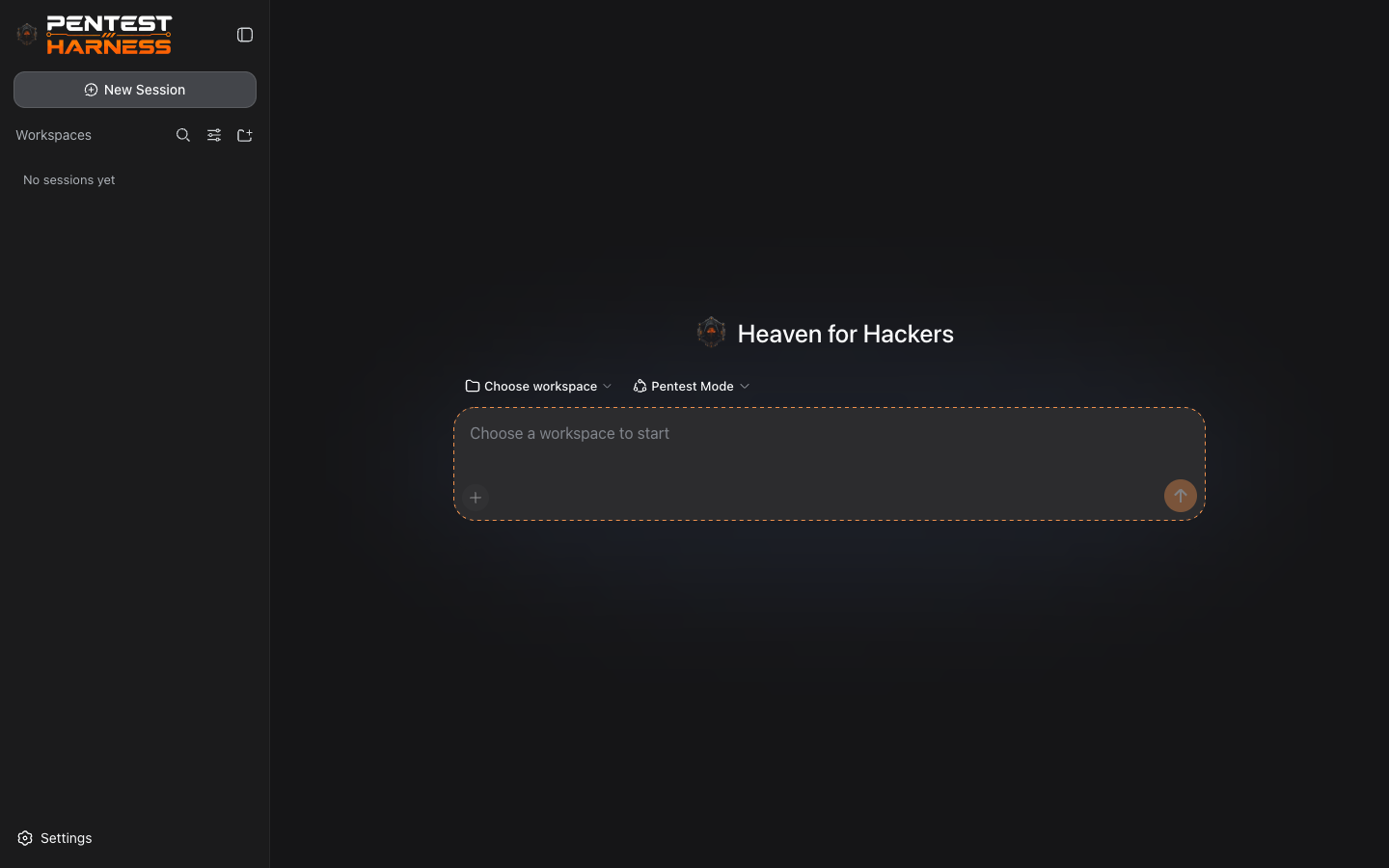
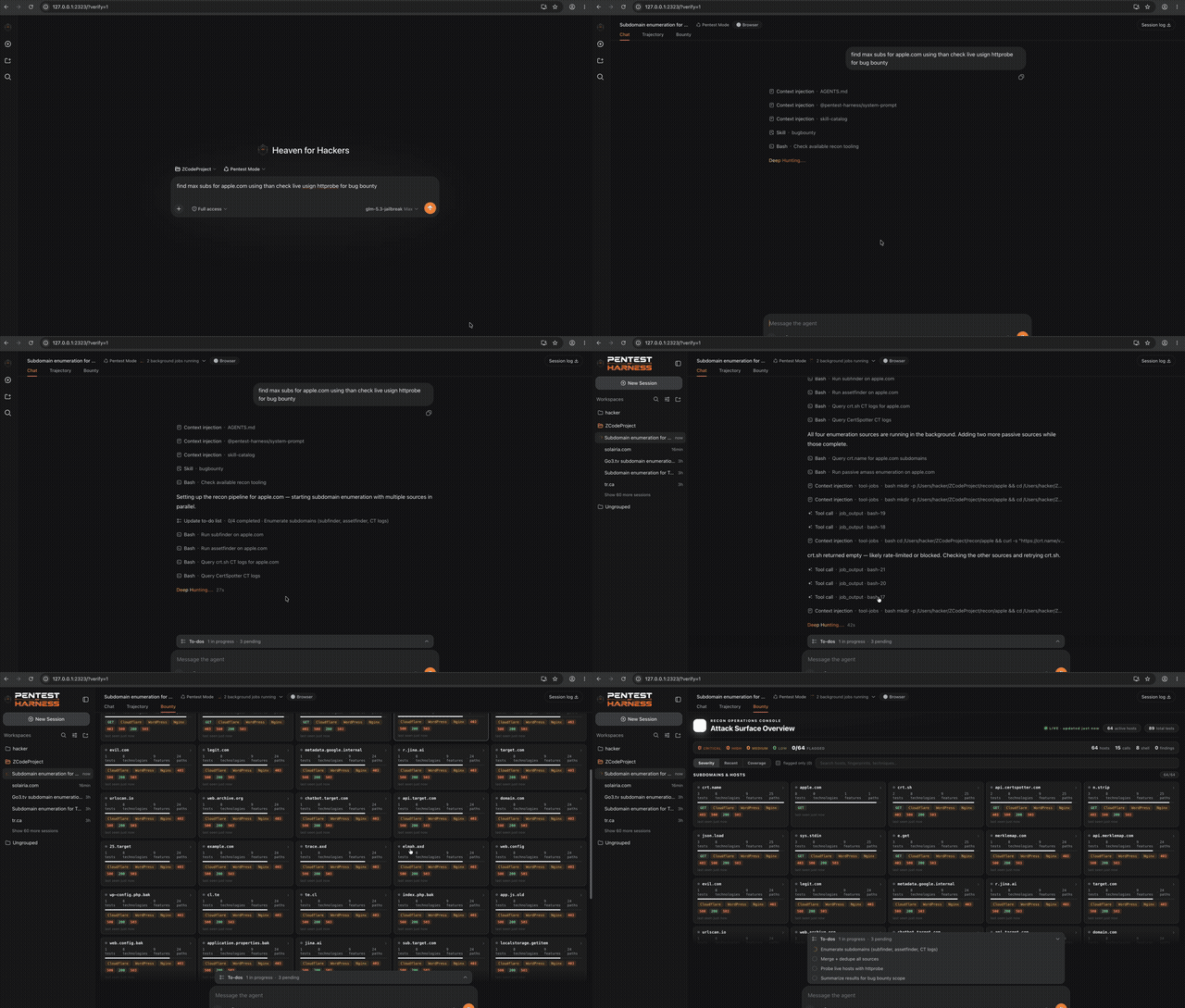
一个自托管的 AI 智能体运行框架,面向获得授权的渗透测试、漏洞赏金研究、安全实验室和 CTF 比赛,需要你自己提供 AI 模型的 API 密钥。这是 CLI 工具还是 Web 应用?它是一个本地 Web 应用:你在终端用一条 CLI 命令启动它,然后在基于浏览器的 Web UI 里完成所有工作。
它是一个本地 Web 应用:你在终端用一条 CLI 命令启动它,然后在基于浏览器的 Web UI 里完成所有工作。我怎么把它跑起来?安装 Node.js 20+ 和 pnpm,然后运行「pnpm dsh web」(或「pnpm exec dsh web」/「node apps/cli/lib/index.js web」),即可在浏览器中打开 Web UI。
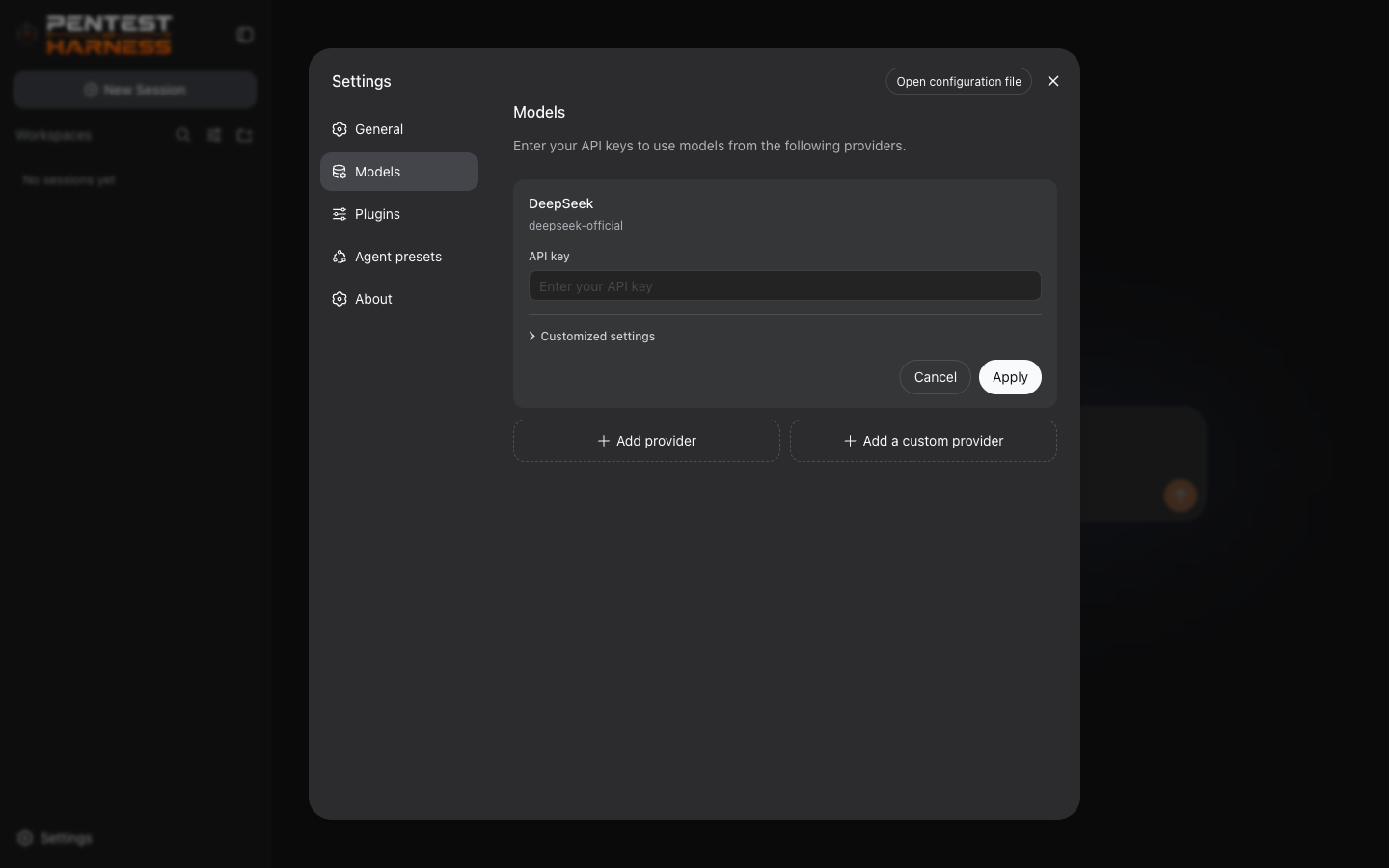
安装 Node.js 20+ 和 pnpm,然后运行「pnpm dsh web」(或「pnpm exec dsh web」/「node apps/cli/lib/index.js web」),即可在浏览器中打开 Web UI。使用它需要我自己的 AI API 密钥吗?需要——你要自带 OpenAI、Anthropic、DeepSeek、Google、Mistral、Groq、OpenRouter、Azure OpenAI 或任何 OpenAI 兼容网关的密钥,一键即可自动发现可用模型。
需要——你要自带 OpenAI、Anthropic、DeepSeek、Google、Mistral、Groq、OpenRouter、Azure OpenAI 或任何 OpenAI 兼容网关的密钥,一键即可自动发现可用模型。安装上有什么我该知道的坑吗?如果安装后「dsh」命令不在你的 PATH 里,你需要退而使用「pnpm exec dsh web」,或者直接用 Node 运行 CLI 入口文件。
如果安装后「dsh」命令不在你的 PATH 里,你需要退而使用「pnpm exec dsh web」,或者直接用 Node 运行 CLI 入口文件。我的 API 密钥和会话数据最终存在哪里?API 密钥存放在仅限本机所有者访问的本地凭据存储中,设置里只引用它们——绝不会写入设置文件或日志——而会话则以 JSONL/SQLite 文件的形式保存在本地。
API 密钥存放在仅限本机所有者访问的本地凭据存储中,设置里只引用它们——绝不会写入设置文件或日志——而会话则以 JSONL/SQLite 文件的形式保存在本地。什么是「Pentest Mode」(渗透测试模式)?它是内置于该运行框架中的一套运行标准,专门为获得授权的进攻性安全任务规范智能体的行为。
它是内置于该运行框架中的一套运行标准,专门为获得授权的进攻性安全任务规范智能体的行为。切换 AI 服务商有多容易?通过服务商卡片,你只需粘贴 API 基础 URL 和密钥就能添加自定义服务商,自动发现其模型,并测试或开关连接,完全不用碰配置文件。
通过服务商卡片,你只需粘贴 API 基础 URL 和密钥就能添加自定义服务商,自动发现其模型,并测试或开关连接,完全不用碰配置文件。我的会话是如何保存以便稍后继续的?会话以 JSONL 或 SQLite 文件的形式持久化保存,并支持完整回放,所以你可以从上次中断的地方精确继续任务。
会话以 JSONL 或 SQLite 文件的形式持久化保存,并支持完整回放,所以你可以从上次中断的地方精确继续任务。为什么这个项目说「一切皆插件」?它构建在 Cordis 插件框架之上,所以模型适配器、工具、会话、设置和凭据都可以通过配置替换,而不是封闭在核心里。
它构建在 Cordis 插件框架之上,所以模型适配器、工具、会话、设置和凭据都可以通过配置替换,而不是封闭在核心里。What are similar projects?Claude-Red, dsh-redteam-model, dsh-pentest, Pentest-Swarm-AI, Cybermes, StrikeAgent_AtkBrain-Flash, PentestGPT, deepseek-harness-tutorial
Claude-Red, dsh-redteam-model, dsh-pentest, Pentest-Swarm-AI, Cybermes, StrikeAgent_AtkBrain-Flash, PentestGPT, deepseek-harness-tutorialWhich topics is it in?anthropic-api, bug-bounty, cordis, ctf, infosec, openai-api, offensive-security, red-team, pentesting, agent-framework, dsh, harness
anthropic-api, bug-bounty, cordis, ctf, infosec, openai-api, offensive-security, red-team, pentesting, agent-framework, dsh, harness