What is this?
 A Windows port of OpenAI's Whisper speech-recognition model that runs inference on the GPU using DirectCompute instead of CUDA, delivering much faster transcription than the official PyTorch implementation.
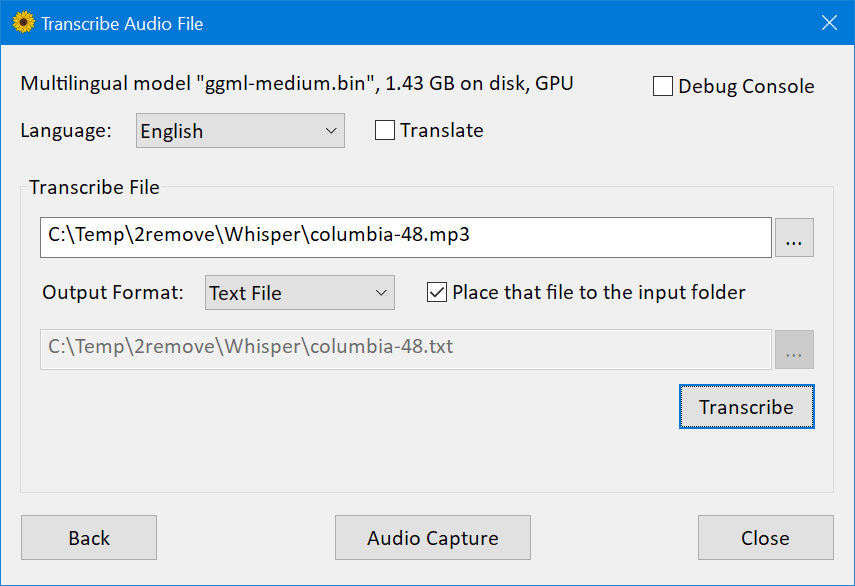
A Windows port of OpenAI's Whisper speech-recognition model that runs inference on the GPU using DirectCompute instead of CUDA, delivering much faster transcription than the official PyTorch implementation.Is this a desktop app or a library I plug into my own code?Both: it ships as the WhisperDesktop.exe GUI app for transcribing files or live audio, and as a native C++ DLL with a COM-style API plus an idiomatic C# wrapper published on nuget.
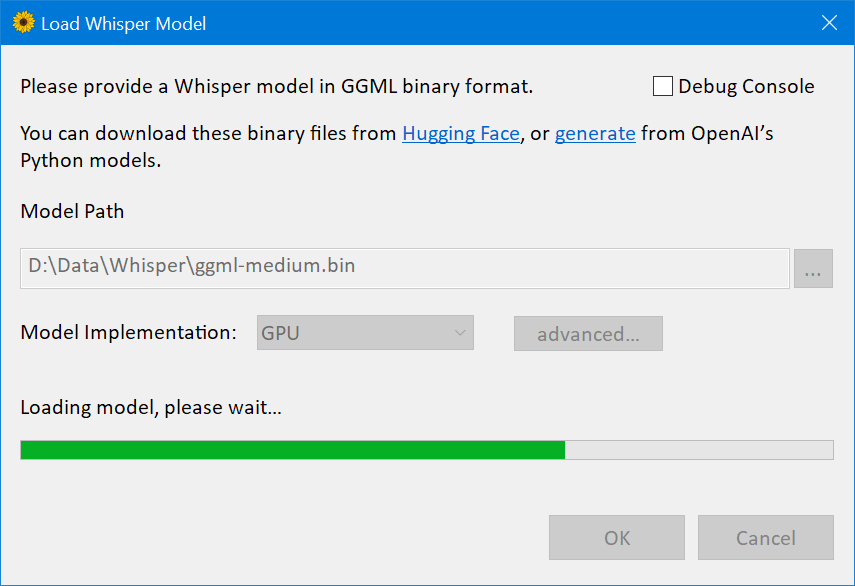
Both: it ships as the WhisperDesktop.exe GUI app for transcribing files or live audio, and as a native C++ DLL with a COM-style API plus an idiomatic C# wrapper published on nuget.How do I get it running?Download WhisperDesktop.zip from the Releases section, unpack it, and run WhisperDesktop.exe; on first launch it prompts you to download a model (ggml-medium.bin, 1.42GB, is recommended).
Download WhisperDesktop.zip from the Releases section, unpack it, and run WhisperDesktop.exe; on first launch it prompts you to download a model (ggml-medium.bin, 1.42GB, is recommended).What hardware does it need?Any Direct3D 11.0 capable GPU (basically anything made after 2011) and a CPU with AVX1 and F16C support; there are no other runtime dependencies beyond essential OS components.
Any Direct3D 11.0 capable GPU (basically anything made after 2011) and a CPU with AVX1 and F16C support; there are no other runtime dependencies beyond essential OS components.What doesn't it do yet?Automatic language detection isn't implemented, and live microphone capture has noticeable latency (about 5-10 seconds) depending on voice detection.
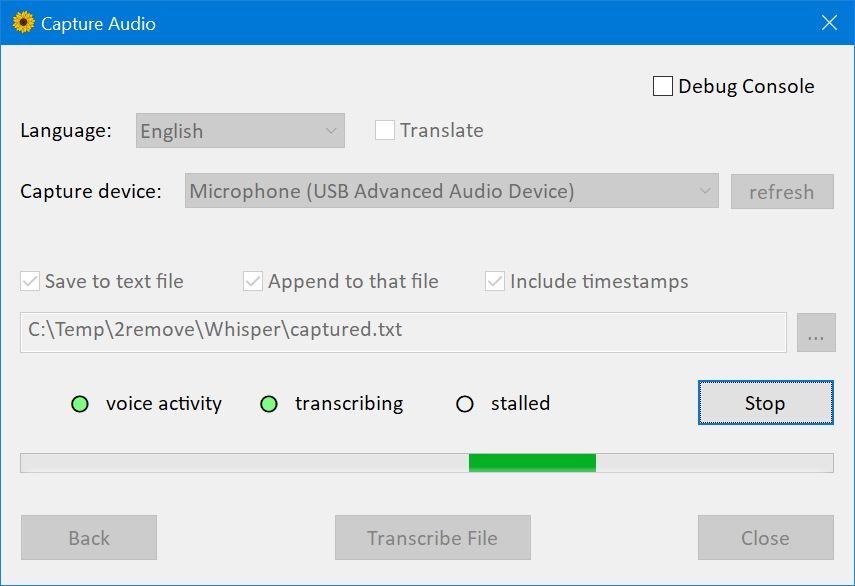
Automatic language detection isn't implemented, and live microphone capture has noticeable latency (about 5-10 seconds) depending on voice detection.Does it run on Mac or Linux too?No, it's 64-bit Windows only (8.1 or newer, tested mainly on Windows 10); there's no cross-platform build.
No, it's 64-bit Windows only (8.1 or newer, tested mainly on Windows 10); there's no cross-platform build.Why is this so much faster than PyTorch's Whisper?It replaces CUDA/PyTorch with vendor-agnostic DirectCompute shaders: on the author's GeForce 1080Ti, a 3:24-minute clip with the medium model took 19 seconds versus 45 seconds with PyTorch+CUDA, and the whole engine is a 431KB DLL instead of 9.63GB of ML runtime dependencies.
It replaces CUDA/PyTorch with vendor-agnostic DirectCompute shaders: on the author's GeForce 1080Ti, a 3:24-minute clip with the medium model took 19 seconds versus 45 seconds with PyTorch+CUDA, and the whole engine is a 431KB DLL instead of 9.63GB of ML runtime dependencies.Which Whisper model should I start with?The author recommends ggml-medium.bin (1.42GB) since that's the model he tested most extensively with the app.
The author recommends ggml-medium.bin (1.42GB) since that's the model he tested most extensively with the app.Is whisperdesktop.com an official site for this project?No, the README explicitly warns that whisperdesktop.com is impersonating the project and could serve malware at any time, even though it currently links back to this repo's GitHub releases.
No, the README explicitly warns that whisperdesktop.com is impersonating the project and could serve malware at any time, even though it currently links back to this repo's GitHub releases.Can I script or automate it?Yes, version 1.10 added scripting support for the pre-installed Windows PowerShell 5.1, in addition to the COM API and C# nuget wrapper for custom integrations.
Yes, version 1.10 added scripting support for the pre-installed Windows PowerShell 5.1, in addition to the COM API and C# nuget wrapper for custom integrations.What are similar projects?FunASR, DeepSpeech, faster-whisper, WhisperLiveKit, phorminx, whisperX, VideoHighlighter, meetily
FunASR, DeepSpeech, faster-whisper, WhisperLiveKit, phorminx, whisperX, VideoHighlighter, meetilyWhich topics is it in?hlsl, nuget, voice-activity-detection, asr, transcription, audio-processing, local-ai, powershell, speech-to-text, speech-recognition, gpu-acceleration, csharp
hlsl, nuget, voice-activity-detection, asr, transcription, audio-processing, local-ai, powershell, speech-to-text, speech-recognition, gpu-acceleration, csharp