No One Lives Forever, built from source
Source code and a build for The Operative: No One Lives Forever (Game of
the Year Edition, PC, 2000/2001): every executable and DLL of the game --
the LithTech engine (lithtech.exe, server.dll, the Direct3D renderer
d3d.ren), the NOLF.exe launcher, the NolfServ.exe dedicated server,
ltmsg.dll, sres.dll and the three game DLLs -- compiled from the source in this repository with the original
2000-era compilers.
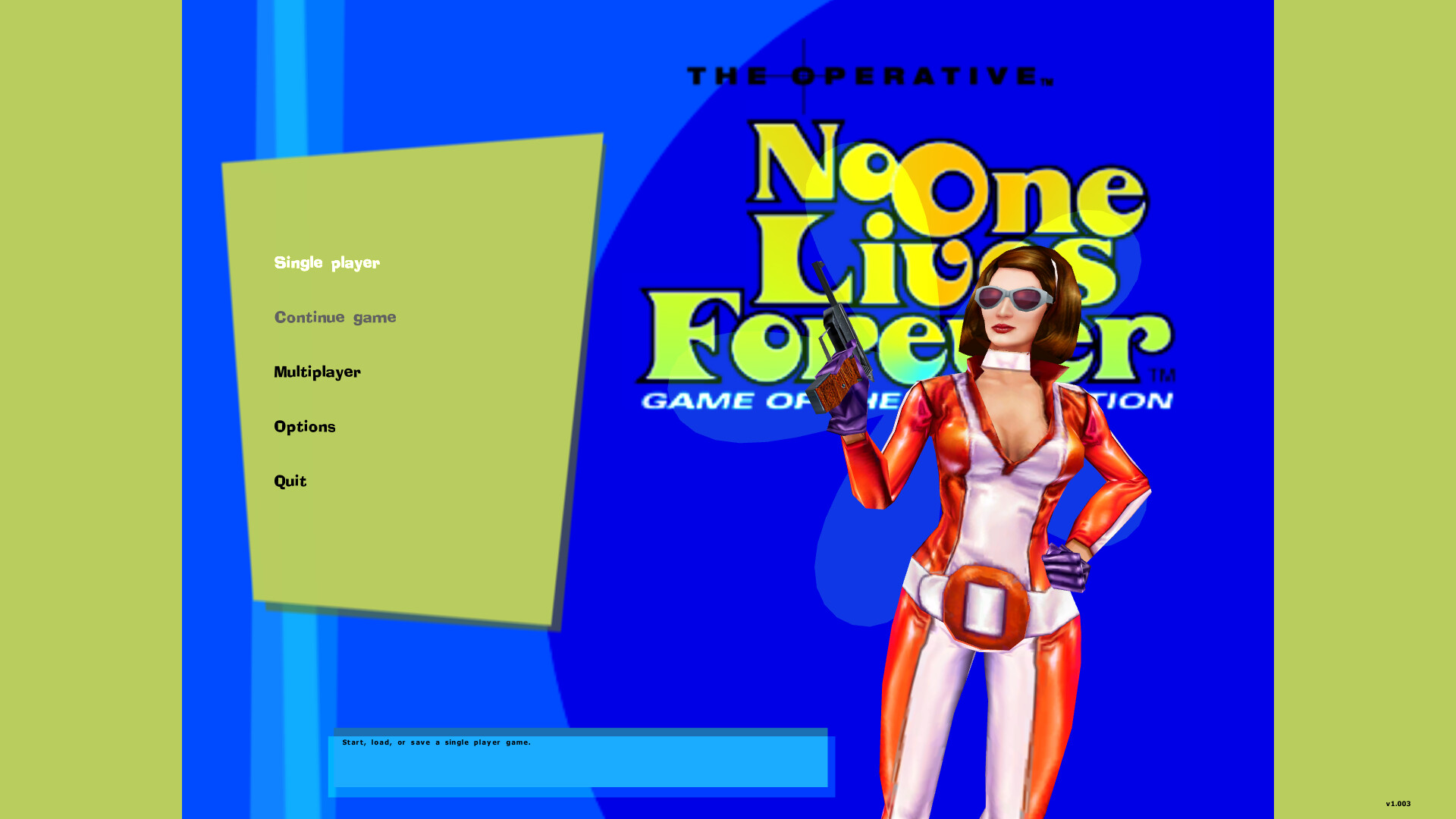
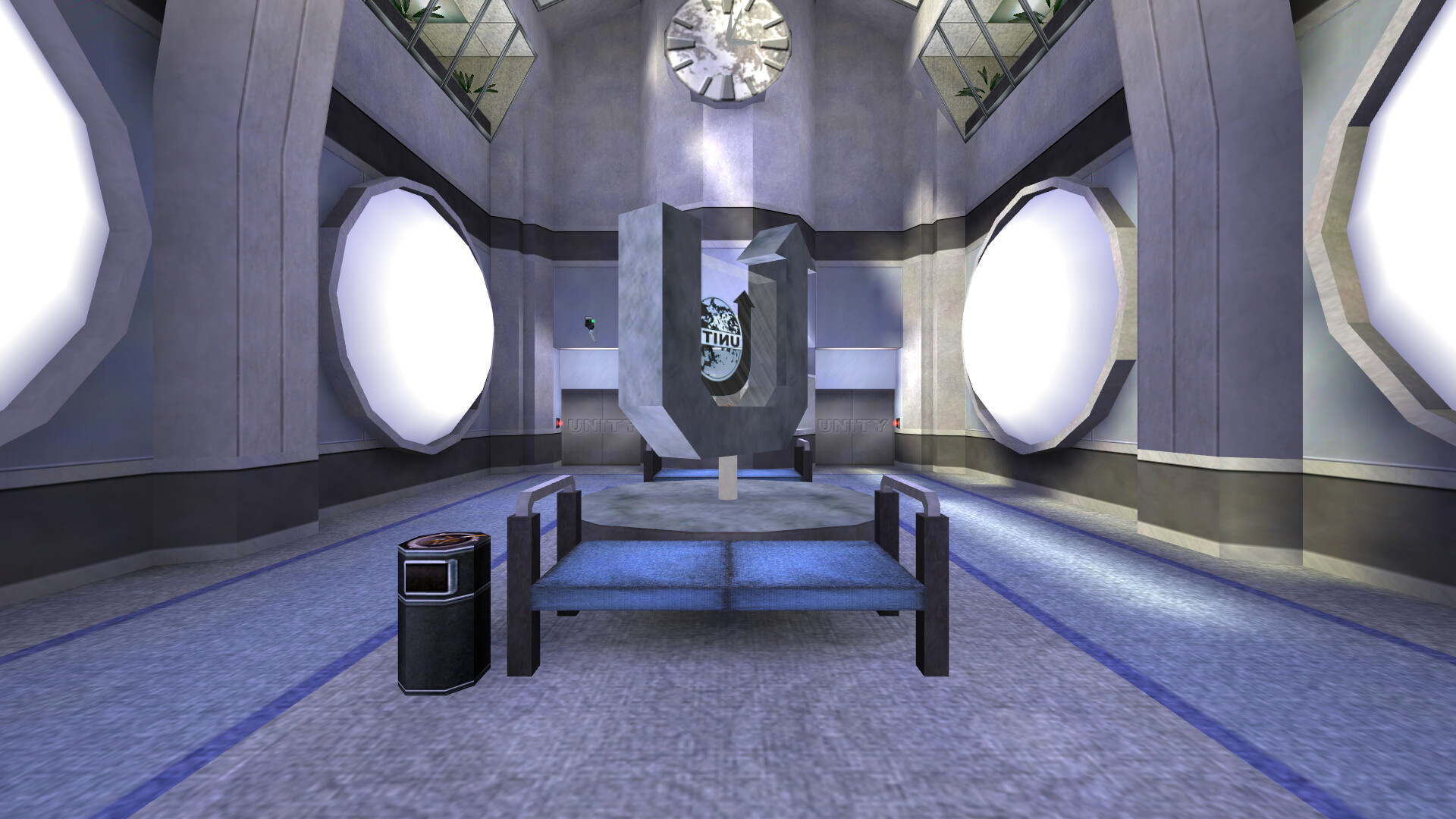
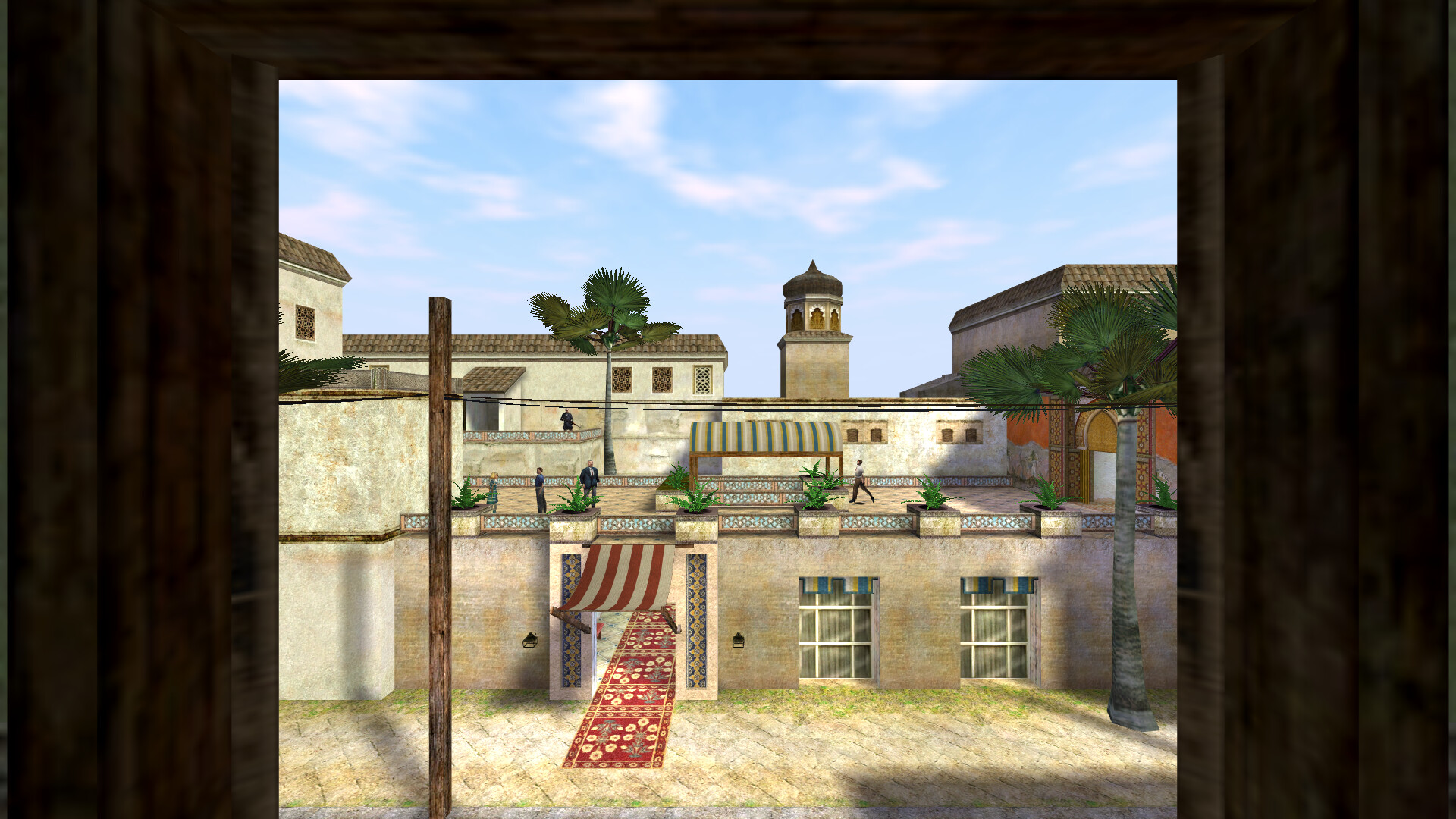
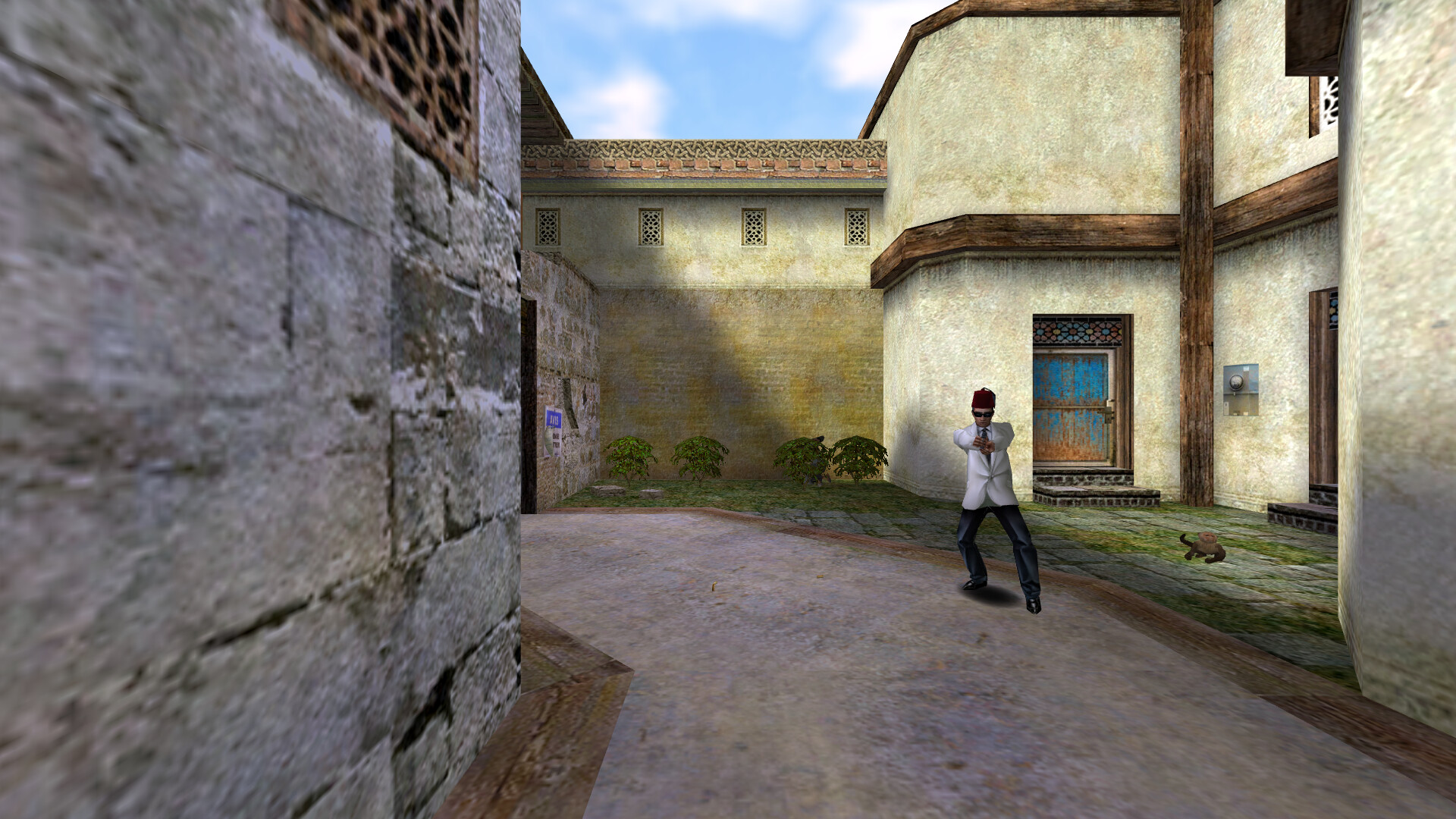
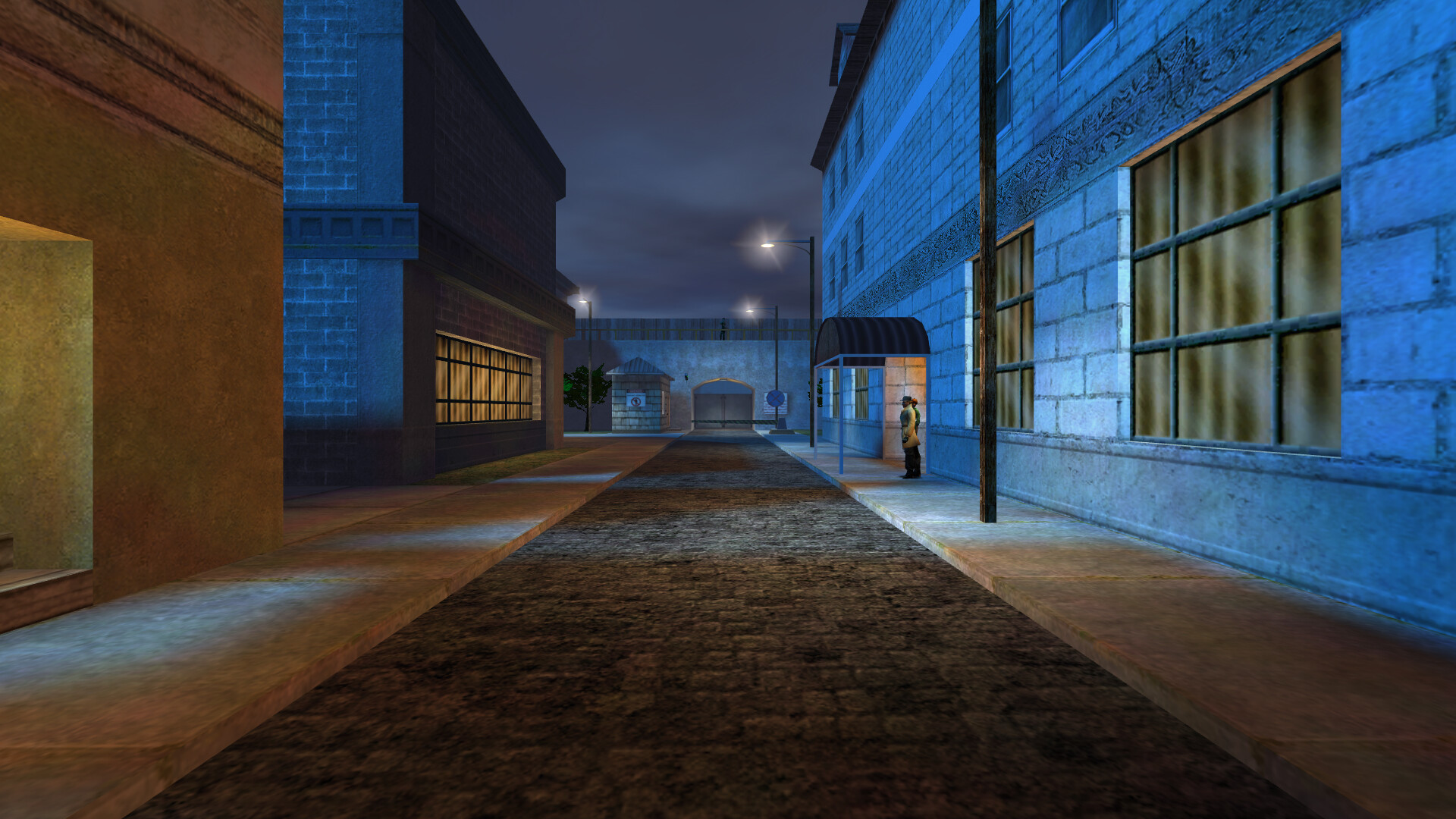
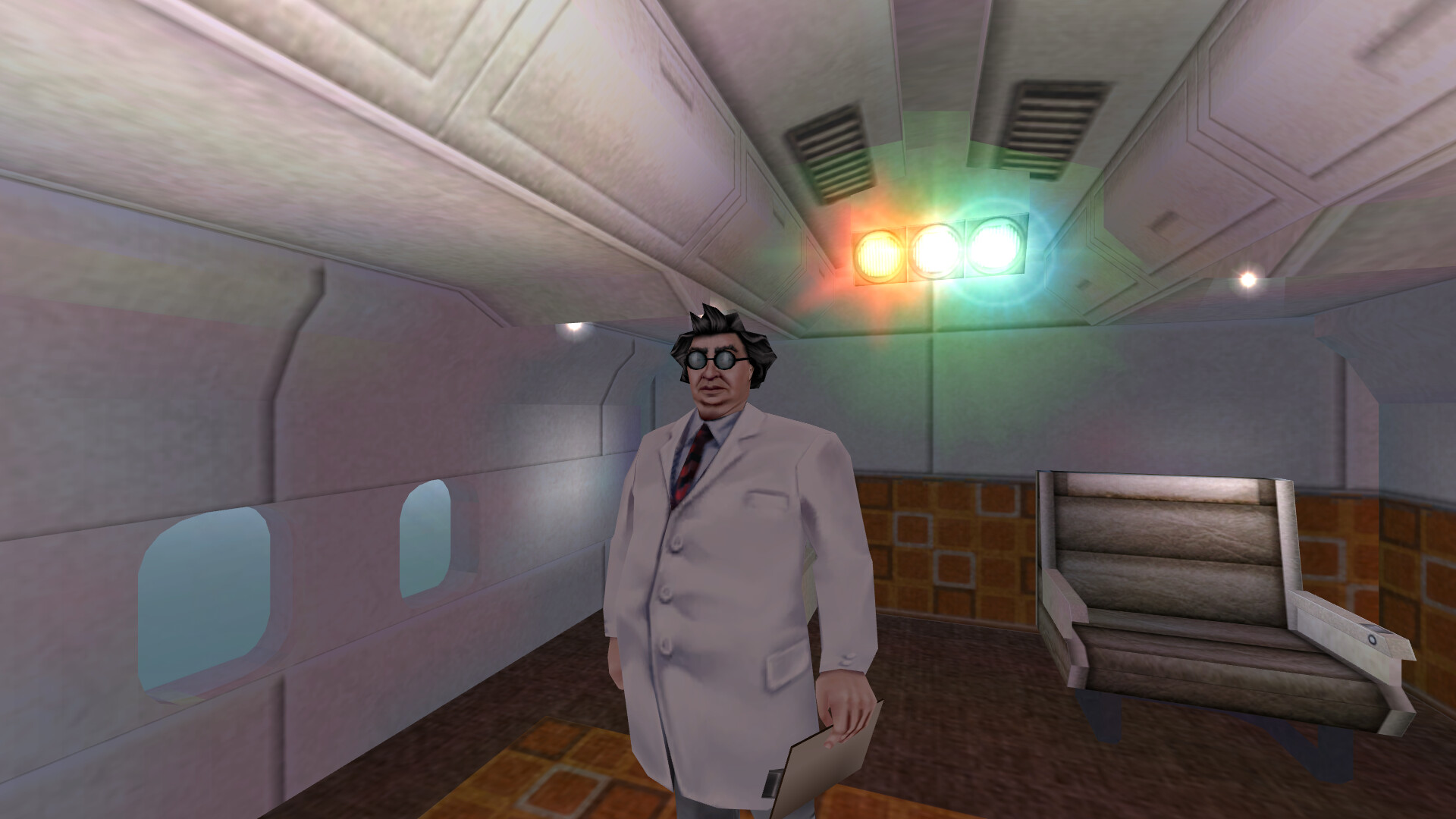
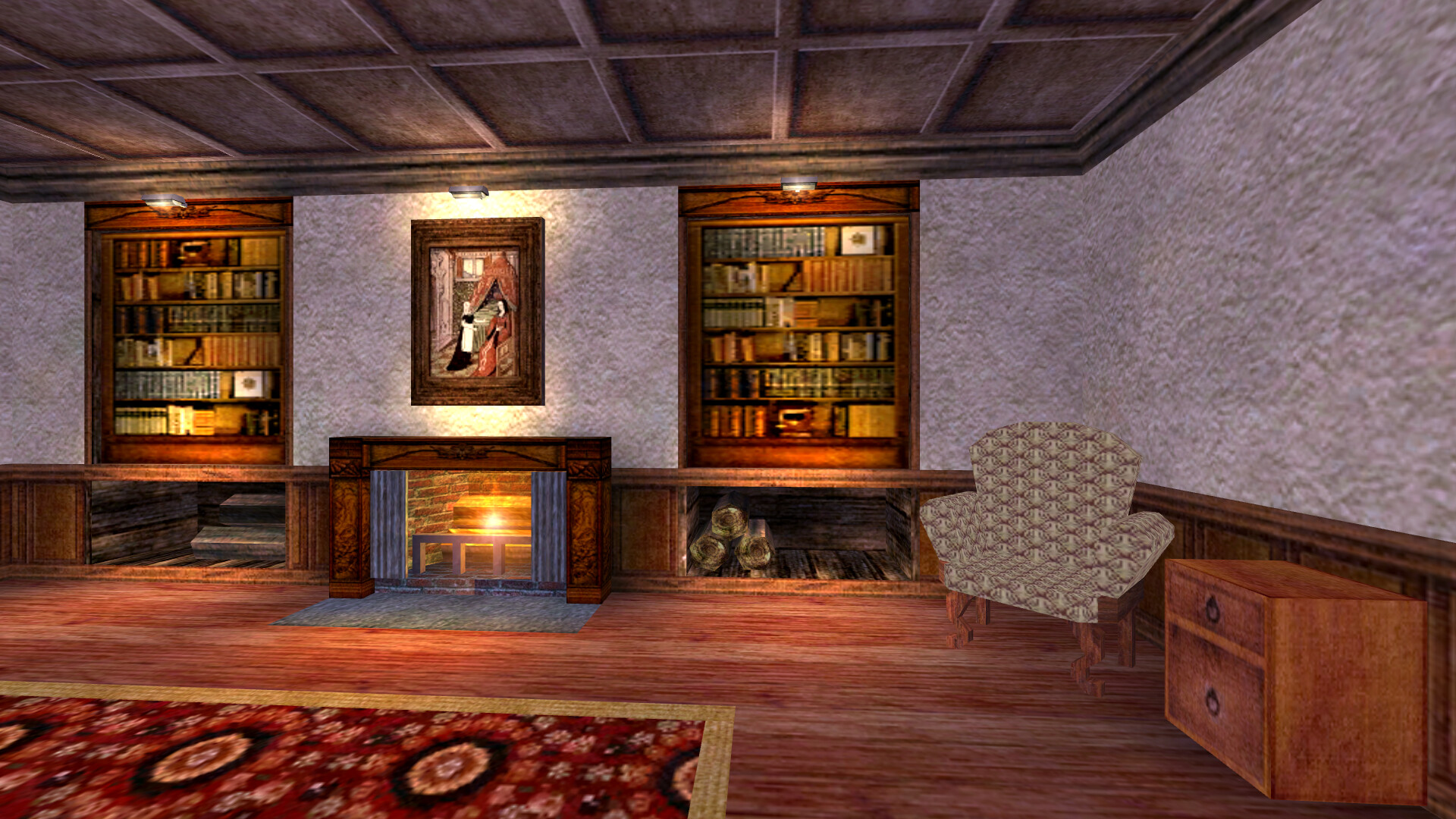
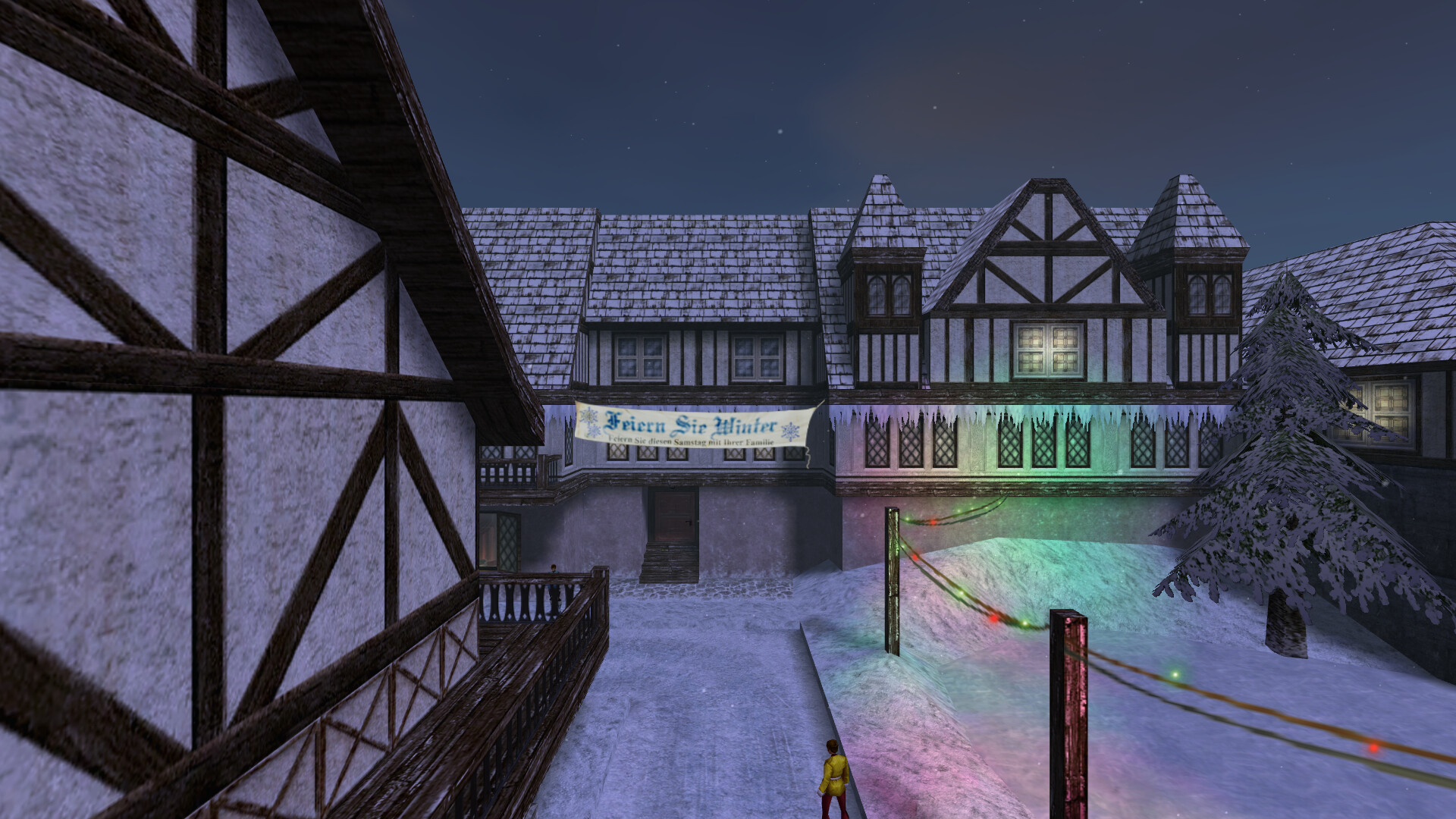
The modern build at 1920x1080: the Direct3D 9 renderer with antialiasing, model shadows, 32-bit textures and 16x anisotropic filtering.
The engine source in src/engine/ is a reconstruction: Monolith never
released it, so it was written to recompile to the retail machine code. The
game code in src/game/ is Monolith's own NOLF Source Code v1.003 release,
which predates the Game of the Year Edition: the GOTY changes to it,
reconstructed from the retail GOTY game DLLs, are made in place and marked
GOTY:, and the modern build's changes sit inside #ifdef NOLFSRC_MODERN
blocks. See docs/LICENSE_NOTES.md for what is whose.
This project, and its modern build in particular, is not made or supported by
Monolith Productions.
No game data is included. The build takes the game's data (and the Miles
and Bink sound/video runtime, the only binaries not built from source) from
the retail Game of the Year Edition, which the ext/rez/ submodule installs from
the redump images of its two discs, fetched from archive.org. The modern
build replaces that runtime with open-source builds from ext/: OpenMiles
for Miles, and our own Bink player on FFmpeg.
Roadmap
- Byte-for-byte compatibility, for preservation. Every binary compiles
to exactly the machine code that shipped, so this source is a faithful
record of the game as released. The whole game already builds from this
source and plays; how much of it already compiles to the retail bytes is
under Progress. The rest is written and working, but not yet
identical.
- Integrate the NOLF Modernizer
patch, so its improvements are part of the source rather than a patch
applied on top.
- Fix the bugs found during reverse engineering. Rebuilding the engine
to the exact bytes means reproducing its original bugs as well; once the
byte-exact version is preserved, the fixes can go on top of it. The bugs
found so far are listed in
docs/RETAIL_BUGS.md. Fixes go
behind the NOLFSRC_MODERN define and are built by make modern, so the
release build keeps matching the retail one.
- Move the renderer from Direct3D 7 to Vulkan, for native play on every
platform, without Wine.
Progress
How much of each binary compiles to exactly the bytes of the retail game
(the Game of the Year Edition, version 1.003). A function counts when our
compiled code is identical to the retail function, with only the addresses
the linker fills in left out of the comparison; the bars measure the share
of each binary's code, by size, those functions make up.
| Binary |
|
Byte-identical functions |
Byte-identical code |
|
Unwritten |
Unplaced |
lithtech.exe |
the engine |
3,195 / 3,421 |
444,265 / 570,846 bytes |
███████████████░░░░░ 77.8% |
0 |
11 |
server.dll |
the server |
2,137 / 2,271 |
213,633 / 249,554 bytes |
█████████████████░░░ 85.6% |
0 |
9 |
d3d.ren |
the Direct3D renderer |
773 / 944 |
155,959 / 515,162 bytes |
██████░░░░░░░░░░░░░░ 30.2% |
0 |
15 |
NOLF.exe |
the launcher |
201 / 221 |
34,353 / 35,033 bytes |
███████████████████░ 98.0% |
0 |
0 |
NolfServ.exe |
the dedicated server |
343 / 356 |
58,691 / 59,112 bytes |
███████████████████░ 99.2% |
0 |
0 |
CShell.dll |
the game: client |
4,421 / 4,924 |
922,427 / 933,023 bytes |
███████████████████░ 98.8% |
0 |
0 |
Object.lto |
the game: server objects |
5,983 / 6,906 |
1,248,196 / 1,260,900 bytes |
███████████████████░ 98.9% |
0 |
0 |
| libraries |
the shared libraries |
807 / 812 |
96,039 / 98,226 bytes |
███████████████████░ 97.7% |
0 |
0 |
CRes.dll |
the game's resources, not in the total |
411 / 411 resources |
704,745 / 704,745 bytes |
████████████████████ 100.0% |
0 |
-- |
lithtech.exe:rsrc |
the engine's resources, not in the total |
25 / 25 resources |
22,896 / 22,896 bytes |
████████████████████ 100.0% |
0 |
-- |
server.dll:rsrc |
the server's resources, not in the total |
2 / 2 resources |
760 / 760 bytes |
████████████████████ 100.0% |
0 |
-- |
d3d.ren:rsrc |
the renderer's resources, not in the total |
1 / 1 resources |
84 / 84 bytes |
████████████████████ 100.0% |
0 |
-- |
NOLF.exe:rsrc |
the launcher's resources, not in the total |
22 / 22 resources |
417,462 / 417,462 bytes |
████████████████████ 100.0% |
0 |
-- |
NolfServ.exe:rsrc |
the dedicated server's resources, not in the total |
39 / 39 resources |
48,906 / 48,906 bytes |
████████████████████ 100.0% |
0 |
-- |
ltmsg.dll:rsrc |
the engine's messages, not in the total |
8 / 8 resources |
3,322 / 3,322 bytes |
████████████████████ 100.0% |
0 |
-- |
sres.dll:rsrc |
the server's resource DLL, not in the total |
no resources |
-- |
-- |
-- |
-- |
| All |
|
17,860 / 19,855 |
3,173,563 / 3,721,856 bytes |
█████████████████░░░ 85.2% |
0 |
35 |
Every function in that table is recorded in progress/identical.txt, and
make progress re-scores the current build against the retail binaries and
fails if any of them stops matching. See progress/README.md for how the
scoring works and how to run it. The GameSpy library linked into the game
DLLs is third-party middleware and is not scored. Resources are scored
resource by resource and kept out of the total, which counts code; the
resource-only ltmsg.dll and sres.dll (an empty DllMain with no
resources at all, which its row checks ours keeps so) are scored that way
only.
Build
You need Linux with Docker and the submodules:
- Fetch them:
git submodule update --init (or clone with
--recurse-submodules). ext/toolchains/ is the compilers (about 560 MB,
see ext/toolchains/README.md); ext/rez/ fetches and installs the retail game
(see ext/rez/README.md); ext/tools/ is the build's helpers and the
reconstruction tools and guides; ext/openmiles and ext/ffmpeg are the
modern build's open-source middleware (about 130 MB), and
ext/nolf1-modernizer the NOLF Modernizer, two of whose models the
modern build uses (about 60 MB).
- Run
make            # -> out/nolf-legacy-release/ and its -private / -public .tar.gz
                #    (about 3 minutes; the first time, also the docker image
                #    and the retail game's download and install)
make test       # optional: plays two levels under Xvfb with scripted input
make debug      # optional: the same game with symbols and debug logging,
                #    in out/nolf-legacy-debug/
make modern     # optional: the game with the retail bugs fixed, in
                #    out/nolf-modern-release/ (both: docs/BUILDING.md, "Variant builds")
make progress   # optional: how much of it matches the retail binaries
make help lists the other targets. docs/BUILDING.md explains the build in
detail.
Play
To play a release download, see docs/INSTALL.md. What
the modern build changes is listed in CHANGELOG.md; its
console commands, cheats and settings are in
docs/CONSOLE.md and
docs/VARIABLES.md. The rest of this section is about
playing your own build.
out/nolf-legacy-release/ is a complete game directory. On a Linux machine with Wine
(32-bit support needed):
out/nolf-legacy-release/linux-run.sh # the launcher, NOLF.exe: click Launch
The legacy build starts through its launcher. In modern builds, NOLF.exe
(and linux-run.sh) starts the game immediately with the same saved settings
and waits until it exits; NOLFLauncher.exe opens the launcher. To go
straight into a level when testing a build, use build/playtest.sh
(make test and make shell; its header has the options).
To play elsewhere, copy out/nolf-legacy-release-private.tar.gz (one file), unpack it
and run nolf-legacy-release/linux-run.sh. Every variant is packaged the same way:
out/nolf-legacy-debug-private.tar.gz, out/nolf-modern-release-private.tar.gz and
out/nolf-modern-debug-private.tar.gz. nolf-legacy-release/linux-server.sh runs a
dedicated server (NolfServ.exe; without a display it runs under
xvfb-run). The scripts document their options in their headers. Sound needs Wine's audio to work on that machine.
The -private archives hold the retail game's data (1.1 GB of it), so they
are for your own machines and for others developing on the build. To give
the game to anyone else, give them the -public archive instead
(out/nolf-modern-release-public.tar.gz, about 5 MB): the same directory
without anything from the discs, and three scripts that copy it out of their
own disc images of the Game of the Year Edition (Europe). An image can be a
plain .iso (an own rip), redump's .bin (or its .cue), or redump's
.zip as archive.org serves it; a .bin or .zip is converted to a
temporary .iso first (about 0.6 GB a disc; on Linux this needs
python3). They check each image's SHA-256 and every file they write, so
the result is the -private archive's directory, byte for byte:
nolf-modern-release/linux-install.sh disc1.zip disc2.zip    # Linux, Steam Deck
nolf-modern-release/mac-install.command disc1.zip disc2.zip # a Mac, for CrossOver
On Windows, drop both images onto windows-install.bat (or put them in the
game folder and double-click it), then start NOLF.exe. Each script finds
the images in the game directory or the one above it by itself, and can be
run again: a file already in place is checked and kept. The public archive
is made only if ext/rez/isos/ has the two .iso images (build/mkinstall.py).
Music needs more in the release build: it is DirectMusic, which Wine
implements only in part. Its own DirectMusic cannot load the music's styles,
so the game plays in silence apart from the sound effects. The modern build
carries Microsoft's DirectMusic in its game directory and needs nothing
installed, in Wine or in Proton (a Steam Deck included;
src/modern/directmusic/README.md). For the release build, install
Microsoft's DirectMusic into the Wine prefix the game runs in
(linux-run.sh uses ~/.wine-nolf):
WINEPREFIX=~/.wine-nolf winetricks dmband dmcompos dmime dmloader dmscript \
    dmstyle dmsynth dmusic dmusic32 dswave gmdls
Not winetricks' directmusic verb: it also replaces Wine's DirectSound with
Microsoft's, which the sound effects play through, and they then repeat. If
it is already installed, give DirectSound back to Wine:
WINEPREFIX=~/.wine-nolf wine reg delete 'HKCU\Software\Wine\DllOverrides' /v dsound /f.
On a Steam Deck (or any Steam with Proton), the modern build needs no
winetricks or Protontricks: unpack nolf-modern-release-private.tar.gz (or the public one, then run
linux-install.sh), add its
NOLF.exe as a non-Steam game (Desktop Mode, Steam > Games > Add a
Non-Steam Game), and in the shortcut's Properties > Compatibility force a
Proton version. The music plays from the game directory's own DirectMusic.
(Checked under Wine 9.0; the Proton steps are untested here.)
The modern build plays with a controller: an Xbox-style (XInput) pad, which
is also what Steam Input makes of the Steam Deck's controls and of most other
pads. The sticks move and look, the triggers fire and zoom, and the menus
follow the d-pad, A and B; Options > Controls > Controller sets the look
speed and dead zones, and Customize controls binds the buttons like keys
(docs/MODERN.md, P7). So far it is tested with a simulated pad only.
Contributing
The remaining work is functions that are written but not yet byte-identical,
and functions not written yet. ext/tools/guides/ explains the method, from reading the
retail machine code to the compiler quirks that decide the last few bytes;
make progress (after make) shows where things stand and catches a change
that breaks a function that matched before.
Credits
This project builds on the work of others:
- Monolith Productions, for No One Lives Forever and for releasing its
source code (v1.003, 2001), which
src/game/ and src/LT2/ are, and the
No One Lives Forever 2 source release, from which much of
src/lithshared/ is adapted.
- StenApp for generously sharing his invaluable,
in-depth knowledge of all things NOLF and LithTech.
- NOLF Modernizer by HeyThereCoffeee (haekb):
https://github.com/haekb/nolf1-modernizer. Most of the modern build's
fixes and features were found and designed there;
docs/MODERN.md names
the Modernizer change behind each one. The seasonal main menus' Cate
models are its own, used as they are.
- ChthonVII's Modernizer fork: https://github.com/ChthonVII/nolf1-modernizer.
It gathers the crouch toggle and Daniel Gibson's fixes, and sorts out what
the different "Patch 4" releases contain.
- Daniel Gibson, for the fixes in
https://github.com/haekb/nolf1-modernizer/pull/55: Shift+Esc for the
console, closing popups with Activate, each weapon keeping its ammo, and
the sunglasses' zoom on wide screens.
- The author of the "crouch toggle" Modernizer on Mod DB, for the crouch
toggle.
- OpenMiles (https://github.com/maci0/openmiles), the open
reimplementation of the Miles Sound System that the modern build uses in
place of Miles, with the miniaudio and TinySoundFont libraries it vendors.
- FFmpeg (https://ffmpeg.org), on which the modern build's Bink player
is built; zlib; and Capstone, which the tools use to read the
retail machine code.
- Wine, Proton and DXVK, which run the game on Linux and the
Steam Deck, and OpenSpy (https://openspy.net), whose master server
replaces GameSpy's.
- redump.org, for the verified disc images the installers check
against.
The modern build reimplements the Modernizer's changes rather than copying
its code (docs/MODERN.md, "Rules for this work"); of its assets, it uses
the two seasonal menu models.
Layout
| Path |
What |
src/engine/ |
the engine, launcher, dedicated server and resource DLLs (reconstructed source) |
src/lithshared/ |
the LithTech shared static libraries the engine and game link |
src/game/ |
Monolith's NOLF Source Code v1.003 (client, server and resource DLLs) |
src/LT2/ |
the LithTech SDK and shared-library headers from the same release |
docs/ |
the documentation: installing, building, the modern build's changes, the console, retail bugs, licences |
build/ |
the build scripts (all.sh is the whole build) |
ext/tools/ |
the build's helpers, the playtest, and the tools for reading the retail code and comparing ours with it (a submodule, nolffan/tools, meant for any reconstruction like this one) |
ext/tools/guides/ |
how to reconstruct a function so it compiles to the retail bytes: start here to contribute; 14-progress.md is the scoreboard |
progress/ |
the record of what is byte-identical so far, and what make progress checks against it |
docker/ |
the build image (Ubuntu 24.04 + Wine) |
ext/toolchains/ |
the compilers (a submodule) |
ext/rez/ |
the retail game the build takes its data from: fetches the disc images and installs the game from them (a submodule) |
ext/ |
the submodules: tools/, toolchains/ and rez/ above, and the upstream open-source projects the modern build uses, one submodule each: openmiles/ (OpenMiles, for Miles) and ffmpeg/ (FFmpeg, for Bink), built by build/ext.sh (OpenMiles from our fork, with our fixes as commits); and nolf1-modernizer/ (the NOLF Modernizer, for two menu models) |
out/ |
everything the build produces |

 这个仓库根据原始源代码,重建了《代号:Operative 永远不死》(Game of the Year Edition,2000/2001 年版)的完整源代码,并使用 2000 年代的原版编译器,从这些源代码构建出游戏的每一个可执行文件和 DLL,包括 LithTech 引擎。