










261 ·GitHub
Что это такое?
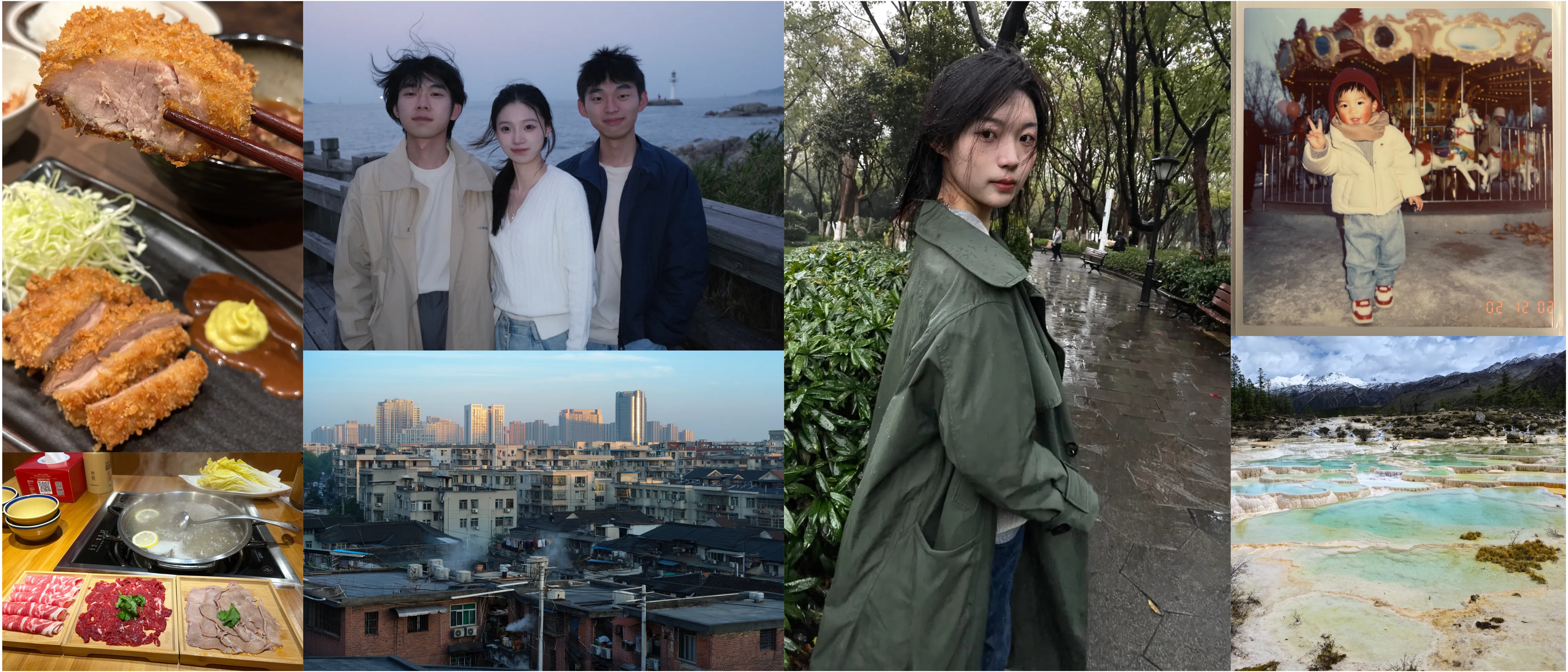
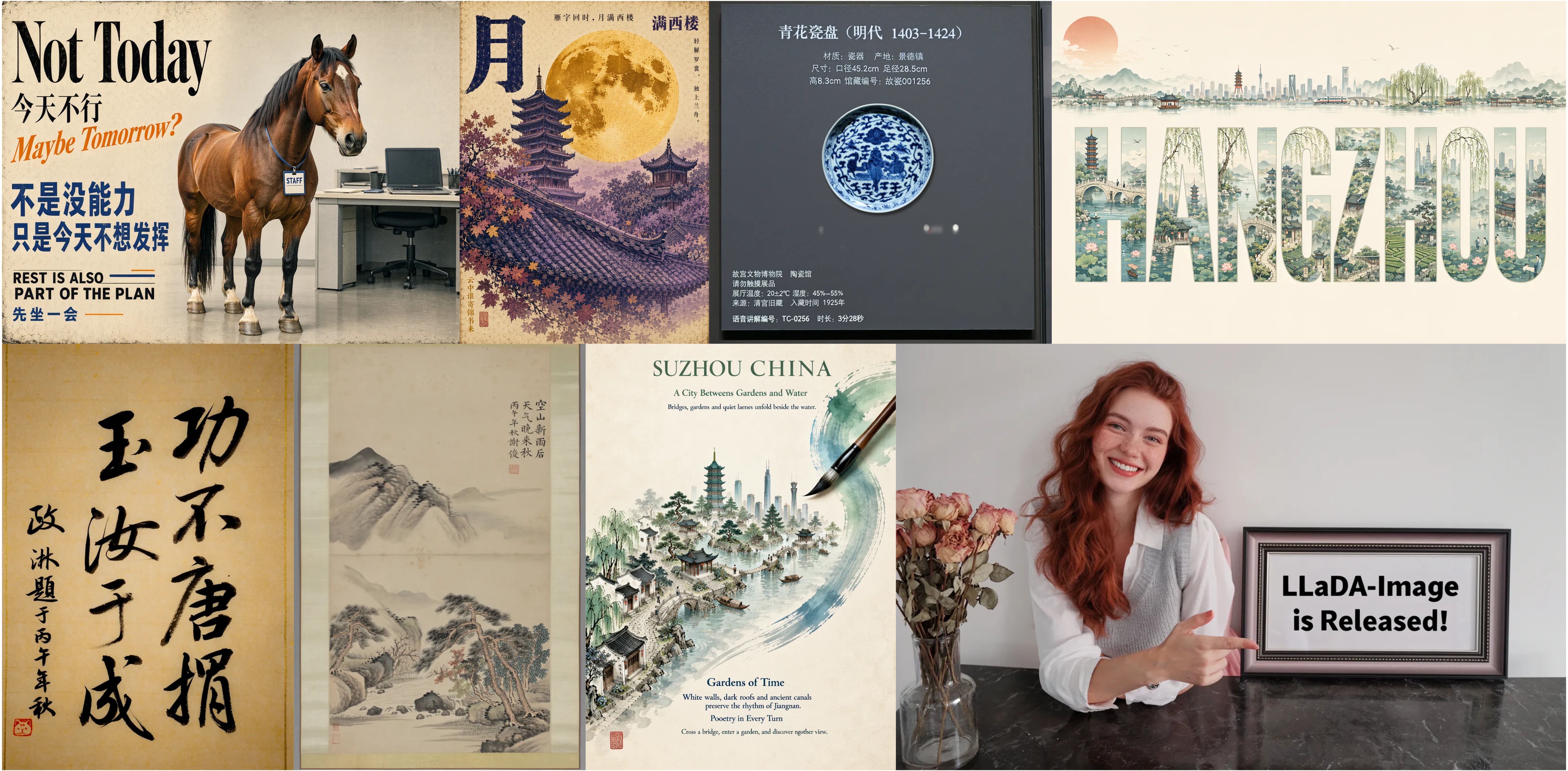
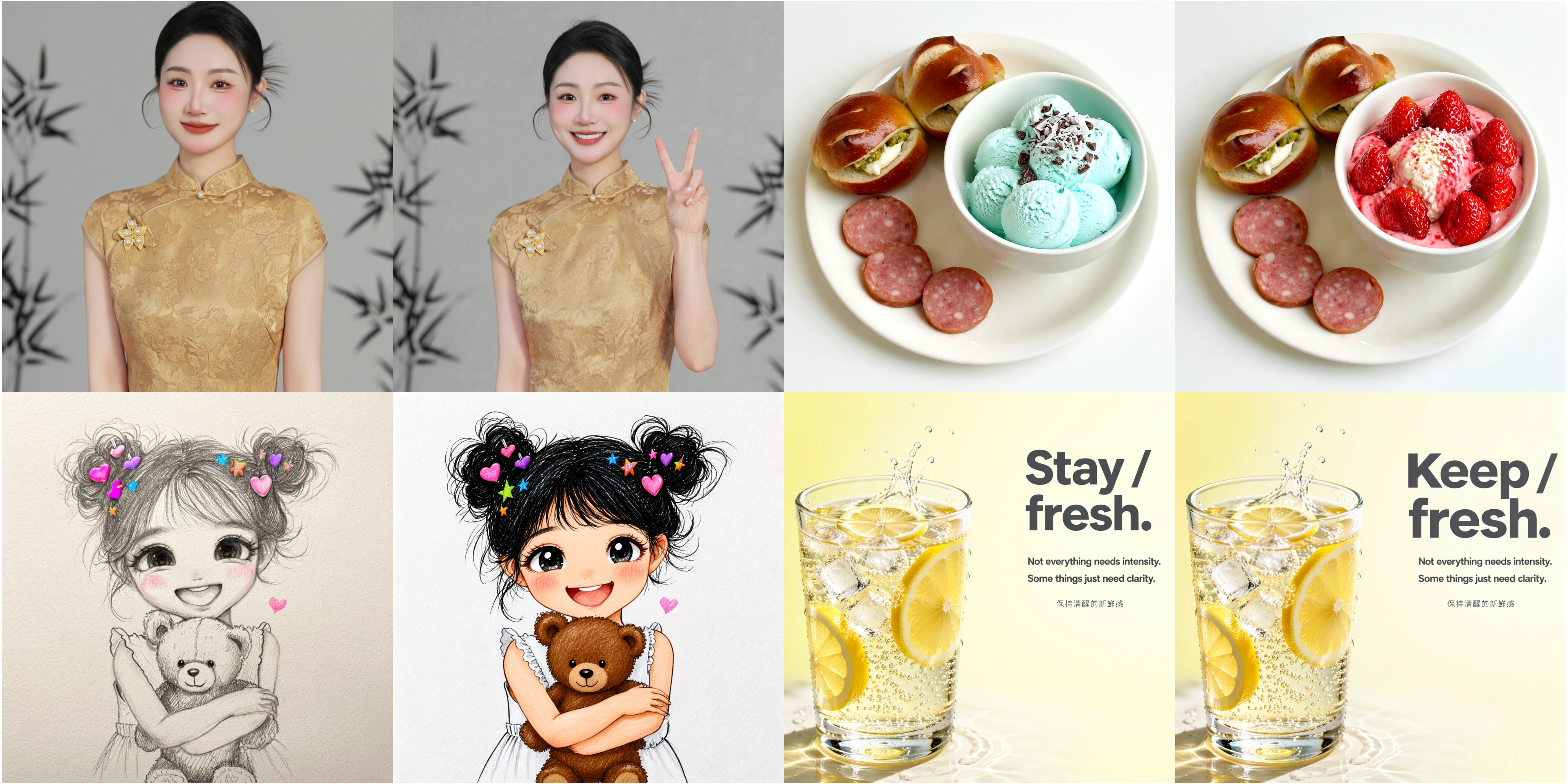
 LLaDA-Image — open-source семейство унифицированных моделей на 6 млрд параметров для качественной генерации изображений по тексту и редактирования картинок по инструкции, выпущенное как Base-модель на 50 шагов и дистиллированная Turbo-модель на 4 шага.
LLaDA-Image — open-source семейство унифицированных моделей на 6 млрд параметров для качественной генерации изображений по тексту и редактирования картинок по инструкции, выпущенное как Base-модель на 50 шагов и дистиллированная Turbo-модель на 4 шага.Это готовое приложение или модель, которую я запускаю кодом?Это набор чекпоинтов на Hugging Face/ModelScope вместе с Python-кодом инференса на Diffusers — встроенного GUI нет, хотя для него существуют community-ноды ComfyUI.
Это набор чекпоинтов на Hugging Face/ModelScope вместе с Python-кодом инференса на Diffusers — встроенного GUI нет, хотя для него существуют community-ноды ComfyUI.Как его запустить?Настройте окружение Python 3.11 с указанными версиями PyTorch/Transformers/Diffusers, скачайте чекпоинт Base или Turbo и запустите Diffusers-pipeline с текстовым промптом (плюс опциональное референсное изображение для редактирования).
Настройте окружение Python 3.11 с указанными версиями PyTorch/Transformers/Diffusers, скачайте чекпоинт Base или Turbo и запустите Diffusers-pipeline с текстовым промптом (плюс опциональное референсное изображение для редактирования).Есть ли ограничения по размеру при генерации или редактировании изображений?Да — для text-to-image и генерации с VQ-условием высота и ширина должны быть кратны 16, а для редактирования изображений размеры должны быть кратны 32.
Да — для text-to-image и генерации с VQ-условием высота и ширина должны быть кратны 16, а для редактирования изображений размеры должны быть кратны 32.Это для обычных пользователей или ML-специалистов?Он рассчитан на исследователей и разработчиков, которым несложно запускать Python и Diffusers-pipeline напрямую, поскольку предоставляются только чекпоинты и код инференса, а не потребительское приложение.
Он рассчитан на исследователей и разработчиков, которым несложно запускать Python и Diffusers-pipeline напрямую, поскольку предоставляются только чекпоинты и код инференса, а не потребительское приложение.В чём разница между моделями Base и Turbo?Base использует 50 шагов сэмплирования для генерации и редактирования максимального качества, а Turbo — дистиллированная модель, обученная с помощью Twin-DMD-дистилляции, которой хватает 2-4 шагов для куда более быстрого инференса.
Base использует 50 шагов сэмплирования для генерации и редактирования максимального качества, а Turbo — дистиллированная модель, обученная с помощью Twin-DMD-дистилляции, которой хватает 2-4 шагов для куда более быстрого инференса.Насколько хорош LLaDA-Image по сравнению с другими моделями?Он заявляет лучшие общие результаты на бенчмарке Qwen-Image-Bench — 53.53 на английском и 53.38 на китайском.
Он заявляет лучшие общие результаты на бенчмарке Qwen-Image-Bench — 53.53 на английском и 53.38 на китайском.Можно использовать LLaDA-Image внутри ComfyUI?Да, по новостям проекта доступна сделанная сообществом поддержка ComfyUI и для LLaDA-Image, и для LLaDA-Image-Turbo, включая FP8-версию.
Да, по новостям проекта доступна сделанная сообществом поддержка ComfyUI и для LLaDA-Image, и для LLaDA-Image-Turbo, включая FP8-версию.Доступен ли код обучения?Пока нет — на данный момент выпущены только код инференса и веса модели; код обучения на open-source-роадмапе помечен как 'скоро' (coming soon).
Пока нет — на данный момент выпущены только код инференса и веса модели; код обучения на open-source-роадмапе помечен как 'скоро' (coming soon).What are similar projects?DiffSynth-Studio, InstantID, SenseNova-U1, stable-diffusion, Z-Image, DALLE2-pytorch, HunyuanVideo, LTX-Video
DiffSynth-Studio, InstantID, SenseNova-U1, stable-diffusion, Z-Image, DALLE2-pytorch, HunyuanVideo, LTX-VideoWhich topics is it in?model, comfyui, image-editing, text-to-image, diffusion-models, multimodal, image-generation, artificial-intelligence, inference, generative-ai, huggingface, computer-vision
model, comfyui, image-editing, text-to-image, diffusion-models, multimodal, image-generation, artificial-intelligence, inference, generative-ai, huggingface, computer-vision