Crawlab






中文 | English
Installation | Run | Screenshot | Architecture | Integration | Compare | Community & Sponsorship | CHANGELOG | Disclaimer
Golang-based distributed web crawler management platform, supporting various languages including Python, NodeJS, Go, Java, PHP and various web crawler frameworks including Scrapy, Puppeteer, Selenium.
Demo | Documentation
Installation
You can follow the installation guide.
Quick Start
Please open the command line prompt and execute the command below. Make sure you have installed docker-compose in advance.
git clone https://github.com/crawlab-team/examples
cd examples/docker/basic
docker-compose up -d
Next, you can look into the docker-compose.yml (with detailed config params) and the Documentation for further information.
Run
Docker
Please use docker-compose to one-click to start up. By doing so, you don't even have to configure MongoDB database. Create a file named docker-compose.yml and input the code below.
version: '3.3'
services:
  master:
    image: crawlabteam/crawlab:latest
    container_name: crawlab_example_master
    environment:
      CRAWLAB_NODE_MASTER: "Y"
      CRAWLAB_MONGO_HOST: "mongo"
    volumes:
      - "./.crawlab/master:/root/.crawlab"
    ports:
      - "8080:8080"
    depends_on:
      - mongo

  worker01:
    image: crawlabteam/crawlab:latest
    container_name: crawlab_example_worker01
    environment:
      CRAWLAB_NODE_MASTER: "N"
      CRAWLAB_GRPC_ADDRESS: "master"
      CRAWLAB_FS_FILER_URL: "http://master:8080/api/filer"
    volumes:
      - "./.crawlab/worker01:/root/.crawlab"
    depends_on:
      - master

  worker02:
    image: crawlabteam/crawlab:latest
    container_name: crawlab_example_worker02
    environment:
      CRAWLAB_NODE_MASTER: "N"
      CRAWLAB_GRPC_ADDRESS: "master"
      CRAWLAB_FS_FILER_URL: "http://master:8080/api/filer"
    volumes:
      - "./.crawlab/worker02:/root/.crawlab"
    depends_on:
      - master

  mongo:
    image: mongo:4.2
    container_name: crawlab_example_mongo
    restart: always
Then execute the command below, and Crawlab Master and Worker Nodes + MongoDB will start up. Open the browser and enter http://localhost:8080 to see the UI interface.
docker-compose up -d
For Docker Deployment details, please refer to relevant documentation.
Screenshot
Login

Home Page
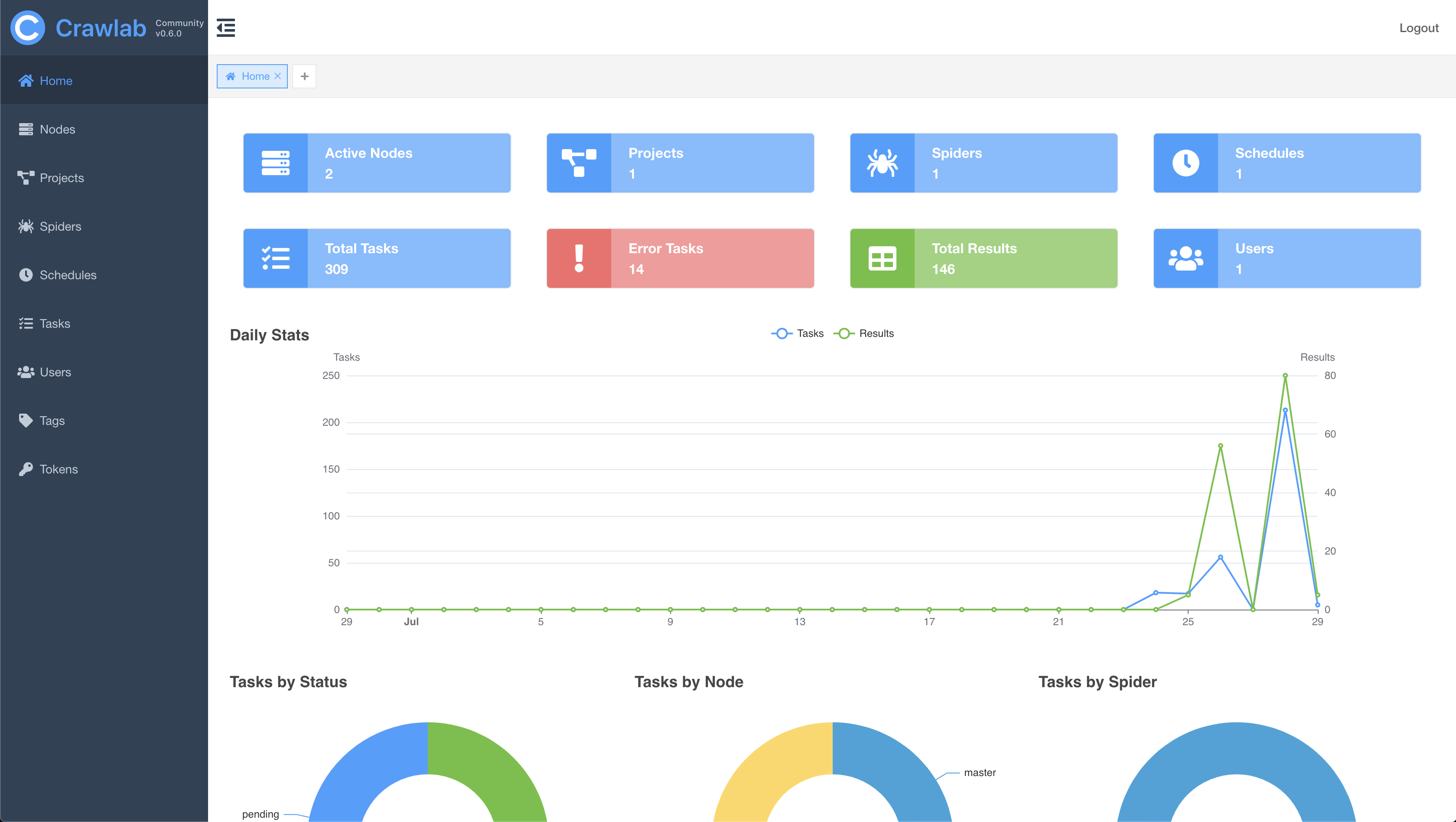
Node List
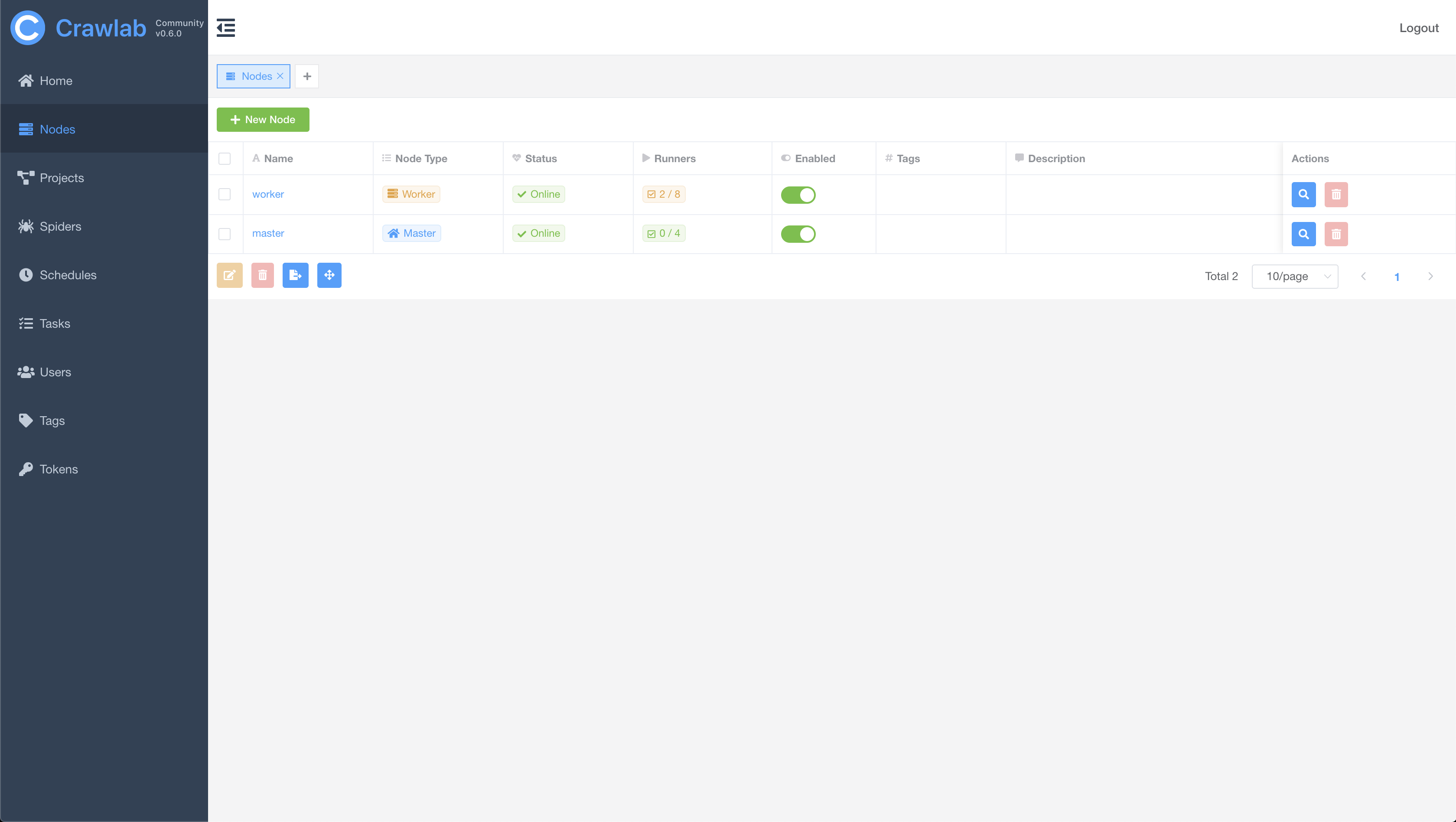
Spider List

Spider Overview

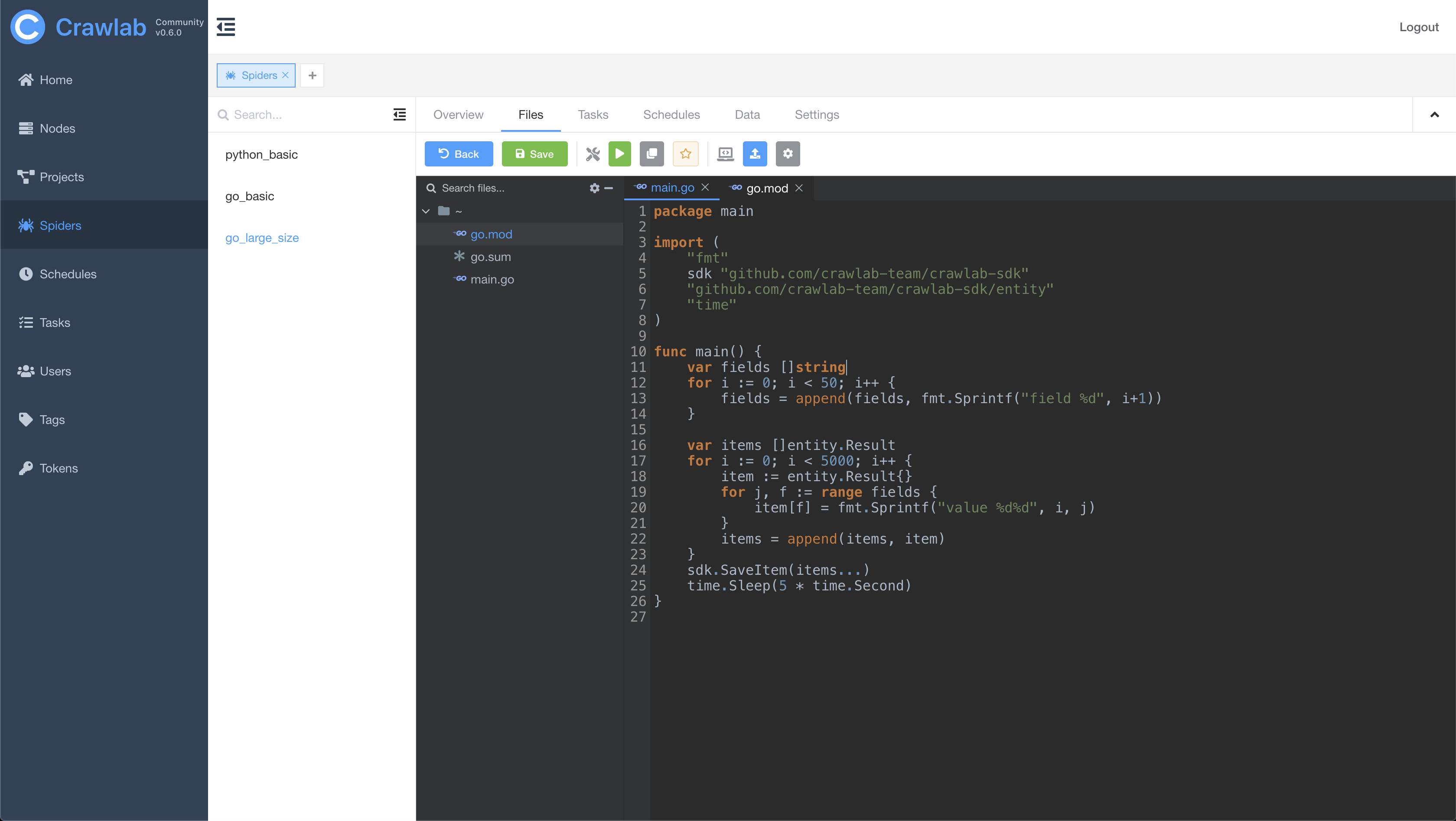
Spider Files
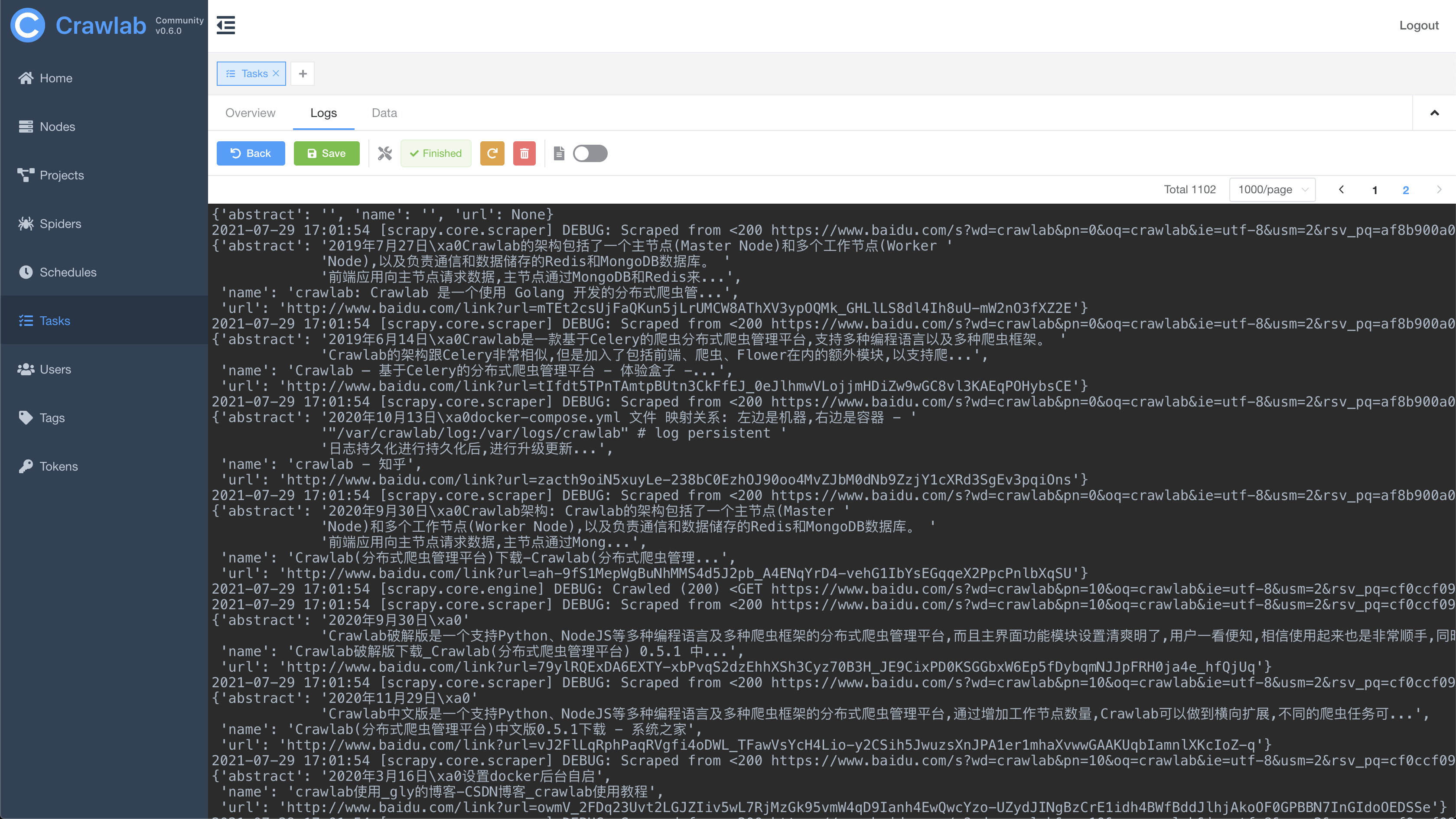
Task Log
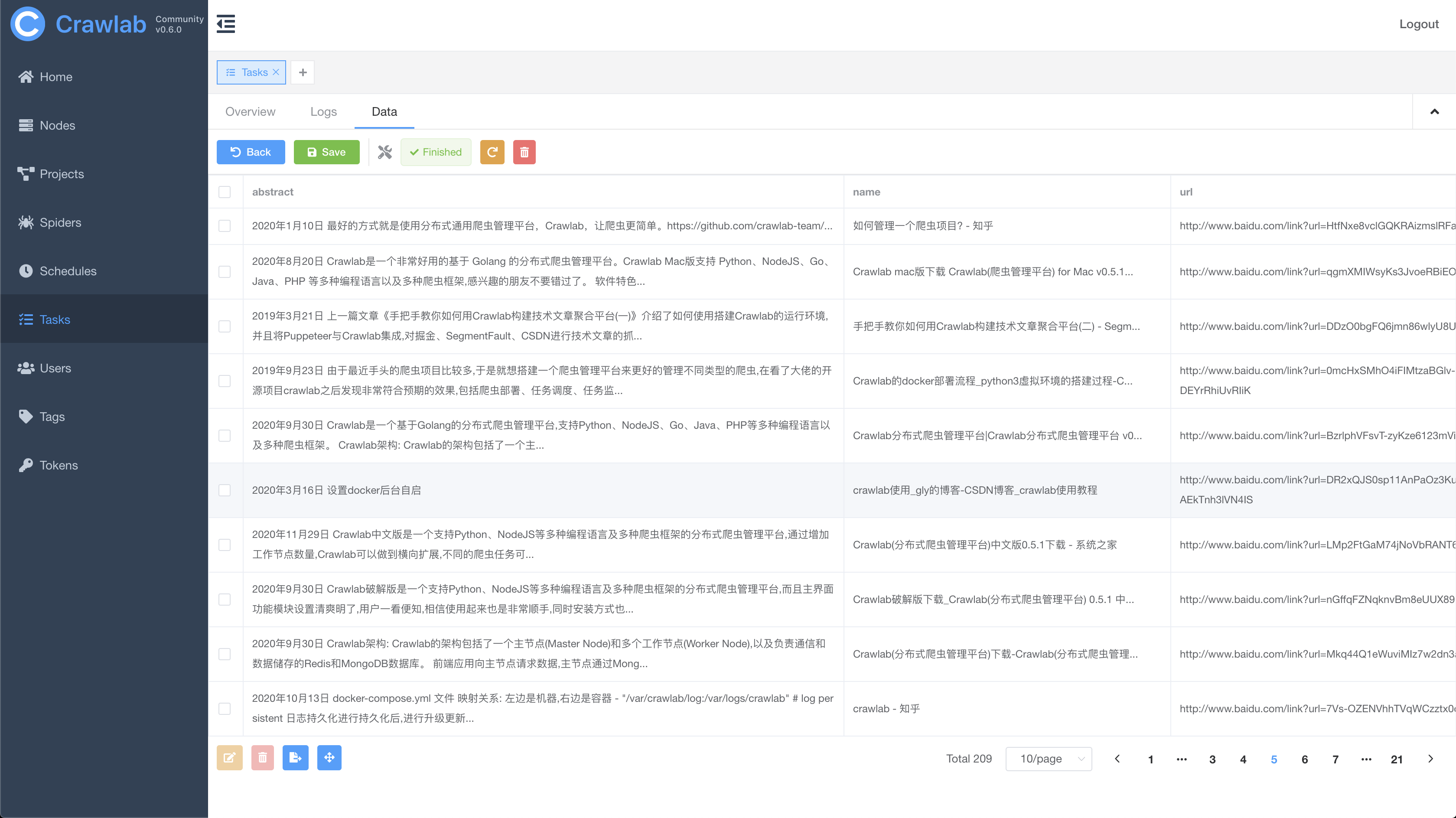
Task Results
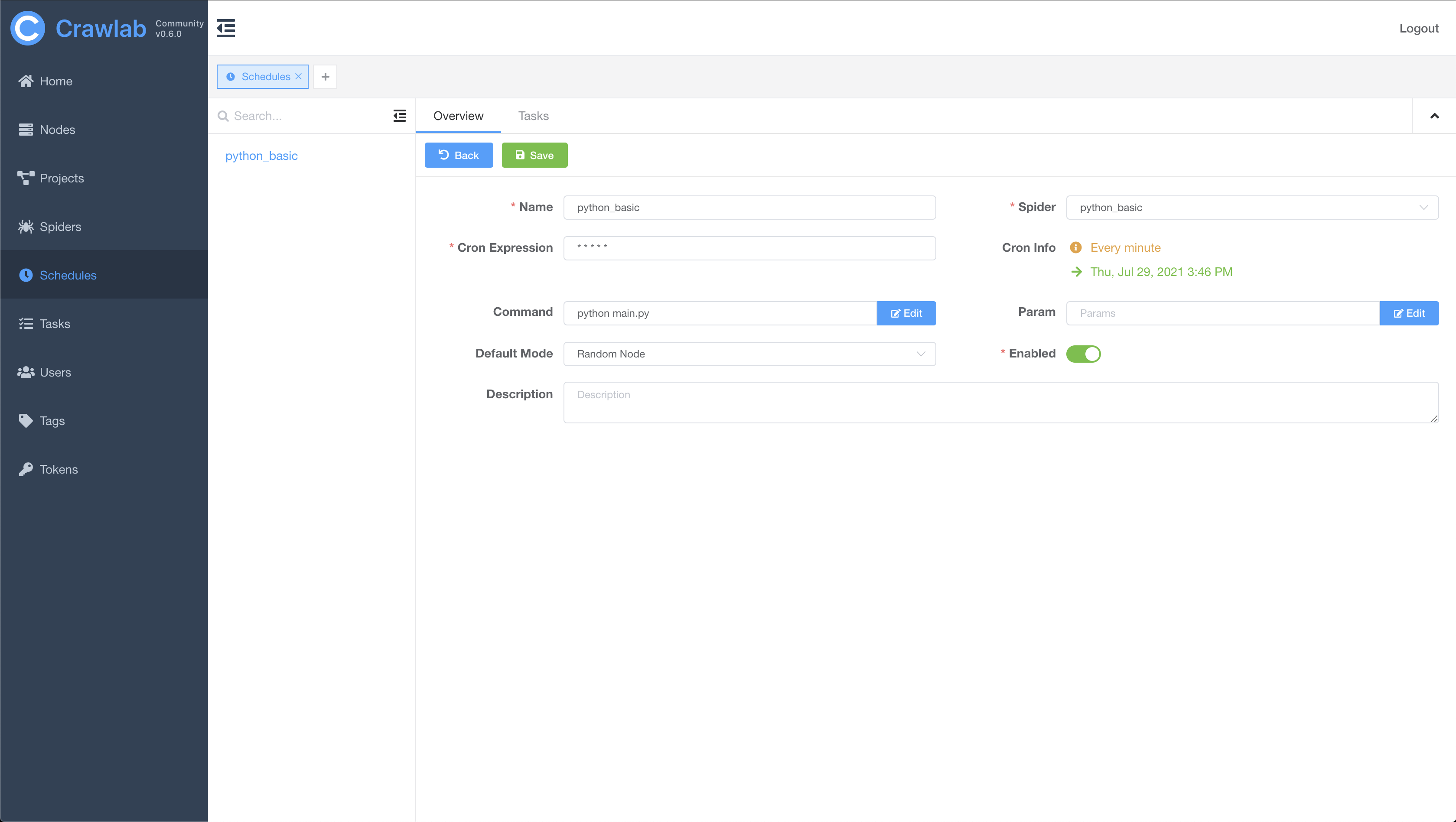
Cron Job
Architecture
The architecture of Crawlab is consisted of a master node, worker nodes, SeaweedFS (a distributed file system) and MongoDB database.
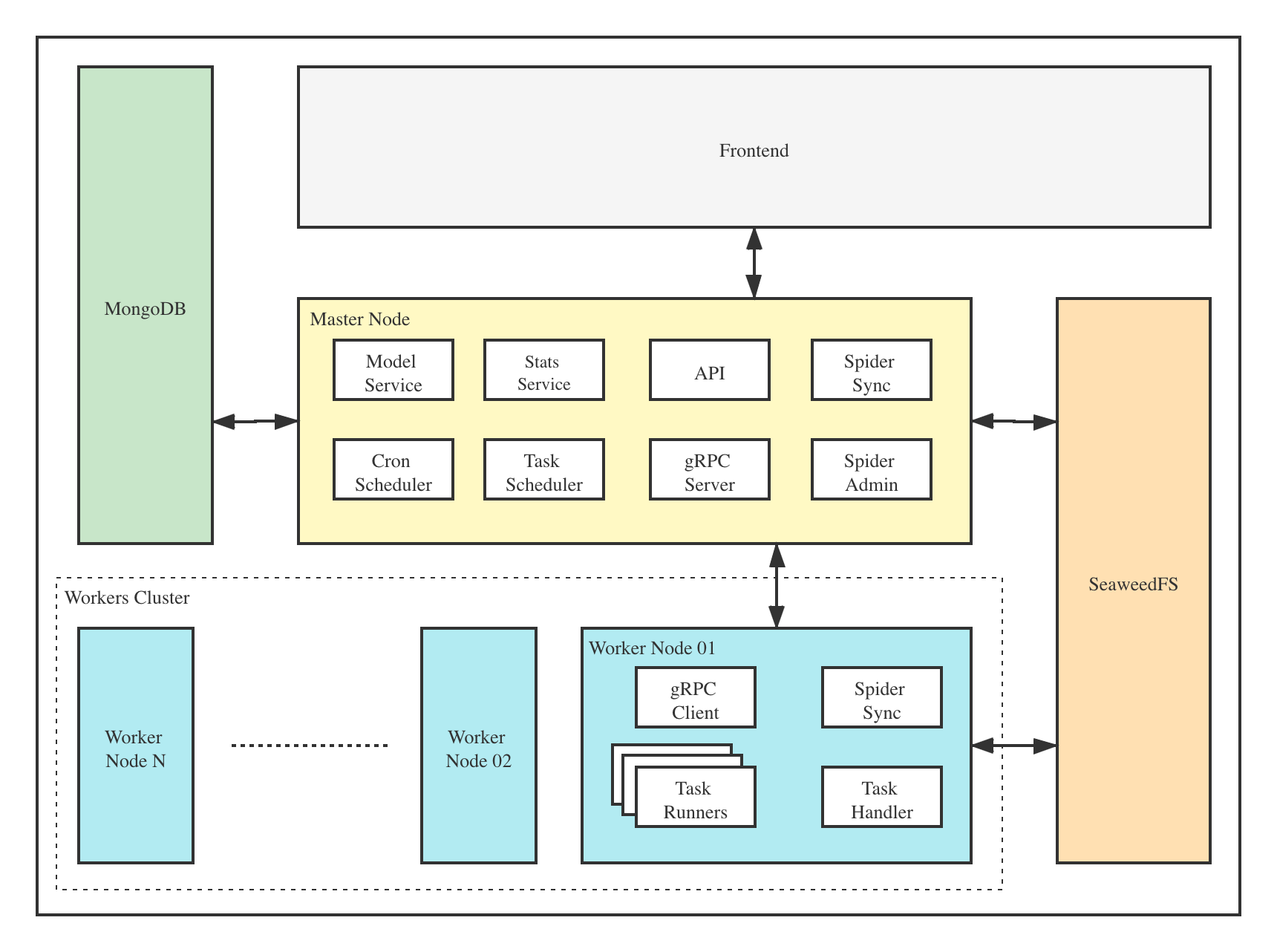
The frontend app interacts with the master node, which communicates with other components such as MongoDB, SeaweedFS and worker nodes. Master node and worker nodes communicate with each other via gRPC (a RPC framework). Tasks are scheduled by the task scheduler module in the master node, and received by the task handler module in worker nodes, which executes these tasks in task runners. Task runners are actually processes running spider or crawler programs, and can also send data through gRPC (integrated in SDK) to other data sources, e.g. MongoDB.
Master Node
The Master Node is the core of the Crawlab architecture. It is the center control system of Crawlab.
The Master Node provides below services:
- Task Scheduling;
- Worker Node Management and Communication;
- Spider Deployment;
- Frontend and API Services;
- Task Execution (you can regard the Master Node as a Worker Node)
The Master Node communicates with the frontend app, and send crawling tasks to Worker Nodes. In the mean time, the Master Node uploads (deploys) spiders to the distributed file system SeaweedFS, for synchronization by worker nodes.
Worker Node
The main functionality of the Worker Nodes is to execute crawling tasks and store results and logs, and communicate with the Master Node through gRPC. By increasing the number of Worker Nodes, Crawlab can scale horizontally, and different crawling tasks can be assigned to different nodes to execute.
MongoDB
MongoDB is the operational database of Crawlab. It stores data of nodes, spiders, tasks, schedules, etc. Task queue is also stored in MongoDB.
SeaweedFS
SeaweedFS is an open source distributed file system authored by Chris Lu. It can robustly store and share files across a distributed system. In Crawlab, SeaweedFS mainly plays the role as file synchronization system and the place where task log files are stored.
Frontend
Frontend app is built upon Element-Plus, a popular Vue 3-based UI framework. It interacts with API hosted on the Master Node, and indirectly controls Worker Nodes.
Integration with Other Frameworks
Crawlab SDK provides some helper methods to make it easier for you to integrate your spiders into Crawlab, e.g. saving results.
Scrapy
In settings.py in your Scrapy project, find the variable named ITEM_PIPELINES (a dict variable). Add content below.
ITEM_PIPELINES = {
    'crawlab.scrapy.pipelines.CrawlabPipeline': 888,
}
Then, start the Scrapy spider. After it's done, you should be able to see scraped results in Task Detail -> Data
General Python Spider
Please add below content to your spider files to save results.
# import result saving method
from crawlab import save_item

# this is a result record, must be dict type
result = {'name': 'crawlab'}

# call result saving method
save_item(result)
Then, start the spider. After it's done, you should be able to see scraped results in Task Detail -> Data
Other Frameworks / Languages
A crawling task is actually executed through a shell command. The Task ID will be passed to the crawling task process in the form of environment variable named CRAWLAB_TASK_ID. By doing so, the data can be related to a task.
Comparison with Other Frameworks
There are existing spider management frameworks. So why use Crawlab?
The reason is that most of the existing platforms are depending on Scrapyd, which limits the choice only within python and scrapy. Surely scrapy is a great web crawl framework, but it cannot do everything.
Crawlab is easy to use, general enough to adapt spiders in any language and any framework. It has also a beautiful frontend interface for users to manage spiders much more easily.
| Framework |
Technology |
Pros |
Cons |
Github Stats |
| Crawlab |
Golang + Vue |
Not limited to Scrapy, available for all programming languages and frameworks. Beautiful UI interface. Naturally support distributed spiders. Support spider management, task management, cron job, result export, analytics, notifications, configurable spiders, online code editor, etc. |
Not yet support spider versioning |
  |
| ScrapydWeb |
Python Flask + Vue |
Beautiful UI interface, built-in Scrapy log parser, stats and graphs for task execution, support node management, cron job, mail notification, mobile. Full-feature spider management platform. |
Not support spiders other than Scrapy. Limited performance because of Python Flask backend. |
  |
| Gerapy |
Python Django + Vue |
Gerapy is built by web crawler guru Germey Cui. Simple installation and deployment. Beautiful UI interface. Support node management, code edit, configurable crawl rules, etc. |
Again not support spiders other than Scrapy. A lot of bugs based on user feedback in v1.0. Look forward to improvement in v2.0 |
  |
| SpiderKeeper |
Python Flask |
Open-source Scrapyhub. Concise and simple UI interface. Support cron job. |
Perhaps too simplified, not support pagination, not support node management, not support spiders other than Scrapy. |
  |
Contributors


Supported by JetBrains

If you feel Crawlab could benefit your daily work or your company, please add the author's Wechat account noting "Crawlab" to enter the discussion group.

 Crawlab 是一个开源的分布式爬虫管理平台:你可以上传用任何语言写的爬虫,在多台机器组成的集群上运行它们,并通过网页界面管理任务、定时调度和结果。