






What is this?
 Copper is a Rust runtime and SDK for building, running, recording, and deterministically replaying static robot task graphs, often described as an 'operating system for robots' that runs anywhere from Linux down to bare-metal microcontrollers.
Is this a full operating system kernel or a framework I compile into my robot's code?Despite the 'OS for robots' framing, it is a Rust framework/runtime: you declare your task graph in a RON config file and it gets wired into your binary at compile time, rather than booting as a standalone kernel.
Despite the 'OS for robots' framing, it is a Rust framework/runtime: you declare your task graph in a RON config file and it gets wired into your binary at compile time, rather than booting as a standalone kernel.How do I build my first Copper app?Install the latest stable Rust toolchain, then use the Copper project generator to scaffold an app around copperconfig.ron, src/main.rs, and src/tasks.rs, which comes with a justfile for logs, graph inspection, scheduling, and replay.
Install the latest stable Rust toolchain, then use the Copper project generator to scaffold an app around copperconfig.ron, src/main.rs, and src/tasks.rs, which comes with a justfile for logs, graph inspection, scheduling, and replay.Any gotchas when targeting bare-metal hardware?If you choose a bare-metal/nostd target during project creation, the generator skips Profile-Guided Scheduling scaffolding, and the default schedule.ron it gives you is just a conservative placeholder you still need to tune for your real workload.
If you choose a bare-metal/nostd target during project creation, the generator skips Profile-Guided Scheduling scaffolding, and the default schedule.ron it gives you is just a conservative placeholder you still need to tune for your real workload.What hardware can Copper actually run on?It runs on Linux and macOS development machines, single-board computers like Raspberry Pi, and bare-metal microcontrollers such as the STM32H7 flight controllers used in the quadcopter demo.
It runs on Linux and macOS development machines, single-board computers like Raspberry Pi, and bare-metal microcontrollers such as the STM32H7 flight controllers used in the quadcopter demo.Can I use Copper alongside an existing ROS 2 robot?Yes, Copper connects to ROS 2 through Zenoh so you can integrate it with a ROS-based stack and migrate progressively instead of rewriting everything at once.
Yes, Copper connects to ROS 2 through Zenoh so you can integrate it with a ROS-based stack and migrate progressively instead of rewriting everything at once.What is Time Travel Debugging?You can seek through a recorded run, restore the task state at any point, and re-execute your code with the exact recorded inputs and robot clock, letting you debug what actually happened on the real robot.
You can seek through a recorded run, restore the task state at any point, and re-execute your code with the exact recorded inputs and robot clock, letting you debug what actually happened on the real robot.What is Profile-Guided Scheduling (PGS)?PGS turns measured timings, sensor rates, and deadlines into candidate execution schedules you can benchmark and compile into the runtime, using helpers like just pgs-baseline and just pgs-measure.
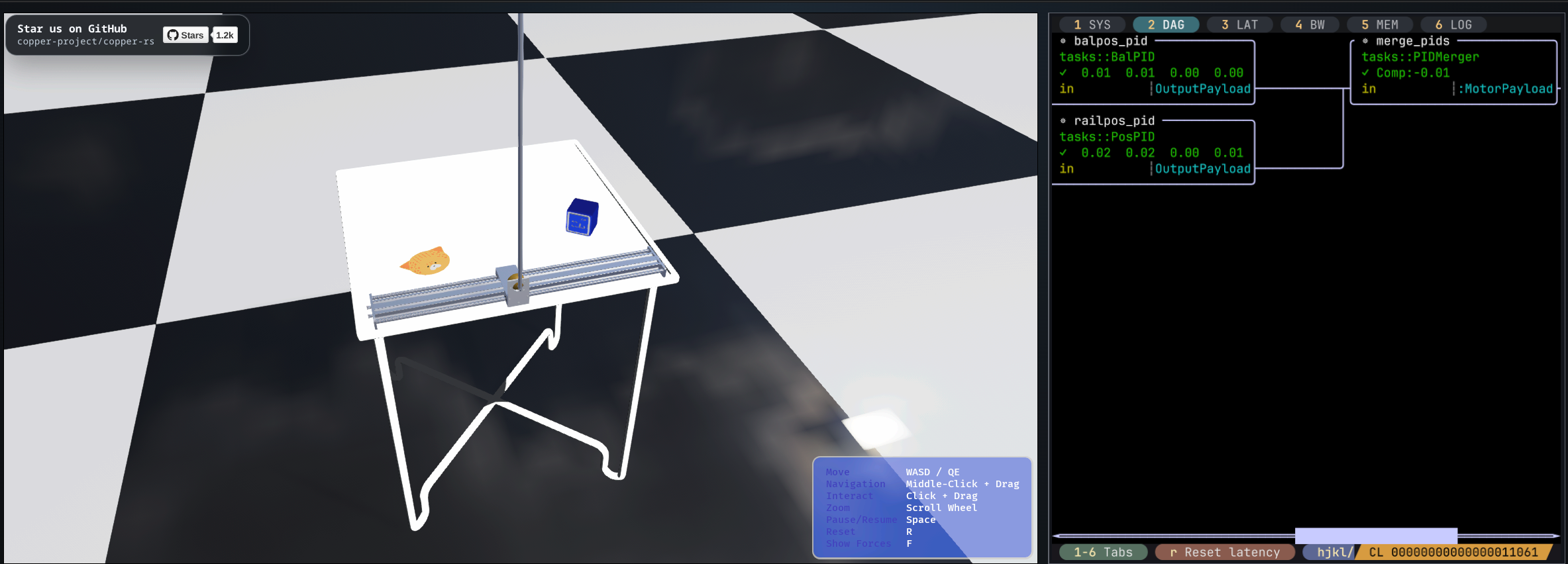
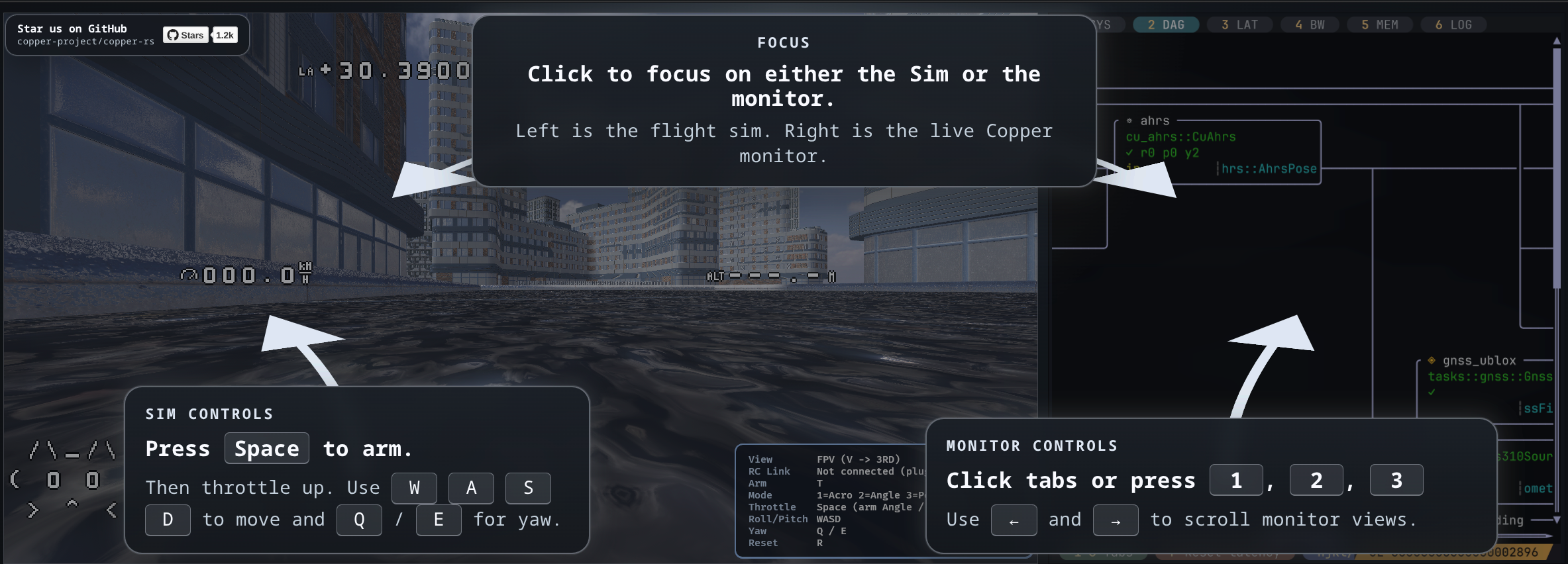
PGS turns measured timings, sensor rates, and deadlines into candidate execution schedules you can benchmark and compile into the runtime, using helpers like just pgs-baseline and just pgs-measure.Has Copper actually been used on real robots?The README says it is already flying, driving, swimming, going to space, and powering humanoids, and it ships browser-playable simulations of the exact apps running on a Raspberry Pi balancing robot and an STM32H7 quadcopter.
The README says it is already flying, driving, swimming, going to space, and powering humanoids, and it ships browser-playable simulations of the exact apps running on a Raspberry Pi balancing robot and an STM32H7 quadcopter.What are similar projects?betaflight, Jet, ftl, zxdesk, xgoduck_hardware, autoware, rt-thread, fprime
betaflight, Jet, ftl, zxdesk, xgoduck_hardware, autoware, rt-thread, fprimeWhich topics is it in?drone, physical-ai, ros, stm32, bare-metal, robot, telemetry, microcontroller, logging, embedded-systems, operating-system, robotics
drone, physical-ai, ros, stm32, bare-metal, robot, telemetry, microcontroller, logging, embedded-systems, operating-system, robotics