

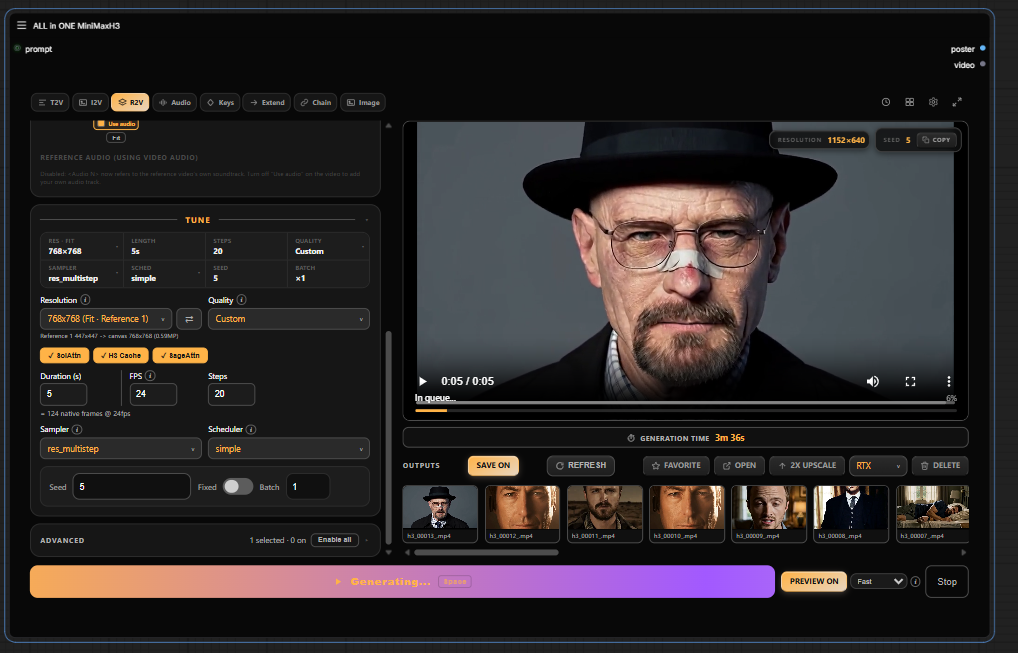
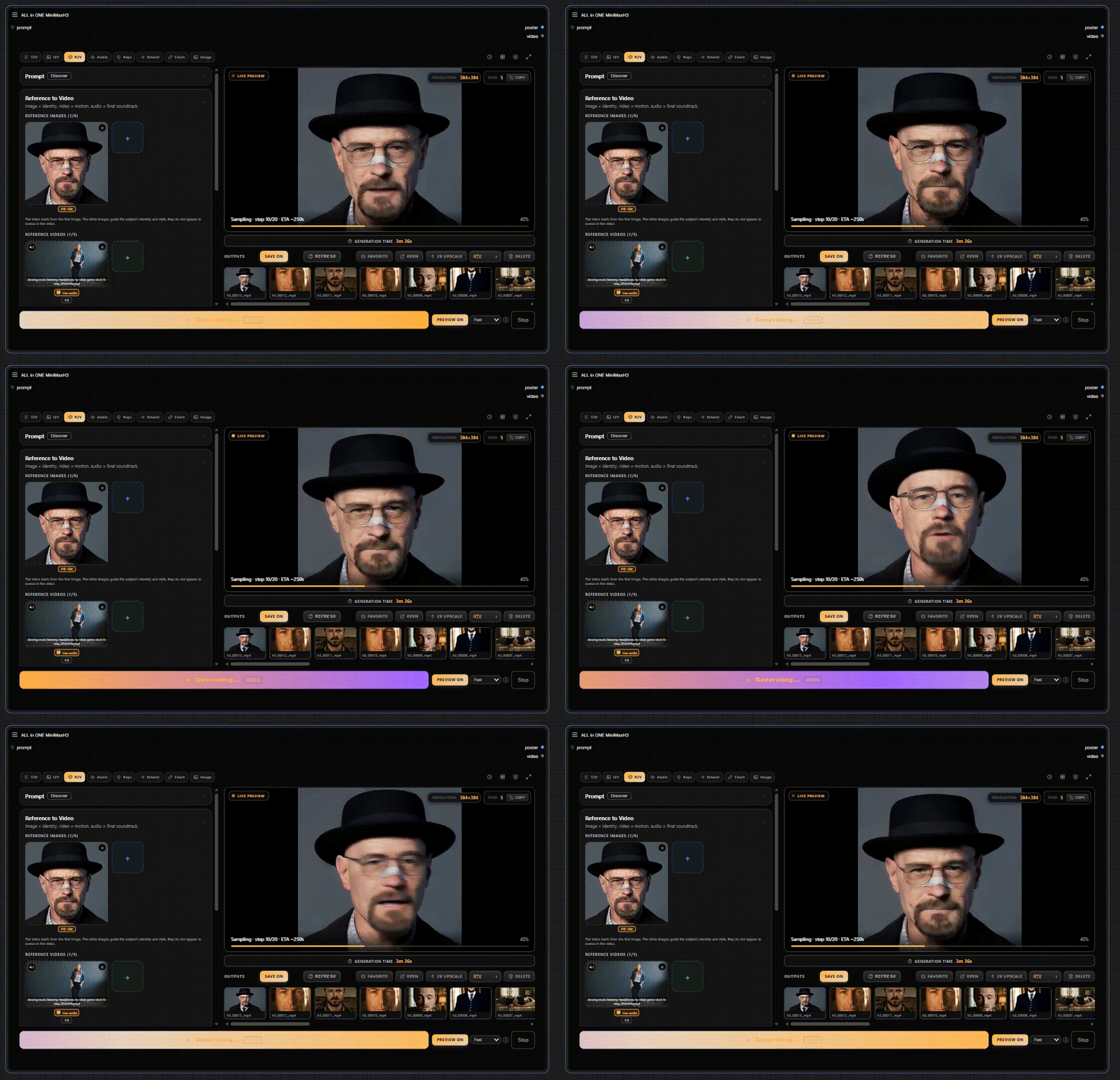
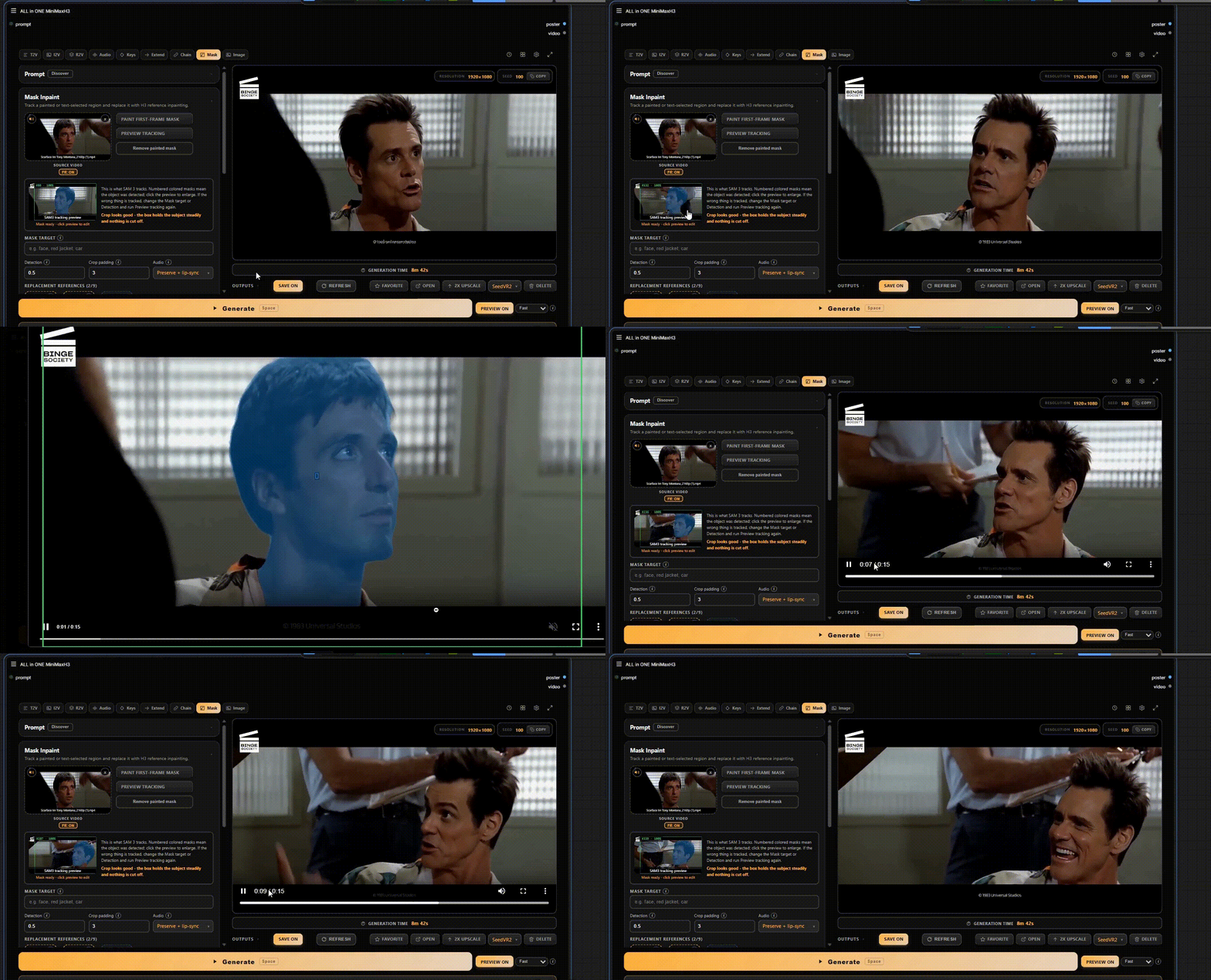
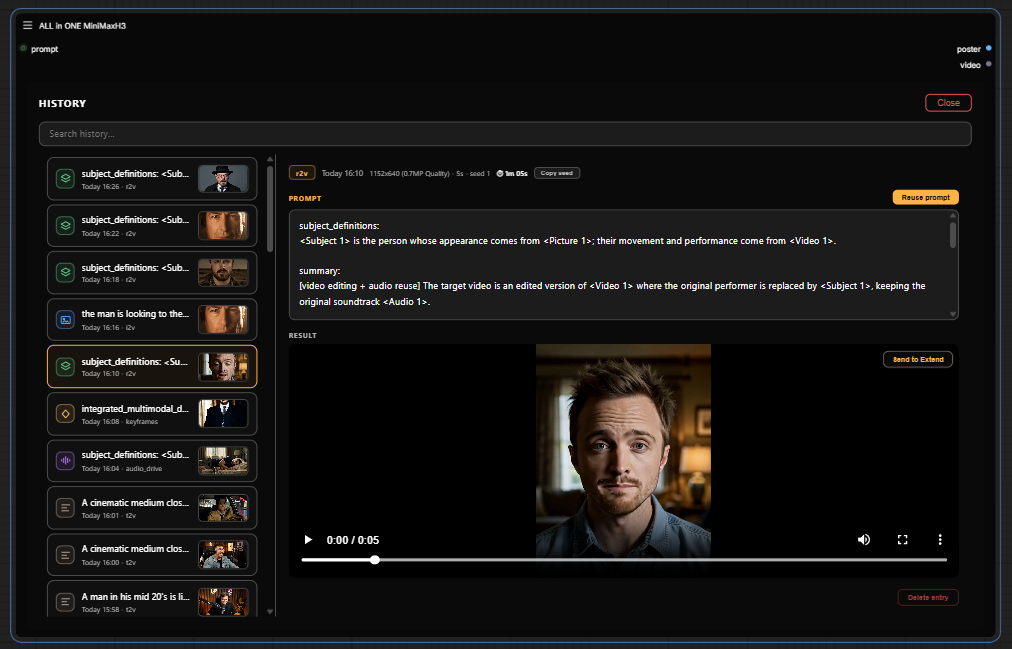
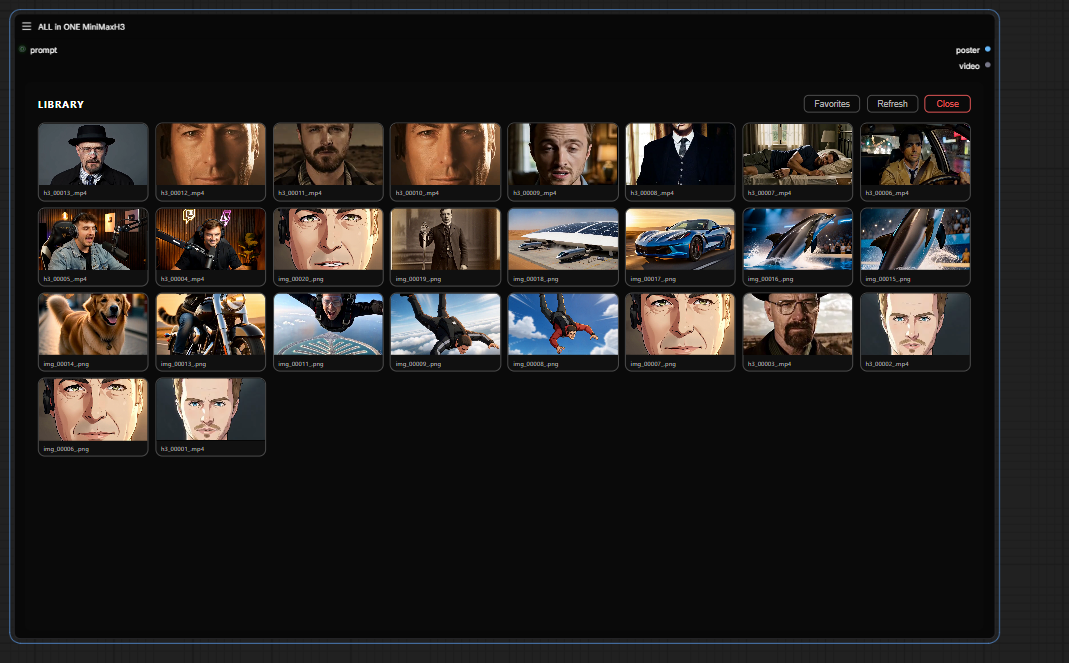
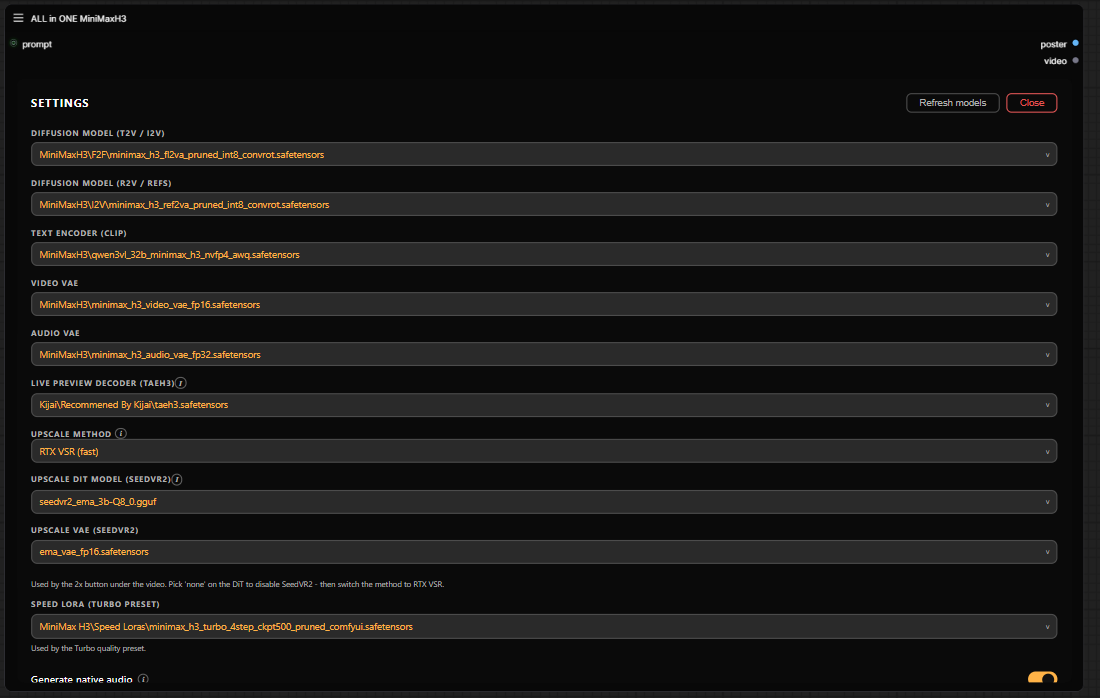

Что это такое?
 Один кастомный нод для ComfyUI, который упаковывает весь видеопайплайн MiniMax H3 в один узел — выберите режим, добавьте промпт или референсы и нажмите Generate.
Один кастомный нод для ComfyUI, который упаковывает весь видеопайплайн MiniMax H3 в один узел — выберите режим, добавьте промпт или референсы и нажмите Generate.Так это отдельное приложение или что-то внутри ComfyUI?Это внутри ComfyUI — кастомный нод, а не отдельная программа. После установки он появляется на холсте как нод 'ALL in ONE MiniMaxH3'.
Это внутри ComfyUI — кастомный нод, а не отдельная программа. После установки он появляется на холсте как нод 'ALL in ONE MiniMaxH3'.Как добавить его в ComfyUI?После установки пакета перезапустите ComfyUI, затем дважды кликните по холсту и в поиске введите 'ALL in ONE MiniMaxH3' — вся настройка на этом.
После установки пакета перезапустите ComfyUI, затем дважды кликните по холсту и в поиске введите 'ALL in ONE MiniMaxH3' — вся настройка на этом.Он заработает на чистом ComfyUI или нужны дополнительные модели и наборы нодов?T2V, I2V и R2V работают только на ядре ComfyUI; все остальные модели и опциональные пакеты перечислены в requirements/REQUIREMENTS.md. Опциональному пресету SLA Draft нужен пакет ComfyUI-PlagueKind-Nodes.
T2V, I2V и R2V работают только на ядре ComfyUI; все остальные модели и опциональные пакеты перечислены в requirements/REQUIREMENTS.md. Опциональному пресету SLA Draft нужен пакет ComfyUI-PlagueKind-Nodes.Что чаще всего ломается?Это бета-версия, и автор тестирует её на зафиксированном стеке — конкретной версии ComfyUI, определённых коммитах нодов и файлах моделей, всё перечислено в COMPATIBILITY.md. Если после обновления рендер падает, начинайте проверку оттуда.
Это бета-версия, и автор тестирует её на зафиксированном стеке — конкретной версии ComfyUI, определённых коммитах нодов и файлах моделей, всё перечислено в COMPATIBILITY.md. Если после обновления рендер падает, начинайте проверку оттуда.Он одинаково работает на Windows, macOS и Linux?Да — это кастомный нод внутри ComfyUI, а не программа под конкретную ОС, поэтому работает везде, где работает ComfyUI.
Да — это кастомный нод внутри ComfyUI, а не программа под конкретную ОС, поэтому работает везде, где работает ComfyUI.Он обращается к облаку MiniMax или модели работают локально?Локально, в вашем ComfyUI — модели это файлы, которые вы устанавливаете сами (см. requirements/REQUIREMENTS.md), а T2V, I2V и R2V работают только на ядре ComfyUI. API-ключ не нужен.
Локально, в вашем ComfyUI — модели это файлы, которые вы устанавливаете сами (см. requirements/REQUIREMENTS.md), а T2V, I2V и R2V работают только на ядре ComfyUI. API-ключ не нужен.Моя видеокарта потянет?Требований к GPU не указано — единственная аппаратно-зависимая функция это режим Upscale, который задействует RTX/Seed2VR Video Super Resolution.
Требований к GPU не указано — единственная аппаратно-зависимая функция это режим Upscale, который задействует RTX/Seed2VR Video Super Resolution.Какие режимы есть в этом единственном ноде?Одиннадцать: Image (генерация картинок из текста, правки, до 9 референсов), T2V с нативным звуком, I2V с опциональным морфингом в конечный кадр, R2V на основе референсных изображений, видео или аудио, Character Sheet (развороты персонажа в раскладке из 6 или 4 панелей), Audio Drive (липсинк), Keyframes, Extend, Chain через Motion Context без перекодирования, Mask с отслеживанием областей и хук Upscale.
Одиннадцать: Image (генерация картинок из текста, правки, до 9 референсов), T2V с нативным звуком, I2V с опциональным морфингом в конечный кадр, R2V на основе референсных изображений, видео или аудио, Character Sheet (развороты персонажа в раскладке из 6 или 4 панелей), Audio Drive (липсинк), Keyframes, Extend, Chain через Motion Context без перекодирования, Mask с отслеживанием областей и хук Upscale.Что делает Compare & Stitch?Выбираете 2-4 результата и либо смотрите их синхронно рядом (Compare), либо экспортируете один общий клип «бок о бок» (Stitch) в 24 fps с обрезкой по каждому клипу, настройкой отступов и цветом разделителя, в mp4 с кодеком h264 или h265. Звук берётся из первого клипа; потребуется ComfyUI VideoHelperSuite.
Выбираете 2-4 результата и либо смотрите их синхронно рядом (Compare), либо экспортируете один общий клип «бок о бок» (Stitch) в 24 fps с обрезкой по каждому клипу, настройкой отступов и цветом разделителя, в mp4 с кодеком h264 или h265. Звук берётся из первого клипа; потребуется ComfyUI VideoHelperSuite.В режиме Mask можно закрасить область и описать её текстом?Нет — закрашивание и текстовое описание это отдельные пути. Автор выяснил, что совмещать ручной инпейнтинг с текстовым промптом работает плохо, поэтому для каждой маски выбирайте что-то одно.
Нет — закрашивание и текстовое описание это отдельные пути. Автор выяснил, что совмещать ручной инпейнтинг с текстовым промптом работает плохо, поэтому для каждой маски выбирайте что-то одно.Почему один нод вместо обычного графа воркфлоу?Идею «одного нода» автор позаимствовал у Jan's one-node-flux-2-klein и one-node-gemma-4 — цель в том, чтобы не возиться с графом из дюжины пакетов кастомных нодов.
Идею «одного нода» автор позаимствовал у Jan's one-node-flux-2-klein и one-node-gemma-4 — цель в том, чтобы не возиться с графом из дюжины пакетов кастомных нодов.What are similar projects?ComfyUI-MiniMaxH3-TimelineDirector, ComfyUI-MiniMax-H3-LongMedia, CodeVideoModel, ComfyUI-H3-FaceRefine, artcraft, ComfyUI, WanGP, storycast
ComfyUI-MiniMaxH3-TimelineDirector, ComfyUI-MiniMax-H3-LongMedia, CodeVideoModel, ComfyUI-H3-FaceRefine, artcraft, ComfyUI, WanGP, storycastWhich topics is it in?lipsync, minimax-h3, minimax, inpainting, upscaling, ai-video, image-to-video, comfyui, audio-generation, text-to-video, image-editing, text-to-image
lipsync, minimax-h3, minimax, inpainting, upscaling, ai-video, image-to-video, comfyui, audio-generation, text-to-video, image-editing, text-to-image