Что это?
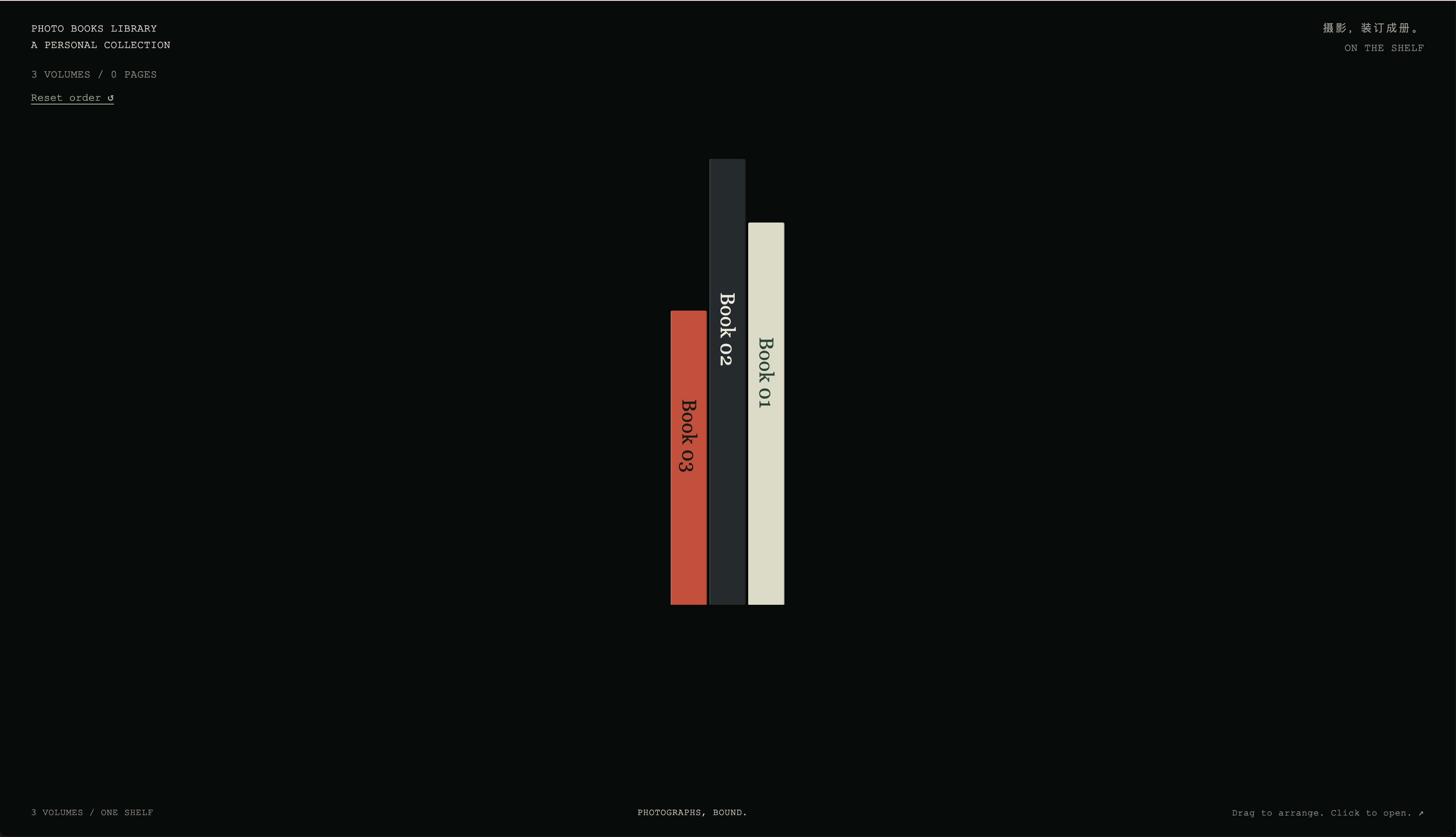
 Скилл для Codex, который превращает папку пользовательских фото в работающий сайт-фотокнигу, используя встроенный 2D-рантайм HTML-флипбука и опциональные шаблоны-примеры на 3D Three.js/WebGL.
Скилл для Codex, который превращает папку пользовательских фото в работающий сайт-фотокнигу, используя встроенный 2D-рантайм HTML-флипбука и опциональные шаблоны-примеры на 3D Three.js/WebGL.Это отдельное приложение или то, что ИИ-агент запускает за меня?Это агентский скилл Codex, а не отдельное приложение: Codex использует его как набор инструментов, чтобы проанализировать ваши фото и сгенерировать локальный сайт-флипбук, выбирая между встроенным 2D-рантаймом и отдельными шаблонами-примерами на 3D React/Three.js.
Это агентский скилл Codex, а не отдельное приложение: Codex использует его как набор инструментов, чтобы проанализировать ваши фото и сгенерировать локальный сайт-флипбук, выбирая между встроенным 2D-рантаймом и отдельными шаблонами-примерами на 3D React/Three.js.Как это запустить?Установите пакет скилла в каталог скиллов Codex, чтобы агент мог его вызывать; шаблоны в examples/ необязательны и должны копироваться отдельно, так как вместе со скиллом они не устанавливаются.
Установите пакет скилла в каталог скиллов Codex, чтобы агент мог его вызывать; шаблоны в examples/ необязательны и должны копироваться отдельно, так как вместе со скиллом они не устанавливаются.Нужно ли что-то дополнительное для работы поиска по фото?Семантический поиск и контактные листы опираются на уже имеющийся photo-search MCP; входящему адаптеру scripts/photolibrary.py также нужен отдельно установленный движок photo-search, на который указывает PHOTOSEARCHENGINEDIR.
Семантический поиск и контактные листы опираются на уже имеющийся photo-search MCP; входящему адаптеру scripts/photolibrary.py также нужен отдельно установленный движок photo-search, на который указывает PHOTOSEARCHENGINEDIR.Есть ли в комплекте примеры фото для пробы?Нет, стартовый скилл не содержит примеров изображений, так что для сборки книги понадобится своя папка с фото.
Нет, стартовый скилл не содержит примеров изображений, так что для сборки книги понадобится своя папка с фото.Мои фото или созданные книги куда-то загружаются?Нет, всё остаётся локально: фото импортируются из локальной папки, а созданные книги и фотографии держатся в Git-игноре, а не коммитятся и не публикуются.
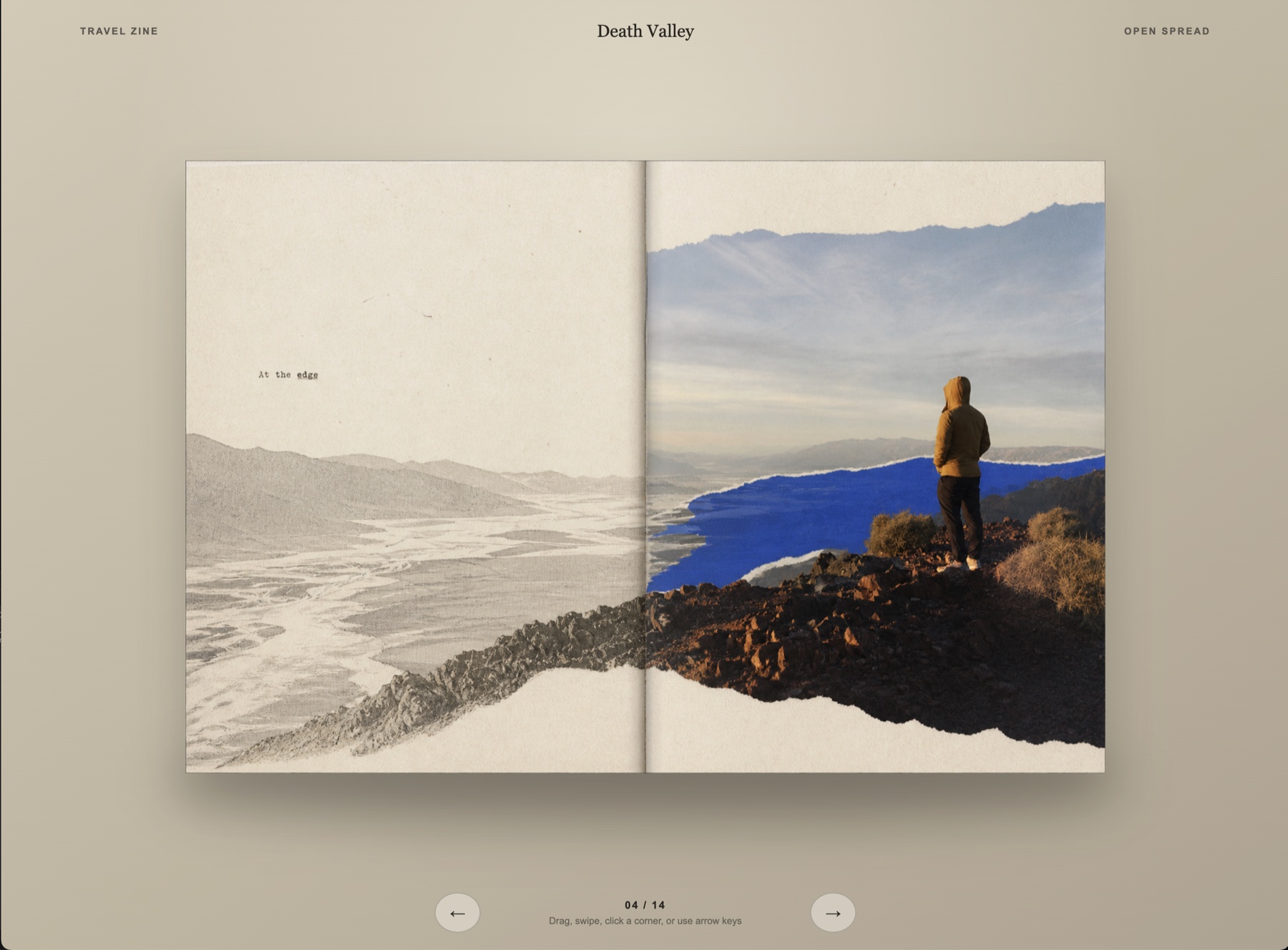
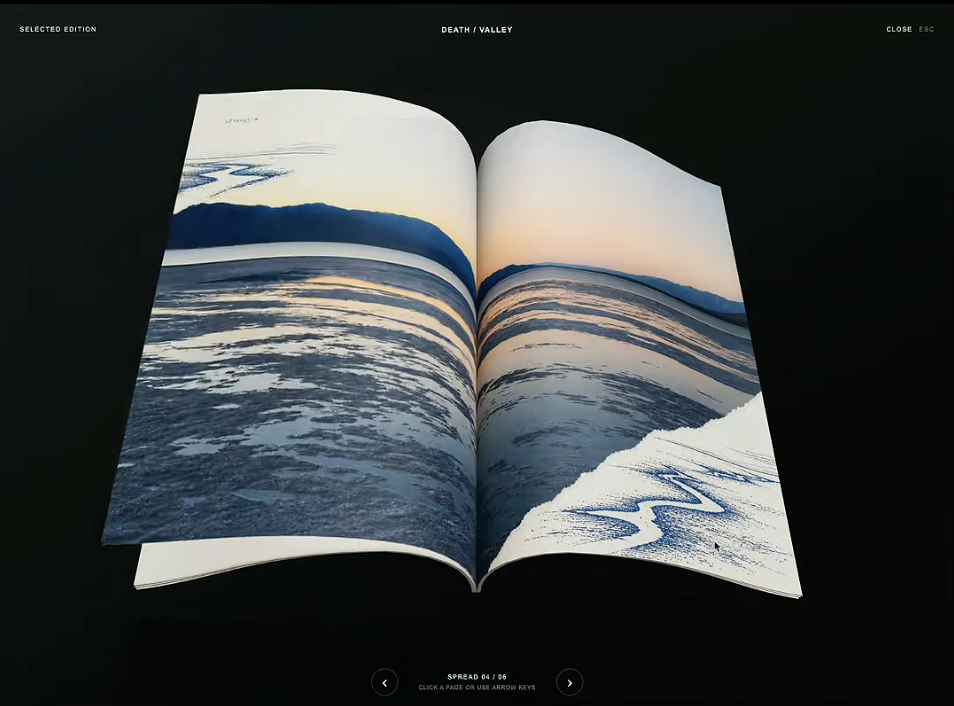
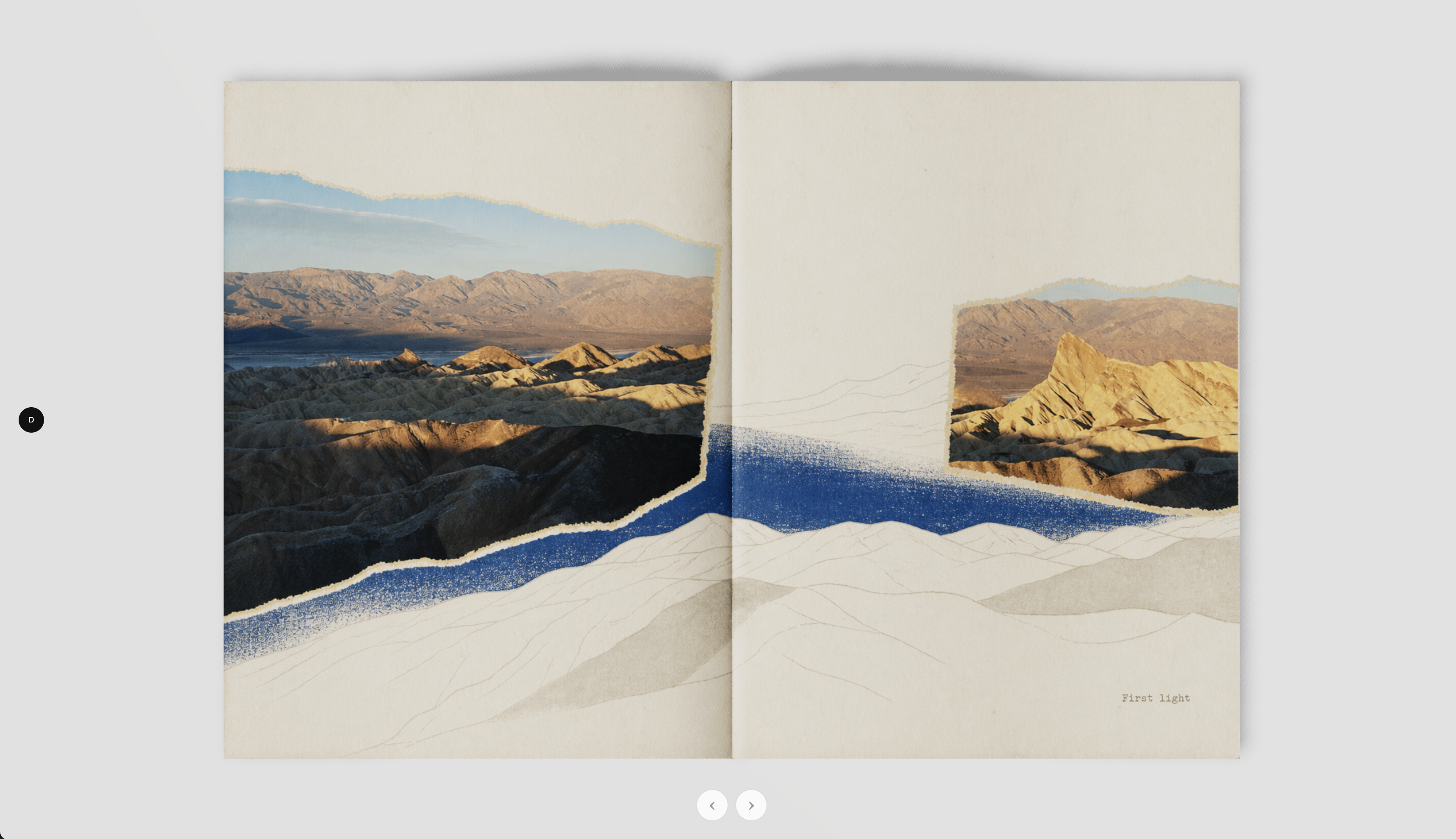
Нет, всё остаётся локально: фото импортируются из локальной папки, а созданные книги и фотографии держатся в Git-игноре, а не коммитятся и не публикуются.В чём разница между шаблонами 2D Book и 3D Book?2D Book — это собственный встроенный HTML-рантайм скилла, используемый по умолчанию. Примеры 3D Book 1 и 3D Book 2 — отдельные необязательные шаблоны вне папки скилла, построенные на React+WebGL и Three.js+Quick FlipBook соответственно.
2D Book — это собственный встроенный HTML-рантайм скилла, используемый по умолчанию. Примеры 3D Book 1 и 3D Book 2 — отдельные необязательные шаблоны вне папки скилла, построенные на React+WebGL и Three.js+Quick FlipBook соответственно.Что такое Negative Sleeves?Это отдельный шаблон без фото из числа примеров: интерфейс плёночного архива с предпросмотром уголков страниц и перетаскиваемыми плёночными полосами, не связанный с основным процессом фотокниги.
Это отдельный шаблон без фото из числа примеров: интерфейс плёночного архива с предпросмотром уголков страниц и перетаскиваемыми плёночными полосами, не связанный с основным процессом фотокниги.Как скилл на самом деле решает, как будет выглядеть моя книга?Он следует процессу из трёх этапов: понять фотографии (через поиск и контактные листы), определить стиль вместе с пользователем (или откатиться к стилю фотокниги по умолчанию), затем собрать финальную книгу на встроенном 2D-рантайме и открыть её по локальному URL.
Он следует процессу из трёх этапов: понять фотографии (через поиск и контактные листы), определить стиль вместе с пользователем (или откатиться к стилю фотокниги по умолчанию), затем собрать финальную книгу на встроенном 2D-рантайме и открыть её по локальному URL.What are similar projects?Skills, img2threejs, RuiC-card-skill, openfilm, aetherviz-master, holo-card-studio, threejs-architecture-effects, dream-loop
Skills, img2threejs, RuiC-card-skill, openfilm, aetherviz-master, holo-card-studio, threejs-architecture-effects, dream-loop