What is this?
 A Codex skill that turns a folder of user photos into a working photobook website, using a bundled 2D HTML flipbook runtime plus optional 3D Three.js/WebGL template examples.
A Codex skill that turns a folder of user photos into a working photobook website, using a bundled 2D HTML flipbook runtime plus optional 3D Three.js/WebGL template examples.Is this a standalone app, or something an AI agent runs for me?It is a Codex agent skill, not a standalone app: Codex uses it as a toolset to analyze your photos and generate a local flipbook site, choosing between the bundled 2D runtime or the separate 3D React/Three.js example templates.
It is a Codex agent skill, not a standalone app: Codex uses it as a toolset to analyze your photos and generate a local flipbook site, choosing between the bundled 2D runtime or the separate 3D React/Three.js example templates.How do I get this running?Install the skill package into your Codex skills directory so the agent can invoke it; the templates under examples/ are optional and must be copied separately since they are not installed with the skill.
Install the skill package into your Codex skills directory so the agent can invoke it; the templates under examples/ are optional and must be copied separately since they are not installed with the skill.Do I need anything extra for photo search to work?Semantic search and contact sheets rely on an existing photo-search MCP; the bundled scripts/photolibrary.py adapter also needs a separately installed photo-search engine, with PHOTOSEARCHENGINEDIR pointing to it.
Semantic search and contact sheets rely on an existing photo-search MCP; the bundled scripts/photolibrary.py adapter also needs a separately installed photo-search engine, with PHOTOSEARCHENGINEDIR pointing to it.Does it ship with any sample photos to try out?No, the starter skill comes with no sample images, so you need to supply your own photo folder to build a book.
No, the starter skill comes with no sample images, so you need to supply your own photo folder to build a book.Do my photos or generated books get uploaded anywhere?No, everything stays local: photos are imported from a local folder and the generated books and photographs are kept Git-ignored rather than committed or shared.
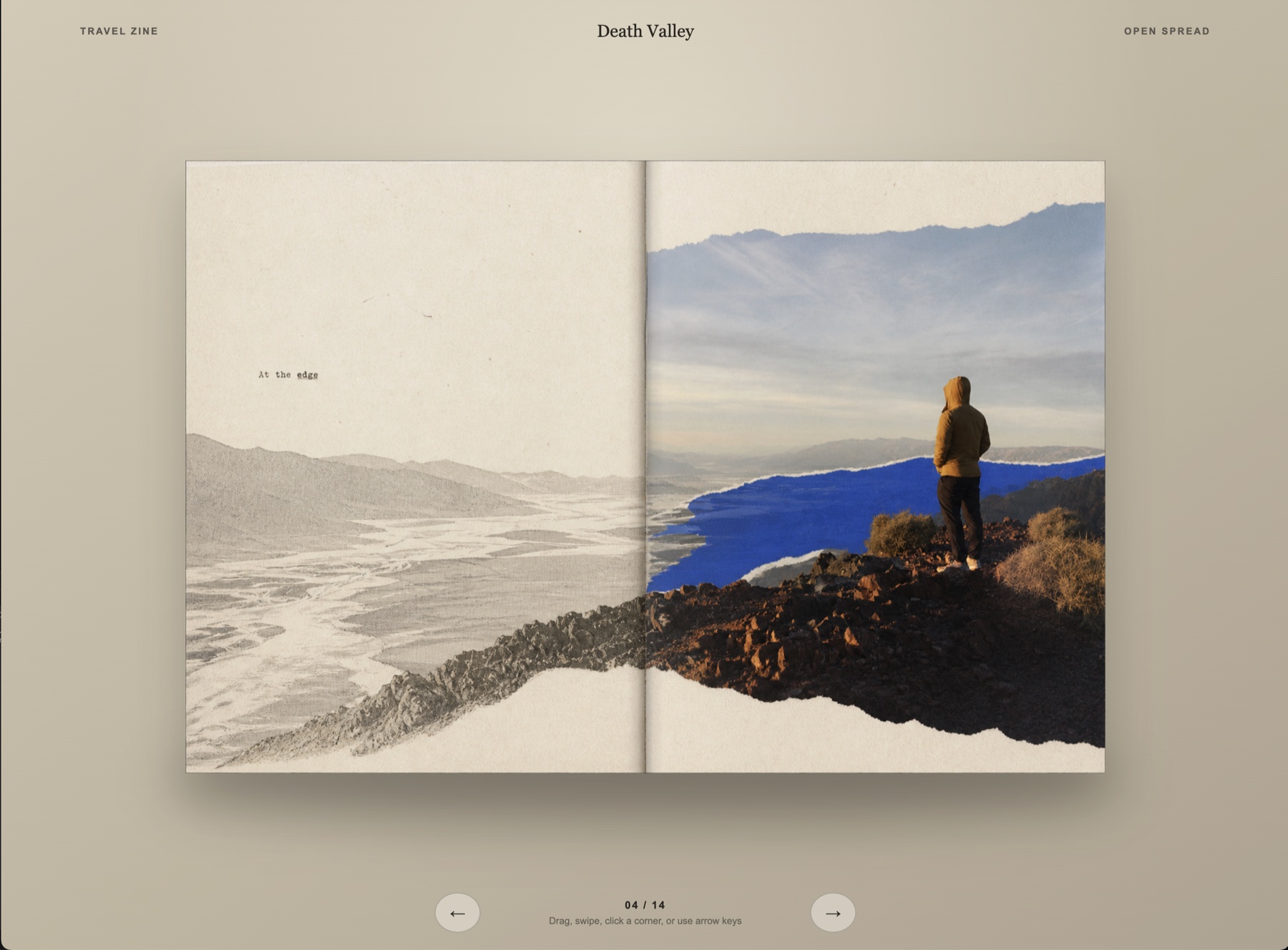
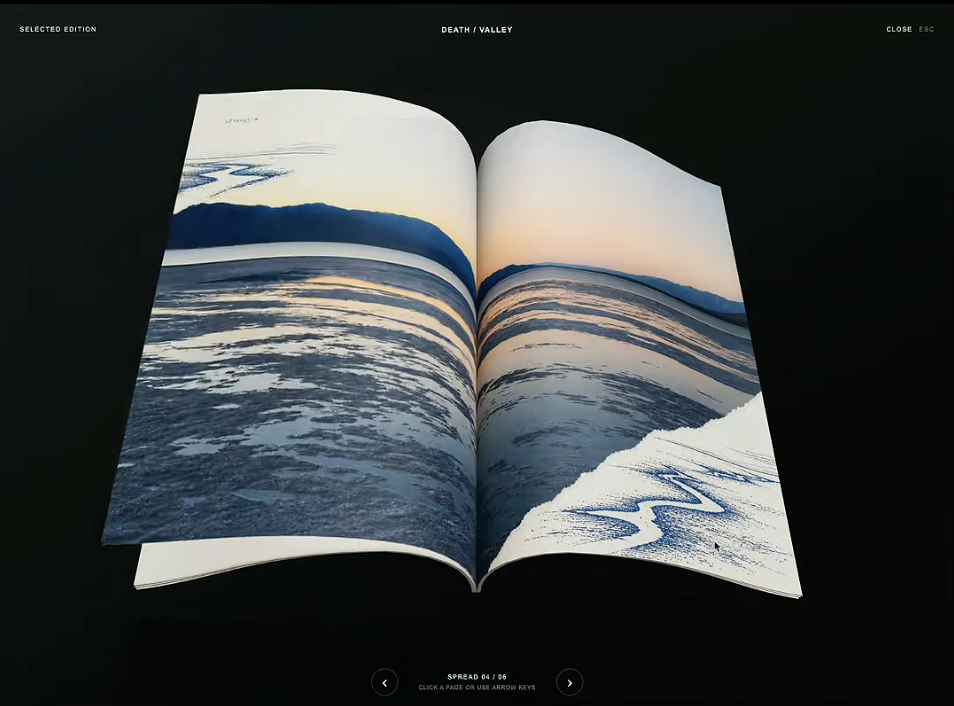
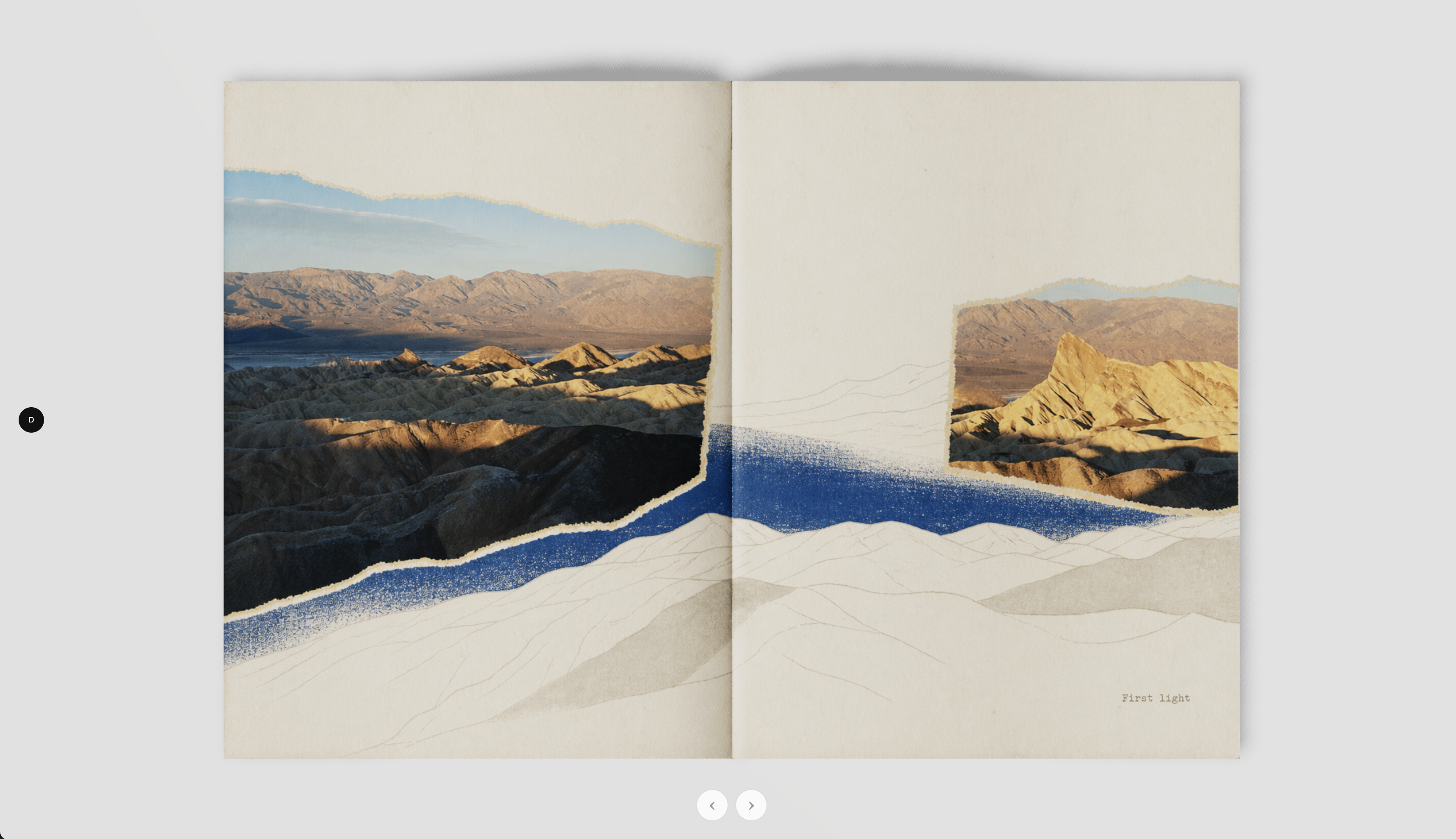
No, everything stays local: photos are imported from a local folder and the generated books and photographs are kept Git-ignored rather than committed or shared.What's the difference between the 2D Book and the 3D Book templates?The 2D Book is the skill's own bundled HTML runtime used by default. The 3D Book 1 and 3D Book 2 examples are separate, optional templates outside the skill folder built with React+WebGL and Three.js+Quick FlipBook respectively.
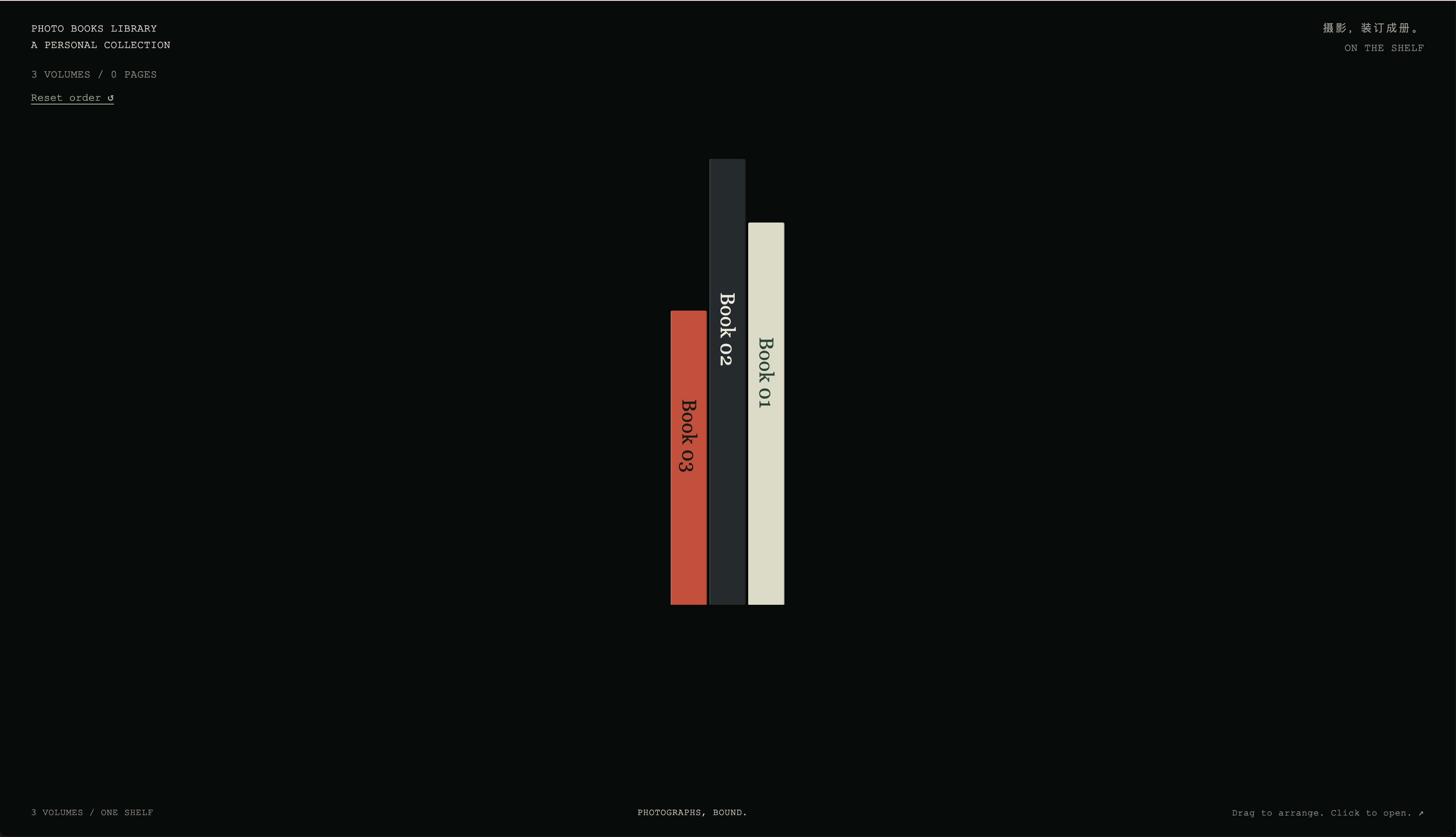
The 2D Book is the skill's own bundled HTML runtime used by default. The 3D Book 1 and 3D Book 2 examples are separate, optional templates outside the skill folder built with React+WebGL and Three.js+Quick FlipBook respectively.What is Negative Sleeves?It is a separate, photo-free template included among the examples: a film archive UI with page-corner previews and draggable film strips, unrelated to the main photobook workflow.
It is a separate, photo-free template included among the examples: a film archive UI with page-corner previews and draggable film strips, unrelated to the main photobook workflow.How does the skill actually decide how my book looks?It follows a three-stage workflow: understand the photos (via search/contact sheets), define a style with the user (or fall back to a default photobook style), then build the final book using the bundled 2D runtime and serve it at a local URL.
It follows a three-stage workflow: understand the photos (via search/contact sheets), define a style with the user (or fall back to a default photobook style), then build the final book using the bundled 2D runtime and serve it at a local URL.What are similar projects?Skills, img2threejs, RuiC-card-skill, aetherviz-master, holo-card-studio, threejs-architecture-effects, dream-loop, floorplan-3d
Skills, img2threejs, RuiC-card-skill, aetherviz-master, holo-card-studio, threejs-architecture-effects, dream-loop, floorplan-3d