



What is this?
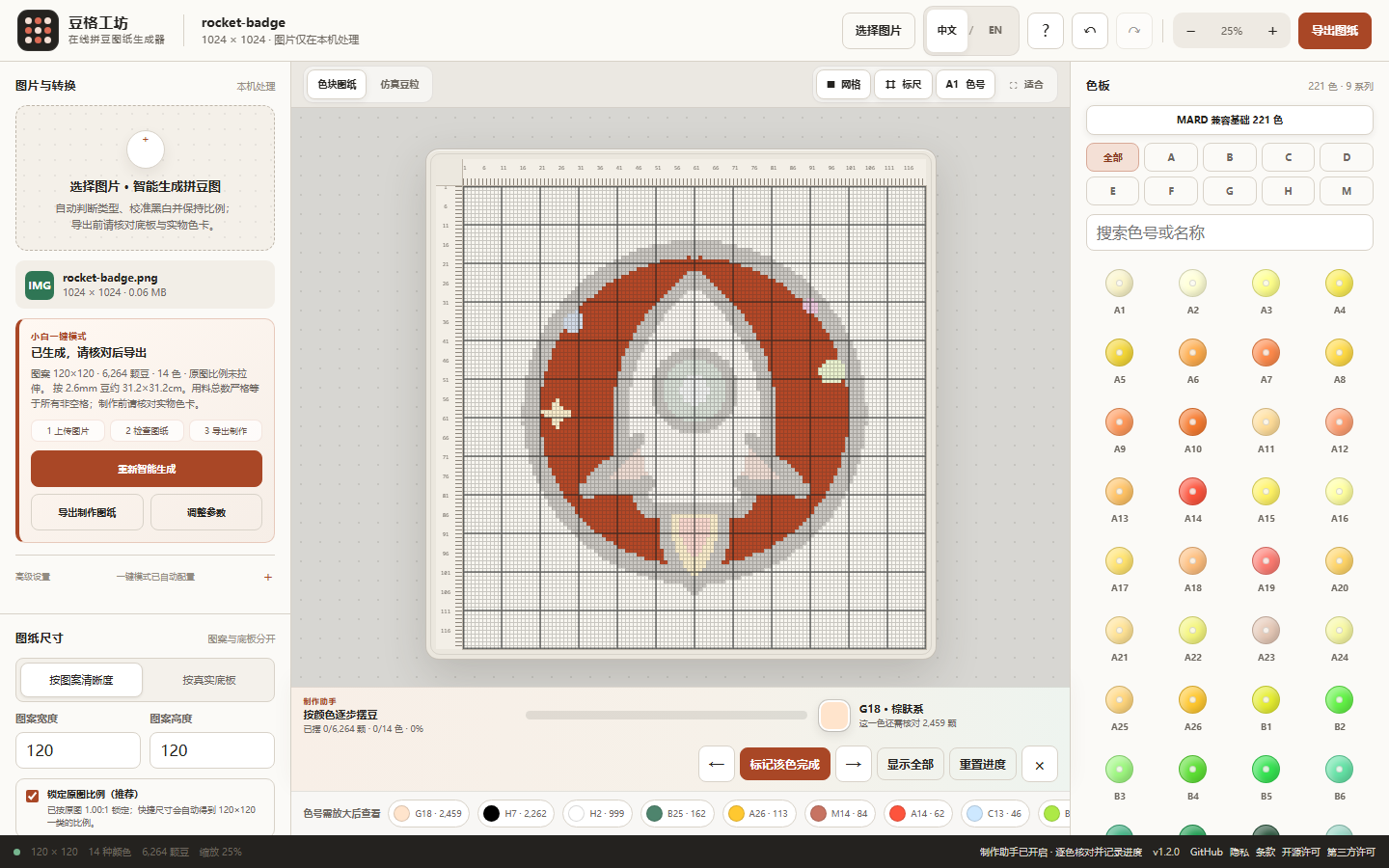
 Bead Grid Studio is a local-first tool that turns an image into an editable, printable fuse-bead (pindou) pattern, with auto color matching, grid coordinates, and material usage stats.
Bead Grid Studio is a local-first tool that turns an image into an editable, printable fuse-bead (pindou) pattern, with auto color matching, grid coordinates, and material usage stats.Is this a desktop app, a website, or something I install?It is a web app and PWA that runs entirely in your browser; there is also a single-file offline HTML build for use without internet access.
It is a web app and PWA that runs entirely in your browser; there is also a single-file offline HTML build for use without internet access.How do I start turning a picture into a bead pattern?Open the online version, click the sample image or upload your own PNG/JPG/WebP/GIF, pick a grid size or real baseplate, tweak colors or touch up with the brush, then export the pattern as PNG or save the project as JSON.
Open the online version, click the sample image or upload your own PNG/JPG/WebP/GIF, pick a grid size or real baseplate, tweak colors or touch up with the brush, then export the pattern as PNG or save the project as JSON.Do I need to install anything to use it?Regular users need nothing installed; just open the web app or download the offline HTML file. Only developers who want to build from source need Node.js 22.12 or higher.
Regular users need nothing installed; just open the web app or download the offline HTML file. Only developers who want to build from source need Node.js 22.12 or higher.Will small grid sizes reproduce my image perfectly?No — a 16x16 grid only has 256 cells, so details smaller than one bead (fine lines, small text, reflections) can't all be represented; the tool protects what structure it can and reports what it can't fit instead of faking perfection.
No — a 16x16 grid only has 256 cells, so details smaller than one bead (fine lines, small text, reflections) can't all be represented; the tool protects what structure it can and reports what it can't fit instead of faking perfection.Can I use it completely offline?Yes, you can download a single self-contained HTML file from Releases that runs offline in any modern browser, or install the PWA to your home screen after one online load.
Yes, you can download a single self-contained HTML file from Releases that runs offline in any modern browser, or install the PWA to your home screen after one online load.What color palette does it use for matching beads?It uses a fixed MIT-licensed data source with a basic 221-color subset (categories A-H, M), MARD-compatible, with 220 opaque colors used for quantization and a transparent H1 color reserved for manual placement.
It uses a fixed MIT-licensed data source with a basic 221-color subset (categories A-H, M), MARD-compatible, with 220 opaque colors used for quantization and a transparent H1 color reserved for manual placement.Can I fork this and make my own branded version?Yes, forking is explicitly supported for deploying your own site, changing branding, adding verified palettes, improving the conversion algorithm, or adding new languages, with a guided deploy flow to GitHub Pages or Cloudflare Pages.
Yes, forking is explicitly supported for deploying your own site, changing branding, adding verified palettes, improving the conversion algorithm, or adding new languages, with a guided deploy flow to GitHub Pages or Cloudflare Pages.What kind of bead-making assistance does it offer beyond generating the pattern?It includes a color-by-color focus assistant that highlights one bead color at a time, tracks per-color completion progress saved locally, and exports a UTF-8 CSV materials list with color codes, quantities, and completion status.
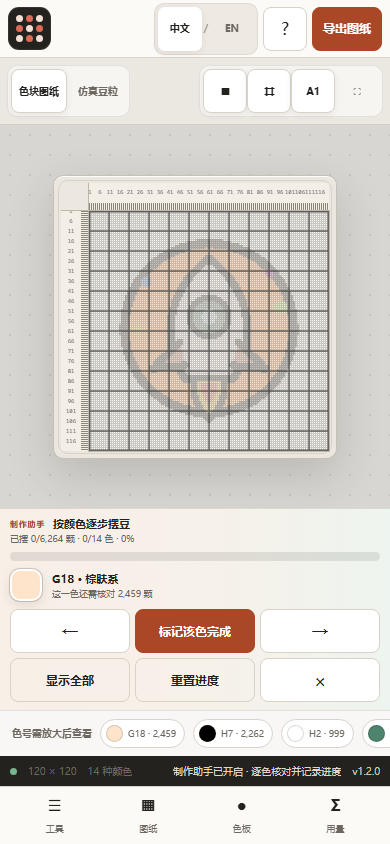
It includes a color-by-color focus assistant that highlights one bead color at a time, tracks per-color completion progress saved locally, and exports a UTF-8 CSV materials list with color codes, quantities, and completion status.What image formats and baseplate layouts does it support?It accepts PNG, JPG, WebP, and GIF images, and supports common real baseplate sizes like 2.6mm and 5mm with the pattern centered and not stretched out of proportion.
It accepts PNG, JPG, WebP, and GIF images, and supports common real baseplate sizes like 2.6mm and 5mm with the pattern centered and not stretched out of proportion.What are similar projects?VibeOffice, beadrelief, PCB_lightgraph_Portable, squoosh, piskel, rubrictrail, palette-from-image-ai, reelmimic
VibeOffice, beadrelief, PCB_lightgraph_Portable, squoosh, piskel, rubrictrail, palette-from-image-ai, reelmimicWhich topics is it in?pixel-art, pwa, canvas, offline-first, image-processing, local-first, web-app, privacy, tool, apache-2.0, javascript, open-source
pixel-art, pwa, canvas, offline-first, image-processing, local-first, web-app, privacy, tool, apache-2.0, javascript, open-source