11.2K ·GitHub
What is this?
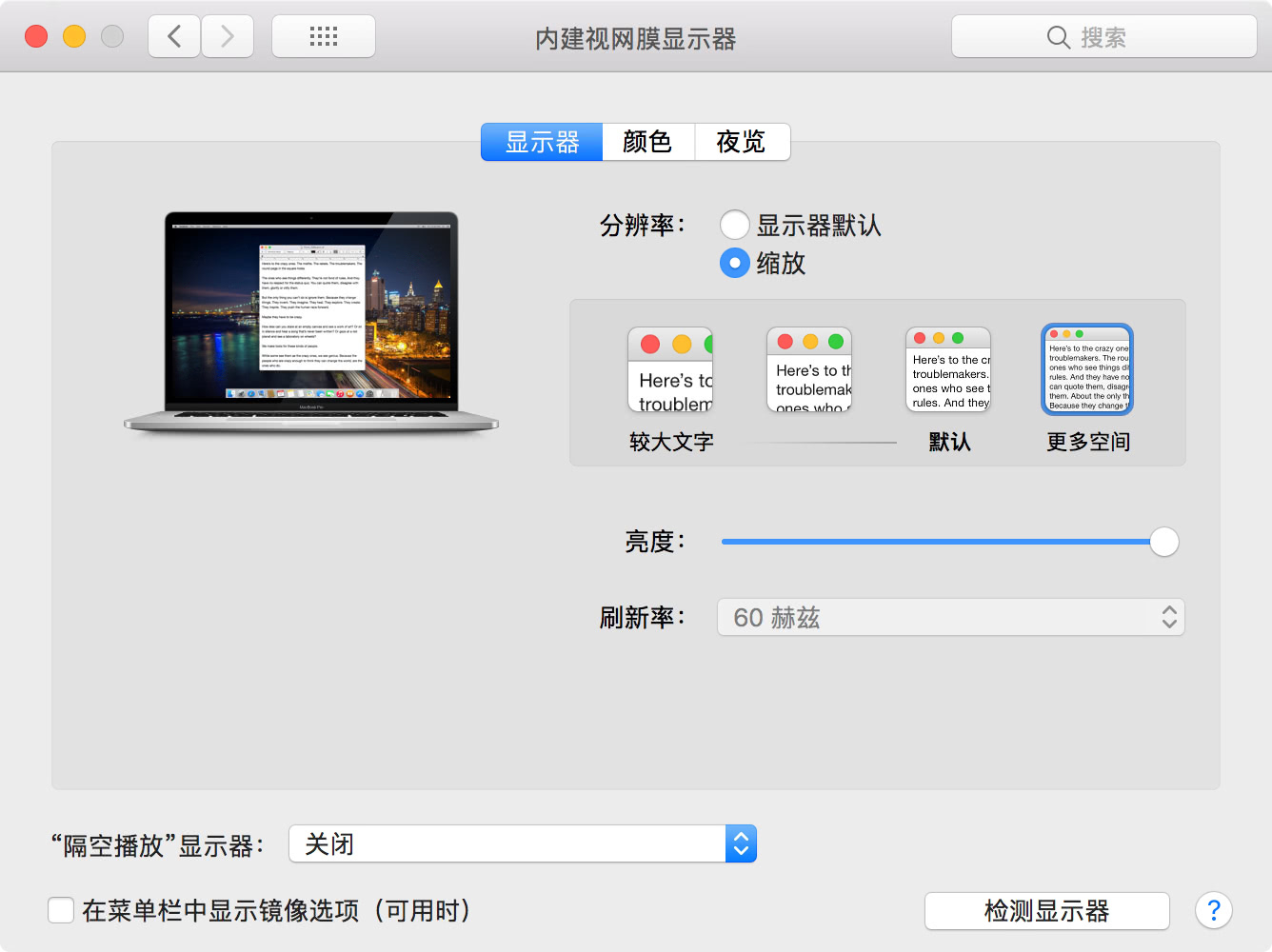
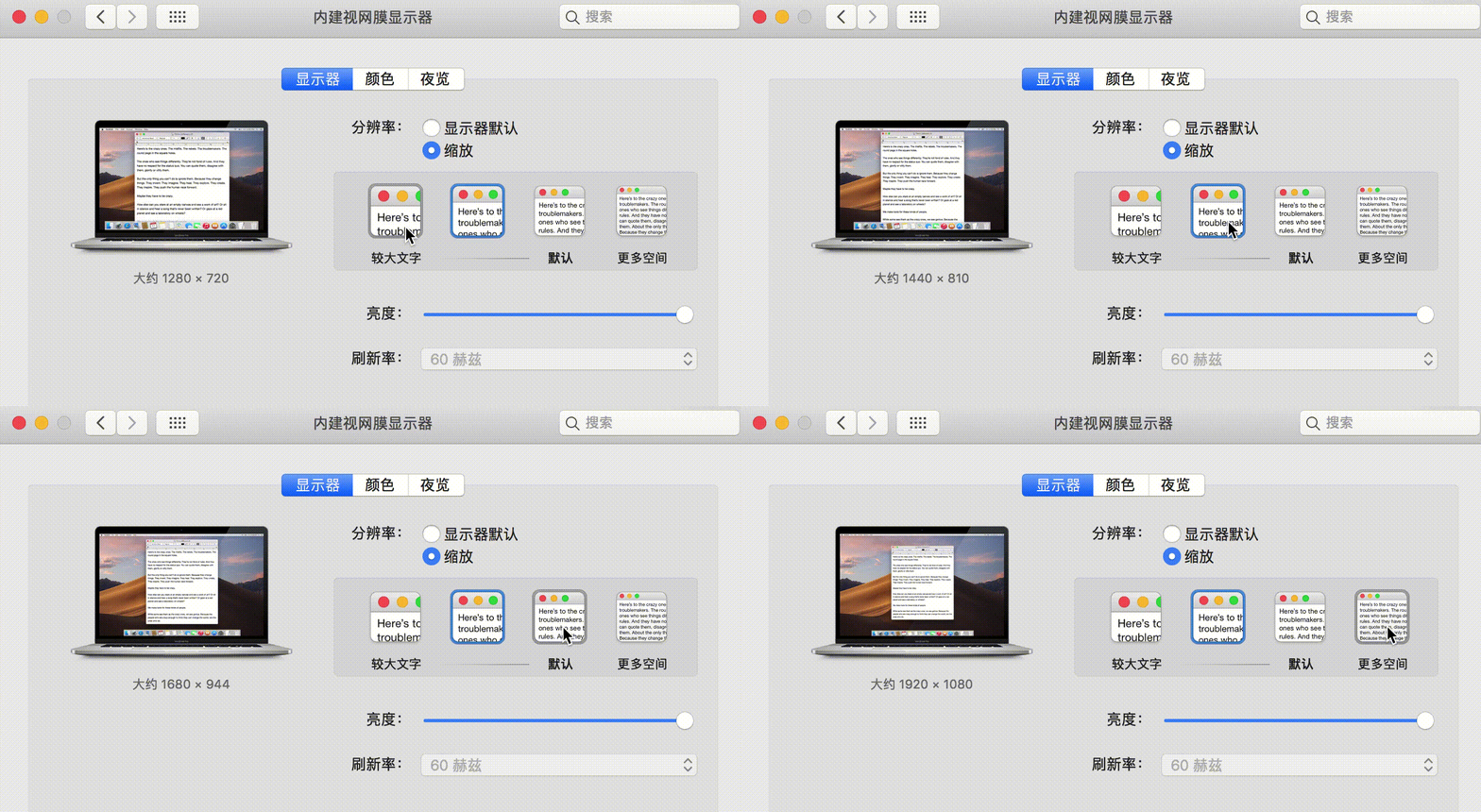
 A shell script that simulates macOS HiDPI on a non-retina display, so System Preferences gets a 'Native' Scaled option just like on a Retina Mac.
A shell script that simulates macOS HiDPI on a non-retina display, so System Preferences gets a 'Native' Scaled option just like on a Retina Mac.Is this a Mac app, or something I run from the Terminal?It's a shell script, not an app — there's nothing to install; running it writes the HiDPI display settings, and you run it again to undo.
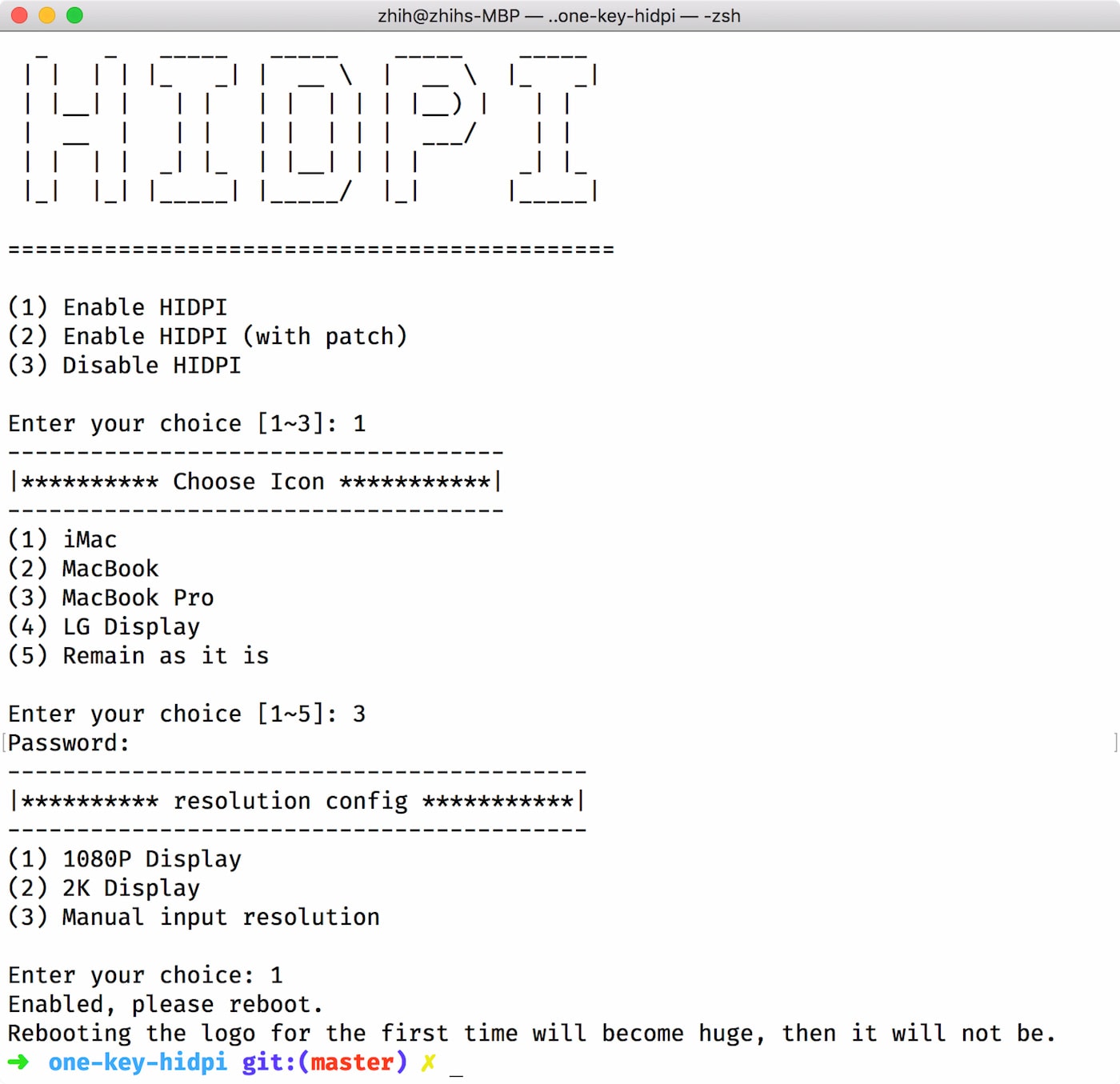
It's a shell script, not an app — there's nothing to install; running it writes the HiDPI display settings, and you run it again to undo.How do I run it?Remote Mode: run the script straight in Terminal. Local Mode: download the ZIP, unpack it and double-click hidpi.command.
Remote Mode: run the script straight in Terminal. Local Mode: download the ZIP, unpack it and double-click hidpi.command.Do I need anything special installed before running it?Just macOS itself — it's a single self-contained shell script with no dependencies to set up first.
Just macOS itself — it's a single self-contained shell script with no dependencies to set up first.Are there known problems with faking HiDPI this way?Yes: some devices have wake-up issues (the script's second option injects a patched EDID, but may cause other problems), and the boot logo may not scale up because the higher resolution is faked.
Yes: some devices have wake-up issues (the script's second option injects a patched EDID, but may cause other problems), and the boot logo may not scale up because the higher resolution is faked.Why would I want HiDPI on a display that isn't Retina?Your Mac then offers scaled resolutions with a proper 'Native' Scaled option in System Preferences — the same display controls a Retina Mac has — instead of only the panel's fixed resolution.
Your Mac then offers scaled resolutions with a proper 'Native' Scaled option in System Preferences — the same display controls a Retina Mac has — instead of only the panel's fixed resolution.What does the script actually change on my system?It adds display override files — a DisplayVendorID folder under Library/Displays/Contents/Resources/Overrides — which is exactly the folder you remove to fully undo the change.
It adds display override files — a DisplayVendorID folder under Library/Displays/Contents/Resources/Overrides — which is exactly the folder you remove to fully undo the change.What are similar projects?BetterDisplay, winutil, Shizuku-Next, rustcast, tv-vibehack, mac-mouse-fix, git-blame-someone-else, bocker
BetterDisplay, winutil, Shizuku-Next, rustcast, tv-vibehack, mac-mouse-fix, git-blame-someone-else, bocker