




 Like RustCast? Check out Sxitch
What is this?
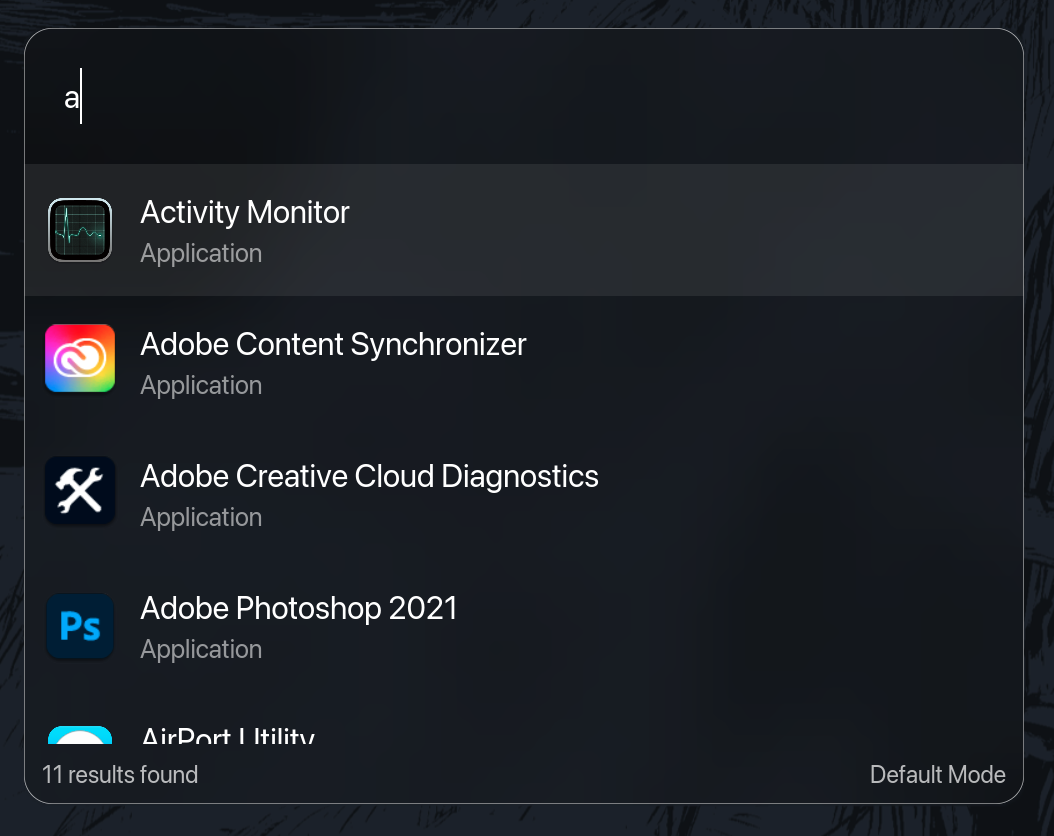
 RustCast is a free, open-source popup launcher for macOS written in Rust: hit a hotkey, start typing, and launch apps, utilities and workflows. It is positioned as an open-source alternative to Raycast.
RustCast is a free, open-source popup launcher for macOS written in Rust: hit a hotkey, start typing, and launch apps, utilities and workflows. It is positioned as an open-source alternative to Raycast.Is this just a Raycast clone?It is built explicitly as an open-source alternative to Raycast. The author says he made it because he did not want to pay for Raycast and wanted to get better at Rust.
It is built explicitly as an open-source alternative to Raycast. The author says he made it because he did not want to pay for Raycast and wanted to get better at Rust.How do I install it on my Mac?Two ways: via Homebrew, or by downloading the .dmg from the GitHub releases page.
Two ways: via Homebrew, or by downloading the .dmg from the GitHub releases page.Does it work on Windows or Linux too?No. Cross-platform support was cancelled as not within the author's ability to support and maintain, so RustCast is macOS-only.
No. Cross-platform support was cancelled as not within the author's ability to support and maintain, so RustCast is macOS-only.How do I pick results - mouse or keyboard?Keyboard-first: arrow keys navigate the scrollable options, and there is also CTRL n / p (vim motions) navigation for search results.
Keyboard-first: arrow keys navigate the scrollable options, and there is also CTRL n / p (vim motions) navigation for search results.What is on the roadmap?Planned features include popup note-taking, finishing plugin support, a hyperkey that maps CMD+OPT+CTRL+SHIFT to one physical key, and picking between Firefox/Chromium tabs via Puppeteer.
Planned features include popup note-taking, finishing plugin support, a hyperkey that maps CMD+OPT+CTRL+SHIFT to one physical key, and picking between Firefox/Chromium tabs via Puppeteer.Does it have any easter eggs?Yes - typing randomvar generates a random number between 0 and 100, and there are sponsor-themed ones like a lemon result, a ferris.rs file when you search f, and 67.
Yes - typing randomvar generates a random number between 0 and 100, and there are sponsor-themed ones like a lemon result, a ferris.rs file when you search f, and 67.What are similar projects?Wox, Flow.Launcher, tinycast, ZTools, PowerToys, Kap, fd, window-sweaters
Wox, Flow.Launcher, tinycast, ZTools, PowerToys, Kap, fd, window-sweatersWhich topics is it in?spotlight, file-search, app-launcher, raycast, application, oss, fast, alternative, clipboard, rust-lang, spotify, open-source-alternative
spotlight, file-search, app-launcher, raycast, application, oss, fast, alternative, clipboard, rust-lang, spotify, open-source-alternative