



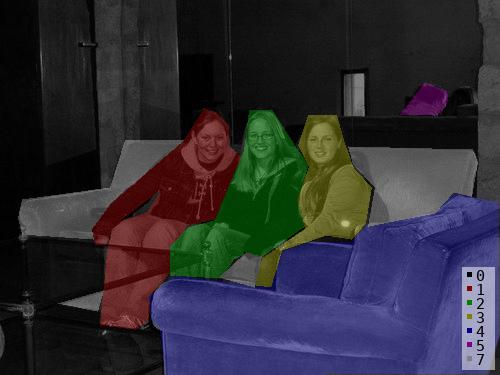
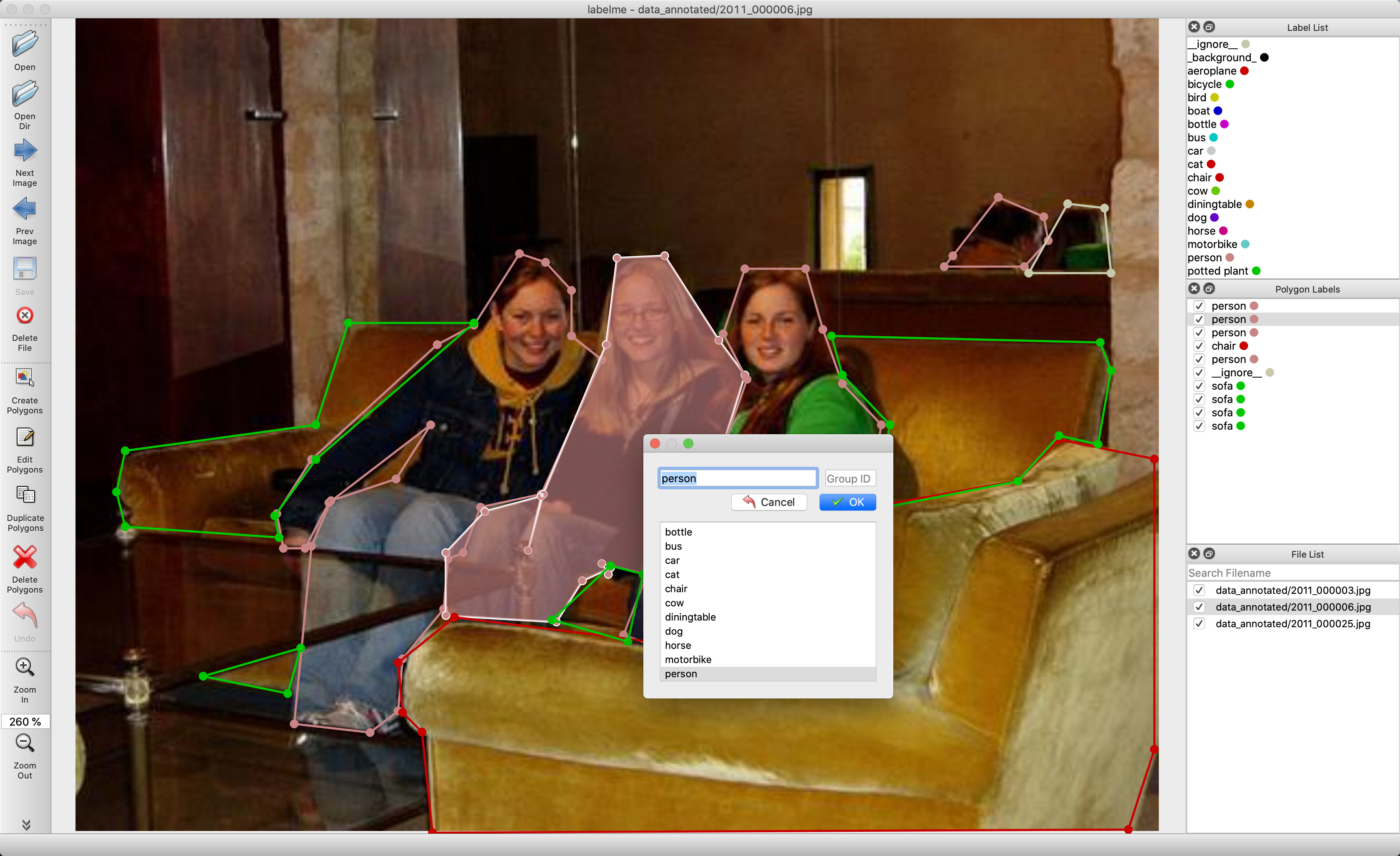
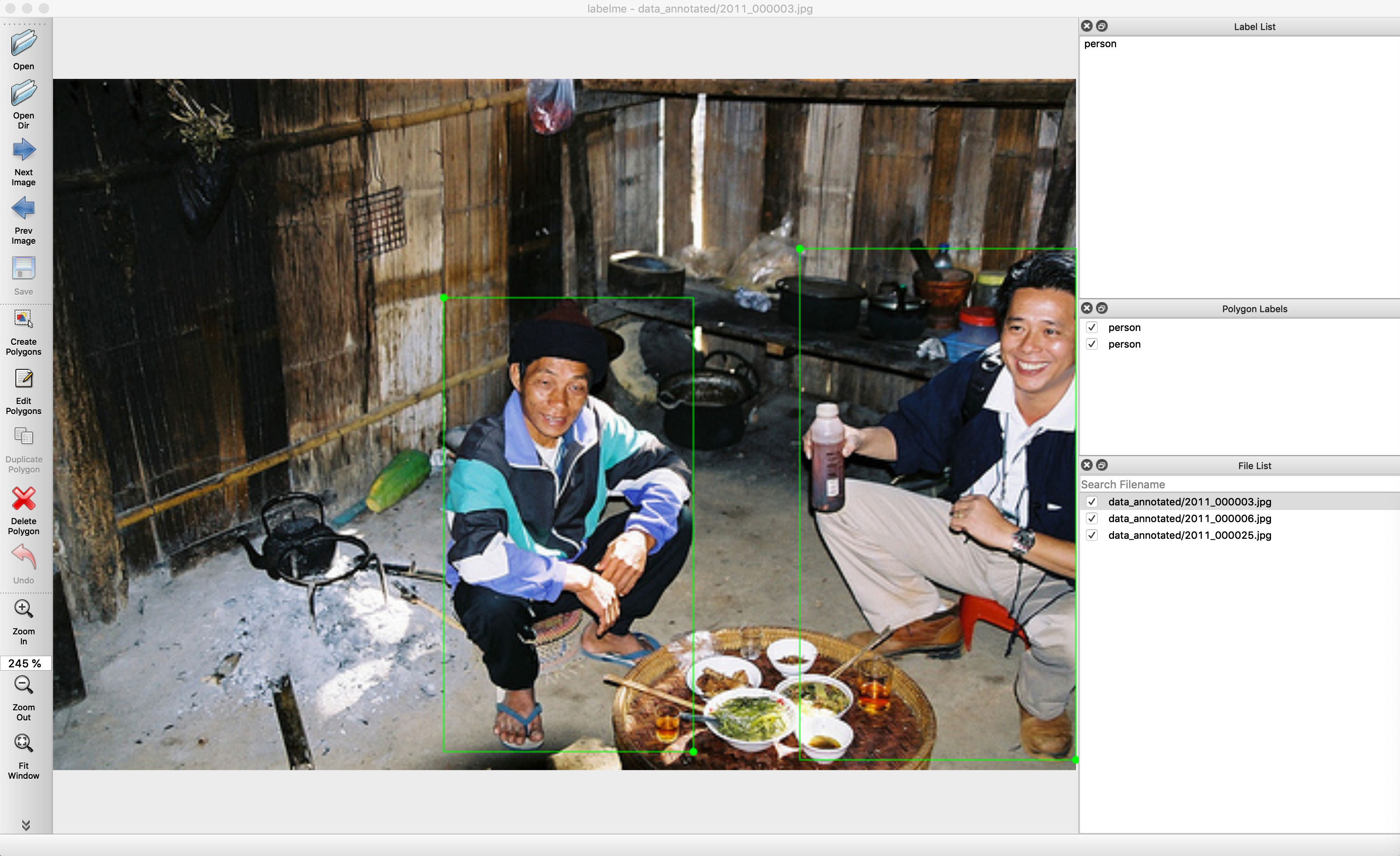
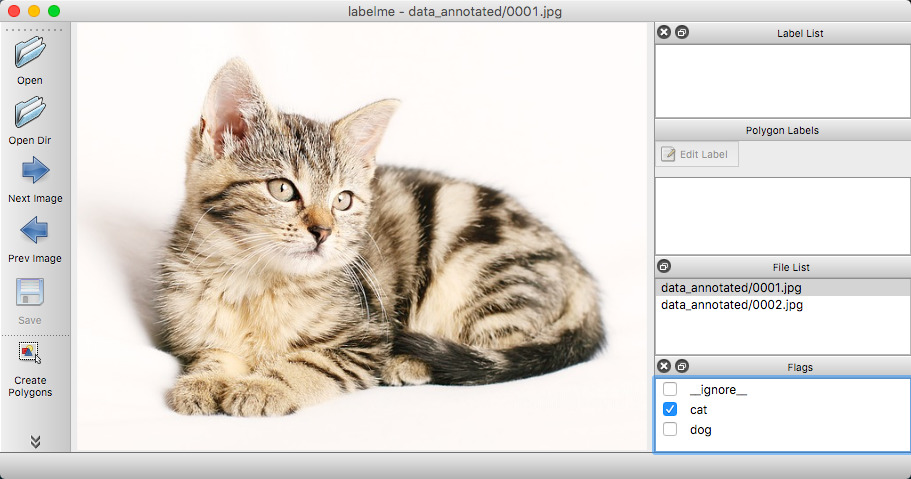


Что это такое?
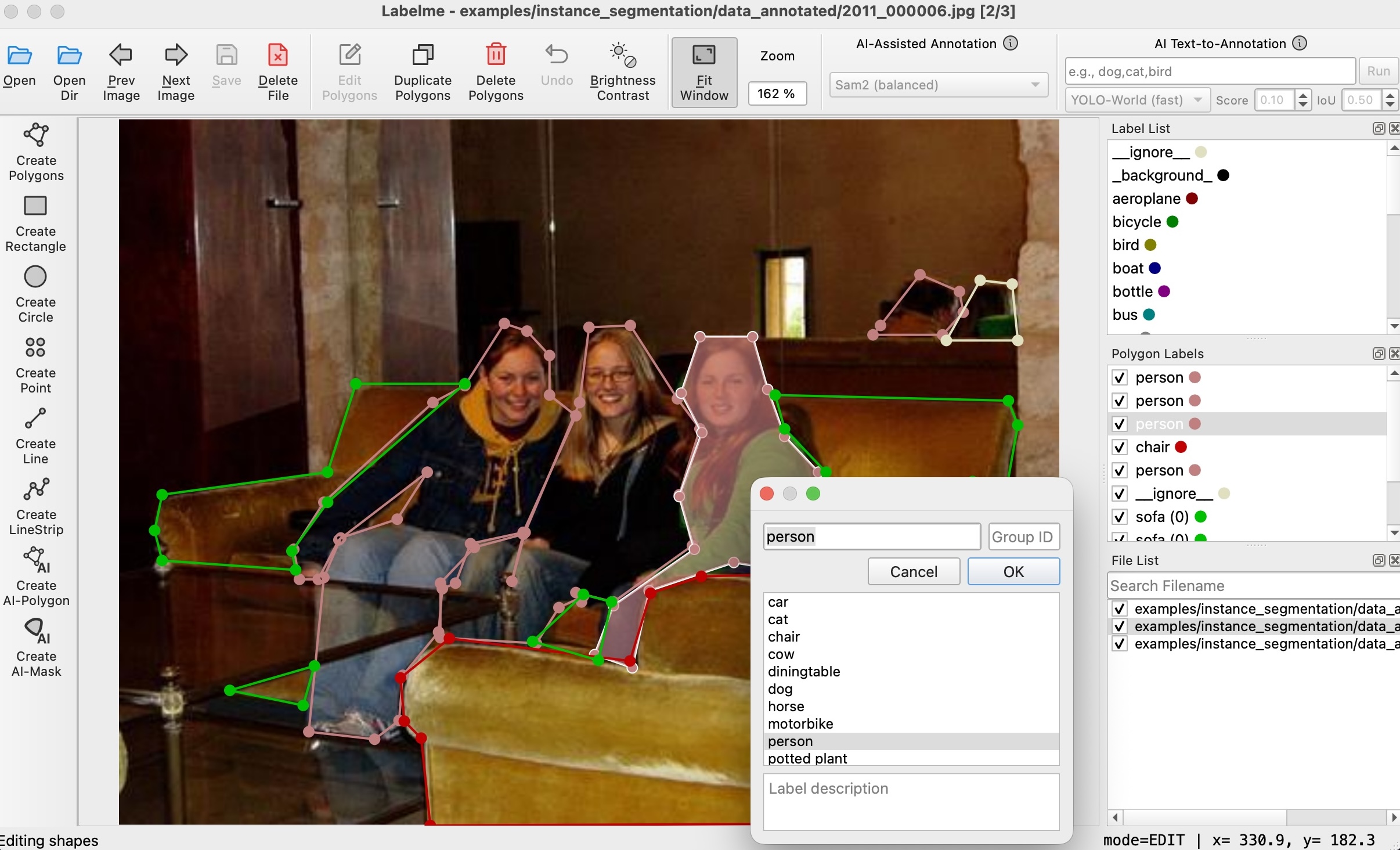
 Labelme — это графический инструмент для разметки изображений, написанный на Python: вы рисуете на картинках полигоны, прямоугольники, круги, линии и точки, чтобы создавать размеченные датасеты для задач компьютерного зрения.
Labelme — это графический инструмент для разметки изображений, написанный на Python: вы рисуете на картинках полигоны, прямоугольники, круги, линии и точки, чтобы создавать размеченные датасеты для задач компьютерного зрения.Это десктопное приложение или библиотека Python, которую я подключаю в свой код?Это десктопное приложение, а не библиотека — в v7 нет стабильного Python API. Стабильные интерфейсы: командная строка, формат JSON-файлов с разметкой на диске и конфигурационный файл ~/.labelmerc.
Это десктопное приложение, а не библиотека — в v7 нет стабильного Python API. Стабильные интерфейсы: командная строка, формат JSON-файлов с разметкой на диске и конфигурационный файл ~/.labelmerc.Нужно ли мне заранее установить Python и Qt?Для установки через pip нужен Python 3.12-3.14 на 64-битных macOS, Windows или Linux; v7 работает на Qt6, который pip подтягивает автоматически в виде PySide6. Отдельному приложению Python и Qt вообще не нужны.
Для установки через pip нужен Python 3.12-3.14 на 64-битных macOS, Windows или Linux; v7 работает на Qt6, который pip подтягивает автоматически в виде PySide6. Отдельному приложению Python и Qt вообще не нужны.У меня всё ещё Python 3.11 или старый компьютер — программа запустится?На v7 — нет: требуются 64-битные системы и Python 3.12+. Для старых ОС или Python 3.10/3.11 используйте ветку обслуживания v6.3.x (на Qt5), которая получает только критические исправления и без каких-либо гарантий.
На v7 — нет: требуются 64-битные системы и Python 3.12+. Для старых ОС или Python 3.10/3.11 используйте ветку обслуживания v6.3.x (на Qt5), которая получает только критические исправления и без каких-либо гарантий.Могут ли ИИ-модели сделать за меня часть разметки?Да. SAM и EfficientSAM превращают клик по точке в аннотации в виде полигона или маски, а модели YOLO-world и SAM3 генерируют разметку по текстовому запросу — это заметно ускоряет разметку больших датасетов.
Да. SAM и EfficientSAM превращают клик по точке в аннотации в виде полигона или маски, а модели YOLO-world и SAM3 генерируют разметку по текстовому запросу — это заметно ускоряет разметку больших датасетов.Интерфейс доступен на языках, кроме английского?Да, программа переведена на 20 языков, включая японский, китайский упрощённый и традиционный, корейский, немецкий, французский, испанский и русский; язык переключается через переменную окружения LANG.
Да, программа переведена на 20 языков, включая японский, китайский упрощённый и традиционный, корейский, немецкий, французский, испанский и русский; язык переключается через переменную окружения LANG.Что за платное отдельное приложение на labelme.io?Это тот же инструмент, упакованный в исполняемый файл, который скачивается и работает без установленного Python и Qt. Разовый платёж с пожизненным доступом, а покупки помогают поддерживать проект — версия через pip остаётся бесплатной.
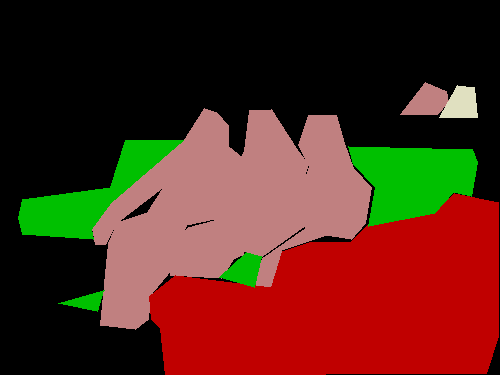
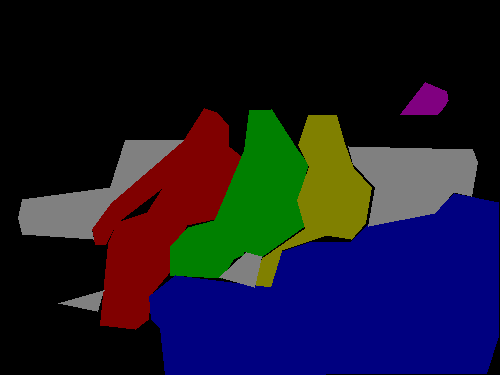
Это тот же инструмент, упакованный в исполняемый файл, который скачивается и работает без установленного Python и Qt. Разовый платёж с пожизненным доступом, а покупки помогают поддерживать проект — версия через pip остаётся бесплатной.Как превратить JSON-файлы в то, что сможет использовать мой код для обучения?Читайте JSON-формат напрямую — это один из стабильных публичных интерфейсов. В репозитории examples/tutorial показано, как конвертировать аннотации в массивы numpy и загружать label PNG, а дальше есть примеры для сегментации, детекции и классификации.
Читайте JSON-формат напрямую — это один из стабильных публичных интерфейсов. В репозитории examples/tutorial показано, как конвертировать аннотации в массивы numpy и загружать label PNG, а дальше есть примеры для сегментации, детекции и классификации.What are similar projects?cvat, label-studio, deep-learning-for-image-processing, labelImg, ultralytics, X-AnyLabeling, supervision, yolov7
cvat, label-studio, deep-learning-for-image-processing, labelImg, ultralytics, X-AnyLabeling, supervision, yolov7Which topics is it in?image-annotation, segment-anything, annotation-tool, instance-segmentation, annotations, semantic-segmentation, yolo, classification, numpy, dataset, json, computer-vision
image-annotation, segment-anything, annotation-tool, instance-segmentation, annotations, semantic-segmentation, yolo, classification, numpy, dataset, json, computer-vision