




yolov7 README

The project's README from github.com/WongKinYiu/yolov7. As one markdown file: README.md.

Official YOLOv7

Implementation of paper - YOLOv7: Trainable bag-of-freebies sets new state-of-the-art for real-time object detectors

PWC Hugging Face Spaces Open In Colab arxiv.org

Web Demo

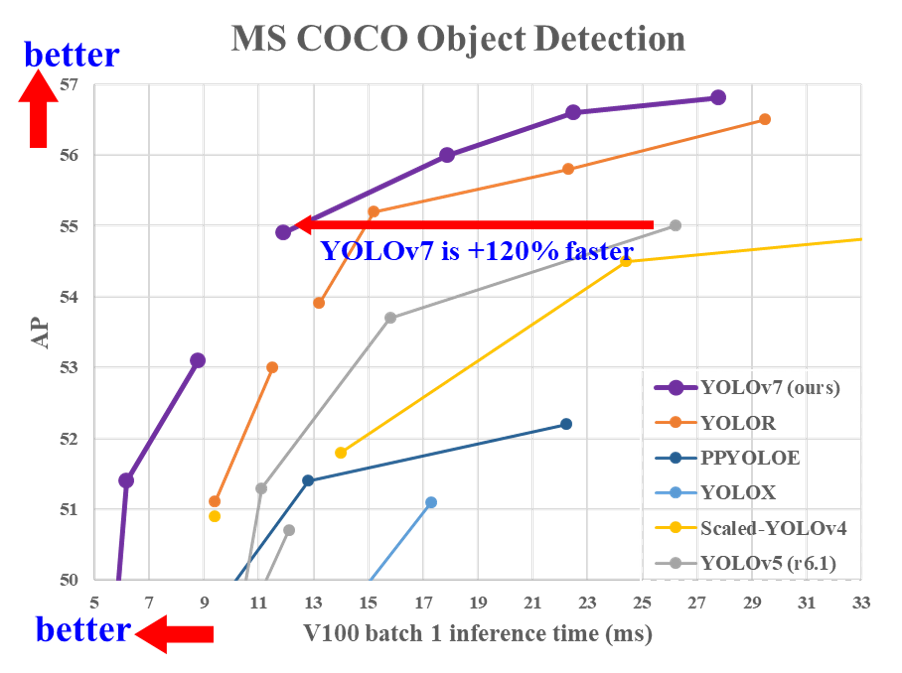
Performance

MS COCO

Model Test Size APtest AP50test AP75test batch 1 fps batch 32 average time
YOLOv7 640 51.4% 69.7% 55.9% 161 fps 2.8 ms
YOLOv7-X 640 53.1% 71.2% 57.8% 114 fps 4.3 ms
YOLOv7-W6 1280 54.9% 72.6% 60.1% 84 fps 7.6 ms
YOLOv7-E6 1280 56.0% 73.5% 61.2% 56 fps 12.3 ms
YOLOv7-D6 1280 56.6% 74.0% 61.8% 44 fps 15.0 ms
YOLOv7-E6E 1280 56.8% 74.4% 62.1% 36 fps 18.7 ms

Installation

Docker environment (recommended)

Expand
# create the docker container, you can change the share memory size if you have more.
nvidia-docker run --name yolov7 -it -v your_coco_path/:/coco/ -v your_code_path/:/yolov7 --shm-size=64g nvcr.io/nvidia/pytorch:21.08-py3

# apt install required packages
apt update
apt install -y zip htop screen libgl1-mesa-glx

# pip install required packages
pip install seaborn thop

# go to code folder
cd /yolov7

Testing

yolov7.pt yolov7x.pt yolov7-w6.pt yolov7-e6.pt yolov7-d6.pt yolov7-e6e.pt

python test.py --data data/coco.yaml --img 640 --batch 32 --conf 0.001 --iou 0.65 --device 0 --weights yolov7.pt --name yolov7_640_val

You will get the results:

 Average Precision  (AP) @[ IoU=0.50:0.95 | area=   all | maxDets=100 ] = 0.51206
 Average Precision  (AP) @[ IoU=0.50      | area=   all | maxDets=100 ] = 0.69730
 Average Precision  (AP) @[ IoU=0.75      | area=   all | maxDets=100 ] = 0.55521
 Average Precision  (AP) @[ IoU=0.50:0.95 | area= small | maxDets=100 ] = 0.35247
 Average Precision  (AP) @[ IoU=0.50:0.95 | area=medium | maxDets=100 ] = 0.55937
 Average Precision  (AP) @[ IoU=0.50:0.95 | area= large | maxDets=100 ] = 0.66693
 Average Recall     (AR) @[ IoU=0.50:0.95 | area=   all | maxDets=  1 ] = 0.38453
 Average Recall     (AR) @[ IoU=0.50:0.95 | area=   all | maxDets= 10 ] = 0.63765
 Average Recall     (AR) @[ IoU=0.50:0.95 | area=   all | maxDets=100 ] = 0.68772
 Average Recall     (AR) @[ IoU=0.50:0.95 | area= small | maxDets=100 ] = 0.53766
 Average Recall     (AR) @[ IoU=0.50:0.95 | area=medium | maxDets=100 ] = 0.73549
 Average Recall     (AR) @[ IoU=0.50:0.95 | area= large | maxDets=100 ] = 0.83868

To measure accuracy, download COCO-annotations for Pycocotools to the ./coco/annotations/instances_val2017.json

Training

Data preparation

bash scripts/get_coco.sh

Single GPU training

# train p5 models
python train.py --workers 8 --device 0 --batch-size 32 --data data/coco.yaml --img 640 640 --cfg cfg/training/yolov7.yaml --weights '' --name yolov7 --hyp data/hyp.scratch.p5.yaml

# train p6 models
python train_aux.py --workers 8 --device 0 --batch-size 16 --data data/coco.yaml --img 1280 1280 --cfg cfg/training/yolov7-w6.yaml --weights '' --name yolov7-w6 --hyp data/hyp.scratch.p6.yaml

Multiple GPU training

# train p5 models
python -m torch.distributed.launch --nproc_per_node 4 --master_port 9527 train.py --workers 8 --device 0,1,2,3 --sync-bn --batch-size 128 --data data/coco.yaml --img 640 640 --cfg cfg/training/yolov7.yaml --weights '' --name yolov7 --hyp data/hyp.scratch.p5.yaml

# train p6 models
python -m torch.distributed.launch --nproc_per_node 8 --master_port 9527 train_aux.py --workers 8 --device 0,1,2,3,4,5,6,7 --sync-bn --batch-size 128 --data data/coco.yaml --img 1280 1280 --cfg cfg/training/yolov7-w6.yaml --weights '' --name yolov7-w6 --hyp data/hyp.scratch.p6.yaml

Transfer learning

yolov7_training.pt yolov7x_training.pt yolov7-w6_training.pt yolov7-e6_training.pt yolov7-d6_training.pt yolov7-e6e_training.pt

Single GPU finetuning for custom dataset

# finetune p5 models
python train.py --workers 8 --device 0 --batch-size 32 --data data/custom.yaml --img 640 640 --cfg cfg/training/yolov7-custom.yaml --weights 'yolov7_training.pt' --name yolov7-custom --hyp data/hyp.scratch.custom.yaml

# finetune p6 models
python train_aux.py --workers 8 --device 0 --batch-size 16 --data data/custom.yaml --img 1280 1280 --cfg cfg/training/yolov7-w6-custom.yaml --weights 'yolov7-w6_training.pt' --name yolov7-w6-custom --hyp data/hyp.scratch.custom.yaml

Re-parameterization

See reparameterization.ipynb

Inference

On video:

python detect.py --weights yolov7.pt --conf 0.25 --img-size 640 --source yourvideo.mp4

On image:

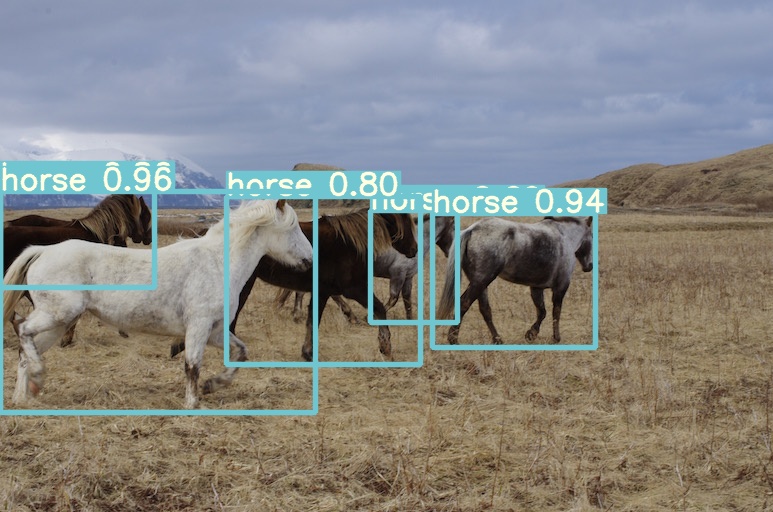
python detect.py --weights yolov7.pt --conf 0.25 --img-size 640 --source inference/images/horses.jpg

Export

Pytorch to CoreML (and inference on MacOS/iOS) Open In Colab

Pytorch to ONNX with NMS (and inference) Open In Colab

python export.py --weights yolov7-tiny.pt --grid --end2end --simplify \
        --topk-all 100 --iou-thres 0.65 --conf-thres 0.35 --img-size 640 640 --max-wh 640

Pytorch to TensorRT with NMS (and inference) Open In Colab

wget https://github.com/WongKinYiu/yolov7/releases/download/v0.1/yolov7-tiny.pt
python export.py --weights ./yolov7-tiny.pt --grid --end2end --simplify --topk-all 100 --iou-thres 0.65 --conf-thres 0.35 --img-size 640 640
git clone https://github.com/Linaom1214/tensorrt-python.git
python ./tensorrt-python/export.py -o yolov7-tiny.onnx -e yolov7-tiny-nms.trt -p fp16

Pytorch to TensorRT another way Open In Colab

Expand

wget https://github.com/WongKinYiu/yolov7/releases/download/v0.1/yolov7-tiny.pt
python export.py --weights yolov7-tiny.pt --grid --include-nms
git clone https://github.com/Linaom1214/tensorrt-python.git
python ./tensorrt-python/export.py -o yolov7-tiny.onnx -e yolov7-tiny-nms.trt -p fp16

# Or use trtexec to convert ONNX to TensorRT engine
/usr/src/tensorrt/bin/trtexec --onnx=yolov7-tiny.onnx --saveEngine=yolov7-tiny-nms.trt --fp16

Tested with: Python 3.7.13, Pytorch 1.12.0+cu113

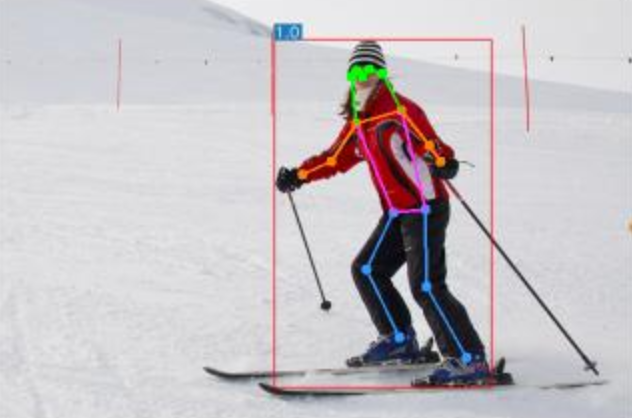
Pose estimation

code yolov7-w6-pose.pt

See keypoint.ipynb.

Instance segmentation (with NTU)

code yolov7-mask.pt

See instance.ipynb.

Instance segmentation

code yolov7-seg.pt

YOLOv7 for instance segmentation (YOLOR + YOLOv5 + YOLACT)

Model Test Size APbox AP50box AP75box APmask AP50mask AP75mask
YOLOv7-seg 640 51.4% 69.4% 55.8% 41.5% 65.5% 43.7%

Anchor free detection head

code yolov7-u6.pt

YOLOv7 with decoupled TAL head (YOLOR + YOLOv5 + YOLOv6)

Model Test Size APval AP50val AP75val
YOLOv7-u6 640 52.6% 69.7% 57.3%

Citation

@inproceedings{wang2023yolov7,
  title={{YOLOv7}: Trainable bag-of-freebies sets new state-of-the-art for real-time object detectors},
  author={Wang, Chien-Yao and Bochkovskiy, Alexey and Liao, Hong-Yuan Mark},
  booktitle={Proceedings of the IEEE/CVF Conference on Computer Vision and Pattern Recognition (CVPR)},
  year={2023}
}
@article{wang2023designing,
  title={Designing Network Design Strategies Through Gradient Path Analysis},
  author={Wang, Chien-Yao and Liao, Hong-Yuan Mark and Yeh, I-Hau},
  journal={Journal of Information Science and Engineering},
  year={2023}
}

Teaser

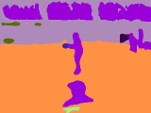
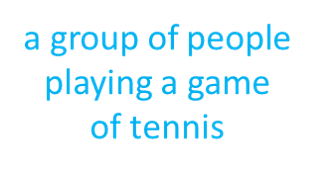
YOLOv7-semantic & YOLOv7-panoptic & YOLOv7-caption

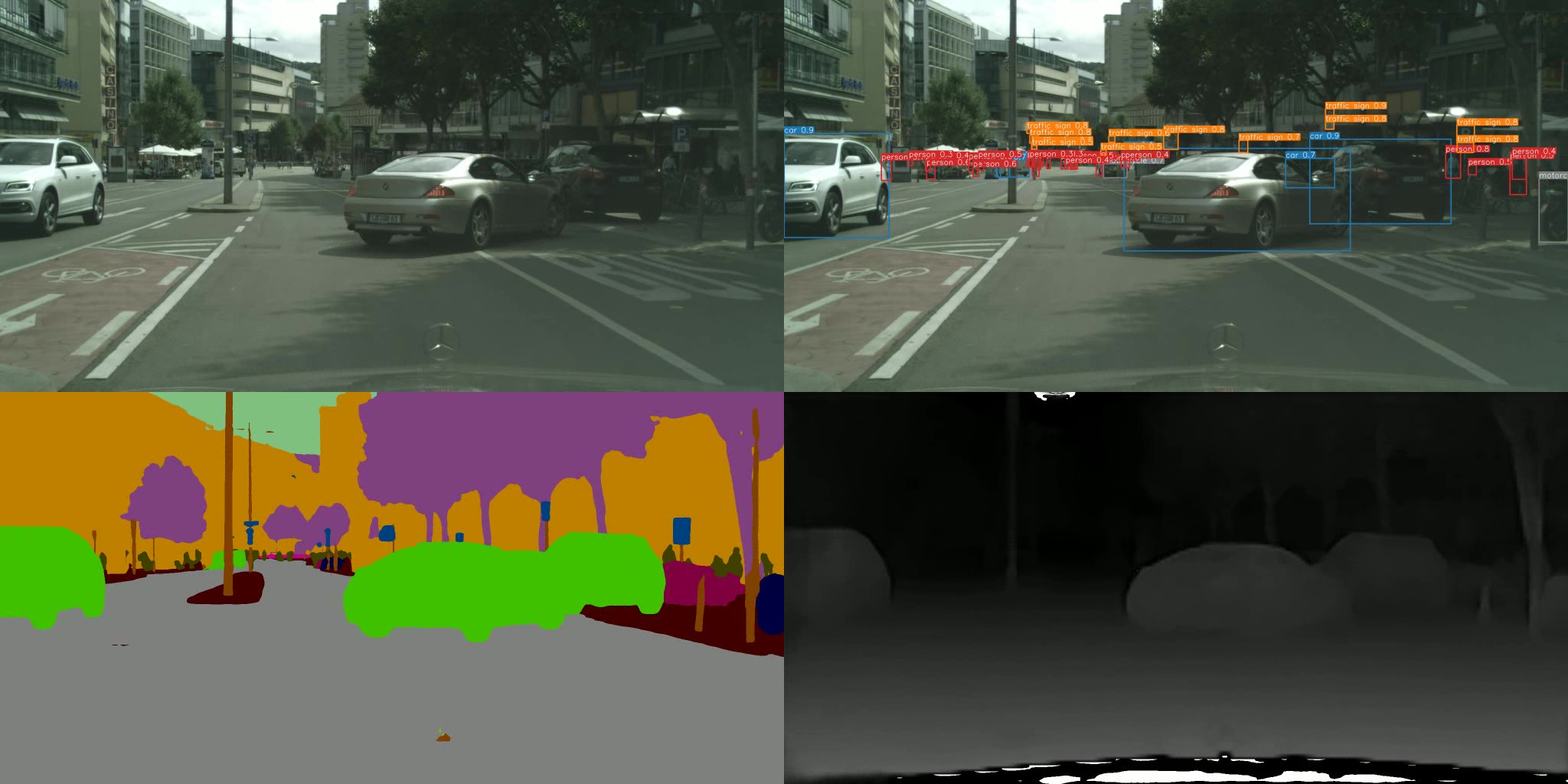
YOLOv7-semantic & YOLOv7-detection & YOLOv7-depth (with NTUT)

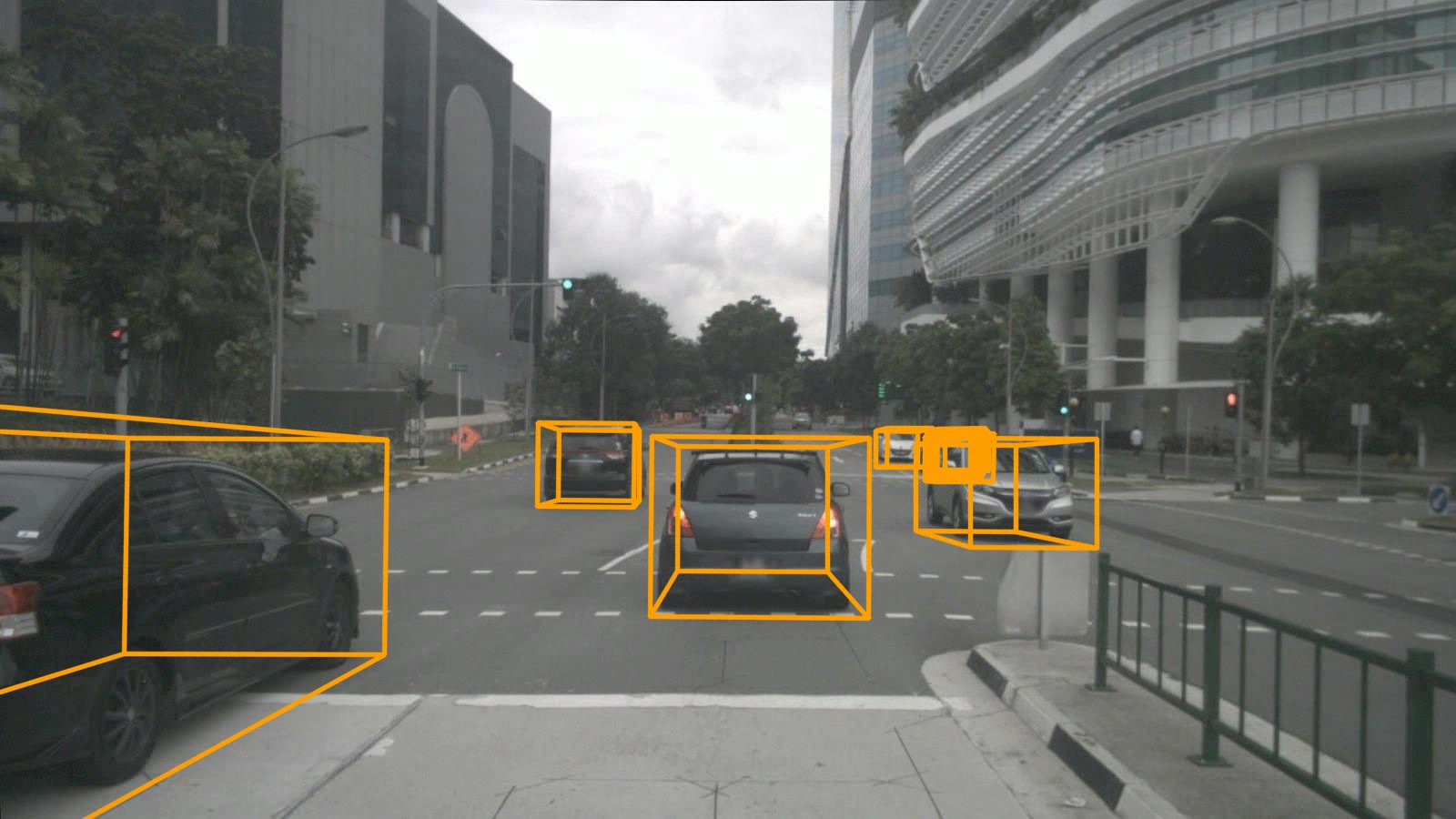
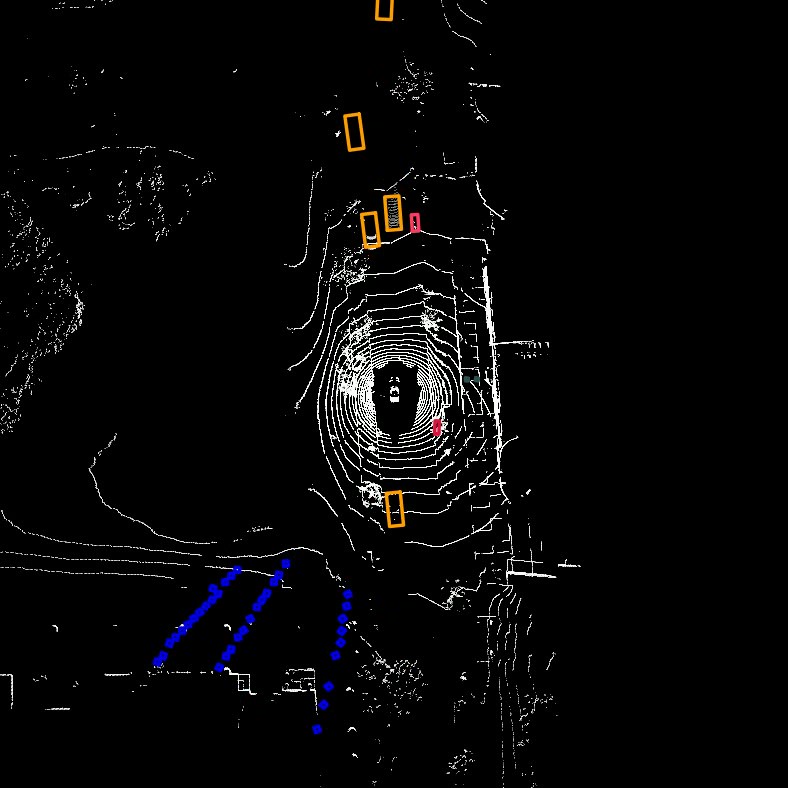
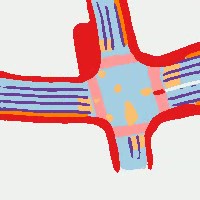
YOLOv7-3d-detection & YOLOv7-lidar & YOLOv7-road (with NTUT)

Acknowledgements

Expand

yolov7 (WongKinYiu/yolov7)

Searching Database…

14.2K ·GitHub
What is this?This is the official PyTorch implementation of YOLOv7, a real-time object detection model that achieved new state-of-the-art speed/accuracy results using a technique the authors call 'trainable bag-of-freebies'.
Is this a ready-to-use app or a research codebase I train/run myself?It is a research codebase: a collection of training, testing, inference, and export scripts plus pretrained weights, not a packaged application.
How do I get it running?Set up the environment (Docker is recommended), download one of the pretrained weights (e.g. yolov7.pt), and run the test or detect scripts, or train from scratch/finetune on your own dataset.
Do I need a specific Python/PyTorch version and a GPU?It's built on PyTorch and tested with Python 3.7.13 and PyTorch 1.12.0+cu113; training is done with CUDA GPUs (single or multi-GPU supported).
Does it only do bounding-box detection, or more?The base repo does bounding-box object detection, but it also ships separate variants and scripts for pose estimation, instance segmentation, and an anchor-free detection head.
Can I export and run this outside of PyTorch, e.g. on mobile or in production?Yes, the repo provides export paths to CoreML (for macOS/iOS inference), ONNX with NMS, and TensorRT with NMS for production deployment.
How fast and accurate is YOLOv7 compared to other models?The base YOLOv7 model hits 51.4% AP on MS COCO test at 161 fps (batch 1), while larger variants like YOLOv7-E6E reach 56.8% AP at 36 fps, trading speed for accuracy.
Can I try it without installing anything?Yes, there is a live Web Demo integrated into Hugging Face Spaces using Gradio.
What is the 'reparameterization' step for?After training, you run a reparameterization notebook (reparameterization.ipynb) to merge/convert the trained model structure for faster, simplified inference.
Can I finetune it on my own data?Yes, the repo includes single-GPU finetuning instructions and separate '-training' weight files (e.g. yolov7_training.pt) intended for transfer learning on custom datasets.
Creator
WongKinYiu
Size
74.2 MB
Stars
14.2K
Updated
CommitNov 03
Age
4y
Commits · 90 Days