





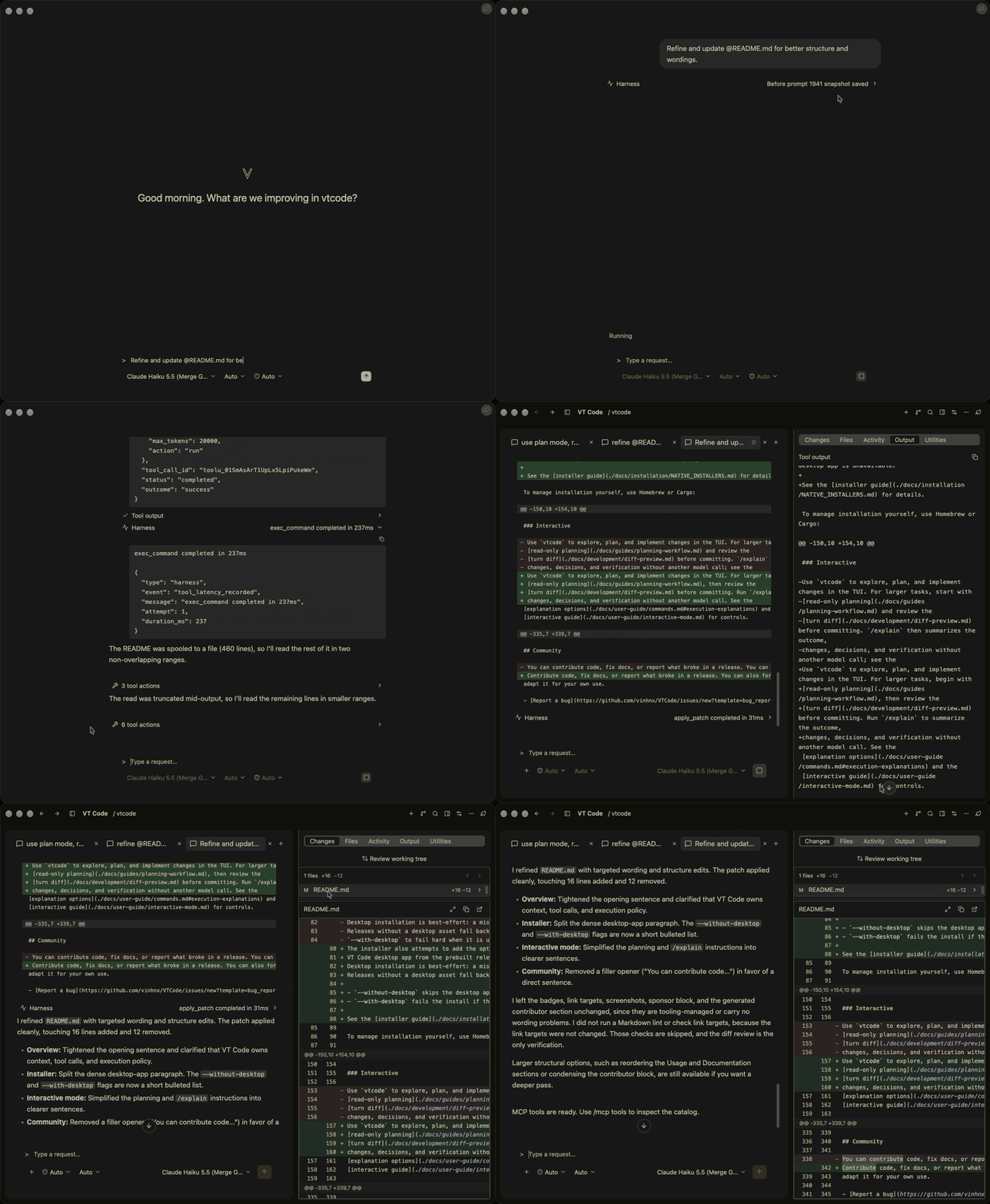
 Desktop app
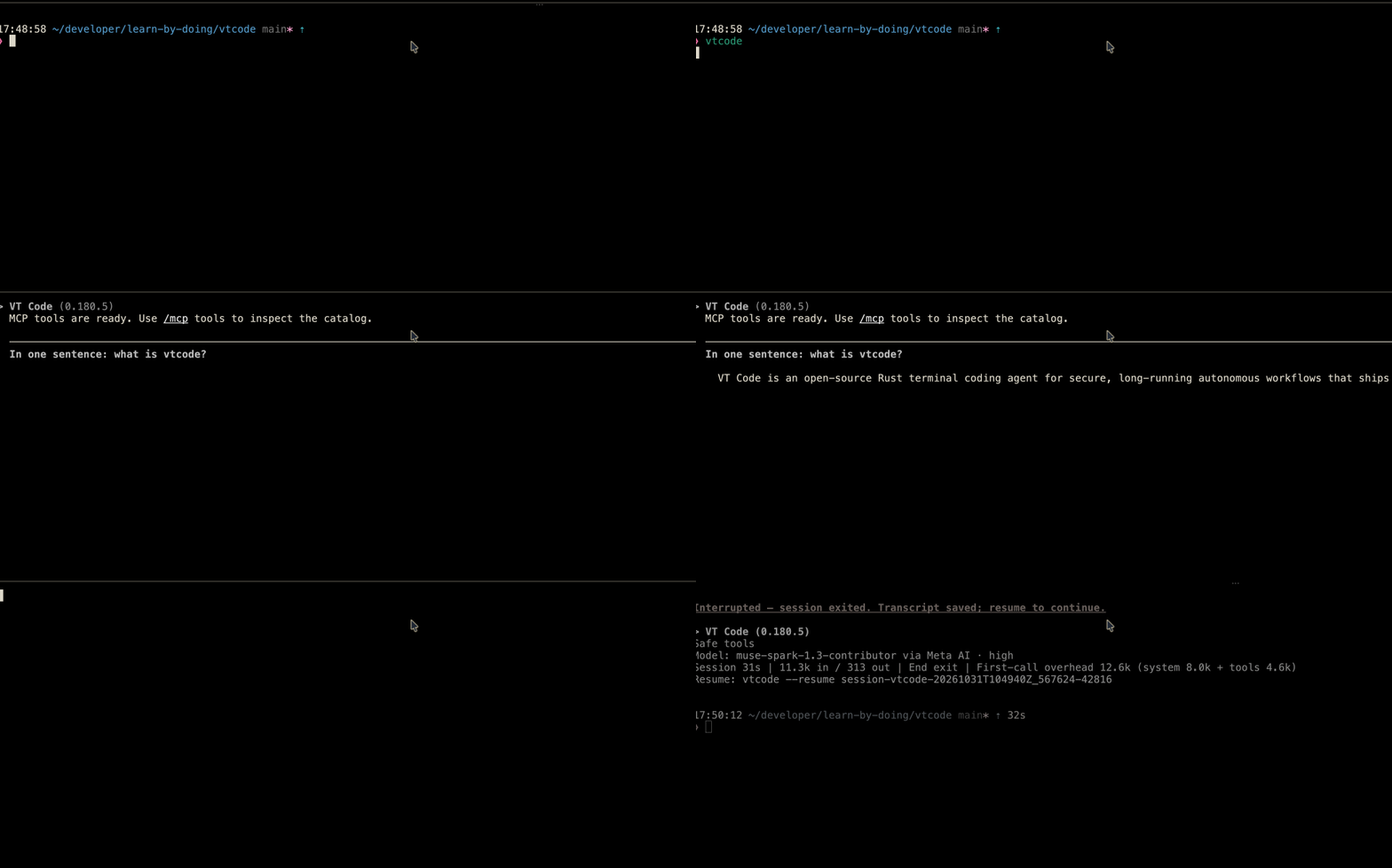


Что это такое?
 VT Code — это агент для написания кода с открытым исходным кодом, написанный на Rust. Он работает в терминале и позволяет исследовать, планировать, редактировать и проверять изменения в вашем репозитории с помощью облачных или локальных моделей ИИ.
Это обычный CLI-инструмент или у него есть терминальный интерфейс?И то, и другое: есть команды для скриптов, например 'vtcode ask' и 'vtcode exec' для работы без интерфейса, а также полноценный интерактивный TUI (построен на ratatui/crossterm) для планирования задач и просмотра изменений за каждый шаг диалога.
И то, и другое: есть команды для скриптов, например 'vtcode ask' и 'vtcode exec' для работы без интерфейса, а также полноценный интерактивный TUI (построен на ratatui/crossterm) для планирования задач и просмотра изменений за каждый шаг диалога.Как мне установить его и начать пользоваться в своем проекте?Установите через официальный скрипт, Homebrew или Cargo (PowerShell в Windows), выполните 'vtcode --version' для проверки, затем создайте в папке проекта конфигурацию и инструкции для агента и добавьте данные доступа к провайдеру перед запуском 'vtcode'.
Установите через официальный скрипт, Homebrew или Cargo (PowerShell в Windows), выполните 'vtcode --version' для проверки, затем создайте в папке проекта конфигурацию и инструкции для агента и добавьте данные доступа к провайдеру перед запуском 'vtcode'.Какие провайдеры ИИ я могу использовать и нужен ли мне API-ключ?Работает с облачными провайдерами, например OpenAI, а также с локальными моделями. Учетные данные добавляются через 'vtcode secret add', переменные окружения, файл .env в рабочей папке или 'vtcode login' для провайдеров с поддерживаемым входом.
Работает с облачными провайдерами, например OpenAI, а также с локальными моделями. Учетные данные добавляются через 'vtcode secret add', переменные окружения, файл .env в рабочей папке или 'vtcode login' для провайдеров с поддерживаемым входом.Версия для Windows так же надежна, как сборки для macOS и Linux?Windows (включая WSL) поддерживается, но сборки для Windows прямо помечены как версии с поддержкой «по мере возможности» и могут отставать от релизов для macOS и Linux.
Windows (включая WSL) поддерживается, но сборки для Windows прямо помечены как версии с поддержкой «по мере возможности» и могут отставать от релизов для macOS и Linux.Как хранятся мои учетные данные провайдера?Данные, добавленные через 'vtcode secret add', попадают в защищенное хранилище: либо в хранилище ключей ОС (keyring), либо в зашифрованный файл. Проект также предупреждает не коммитить API-ключи в Git или в vtcode.toml.
Данные, добавленные через 'vtcode secret add', попадают в защищенное хранилище: либо в хранилище ключей ОС (keyring), либо в зашифрованный файл. Проект также предупреждает не коммитить API-ключи в Git или в vtcode.toml.Что такое HOVER-цикл, о котором упоминается в документации?HOVER — это цикл самокоррекции VT Code: агент заранее формулирует ожидаемый результат, собирает ограниченный объем доказательств и меняет подход только тогда, когда доказательства расходятся с этим ожиданием.
HOVER — это цикл самокоррекции VT Code: агент заранее формулирует ожидаемый результат, собирает ограниченный объем доказательств и меняет подход только тогда, когда доказательства расходятся с этим ожиданием.С чем, кроме моделей ИИ, может соединяться VT Code?Он интегрируется с серверами MCP, Skills, плагинами и мостами к редакторам через ACP, а также с экспериментальным вспомогательным компонентом WebMCP, расширяя инструменты агента и его возможности в других редакторах.
Он интегрируется с серверами MCP, Skills, плагинами и мостами к редакторам через ACP, а также с экспериментальным вспомогательным компонентом WebMCP, расширяя инструменты агента и его возможности в других редакторах.Может ли он работать без присмотра на долгих или запланированных задачах?Да: 'vtcode exec' выполняет полный цикл инструментов в фоновом режиме со сжатием контекста и сессиями, которые можно возобновить, а 'vtcode schedule create' настраивает повторяющиеся долговременные задачи с промптами. Однако для полной автоматизации нужно явно подтвердить доверие к рабочему пространству.
Да: 'vtcode exec' выполняет полный цикл инструментов в фоновом режиме со сжатием контекста и сессиями, которые можно возобновить, а 'vtcode schedule create' настраивает повторяющиеся долговременные задачи с промптами. Однако для полной автоматизации нужно явно подтвердить доверие к рабочему пространству.Можно ли продолжить или ответвить предыдущую сессию?Используйте 'vtcode continue', чтобы продолжить последнюю сессию, 'vtcode continue --session-id', чтобы ответвить более раннюю, и 'vtcode trajectory', чтобы просмотреть журнал выполнения.
Используйте 'vtcode continue', чтобы продолжить последнюю сессию, 'vtcode continue --session-id', чтобы ответвить более раннюю, и 'vtcode trajectory', чтобы просмотреть журнал выполнения.В каких он темах?cargo, agent-plugins, agentskills, ratatui, acp, sandbox, tui, artificial-intelligence, local-llm, model-context-protocol, coding-agent, openai
cargo, agent-plugins, agentskills, ratatui, acp, sandbox, tui, artificial-intelligence, local-llm, model-context-protocol, coding-agent, openai