

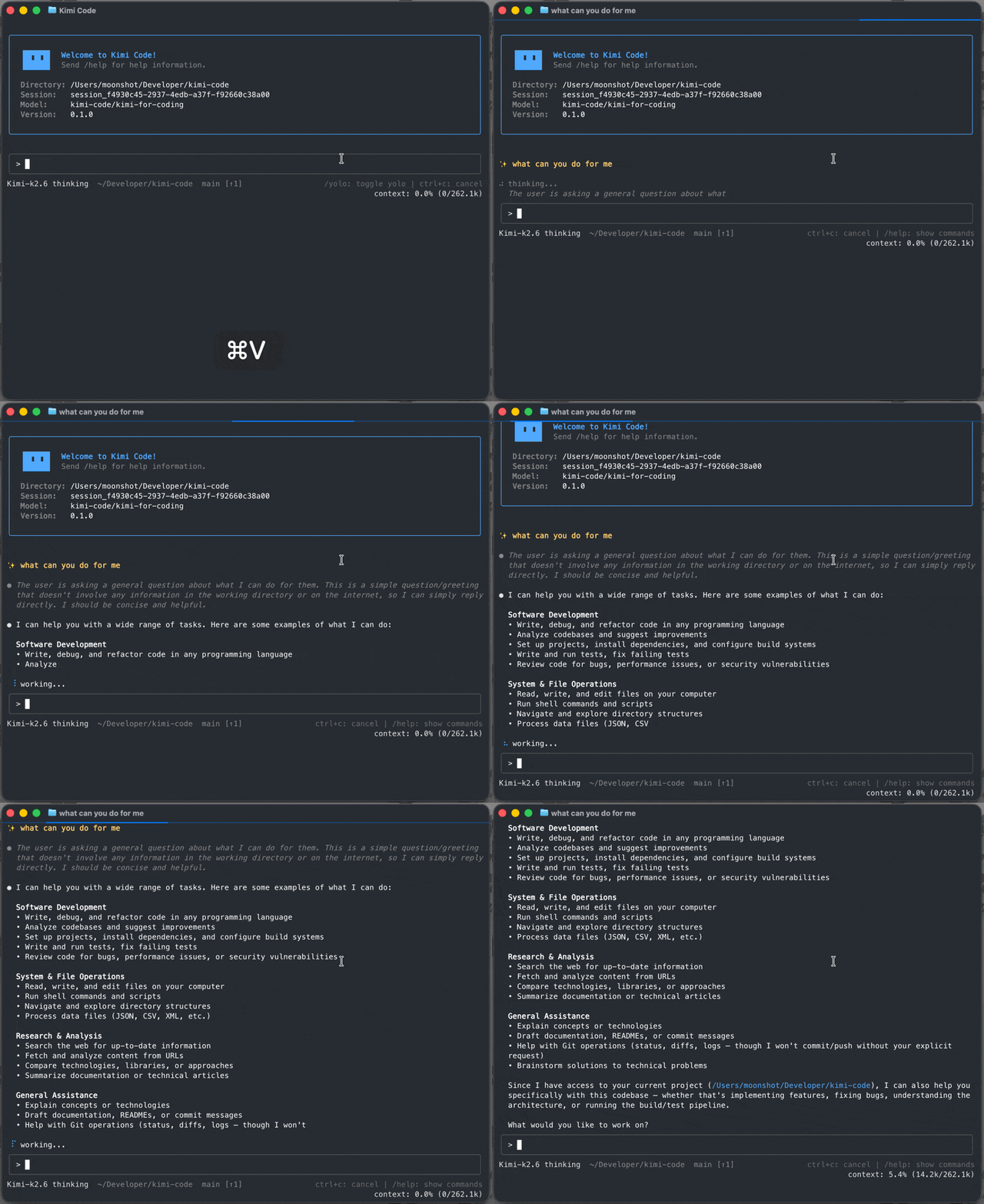
What is this?
 Kimi Code CLI is an AI coding agent that runs in your terminal — it reads and edits code, runs shell commands, searches files, fetches web pages, and decides the next step based on the feedback it gets. It works with Moonshot AI's Kimi models out of the box and can be configured to use other compatible providers.
Kimi Code CLI is an AI coding agent that runs in your terminal — it reads and edits code, runs shell commands, searches files, fetches web pages, and decides the next step based on the feedback it gets. It works with Moonshot AI's Kimi models out of the box and can be configured to use other compatible providers.Is this a library I import, or a standalone app?It is a standalone terminal application distributed as a single binary, not a library you import into code. It also exposes an 'acp' subcommand so editors like Zed and JetBrains can drive a session over the Agent Client Protocol.
It is a standalone terminal application distributed as a single binary, not a library you import into code. It also exposes an 'acp' subcommand so editors like Zed and JetBrains can drive a session over the Agent Client Protocol.How do I get it running?Run the official install script (macOS/Linux shell command, or PowerShell on Windows) — no Node.js needed. Then open a project, run 'kimi' for the interactive TUI, and use '/login' to authenticate with either Kimi Code OAuth or a Moonshot AI Open Platform API key.
Run the official install script (macOS/Linux shell command, or PowerShell on Windows) — no Node.js needed. Then open a project, run 'kimi' for the interactive TUI, and use '/login' to authenticate with either Kimi Code OAuth or a Moonshot AI Open Platform API key.Do I need Node.js or Git installed first?No Node.js is required to install or run the CLI since it ships as a single binary. On Windows specifically you must install Git for Windows before first launch, since the CLI uses the bundled Git Bash as its shell environment.
No Node.js is required to install or run the CLI since it ships as a single binary. On Windows specifically you must install Git for Windows before first launch, since the CLI uses the bundled Git Bash as its shell environment.Any install gotchas on Windows?If Git Bash is installed somewhere non-standard, you need to manually set the KIMISHELLPATH environment variable to the absolute path of bash.exe, or the CLI won't find a working shell.
If Git Bash is installed somewhere non-standard, you need to manually set the KIMISHELLPATH environment variable to the absolute path of bash.exe, or the CLI won't find a working shell.Does it work the same on macOS, Linux, and Windows?Yes, the install script and CLI support macOS, Linux, and Windows, though Windows needs Git for Windows installed first for its Git Bash shell environment.
Yes, the install script and CLI support macOS, Linux, and Windows, though Windows needs Git for Windows installed first for its Git Bash shell environment.What happens if I drop a video into the chat?The agent can watch screen recordings or demo clips you drop in and act on them — for example turning a reference clip into a LUT, a long video into a short, or a screen recording into working code.
The agent can watch screen recordings or demo clips you drop in and act on them — for example turning a reference clip into a LUT, a long video into a short, or a screen recording into working code.How do subagents work?Kimi Code CLI can dispatch built-in coder, explore, and plan subagents in isolated contexts to do focused, parallel work while keeping the main conversation clean.
Kimi Code CLI can dispatch built-in coder, explore, and plan subagents in isolated contexts to do focused, parallel work while keeping the main conversation clean.Can I add MCP servers without hand-editing JSON?Yes, the '/mcp-config' command lets you add, edit, and authenticate Model Context Protocol servers conversationally instead of editing config files by hand.
Yes, the '/mcp-config' command lets you add, edit, and authenticate Model Context Protocol servers conversationally instead of editing config files by hand.Can plugins be installed from any GitHub repo?Yes, skills, MCP servers, and data sources can be installed from the official marketplace or any GitHub repo, with each install's trust level shown up front before you add it.
Yes, skills, MCP servers, and data sources can be installed from the official marketplace or any GitHub repo, with each install's trust level shown up front before you add it.What are similar projects?qwen-code, DeepSeek-Reasonix, Baize, oh-my-pi, grok-build, pi-shadow-mind, claurst, MiMo-Code
qwen-code, DeepSeek-Reasonix, Baize, oh-my-pi, grok-build, pi-shadow-mind, claurst, MiMo-CodeWhich topics is it in?acp, marketplace, hooks, ai-coding, coding-agents, oauth, tui, model-context-protocol, video, agentic-ai, multi-agent, agents
acp, marketplace, hooks, ai-coding, coding-agents, oauth, tui, model-context-protocol, video, agentic-ai, multi-agent, agents