
27.4K ·GitHub
What is this?
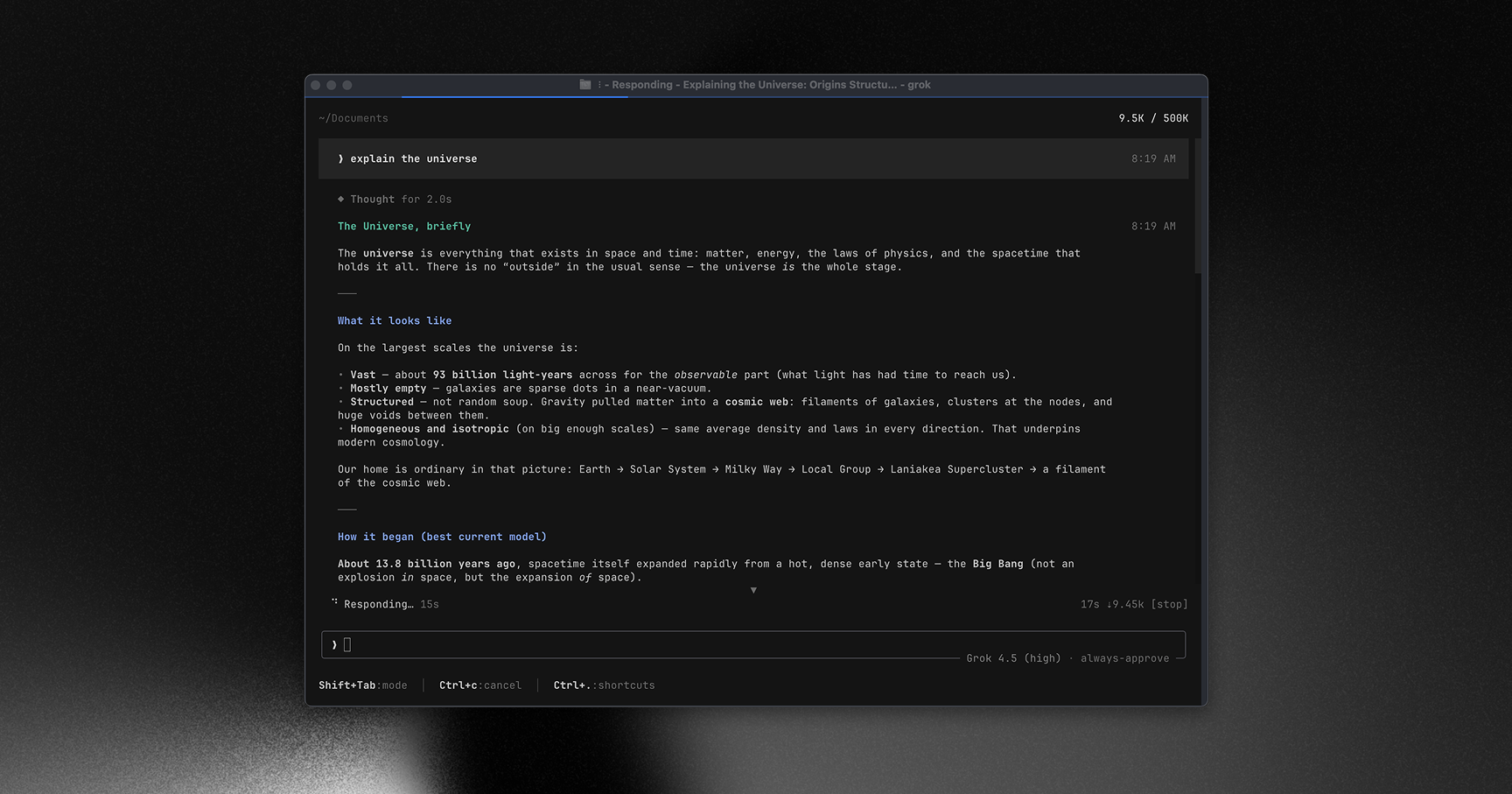
 Grok Build is SpaceXAI's terminal-based AI coding agent. It runs as a full-screen TUI that understands your codebase, edits files, executes shell commands, searches the web, and manages long-running tasks, either interactively, headlessly for scripting/CI, or embedded in editors via the Agent Client Protocol (ACP).
Grok Build is SpaceXAI's terminal-based AI coding agent. It runs as a full-screen TUI that understands your codebase, edits files, executes shell commands, searches the web, and manages long-running tasks, either interactively, headlessly for scripting/CI, or embedded in editors via the Agent Client Protocol (ACP).Is this a CLI tool, or something I embed in an editor?It's both: a standalone CLI/TUI binary called 'grok' you run in a terminal, and an agent runtime that editors can embed via the Agent Client Protocol (ACP), plus a headless mode for scripts and CI.
It's both: a standalone CLI/TUI binary called 'grok' you run in a terminal, and an agent runtime that editors can embed via the Agent Client Protocol (ACP), plus a headless mode for scripts and CI.How do I get it running?Download one of the prebuilt binaries published for macOS, Linux, and Windows, or build from source using the pinned Rust toolchain. On first launch it opens your browser to authenticate.
Download one of the prebuilt binaries published for macOS, Linux, and Windows, or build from source using the pinned Rust toolchain. On first launch it opens your browser to authenticate.Are the Windows builds fully ready?Prebuilt Windows binaries are published, but building from source on Windows is best-effort and not currently tested from this tree; only macOS and Linux are officially supported build hosts.
Prebuilt Windows binaries are published, but building from source on Windows is best-effort and not currently tested from this tree; only macOS and Linux are officially supported build hosts.What is the Agent Client Protocol (ACP) for?ACP lets Grok Build be embedded directly inside code editors as an agent backend, rather than only running as a standalone terminal app.
ACP lets Grok Build be embedded directly inside code editors as an agent backend, rather than only running as a standalone terminal app.Can I run it in CI pipelines instead of interactively?Yes, besides the interactive TUI it offers a headless mode built for scripting and CI use.
Yes, besides the interactive TUI it offers a headless mode built for scripting and CI use.Does it support MCP servers, skills, and plugins?Yes, the bundled user guide covers configuring MCP servers, skills, plugins, hooks, theming, and sandboxing.
Yes, the bundled user guide covers configuring MCP servers, skills, plugins, hooks, theming, and sandboxing.What are similar projects?kimi-code, atlas, openinterpreter, Baize, oh-my-pi, ordewell, lean-ctx, DeepSeek-Reasonix
kimi-code, atlas, openinterpreter, Baize, oh-my-pi, ordewell, lean-ctx, DeepSeek-ReasonixWhich topics is it in?xai, acp, headless, hooks, opencode, sandbox, tui, skills, command-line, mcp-server, coding-agent, plugin
xai, acp, headless, hooks, opencode, sandbox, tui, skills, command-line, mcp-server, coding-agent, plugin