







open-edit README

The project's README from github.com/veedstudio/open-edit. As one markdown file: README.md.

OpenEdit, powered by VEED

Video editing for coding agents. Describe the edit; get the MP4.

License: Apache-2.0 Platform: Apple Silicon and Windows x64

Get started · Prompts · Examples · VEED

OpenEdit is an open-source, agent-driven editing pipeline. There is no GUI and no timeline: you tell your coding agent what you want, and it transcribes, designs, renders and hands you the file.

Get started

You need an Apple Silicon Mac (with Homebrew) or a Windows x64 PC, Node 20 or newer, and one of Claude Code, Codex or Gemini CLI. From your project folder, install the skill into your agent:

npx skills add veedstudio/open-edit --skill open-edit

Then open the agent (claude, codex or gemini) and ask:

Add subtitles to my video clip.mp4

The first run sets itself up: it checks for Node and ffmpeg and names the command for anything missing (Homebrew on a Mac; on Windows the commands are printed for you to run, and ffmpeg is fetched into your user folder with no admin rights), asking before any global install; pins itself into your project as a dev dependency and registers a session hook in the settings of Claude Code, Codex and Gemini CLI; downloads the renderer into your user's app-data folder; and asks once how you want speech transcribed. Hosted by VEED transcribes best (a veed.io account, sign up or log in; the free tier covers about ten minutes a month); WhisperX runs locally for free (needs uv or pipx; the first transcription downloads the model, about 2 GB for the fast tier and more for the better one; nothing leaves your machine); or bring your own service. When the run finishes you get the MP4 with subtitles burned in, a preview open in your browser, and the path to the file, which lives under runs/ in your project.


GPT-6 Astra title sequence made in OpenEdit

Made in OpenEdit with GPT-6 Astra driving the pipeline: pure motion graphics, no source footage, prompted against the OpenAI Brand Film as a visual reference.

OpenEdit launch video

The launch video, also made in OpenEdit. Click either one to watch with sound.

What you can ask for

Captions are the shortest path, not the limit. The agent can edit, cut and reframe footage, layer motion graphics and visual elements, turn slides into video, and pull in any AI video/image generator or MCP server when it helps. Source video is optional: stills, slides or generated media are enough when the brief calls for it.

As a first ask:

Add subtitles that look like this [IMG-REF] to my video [VIDEO]

Cut the false start and the long pause around 0:42, then caption it

Make a 20-second title sequence for my launch, no footage, in my brand colours

On a delivered render:

I don't like the yellow colour, make it darker

Move the text up a bit

When he says "go buy it now", make sure the 'now' really stands out

No footage at all? It can generate a talking-head clip from a script with VEED Fabric and edit that. Generation is billed: it quotes the price in your workspace's AI Playground credits and spends nothing without your yes.

Examples

Real outputs, each with the prompt that produced it. Click any example to watch it with sound.


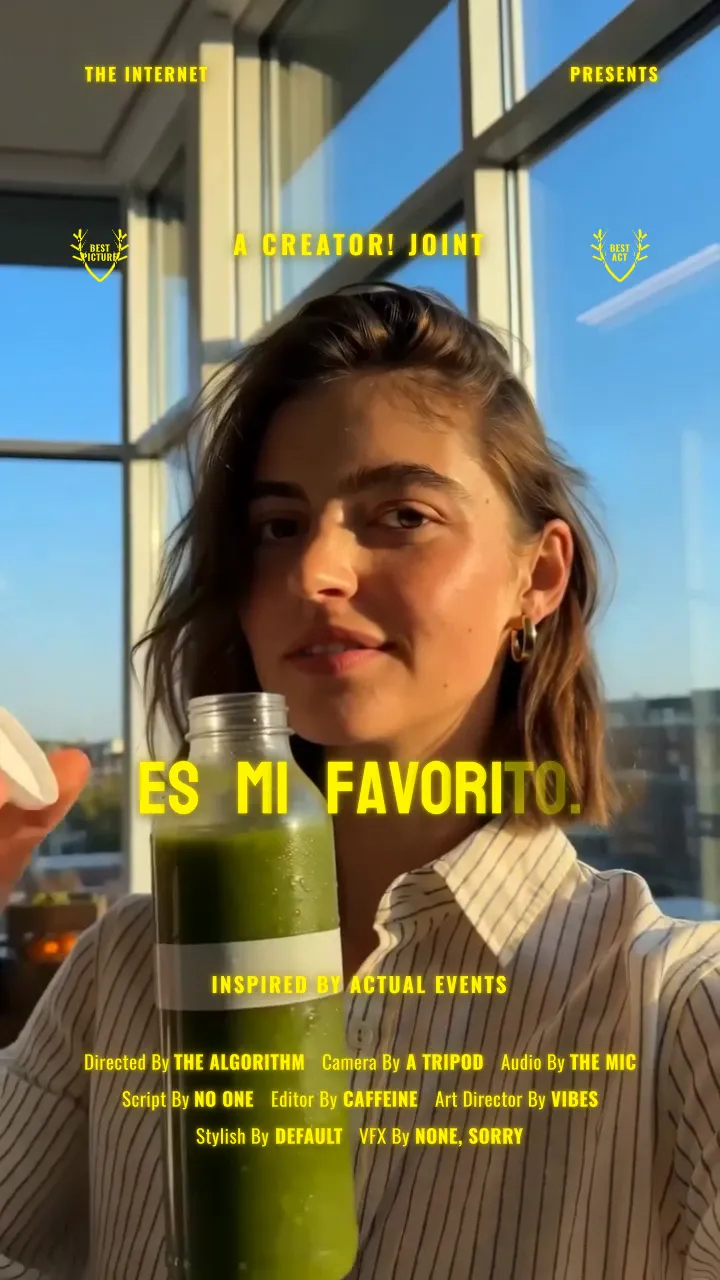
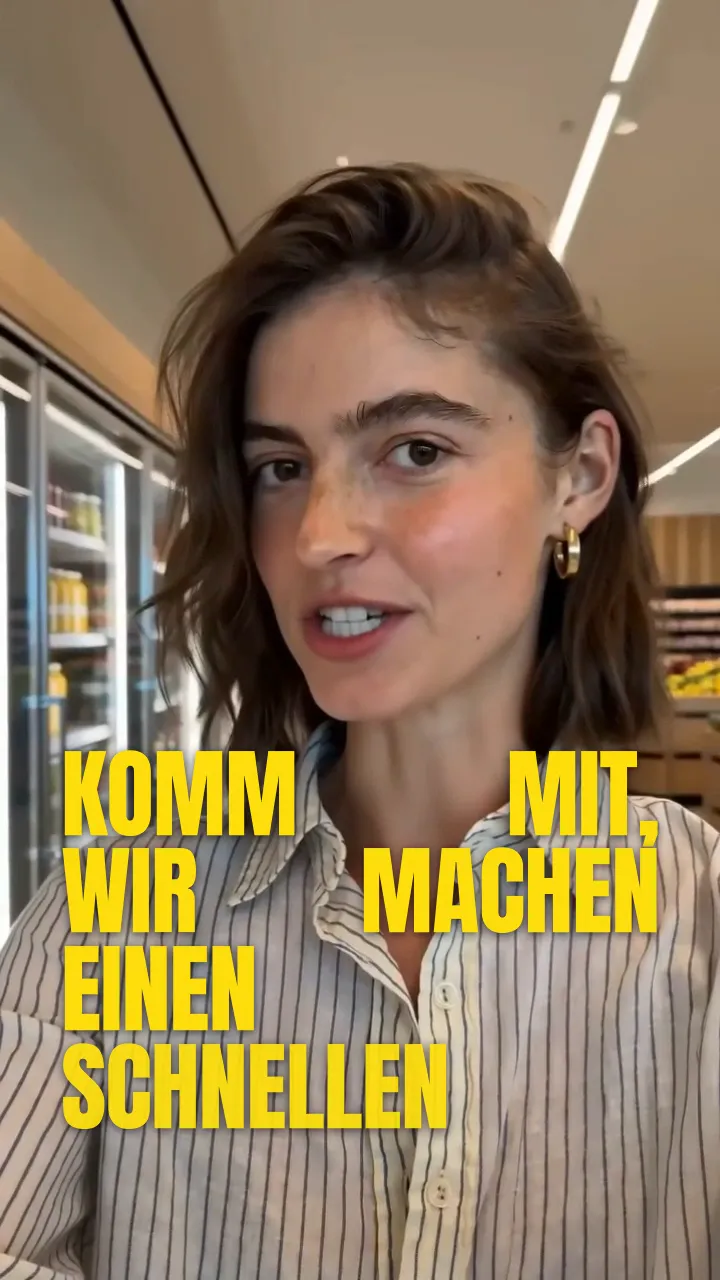
create viral subtitles with /open-edit and translate my video to 5 languages using VEED Lipsync 2.0 on Fal

One source clip, three languages, three caption styles, translated and re-lipsynced through VEED's Lip Sync API:

Spanish French German
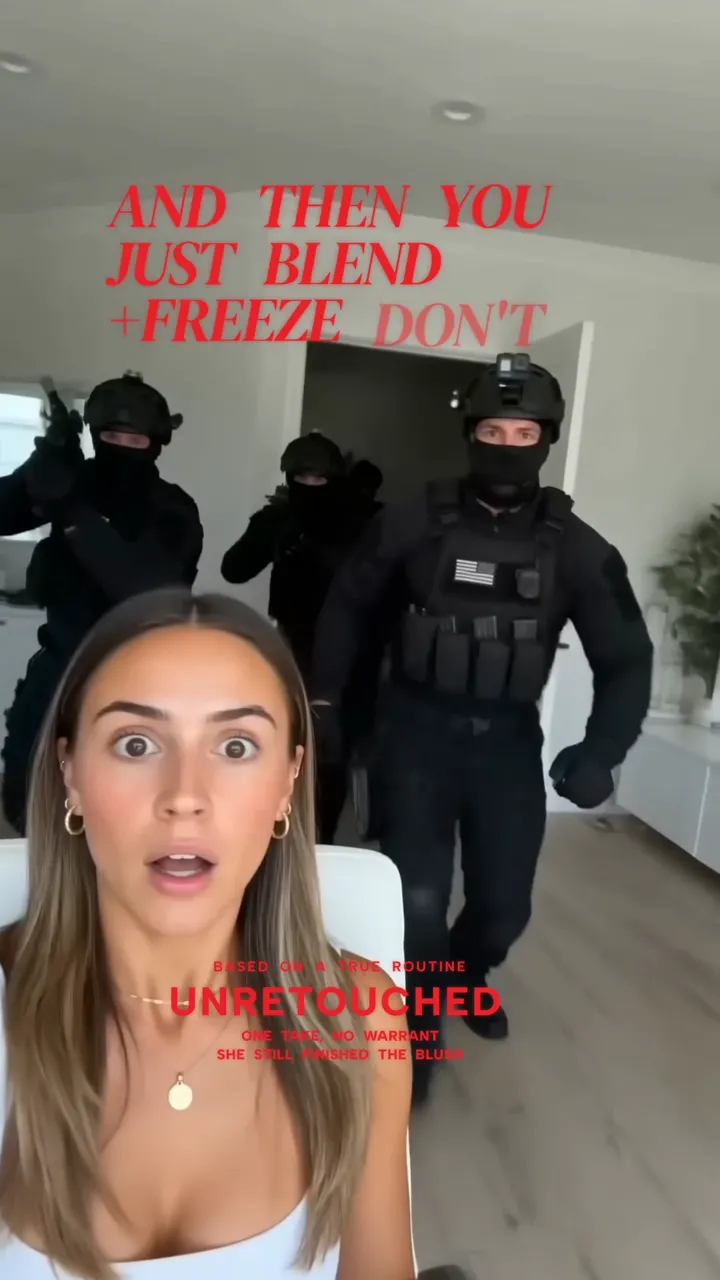
generate 3 viral hooks in Seedance 2.0 on Fal and create dynamic motion graphics using /open-edit

Three hooks generated with Seedance, three motion-graphic treatments:

News hook Desk hook Makeup hook
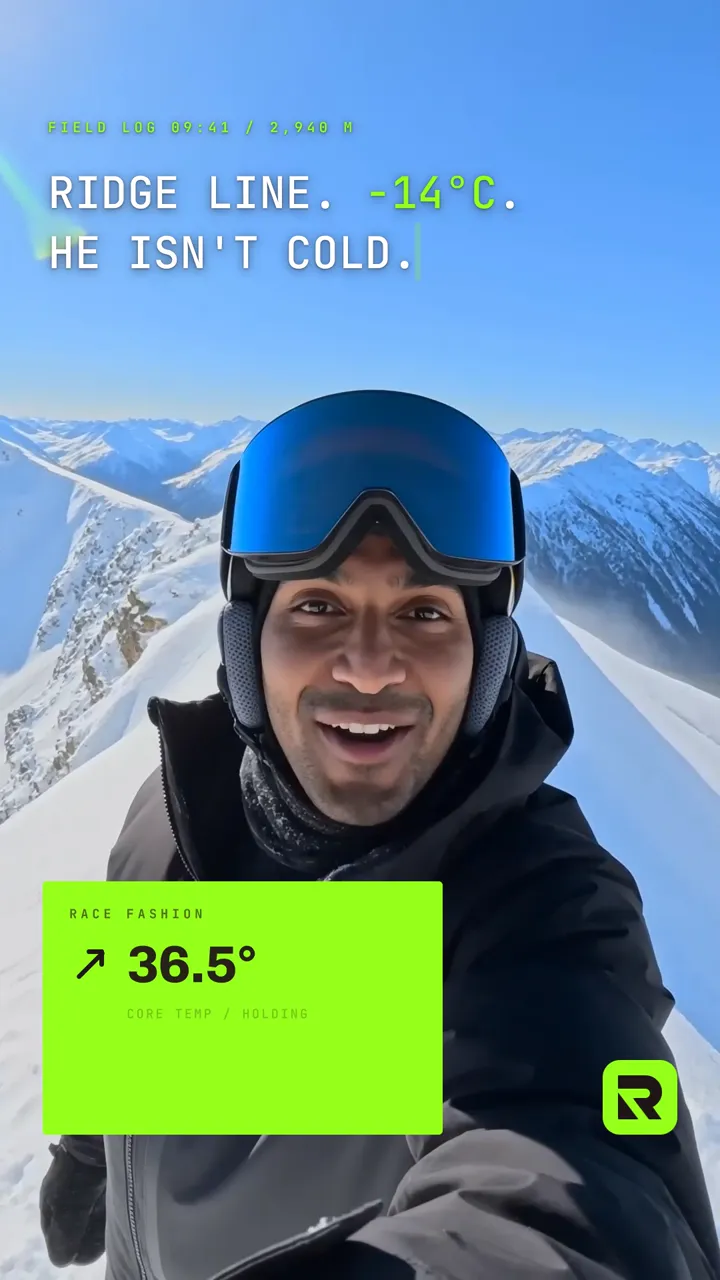
use Figma MCP to study my BrandBook and create branded campaign graphics using /open-edit

One brand book, three campaign cards:

Race Fashion 1 Race Fashion 2 Race Fashion 3

How it works

The skill tells your agent the whole flow: transcribe with real per-word timings, draw a caption style from a pool of recipes, compose the document in HTML and CSS, render it with VEED's renderer, then check the result for timing and contrast before handing it back. Every step of a captioned run is a command from the @veedstudio/openedit-cli package; the CLI reference lists them.

The renderer is source-available and free to use, and it does not run a headless browser: nothing to install, launch or keep alive for the length of a render. It does need a desktop session, so renders run on your machine rather than on a headless box.

Transcription is your choice, asked once and remembered. WhisperX runs locally and nothing leaves your machine. VEED's hosted transcription uploads the file in order to transcribe it and stores it for that purpose. Any Whisper-family JSON from your own service works too, and no credentials pass through OpenEdit. Every provider writes the same runs/<key>/transcript.json, and per-word timings are required: without them the caption reveals drift, so a transcript that has none is refused rather than rendered badly.

Requirements

Platform Apple Silicon Mac or Windows x64 PC. Intel Macs are not supported: the renderer ships macOS-arm64 and windows-x64 only
macOS Built and tested on Tahoe 26.0. Nothing checks the version, so earlier releases may work, untested
Windows Windows 10 or newer (the installer extracts with the bundled tar). Node via winget: preflight prints the exact command and never runs it itself. ffmpeg is fetched into your user folder for you, no admin rights needed. Git is optional, used to version your project when present
Linux Planned; prioritisation depends on demand
Agents Claude Code, Codex or Gemini CLI. The installed skill prepares the workspace and loads the packaged AGENTS.md instructions itself

Scope and limitations

V1 targets captions. Motion graphics, charts, and brandbook-matched styling render today, but are less exercised than captions and should be expected to have rough edges.

Report defects through GitHub issues.

License

The editor is licensed under Apache-2.0. The renderer binaries are distributed under PolyForm Shield 1.0.0, which permits commercial use of the videos you produce with no payment to VEED. See LICENSE and NOTICE for the full terms.


OpenEdit · powered by VEED

open-edit (veedstudio/open-edit)

Searching Database…

这是什么?OpenEdit 是一个开源的、由智能体驱动的视频剪辑流水线:你告诉编程智能体你想要什么,它就会完成转录、设计、渲染,并把 MP4 交给你。它没有图形界面,也没有时间轴。
所以它不是一个打开来用的应用——那剪辑到底是怎么进行的?它是一个安装到编程智能体里的技能。智能体会逐字记录时间轴来完成转录,把剪辑方案写成一份 HTML 和 CSS 文档,用 VEED 的渲染器渲染,然后把文件交还给你。
我怎么把它跑起来?在你的项目文件夹里,把技能安装到你的智能体中,然后打开 claude、codex 或 gemini,描述你想要的剪辑效果。首次运行时会检查 Node 和 ffmpeg,并询问一次你想用哪种方式转录语音。
它支持哪些编程智能体?Claude Code、Codex 或 Gemini CLI,另外还需要 Node 20 或更高版本。该技能会在每个智能体的设置里注册一个会话钩子,并自行加载它自带的 AGENTS.md 说明。
它做出来的东西都是精修过的,还是比较粗糙?V1 版主打字幕。动态图形、图表和符合品牌手册的样式目前也能渲染,但用得较少,预计会有不完善之处。此外渲染需要桌面会话,所以只能在你的电脑上运行,无法在无界面的服务器上跑。
它能在我的 Intel Mac 或 Linux 上运行吗?不能:它需要 Apple Silicon Mac 或 Windows x64 电脑,因为渲染器只提供 macOS-arm64 和 windows-x64 的二进制文件。Linux 支持已在计划中,优先级取决于需求量。
要生成字幕,我必须把素材上传到某个地方吗?由你选择,只会问一次:WhisperX 可以在本地免费运行,任何数据都不会离开你的电脑;也可以用 VEED 的托管服务,它会上传并保存文件来转录(免费额度大约每月十分钟);或者接入你自己的服务——任何 Whisper 系的 JSON 格式都可以。
它做出的视频可以商用吗?可以。编辑器采用 Apache-2.0 协议,渲染器二进制文件采用 PolyForm Shield 1.0.0 协议,允许你把制作的视频用于商业用途,无需向 VEED 付费。
一次运行结束后我能得到什么?一个烧录了字幕的 MP4、一个可在浏览器中打开的预览,以及文件的路径——文件存放在你项目的 runs/ 目录下。
除了字幕,我还能让它做什么?字幕只是最快捷的路径,并不是上限:智能体可以剪辑和重新构图素材、叠加动态图形、把幻灯片变成视频,并在有帮助时调用 AI 视频/图像生成器或 MCP 服务器。
如果我完全没有素材,它也能做出视频吗?可以——静态图片、幻灯片或生成的媒体就够了,它还能通过 VEED Fabric 根据脚本制作出真人出镜的讲解视频。生成功能是收费的:它会先在 AI Playground 积分里报出价格,未经你同意不会花一分钱。
为什么它不接受没有逐字时间轴的转录文本?因为字幕会对不上:没有逐字时间轴的转录文本会被直接拒绝,而不是勉强渲染出糟糕的效果。每个转录服务都会在 runs/ 下生成同样格式的 transcript.json。
Creator
veedstudio
Size
31.6 MB
Stars
1.7K
Age
2mo
Commits · 90 Days