What is this?
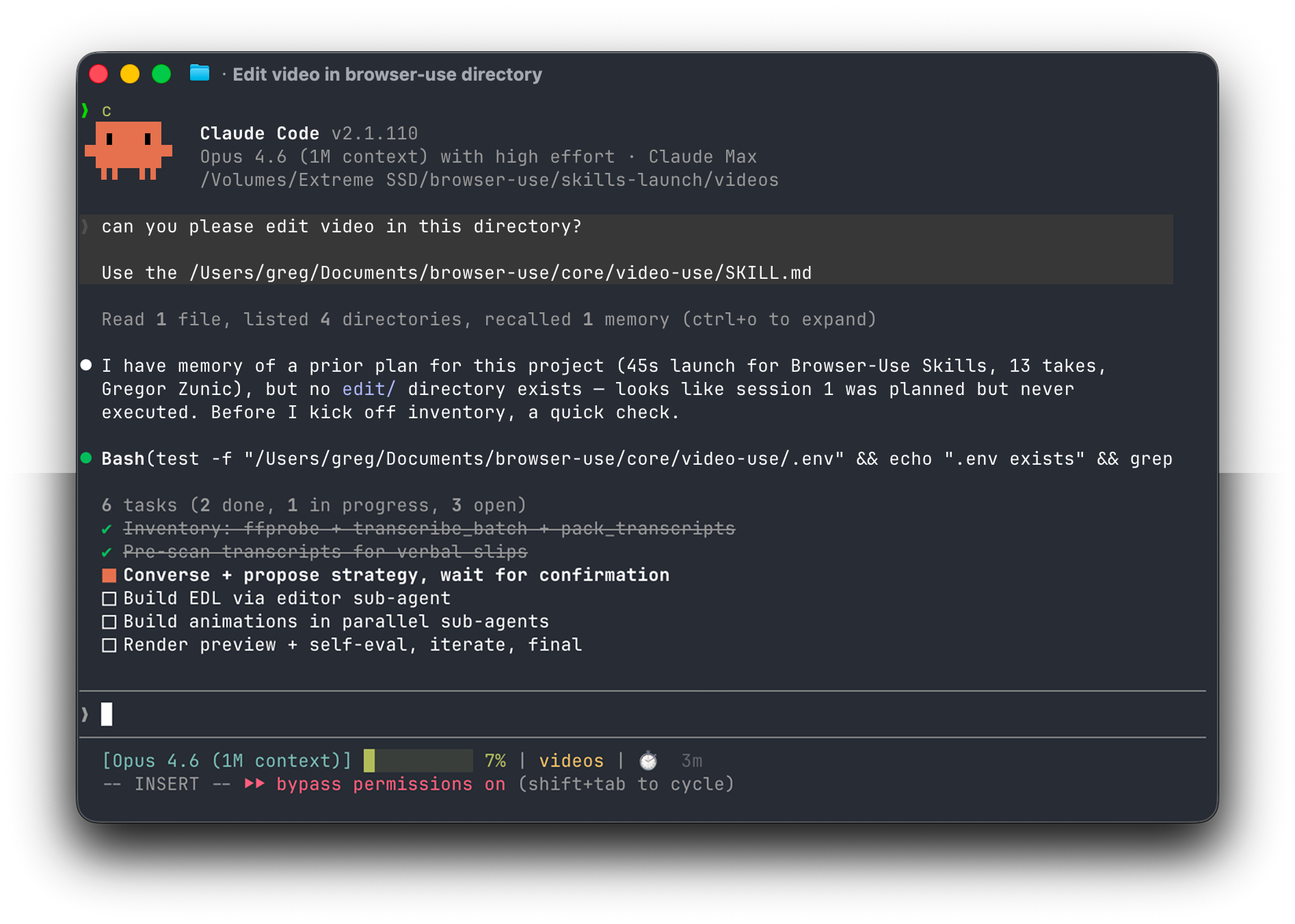
 video-use is an open-source Claude Code skill that turns raw footage into a finished MP4 — it cuts filler words and dead space, color-grades clips, burns subtitles, and adds animations through conversation with a coding agent.
video-use is an open-source Claude Code skill that turns raw footage into a finished MP4 — it cuts filler words and dead space, color-grades clips, burns subtitles, and adds animations through conversation with a coding agent.Is this a standalone video editor, or a skill for coding agents?It is not a standalone editor — it's a skill that a coding agent (Claude Code, Codex, Hermes, or Openclaw) runs with shell access to drive ffmpeg, transcription, and rendering on your machine.
It is not a standalone editor — it's a skill that a coding agent (Claude Code, Codex, Hermes, or Openclaw) runs with shell access to drive ffmpeg, transcription, and rendering on your machine.How do I get it running?Paste the setup prompt into your coding agent; it clones the repo, installs dependencies, registers the skill, and asks once for your ElevenLabs API key, then you point it at a folder of raw takes.
Paste the setup prompt into your coding agent; it clones the repo, installs dependencies, registers the skill, and asks once for your ElevenLabs API key, then you point it at a folder of raw takes.Do I need an ElevenLabs API key?Yes — ElevenLabs Scribe provides the word-level transcription the whole pipeline relies on, plus you need a coding agent with shell access such as Claude Code, Codex, Hermes, or Openclaw.
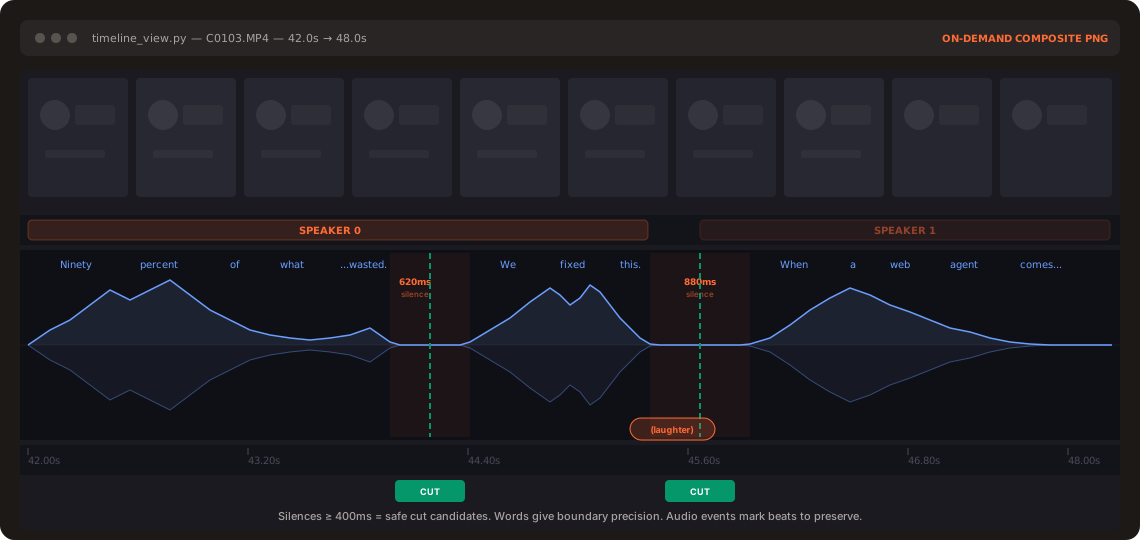
Yes — ElevenLabs Scribe provides the word-level transcription the whole pipeline relies on, plus you need a coding agent with shell access such as Claude Code, Codex, Hermes, or Openclaw.Does the AI actually watch my footage?No — the AI never watches the video frame by frame. It reads a word-level transcript and only pulls up filmstrip/waveform images at ambiguous decision points, so purely visual cues without audio boundaries can be harder to catch.
No — the AI never watches the video frame by frame. It reads a word-level transcript and only pulls up filmstrip/waveform images at ambiguous decision points, so purely visual cues without audio boundaries can be harder to catch.What tools can generate the animation overlays?Overlays can be built with HyperFrames, Remotion, Manim, or PIL, with a separate sub-agent spawned in parallel for each animation.
Overlays can be built with HyperFrames, Remotion, Manim, or PIL, with a separate sub-agent spawned in parallel for each animation.Why does it read a transcript instead of scanning raw frames?Reading avoids feeding the model huge amounts of pixels — the README contrasts a naive frame-dump costing 45M tokens versus roughly 12KB of text plus a handful of PNGs for the same footage.
Reading avoids feeding the model huge amounts of pixels — the README contrasts a naive frame-dump costing 45M tokens versus roughly 12KB of text plus a handful of PNGs for the same footage.Does it check its own work before showing me the result?Yes — a self-eval loop runs a timeline check on the rendered output at every cut boundary, catching visual jumps or audio pops, and you only see the preview once it passes.
Yes — a self-eval loop runs a timeline check on the rendered output at every cut boundary, catching visual jumps or audio pops, and you only see the preview once it passes.Can I run this as an always-on editing bot?Yes, you can run the agent through Browser Use Box for always-on editing from your own VPS or via Telegram.
Yes, you can run the agent through Browser Use Box for always-on editing from your own VPS or via Telegram.What are similar projects?open-edit, autoclip, ffmpeg-skill, creator-flow, herk-edit-kit, Drift, guizang-product-video-skill, brag
open-edit, autoclip, ffmpeg-skill, creator-flow, herk-edit-kit, Drift, guizang-product-video-skill, bragWhich topics is it in?transcription, vps, subtitles, video-editing, hermes-agent, audio-processing, speech-to-text, video-processing, telegram, openclaw, ffmpeg, skill
transcription, vps, subtitles, video-editing, hermes-agent, audio-processing, speech-to-text, video-processing, telegram, openclaw, ffmpeg, skill