





What is this?
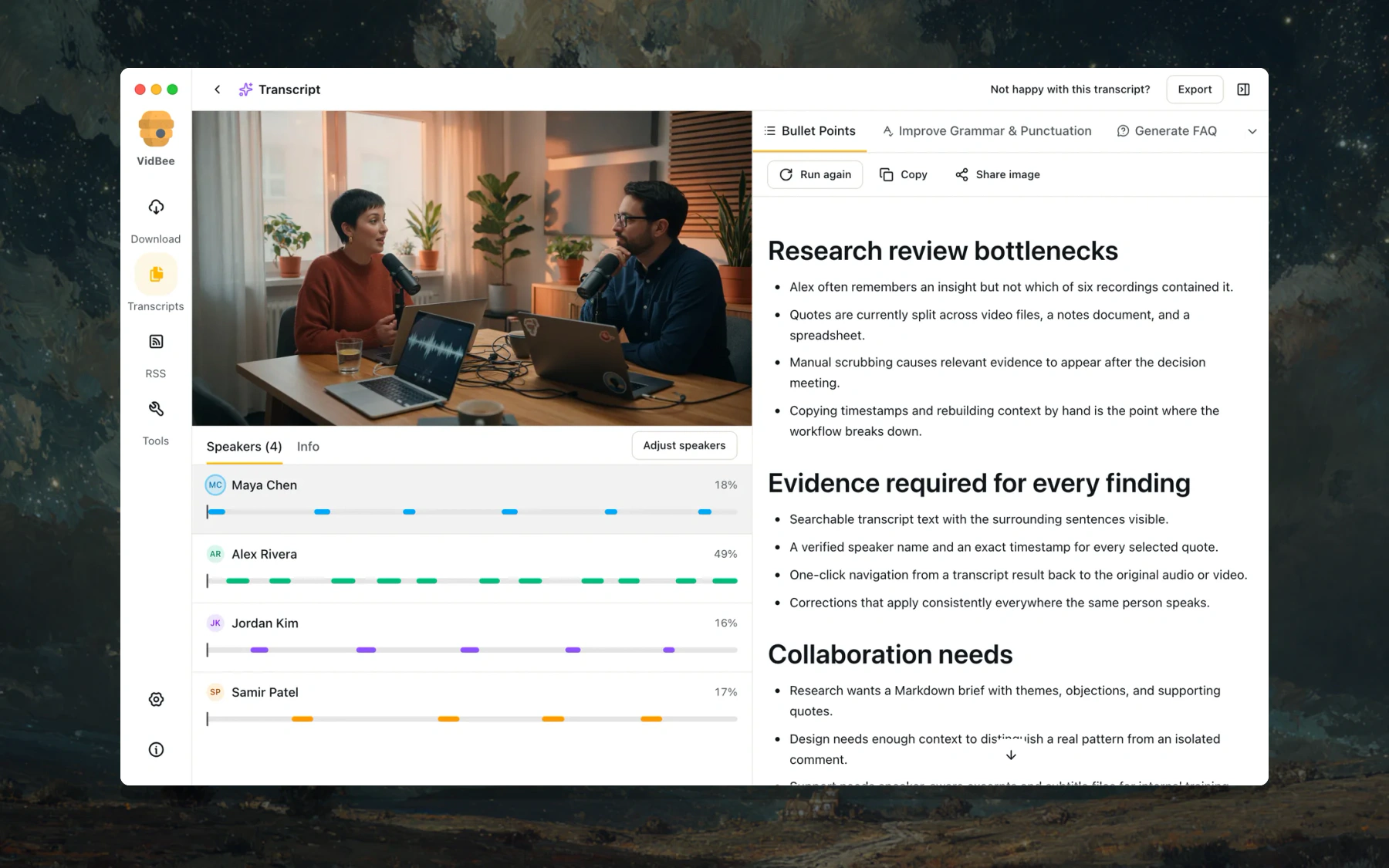
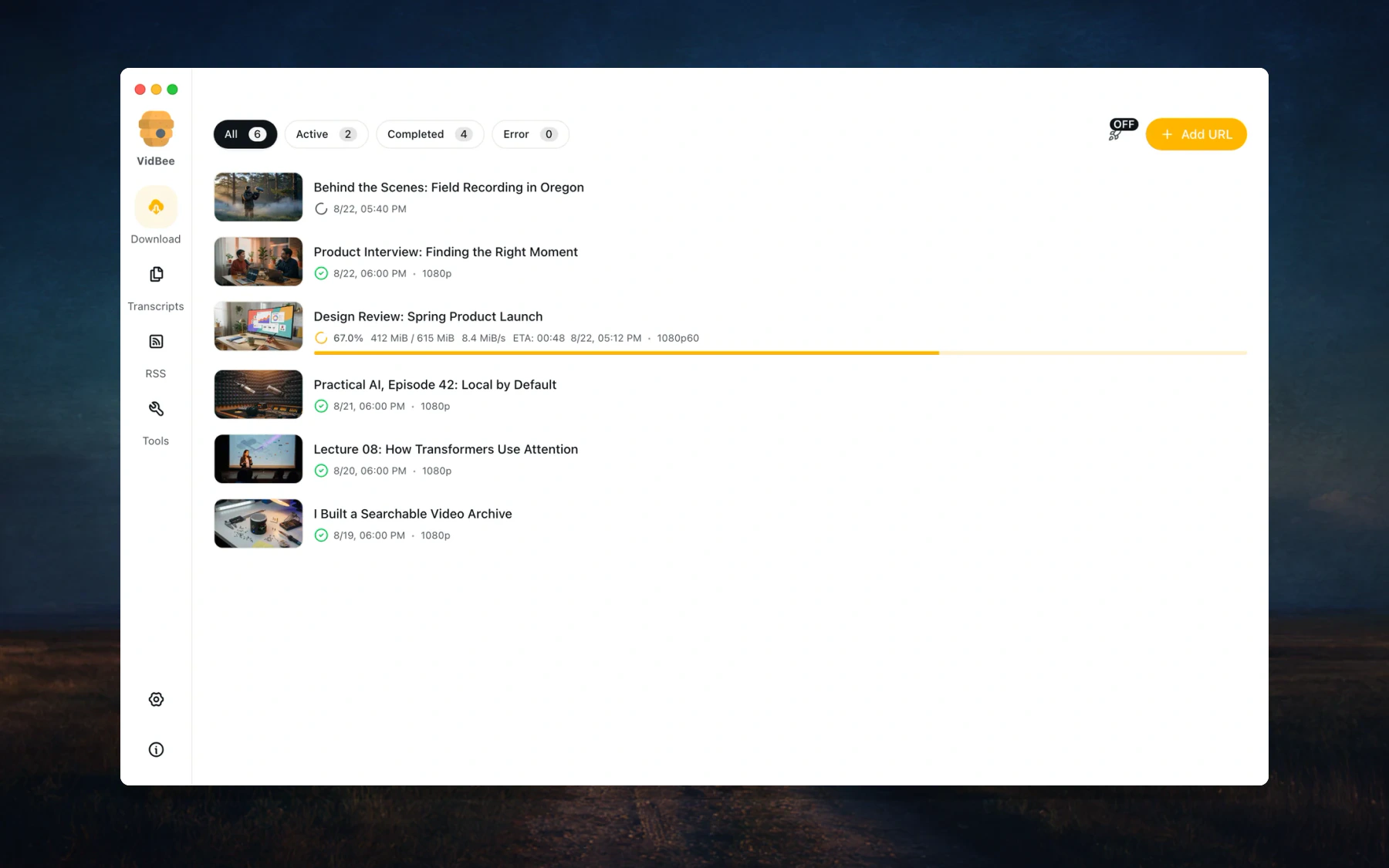
 A free, open-source desktop app that downloads video and audio from 1000+ sites or imports local files, transcribes them on your machine, and lets you summarize, translate, or ask questions about them with the AI provider you choose.
A free, open-source desktop app that downloads video and audio from 1000+ sites or imports local files, transcribes them on your machine, and lets you summarize, translate, or ask questions about them with the AI provider you choose.Is it a desktop app, or is there a web version too?Primarily a cross-platform desktop app built on Electron. The monorepo also includes a Docker-ready web + API mode (a Fastify API server with a TanStack Start web client) and a browser extension.
Primarily a cross-platform desktop app built on Electron. The monorepo also includes a Docker-ready web + API mode (a Fastify API server with a TanStack Start web client) and a browser extension.How do I get it on my computer?Grab an installer from the Download link on vidbee.org; the documentation lives at vidbee.org/docs. The app is under active development, so expect frequent updates.
Grab an installer from the Download link on vidbee.org; the documentation lives at vidbee.org/docs. The app is under active development, so expect frequent updates.Do I need to install yt-dlp or FFmpeg myself?No — VidBee ships a shared yt-dlp/ffmpeg download core, so both engines come with the app. For the AI step you just connect a provider, and local endpoints like Ollama or LM Studio work too.
No — VidBee ships a shared yt-dlp/ffmpeg download core, so both engines come with the app. For the AI step you just connect a provider, and local endpoints like Ollama or LM Studio work too.Is it polished enough for daily use?It is usable but under active development, and the author asks users to report any issues they hit — treat it as a fast-moving project rather than settled software.
It is usable but under active development, and the author asks users to report any issues they hit — treat it as a fast-moving project rather than settled software.What would I actually use it for?The README highlights interviews (find a quote by speaker and jump to its timestamp), podcasts (searchable episodes kept fresh via RSS), lectures (translate and turn long recordings into notes), and archiving YouTube or saved videos.
The README highlights interviews (find a quote by speaker and jump to its timestamp), podcasts (searchable episodes kept fresh via RSS), lectures (translate and turn long recordings into notes), and archiving YouTube or saved videos.Does my media stay on my computer?Transcription always runs locally, so media never needs uploading. AI prompts send the prompt and transcript content to the provider you select — choose Ollama or LM Studio to keep that step local too. API keys are stored on your computer.
Transcription always runs locally, so media never needs uploading. AI prompts send the prompt and transcript content to the provider you select — choose Ollama or LM Studio to keep that step local too. API keys are stored on your computer.Is VidBee free?Yes — it is free and open source under the MIT License.
Yes — it is free and open source under the MIT License.Which transcription models does it support?Local Whisper, SenseVoice, Parakeet, and Qwen3-ASR model families. VidBee can recommend a model for your computer and language, auto-start transcription after downloads, and cap how many transcript jobs run at once. Source captions are used when available.
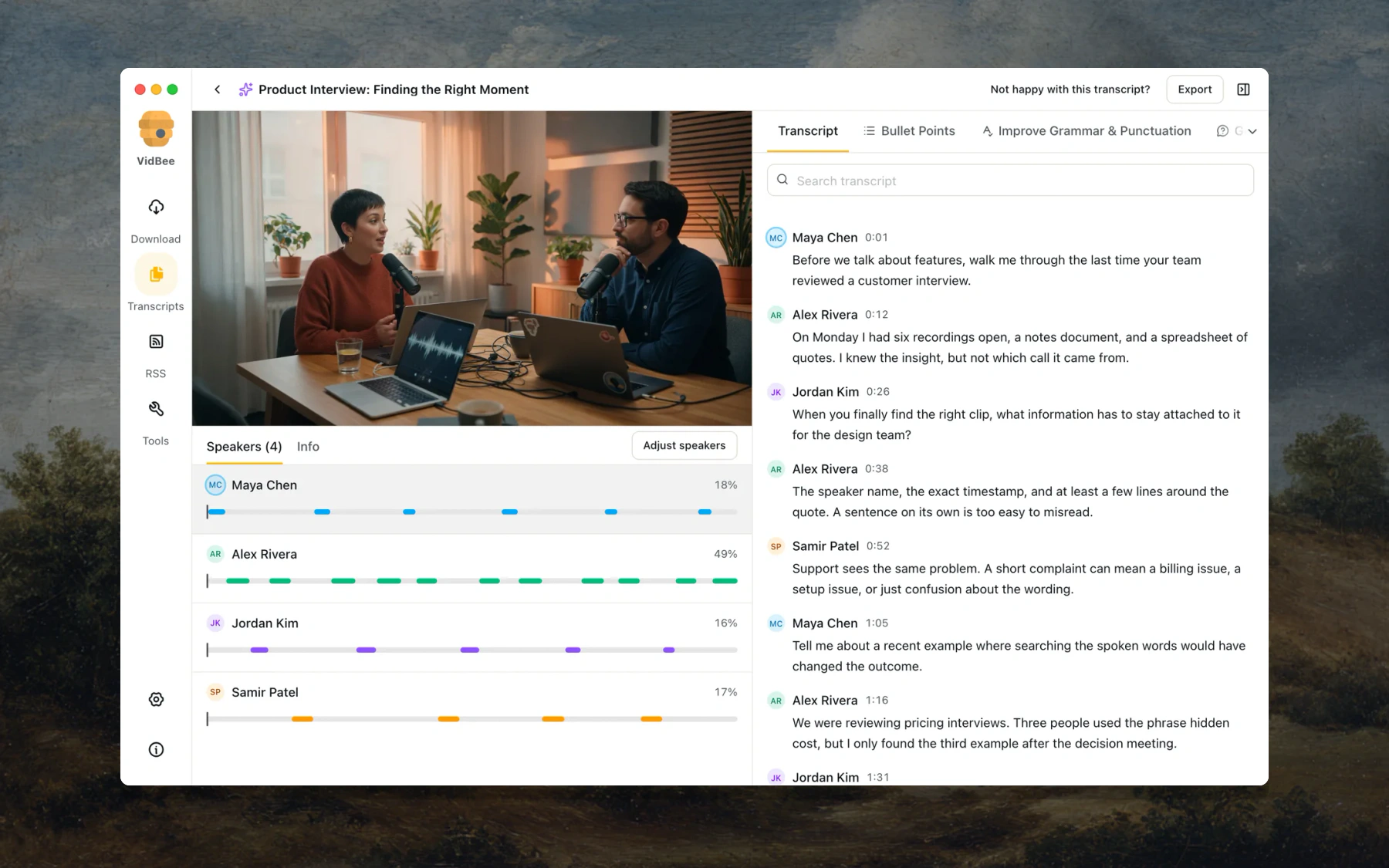
Local Whisper, SenseVoice, Parakeet, and Qwen3-ASR model families. VidBee can recommend a model for your computer and language, auto-start transcription after downloads, and cap how many transcript jobs run at once. Source captions are used when available.Can it tell different speakers apart?Yes — it detects speakers automatically, or you can set a fixed speaker count and re-label the conversation without changing the recognized words. Clicking a timestamp in the transcript resumes playback from that exact moment.
Yes — it detects speakers automatically, or you can set a fixed speaker count and re-label the conversation without changing the recognized words. Clicking a timestamp in the transcript resumes playback from that exact moment.What can I do with a finished transcript?Search spoken text or speaker names, copy it, export plain text or Markdown, or render a new video with selectable or burned-in captions.
Search spoken text or speaker names, copy it, export plain text or Markdown, or render a new video with selectable or burned-in captions.Can it automatically grab new uploads from creators I follow?Yes — RSS subscriptions check feeds and queue new items, each with its own rules: keyword filters, automatic tags, a latest-item-only mode, and custom directories and filename templates.
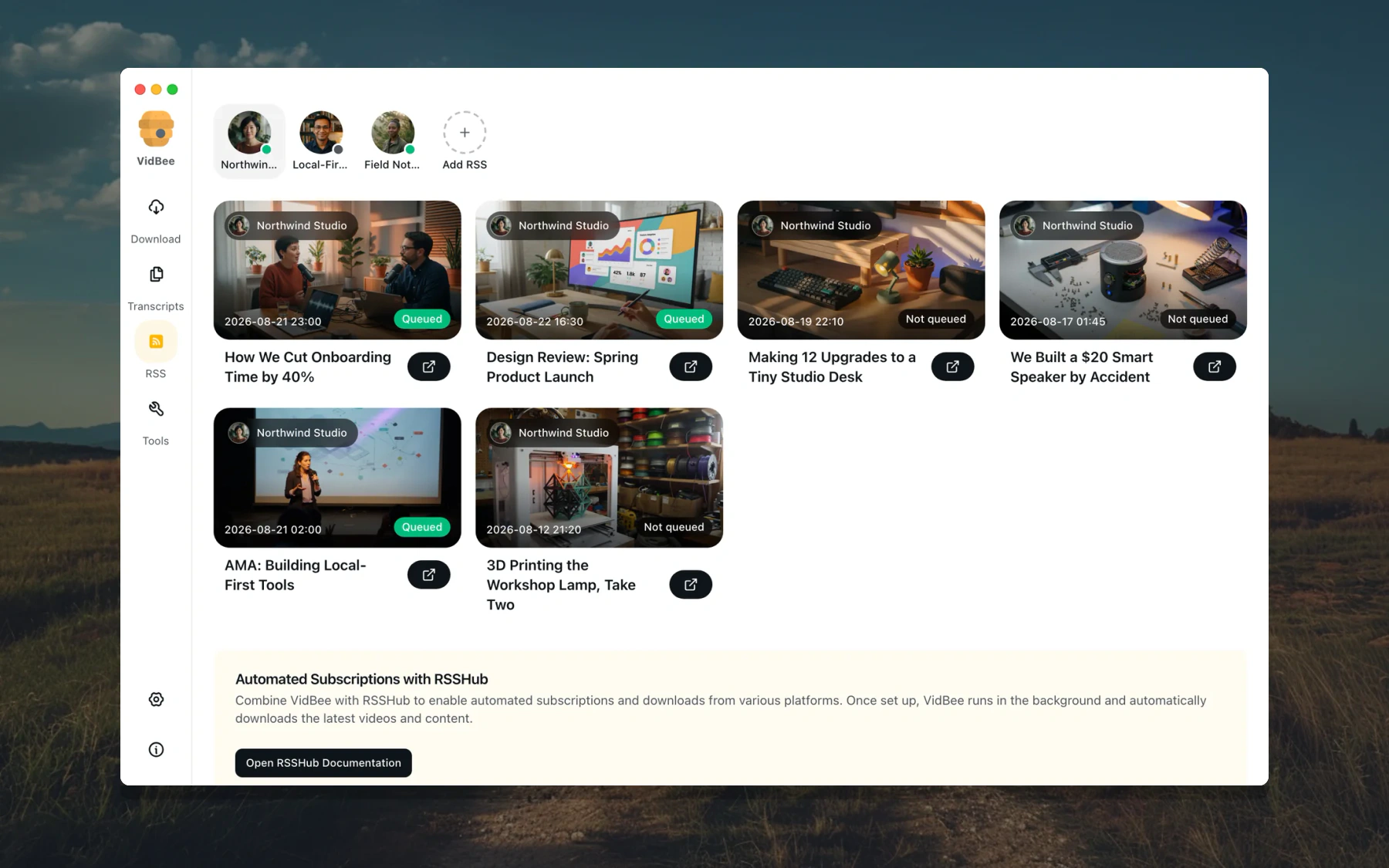
Yes — RSS subscriptions check feeds and queue new items, each with its own rules: keyword filters, automatic tags, a latest-item-only mode, and custom directories and filename templates.What are similar projects?autoclip, pyvideotrans, autoshorts, ytDownloader, AiToEarn, VideoHighlighter, open-edit, pickoo-your-favorites
autoclip, pyvideotrans, autoshorts, ytDownloader, AiToEarn, VideoHighlighter, open-edit, pickoo-your-favoritesWhich topics is it in?facebook, speaker-diarization, tiktok, yt-dlp, twitter, rss, transcription, subtitles, whisper, speech-to-text, youtube, downloader
facebook, speaker-diarization, tiktok, yt-dlp, twitter, rss, transcription, subtitles, whisper, speech-to-text, youtube, downloader