












TurboDiffusion README

The project's README from github.com/thu-ml/TurboDiffusion. As one markdown file: README.md.

TurboDiffusion

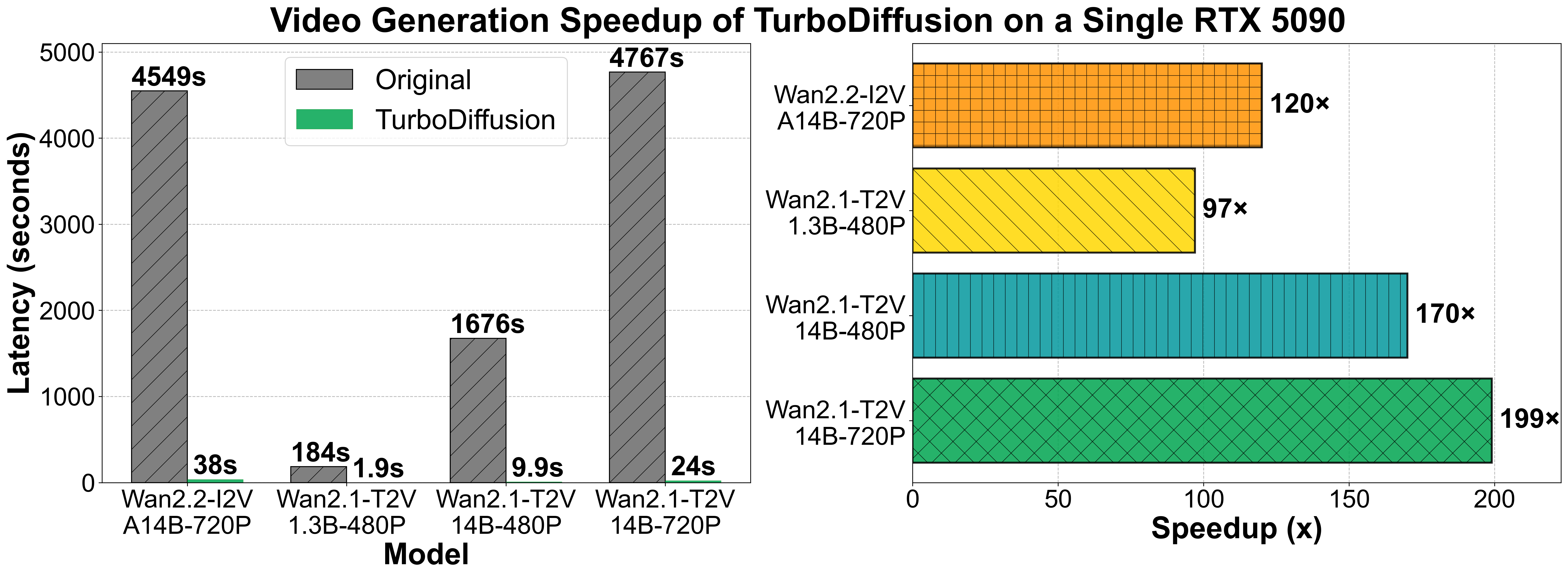
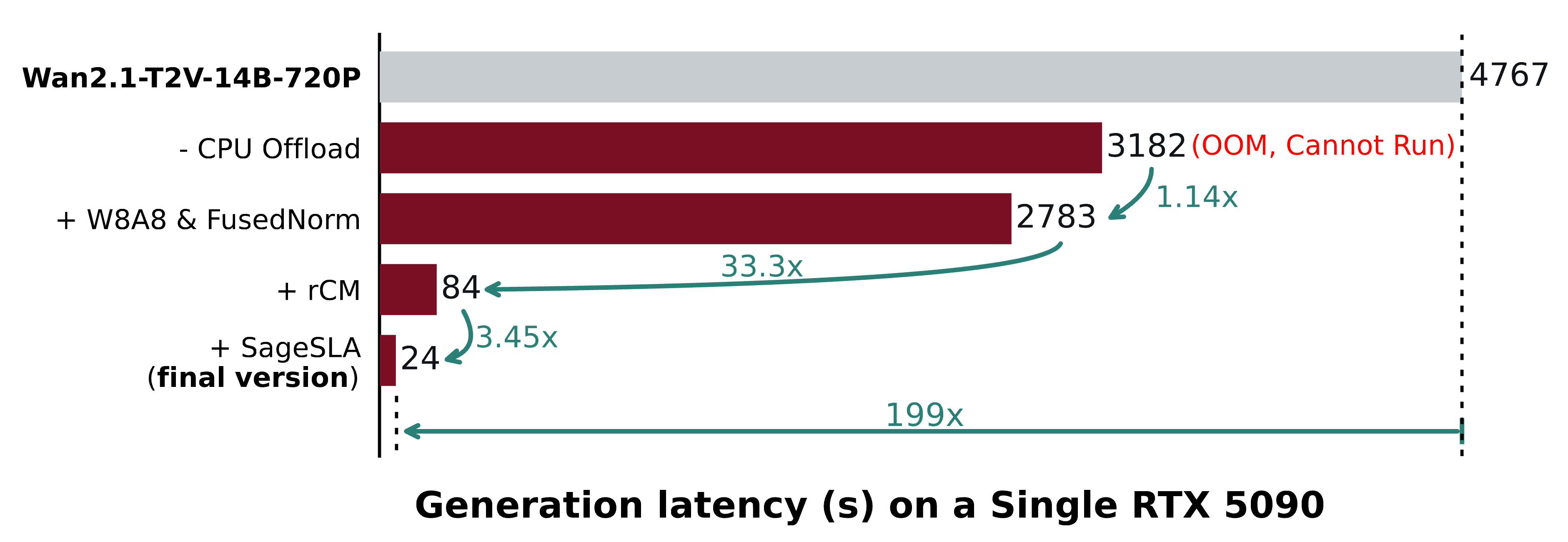
This repository provides the official implementation of TurboDiffusion, a video generation acceleration framework that can speed up end-to-end diffusion generation by $100 \sim 200\times$ on a single RTX 5090, while maintaining video quality.
TurboDiffusion primarily uses SageAttention, SLA (Sparse-Linear Attention) for attention acceleration, and rCM for timestep distillation.

Paper: TurboDiffusion: Accelerating Video Diffusion Models by 100-200 Times

Note: The current models are only trained on long English prompts. If you use other types of prompts, please augment them to get better performance.

The checkpoints and paper are not finalized, and will be updated later to improve quality.

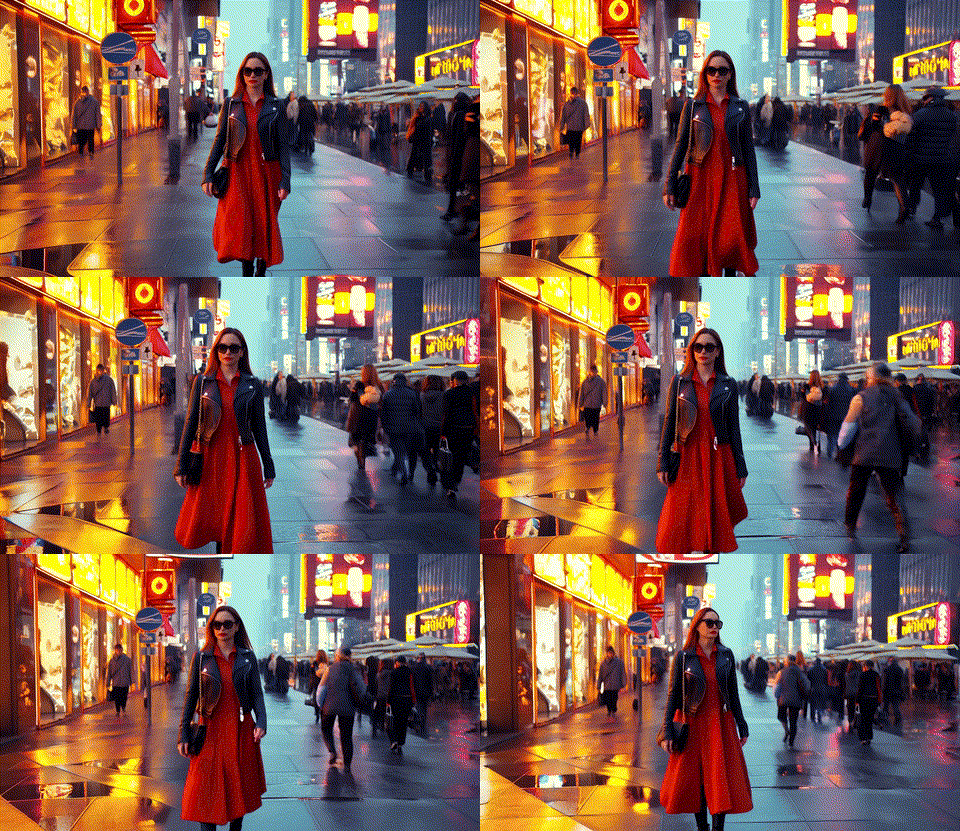
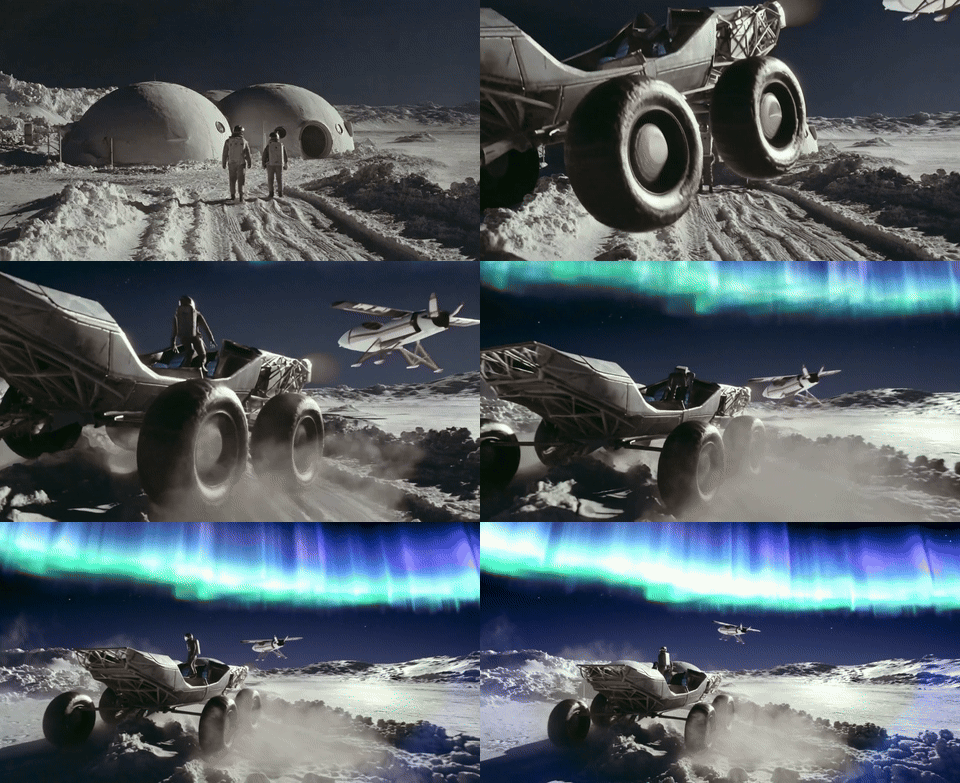
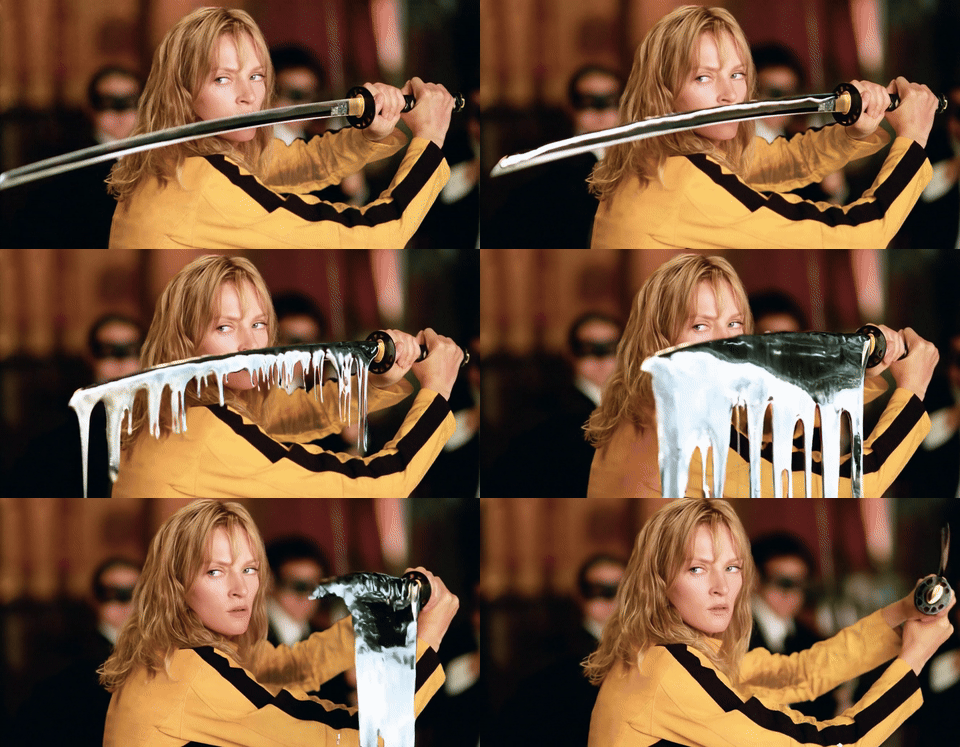
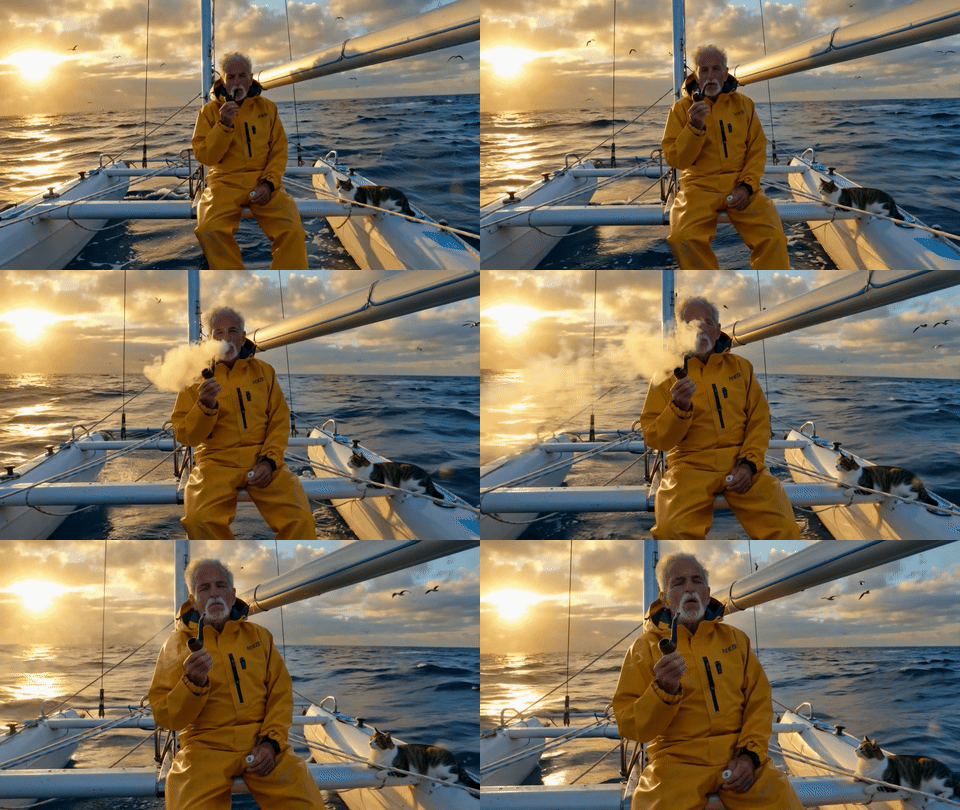
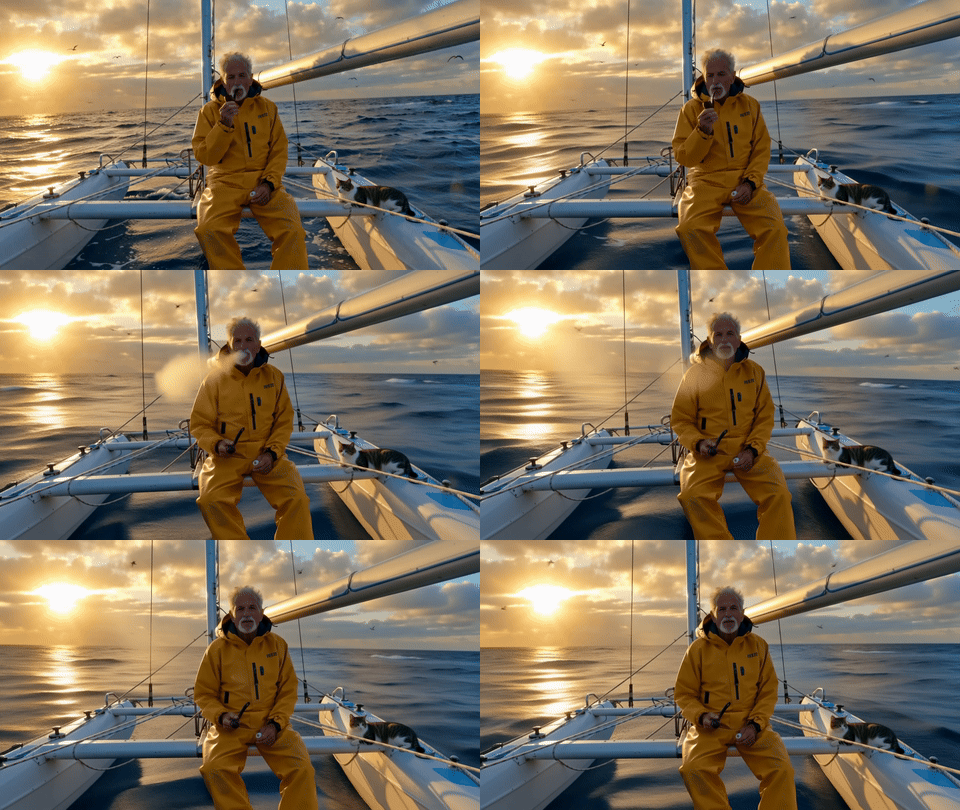
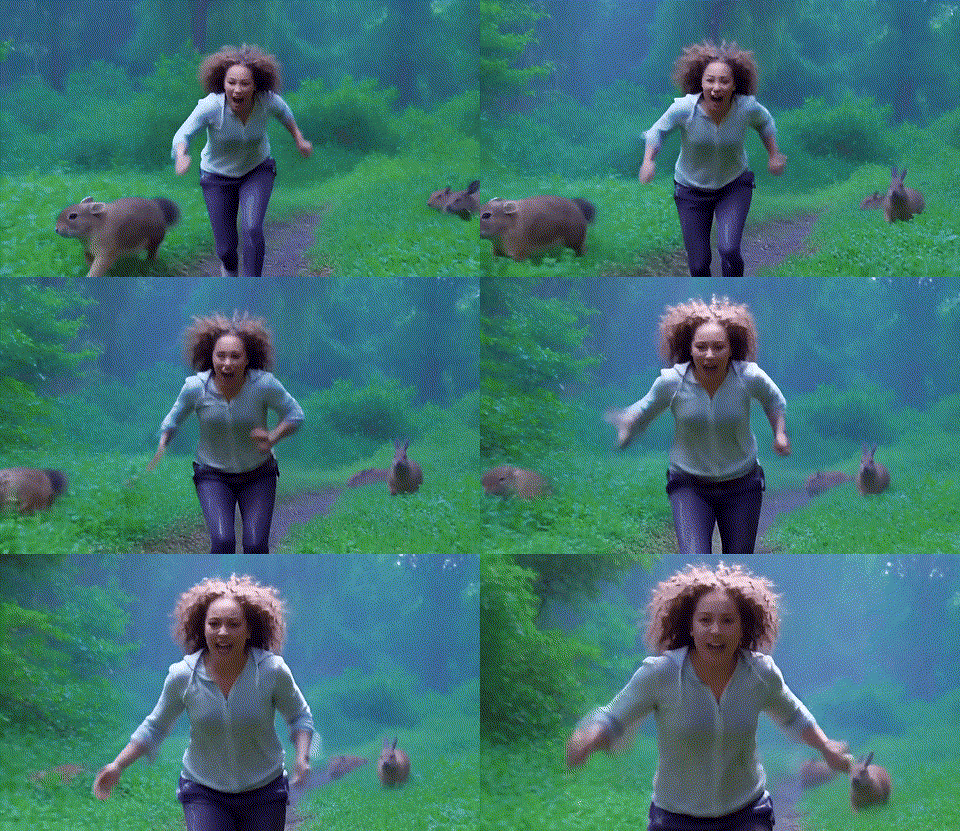
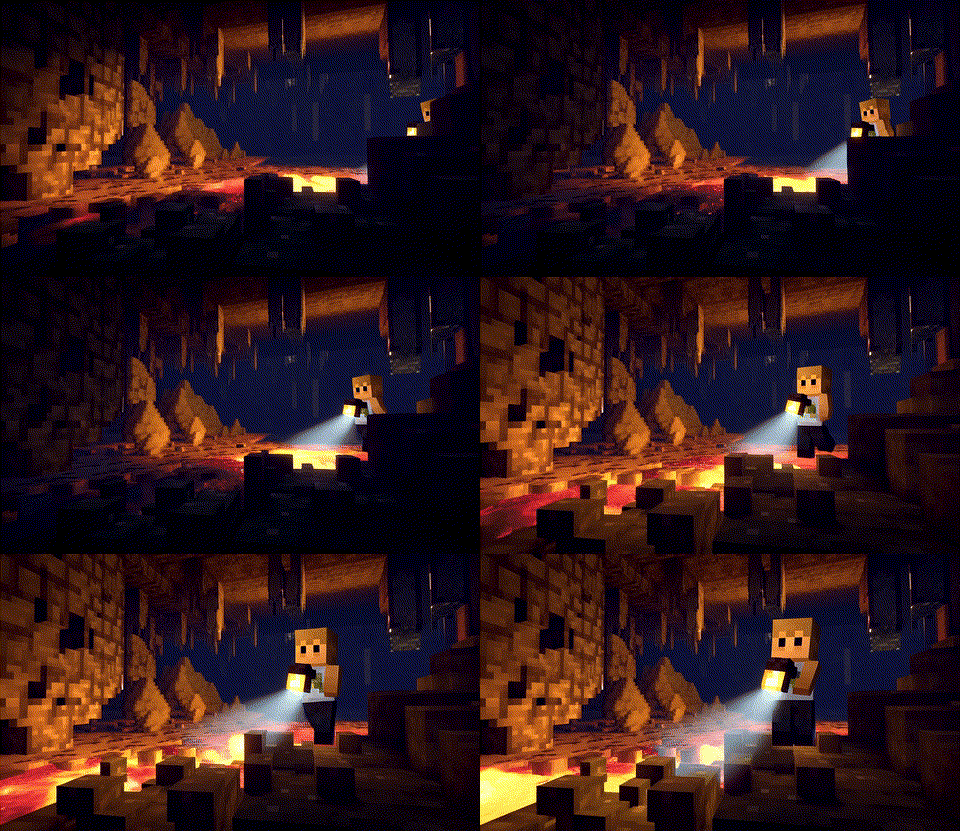
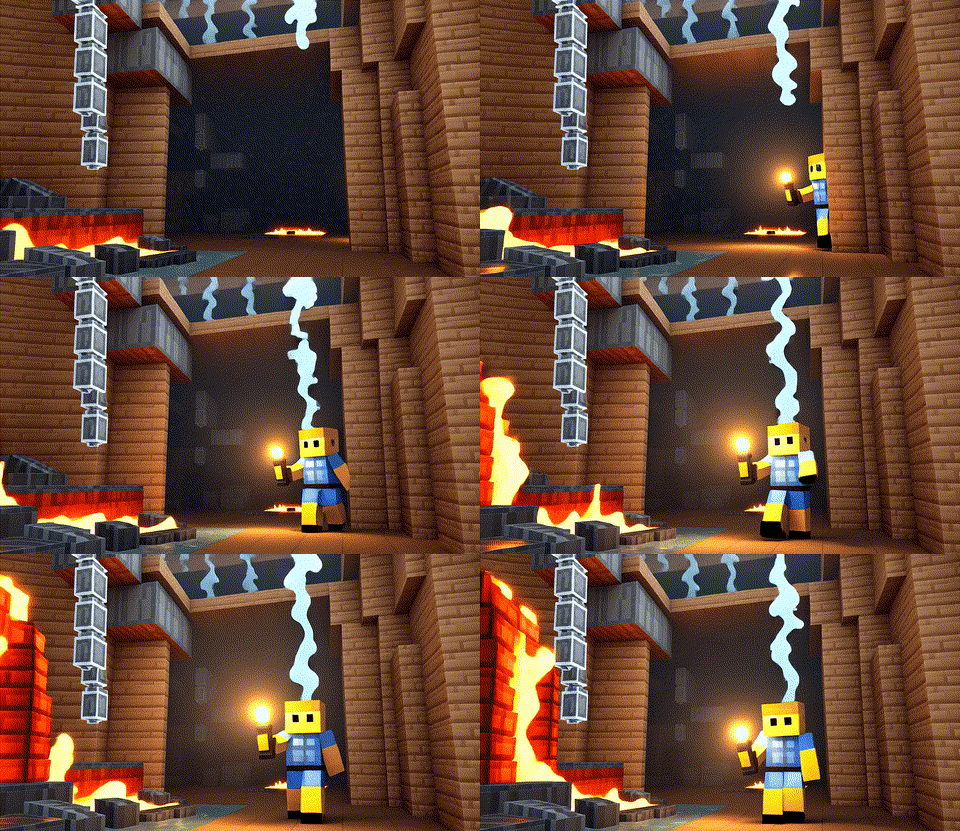
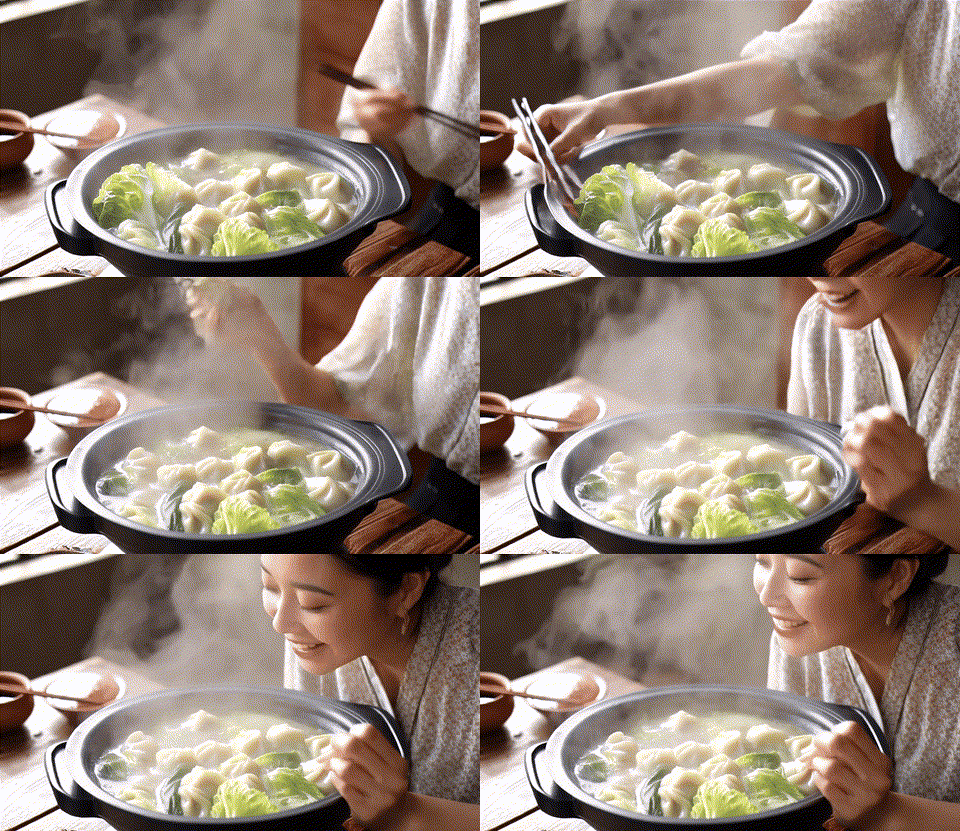
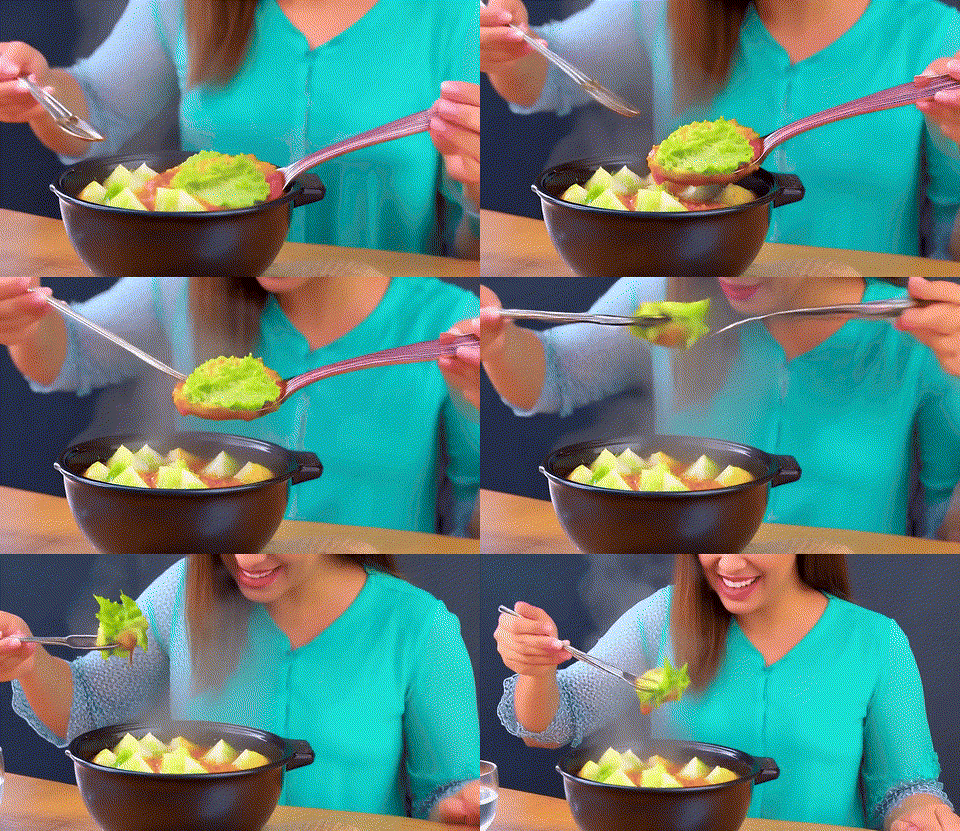
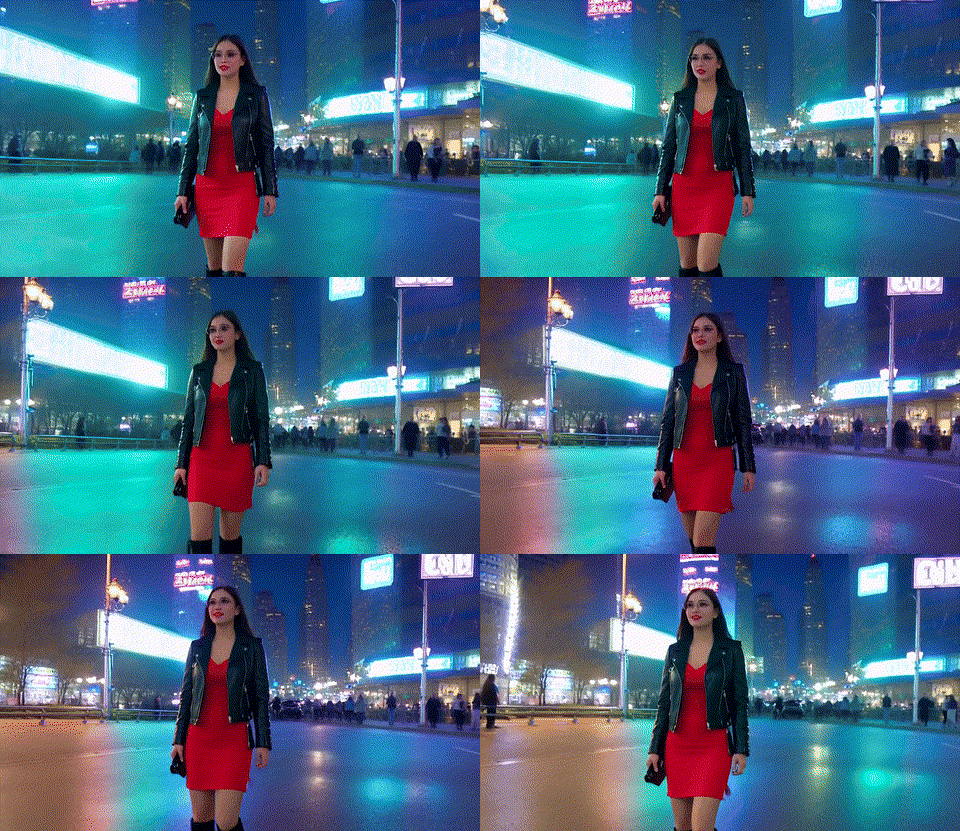
Original, E2E Time: 184s
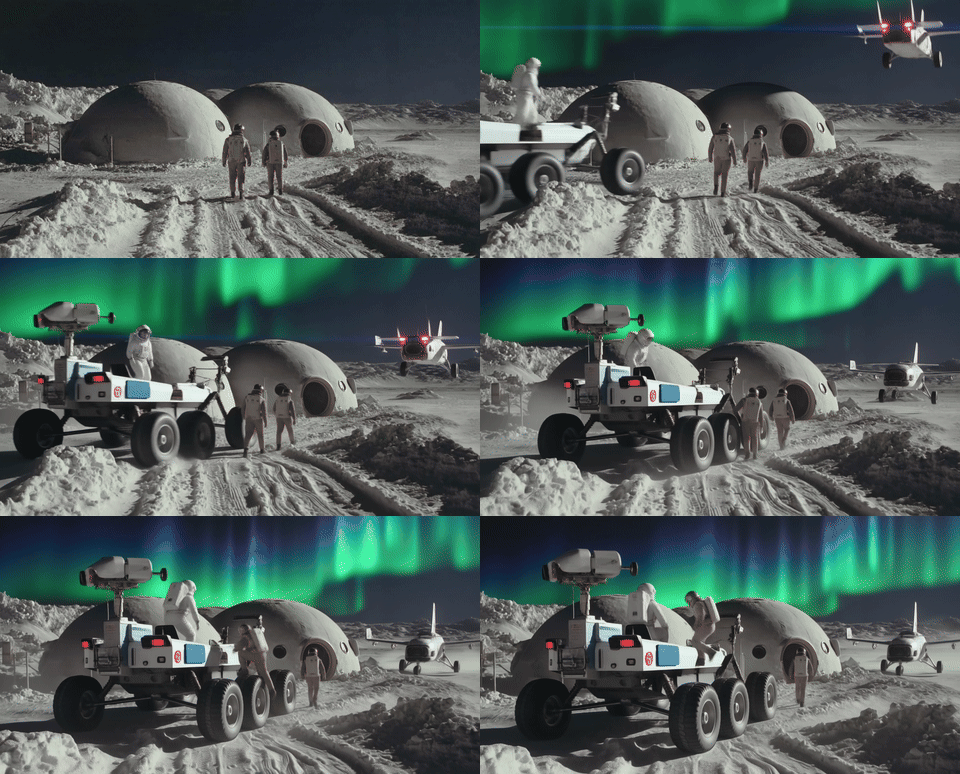
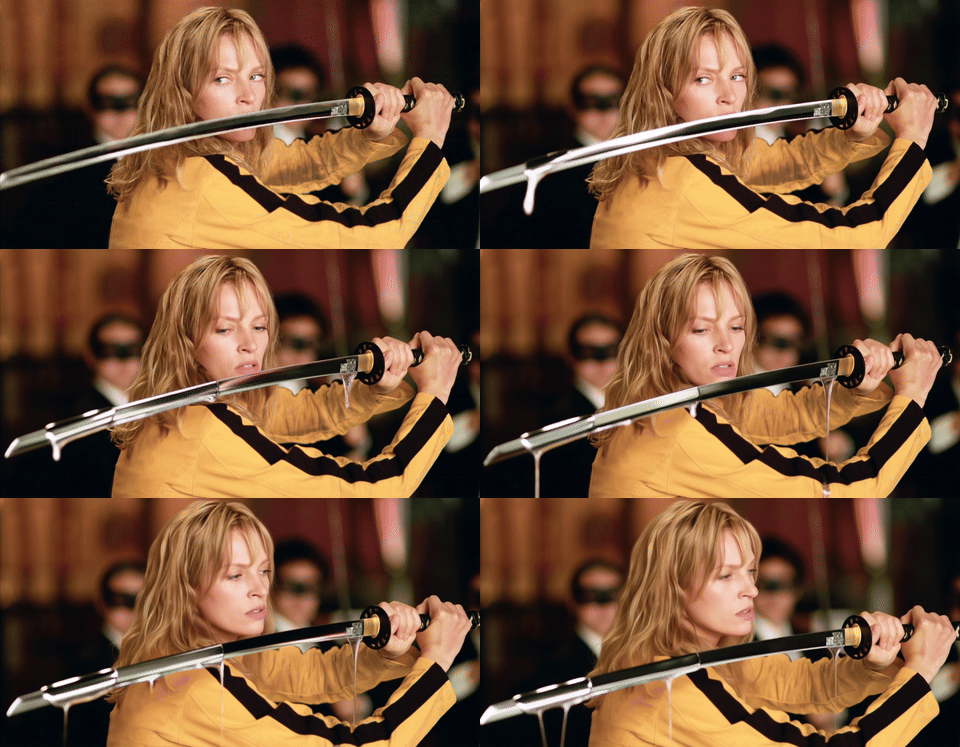
TurboDiffusion, E2E Time: 1.9s
An example of a 5-second video generated by Wan-2.1-T2V-1.3B-480P on a single RTX 5090.

Available Models

Model Name Checkpoint Link Best Resolution
TurboWan2.2-I2V-A14B-720P Huggingface Model 720p
TurboWan2.1-T2V-1.3B-480P Huggingface Model 480p
TurboWan2.1-T2V-14B-480P Huggingface Model 480p
TurboWan2.1-T2V-14B-720P Huggingface Model 720p

Note: All checkpoints support generating videos at 480p or 720p. The "Best Resolution" column indicates the resolution at which the model provides the best video quality.

Installation

Base environment: python>=3.9, torch>=2.7.0. torch==2.8.0 is recommended, as higher versions may cause OOM.

Install TurboDiffusion by pip:

conda create -n turbodiffusion python=3.12
conda activate turbodiffusion

pip install turbodiffusion --no-build-isolation

Or compile from source:

git clone https://github.com/thu-ml/TurboDiffusion.git
cd TurboDiffusion
git submodule update --init --recursive
pip install -e . --no-build-isolation

To enable SageSLA, a fast SLA forward pass based on SageAttention, install SpargeAttn first:

pip install git+https://github.com/thu-ml/SpargeAttn.git --no-build-isolation

Inference

For GPUs with more than 40GB of GPU memory, e.g., H100, please use the unquantized checkpoints (without -quant) and remove --quant_linear from the command. For RTX 5090, RTX 4090, or similar GPUs, please use the quantized checkpoints (with -quant) and add --quant_linear in the command.)

  1. Download the VAE (applicable for both Wan2.1 and Wan2.2) and umT5 text encoder checkpoints:

    mkdir checkpoints
    cd checkpoints
    wget https://huggingface.co/Wan-AI/Wan2.1-T2V-1.3B/resolve/main/Wan2.1_VAE.pth
    wget https://huggingface.co/Wan-AI/Wan2.1-T2V-1.3B/resolve/main/models_t5_umt5-xxl-enc-bf16.pth
    
  2. Download our quantized model checkpoints (For RTX 5090 or similar GPUs):

    # For Wan2.1-T2V-1.3B
    wget https://huggingface.co/TurboDiffusion/TurboWan2.1-T2V-1.3B-480P/resolve/main/TurboWan2.1-T2V-1.3B-480P-quant.pth
    
    # For Wan2.2-I2V-14B
    wget https://huggingface.co/TurboDiffusion/TurboWan2.2-I2V-A14B-720P/resolve/main/TurboWan2.2-I2V-A14B-high-720P-quant.pth
    wget https://huggingface.co/TurboDiffusion/TurboWan2.2-I2V-A14B-720P/resolve/main/TurboWan2.2-I2V-A14B-low-720P-quant.pth
    

    Or download our unquantized model checkpoints (For H100 or similar GPUs):

    # For Wan2.1-T2V-1.3B
    wget https://huggingface.co/TurboDiffusion/TurboWan2.1-T2V-1.3B-480P/resolve/main/TurboWan2.1-T2V-1.3B-480P.pth
    
    # For Wan2.2-I2V-14B
    wget https://huggingface.co/TurboDiffusion/TurboWan2.2-I2V-A14B-720P/resolve/main/TurboWan2.2-I2V-A14B-high-720P.pth
    wget https://huggingface.co/TurboDiffusion/TurboWan2.2-I2V-A14B-720P/resolve/main/TurboWan2.2-I2V-A14B-low-720P.pth
    
  3. Use the inference script for the T2V models:

    export PYTHONPATH=turbodiffusion
    
    # Arguments:
    # --dit_path            Path to the finetuned TurboDiffusion checkpoint
    # --model               Model to use: Wan2.1-1.3B or Wan2.1-14B (default: Wan2.1-1.3B)
    # --num_samples         Number of videos to generate (default: 1)
    # --num_steps           Sampling steps, 1–4 (default: 4)
    # --sigma_max           Initial sigma for rCM (default: 80); larger choices (e.g., 1600) reduce diversity but may enhance quality
    # --vae_path            Path to Wan2.1 VAE (default: checkpoints/Wan2.1_VAE.pth)
    # --text_encoder_path   Path to umT5 text encoder (default: checkpoints/models_t5_umt5-xxl-enc-bf16.pth)
    # --num_frames          Number of frames to generate (default: 81)
    # --prompt              Text prompt for video generation
    # --resolution          Output resolution: "480p" or "720p" (default: 480p)
    # --aspect_ratio        Aspect ratio in W:H format (default: 16:9)
    # --seed                Random seed for reproducibility (default: 0)
    # --save_path           Output file path including extension (default: output/generated_video.mp4)
    # --attention_type      Attention module to use: original, sla or sagesla (default: sagesla)
    # --sla_topk            Top-k ratio for SLA/SageSLA attention (default: 0.1), we recommend using 0.15 for better video quality
    # --quant_linear        Enable quantization for linear layers, pass this if using a quantized checkpoint
    # --default_norm        Use the original LayerNorm and RMSNorm of Wan models
    
    python turbodiffusion/inference/wan2.1_t2v_infer.py \
        --model Wan2.1-1.3B \
        --dit_path checkpoints/TurboWan2.1-T2V-1.3B-480P-quant.pth \
        --resolution 480p \
        --prompt "A stylish woman walks down a Tokyo street filled with warm glowing neon and animated city signage. She wears a black leather jacket, a long red dress, and black boots, and carries a black purse. She wears sunglasses and red lipstick. She walks confidently and casually. The street is damp and reflective, creating a mirror effect of the colorful lights. Many pedestrians walk about." \
        --num_samples 1 \
        --num_steps 4 \
        --quant_linear \
        --attention_type sagesla \
        --sla_topk 0.1
    

    Or the script for the I2V model:

    export PYTHONPATH=turbodiffusion
    
    # --image_path              Path to the input image
    # --high_noise_model_path   Path to the high noise TurboDiffusion checkpoint
    # --low_noise_model_path    Path to the high noise TurboDiffusion checkpoint
    # --boundary                Timestep boundary for switching from high to low noise model (default: 0.9)
    # --model                   Model to use: Wan2.2-A14B (default: Wan2.2-A14B)
    # --num_samples             Number of videos to generate (default: 1)
    # --num_steps               Sampling steps, 1–4 (default: 4)
    # --sigma_max               Initial sigma for rCM (default: 200); larger choices (e.g., 1600) reduce diversity but may enhance quality
    # --vae_path                Path to Wan2.2 VAE (default: checkpoints/Wan2.2_VAE.pth)
    # --text_encoder_path       Path to umT5 text encoder (default: checkpoints/models_t5_umt5-xxl-enc-bf16.pth)
    # --num_frames              Number of frames to generate (default: 81)
    # --prompt                  Text prompt for video generation
    # --resolution              Output resolution: "480p" or "720p" (default: 720p)
    # --aspect_ratio            Aspect ratio in W:H format (default: 16:9)
    # --adaptive_resolution     Enable adaptive resolution based on input image size
    # --ode                     Use ODE for sampling (sharper but less robust than SDE)
    # --seed                    Random seed for reproducibility (default: 0)
    # --save_path               Output file path including extension (default: output/generated_video.mp4)
    # --attention_type          Attention module to use: original, sla or sagesla (default: sagesla)
    # --sla_topk                Top-k ratio for SLA/SageSLA attention (default: 0.1), we recommend using 0.15 for better video quality
    # --quant_linear            Enable quantization for linear layers, pass this if using a quantized checkpoint
    # --default_norm            Use the original LayerNorm and RMSNorm of Wan models
    
    python turbodiffusion/inference/wan2.2_i2v_infer.py \
        --model Wan2.2-A14B \
        --low_noise_model_path checkpoints/TurboWan2.2-I2V-A14B-low-720P-quant.pth \
        --high_noise_model_path checkpoints/TurboWan2.2-I2V-A14B-high-720P-quant.pth \
        --resolution 720p \
        --adaptive_resolution \
        --image_path assets/i2v_inputs/i2v_input_0.jpg \
        --prompt "POV selfie video, ultra-messy and extremely fast. A white cat in sunglasses stands on a surfboard with a neutral look when the board suddenly whips sideways, throwing cat and camera into the water; the frame dives sharply downward, swallowed by violent bursts of bubbles, spinning turbulence, and smeared water streaks as the camera sinks. Shadows thicken, pressure ripples distort the edges, and loose bubbles rush upward past the lens, showing the camera is still sinking. Then the cat kicks upward with explosive speed, dragging the view through churning bubbles and rapidly brightening water as sunlight floods back in; the camera races upward, water streaming off the lens, and finally breaks the surface in a sudden blast of light and spray, snapping back into a crooked, frantic selfie as the cat resurfaces." \
        --num_samples 1 \
        --num_steps 4 \
        --quant_linear \
        --attention_type sagesla \
        --sla_topk 0.1 \
        --ode
    

Interactive inference via the terminal is available at turbodiffusion/serve/. This allows multi-turn video generation without reloading the model.

Evaluation

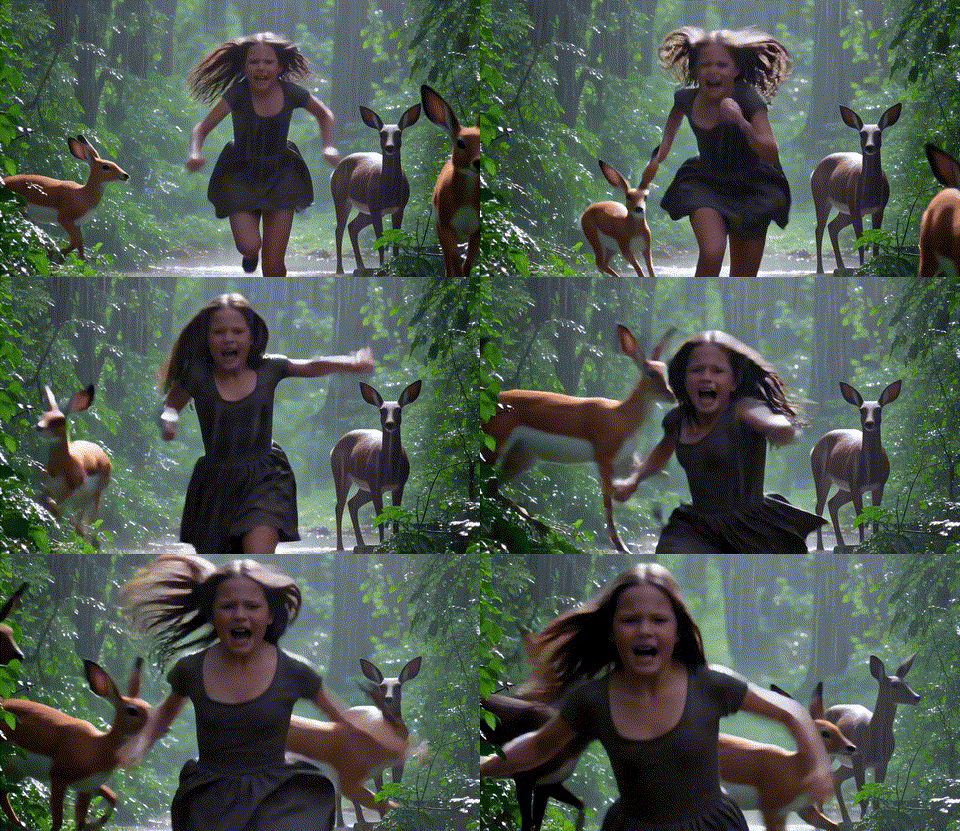
We evaluate video generation on a single RTX 5090 GPU. The E2E Time refers to the end-to-end diffusion generation latency, excluding text encoding and VAE decoding.

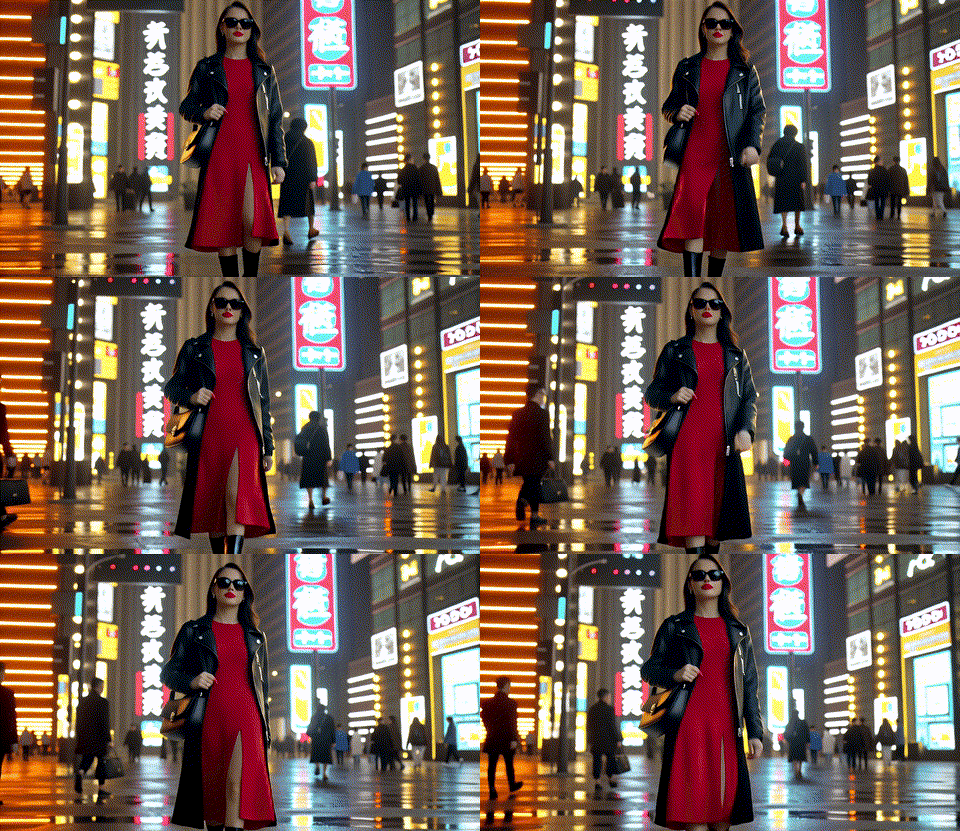
Wan-2.2-I2V-A14B-720P

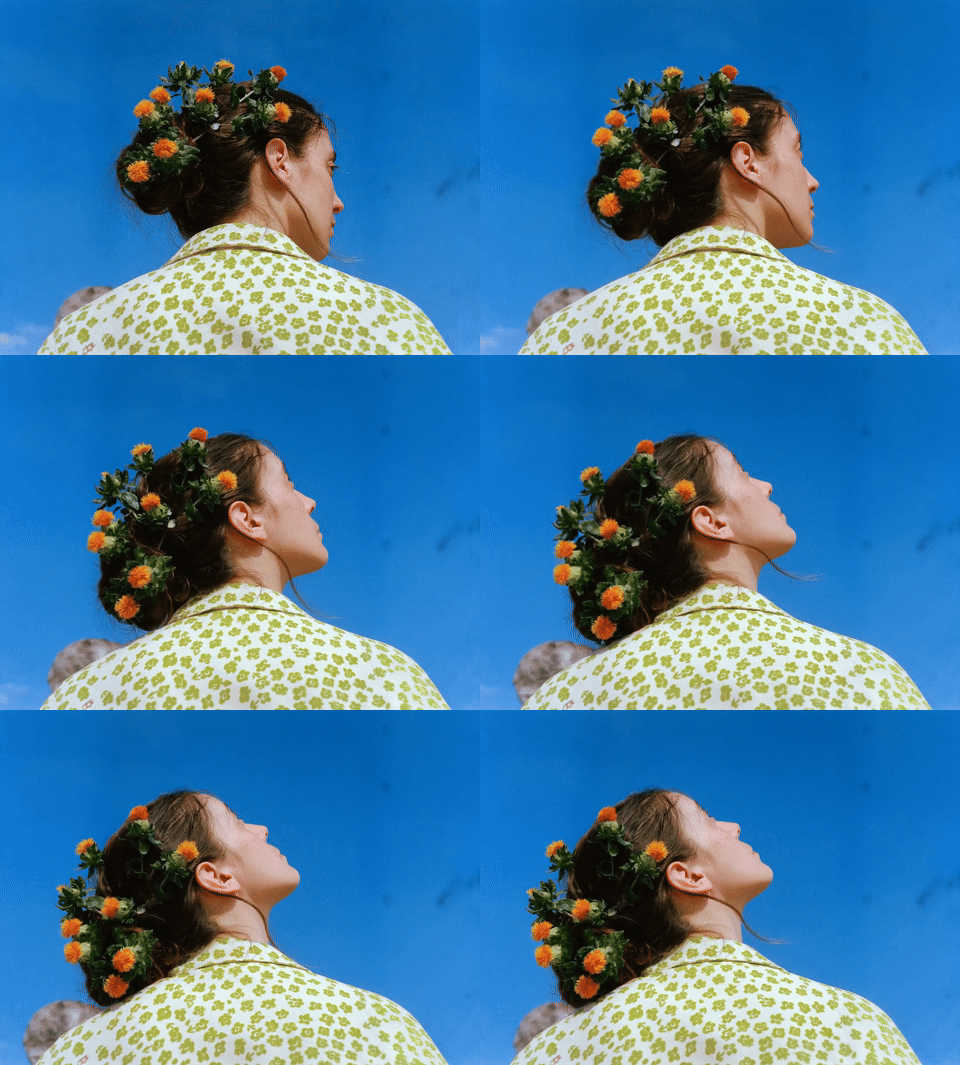
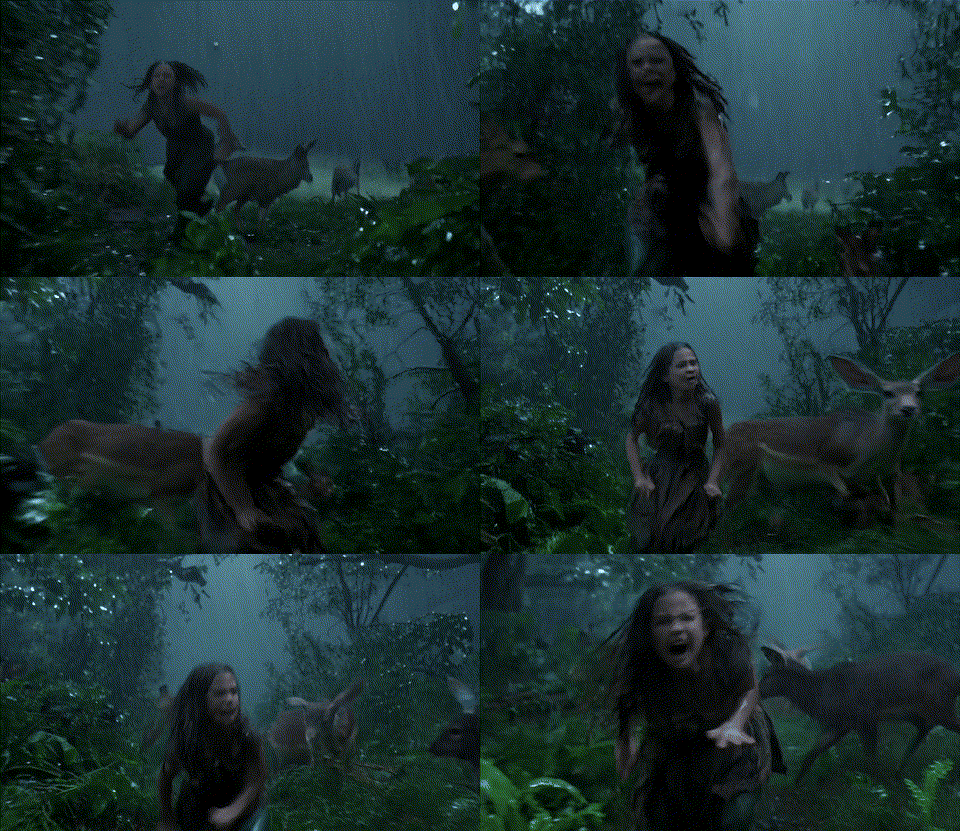
Original, E2E Time: 4549s
TurboDiffusion, E2E Time: 38s
Original, E2E Time: 4549s
TurboDiffusion, E2E Time: 38s
Original, E2E Time: 4549s
TurboDiffusion, E2E Time: 38s
Original, E2E Time: 4549s
TurboDiffusion, E2E Time: 38s
Original, E2E Time: 4549s
TurboDiffusion, E2E Time: 38s
Original, E2E Time: 4549s
TurboDiffusion, E2E Time: 38s
Original, E2E Time: 4549s
TurboDiffusion, E2E Time: 38s

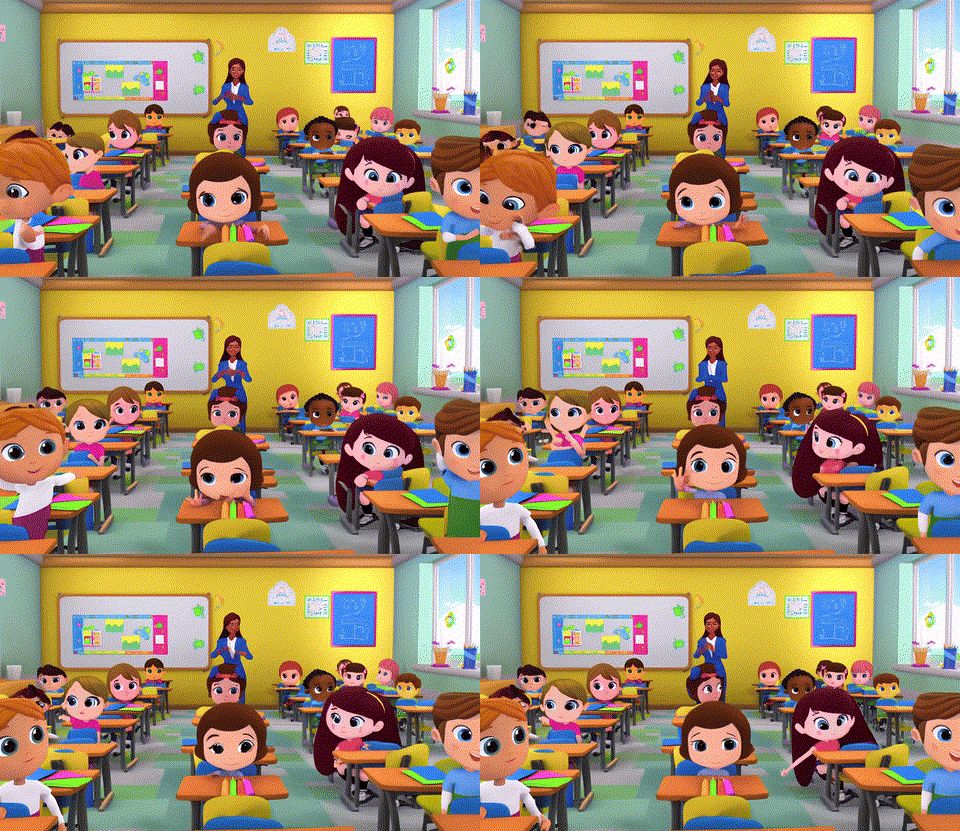
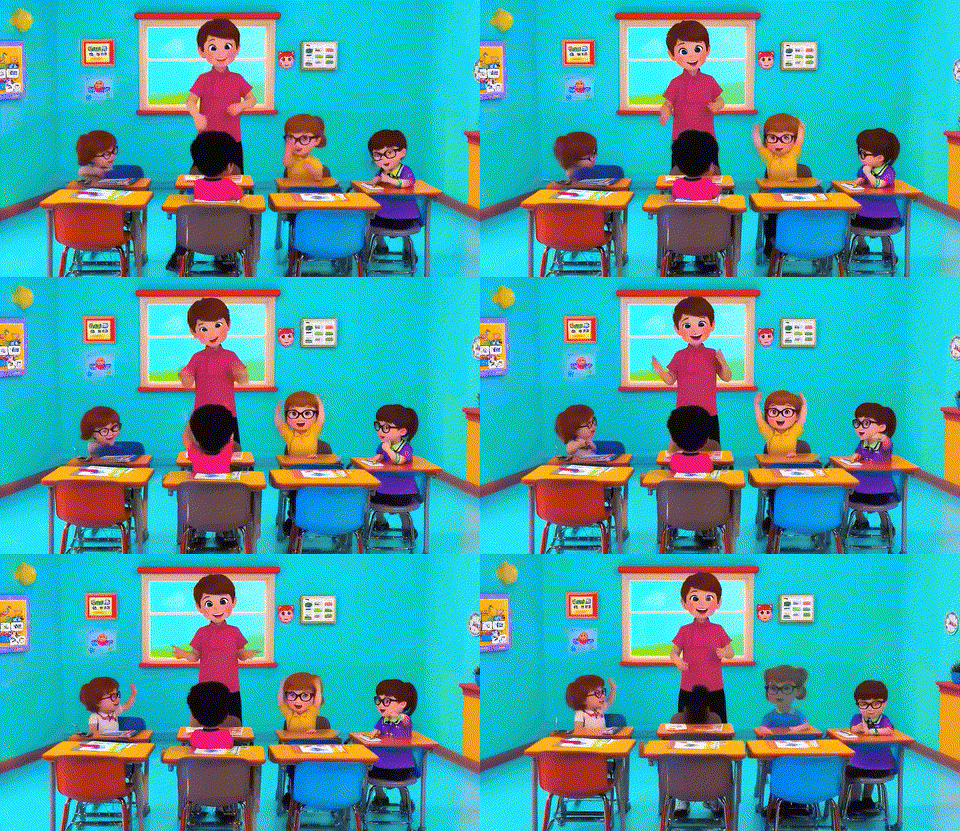
Wan-2.1-T2V-1.3B-480P

Original, E2E Time: 184s
FastVideo, E2E Time: 5.3s
TurboDiffusion, E2E Time: 1.9s
Original, E2E Time: 184s
FastVideo, E2E Time: 5.3s
TurboDiffusion, E2E Time: 1.9s
Original, E2E Time: 184s
FastVideo, E2E Time: 5.3s
TurboDiffusion, E2E Time: 1.9s
Original, E2E Time: 184s
FastVideo, E2E Time: 5.3s
TurboDiffusion, E2E Time: 1.9s
Original, E2E Time: 184s
FastVideo, E2E Time: 5.3s
TurboDiffusion, E2E Time: 1.9s
Original, E2E Time: 184s
FastVideo, E2E Time: 5.3s
TurboDiffusion, E2E Time: 1.9s
Original, E2E Time: 184s
FastVideo, E2E Time: 5.3s
TurboDiffusion, E2E Time: 1.9s
Original, E2E Time: 184s
FastVideo, E2E Time: 5.3s
TurboDiffusion, E2E Time: 1.9s

Wan-2.1-T2V-14B-720P

TurboDiffusion (thu-ml/TurboDiffusion)

Searching Database…

What is this?TurboDiffusion is a video generation acceleration framework that speeds up end-to-end video diffusion generation by 100-200x on a single RTX 5090 while keeping video quality, using SageAttention, Sparse-Linear Attention (SLA), and rCM timestep distillation.
Is this a general plugin for any diffusion model, or built around specific checkpoints?It is a Python package you pip-install (or build from source) that ships accelerated inference scripts for specific Wan2.1/Wan2.2 video models plus a terminal-based interactive serving mode, not a drop-in accelerator for arbitrary diffusion pipelines.
How do I get it running?Install via pip (or compile from source) with python>=3.9 and torch>=2.7.0 (2.8.0 recommended), download the VAE and umT5 text-encoder checkpoints plus one of the TurboDiffusion model checkpoints from Huggingface, then run the provided T2V or I2V inference script.
Do I need a specific GPU for this?Yes, it targets NVIDIA GPUs: use the unquantized checkpoints on cards with 40GB+ VRAM like the H100, or the quantized checkpoints with --quantlinear on RTX 5090/4090-class GPUs. The optional SageSLA fast path also needs SpargeAttn installed separately.
Does it work well with any kind of prompt?Not out of the box: the current models are only trained on long English prompts, so other prompt styles need augmenting for good results, and the authors note the checkpoints and paper are not finalized and will keep changing.
Which video models does it accelerate?Four checkpoints are provided: TurboWan2.2-I2V-A14B-720P, TurboWan2.1-T2V-1.3B-480P, TurboWan2.1-T2V-14B-480P, and TurboWan2.1-T2V-14B-720P, covering both text-to-video and image-to-video generation.
How much faster is it in practice?On Wan-2.1-T2V-1.3B-480P, end-to-end generation drops from 184s to 1.9s, and on Wan-2.2-I2V-A14B-720P it drops from 4549s to 38s, both benchmarked on a single RTX 5090.
What techniques does it combine for the speedup?It pairs SageAttention and SLA (Sparse-Linear Attention) for faster attention computation with rCM, a timestep-distillation method that cuts the number of diffusion steps needed.
Can I have a back-and-forth session generating multiple videos?Yes, turbodiffusion/serve/ provides a terminal-based interactive mode for multi-turn video generation without reloading the model each time.
Creator
thu-ml
Size
225.2 MB
Stars
3.9K
Updated
CommitAug 27
Age
10mo
Commits · 90 Days
