




Что это?
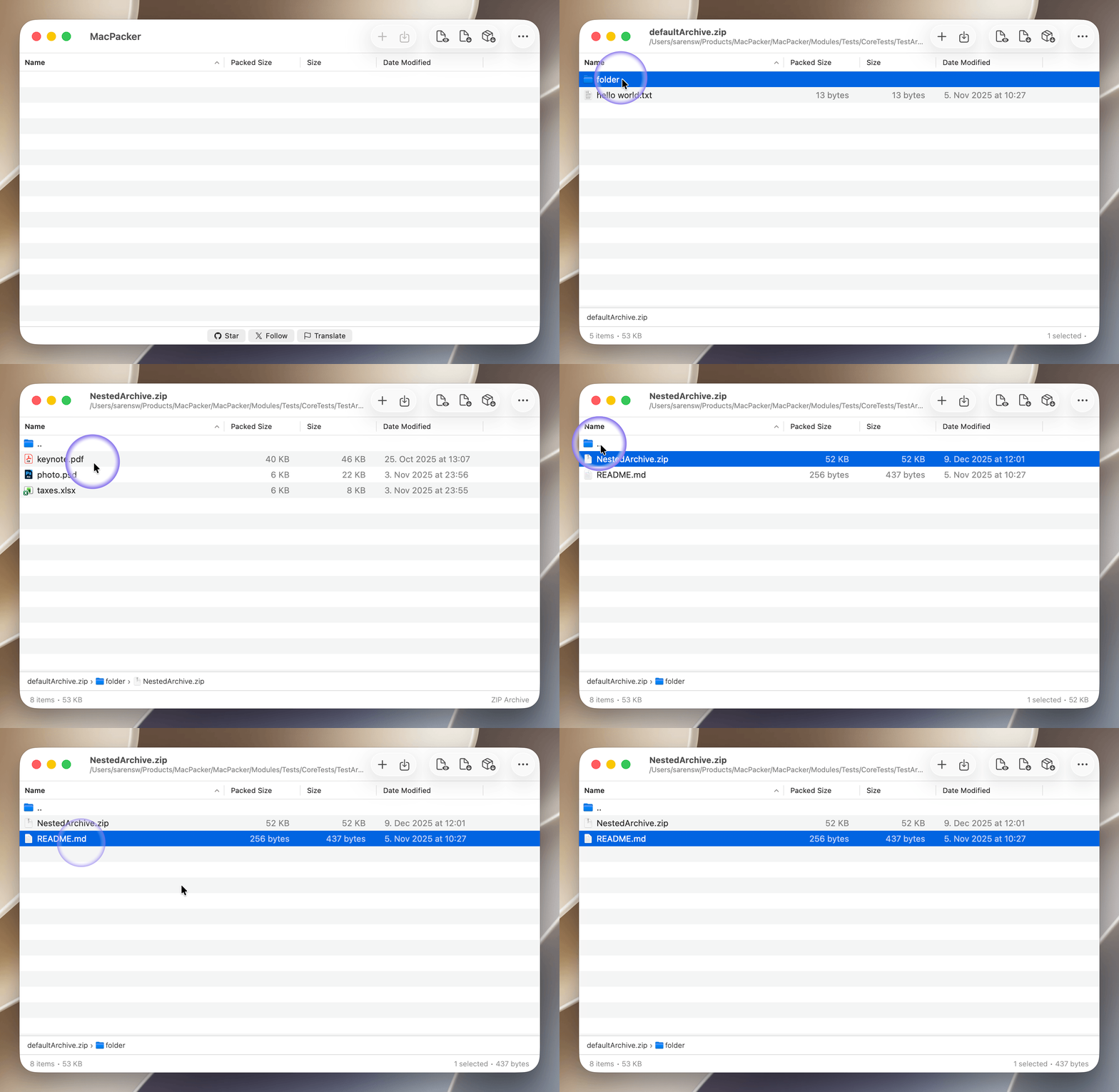
 MacPacker — бесплатный менеджер архивов с открытым кодом для macOS: можно просматривать архивы как папки, смотреть файлы без распаковки и вытаскивать только нужные файлы. Задуман как нативная замена 7-Zip на Mac.
MacPacker — бесплатный менеджер архивов с открытым кодом для macOS: можно просматривать архивы как папки, смотреть файлы без распаковки и вытаскивать только нужные файлы. Задуман как нативная замена 7-Zip на Mac.Это плагин для Finder или отдельное приложение?Это отдельное нативное приложение macOS (на SwiftUI/AppKit), которое также добавляет действия по правому клику в Finder и предпросмотр Quick Look для архивов.
Это отдельное нативное приложение macOS (на SwiftUI/AppKit), которое также добавляет действия по правому клику в Finder и предпросмотр Quick Look для архивов.Какая версия macOS нужна?Нужна macOS 14.6 или новее (поддержка macOS 13 прекратилась после v0.14.1); для сборки из исходников дополнительно требуется Xcode 16+.
Нужна macOS 14.6 или новее (поддержка macOS 13 прекратилась после v0.14.1); для сборки из исходников дополнительно требуется Xcode 16+.Уже можно удалять или создавать архивы?Пока нет — сегодня можно редактировать и пересохранять ZIP-архивы, но удаление файлов/папок внутри архивов и создание новых архивов всё ещё в планах как будущие функции.
Пока нет — сегодня можно редактировать и пересохранять ZIP-архивы, но удаление файлов/папок внутри архивов и создание новых архивов всё ещё в планах как будущие функции.Сколько форматов архивов поддерживается?Более 40 форматов: архивы (7z, rar, zip, deb, msi и др.), образы дисков (dmg, iso, vhd, qcow2 и др.), сжатие (bz2, gz, xz, lz4, z) и tar-архивы.
Более 40 форматов: архивы (7z, rar, zip, deb, msi и др.), образы дисков (dmg, iso, vhd, qcow2 и др.), сжатие (bz2, gz, xz, lz4, z) и tar-архивы.Можно ли открывать архивы с паролем?Да, MacPacker умеет открывать зашифрованные архивы и архивы, защищённые паролем.
Да, MacPacker умеет открывать зашифрованные архивы и архивы, защищённые паролем.Открывает ли архивы, вложенные в другие архивы?Да, можно бесшовно углубляться во вложенные архивы без создания промежуточных распакованных копий.
Да, можно бесшовно углубляться во вложенные архивы без создания промежуточных распакованных копий.Как он определяет формат архива?Используется умное определение по magic number файла, а не только по расширению, поэтому переименованные или неверно подписанные архивы всё равно открываются корректно.
Используется умное определение по magic number файла, а не только по расширению, поэтому переименованные или неверно подписанные архивы всё равно открываются корректно.What are similar projects?OpenYoink, FinderSearch, forel, BrewUI, finder-menu, tendedero, Ice, tinycast
OpenYoink, FinderSearch, forel, BrewUI, finder-menu, tendedero, Ice, tinycastWhich topics is it in?zip, appstore, appkit, file-management, archive, sandboxing, file-manager, compression, keyboard, localization, swiftui, native
zip, appstore, appkit, file-management, archive, sandboxing, file-manager, compression, keyboard, localization, swiftui, native