




Что это?
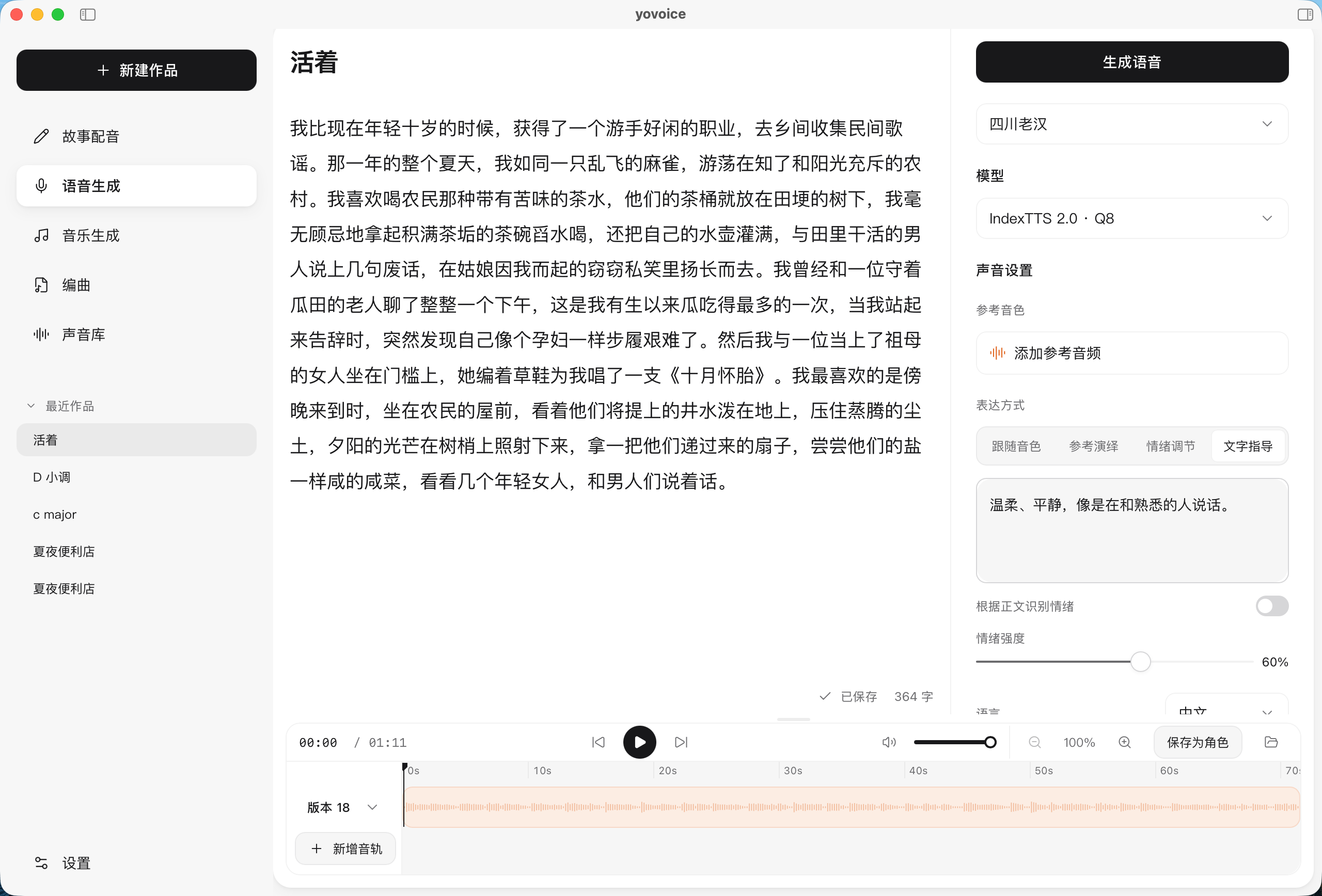
 yovoice — открытая настольная программа для macOS и Windows, которая локально превращает текст в естественную, выразительную речь, с клонированием голоса и управлением эмоциями, без облачных API-вызовов и платы за символ.
yovoice — открытая настольная программа для macOS и Windows, которая локально превращает текст в естественную, выразительную речь, с клонированием голоса и управлением эмоциями, без облачных API-вызовов и платы за символ.Это настольное приложение или облачный сервис?Это нативное настольное приложение, устанавливаемое из пакета .dmg (macOS) или .exe (Windows), плюс отдельный CLI и опциональный локальный режим «yovoice serve», открывающий HTTP/MCP API для других машин.
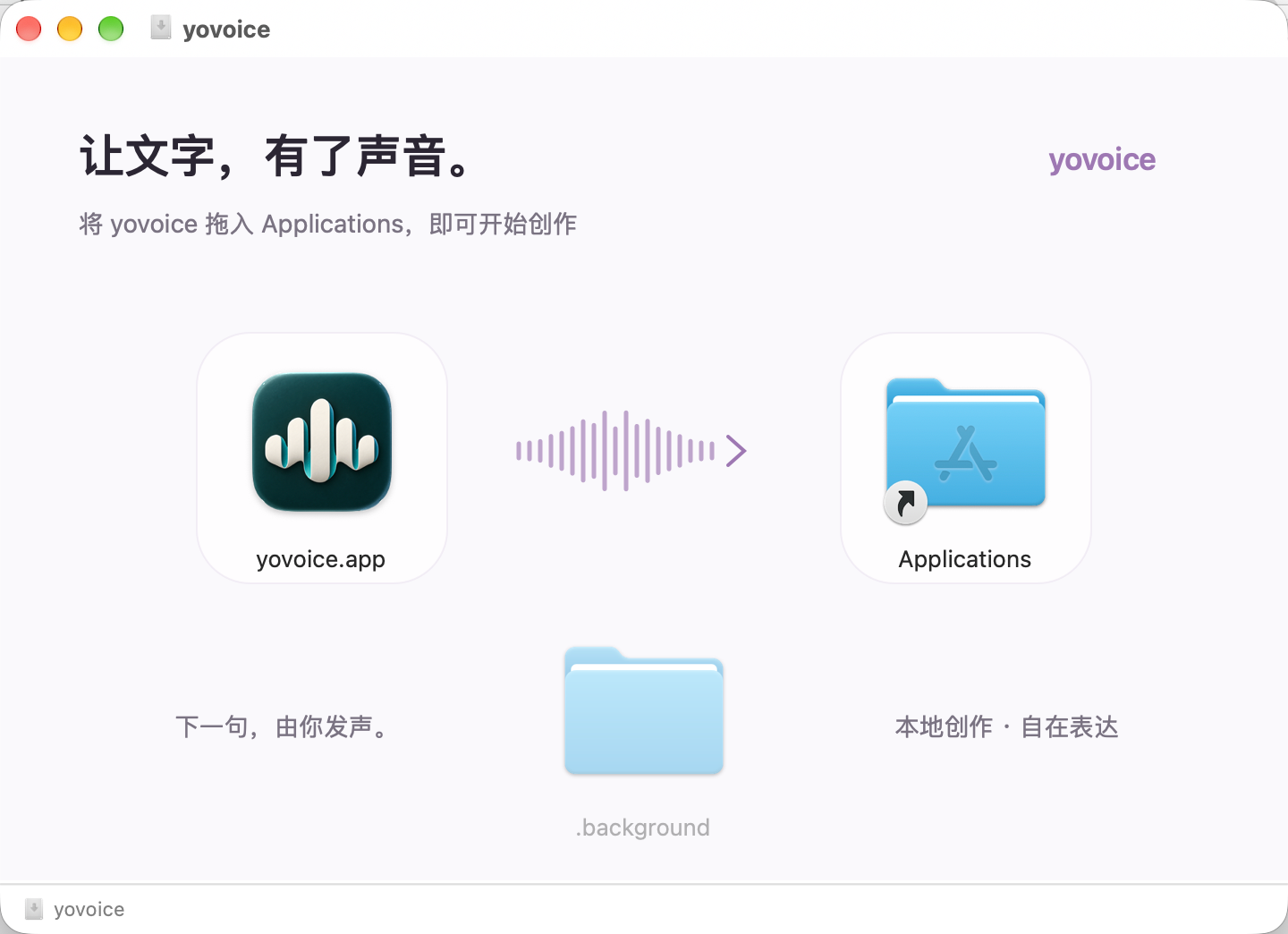
Это нативное настольное приложение, устанавливаемое из пакета .dmg (macOS) или .exe (Windows), плюс отдельный CLI и опциональный локальный режим «yovoice serve», открывающий HTTP/MCP API для других машин.Как это запустить?Возьмите установщик для своей платформы на вкладке GitHub Releases (.dmg для macOS, -setup.exe для Windows), установите, затем скачайте модель в настройках, создайте проект «озвучка Story» или «генерация речи», добавьте текст или субтитры и сгенерируйте аудио.
Возьмите установщик для своей платформы на вкладке GitHub Releases (.dmg для macOS, -setup.exe для Windows), установите, затем скачайте модель в настройках, создайте проект «озвучка Story» или «генерация речи», добавьте текст или субтитры и сгенерируйте аудио.Работает ли он на Mac с Intel или нужна конкретная сборка CUDA?Сборка для macOS нацелена только на macOS 14+ с Apple Silicon; в Windows нужны отдельные установщики в зависимости от возраста вашей GPU/драйвера NVIDIA (CUDA 12.4 для старых карт, CUDA 13.3 для новых драйверов, с меньшим объёмом загрузки).
Сборка для macOS нацелена только на macOS 14+ с Apple Silicon; в Windows нужны отдельные установщики в зависимости от возраста вашей GPU/драйвера NVIDIA (CUDA 12.4 для старых карт, CUDA 13.3 для новых драйверов, с меньшим объёмом загрузки).Куда уходят мои данные и ключи ИИ?Генерация речи полностью выполняется на вашей машине; если подключить опциональный ИИ-сервис для аранжировок или текстов песен, ключи API остаются на этом компьютере.
Генерация речи полностью выполняется на вашей машине; если подключить опциональный ИИ-сервис для аранжировок или текстов песен, ключи API остаются на этом компьютере.Действительно ли всё это бесплатно, включая модели?Сам yovoice — под Apache-2.0, но веса модели OmniVoice — под CC-BY-NC и ограничены некоммерческим использованием, а модели IndexTTS имеют свою отдельную лицензию.
Сам yovoice — под Apache-2.0, но веса модели OmniVoice — под CC-BY-NC и ограничены некоммерческим использованием, а модели IndexTTS имеют свою отдельную лицензию.Что Agent Skill позволяет делать кодинг-агенту?Он позволяет ИИ-агенту установить Skill, настроить локальные CLI, движок инференса и модель, а затем генерировать озвучку из текста и референсного аудиофайла без открытия настольного приложения.
Он позволяет ИИ-агенту установить Skill, настроить локальные CLI, движок инференса и модель, а затем генерировать озвучку из текста и референсного аудиофайла без открытия настольного приложения.Может ли yovoice создавать целые песни, а не только речь?Да — вы описываете стиль и пишете текст с маркерами секций, а ACE-Step 1.5 генерирует полные песни или инструменталы, сохраняя каждый дубль как сравнимую версию.
Да — вы описываете стиль и пишете текст с маркерами секций, а ACE-Step 1.5 генерирует полные песни или инструменталы, сохраняя каждый дубль как сравнимую версию.Для чего нужна функция Score?Это нотный редактор с тактами и долями (или импорт MIDI, или партитуры, написанные агентом), который рендерится через саунд-фонт General MIDI в точно воспроизводимое аудио с экспортом в MIDI и отдельные дорожки (stems).
Это нотный редактор с тактами и долями (или импорт MIDI, или партитуры, написанные агентом), который рендерится через саунд-фонт General MIDI в точно воспроизводимое аудио с экспортом в MIDI и отдельные дорожки (stems).Что происходит с моими данными при удалении приложения?При удалении пользовательские данные в папке ~/.yovoice сохраняются, так что ваши проекты и настройки переживут переустановку.
При удалении пользовательские данные в папке ~/.yovoice сохраняются, так что ваши проекты и настройки переживут переустановку.What are similar projects?ace-step-ui, pyvideotrans, unsloth, WanGP, Pixelle-Video, bark, stemkit, dia
ace-step-ui, pyvideotrans, unsloth, WanGP, Pixelle-Video, bark, stemkit, diaWhich topics is it in?midi, music-generation, voice-cloning, speech-synthesis, gguf, voice, local-ai, metal, music, tts, text-to-speech, qwen
midi, music-generation, voice-cloning, speech-synthesis, gguf, voice, local-ai, metal, music, tts, text-to-speech, qwen