KeyCastr
KeyCastr, an open source keystroke visualizer.
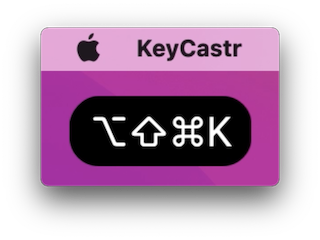
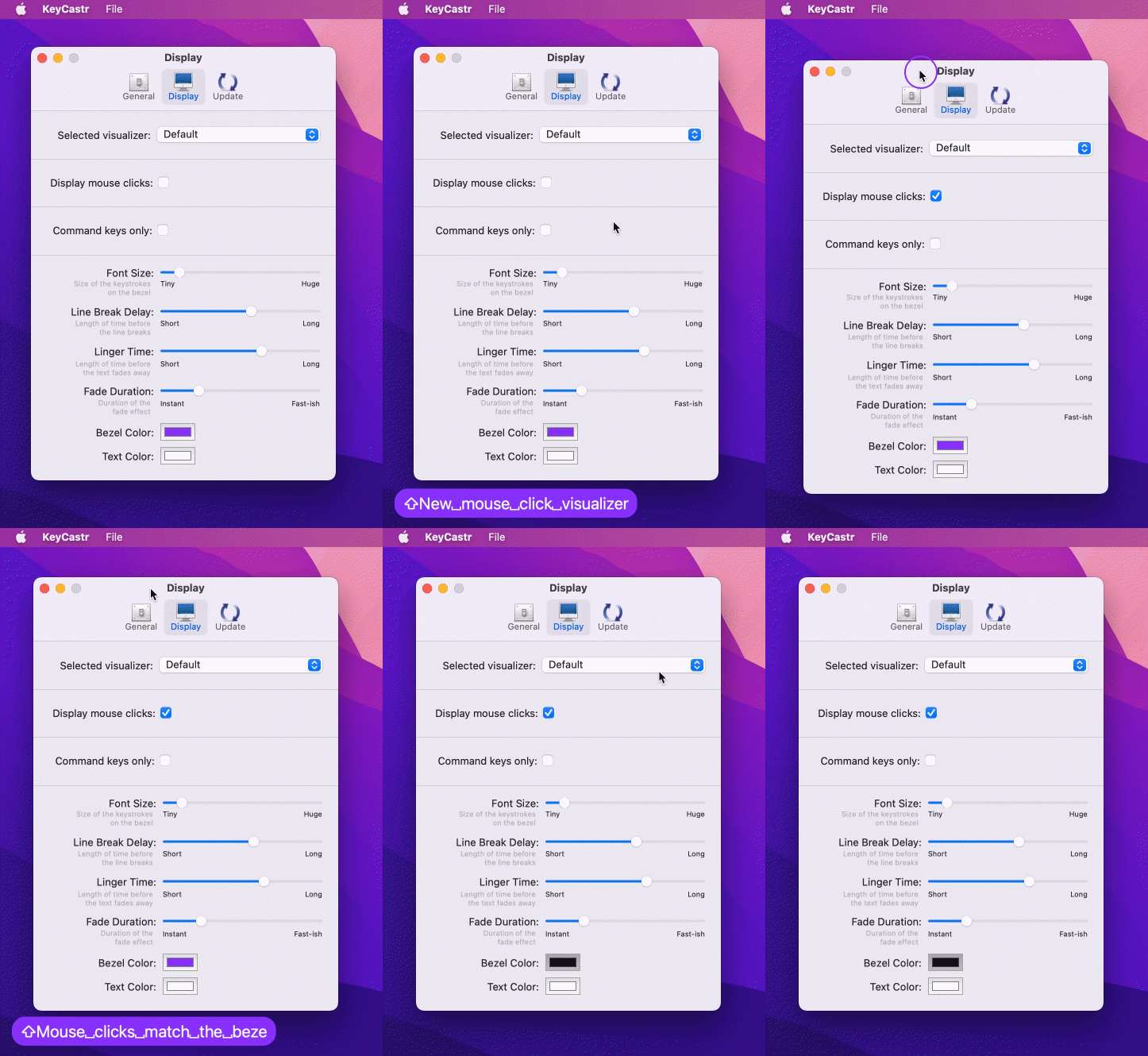
KeyCastr enables you to share your keystrokes when creating screencasts, presenting, or collaborating with others. You can choose to display command keys, all modified keys, or all keystrokes, and there is also an option to include mouse clicks.
It is also possible to develop your own visualizer on top of KeyCastr -- pull requests are welcome!
Installation
Download the latest release from GitHub
Or, install using homebrew
brew install --cask keycastr
Granting Permissions
KeyCastr requires your permission to receive events from macOS in order to broadcast your keystrokes and mouse clicks.
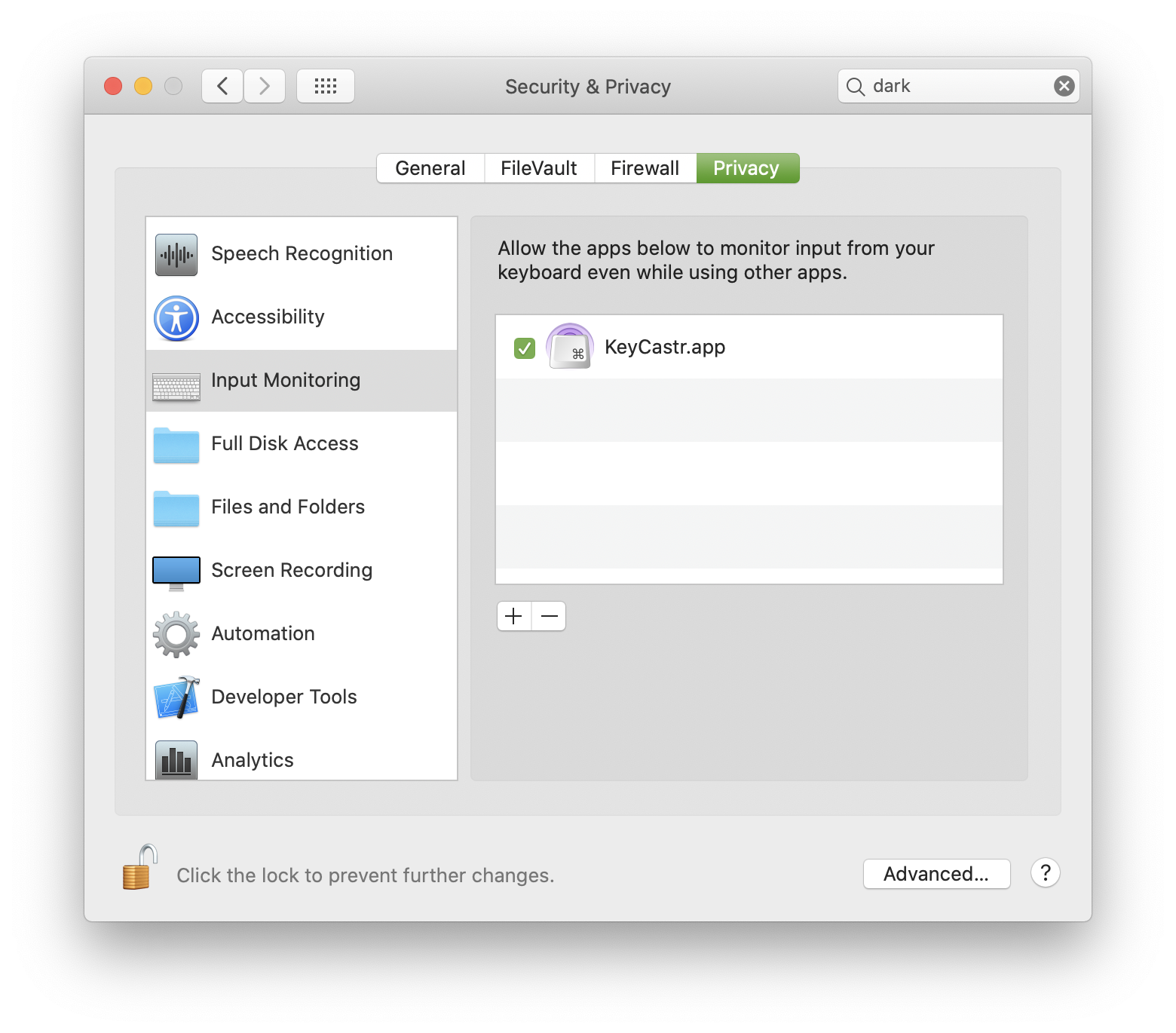
On newer versions of macOS (10.15+) there is an Input Monitoring menu under Security & Privacy within the System Preferences app, and KeyCastr will appear there automatically the first time you run it. Simply unlock this menu and check the box next to KeyCastr to enable it.
On older versions of macOS, or if for some reason the app doesn't appear under the Input Monitoring menu (or if you want to pre-enable it) then you may manually add it to the list of apps in the Accessibility menu.
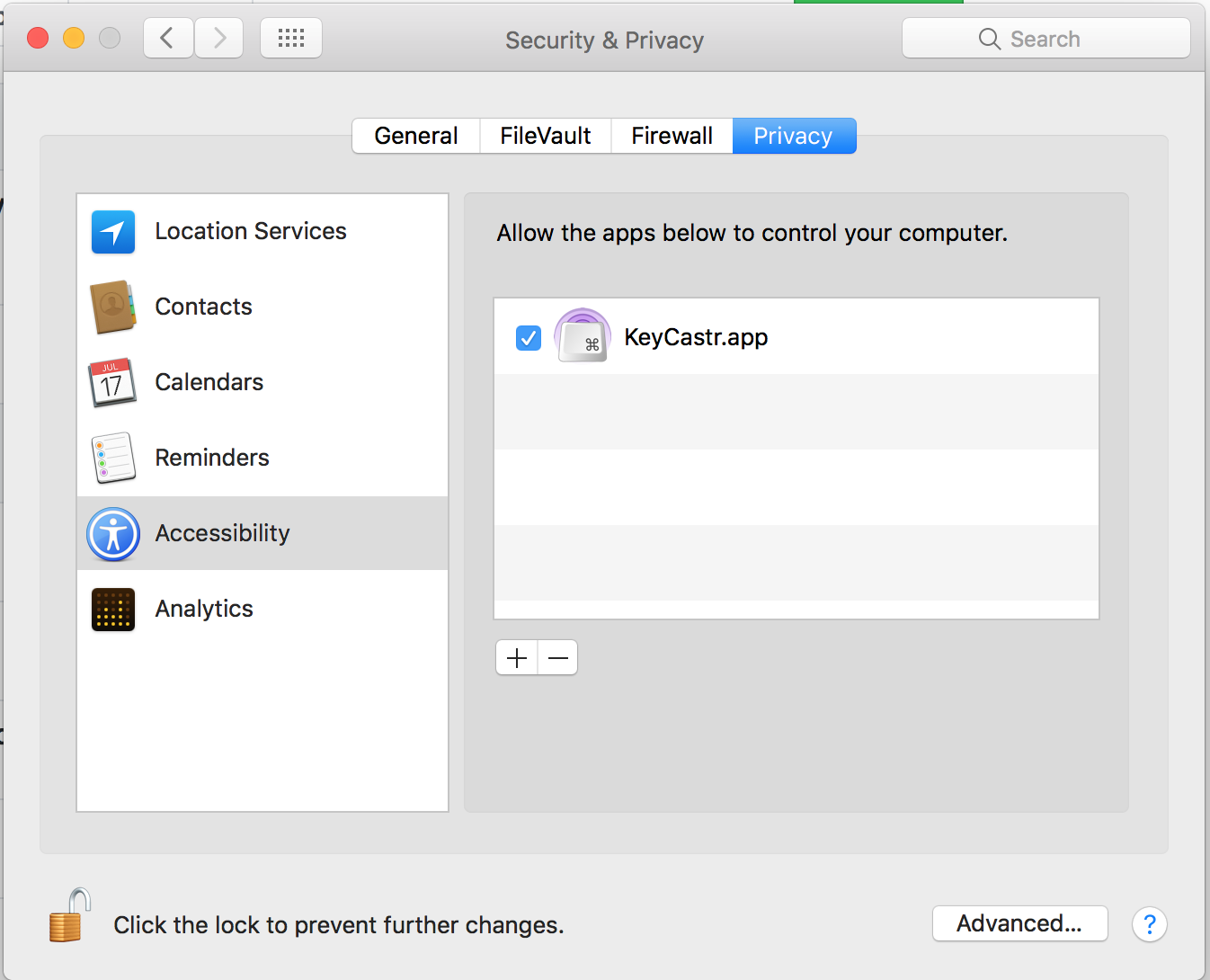
To add KeyCastr to the list click the + button and select KeyCastr from the file system, or drag it in using Finder.
If KeyCastr is already in the list you can remove it with the − button and add it again in order to be certain that the right copy of the application is specified.
Troubleshooting permissions
There are two likely causes for the app seeming not to work:
- Not receiving keystroke events from macOS due to security settings
- The window being offscreen.
Sometimes switching from the Default to the Svelte visualizer can help you
figure out which problem it is.
To troubleshoot, We recommend that you:
- Quit the KeyCastr app
- Remove KeyCastr from any of the Privacy areas in the Security & Privacy
preferences panel (typically the Accessibility or Input Monitoring areas)
- Start the KeyCastr app
- When you see the "Keystroke Receiving" dialog from macOS, click "Open System
Preferences" or open the Preferences app yourself
- Under Input Monitoring, enable KeyCastr by unlocking your preferences and
clicking the box next to KeyCastr which should have been automatically added
to the list
- When macOS prompts you, restart KeyCastr. Or you can do it manually.
Position on Screen
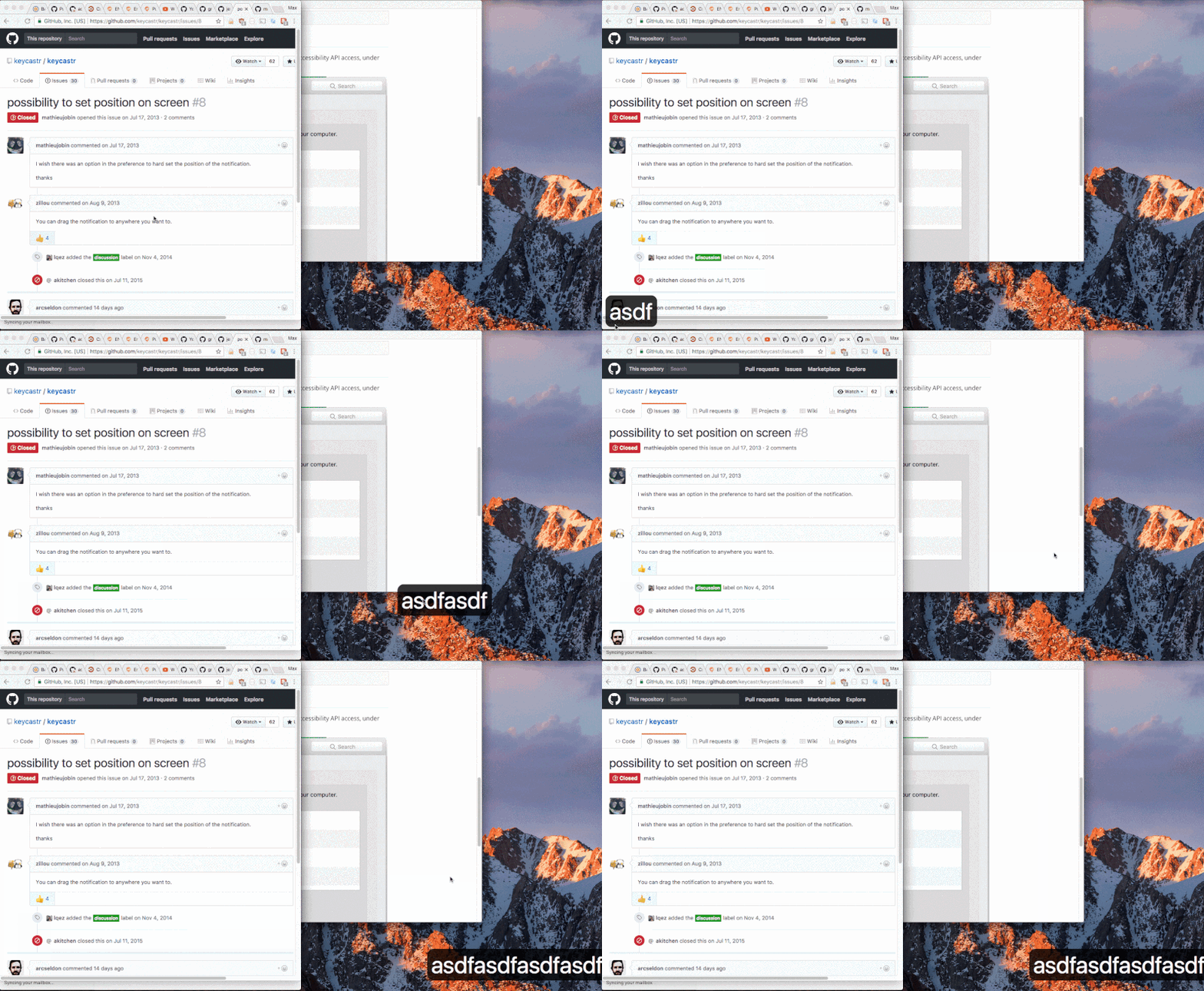
The default position is on the bottom left of your display. To modify the position of displayed keystrokes, click and drag the text like so:
Security Concerns
Any application in the Accessibility or Input Monitoring sections of the Security & Privacy pane in macOS's Preferences.app is capable of receiving all your input events. We encourage you to inspect these lists carefully, remove applications which you don't believe need to monitor your input, and ask tough questions of the companies which produce the software you use.
KeyCastr is completely free and open source, and does not employ any networking mechanisms other than that included with the ubiquitous Sparkle framework for managing application updates. KeyCastr will never receive or display your passwords, so long as the website or application you are using treats password entry as secure, e.g. <input type="password"> or equivalent.
History and Credits
- sdeken wrote the original version.
- akitchen occasional development and maintenance.
- elia created
keycastr organization and forked into it.
- lqez added a new menu bar icon.
- QuintB designed an updated application icon to match the icon style in modern versions of macOS.
License
BSD 3-Clause
KeyCastr has been freely available for the Mac since 2009.

 KeyCastr 是一款适用于 macOS 的开源按键可视化工具,可以在屏幕上显示你的按键和鼠标点击,适合用于录制屏幕教程、演示或结对编程。