







What is this?
 Pelmet is a free, open-source macOS menu bar manager: it hides the icons you don't need until you do, and hover, click or a shortcut slides them back.
Pelmet is a free, open-source macOS menu bar manager: it hides the icons you don't need until you do, and hover, click or a shortcut slides them back.How is this different from Bartender or Ice?It plays the same role (the repo is tagged as an alternative to both) but was rebuilt from scratch for the menu bar Apple re-engineered in macOS 27, with no code shared with Ice. Hiding is done by macOS itself: Pelmet drives the system's own native hiding mechanism, so it feels like part of the OS.
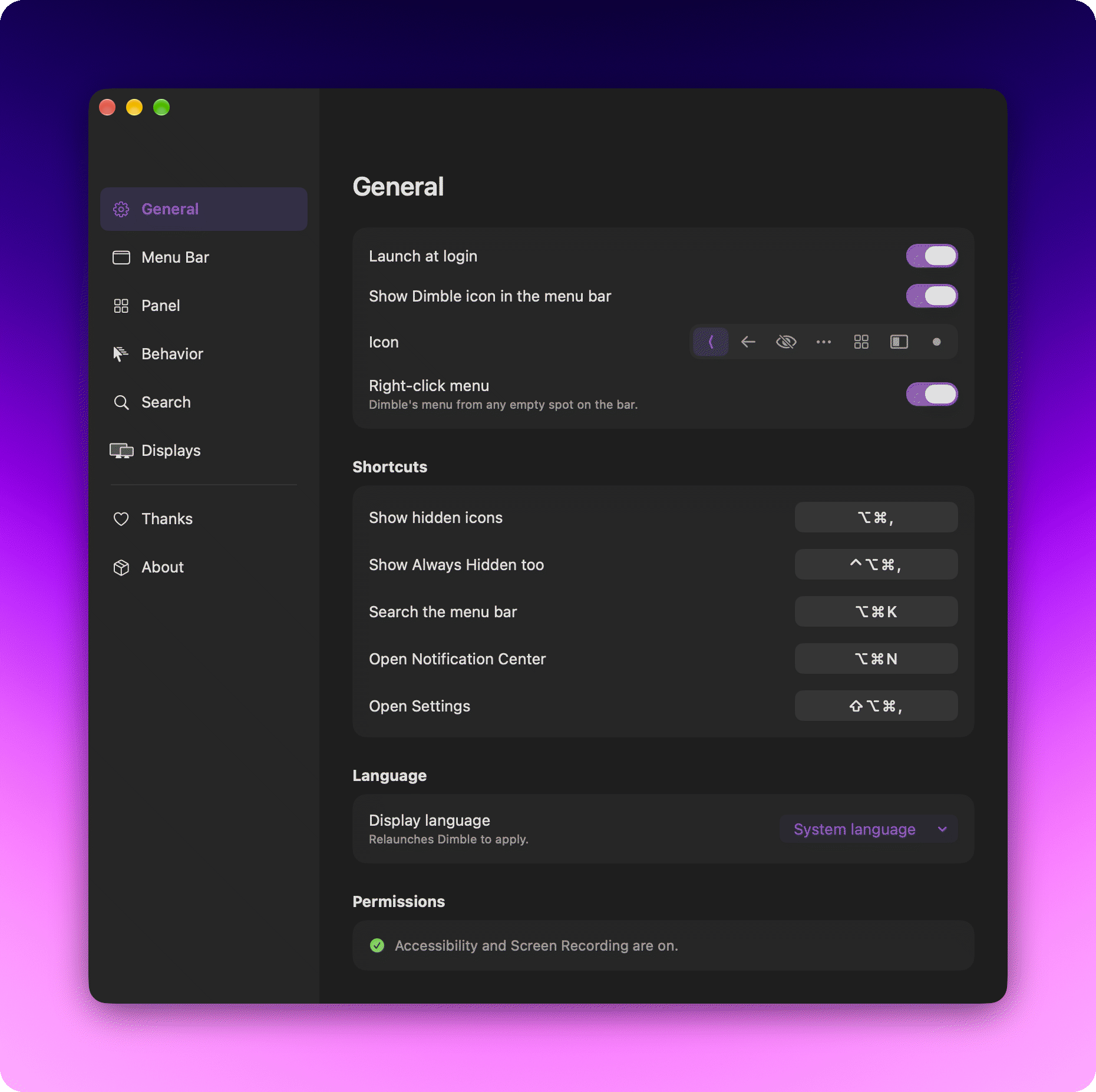
It plays the same role (the repo is tagged as an alternative to both) but was rebuilt from scratch for the menu bar Apple re-engineered in macOS 27, with no code shared with Ice. Hiding is done by macOS itself: Pelmet drives the system's own native hiding mechanism, so it feels like part of the OS.What permissions will it ask for on first launch?One is required: Accessibility — that's how Pelmet sees menu bar items and clicks hidden ones without revealing everything. Screen Recording is optional and only powers the Instant, Smooth and Fade reveal animations; nothing is recorded or kept.
One is required: Accessibility — that's how Pelmet sees menu bar items and clicks hidden ones without revealing everything. Screen Recording is optional and only powers the Instant, Smooth and Fade reveal animations; nothing is recorded or kept.Is there a chance a macOS update breaks it?In theory, yes: hiding runs on a private, undocumented Apple API (MenuBarClientCore). Pelmet resolves it at runtime and fails soft — if the API ever disappears, it reports hiding as unavailable instead of breaking your bar.
In theory, yes: hiding runs on a private, undocumented Apple API (MenuBarClientCore). Pelmet resolves it at runtime and fails soft — if the API ever disappears, it reports hiding as unavailable instead of breaking your bar.Does it phone home at all?No — no account, no analytics, no server. The only connection it ever makes is checking for its own updates, delivered via Sparkle with EdDSA signatures checked against a signed appcast.
No — no account, no analytics, no server. The only connection it ever makes is checking for its own updates, delivered via Sparkle with EdDSA signatures checked against a signed appcast.Can I fork it, and what does the license require?It is GPL-3.0: use it and fork it freely, but distributed derivatives must stay open under the same license. Its only third-party dependency is Sparkle, used under an MIT-style license.
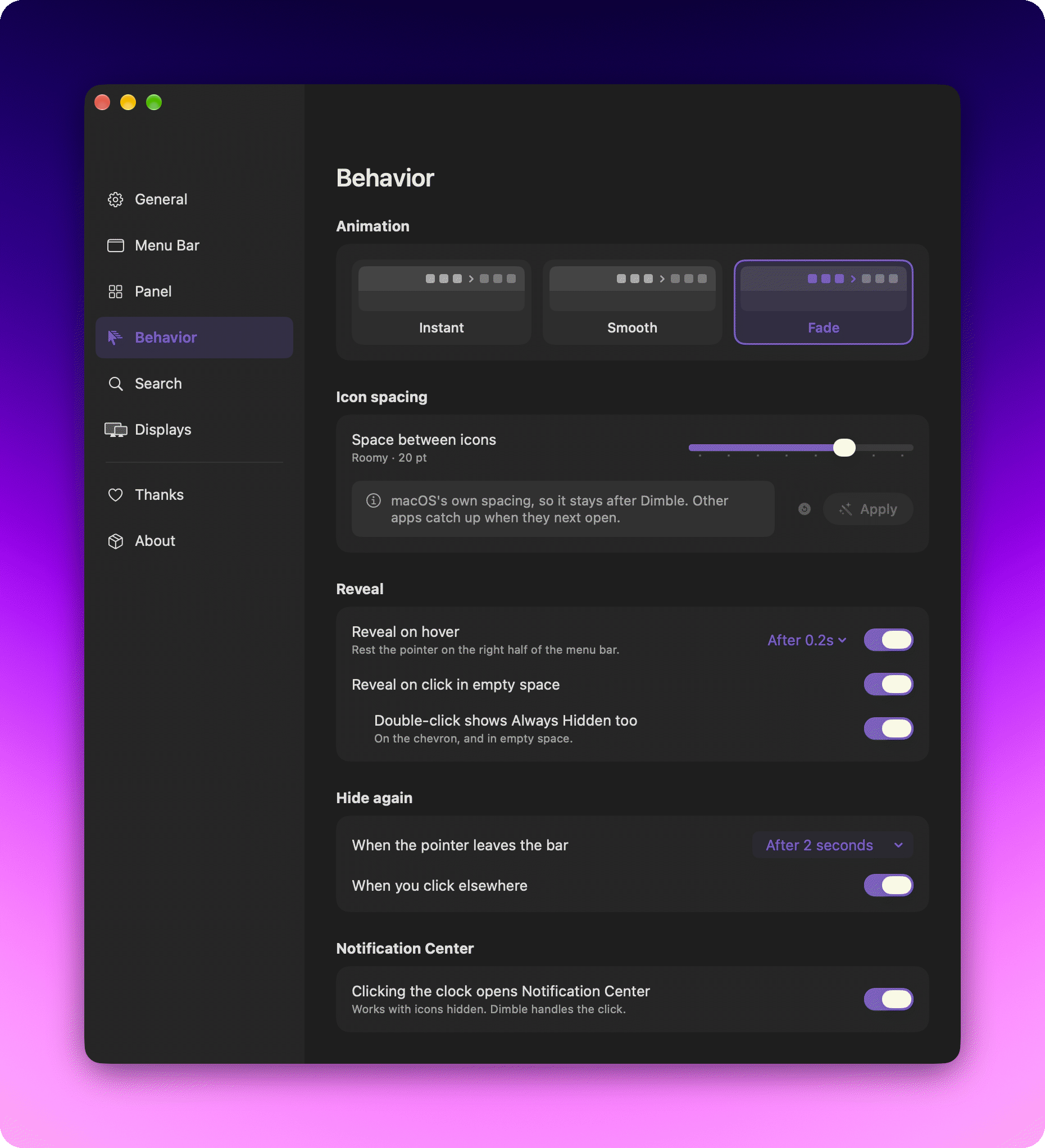
It is GPL-3.0: use it and fork it freely, but distributed derivatives must stay open under the same license. Its only third-party dependency is Sparkle, used under an MIT-style license.How do hidden icons come back?However you like: hover (delay from 0.1 to 0.5 seconds), a click on empty menu bar space, a double-click for the Always Hidden section, or the chevron itself. You also pick the animation (Instant, Smooth, Fade) and whether items rehide after a delay you set or as soon as you click elsewhere.
However you like: hover (delay from 0.1 to 0.5 seconds), a click on empty menu bar space, a double-click for the Always Hidden section, or the chevron itself. You also pick the animation (Instant, Smooth, Fade) and whether items rehide after a delay you set or as soon as you click elsewhere.Can it hide system icons like Battery or Sound?Yes — they behave like any other icon. The few macOS protects (Clock, Control Center) are shown locked in the editor, grouped items get an honest badge, and Siri and Time Machine come as Pelmet's own items so each can be placed separately.
Yes — they behave like any other icon. The few macOS protects (Clock, Control Center) are shown locked in the editor, grouped items get an honest badge, and Siri and Time Machine come as Pelmet's own items so each can be placed separately.What else can it put in the menu bar?Built-in replacements that survive hiding: media controls, AirDrop, a camera/mic indicator, a timer, Focus, fast user switching and Shortcuts. It can also add app launchers (click to open any app) and separators with adjustable opacity.
Built-in replacements that survive hiding: media controls, AirDrop, a camera/mic indicator, a timer, Focus, fast user switching and Shortcuts. It can also add app launchers (click to open any app) and separators with adjustable opacity.Does it work with multiple displays?Yes, per display: you can set any display to always show everything or to collapse, and whichever display your pointer is on wins.
Yes, per display: you can set any display to always show everything or to collapse, and whichever display your pointer is on wins.Which topics is it in?statusbar, status-bar, menubar-app, open-source-alternative, menubar, menu-bar, swiftui, apple, macos-app, homebrew, swift, customization
statusbar, status-bar, menubar-app, open-source-alternative, menubar, menu-bar, swiftui, apple, macos-app, homebrew, swift, customization