

What is this?
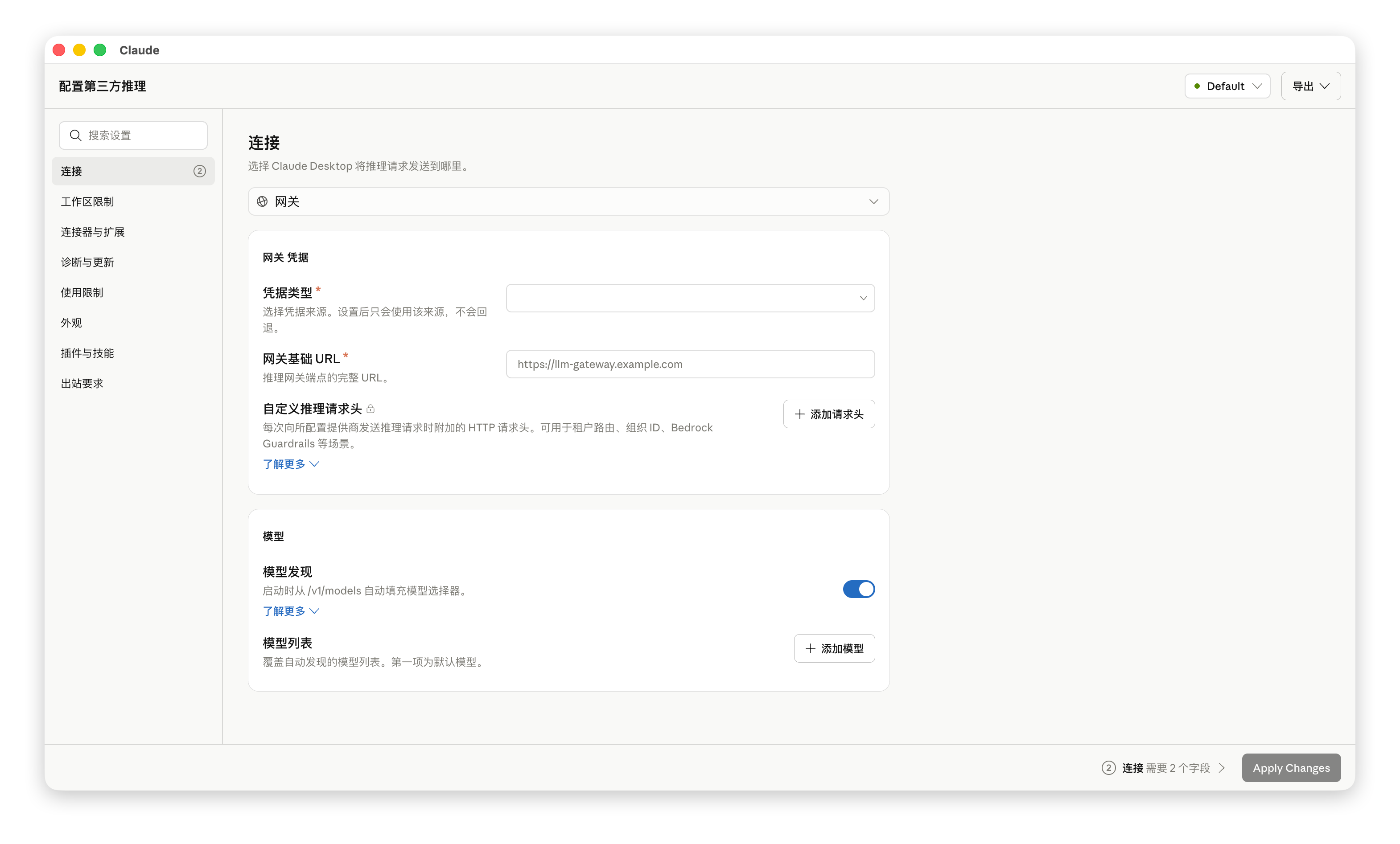
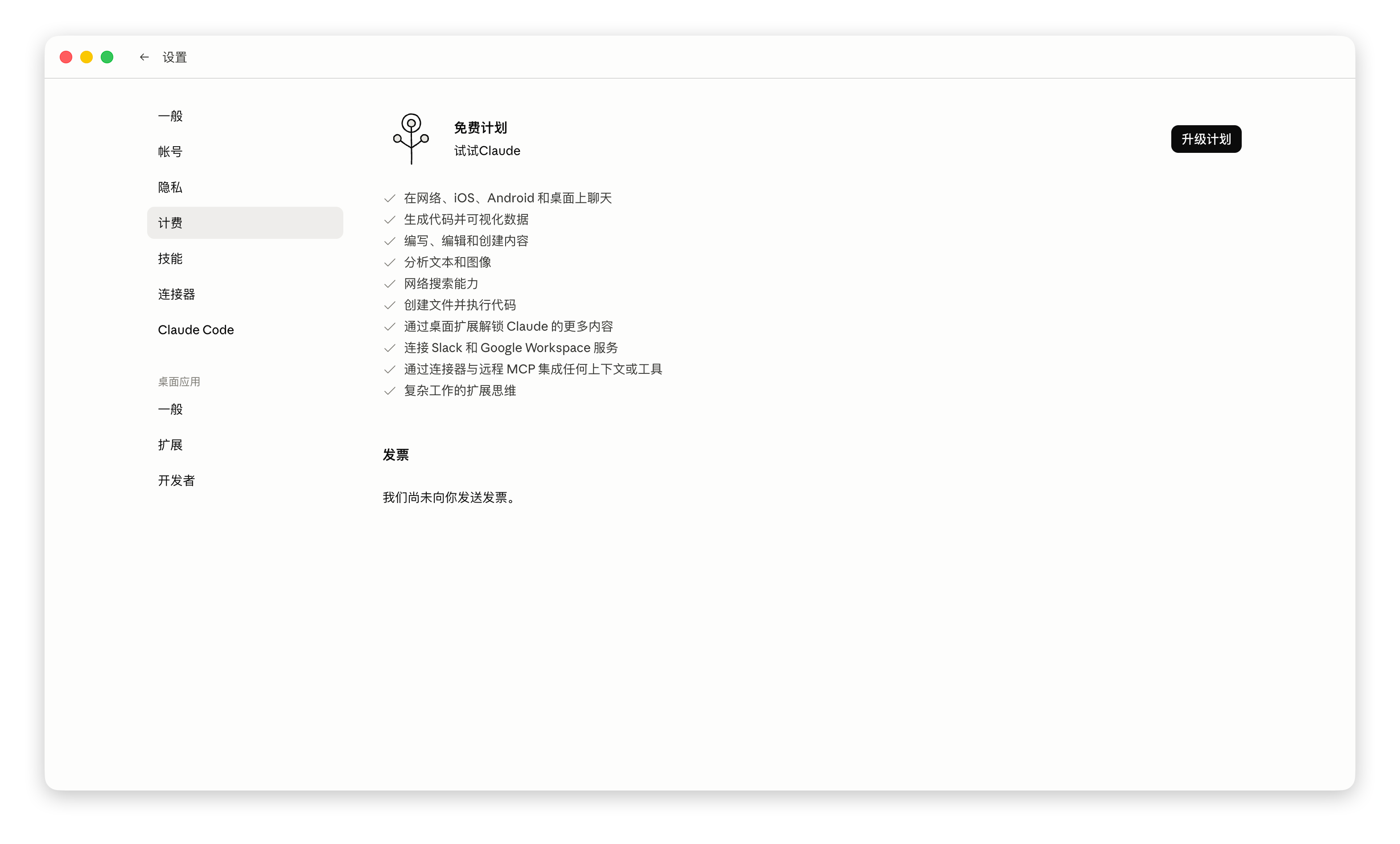
 An unofficial patch that adds a Chinese interface to the Claude Desktop app: Simplified Chinese (zh-CN), Traditional Chinese for Taiwan (zh-TW) and Hong Kong (zh-HK), on macOS, Windows and Linux.
An unofficial patch that adds a Chinese interface to the Claude Desktop app: Simplified Chinese (zh-CN), Traditional Chinese for Taiwan (zh-TW) and Hong Kong (zh-HK), on macOS, Windows and Linux.Is this a separate app, or does it modify my existing Claude Desktop?Not a separate app — a set of installer scripts that patch your existing Claude Desktop: they back up the original files, copy in Chinese language resources and register the language in the app's whitelist.
Not a separate app — a set of installer scripts that patch your existing Claude Desktop: they back up the original files, copy in Chinese language resources and register the language in the app's whitelist.What needs to be on my machine beforehand?Claude Desktop itself must already be installed. macOS needs a working Python 3 (the script prefers /usr/bin/python3); Windows only needs its built-in PowerShell, and the installer asks for admin rights.
Claude Desktop itself must already be installed. macOS needs a working Python 3 (the script prefers /usr/bin/python3); Windows only needs its built-in PowerShell, and the installer asks for admin rights.Will a Claude Desktop update wipe the Chinese interface?Yes — updates overwrite the patched files, so the safe cycle is restore the original, update Claude Desktop, then re-apply the newest patch. Full modes also break the app's code signature, which can make the Cowork sandbox refuse to start.
Yes — updates overwrite the patched files, so the safe cycle is restore the original, update Claude Desktop, then re-apply the newest patch. Full modes also break the app's code signature, which can make the Cowork sandbox refuse to start.What is the difference between the install modes?Full/official mode also edits app.asar: it translates the claude.ai online pages via DOM injection, localizes the model picker and bypasses validation of third-party gateway model names, but can break Cowork. The mode that skips structural app.asar changes keeps Cowork working but skips online-page translation.
Full/official mode also edits app.asar: it translates the claude.ai online pages via DOM injection, localizes the model picker and bypasses validation of third-party gateway model names, but can break Cowork. The mode that skips structural app.asar changes keeps Cowork working but skips online-page translation.Can I undo the patch and go back to English?Yes — run the same installer and choose the restore/uninstall option. macOS restores the earliest 'Claude.backup-before-zh-CN-*.app' backup; Windows restores the backed-up files, removes the Chinese resources and resets the language to en-US.
Yes — run the same installer and choose the restore/uninstall option. macOS restores the earliest 'Claude.backup-before-zh-CN-*.app' backup; Windows restores the backed-up files, removes the Chinese resources and resets the language to en-US.Does it work with third-party API accounts?Yes, the patch supports both official accounts and third-party APIs. On macOS the full mode even bypasses Claude Desktop's local Anthropic check on third-party gateway model names like 'deepseek-v4-pro' or 'kimi-', which would otherwise invalidate the whole config.
Yes, the patch supports both official accounts and third-party APIs. On macOS the full mode even bypasses Claude Desktop's local Anthropic check on third-party gateway model names like 'deepseek-v4-pro' or 'kimi-', which would otherwise invalidate the whole config.What is the experimental Frida mode?A launch option that translates Claude in memory at runtime with a Frida patch plus CDP injection instead of modifying app.asar on disk. It is experimental — on macOS it re-signs the app with debug permissions even with SIP on, so it is not meant as a general-purpose install.
A launch option that translates Claude in memory at runtime with a Frida patch plus CDP injection instead of modifying app.asar on disk. It is experimental — on macOS it re-signs the app with debug permissions even with SIP on, so it is not meant as a general-purpose install.What are similar projects?Clash-for-Windows_Chinese, Dism-Multi-language, iloader, Humanizer-zh, winutil-cn, vibe-aso, davinci-resolve-mcp, Office-Tool
Clash-for-Windows_Chinese, Dism-Multi-language, iloader, Humanizer-zh, winutil-cn, vibe-aso, davinci-resolve-mcp, Office-ToolWhich topics is it in?claude-desktop, patcher, powershell, localization, chinese-language, installer, translation, i18n, claude, desktop-app, chinese, tool
claude-desktop, patcher, powershell, localization, chinese-language, installer, translation, i18n, claude, desktop-app, chinese, tool