




Features
- Users - Register/login new users via social networks, email, or device ID.
- Storage - Store user records, settings, and other objects in collections.
- Social - Users can connect with friends, and join groups. Builtin social graph to see how users can be connected.
- Chat - 1-on-1, group, and global chat between users. Persist messages for chat history.
- Multiplayer - Realtime, or turn-based active and passive multiplayer.
- Leaderboards - Dynamic, seasonal, get top members, or members around a user. Have as many as you need.
- Tournaments - Invite players to compete together over prizes. Link many together to create leagues.
- Parties - Add team play to a game. Users can form a party and communicate with party members.
- Purchase Validation - Validate in-app purchases and subscriptions.
- In-App Notifications - Send messages and notifications to connected client sockets.
- Runtime code - Extend the server with custom logic written in Lua, TypeScript/JavaScript, or native Go code.
- Matchmaker, dashboard, metrics, and more.
Build scalable games and apps with a production ready server used by ambitious game studios and app developers all around the world. Have a look at the documentation and join the developer community for more info.
Getting Started
The server is simple to setup and run for local development and can be deployed to any cloud provider. See the deployment notes for recommendations on how to deploy the project for production. Nakama server requires CockroachDB or another Postgres wire-compatible server as it's database.
Docker

The fastest way to run the server and the database is with Docker. Setup Docker and start the daemon.
Set up a docker-compose file and place it in a folder for your project.
Run docker-compose -f ./docker-compose.yml up to download container images and run the servers.
For more detailed instructions have a look at our Docker quickstart guide.
Nakama Docker images are maintained on Docker Hub and prerelease images are occasionally published for cutting edge features of the server.
Binaries
You can run the servers with native binaries for your platform.
Download the server from our releases page and the database.
Follow the database instructions to start it.
Run a migration which will setup or upgrade the database schema:
nakama migrate up --database.address "[email protected]:26257"
Start Nakama and connect to the database:
nakama --database.address "[email protected]:26257"
When connected you'll see server output which describes all settings the server uses for configuration.
{"level":"info","ts":"2018-04-29T10:14:41.249+0100","msg":"Node","name":"nakama","version":"2.0.0+7e18b09","runtime":"go1.10.1","cpu":4}
{"level":"info","ts":"2018-04-29T10:14:41.249+0100","msg":"Database connections","dsns":["[email protected]:26257"]}
...
Usage
Nakama supports a variety of protocols optimized for various gameplay or app use cases. For request/response it can use GRPC or the HTTP1.1+JSON fallback (REST). For realtime communication you can use WebSockets or rUDP.
For example with the REST API to authenticate a user account with a device identifier.
curl "127.0.0.1:7350/v2/account/authenticate/device?create=true" \
  --user "defaultkey:" \
  --data '{"id": "someuniqueidentifier"}'
Response:
{
"token":"eyJhbGciOiJIUzI1NiIsInR5cCI6IkpXVCJ9.eyJleHAiOjE1MjQ5OTU2NDksInVpZCI6Ijk5Y2Q1YzUyLWE5ODgtNGI2NC04YThhLTVmMTM5YTg4MTgxMiIsInVzbiI6InhBb1RxTUVSdFgifQ.-3_rXNYx3Q4jKuS7RkxeMWBzMNAm0vl93QxzRI8p_IY"
}
There's a number of official client libraries available on GitHub with documentation. The current platform/language support includes: .NET (in C#), Unity engine, JavaScript, Java (with Android), Unreal engine, Godot, Defold, and Swift (with iOS). If you'd like to contribute a client or request one let us know.
Nakama Console
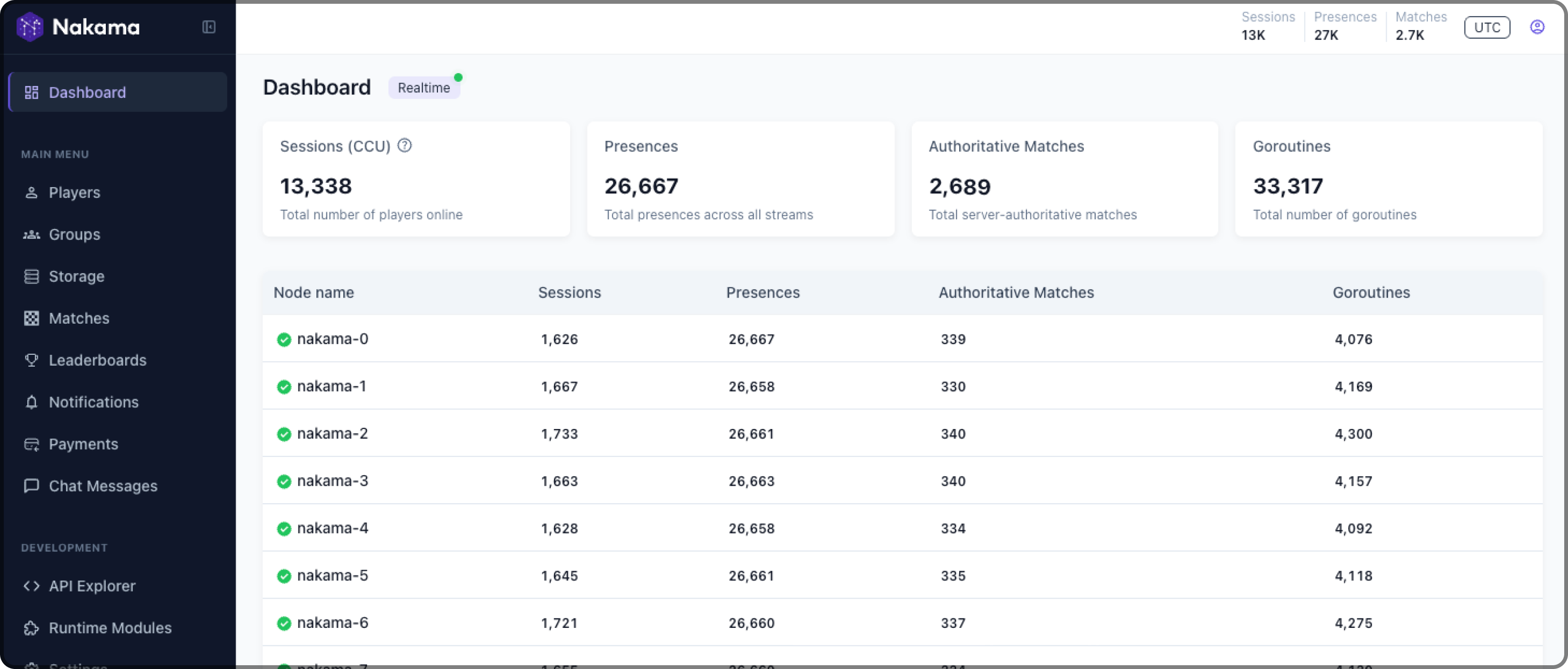
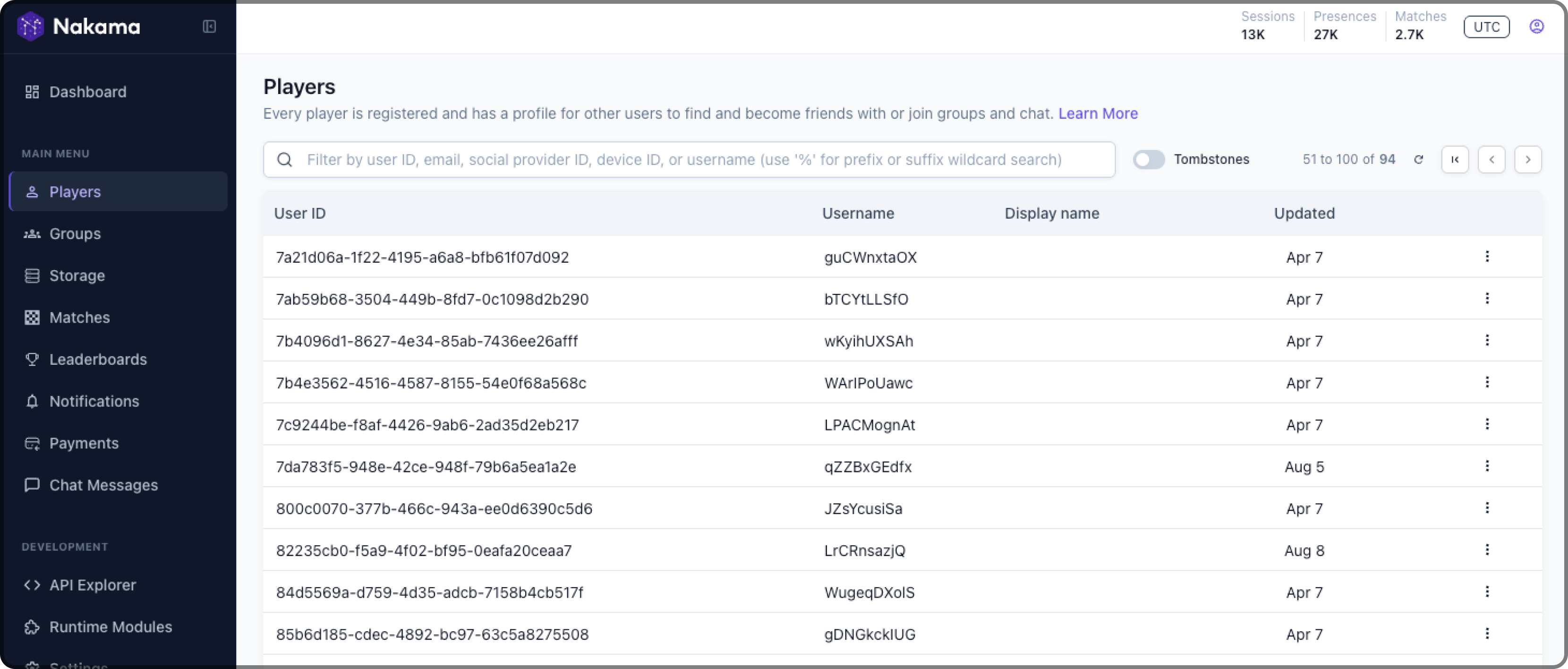
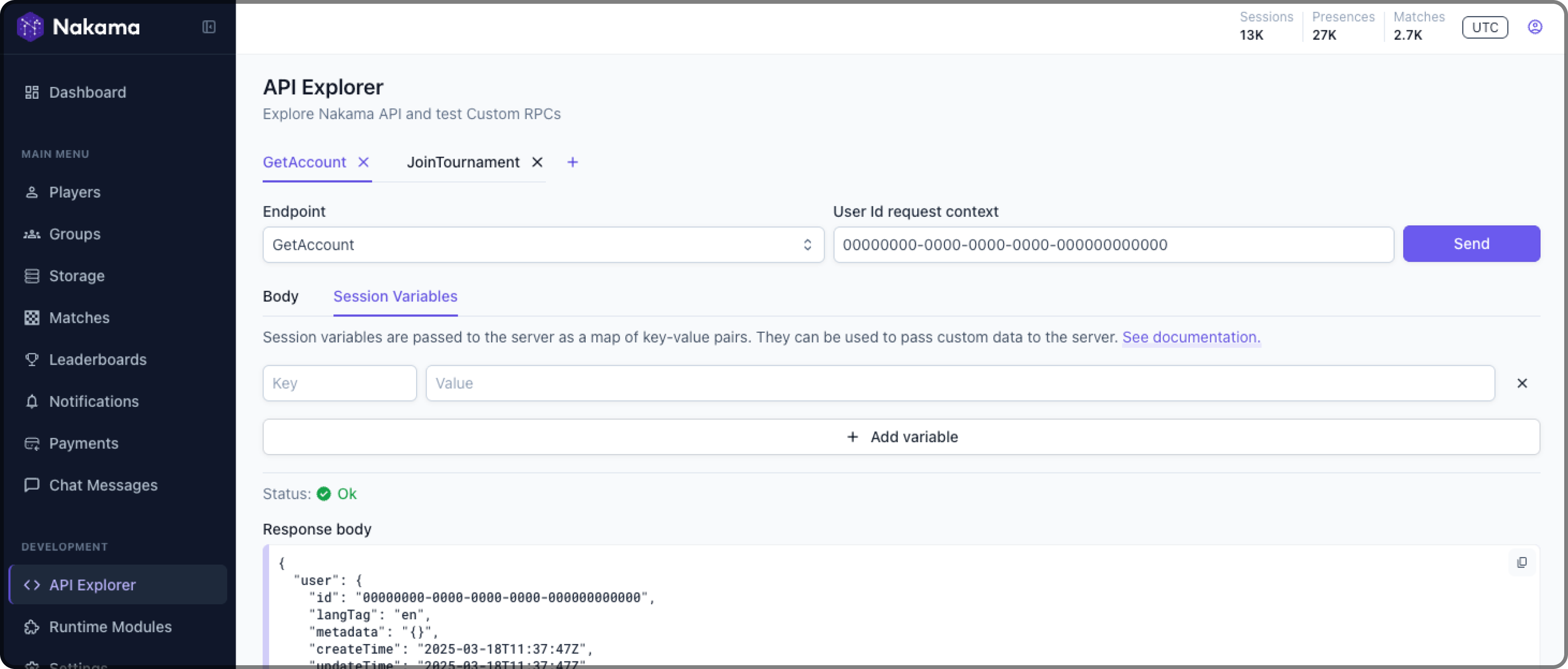
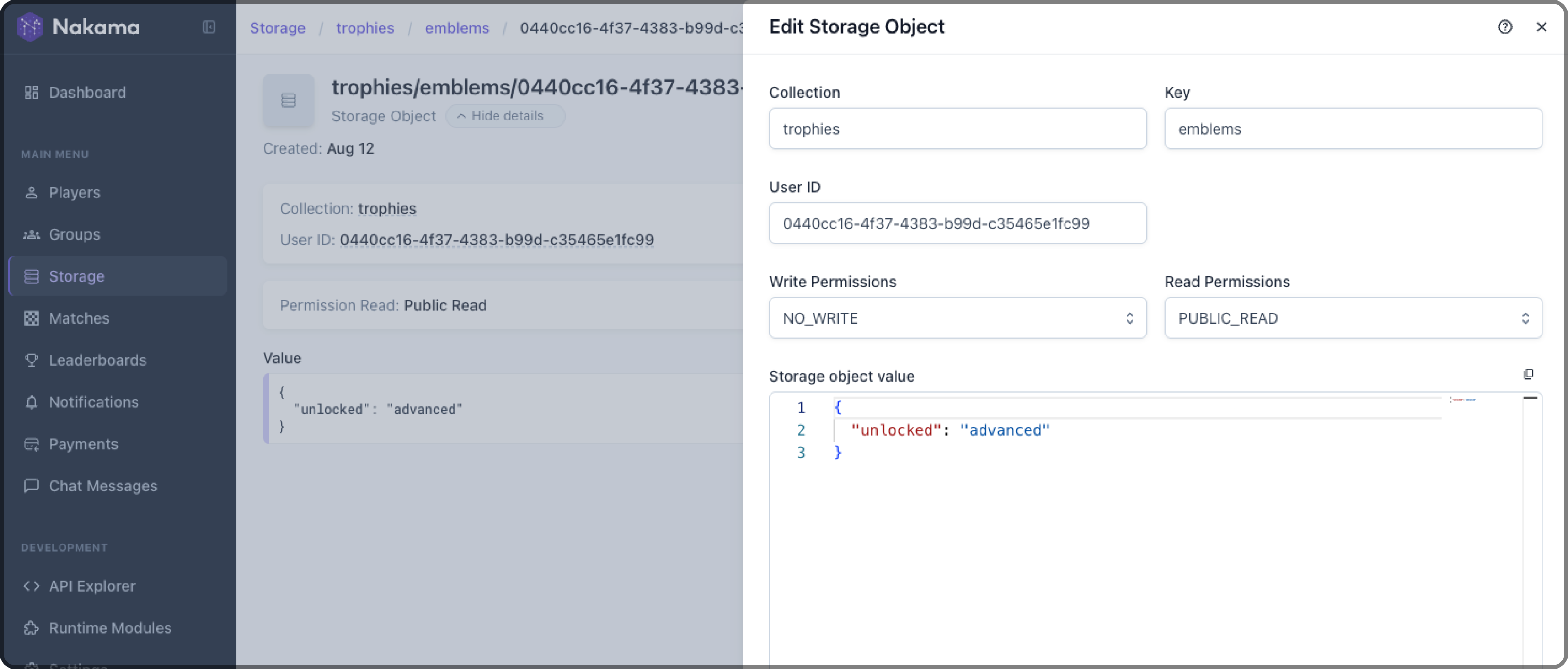
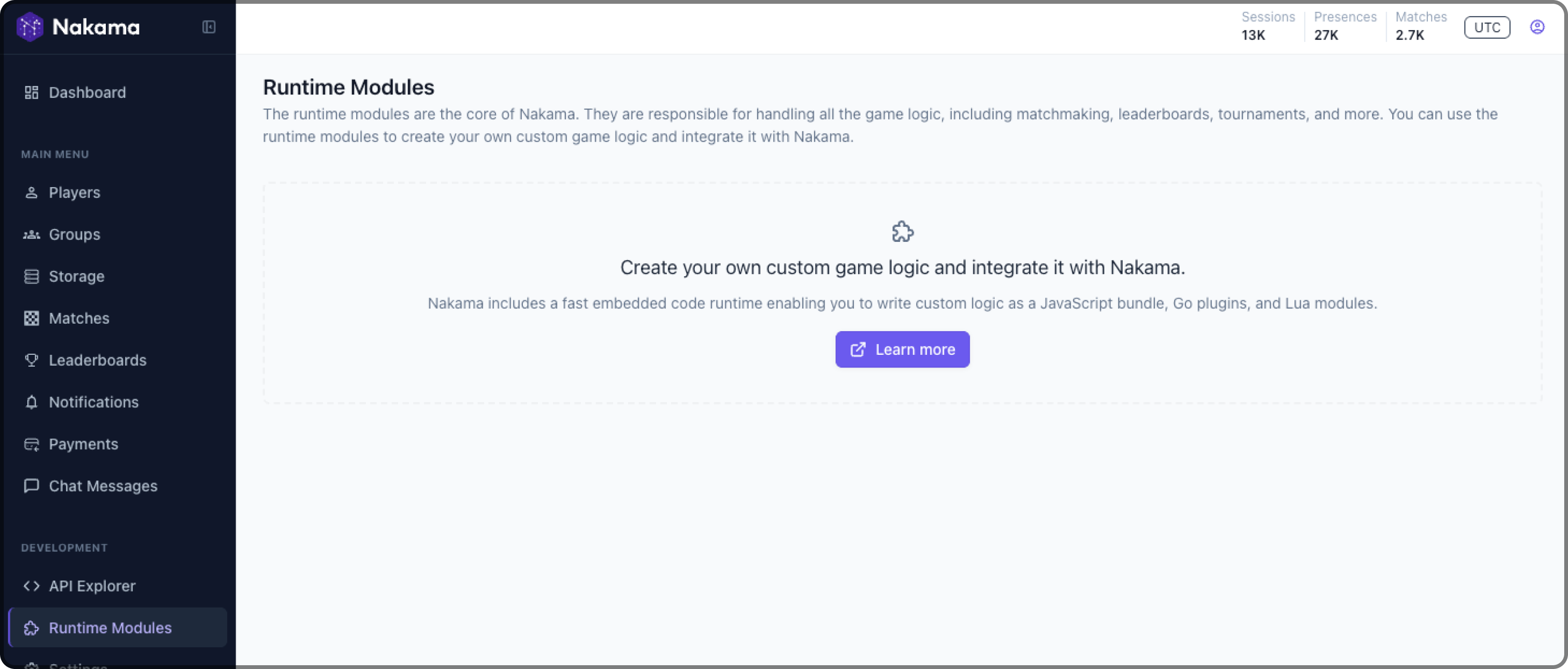
The server provides a web UI which teams can use to inspect various data stored through the server APIs, view lightweight service metrics, manage player data, update storage objects, restrict access to production with permission profiles, and gain visibility into realtime features like active multiplayer matches. There is no separate installation required as it is embedded as part of the single server binary.
You can navigate to it on your browser on http://127.0.0.1:7351.
View Screenshots
Deployment
Nakama can be deployed to any cloud provider such as Google Cloud, Azure, AWS, Digital Ocean, Heroku, or your own private cloud. You should setup and provision separate nodes for Nakama and CockroachDB.
The recommended minimum production infrastructure for CockroachDB is outlined in these docs and Nakama can be run on instance types as small as "g1-small" on Google Cloud although we recommend a minimum of "n1-standard-1" in production. The specific hardware requirements will depend on what features of the server are used. Reach out to us for help and advice on what servers to run.
Heroic Cloud
You can support development, new features, and maintainance of the server by using the Heroic Labs' Heroic Cloud for deployment. This service handles the uptime, replication, backups, logs, data upgrades, and all other tasks involved with production server environments.
Have a look at our Heroic Cloud service for more details.
Contribute
The development roadmap is managed as GitHub issues and pull requests are welcome. If you're interested to add a feature which is not mentioned on the issue tracker please open one to create a discussion or drop in and discuss it in the community forum.
Simple Builds
All dependencies required for a build are vendored as part of the Go project. We recommend a modern release of the Go toolchain and do not store the codebase in the old GOPATH.
Download the source tree.
git clone "https://github.com/heroiclabs/nakama" nakama
cd nakama
Build the project from source.
go build -trimpath -mod=vendor
./nakama --version
Full Source Builds
The codebase uses Protocol Buffers, GRPC, GRPC-Gateway, buf, and the OpenAPI spec as part of the project. These dependencies are generated as sources and committed to the repository to simplify builds for contributors.
To build the codebase and generate all sources follow these steps.
Install the toolchain.
go install \
    "google.golang.org/protobuf/cmd/protoc-gen-go" \
    "google.golang.org/grpc/cmd/protoc-gen-go-grpc" \
    "github.com/grpc-ecosystem/grpc-gateway/v2/protoc-gen-grpc-gateway" \
    "github.com/grpc-ecosystem/grpc-gateway/v2/protoc-gen-openapiv2"
Install buf.
Re-generate the protocol buffers and gateway code.
# Run the shell script:
./buf.sh
Build the codebase.
go build -trimpath -mod=vendor
Testing
In order to run all the unit and integration tests run:
docker-compose -f ./docker-compose-tests.yml up --build --abort-on-container-exit; docker-compose -f ./docker-compose-tests.yml down -v
This will create an isolated environment with Nakama and database instances, run
all the tests, and drop the environment afterwards.
License
This project is licensed under the Apache-2 License.

 Nakama 是一款可扩展的开源游戏服务器,提供多人联机、匹配、排行榜、锦标赛、聊天、组队和社交功能,让游戏工作室无需从零搭建后端基础设施。