





Что это такое?
 Nakama — это масштабируемый игровой сервер с открытым исходным кодом. Он предоставляет многопользовательский режим, подбор игроков, таблицы лидеров, турниры, чат, группы игроков и социальные функции, чтобы игровым студиям не приходилось создавать серверную инфраструктуру с нуля.
Nakama — это масштабируемый игровой сервер с открытым исходным кодом. Он предоставляет многопользовательский режим, подбор игроков, таблицы лидеров, турниры, чат, группы игроков и социальные функции, чтобы игровым студиям не приходилось создавать серверную инфраструктуру с нуля.Это библиотека, которую я подключаю, или отдельный сервер, который я запускаю?Это отдельный серверный исполняемый файл (или Docker-контейнер), к которому игровые клиенты подключаются по GRPC, REST, WebSocket или rUDP. Клиентские SDK есть для Unity, Unreal, Godot, .NET, JavaScript, Java/Android и Swift/iOS.
Это отдельный серверный исполняемый файл (или Docker-контейнер), к которому игровые клиенты подключаются по GRPC, REST, WebSocket или rUDP. Клиентские SDK есть для Unity, Unreal, Godot, .NET, JavaScript, Java/Android и Swift/iOS.Как это запустить?Самый быстрый способ — Docker: создайте файл docker-compose и выполните 'docker-compose -f ./docker-compose.yml up'. Также можно скачать нативные бинарные файлы, выполнить миграцию базы данных и запустить Nakama с подключением к ней.
Самый быстрый способ — Docker: создайте файл docker-compose и выполните 'docker-compose -f ./docker-compose.yml up'. Также можно скачать нативные бинарные файлы, выполнить миграцию базы данных и запустить Nakama с подключением к ней.Нужна ли для этого конкретная база данных?Да, Nakama требует CockroachDB или другую базу данных, совместимую с протоколом Postgres, в качестве хранилища.
Да, Nakama требует CockroachDB или другую базу данных, совместимую с протоколом Postgres, в качестве хранилища.Можно ли расширять логику сервера и на каких языках?Да, можно писать собственную серверную логику на Lua, TypeScript/JavaScript или нативном Go, чтобы выйти за рамки встроенных возможностей сервера.
Да, можно писать собственную серверную логику на Lua, TypeScript/JavaScript или нативном Go, чтобы выйти за рамки встроенных возможностей сервера.Какие игровые движки поддерживаются официально?Официальные клиентские библиотеки есть для Unity, Unreal Engine, Godot, Defold, а также для .NET/C#, JavaScript, Java/Android и Swift/iOS для собственных приложений.
Официальные клиентские библиотеки есть для Unity, Unreal Engine, Godot, Defold, а также для .NET/C#, JavaScript, Java/Android и Swift/iOS для собственных приложений.Где можно развернуть сервер?Nakama можно развернуть у любого облачного провайдера, например Google Cloud, Azure, AWS, Digital Ocean, Heroku, или на собственной частной инфраструктуре. Кроме того, разработчик предлагает управляемый вариант «Heroic Cloud».
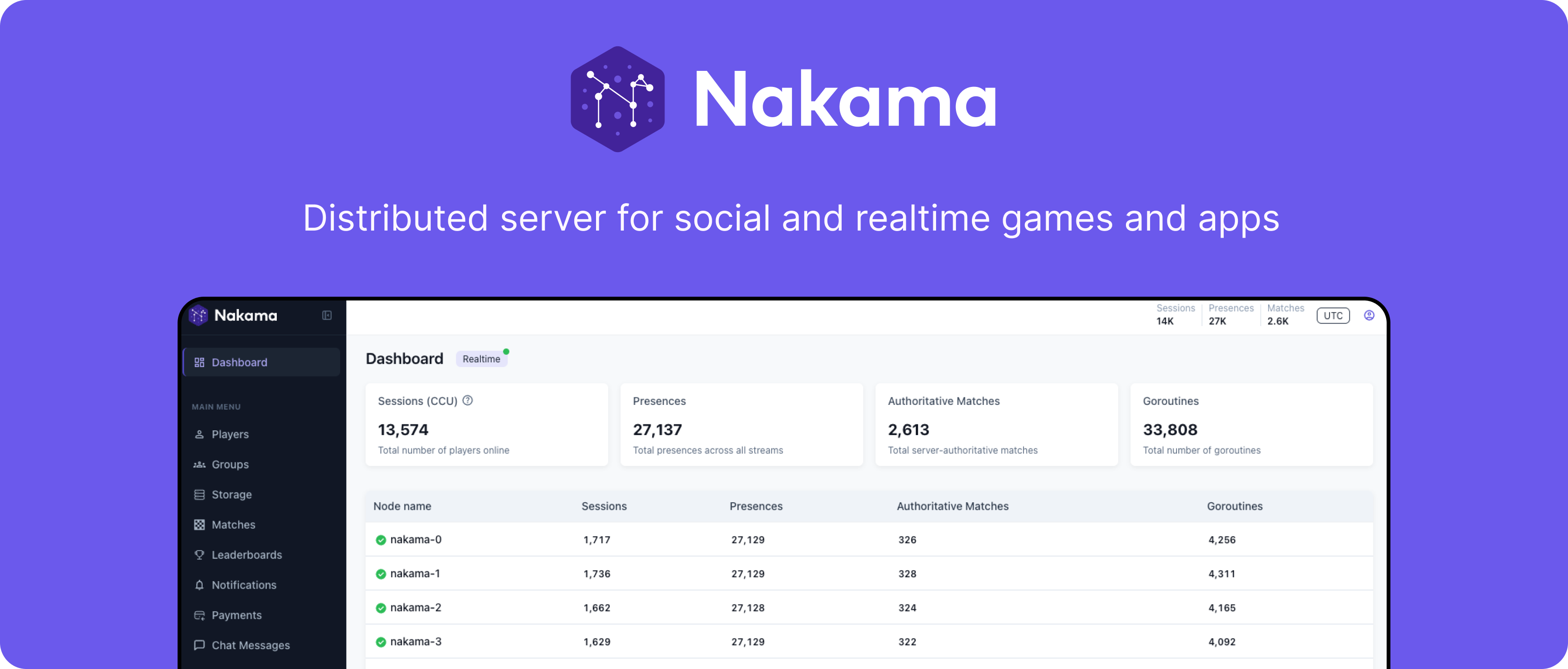
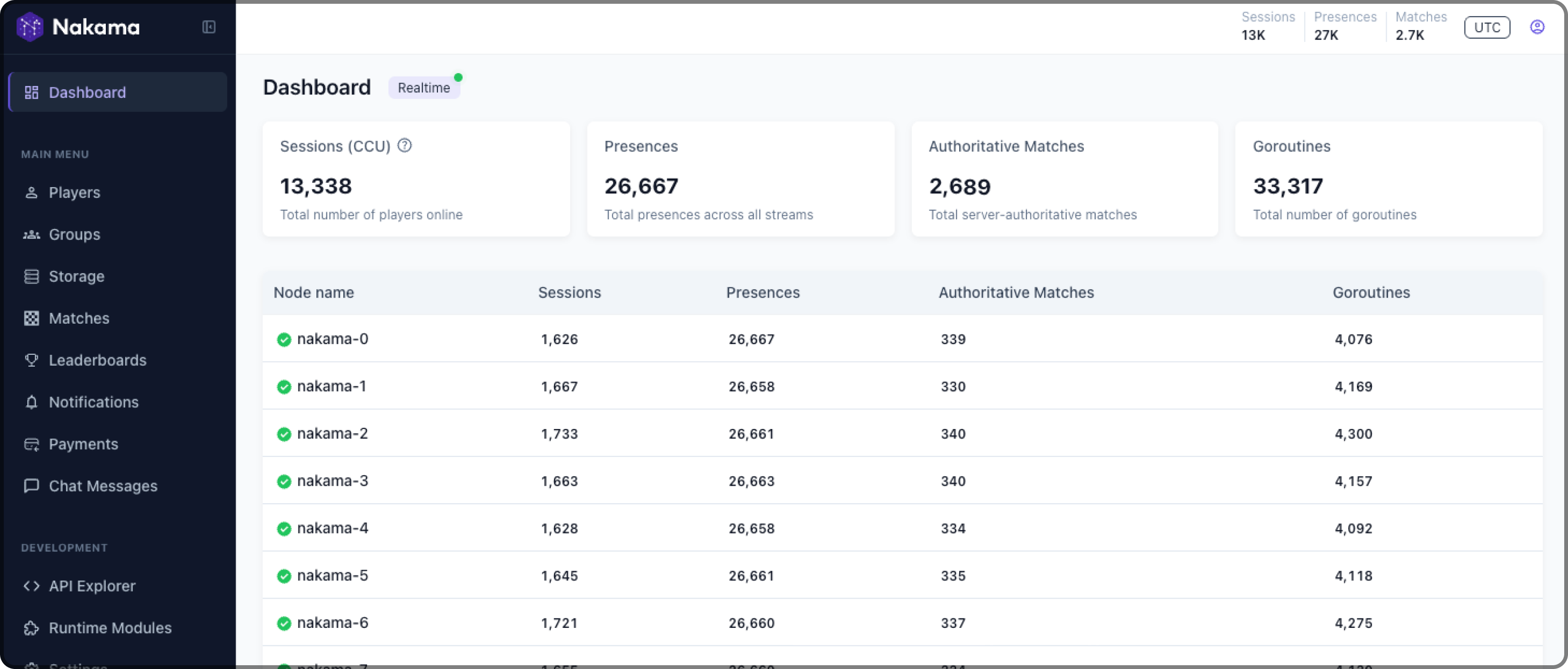
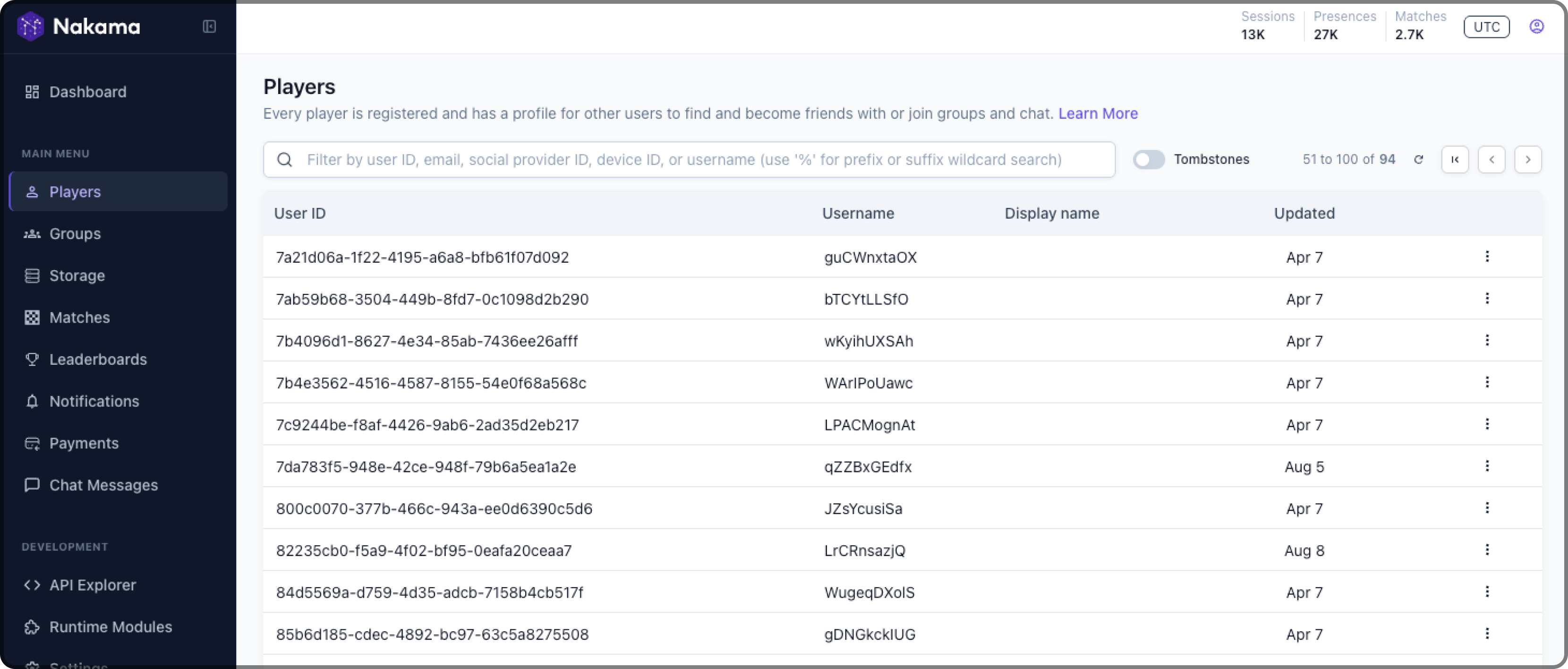
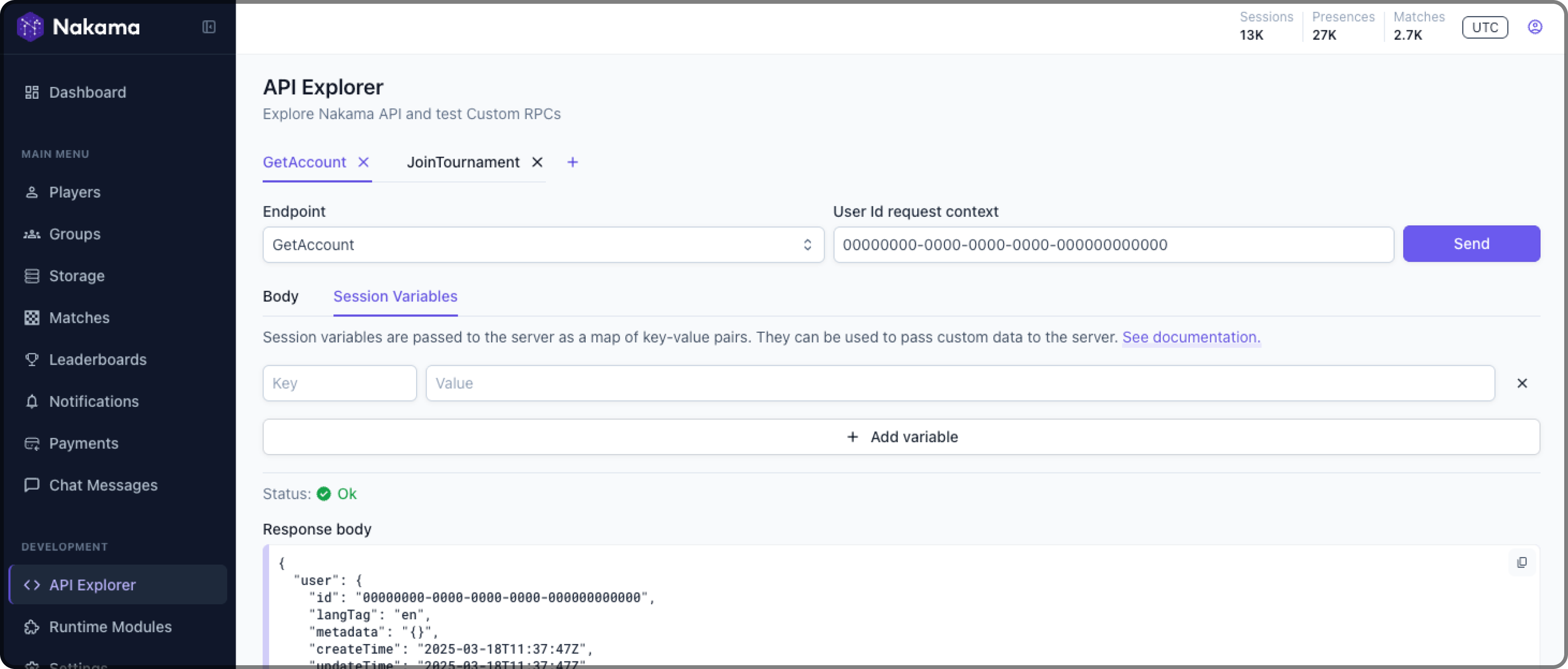
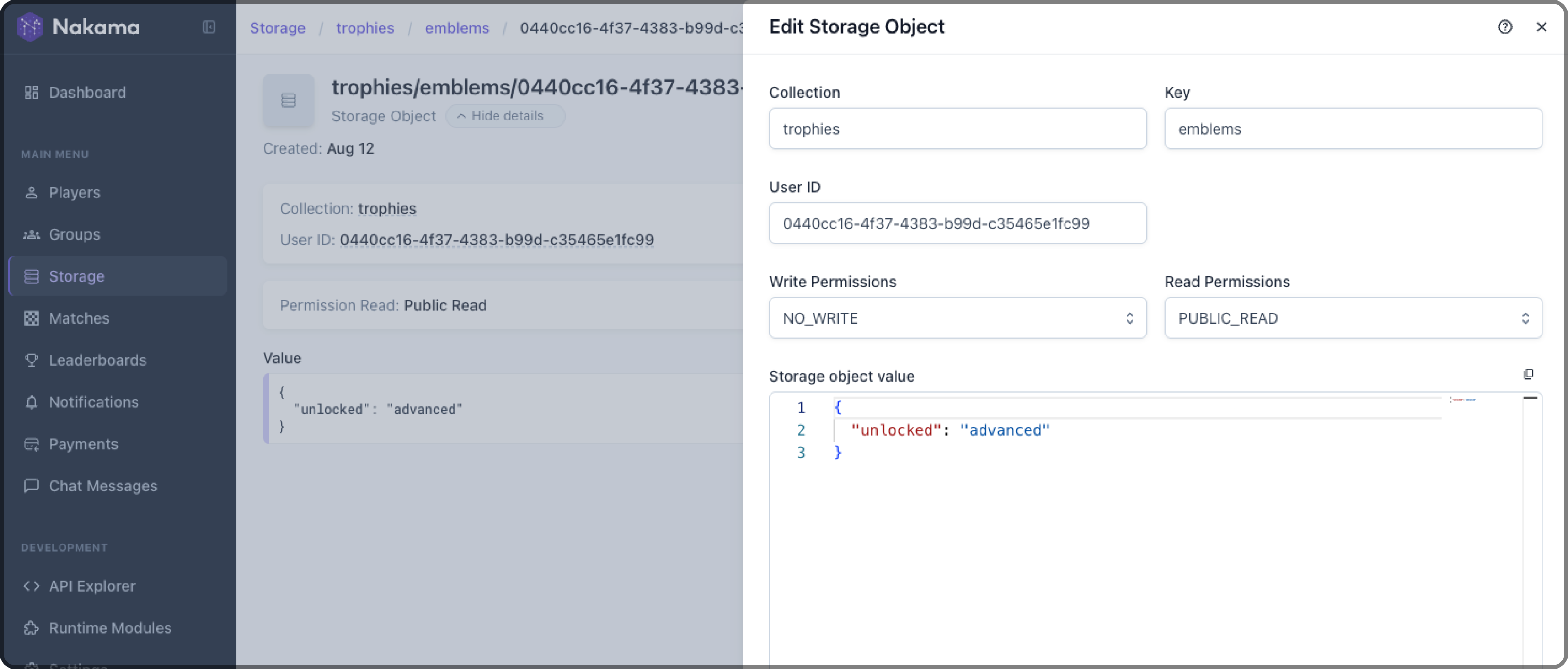
Nakama можно развернуть у любого облачного провайдера, например Google Cloud, Azure, AWS, Digital Ocean, Heroku, или на собственной частной инфраструктуре. Кроме того, разработчик предлагает управляемый вариант «Heroic Cloud».Есть ли в комплекте панель администратора?Да, веб-интерфейс Nakama Console встроен в серверный исполняемый файл. Он позволяет командам просматривать сохранённые данные, смотреть метрики, управлять данными игроков и следить за активными матчами без отдельной установки.
Да, веб-интерфейс Nakama Console встроен в серверный исполняемый файл. Он позволяет командам просматривать сохранённые данные, смотреть метрики, управлять данными игроков и следить за активными матчами без отдельной установки.Какие протоколы связи в реальном времени поддерживаются?Для игрового процесса в реальном времени поддерживаются WebSocket или rUDP, а для запросов и ответов можно использовать GRPC или запасной вариант — REST по HTTP1.1+JSON.
Для игрового процесса в реальном времени поддерживаются WebSocket или rUDP, а для запросов и ответов можно использовать GRPC или запасной вариант — REST по HTTP1.1+JSON.Какие функции для соцсетей и монетизации есть из коробки?Из коробки поддерживаются социальный вход (через соцсети, email или ID устройства), друзья и группы, чат с историей, таблицы лидеров и турниры, группы игроков, проверка покупок в приложении и push-уведомления подключённым клиентам.
Из коробки поддерживаются социальный вход (через соцсети, email или ID устройства), друзья и группы, чат с историей, таблицы лидеров и турниры, группы игроков, проверка покупок в приложении и push-уведомления подключённым клиентам.Есть ли управляемый хостинг, если я не хочу запускать сервер сам?Да, Heroic Labs предлагает платный управляемый сервис «Heroic Cloud», который берёт на себя аптайм, репликацию, резервное копирование, логи и обновления.
Да, Heroic Labs предлагает платный управляемый сервис «Heroic Cloud», который берёт на себя аптайм, репликацию, резервное копирование, логи и обновления.What are similar projects?SpacetimeDB, 3d-game-shaders-for-beginners, centrifugo, luanti, xLua, MonoGame, UnityCsReference, unity-mcp
SpacetimeDB, 3d-game-shaders-for-beginners, centrifugo, luanti, xLua, MonoGame, UnityCsReference, unity-mcpWhich topics is it in?cockroachdb, unity3d, godot, unreal-engine, unity, multiplayer, grpc, gamedev, lua, chat, game-development, dotnet
cockroachdb, unity3d, godot, unreal-engine, unity, multiplayer, grpc, gamedev, lua, chat, game-development, dotnet