





1.4K ·GitHub
这是什么?
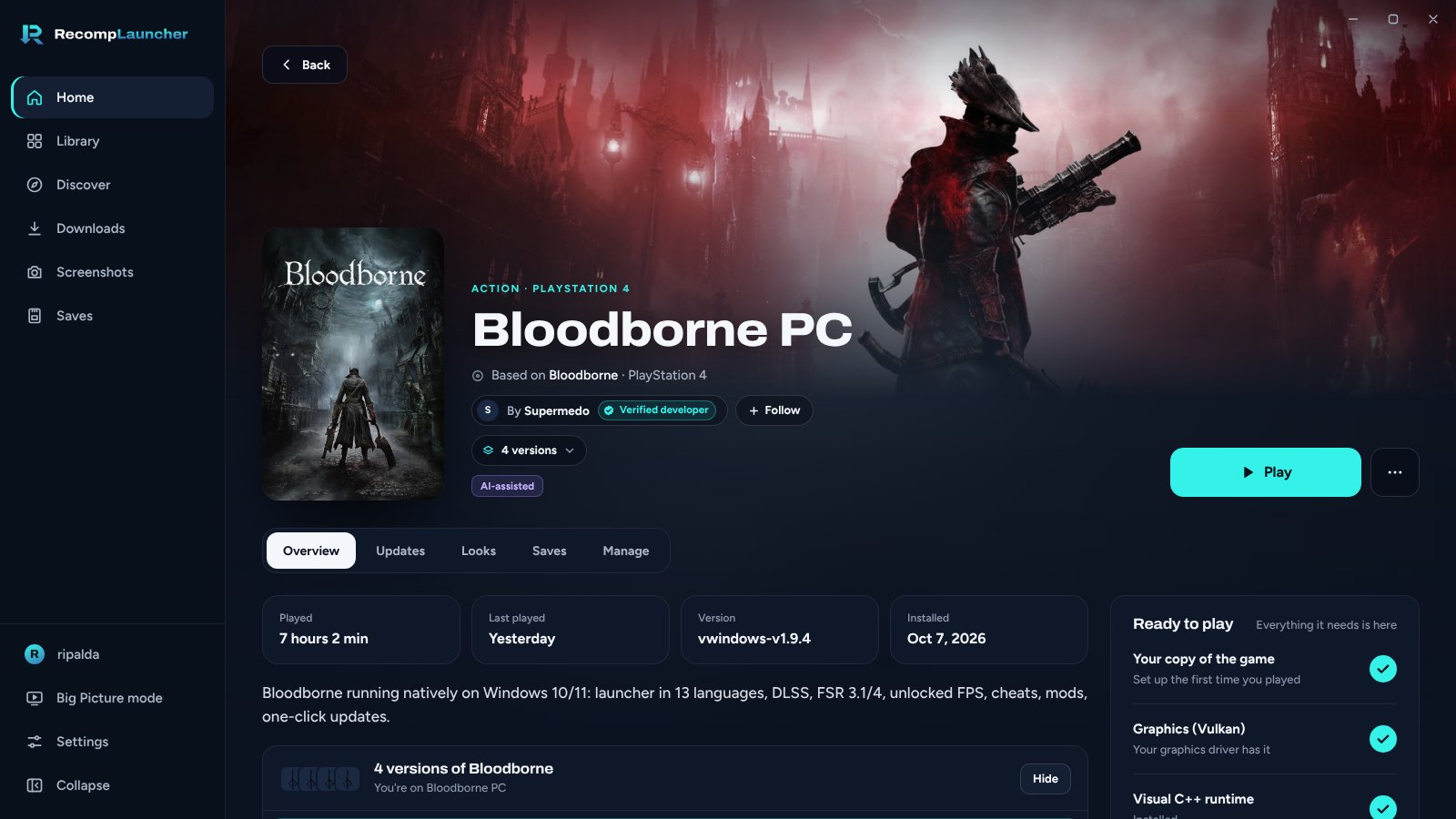
 这是一个 PC recomp 启动器。recomp 是由原游戏开发者根据原版主机游戏制作的原生 PC 版本。它能在一个地方查找、安装、更新和运行这些游戏,游戏本体需要你自己提供副本。
recomp 和模拟器是一回事吗?不是。recomp 是开发者基于原版游戏亲自制作的原生 PC 移植版,并不是运行游戏代码的主机模拟器。
不是。recomp 是开发者基于原版游戏亲自制作的原生 PC 移植版,并不是运行游戏代码的主机模拟器。怎么把它运行起来?在 Windows 10 或 11(64 位)上,从 Releases 页面下载安装文件并运行。测试版期间,Windows 可能会显示「Windows 已保护你的电脑」的警告:点击「更多信息」,然后点击「仍要运行」。
在 Windows 10 或 11(64 位)上,从 Releases 页面下载安装文件并运行。测试版期间,Windows 可能会显示「Windows 已保护你的电脑」的警告:点击「更多信息」,然后点击「仍要运行」。我需要自己有游戏副本吗?需要。启动器不包含游戏文件,也从不下载任何游戏文件。每个 recomp 都来自其开发者的 GitHub,你需要用自己的游戏副本进行设置,例如在 Easy Setup 中指定游戏的光盘镜像或游戏文件夹。
需要。启动器不包含游戏文件,也从不下载任何游戏文件。每个 recomp 都来自其开发者的 GitHub,你需要用自己的游戏副本进行设置,例如在 Easy Setup 中指定游戏的光盘镜像或游戏文件夹。macOS 版本有什么需要注意的吗?有。这些是测试版,未经 Apple 公证,因此 macOS 可能会在首次启动时阻止运行。它们支持以 ZIP、DMG、RAR 或 7z 格式打包的原生 Mac 游戏。
有。这些是测试版,未经 Apple 公证,因此 macOS 可能会在首次启动时阻止运行。它们支持以 ZIP、DMG、RAR 或 7z 格式打包的原生 Mac 游戏。支持哪些平台?Windows 10 或 11(64 位)是主要支持目标。macOS 支持目前从面向 Apple Silicon 的测试版开始,Arch Linux 提供原生 .pkg.tar.zst 安装包。
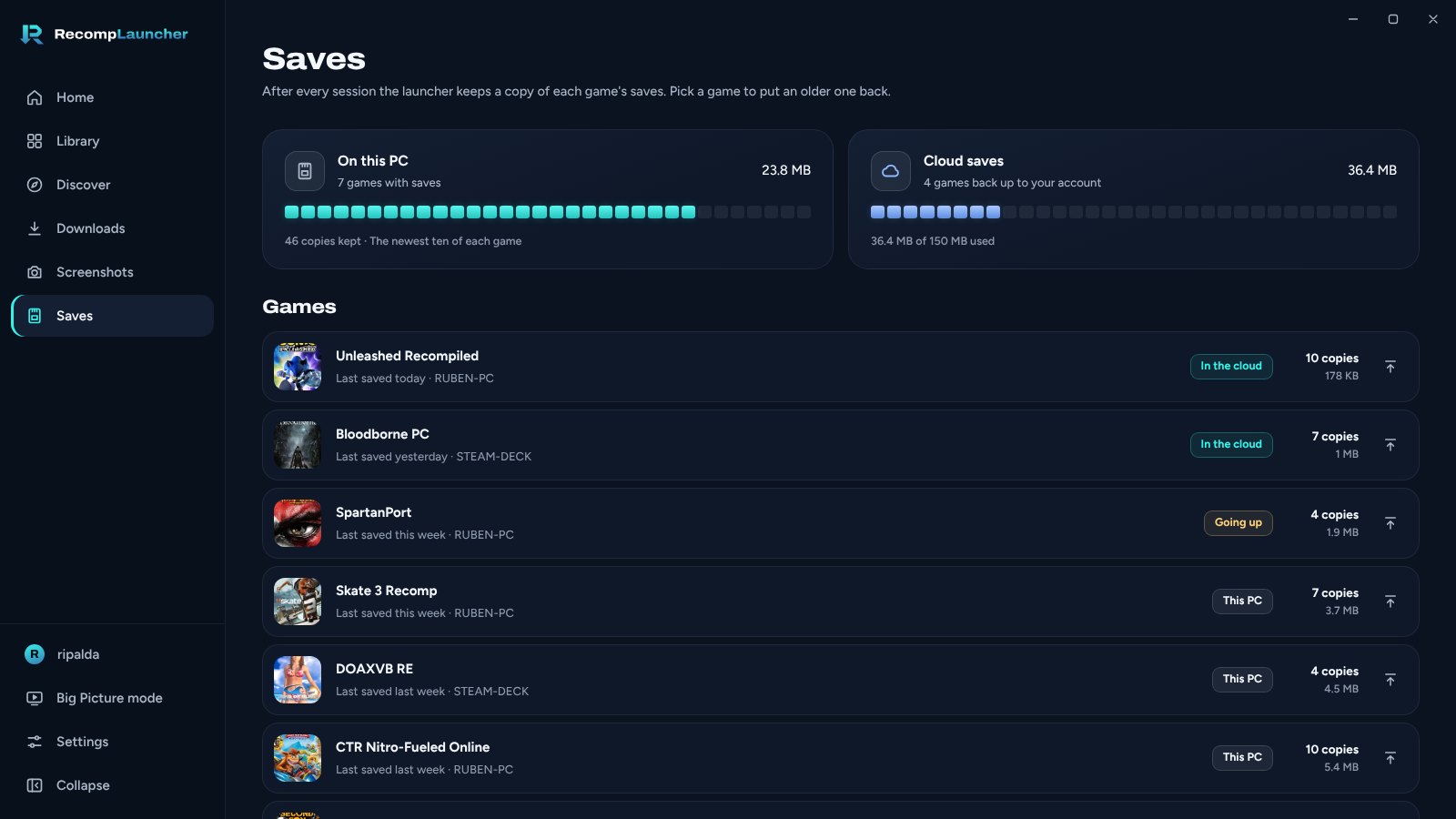
Windows 10 或 11(64 位)是主要支持目标。macOS 支持目前从面向 Apple Silicon 的测试版开始,Arch Linux 提供原生 .pkg.tar.zst 安装包。我可以备份或同步游戏存档吗?每次更新前都会备份存档,使用免费账户还可以使用云存档。
每次更新前都会备份存档,使用免费账户还可以使用云存档。什么是 Big Picture 模式?这是一种专为手柄和电视设计的全屏界面。在这个模式中同样可以设置让启动器在后台保持运行。
这是一种专为手柄和电视设计的全屏界面。在这个模式中同样可以设置让启动器在后台保持运行。关闭窗口后会发生什么?对于新安装的启动器,关闭窗口后会直接退出,因为「后台运行」默认关闭。若要保留在系统托盘中,请前往「设置 > 常规」开启该选项。已在运行的游戏会继续运行。
对于新安装的启动器,关闭窗口后会直接退出,因为「后台运行」默认关闭。若要保留在系统托盘中,请前往「设置 > 常规」开启该选项。已在运行的游戏会继续运行。我能把自己的 recomp 添加到启动器里吗?可以。在你的发布版本中添加 recomplauncher.json,即可实现一键设置、启动器内设置以及 Big Picture 支持。指南见 docs/DEVELOPERS.md。
可以。在你的发布版本中添加 recomplauncher.json,即可实现一键设置、启动器内设置以及 Big Picture 支持。指南见 docs/DEVELOPERS.md。有哪些类似的项目?gt4-staticrecomp, dsh_desktop, tauri, Eglantine, pokemon-fulldex, ocarina-recomp, ShadowRecomp, LanternEngine
gt4-staticrecomp, dsh_desktop, tauri, Eglantine, pokemon-fulldex, ocarina-recomp, ShadowRecomp, LanternEngine它属于哪些主题?retro-gaming, game-preservation, auto-update, backup, tauri, installer, game, gaming, ui, cloud, gplv3, rust
retro-gaming, game-preservation, auto-update, backup, tauri, installer, game, gaming, ui, cloud, gplv3, rust