

1.4K ·GitHub
Что это такое?
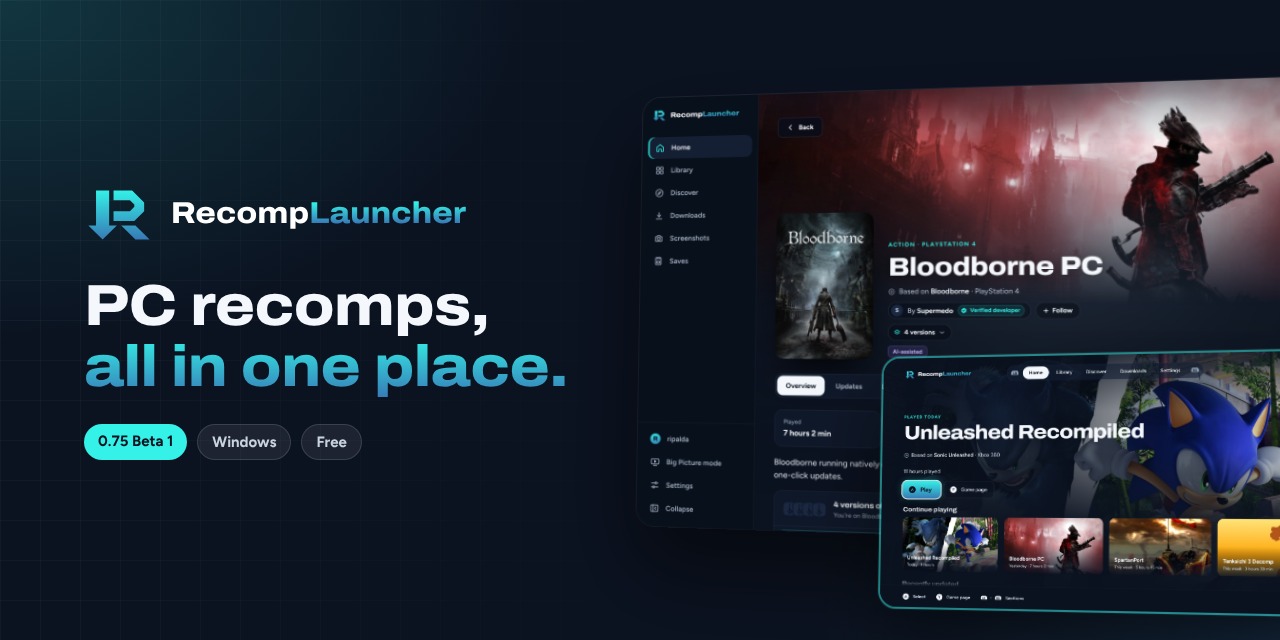
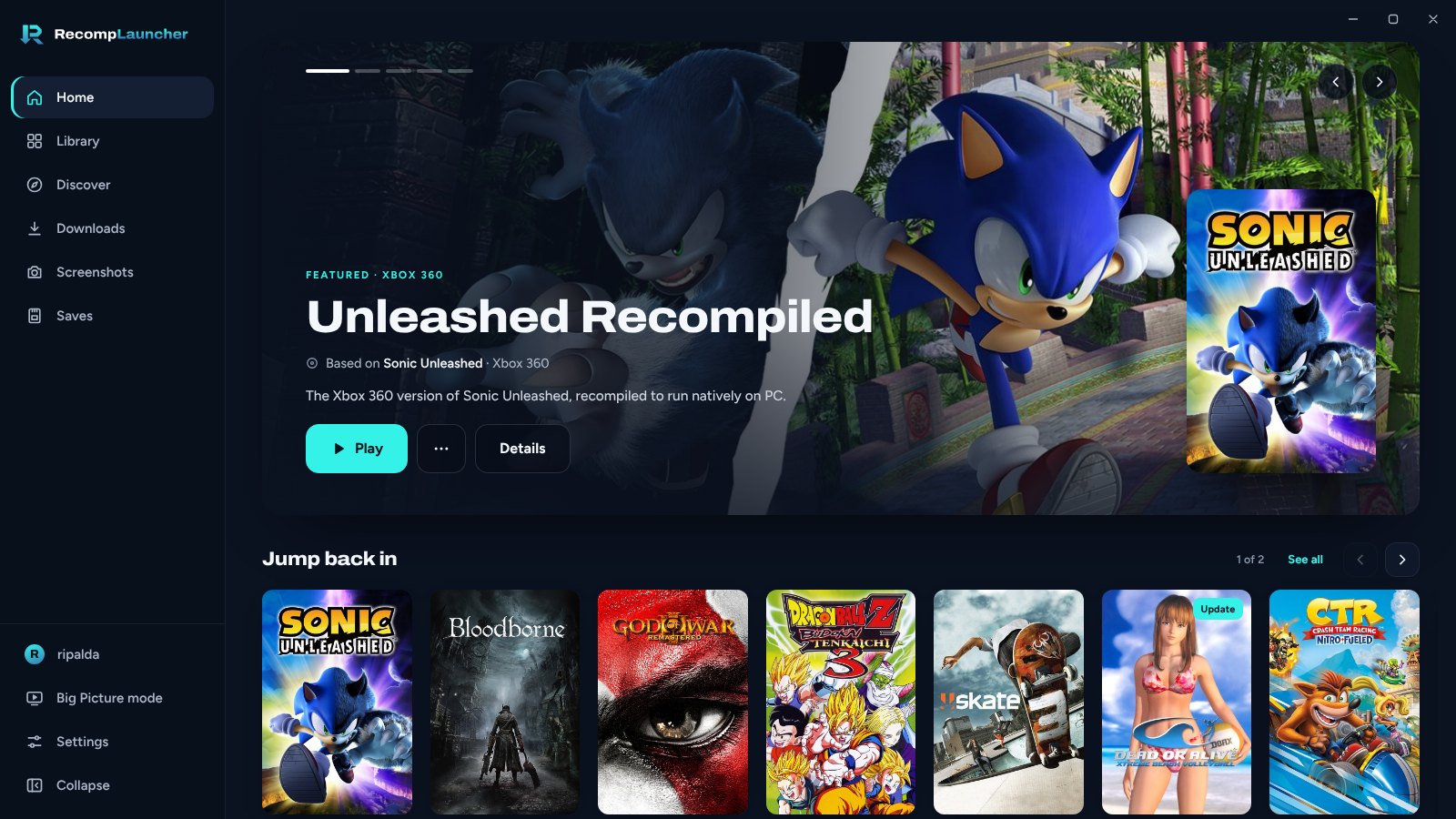
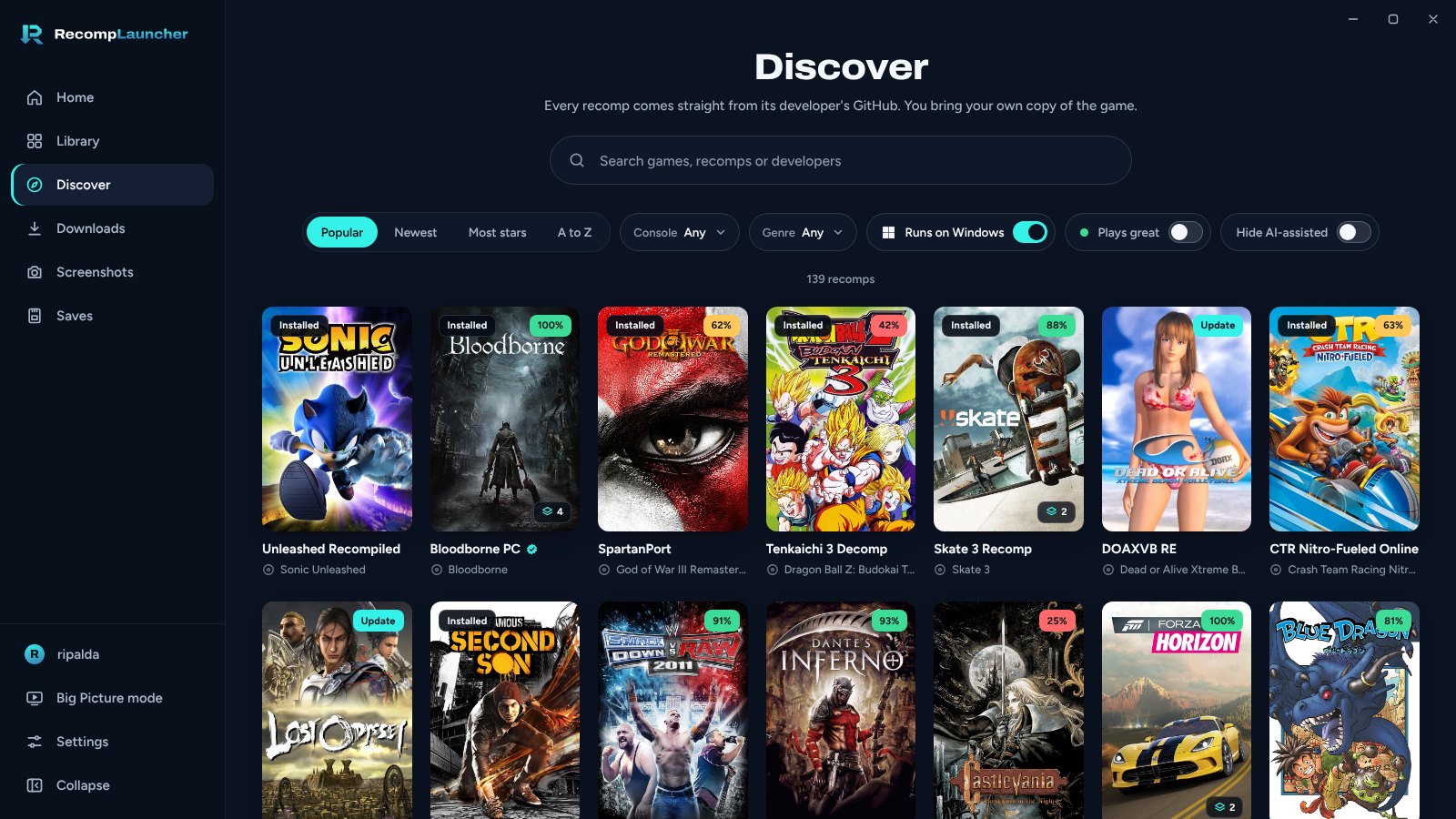
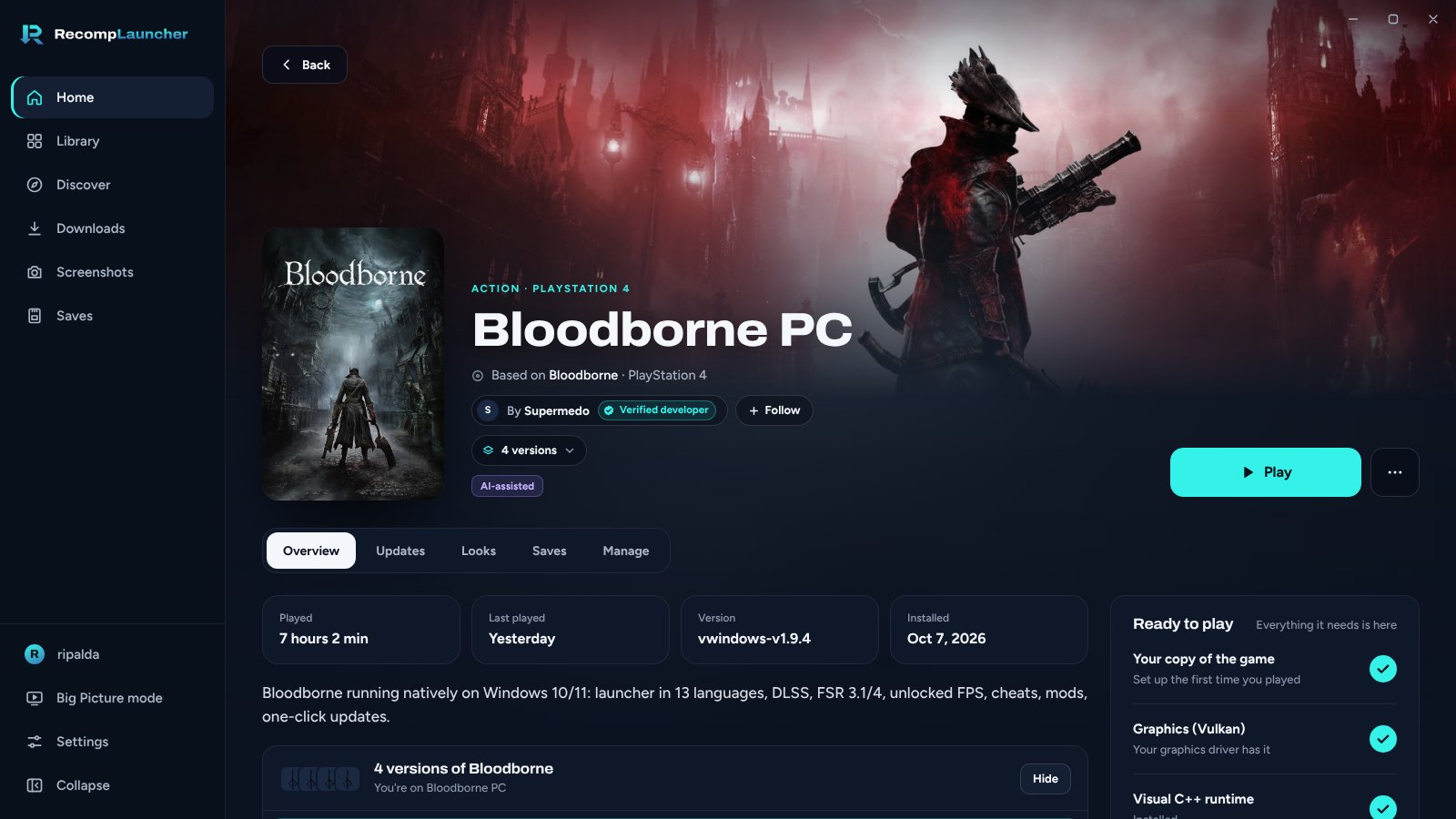
 Лаунчер для PC-рекомпов, то есть нативных PC-версий консольных игр, которые создают сами разработчики на основе оригинальной игры. Он находит, устанавливает, обновляет и запускает их из одного места, а копию игры вы предоставляете сами.
Рекомп — это то же самое, что эмулятор?Нет. Рекомп — это нативная PC-версия, которую разработчики сами создали на основе оригинальной игры, а не эмулятор консоли, который запускает код игры.
Нет. Рекомп — это нативная PC-версия, которую разработчики сами создали на основе оригинальной игры, а не эмулятор консоли, который запускает код игры.Как всё запустить?На Windows 10 или 11 (64-бит) скачайте установочный файл на странице Releases и запустите его. Во время бета-версии Windows может показать предупреждение «Windows protected your PC»: нажмите More info, затем Run anyway.
На Windows 10 или 11 (64-бит) скачайте установочный файл на странице Releases и запустите его. Во время бета-версии Windows может показать предупреждение «Windows protected your PC»: нажмите More info, затем Run anyway.Нужна ли мне собственная копия игры?Да. Лаунчер не содержит файлов игр и никогда их не скачивает. Каждый рекомп берётся с GitHub разработчика, и настраивается он с вашей собственной копией игры, например, если указать Easy Setup путь к образу диска или папке с игрой.
Да. Лаунчер не содержит файлов игр и никогда их не скачивает. Каждый рекомп берётся с GitHub разработчика, и настраивается он с вашей собственной копией игры, например, если указать Easy Setup путь к образу диска или папке с игрой.Есть ли подводные камни у сборок для macOS?Да. Это тестовые сборки без нотаризации Apple, поэтому macOS может заблокировать первый запуск. Они поддерживают нативные игры для Mac, упакованные в ZIP, DMG, RAR или 7z.
Да. Это тестовые сборки без нотаризации Apple, поэтому macOS может заблокировать первый запуск. Они поддерживают нативные игры для Mac, упакованные в ZIP, DMG, RAR или 7z.Какие платформы поддерживаются?Основная цель — Windows 10 или 11 (64-бит). Поддержка macOS начинается с тестовых сборок для Apple Silicon, а для Arch Linux есть нативный пакет .pkg.tar.zst.
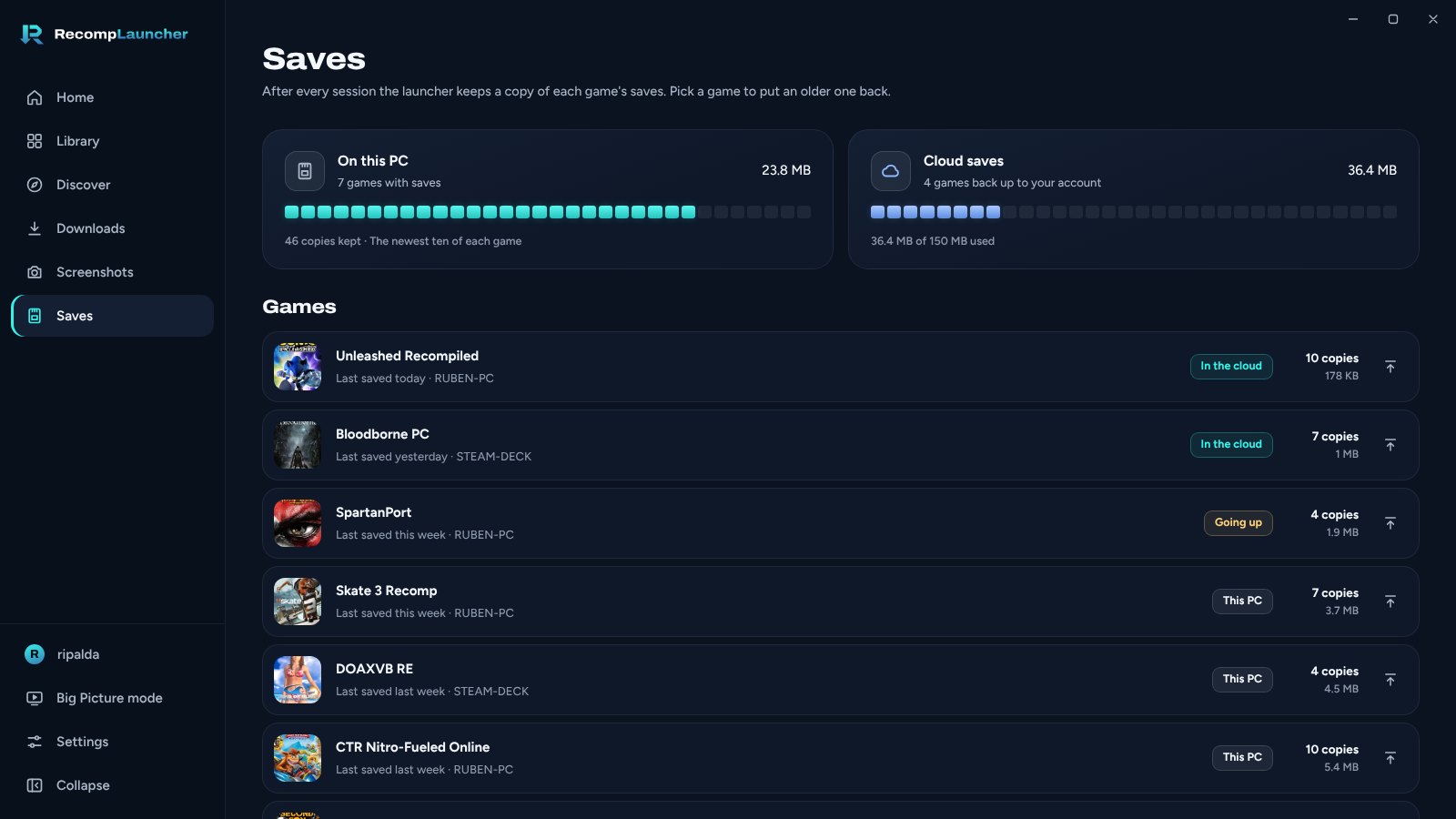
Основная цель — Windows 10 или 11 (64-бит). Поддержка macOS начинается с тестовых сборок для Apple Silicon, а для Arch Linux есть нативный пакет .pkg.tar.zst.Можно ли сделать резервную копию или синхронизировать мои сохранения игр?Сохранения копируются в резервную копию перед каждым обновлением, а облачные сохранения доступны с бесплатной учётной записью.
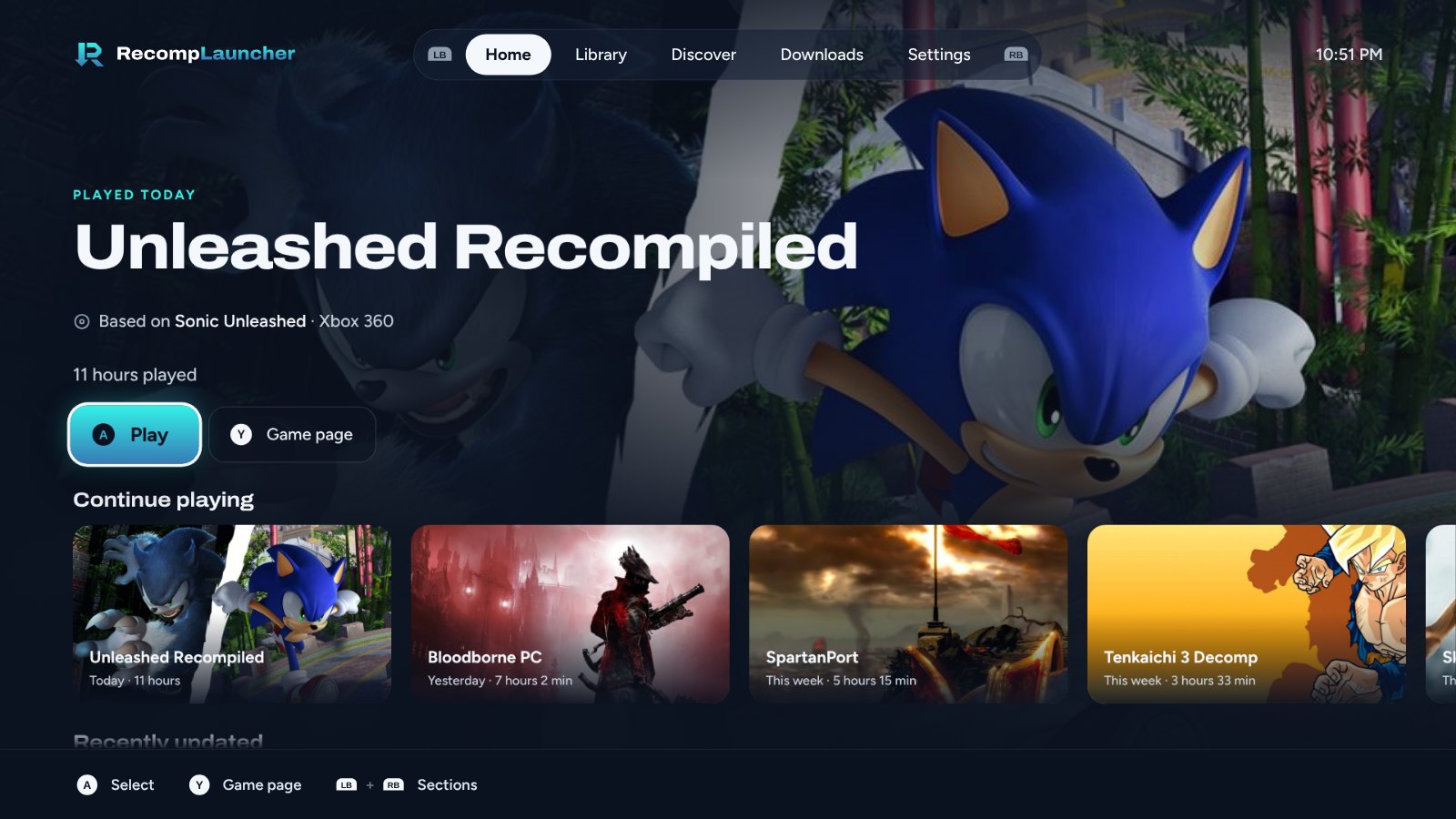
Сохранения копируются в резервную копию перед каждым обновлением, а облачные сохранения доступны с бесплатной учётной записью.Что такое режим Big Picture?Полноэкранный интерфейс для геймпада и телевизора. Внутри него также есть опция, которая позволяет оставить лаунчер работающим в фоне.
Полноэкранный интерфейс для геймпада и телевизора. Внутри него также есть опция, которая позволяет оставить лаунчер работающим в фоне.Что происходит, когда я закрываю окно?Для новых установок лаунчер завершает работу, так как «Run in background» по умолчанию выключено. Включите эту опцию в Settings > General, чтобы лаунчер остался в системном трее. Уже запущенные игры продолжают работать.
Для новых установок лаунчер завершает работу, так как «Run in background» по умолчанию выключено. Включите эту опцию в Settings > General, чтобы лаунчер остался в системном трее. Уже запущенные игры продолжают работать.Можно ли добавить свой рекомп в лаунчер?Да. Добавьте recomplauncher.json в свой релиз, чтобы получить настройку в один клик, настройки внутри лаунчера и поддержку Big Picture. Руководство находится в docs/DEVELOPERS.md.
Да. Добавьте recomplauncher.json в свой релиз, чтобы получить настройку в один клик, настройки внутри лаунчера и поддержку Big Picture. Руководство находится в docs/DEVELOPERS.md.Какие есть похожие проекты?gt4-staticrecomp, dsh_desktop, tauri, Eglantine, pokemon-fulldex, ocarina-recomp, ShadowRecomp, LanternEngine
gt4-staticrecomp, dsh_desktop, tauri, Eglantine, pokemon-fulldex, ocarina-recomp, ShadowRecomp, LanternEngineВ каких он темах?retro-gaming, game-preservation, auto-update, backup, tauri, installer, game, gaming, ui, cloud, gplv3, rust
retro-gaming, game-preservation, auto-update, backup, tauri, installer, game, gaming, ui, cloud, gplv3, rust