

Что это?
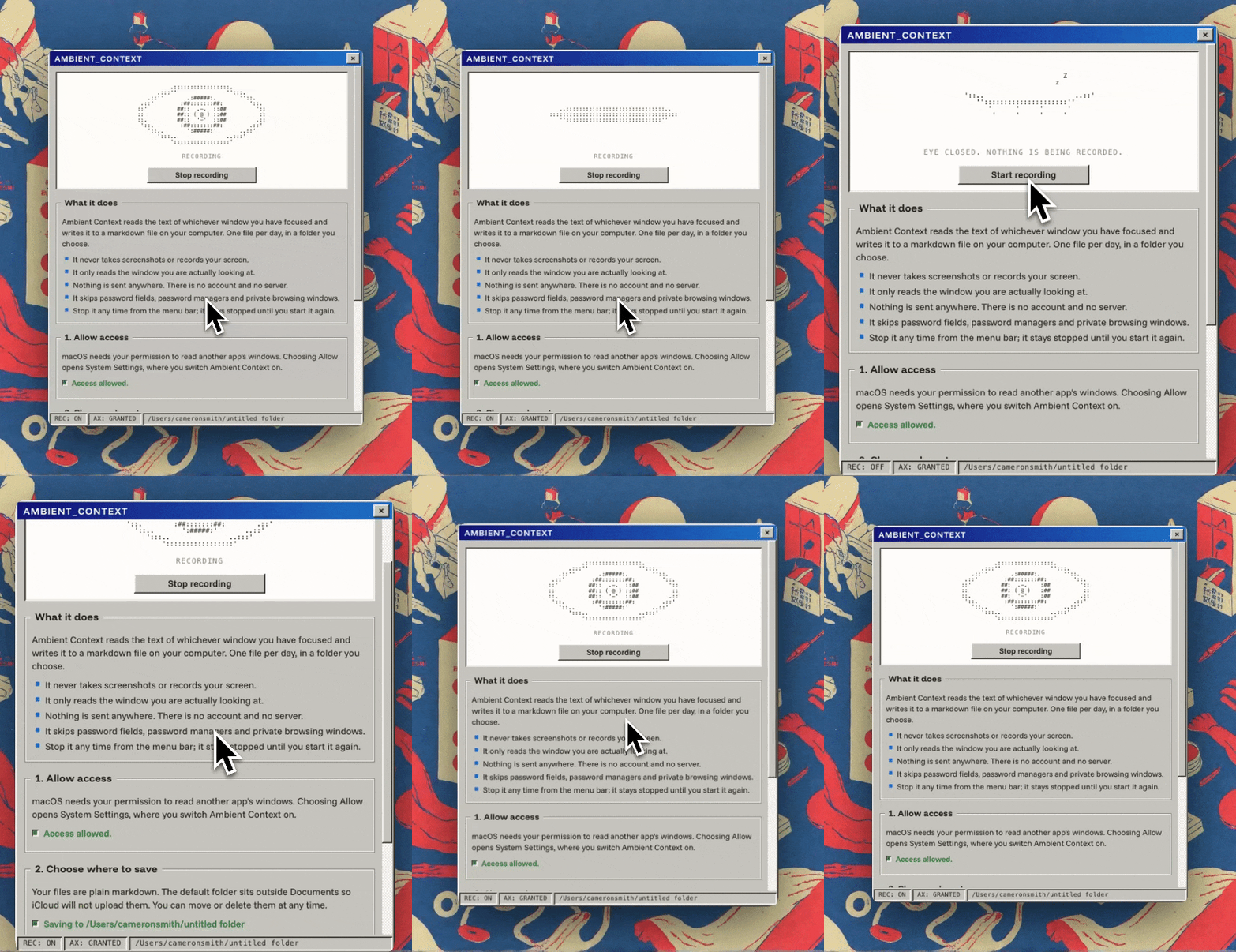
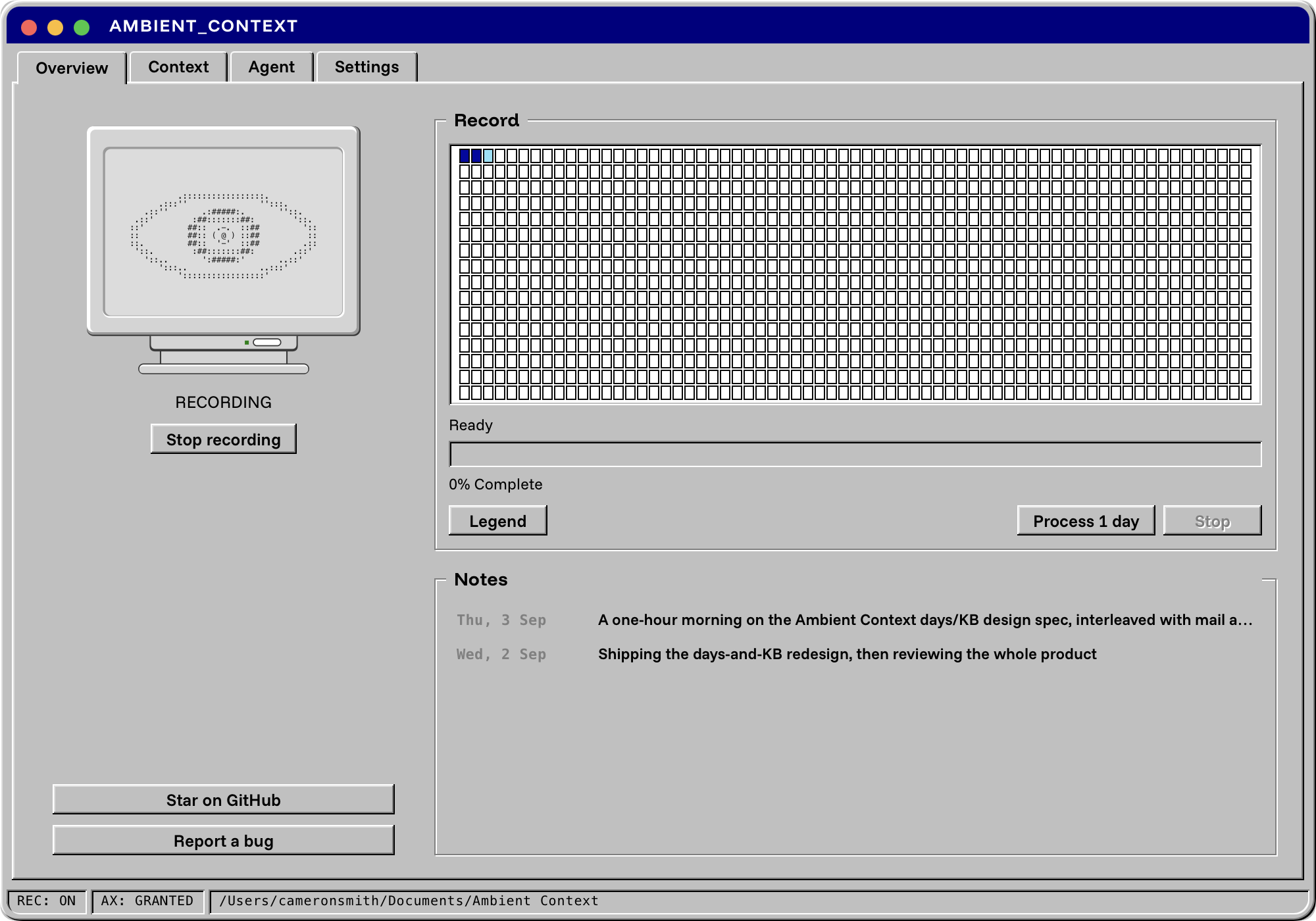
 Ambient Context — приложение для строки меню macOS, которое незаметно записывает, над чем вы работаете в течение дня, и превращает это в простые markdown-файлы, которые ваш ИИ-ассистент может использовать как контекст.
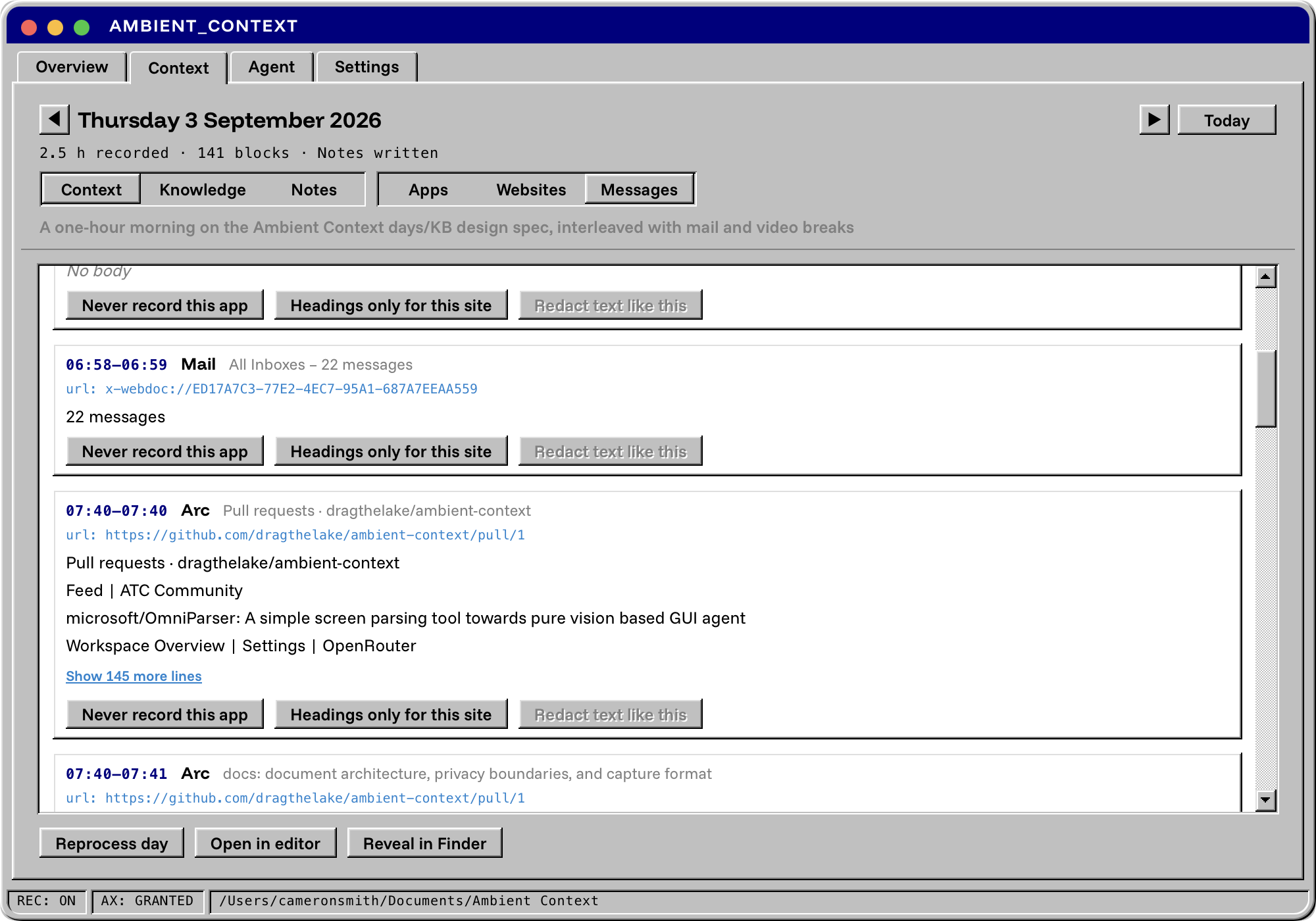
Ambient Context — приложение для строки меню macOS, которое незаметно записывает, над чем вы работаете в течение дня, и превращает это в простые markdown-файлы, которые ваш ИИ-ассистент может использовать как контекст.Он записывает автоматически или мне нужно вводить всё самому?Он постоянно работает в фоне: пока открыта иконка в строке меню, каждые несколько секунд он читает через дерево доступности macOS текст окна, находящегося в фокусе, и дописывает его в markdown-файл дня — без какого-либо ручного ввода.
Он постоянно работает в фоне: пока открыта иконка в строке меню, каждые несколько секунд он читает через дерево доступности macOS текст окна, находящегося в фокусе, и дописывает его в markdown-файл дня — без какого-либо ручного ввода.Как его установить и начать пользоваться?Скачайте подписанный, нотаризованный DMG из Releases, перетащите Ambient Context.app в Applications, откройте его, когда будет запрошено, выдайте доступ к Accessibility и выберите папку для хранения записей.
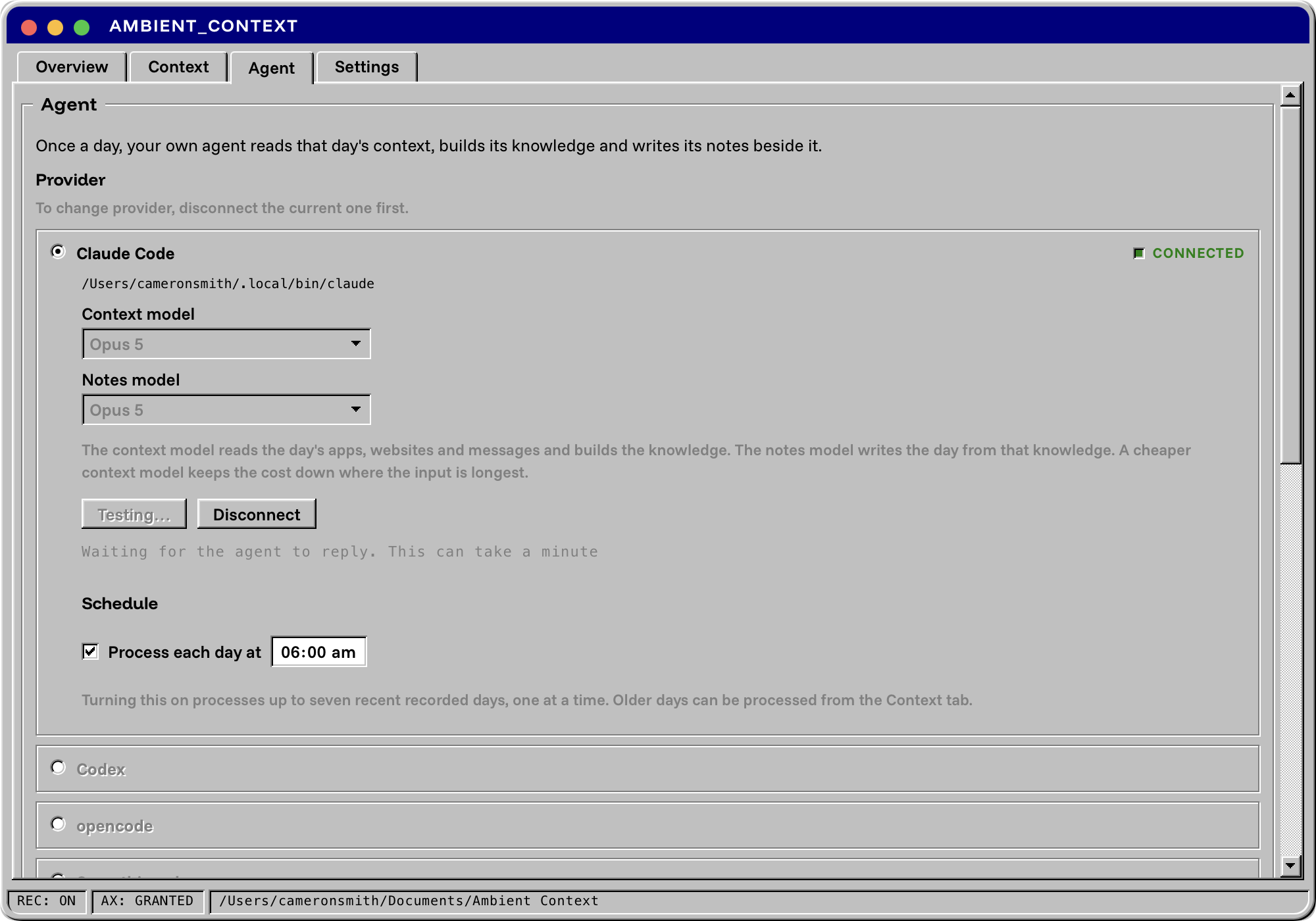
Скачайте подписанный, нотаризованный DMG из Releases, перетащите Ambient Context.app в Applications, откройте его, когда будет запрошено, выдайте доступ к Accessibility и выберите папку для хранения записей.Нужен ли мне агентский CLI вроде Claude Code для получения ежедневных сводок?Да — чтобы превратить сырую запись в базу Knowledge и заметки Notes за день, нужно подключить уже имеющийся у вас агентский CLI, например Claude Code, Codex или opencode. Сам Ambient Context никогда не обращается к модели.
Да — чтобы превратить сырую запись в базу Knowledge и заметки Notes за день, нужно подключить уже имеющийся у вас агентский CLI, например Claude Code, Codex или opencode. Сам Ambient Context никогда не обращается к модели.Одинаково ли хорошо он захватывает всё?В приложениях на Chromium и Electron (Chrome, Slack, VS Code, Obsidian, Figma) первые секунды захвата текста мало, а GPU-рендеренные терминалы вроде Kitty или Alacritty отдают мало текста или не отдают вовсе; Terminal.app и iTerm2 при этом работают нормально.
В приложениях на Chromium и Electron (Chrome, Slack, VS Code, Obsidian, Figma) первые секунды захвата текста мало, а GPU-рендеренные терминалы вроде Kitty или Alacritty отдают мало текста или не отдают вовсе; Terminal.app и iTerm2 при этом работают нормально.Работает ли он на Mac с Intel?Нет, только на macOS 14 или новее на Apple Silicon.
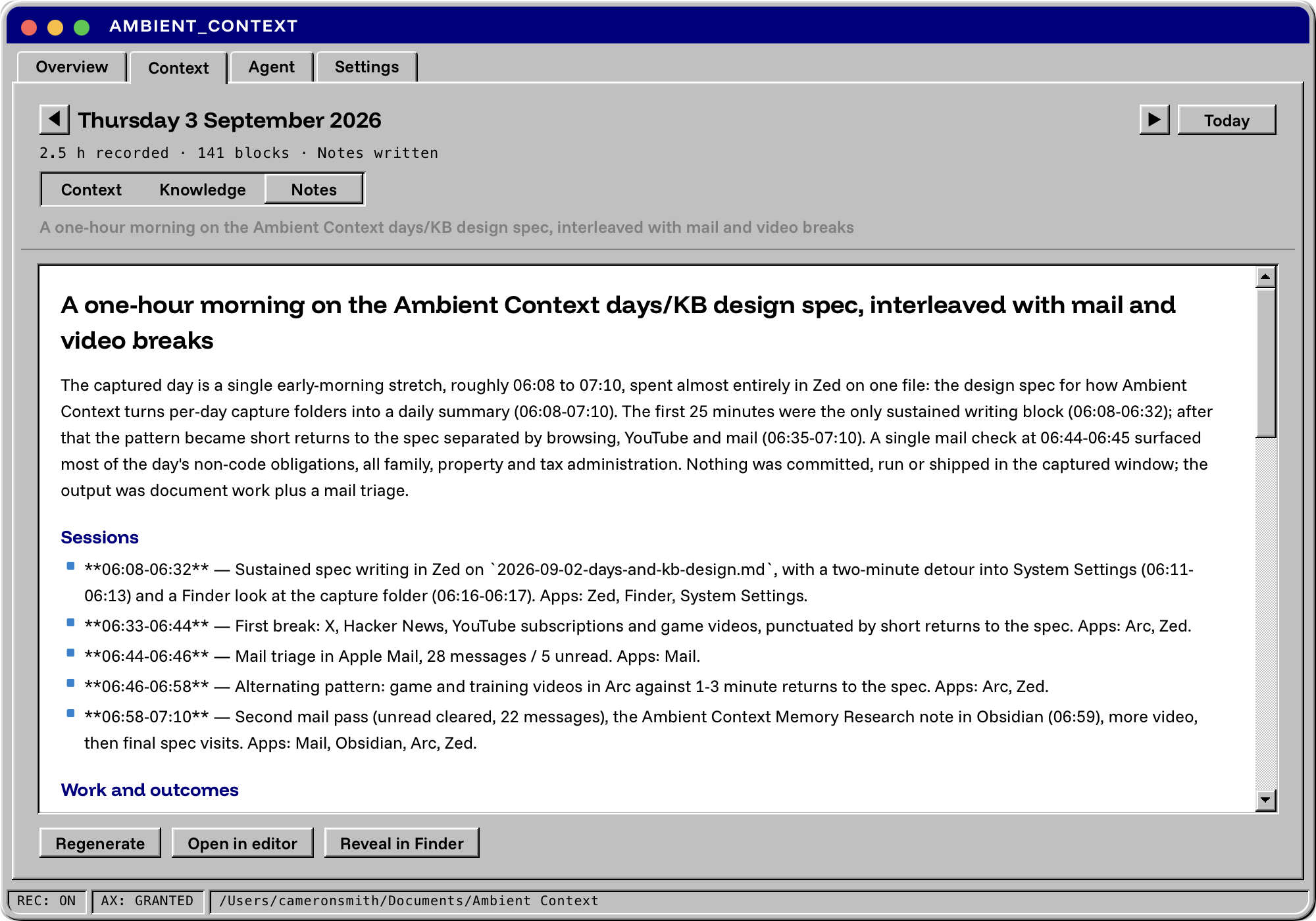
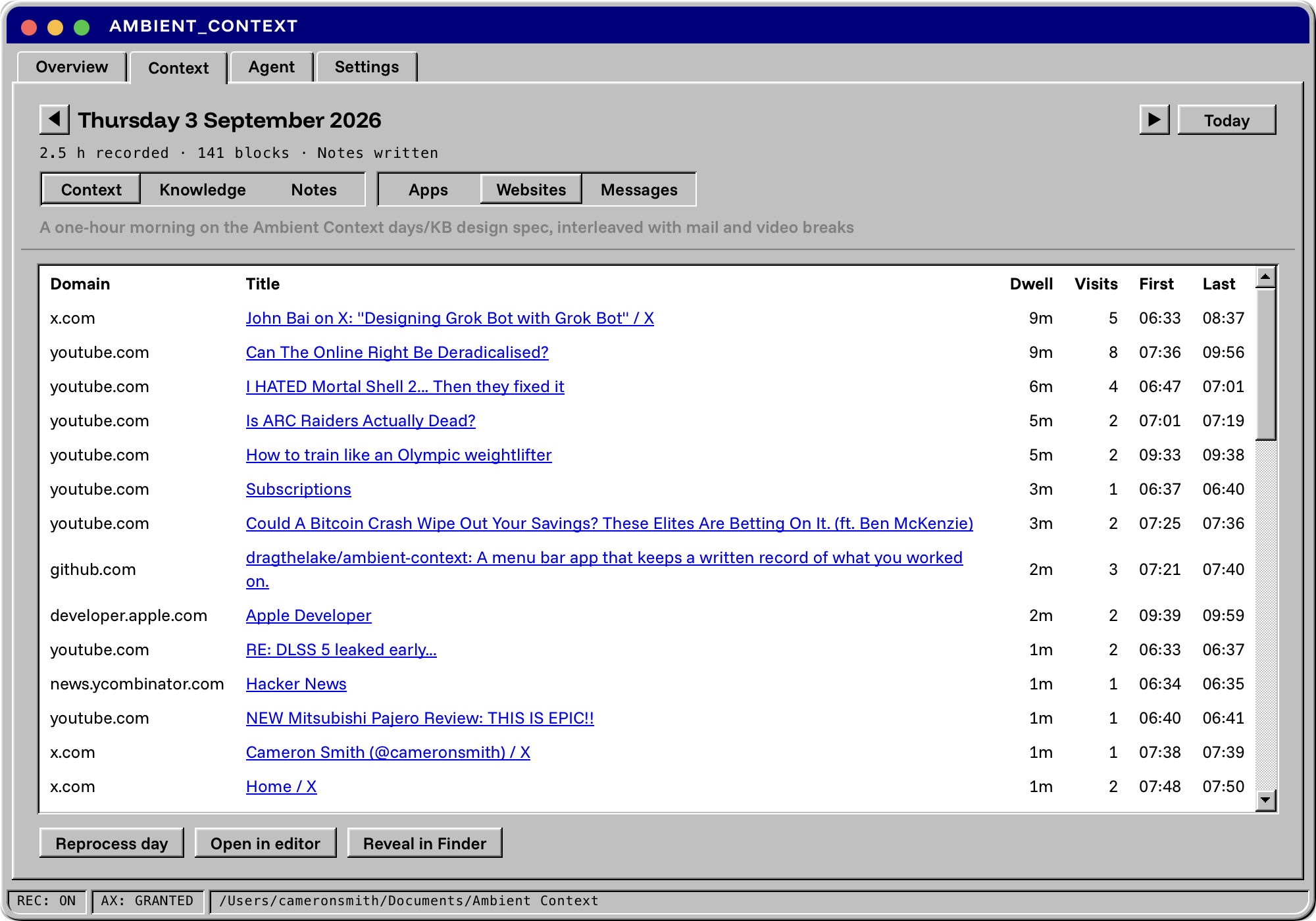
Нет, только на macOS 14 или новее на Apple Silicon.Какие три файла он создаёт каждый день?Context — сырая запись с отметками времени; Knowledge — шесть страниц со ссылками на источники (People, Commitments, Threads, Products, Issues, Reading), построенная на её основе; Notes — выверенная по цитатам ежедневная сводка для стендапов или завтрашней сессии с ИИ.
Context — сырая запись с отметками времени; Knowledge — шесть страниц со ссылками на источники (People, Commitments, Threads, Products, Issues, Reading), построенная на её основе; Notes — выверенная по цитатам ежедневная сводка для стендапов или завтрашней сессии с ИИ.Как подключить его к Claude Code или Cursor?Зарегистрируйте поставляемый с приложением бинарник как MCP-сервер в Claude Code, Claude Desktop, Cursor или Zed; он предоставляет двадцать инструментов для чтения дней, поиска по записи и чтения базы знаний и заметок.
Зарегистрируйте поставляемый с приложением бинарник как MCP-сервер в Claude Code, Claude Desktop, Cursor или Zed; он предоставляет двадцать инструментов для чтения дней, поиска по записи и чтения базы знаний и заметок.Это бесплатно?Да, это бесплатно и open source под лицензией MIT. Единственная постоянная трата — подписка на тот агентский CLI, который вы подключите для обработки записей.
Да, это бесплатно и open source под лицензией MIT. Единственная постоянная трата — подписка на тот агентский CLI, который вы подключите для обработки записей.What are similar projects?WakeGPT, greenbubbles, solomd, tolaria, floral-notepaper, note-gen, siyuan, ai-manager
WakeGPT, greenbubbles, solomd, tolaria, floral-notepaper, note-gen, siyuan, ai-managerWhich topics is it in?context, mcp-tools, personal-knowledge-management, menubar, menu-bar, privacy-tools, note-taking, tauri, accessibility, knowledge-base, apple-silicon, local-first
context, mcp-tools, personal-knowledge-management, menubar, menu-bar, privacy-tools, note-taking, tauri, accessibility, knowledge-base, apple-silicon, local-first