










5.5K ·GitHub
What is this?
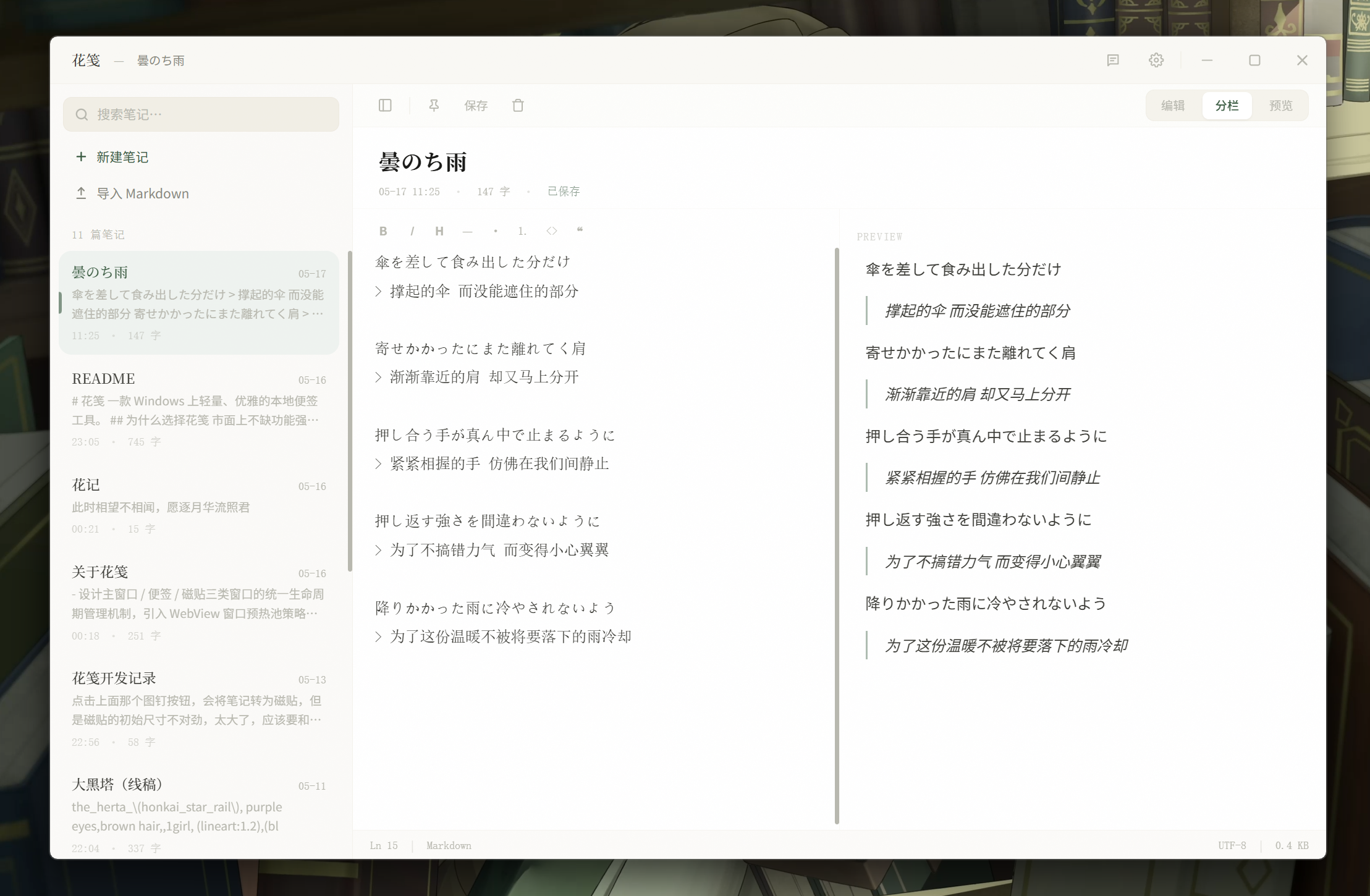
 Floral Notepaper (花笺) is a lightweight, elegant cross-platform desktop sticky-notes app with Markdown editing and live preview.
Floral Notepaper (花笺) is a lightweight, elegant cross-platform desktop sticky-notes app with Markdown editing and live preview.Is this built on Electron or something lighter?It's built on Tauri 2 with a Rust backend and a React frontend, which keeps the app lighter than a typical Electron app.
It's built on Tauri 2 with a Rust backend and a React frontend, which keeps the app lighter than a typical Electron app.Any install pitfalls I should know about?If you install via MSIX (Microsoft Store or a sideloaded .msix file), in-app auto-updates don't work yet — you'll need to grab new versions manually from the Store or GitHub Releases.
If you install via MSIX (Microsoft Store or a sideloaded .msix file), in-app auto-updates don't work yet — you'll need to grab new versions manually from the Store or GitHub Releases.Which platforms and chip architectures does it support?It ships for Windows (x64 and AArch64, as installer, portable exe, or MSIX) and macOS (both Apple Silicon/AArch64 and Intel/x64, as DMG).
It ships for Windows (x64 and AArch64, as installer, portable exe, or MSIX) and macOS (both Apple Silicon/AArch64 and Intel/x64, as DMG).Does it sync my notes to the cloud?No cloud sync is mentioned; it's described as a local notes tool, so notes stay on your machine and you move files in/out via Markdown import/export.
No cloud sync is mentioned; it's described as a local notes tool, so notes stay on your machine and you move files in/out via Markdown import/export.How do I quickly bring up a note?A tray icon or a global hotkey (Ctrl+Space by default) summons the note window instantly from anywhere.
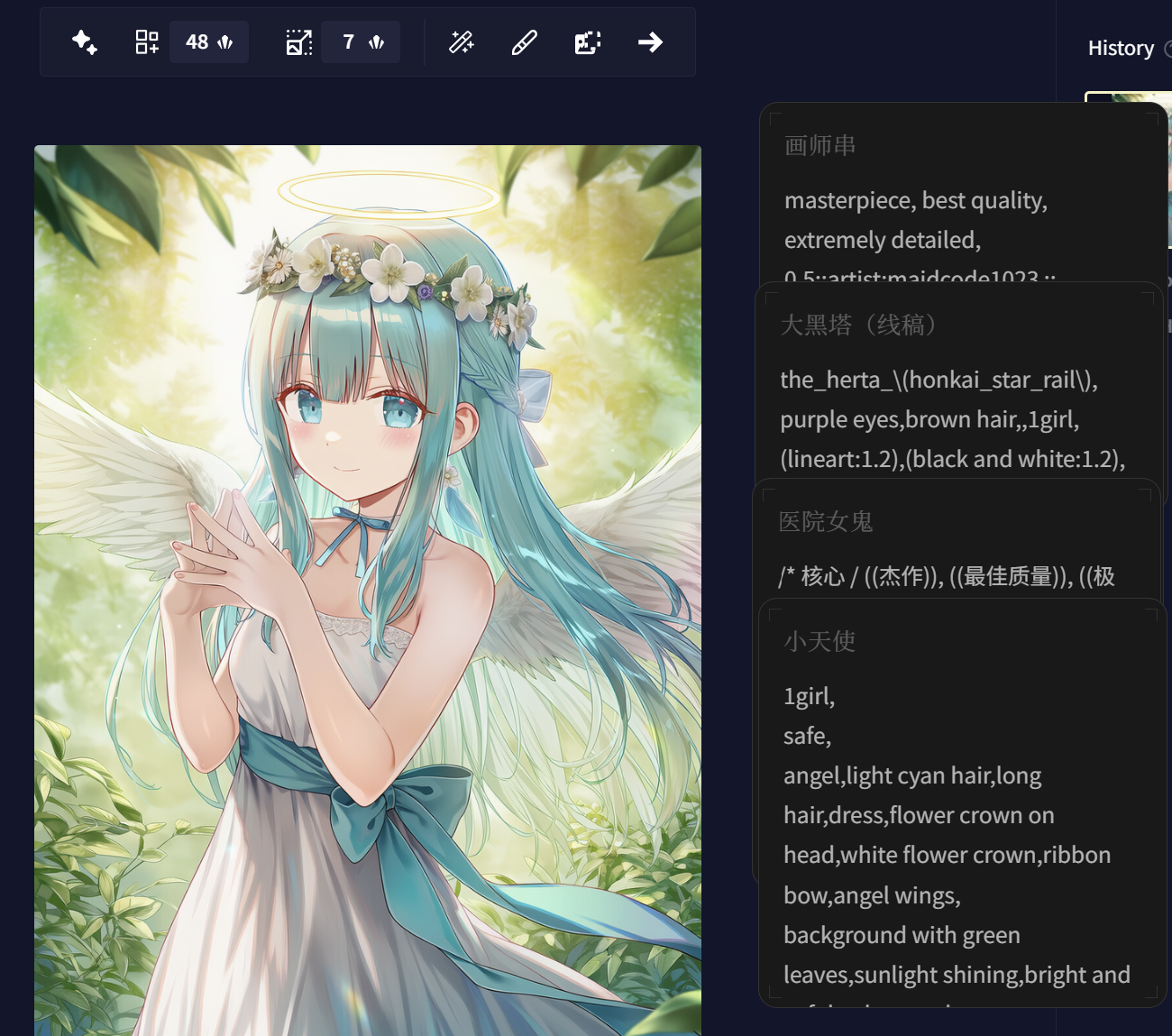
A tray icon or a global hotkey (Ctrl+Space by default) summons the note window instantly from anywhere.What is 'tile mode'?Tile mode pins a note to a fixed spot on your desktop so you can glance at it or copy from it quickly without reopening the app.
Tile mode pins a note to a fixed spot on your desktop so you can glance at it or copy from it quickly without reopening the app.Can I get my notes in and out as files?Yes, the app supports importing and exporting notes as .md Markdown files.
Yes, the app supports importing and exporting notes as .md Markdown files.What do people actually use this for?Common uses include an always-visible clipboard for stashing text, jotting ideas while gaming or watching videos, and keeping a quick desktop to-do list.
Common uses include an always-visible clipboard for stashing text, jotting ideas while gaming or watching videos, and keeping a quick desktop to-do list.What are similar projects?zcode-switch, solomd, tolaria, course2md, gyotaku, ambient-context, dsh_desktop, lolPing
zcode-switch, solomd, tolaria, course2md, gyotaku, ambient-context, dsh_desktop, lolPingWhich topics is it in?katex, productivity-tools, clipboard, markdown-editor, tray, note-taking, tauri, macos-app, windows-app, i18n, apple-silicon, local-first
katex, productivity-tools, clipboard, markdown-editor, tray, note-taking, tauri, macos-app, windows-app, i18n, apple-silicon, local-first