

What is this?
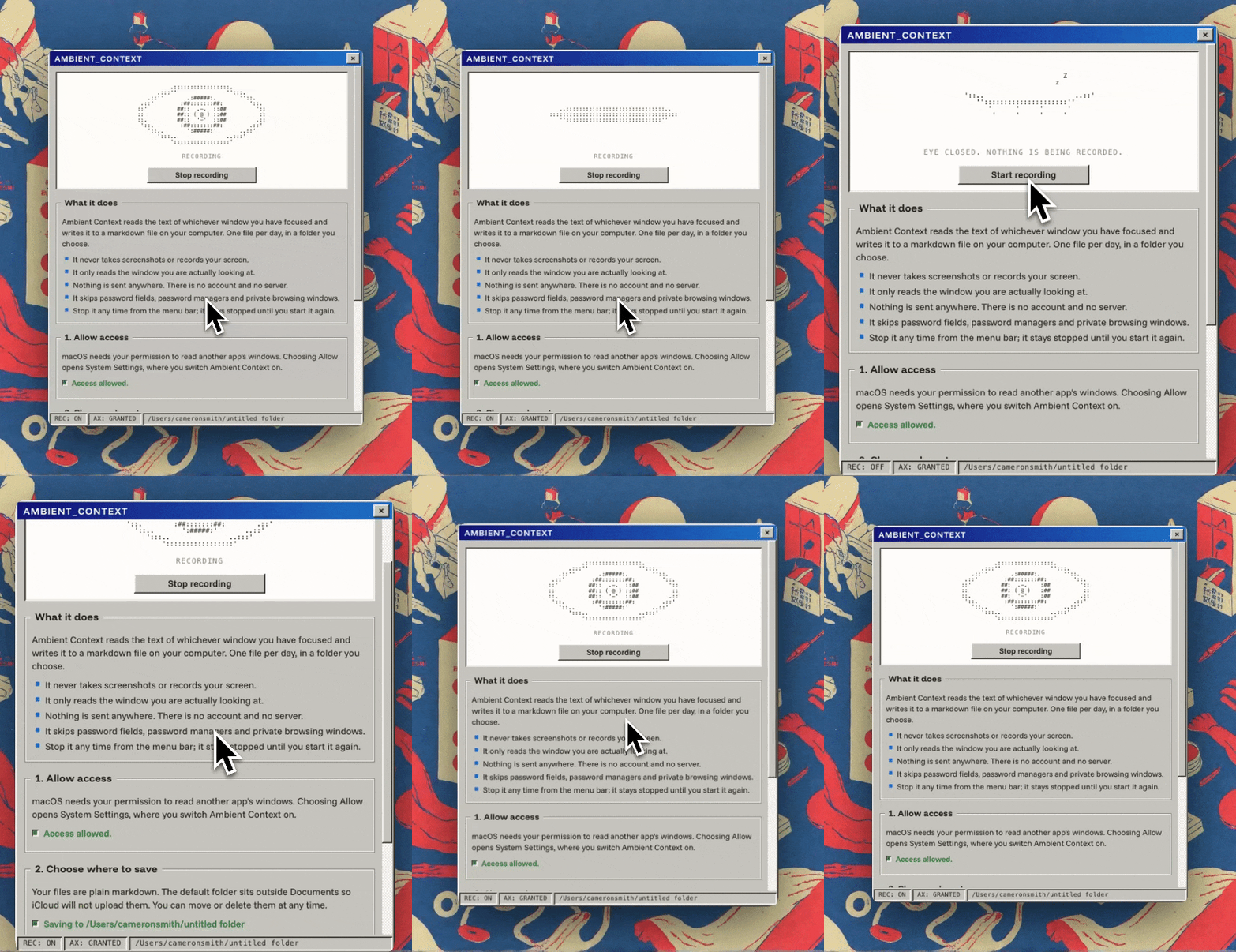
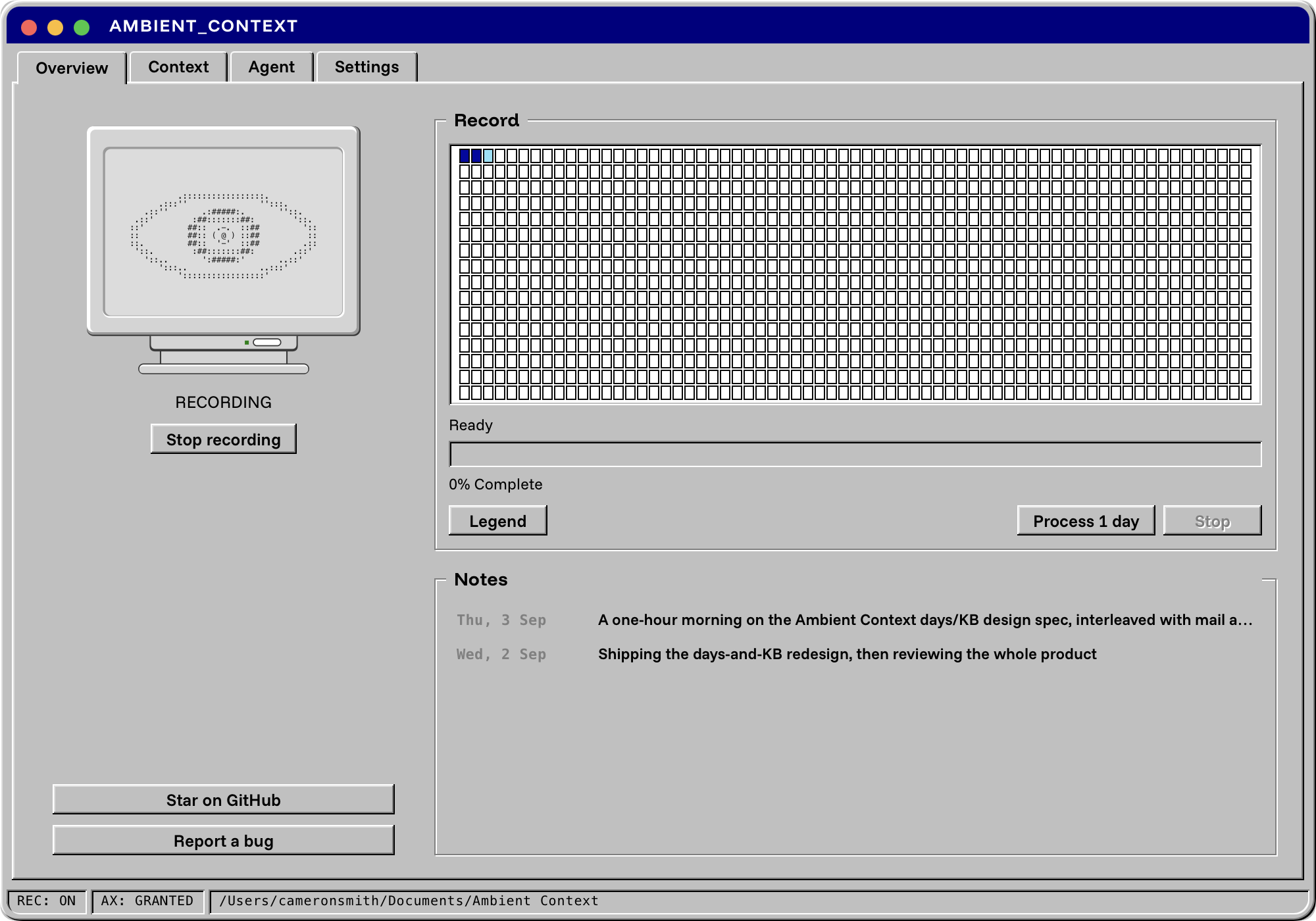
 Ambient Context is a macOS menu bar app that silently records what you work on throughout the day and turns it into plain markdown files your AI assistant can use as context.
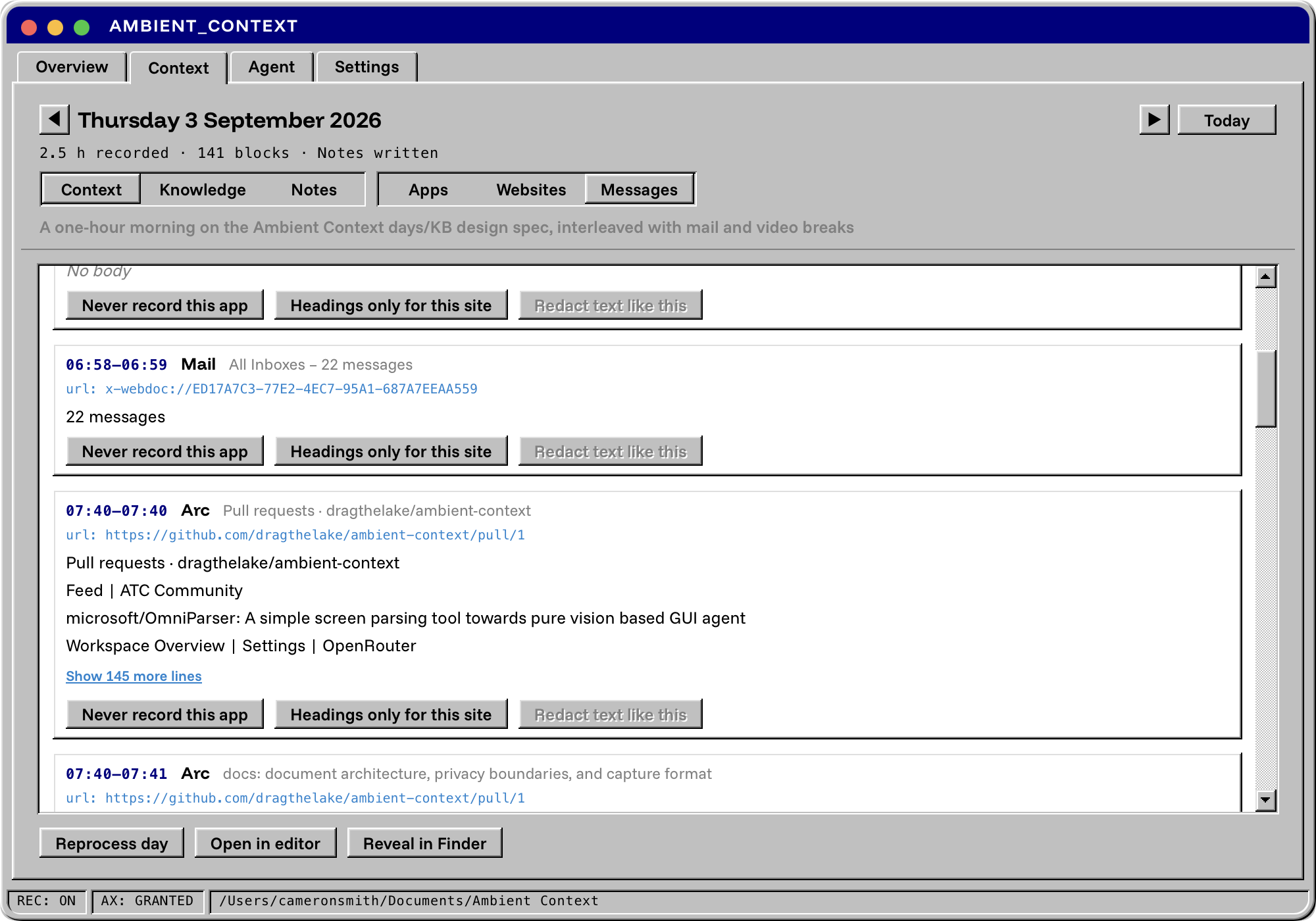
Ambient Context is a macOS menu bar app that silently records what you work on throughout the day and turns it into plain markdown files your AI assistant can use as context.Does it record automatically, or do I have to type things in myself?It runs continuously in the background: while the menu bar icon is open, it reads the text of whichever window you have focused through the macOS accessibility tree every few seconds and appends it to the day's markdown file, with no manual input needed.
It runs continuously in the background: while the menu bar icon is open, it reads the text of whichever window you have focused through the macOS accessibility tree every few seconds and appends it to the day's markdown file, with no manual input needed.How do I install it and get going?Download the signed, notarised DMG from Releases, drag Ambient Context.app to Applications, open it, grant Accessibility access when asked, and pick a folder to store your records.
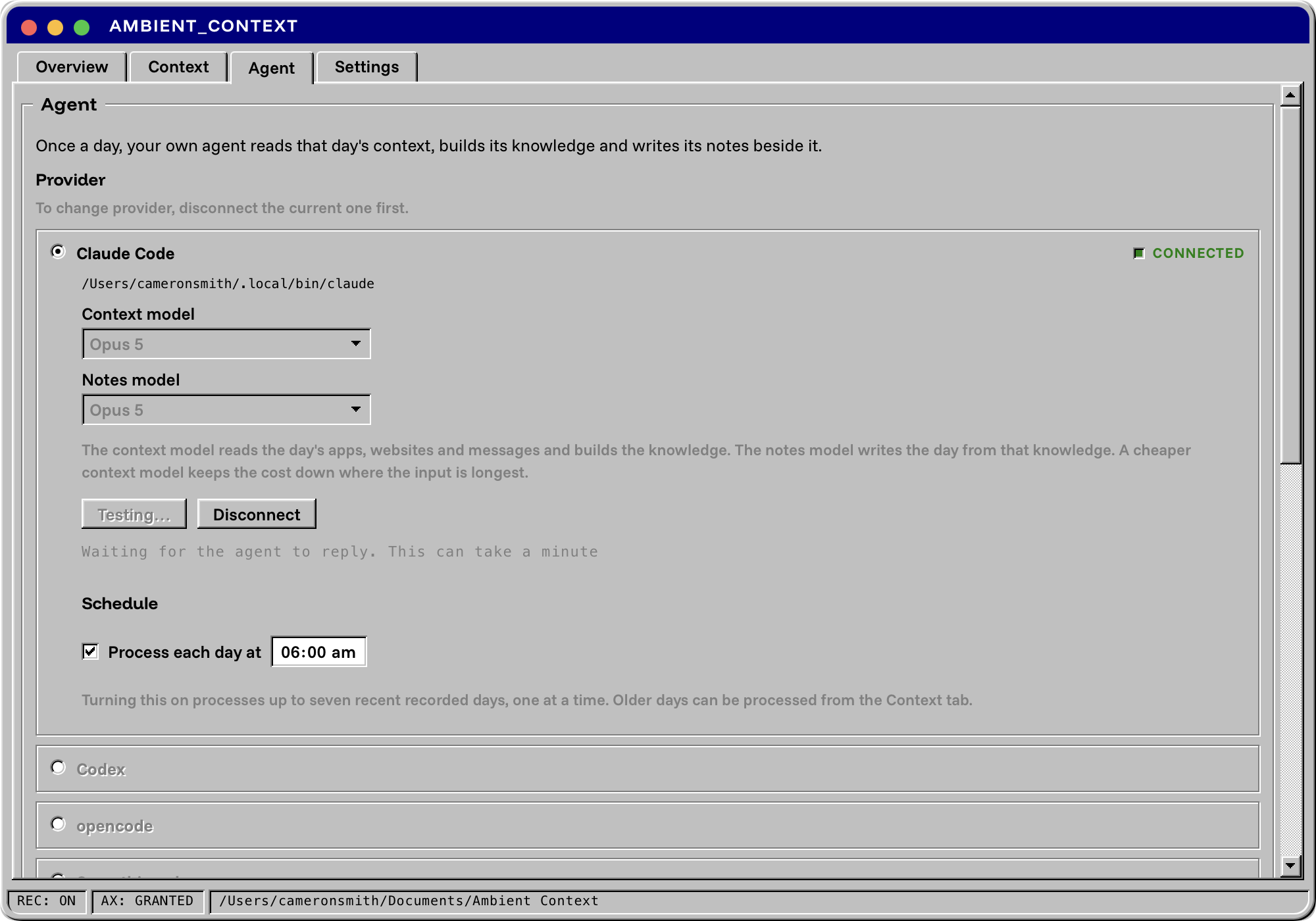
Download the signed, notarised DMG from Releases, drag Ambient Context.app to Applications, open it, grant Accessibility access when asked, and pick a folder to store your records.Do I need an agent CLI like Claude Code to get the daily summaries?Yes — turning the raw record into the Knowledge base and the day's Notes requires connecting an agent CLI you already have, such as Claude Code, Codex or opencode. Ambient Context itself never makes a model call.
Yes — turning the raw record into the Knowledge base and the day's Notes requires connecting an agent CLI you already have, such as Claude Code, Codex or opencode. Ambient Context itself never makes a model call.Does it capture everything equally well?Chromium and Electron apps (Chrome, Slack, VS Code, Obsidian, Figma) are thin for the first few seconds of capture, and GPU-rendered terminals like Kitty or Alacritty expose little or no text at all, though Terminal.app and iTerm2 work fine.
Chromium and Electron apps (Chrome, Slack, VS Code, Obsidian, Figma) are thin for the first few seconds of capture, and GPU-rendered terminals like Kitty or Alacritty expose little or no text at all, though Terminal.app and iTerm2 work fine.Does it run on Intel Macs?No, it only runs on macOS 14 or later on Apple Silicon.
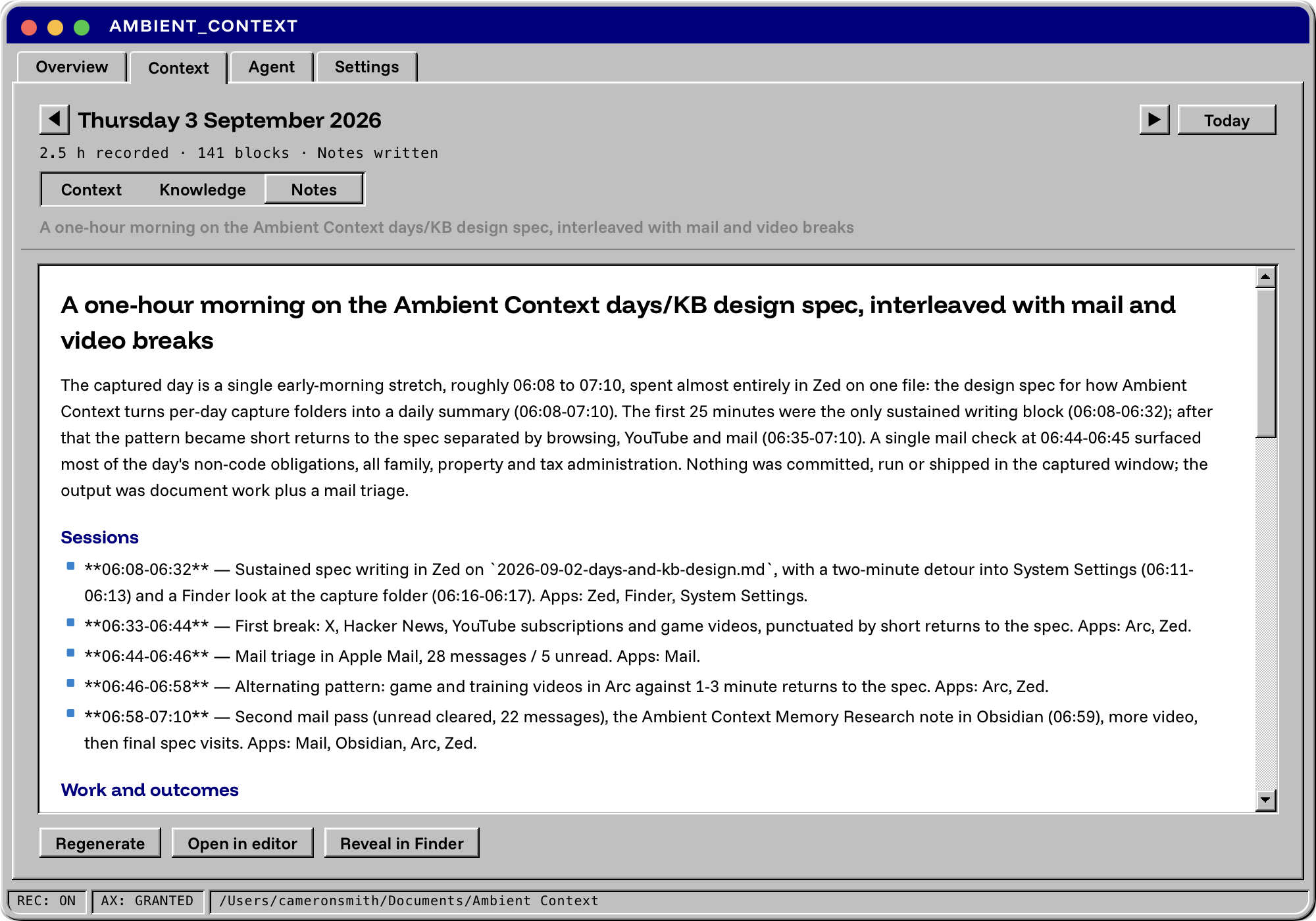
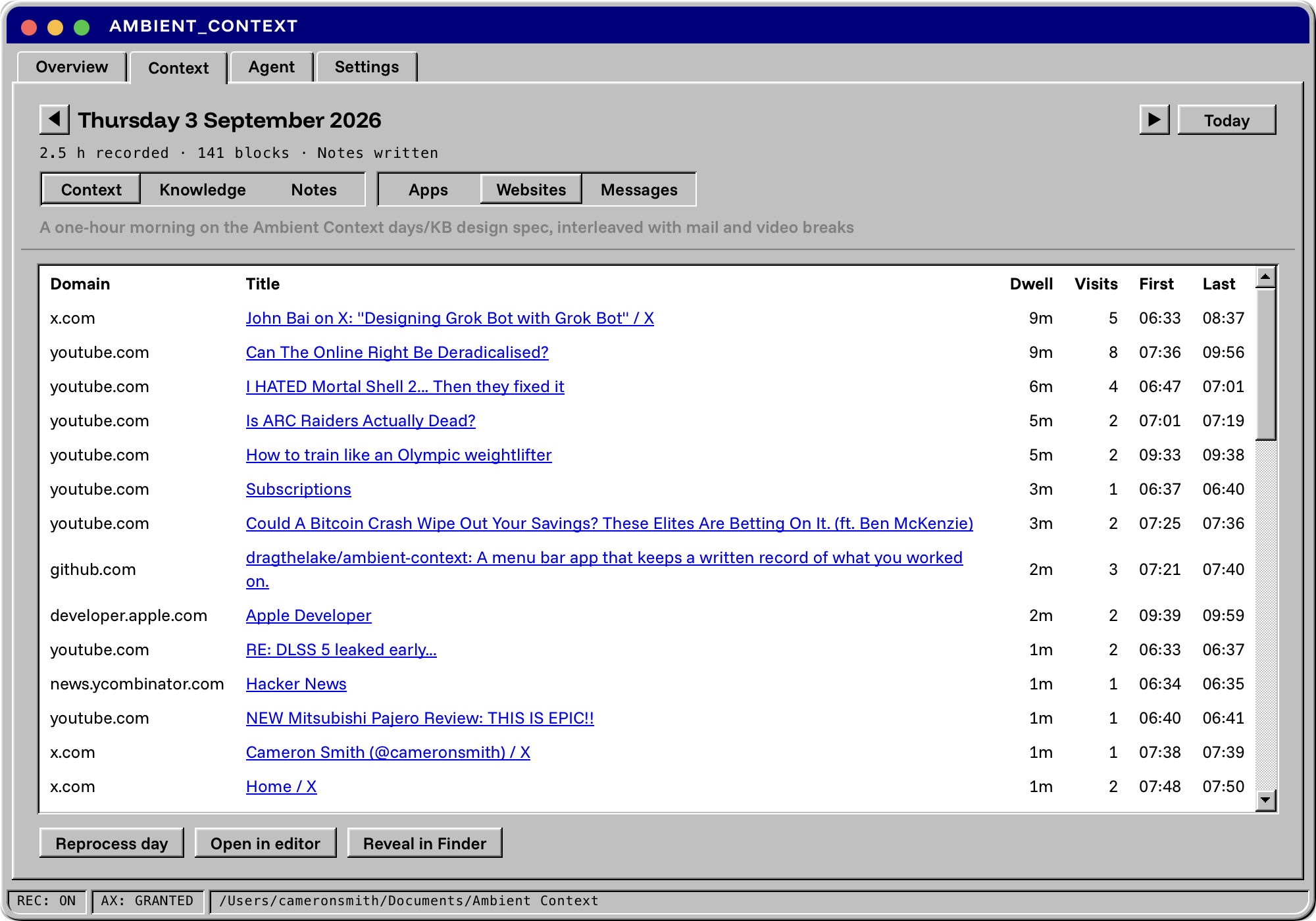
No, it only runs on macOS 14 or later on Apple Silicon.What are the three files it produces each day?Context is the raw timestamped record; Knowledge is six cited pages (People, Commitments, Threads, Products, Issues, Reading) built from it; Notes is a citation-checked daily write-up for standups or tomorrow's AI session.
Context is the raw timestamped record; Knowledge is six cited pages (People, Commitments, Threads, Products, Issues, Reading) built from it; Notes is a citation-checked daily write-up for standups or tomorrow's AI session.How do I plug it into Claude Code or Cursor?Register the app's bundled binary as an MCP server in Claude Code, Claude Desktop, Cursor or Zed; it exposes twenty tools for reading days, searching the record, and reading the knowledge and notes.
Register the app's bundled binary as an MCP server in Claude Code, Claude Desktop, Cursor or Zed; it exposes twenty tools for reading days, searching the record, and reading the knowledge and notes.Is it free to use?Yes, it's free and open source under MIT. The only ongoing cost is whatever agent CLI subscription you connect it to for processing days.
Yes, it's free and open source under MIT. The only ongoing cost is whatever agent CLI subscription you connect it to for processing days.What are similar projects?WakeGPT, greenbubbles, solomd, tolaria, floral-notepaper, siyuan, note-gen, ai-manager
WakeGPT, greenbubbles, solomd, tolaria, floral-notepaper, siyuan, note-gen, ai-managerWhich topics is it in?context, mcp-tools, personal-knowledge-management, menubar, menu-bar, privacy-tools, note-taking, tauri, accessibility, knowledge-base, apple-silicon, local-first
context, mcp-tools, personal-knowledge-management, menubar, menu-bar, privacy-tools, note-taking, tauri, accessibility, knowledge-base, apple-silicon, local-first