





73.3K ·GitHub
What is this?
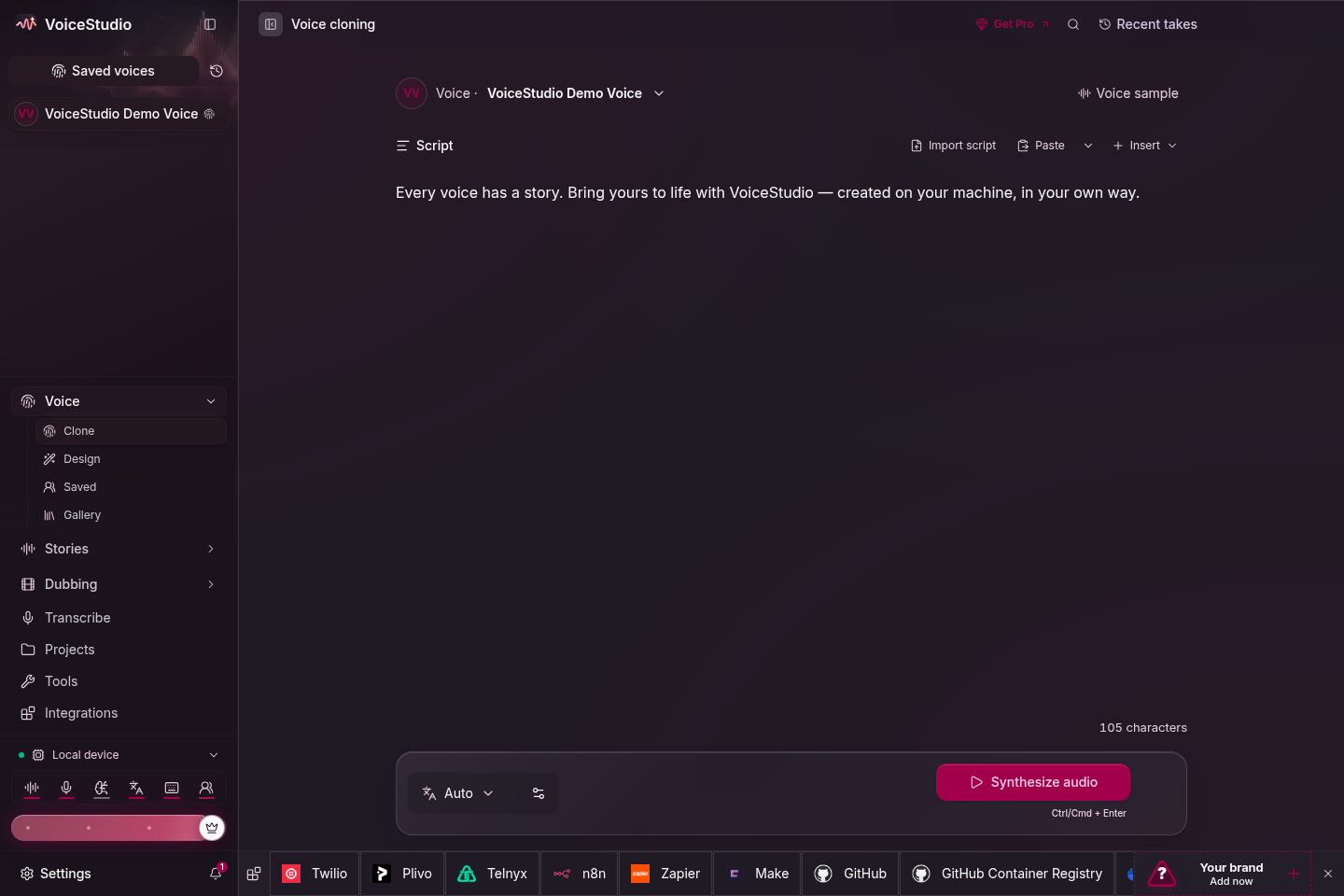
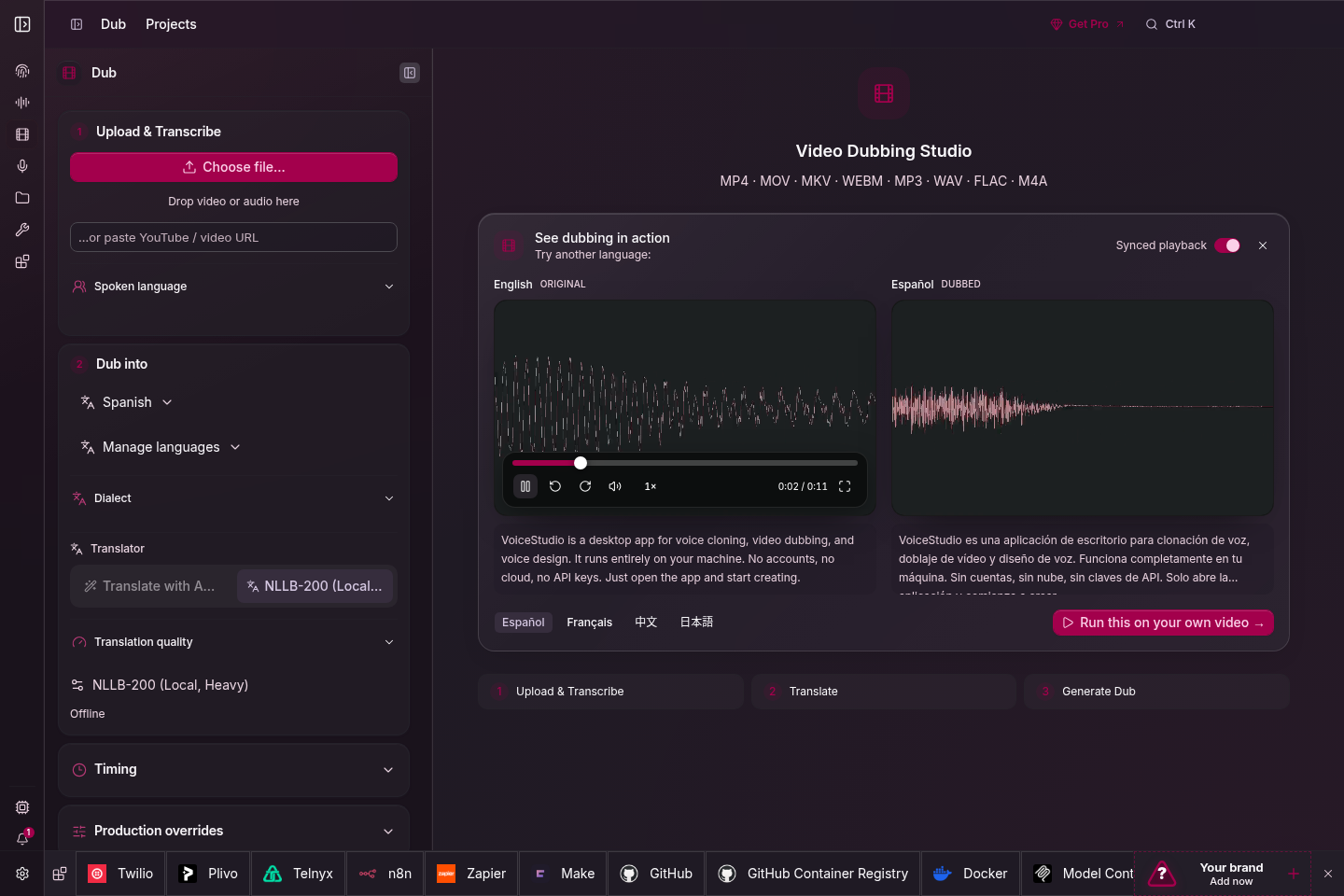
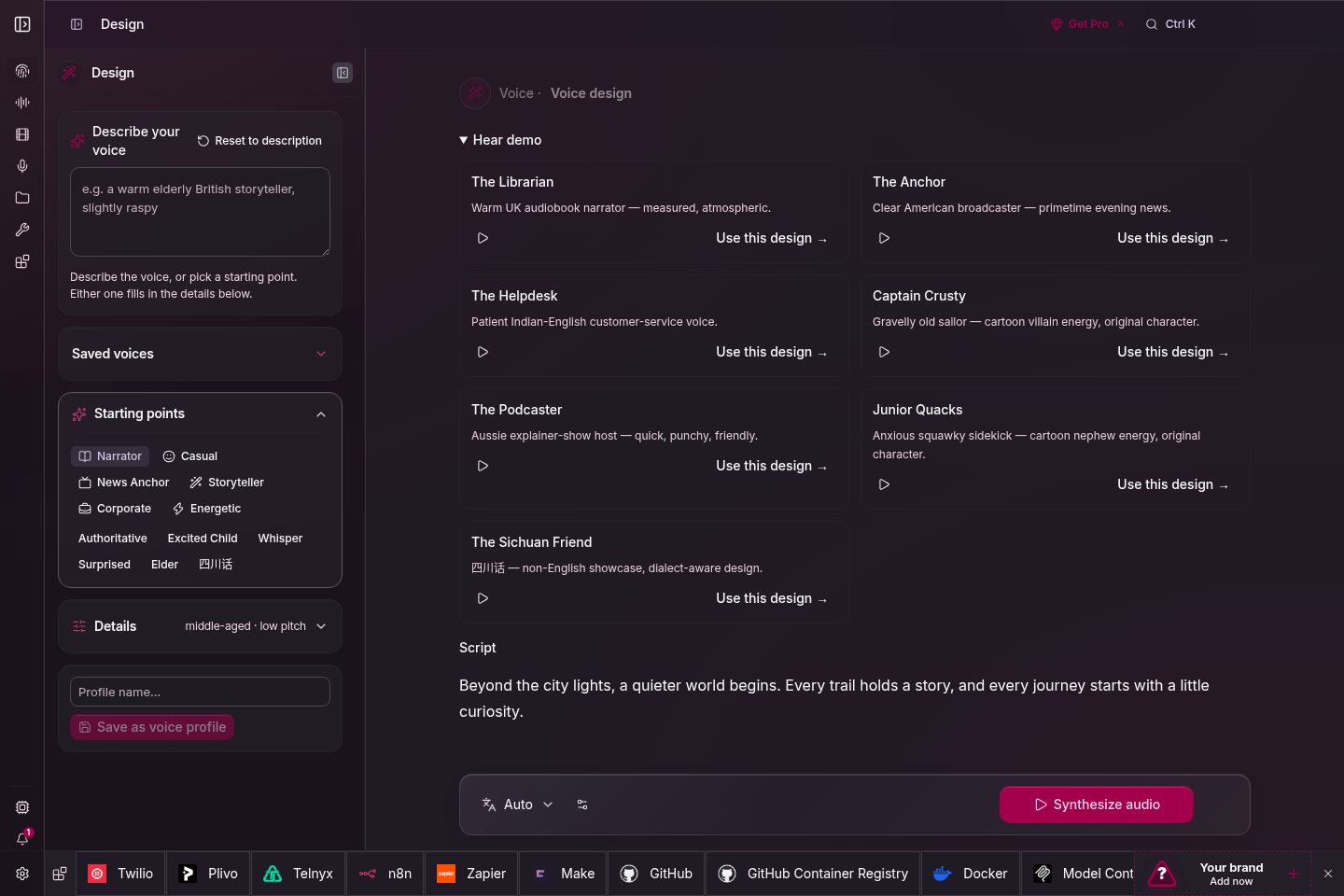
 VoiceStudio is an open-source, fully-local alternative to ElevenLabs: one app for voice cloning, voice design, video dubbing, dictation, transcription and audiobook creation in 646 languages.
VoiceStudio is an open-source, fully-local alternative to ElevenLabs: one app for voice cloning, voice design, video dubbing, dictation, transcription and audiobook creation in 646 languages.Is it a desktop app or a cloud service?A desktop app: Electron is the desktop shell and web UI, with a Python backend doing the voice work locally on your own hardware.
A desktop app: Electron is the desktop shell and web UI, with a Python backend doing the voice work locally on your own hardware.What is the fastest way to get it running?Run the one-command installer on macOS or Linux (on Windows, irm | iex in PowerShell), or grab the macOS .dmg, Windows .exe, or Linux .AppImage/.deb from Releases.
Run the one-command installer on macOS or Linux (on Windows, irm | iex in PowerShell), or grab the macOS .dmg, Windows .exe, or Linux .AppImage/.deb from Releases.Does the installer expect anything already on my system?Release downloads need curl and a SHA-256 tool; building from the --main branch additionally requires Git, Node.js 22+, Bun, Rust/Cargo, and platform build tools.
Release downloads need curl and a SHA-256 tool; building from the --main branch additionally requires Git, Node.js 22+, Bun, Rust/Cargo, and platform build tools.Are there machines where it does not fully work?Windows on ARM is experimental (native ARM64 app, x64 Python backend under emulation, CPU only), and Intel Macs get the app UI only — you have to connect a remote backend.
Windows on ARM is experimental (native ARM64 app, x64 Python backend under emulation, CPU only), and Intel Macs get the app UI only — you have to connect a remote backend.Does my audio stay on my machine, or is it sent to a server?Local workflows run entirely on your hardware; remote services are optional, and even usage analytics only happens with your consent.
Local workflows run entirely on your hardware; remote services are optional, and even usage analytics only happens with your consent.Can I use it commercially, and what is the catch?AGPL-3.0 covers the app, including commercial use under its conditions, but model weights, tokenizers and voices have separate terms — and only clone voices you have permission to clone.
AGPL-3.0 covers the app, including commercial use under its conditions, but model weights, tokenizers and voices have separate terms — and only clone voices you have permission to clone.Will the voice models run without a dedicated GPU?Yes, but slower: NVIDIA cards get CUDA acceleration and Apple Silicon gets Metal (MPS), while integrated graphics and older PCs are fully usable on the CPU — setup then installs a ~5 GB CPU PyTorch build.
Yes, but slower: NVIDIA cards get CUDA acceleration and Apple Silicon gets Metal (MPS), while integrated graphics and older PCs are fully usable on the CPU — setup then installs a ~5 GB CPU PyTorch build.Can a coding agent install and drive it for me?Yes — paste the install prompt into Claude Code, Codex or Cursor, or run npx skills add debpalash/VoiceStudio. The agent guide covers hardware detection, reusing existing data, and asking before model downloads.
Yes — paste the install prompt into Claude Code, Codex or Cursor, or run npx skills add debpalash/VoiceStudio. The agent guide covers hardware detection, reusing existing data, and asking before model downloads.Is there an API so other tools can drive it?Yes — it ships a local API and MCP endpoint, so agents and scripts can trigger cloning, dubbing or batch jobs; optional remote workers can share the load.
Yes — it ships a local API and MCP endpoint, so agents and scripts can trigger cloning, dubbing or batch jobs; optional remote workers can share the load.I still have an older Tauri build — do I need to do anything?Yes. Version 0.5.3 was the final Tauri release and Electron is now the only desktop app; existing Tauri users must install it separately, and the installer preserves your settings, projects, and models.
Yes. Version 0.5.3 was the final Tauri release and Electron is now the only desktop app; existing Tauri users must install it separately, and the installer preserves your settings, projects, and models.Which voice engine does it use under the hood?It starts with the default engine powered by k2-fsa/OmniVoice, and you can pick a different one from the features and engine catalog — hardware needs vary by engine.
It starts with the default engine powered by k2-fsa/OmniVoice, and you can pick a different one from the features and engine catalog — hardware needs vary by engine.What are similar projects?voicebox, pyvideotrans, voice-pro, VideoLingo, ebook2audiobook, VibeVoice, MOSS-TTS, lipflow
voicebox, pyvideotrans, voice-pro, VideoLingo, ebook2audiobook, VibeVoice, MOSS-TTS, lipflowWhich topics is it in?dubbing, audiobook, dictation, translate, voice-ai, mlx, transcription, voice-cloning, speech-to-text, tts, text-to-speech, workflow
dubbing, audiobook, dictation, translate, voice-ai, mlx, transcription, voice-cloning, speech-to-text, tts, text-to-speech, workflow