



这是什么?
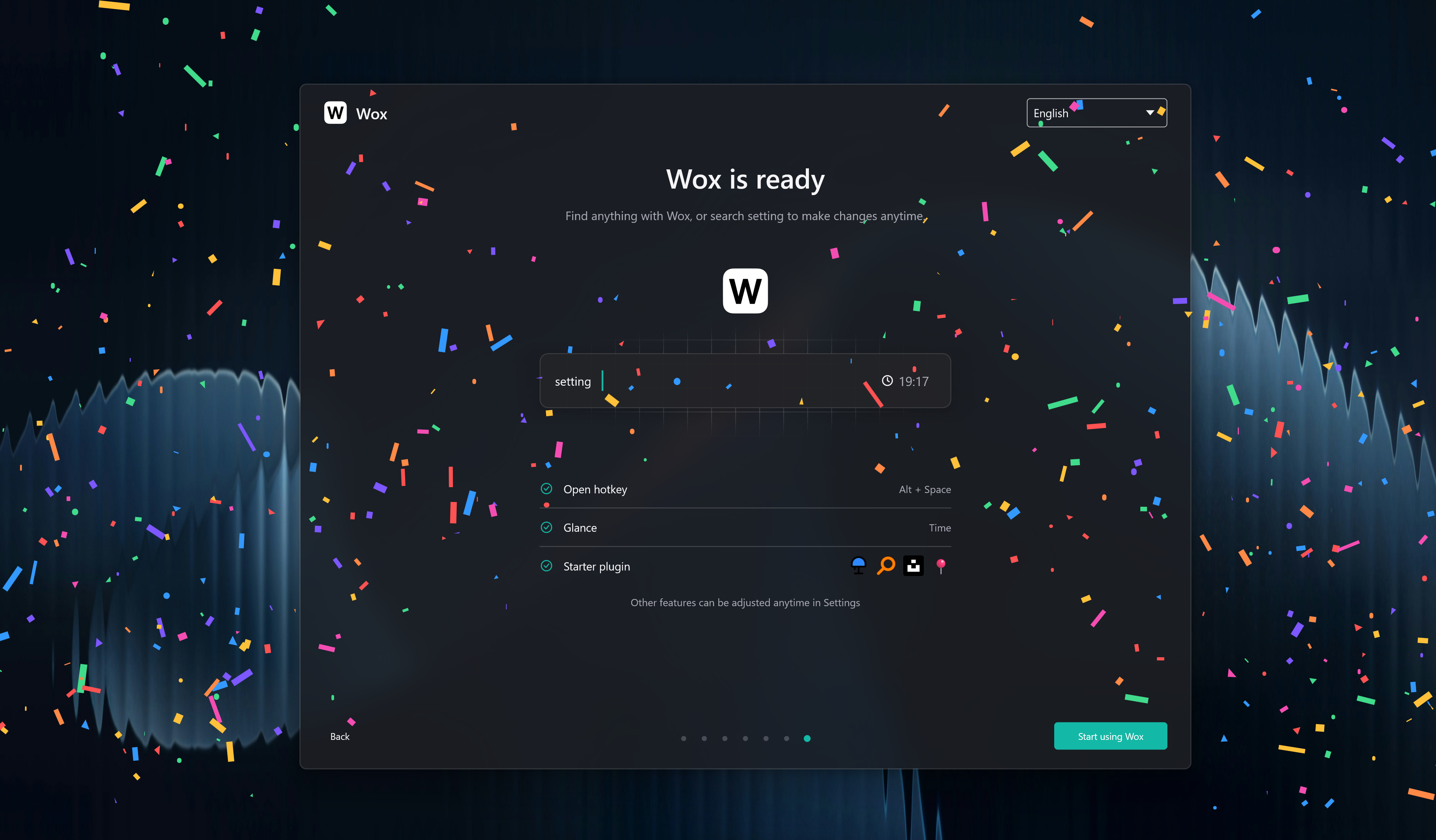
 Wox 是一个开源的启动器,支持 Windows、macOS 和 Linux,可以替代 Raycast、Alfred 或 Spotlight。弹出一个输入框,就能用键盘完成搜索和操作。
Wox 是一个开源的启动器,支持 Windows、macOS 和 Linux,可以替代 Raycast、Alfred 或 Spotlight。弹出一个输入框,就能用键盘完成搜索和操作。它和 Raycast 或 Alfred 有什么不同?它在三个桌面平台上都是完全原生的,每个平台都采用 GPU 渲染——底层没有 Electron 或浏览器外壳——而且完全开源。
它在三个桌面平台上都是完全原生的,每个平台都采用 GPU 渲染——底层没有 Electron 或浏览器外壳——而且完全开源。如果自带功能不够用,我能扩展它吗?可以——一开始就能使用内置功能,还可以从插件商店添加用 Node.js 或 Python 编写的插件,或者简单的脚本插件。
可以——一开始就能使用内置功能,还可以从插件商店添加用 Node.js 或 Python 编写的插件,或者简单的脚本插件。启动器整天在后台运行——Wox 占用资源多吗?设计上很轻量:日常使用通常只占用约 150 MB 内存,可以一直常驻后台而不拖累电脑。
设计上很轻量:日常使用通常只占用约 150 MB 内存,可以一直常驻后台而不拖累电脑。日常使用是什么样的?以键盘为主:呼出输入框,然后在里面搜索本地内容、打开应用、查找文件、执行下一步操作,全程不用离开这个框。
以键盘为主:呼出输入框,然后在里面搜索本地内容、打开应用、查找文件、执行下一步操作,全程不用离开这个框。有现成插件和主题的商店吗?有——文档里链接了插件商店和主题商店,不用写任何代码就能添加功能、更换启动器的外观。
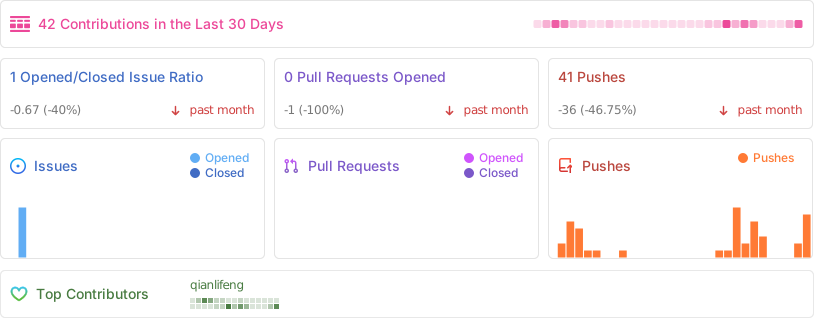
有——文档里链接了插件商店和主题商店,不用写任何代码就能添加功能、更换启动器的外观。Wox 还在积极开发吗?是的——2026 年 9 月发布了 v2.4.3,仓库里运行着发布和 CI 工作流,这个项目从 2013 年就开始了。
是的——2026 年 9 月发布了 v2.4.3,仓库里运行着发布和 CI 工作流,这个项目从 2013 年就开始了。Which topics is it in?launchpad, spotlight, file-search, app-launcher, alfred, raycast, productivity-tools, launcher, lightweight, native, theme, search
launchpad, spotlight, file-search, app-launcher, alfred, raycast, productivity-tools, launcher, lightweight, native, theme, search